3D Halloween Live Wallpaper
jelkesoftware
4.1 ★
19 ratings
100+
downloads
$1.29
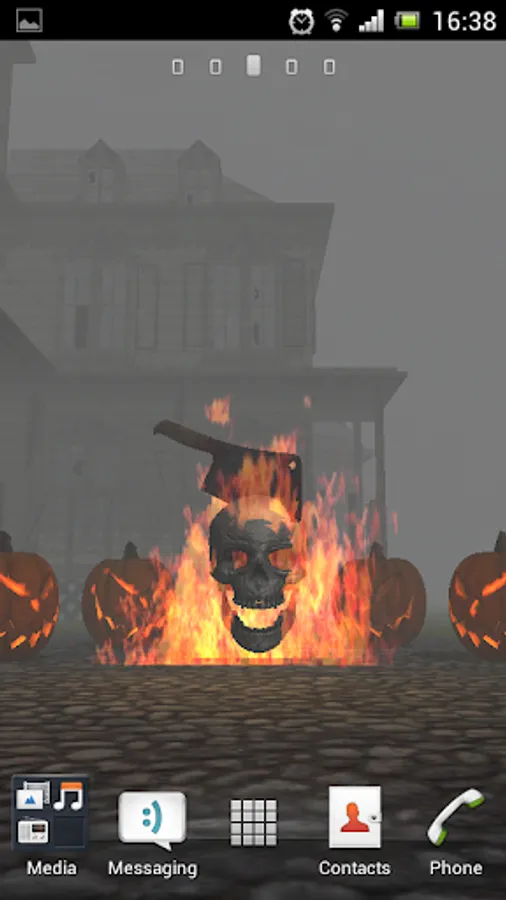
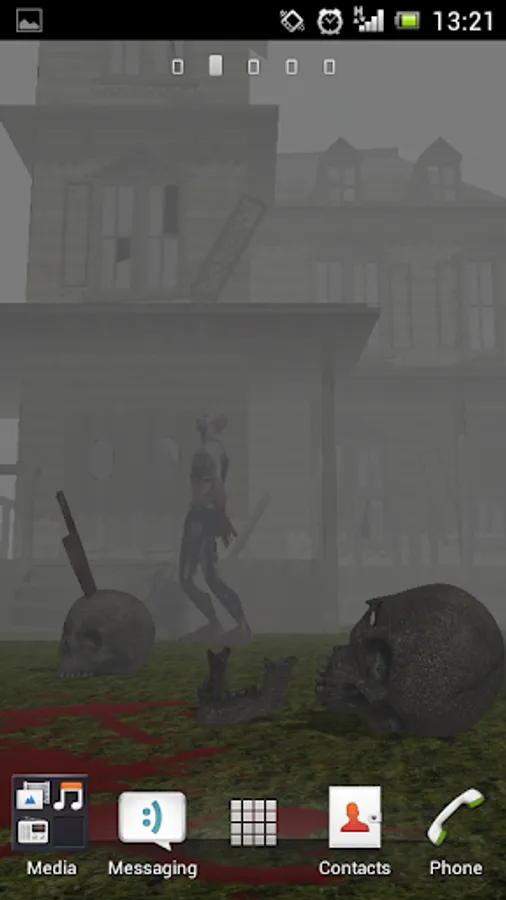
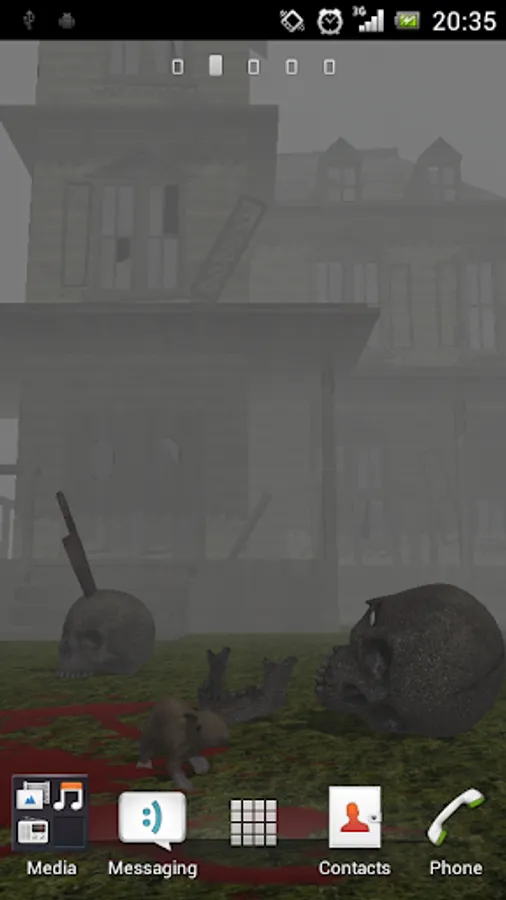
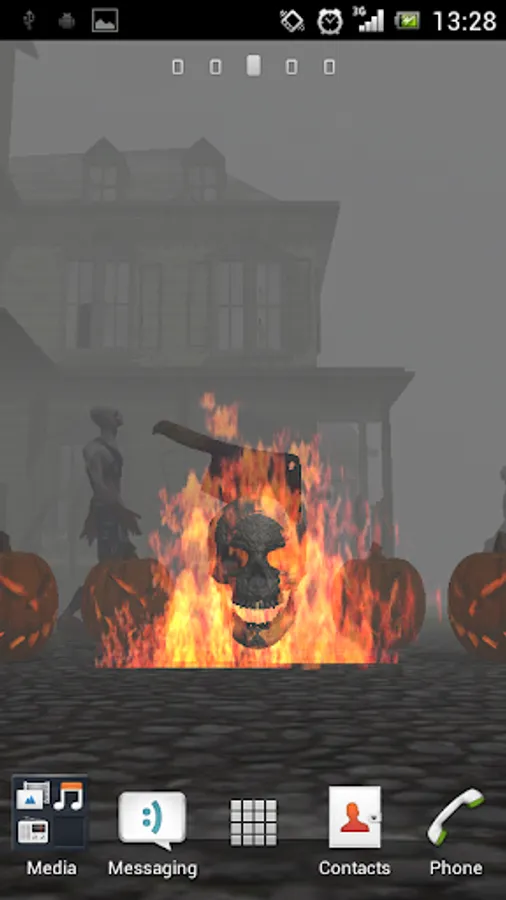
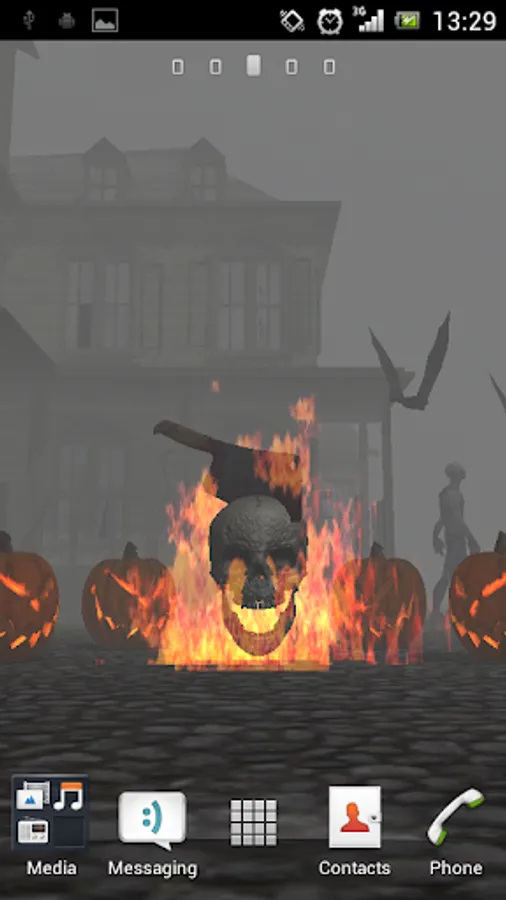
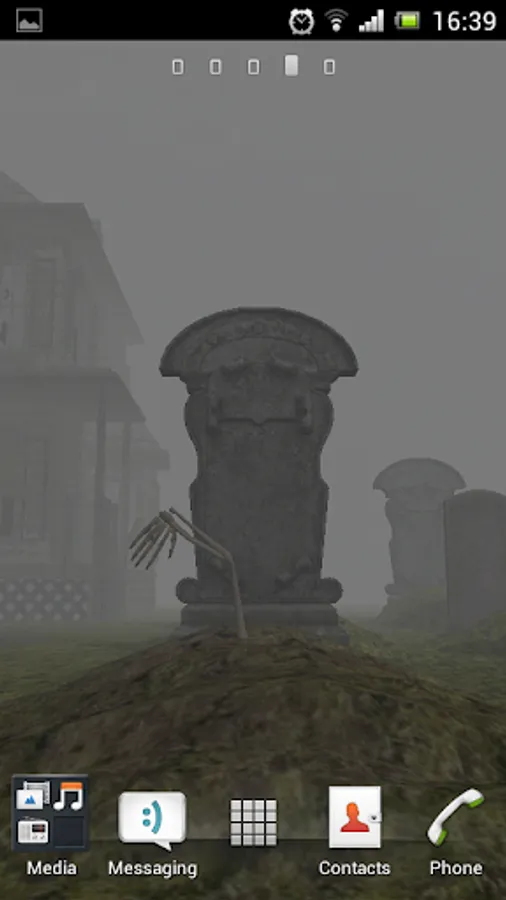
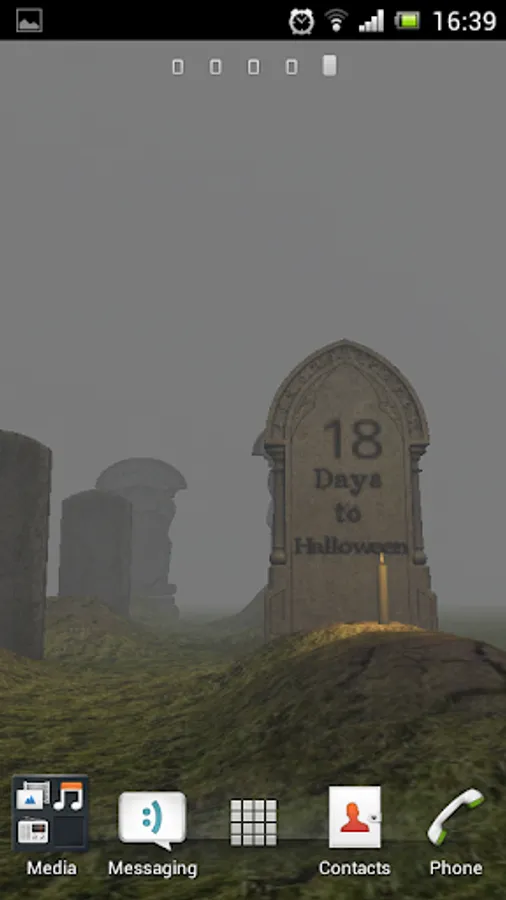
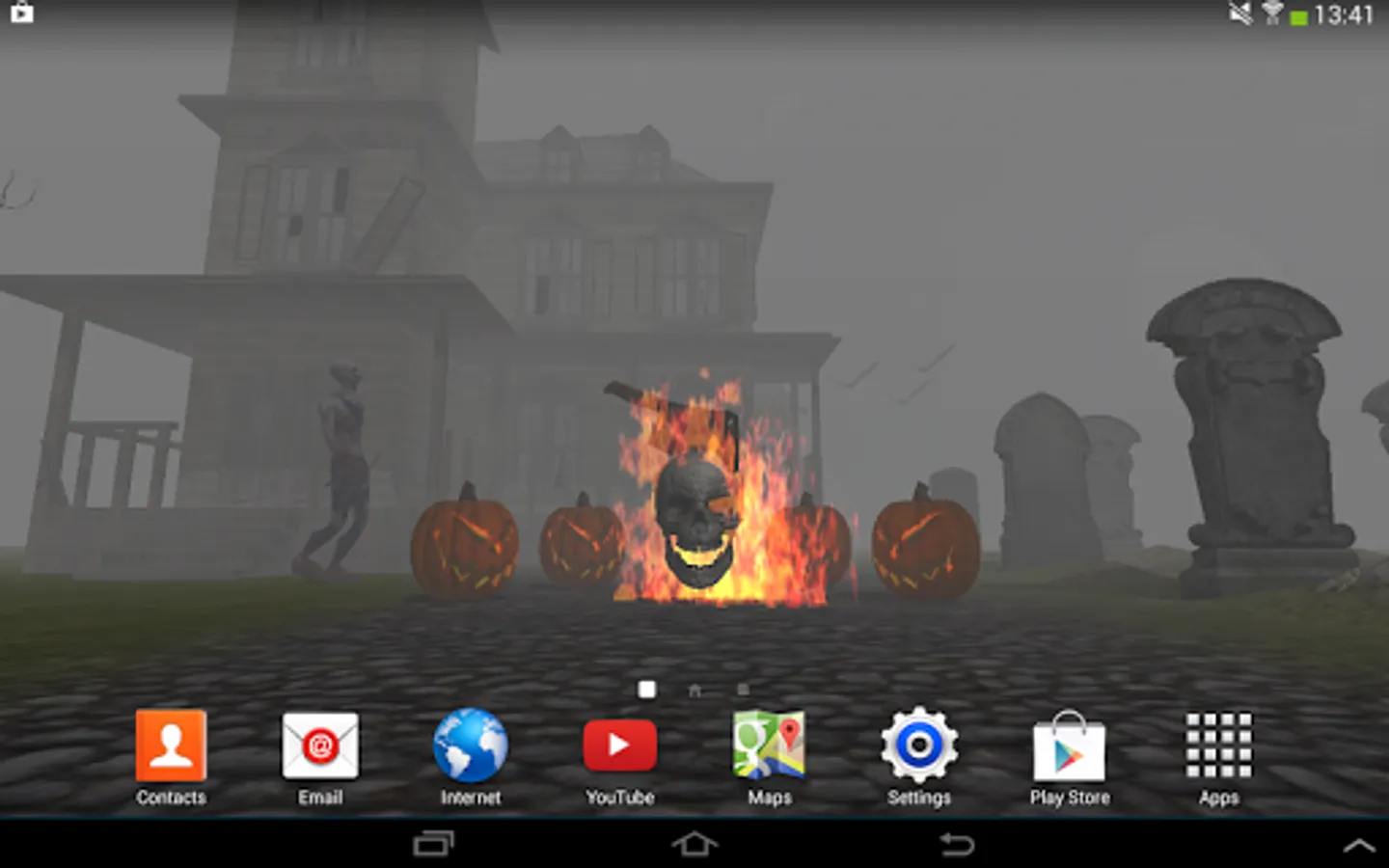
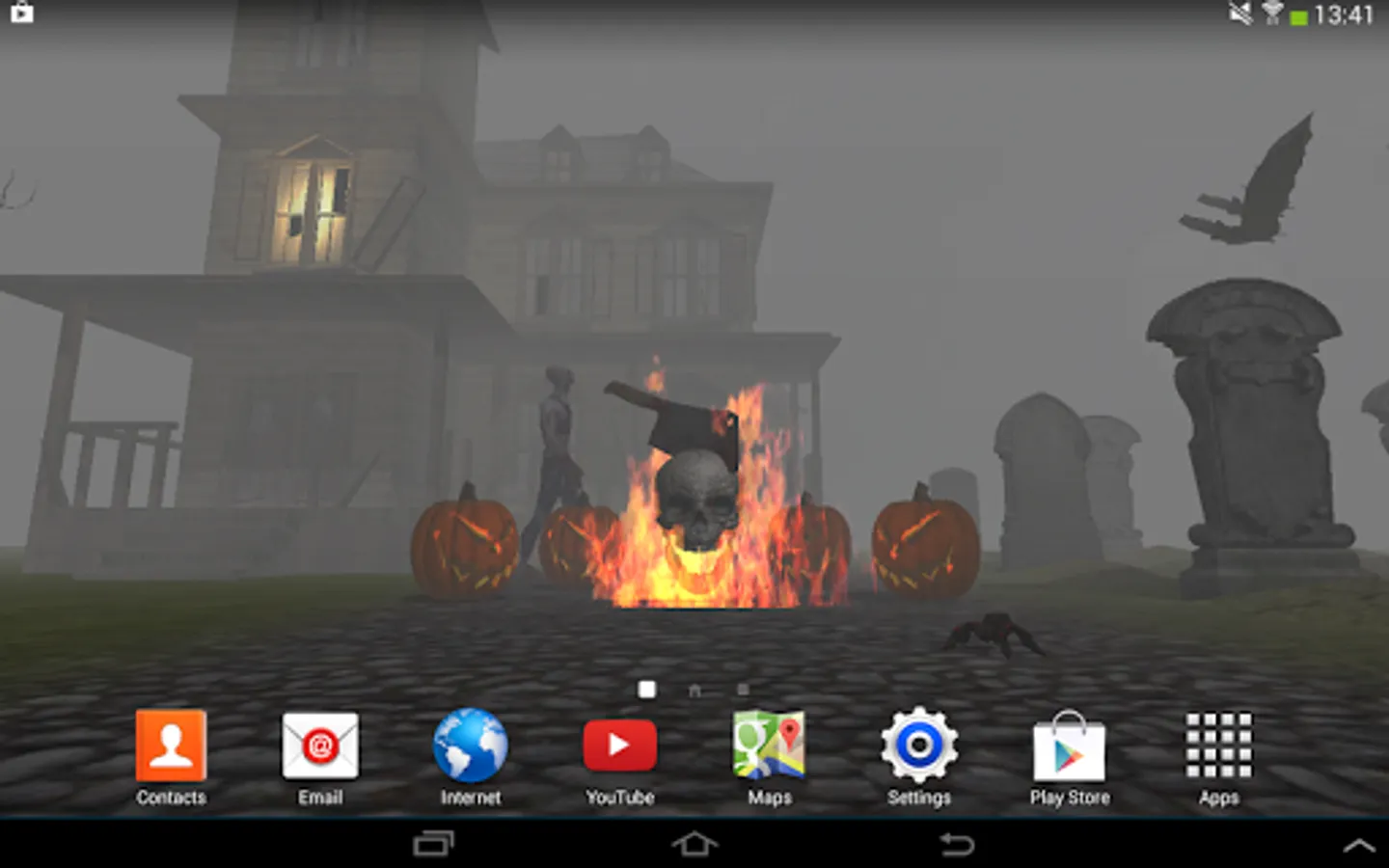
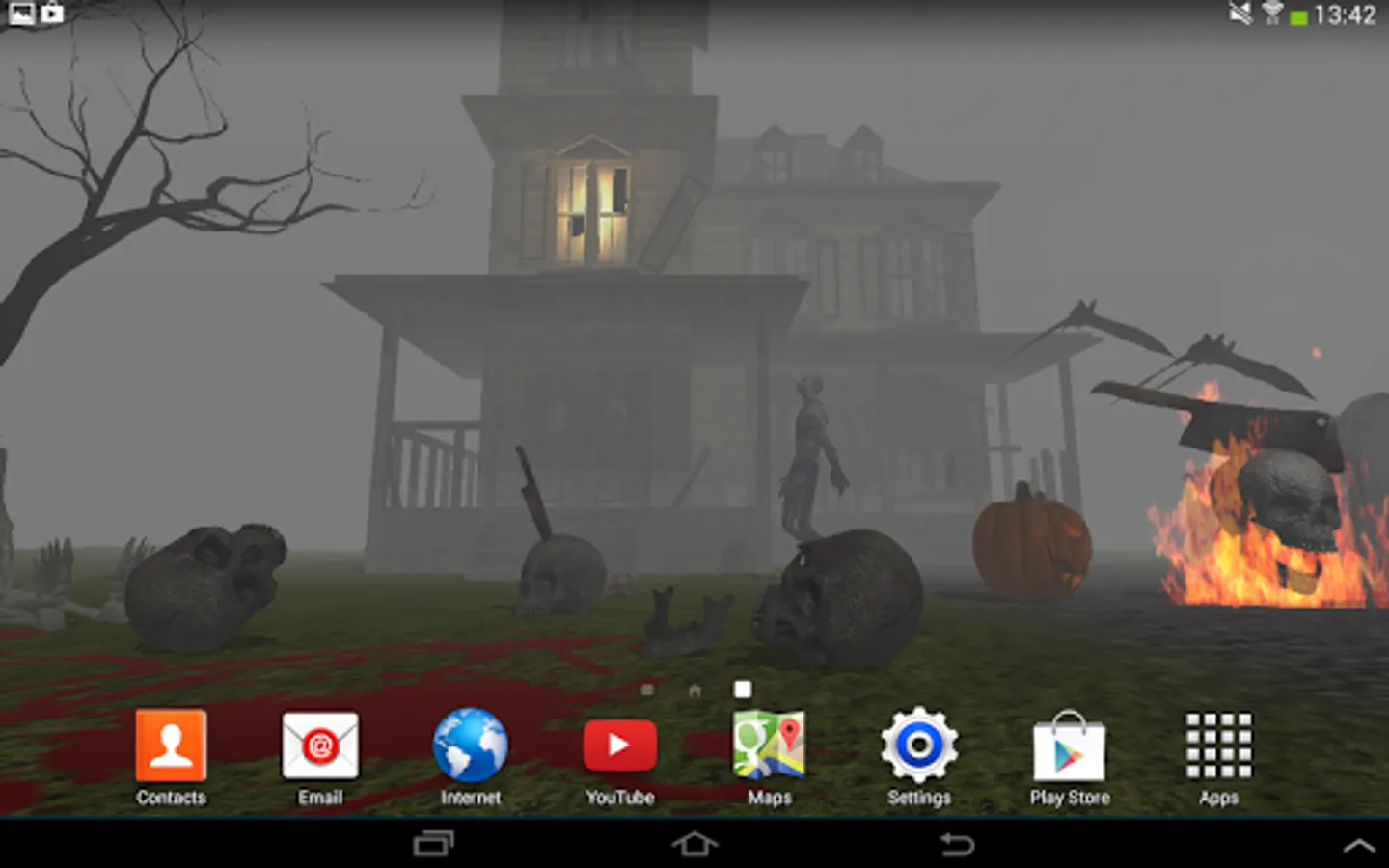
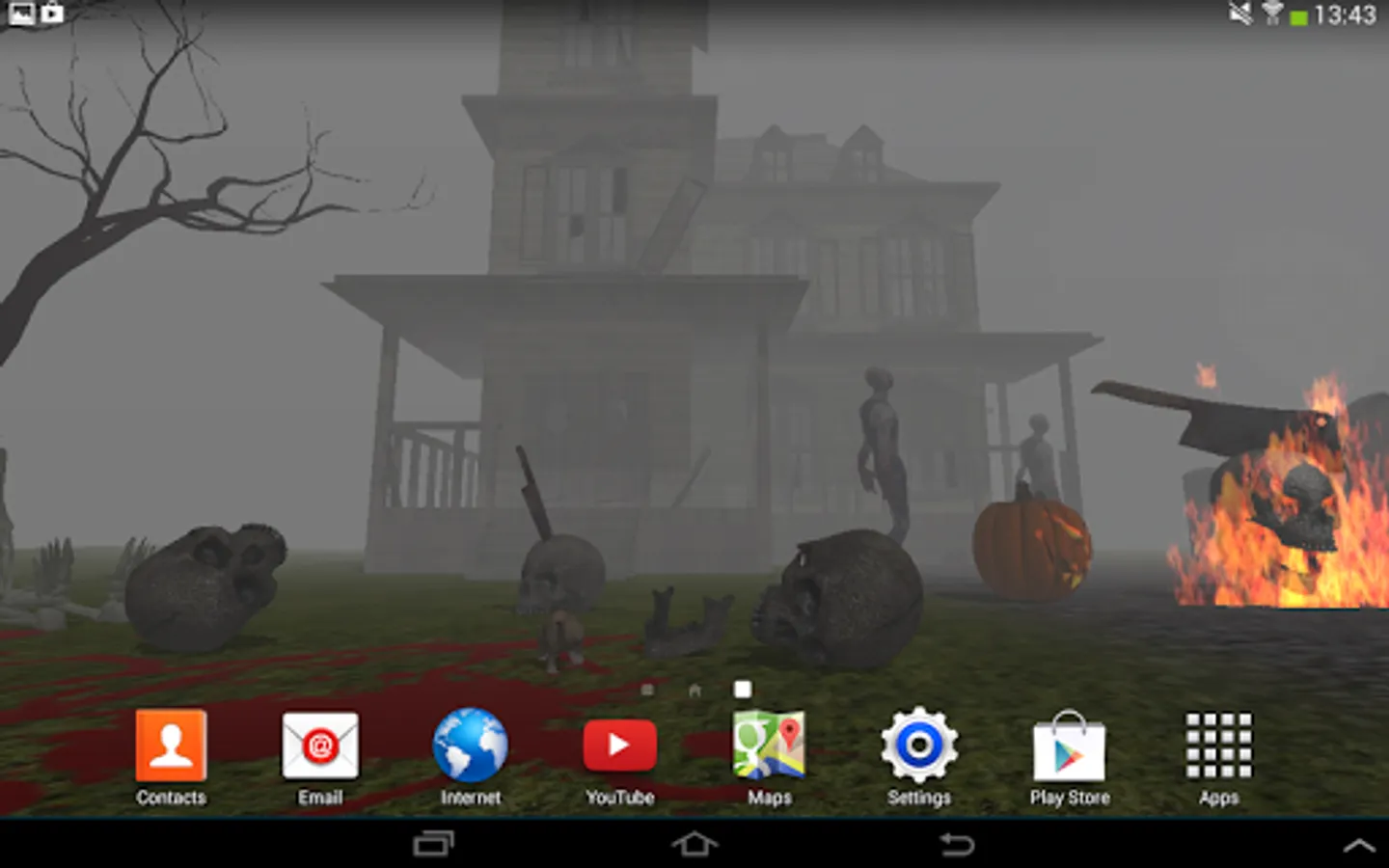
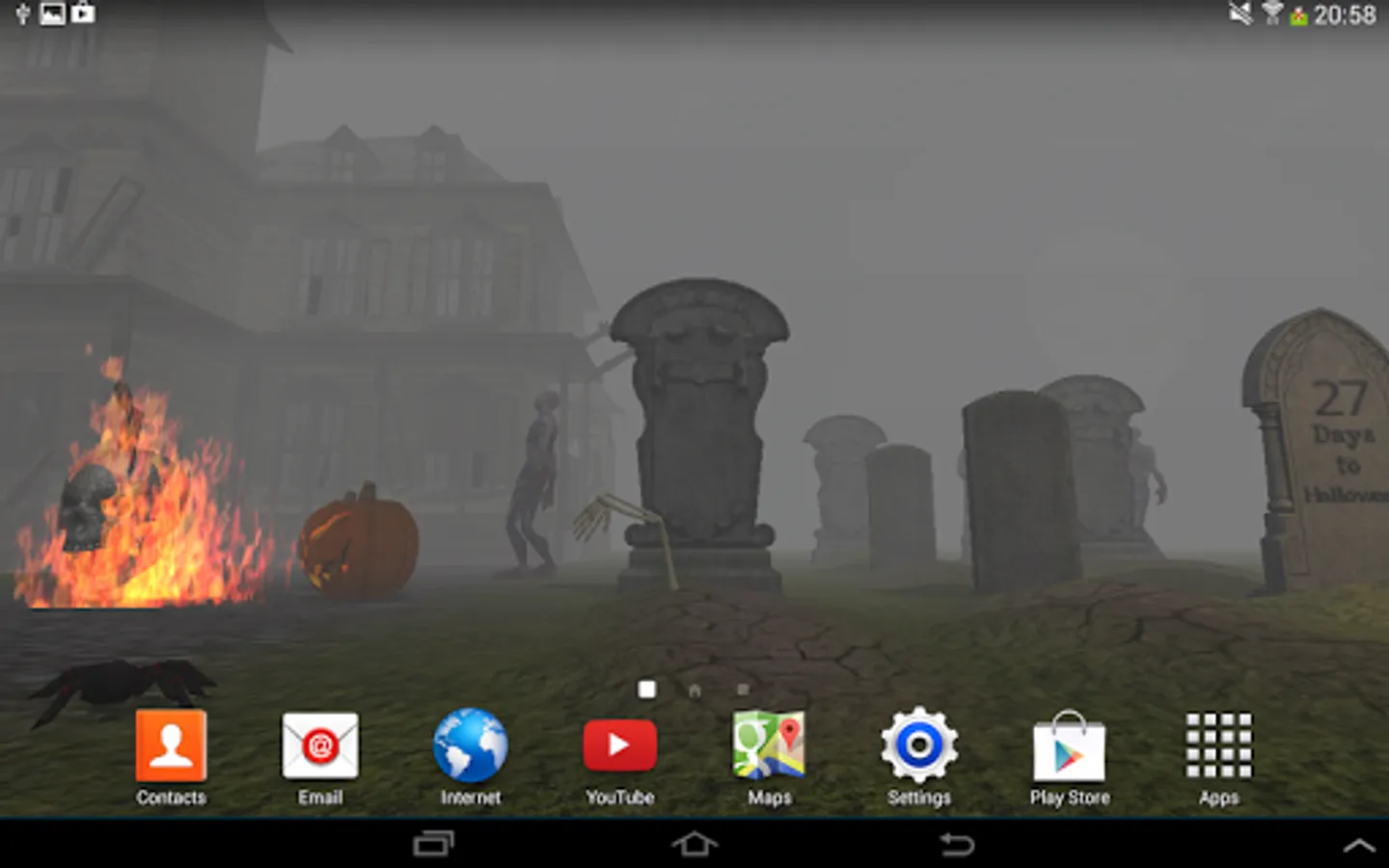
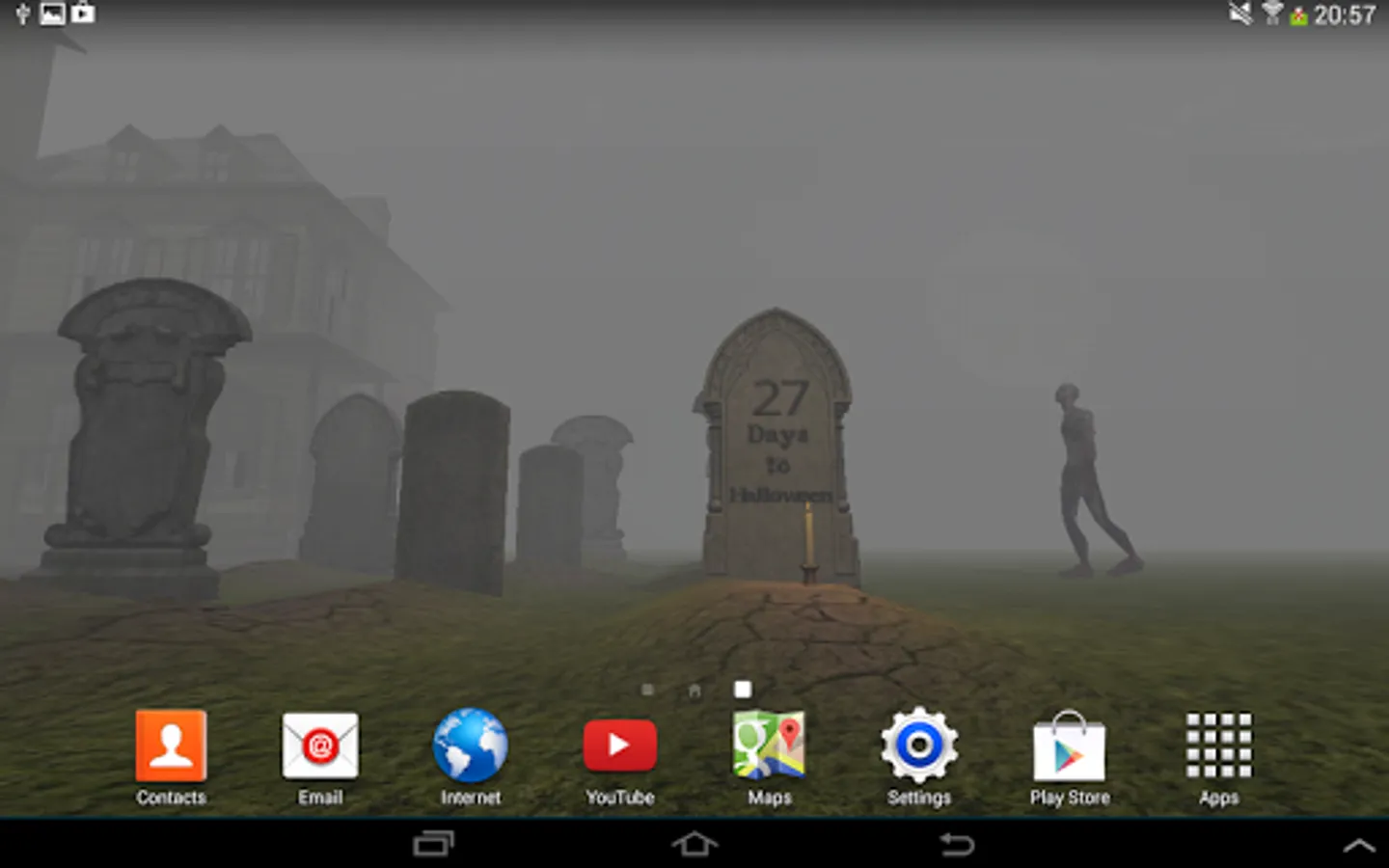
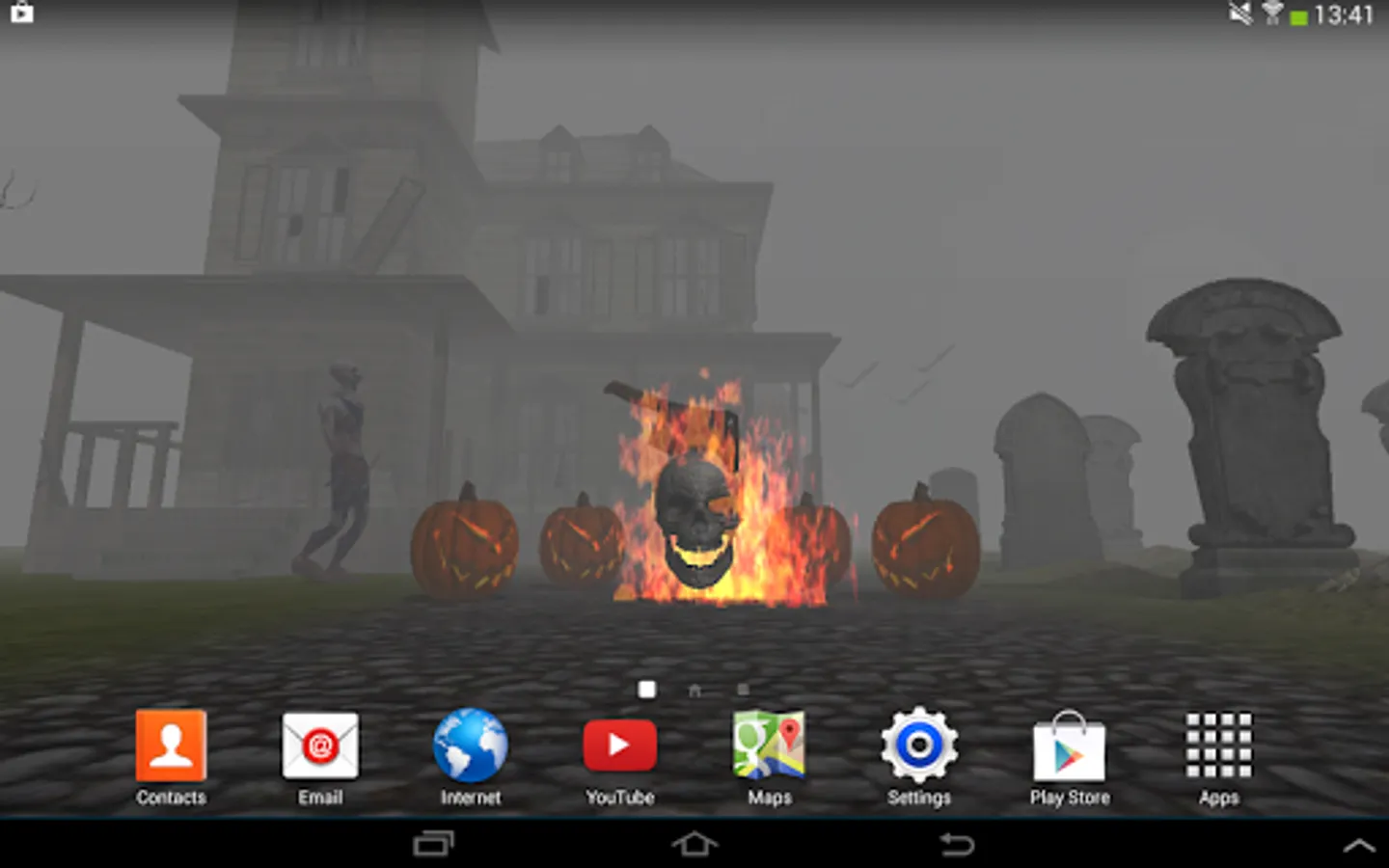
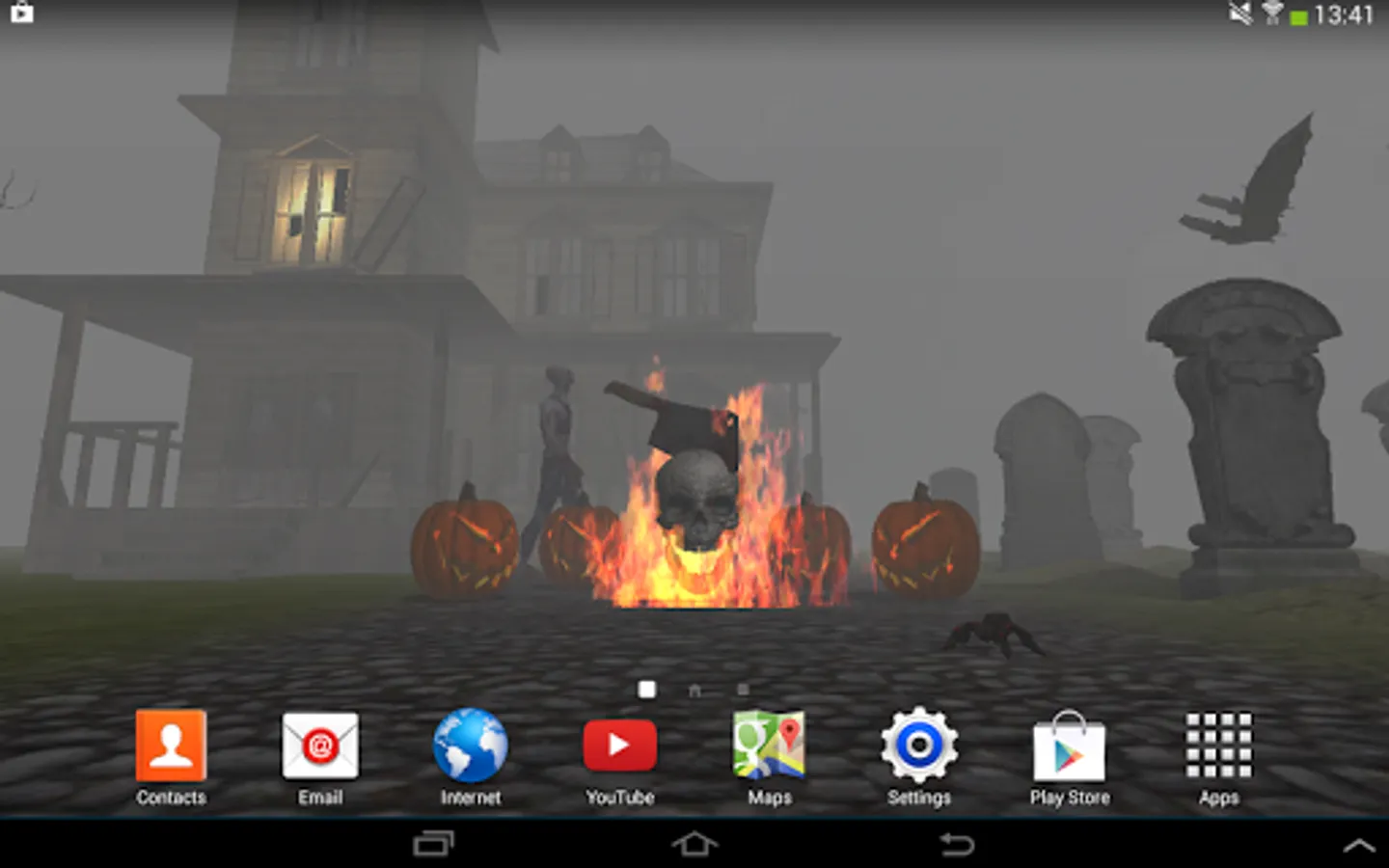
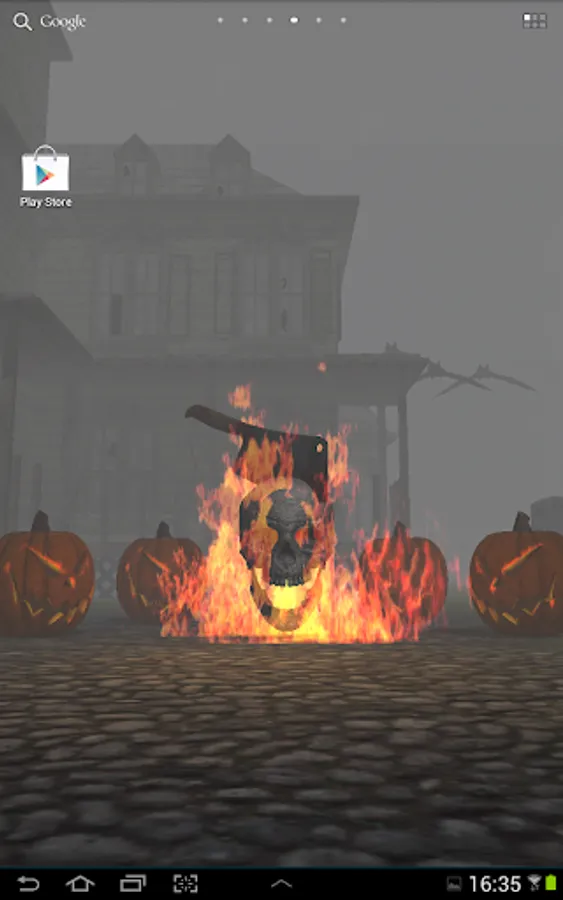
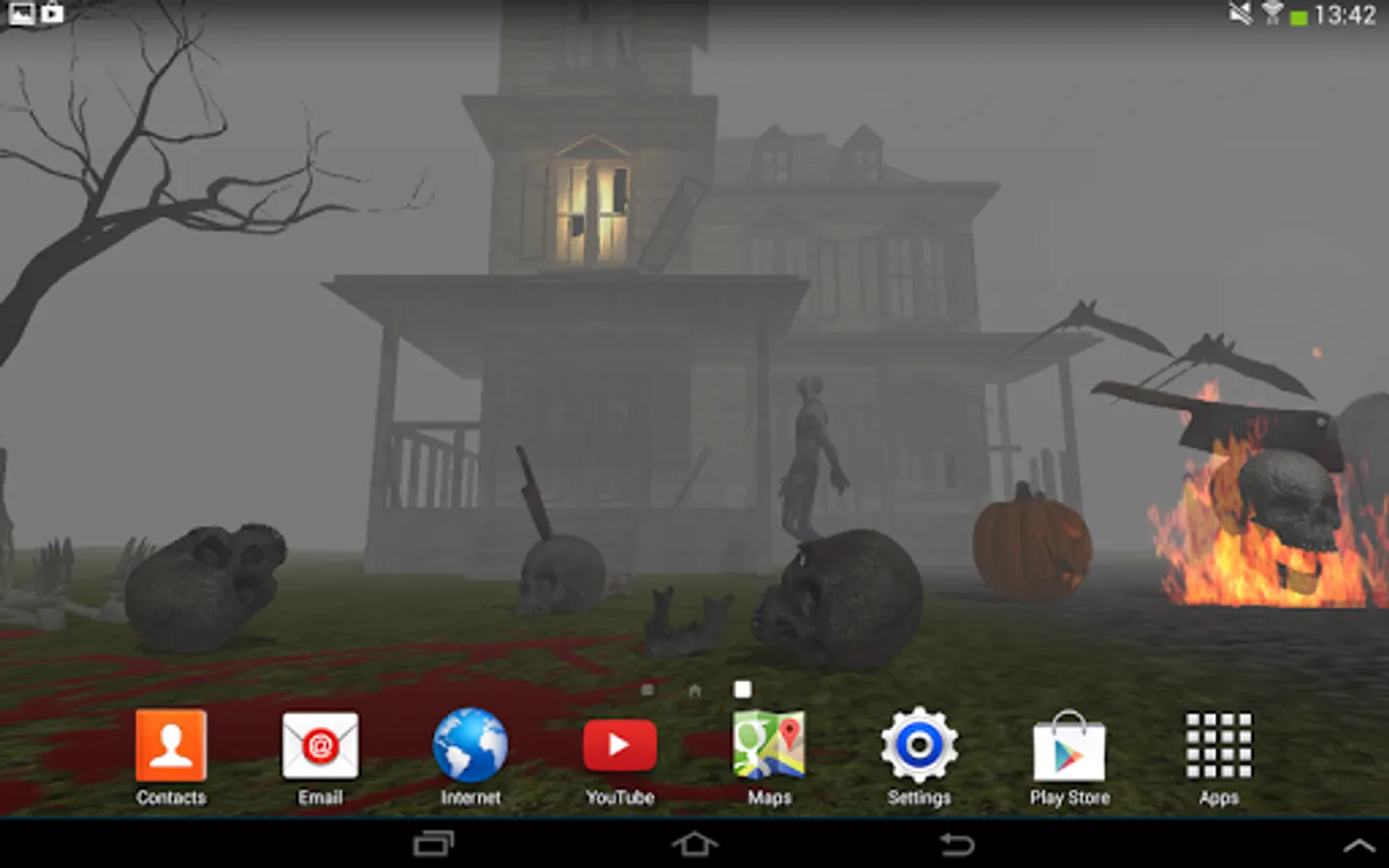
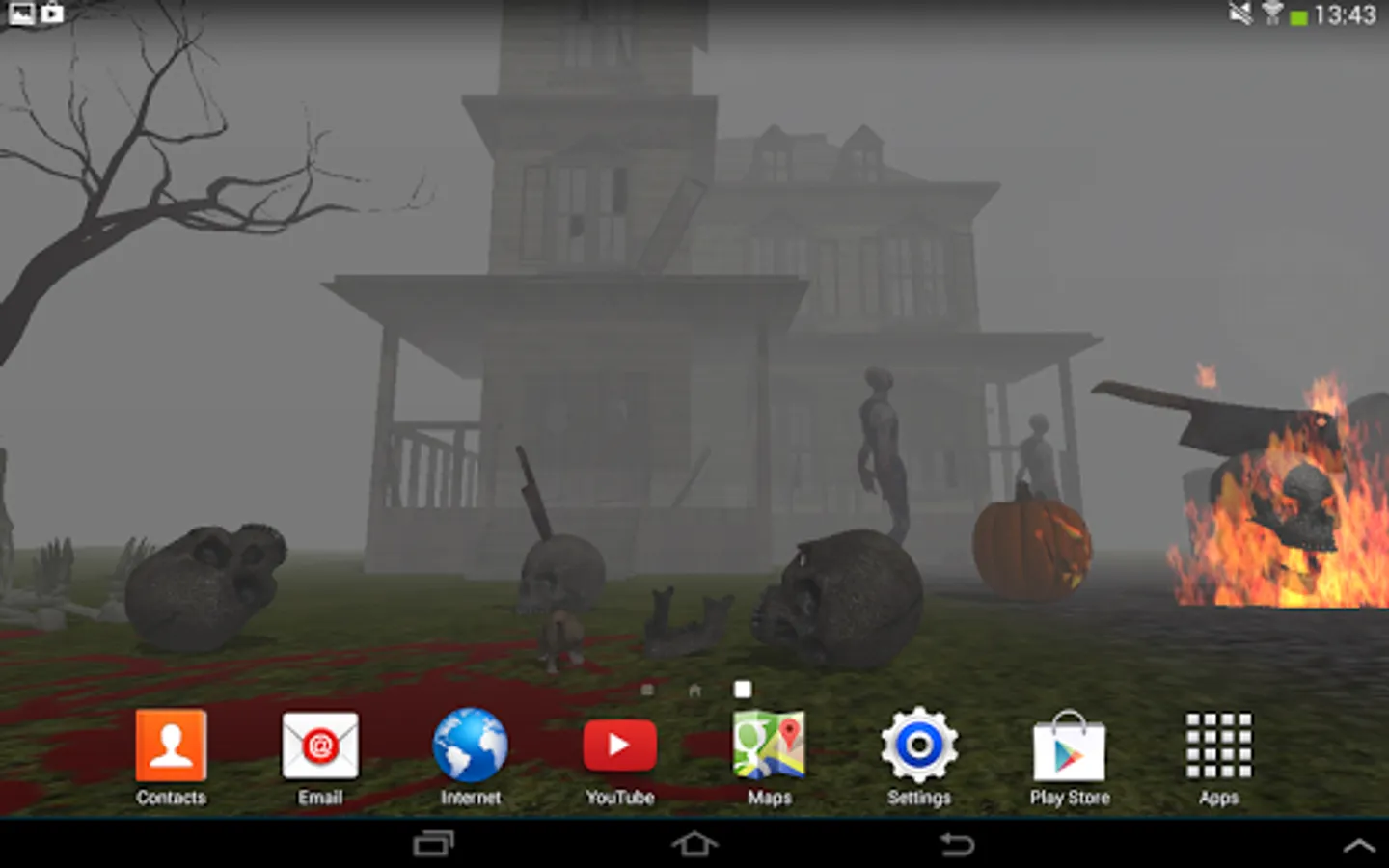
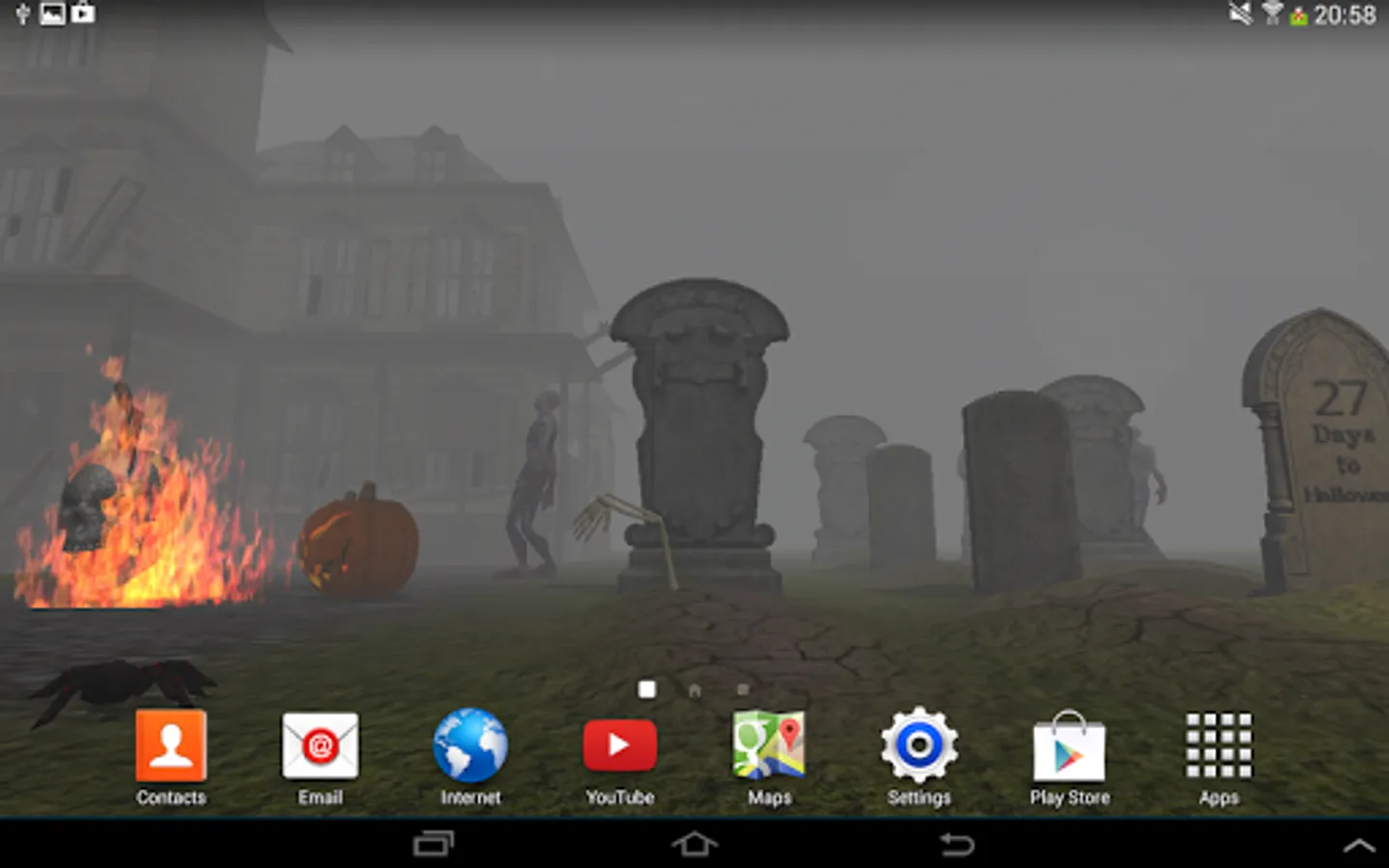
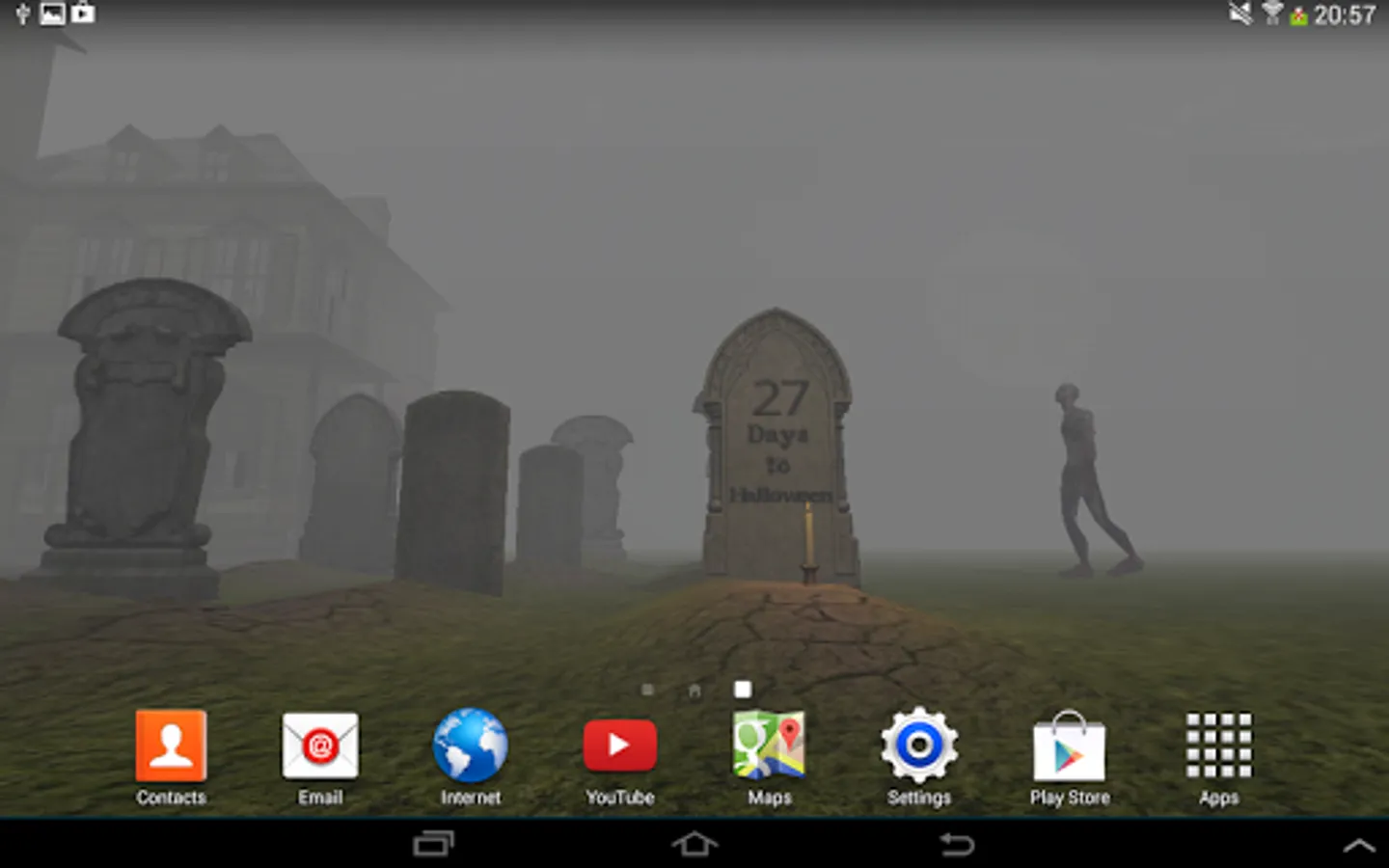
In this 3D Halloween Live Wallpaper, you can customize the scene with effects like fog, fire, and zombies. Includes options for countdown, animation control, and camera speed adjustments.
AppRecs review analysis
AppRecs rating 4.1. Trustworthiness 0 out of 100. Review manipulation risk 0 out of 100. Based on a review sample analyzed.
★★★★☆
4.1
AppRecs Rating
Ratings breakdown
5 star
79%
4 star
7%
3 star
0%
2 star
7%
1 star
7%
What to know
✓
High user satisfaction
86% of sampled ratings are 4+ stars (4.1★ average)
About 3D Halloween Live Wallpaper
Enjoy the best 3D Halloween Live Wallpaper out there!
============================================================
Features:
★ Halloween Countdown
★ Customize what do you want to be shown on the screen:
- bats, candles, lights, fog, fire, zombies, mutilated corpse, rat, spider, etc...
★ Enable/disable animations
★ Enable/disable fog
★ Edit camera speed
============================================================
- Double tap anywhere on the home screen to quick access the settings menu
- Simulate Swipe on some Samsung and HTC phones with custom user interfaces (TouchWiz and Sense UI)
- Save to SD card (if you save to SD card, after restarting the phone you will have to set the wallpaper manually)
============================================================
TO USE: Home->Press Menu->Wallpapers->Live Wallpapers
NOTE: Please allow up to 60 seconds on unlocked screen for the live wallpaper to load
============================================================
============================================================
Features:
★ Halloween Countdown
★ Customize what do you want to be shown on the screen:
- bats, candles, lights, fog, fire, zombies, mutilated corpse, rat, spider, etc...
★ Enable/disable animations
★ Enable/disable fog
★ Edit camera speed
============================================================
- Double tap anywhere on the home screen to quick access the settings menu
- Simulate Swipe on some Samsung and HTC phones with custom user interfaces (TouchWiz and Sense UI)
- Save to SD card (if you save to SD card, after restarting the phone you will have to set the wallpaper manually)
============================================================
TO USE: Home->Press Menu->Wallpapers->Live Wallpapers
NOTE: Please allow up to 60 seconds on unlocked screen for the live wallpaper to load
============================================================
3D Halloween Live Wallpaper Screenshots
Tap to Rate: