
Speak 2 Call -Voice calling
EliranJ
3.3 ★
2K ratings
500,000+
downloads
Free
+ in-app
In this voice dialing app, you can say contacts or numbers to initiate calls hands-free. Includes offline recognition for supported languages and devices.
AppRecs review analysis
AppRecs rating 3.3. Trustworthiness 81 out of 100. Review manipulation risk 27 out of 100. Based on a review sample analyzed.
★★★☆☆
3.3
AppRecs Rating
Ratings breakdown
5 star
47%
4 star
5%
3 star
9%
2 star
5%
1 star
34%
What to know
✓
Low review manipulation risk
27% review manipulation risk
✓
Credible reviews
81% trustworthiness score from analyzed reviews
⚠
High negative review ratio
39% of sampled ratings are 1–2 stars
About Speak 2 Call -Voice calling
(Instructions below)
Do you need to speak to your contacts frequently?
Do you need to speak to your contacts even when driving?
If yes, the voice dialer app Speak 2 Call will help you.
Once the app is downloaded to your mobile, calling a contact hands-free will be a hassle-free!
How the app works?
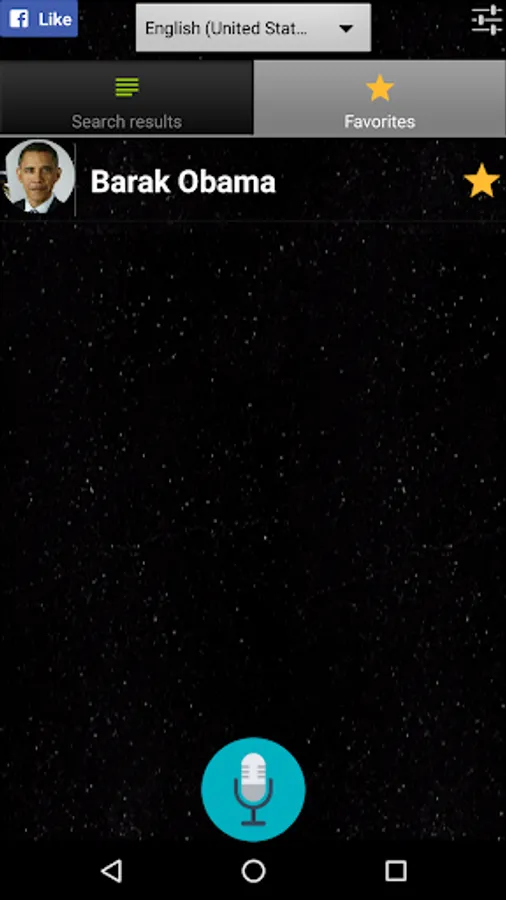
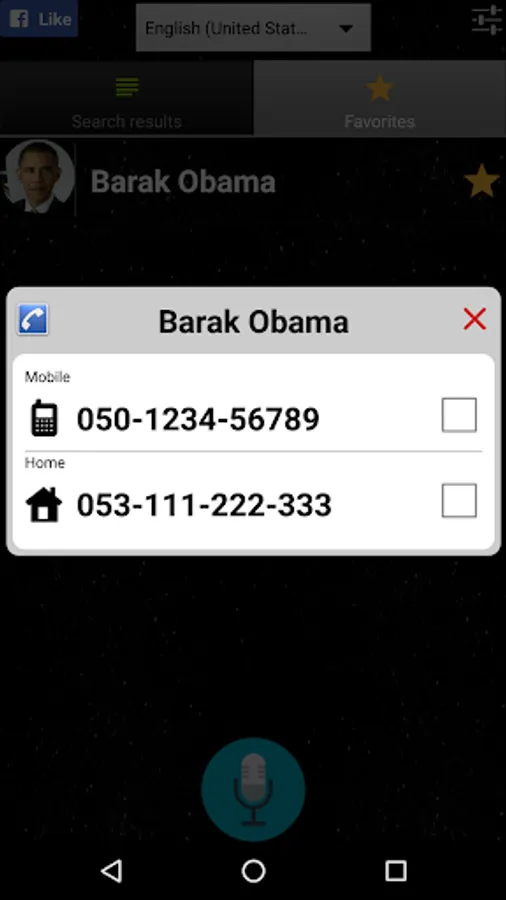
Once downloaded, Speak 2 call, starts using its auto phone call facility! To enjoy the seamless voice dialer, you have to have your phone’s voice recognition facility enabled and configured to your preferred language. Just say a contact’s name, part of it or any phone number, and the app will recognize your voice and offer you the option to call this contact/number at one click! It is so simple!
App’s Features:
Before you start using the voice dialer app Speak 2 call, let’s take a look at its features:
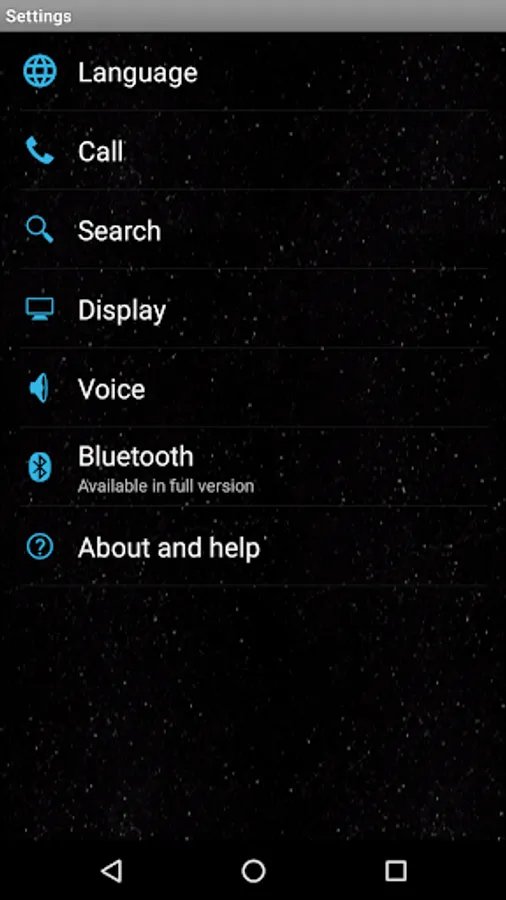
• The app supports all Google supported multi languages,
• The app offers phone call options like auto dial, auto shut down, and change contacts display order.
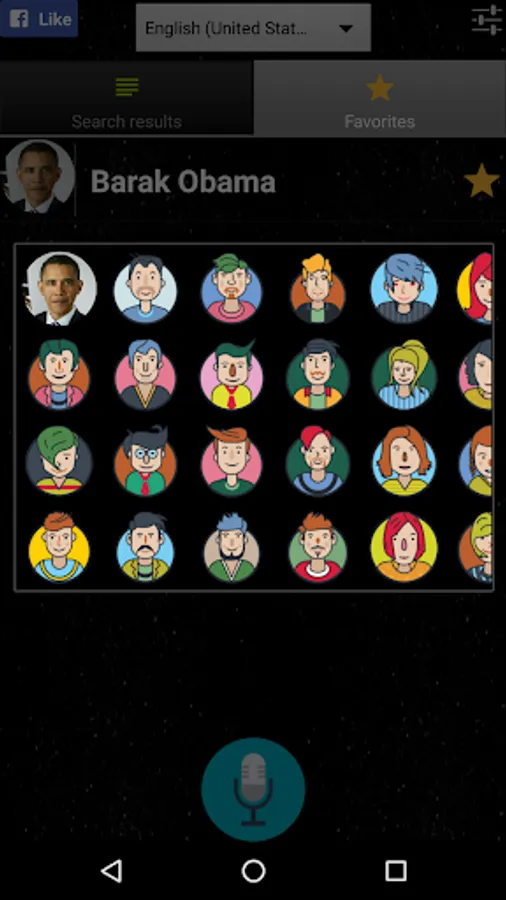
• You can set user as favorites for easier access of voice calling
• The voice dialer app is available in its free version: you can upgrade it to Bluetooth version on demand,
Download the app Speak 2 Call and enjoy call management by voice command. Driving, cooking, or just plain busy with your hands - calling from your mobile is easy and voice enabled!
Trivia:
• For best results on voice recognition, you need to record yourself in a quiet area, and speak clearly.
• Offline recognition instructions:
http://ccm.net/faq/40940-android-download-new-languages-for-offline-speech-recognition
• Have any questions or need clarification? Feel free to email the developer at
eliran1210@gmail.com
Speak 2 Call -Voice calling Screenshots
Tap to Rate:
Reviews for Speak 2 Call -Voice calling
Todor Karagyozov
1/10/2025
Good to use onscreen, BUT impossible to use with Bluetooth handsfree, which makes it almost useless.
Бошко Божиновски
1/2/2024
This a great application, exactly what I need. I can choose the number while riding a bike, and my phone is in my pocket through the Bluetooth headset. What's missing is an audible signal to start talking, and it should be in the headset. Since I'm not looking at the screen, I don't know when to start talking. Also, I would like to hear voice feedback in the headset, not on the phone in my pocket. With these improvements, the application would be a solid 5.