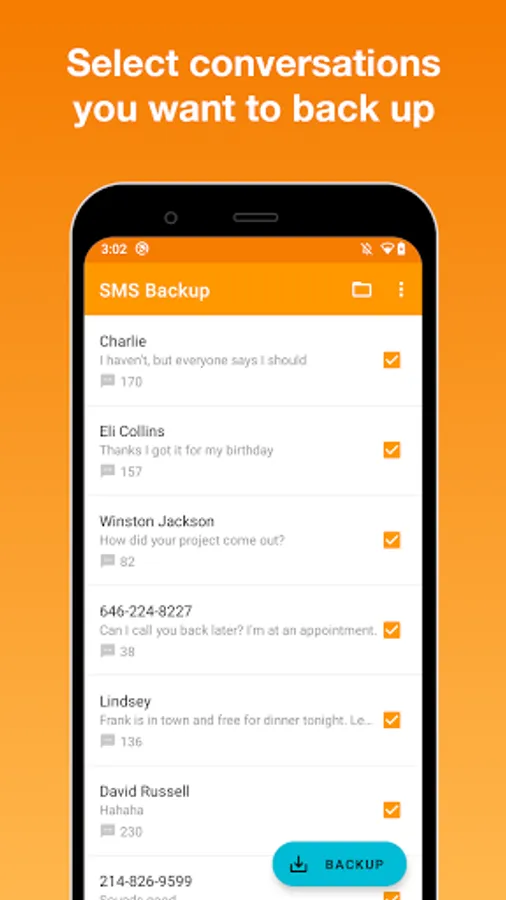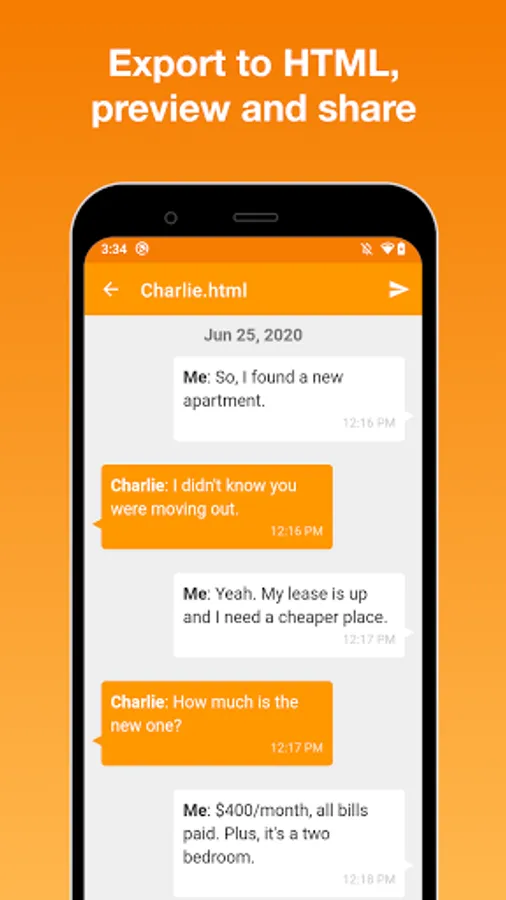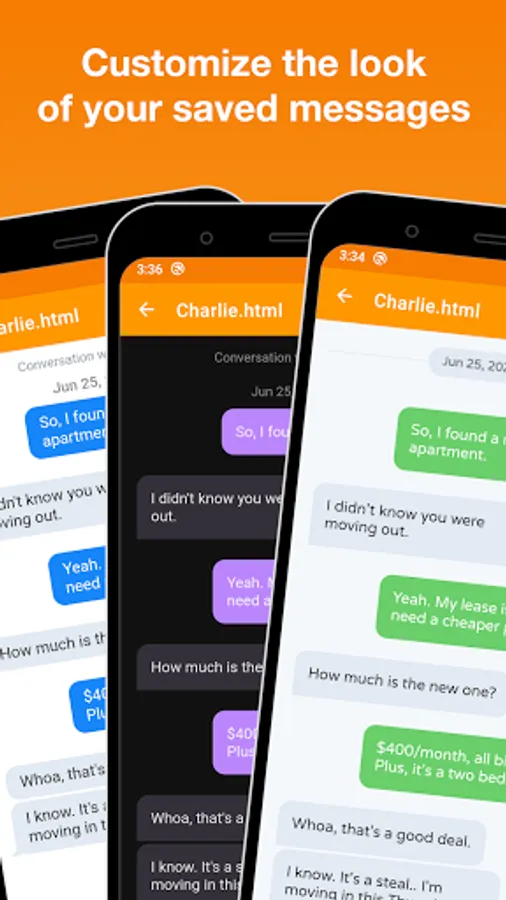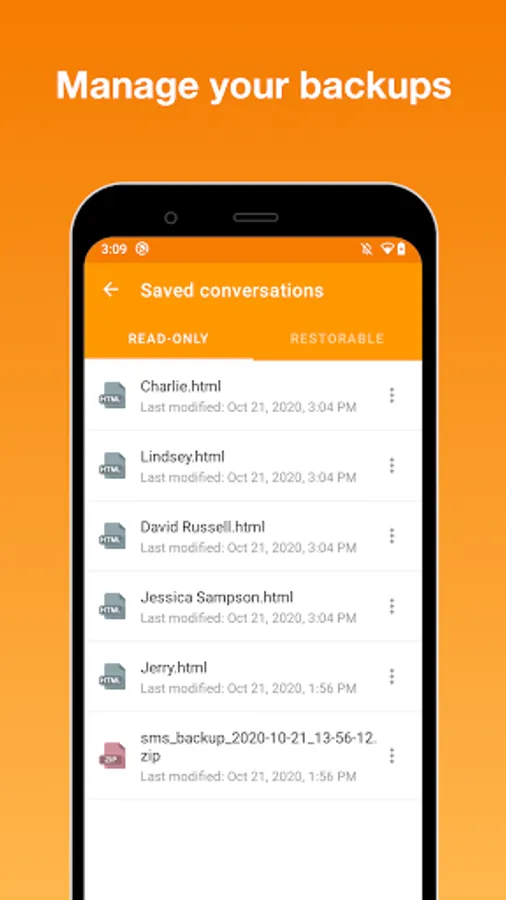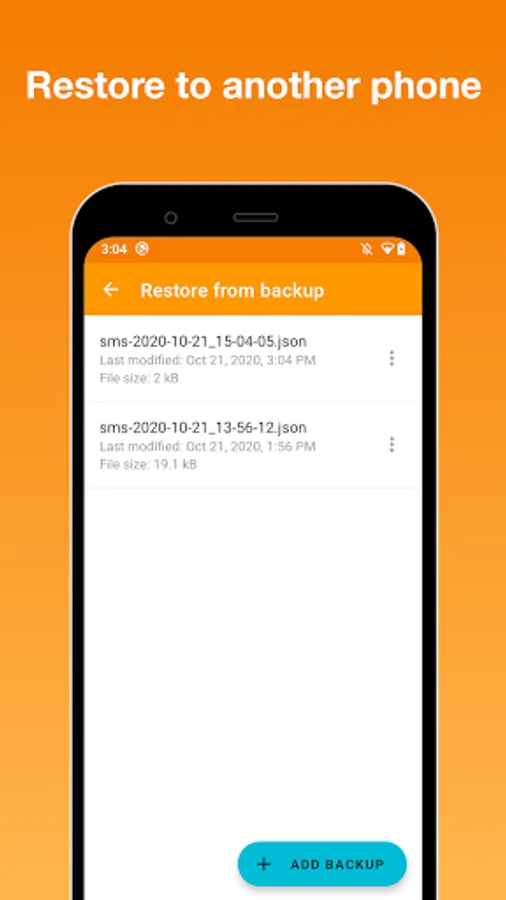
With this SMS Backup app, you can create backups of your SMS and MMS messages, export conversations to HTML or JSON formats, and share the files via email or cloud services. Includes options for restoring messages, exporting chat histories, and transferring messages to a new device.
AppRecs review analysis
AppRecs rating 3.9. Trustworthiness 83 out of 100. Review manipulation risk 29 out of 100. Based on a review sample analyzed.
★★★☆☆
3.9
AppRecs Rating
Ratings breakdown
5 star
64%
4 star
4%
3 star
9%
2 star
4%
1 star
19%
What to know
✓
Low review manipulation risk
29% review manipulation risk
✓
Credible reviews
83% trustworthiness score from analyzed reviews
⚠
Ad complaints
Many low ratings mention excessive ads
About SMS Backup
SMS Backup is a very simple app that makes a backup of your SMS and MMS messages (images and audio files), lets you share them and then restore/transfer to another phone (currently only SMS).
Important notice:
- This app doesn't restore deleted messages.
- If you're missing some messages or one side of conversation in your backup, it's probably because this app doesn't back up RCS messages (also known as Advanced Messaging) unless you use Google Messages as your default texting app. Turning Advanced Messaging off will allow the app to back up new messages only, not those already stored as RCS.
The app can export your conversations to two different formats:
1) nice-looking read-only HTML format with chat bubbles,
2) restorable JSON data file in case you plan to transfer your messages to another phone,
and saves them to your internal device storage.
You can easily send these files to your e-mail, Gmail, Google Drive or wherever you want. If you are switching to a new phone and you want to transfer your SMS messages, this app is exactly what you're looking for. It not only creates a data file which is required to restore messages, but also saves your text messages to HTML format. Therefore you can open and view your backed up messages almost anywhere, whether it is your computer or iPhone!
If you have any questions or any improvement ideas, please send an email to us at japps4all@gmail.com. Thanks!
Important notice:
- This app doesn't restore deleted messages.
- If you're missing some messages or one side of conversation in your backup, it's probably because this app doesn't back up RCS messages (also known as Advanced Messaging) unless you use Google Messages as your default texting app. Turning Advanced Messaging off will allow the app to back up new messages only, not those already stored as RCS.
The app can export your conversations to two different formats:
1) nice-looking read-only HTML format with chat bubbles,
2) restorable JSON data file in case you plan to transfer your messages to another phone,
and saves them to your internal device storage.
You can easily send these files to your e-mail, Gmail, Google Drive or wherever you want. If you are switching to a new phone and you want to transfer your SMS messages, this app is exactly what you're looking for. It not only creates a data file which is required to restore messages, but also saves your text messages to HTML format. Therefore you can open and view your backed up messages almost anywhere, whether it is your computer or iPhone!
If you have any questions or any improvement ideas, please send an email to us at japps4all@gmail.com. Thanks!