
With this photo editing app, you can add signatures or drawings to protect and personalize your images. Includes font options, drawing tools, and sharing capabilities.
AppRecs review analysis
AppRecs rating 1.2. Trustworthiness 0 out of 100. Review manipulation risk 0 out of 100. Based on a review sample analyzed.
★☆☆☆☆
1.2
AppRecs Rating
Ratings breakdown
5 star
0%
4 star
0%
3 star
0%
2 star
20%
1 star
80%
What to know
⚠
Mixed user feedback
Average 1.2★ rating suggests room for improvement
About Sign Your Photo
Are you worried about getting your photographs stolen on social media? Let’s make sure that your photographs are protected. You can do this by using your name or signature.
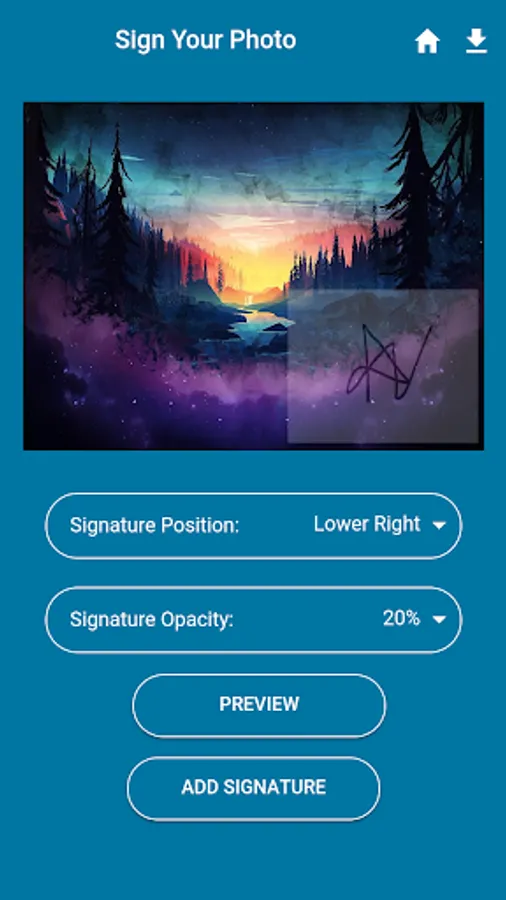
Let’s you mark or decorate your photo however you like. You can certainly create your own signature using font options, but you can also draw your own signature and add it to the picture.
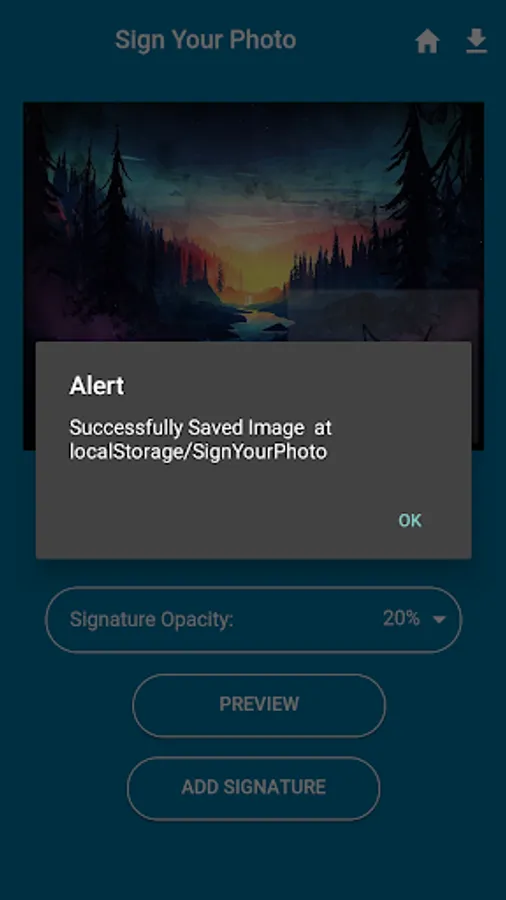
Position it anywhere and rotate it as you see fit: the app also saves a full-res copy of your original photo as backup. Aside from what you’d expect from a typical watermark app, now you can turn signatures and photos into watermarks. Not only that, it saves pictures and lets you easily share your photos on social networks like Facebook and Instagram.
Let’s you mark or decorate your photo however you like. You can certainly create your own signature using font options, but you can also draw your own signature and add it to the picture.
Position it anywhere and rotate it as you see fit: the app also saves a full-res copy of your original photo as backup. Aside from what you’d expect from a typical watermark app, now you can turn signatures and photos into watermarks. Not only that, it saves pictures and lets you easily share your photos on social networks like Facebook and Instagram.
Sign Your Photo Screenshots




Tap to Rate: