Jnotes: Note-Taking, AI, PDF
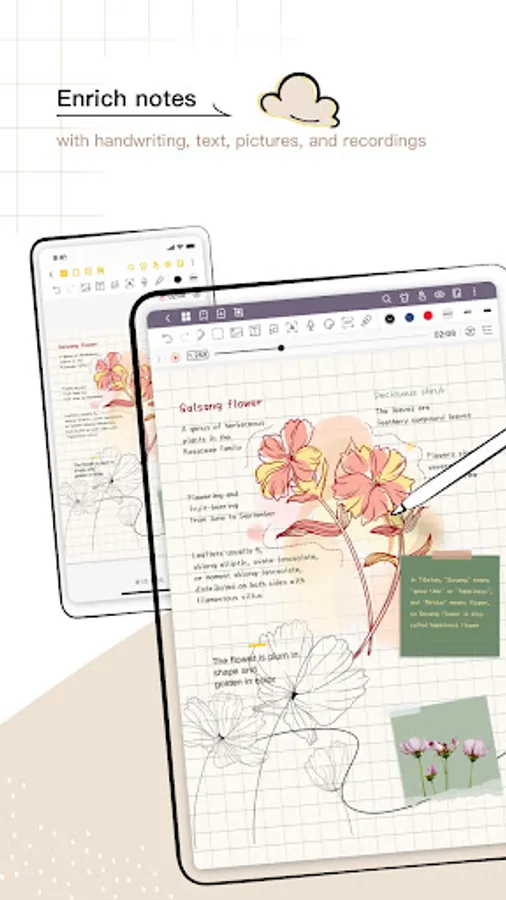
one of the handwritten notes
4.3 ★
22K ratings
1,000,000+
downloads
Free
+ in-app
In this note-taking app, you can write with a stylus, annotate PDFs, and organize study materials. Includes handwriting recognition, AI summaries, and customization options.
AppRecs review analysis
AppRecs rating 3.8. Trustworthiness 83 out of 100. Review manipulation risk 22 out of 100. Based on a review sample analyzed.
★★★☆☆
3.8
AppRecs Rating
Ratings breakdown
5 star
70%
4 star
13%
3 star
6%
2 star
3%
1 star
8%
What to know
✓
Low review manipulation risk
22% review manipulation risk
⚠
Ad complaints
Many low ratings mention excessive ads
⚠
Pricing complaints
Many low ratings mention paywalls or pricing
About Jnotes: Note-Taking, AI, PDF
Jnotes is the professional AI-powered PDF annotator and handwriting app. Seamlessly write on PDF, organize study notes, and use our digital planner to elevate your paperless productivity on tablets.
✨ Why Jnotes? The best Goodnotes alternative for Android users!
Looking for the ultimate note-taking app for your Android tablet? 📝 Jnotes offers smooth stylus writing, AI-powered notes, PDF annotation and editing tools, handwriting recognition (OCR), and rich note formats. Start creating smart, organized, and beautiful digital notes today!
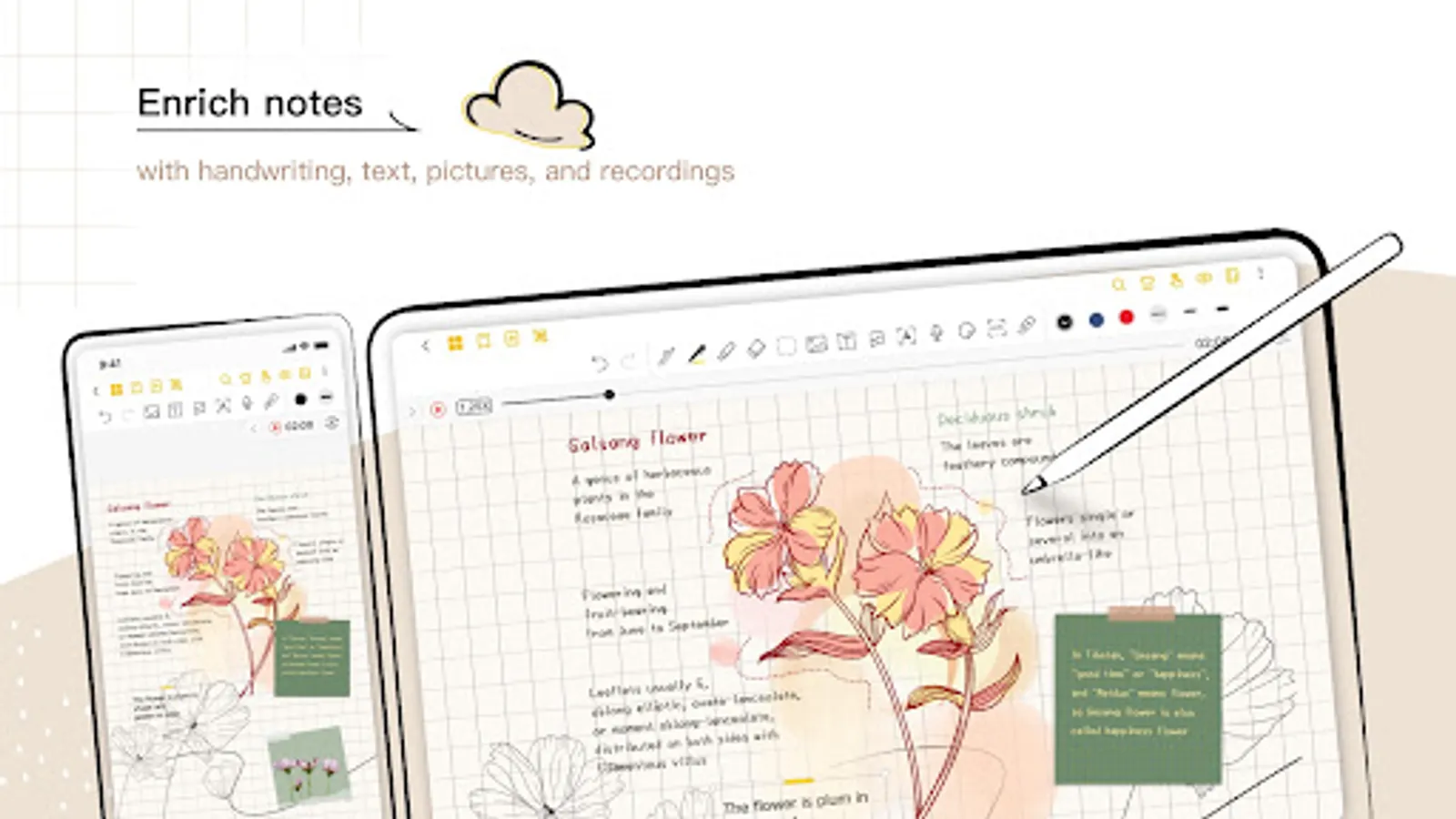
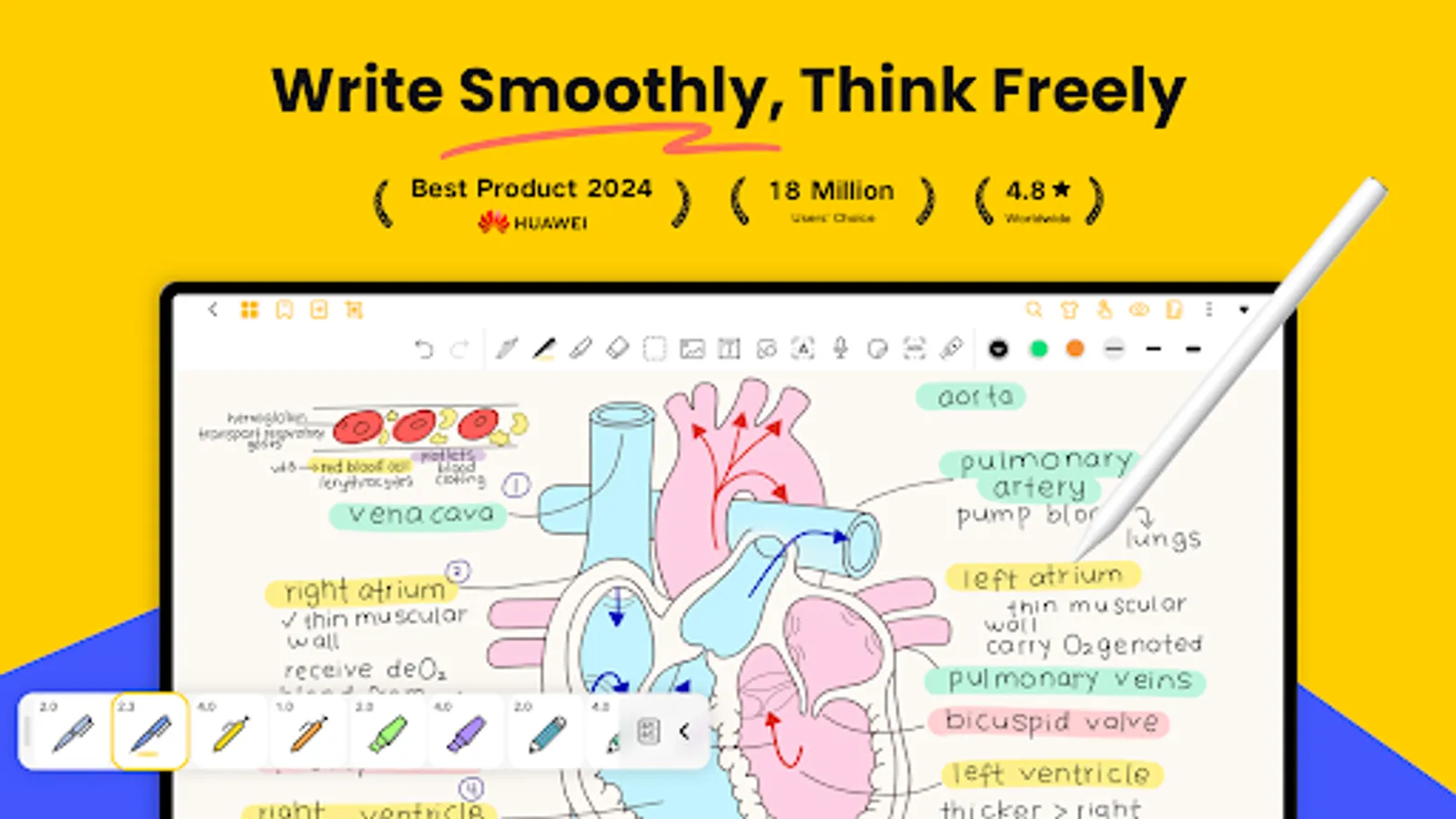
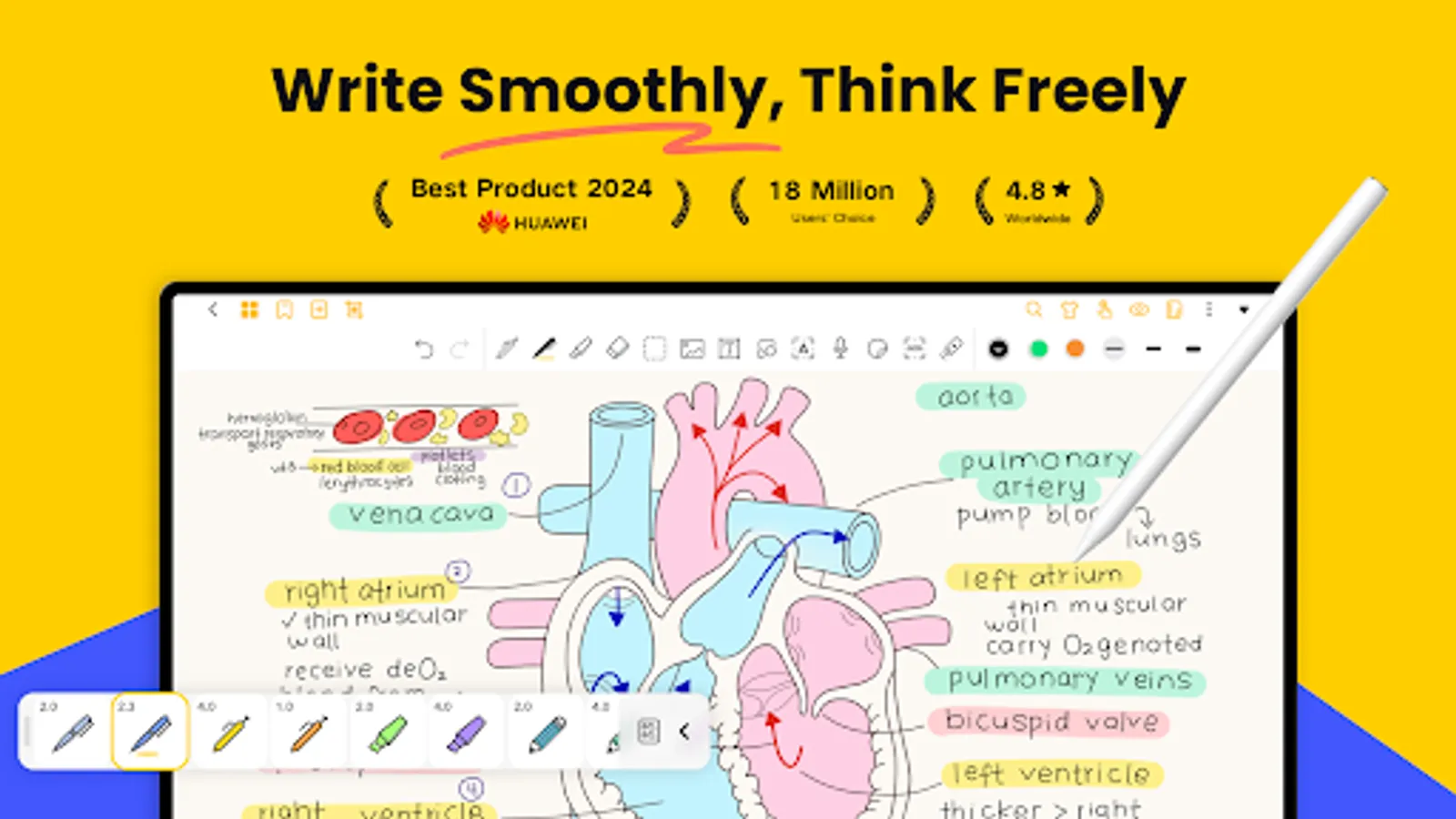
✏️ Smooth Digital Handwriting
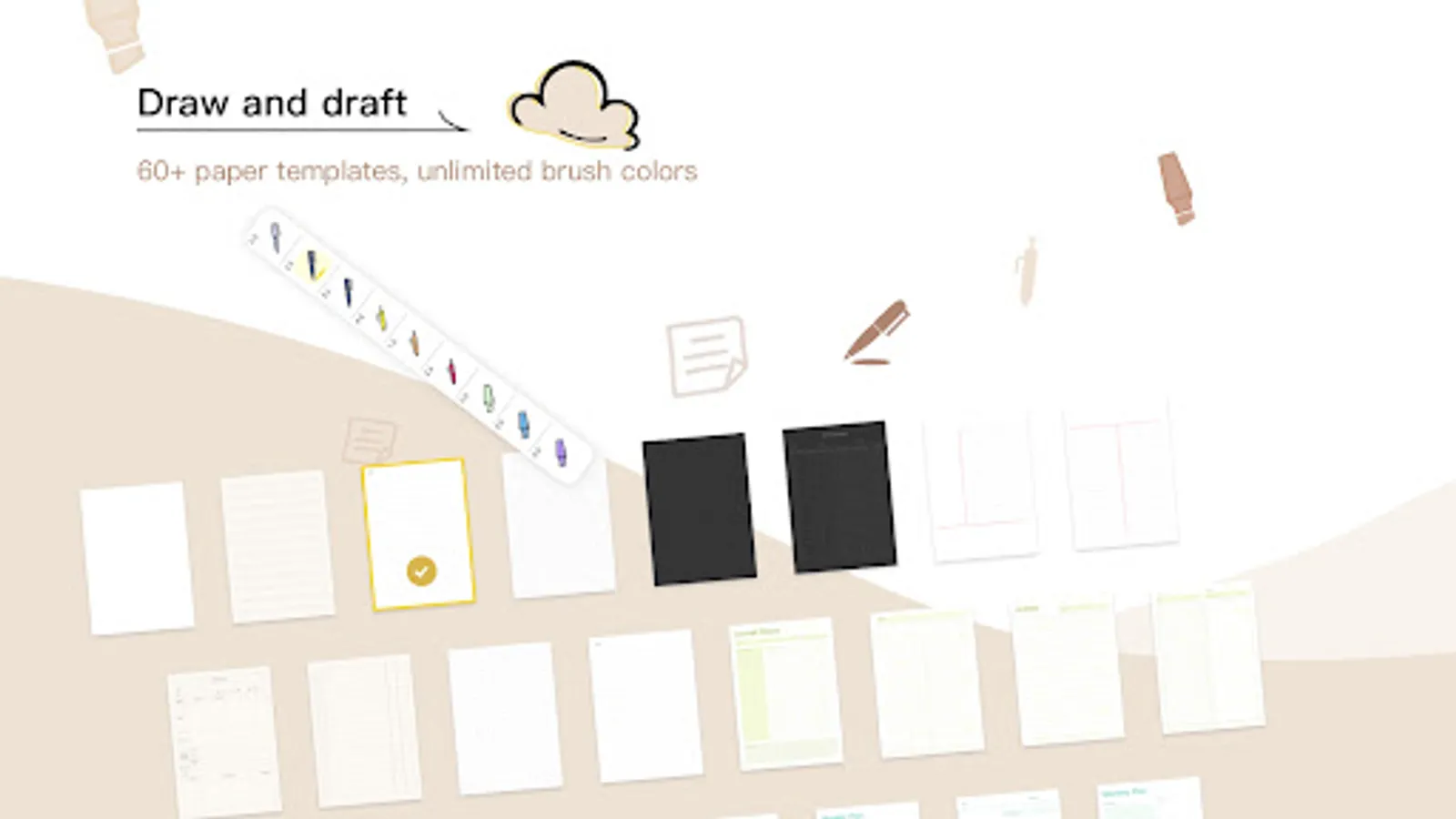
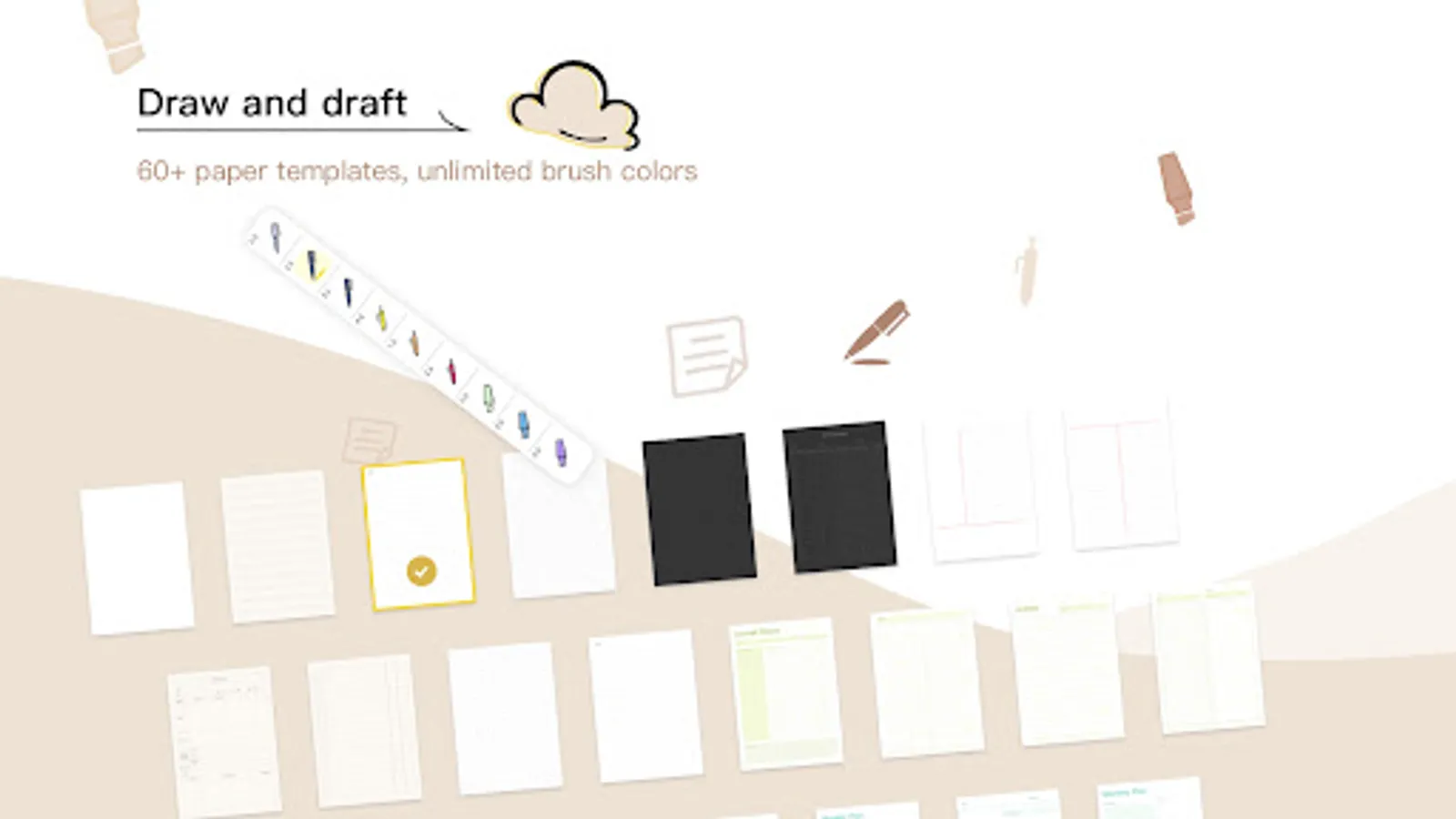
• Customizable pen colors and thickness.
• Advanced digital ink technology ensures lag-free handwriting with stylus support.
• Draw mind maps, write naturally, and enjoy refined stylus compatibility.
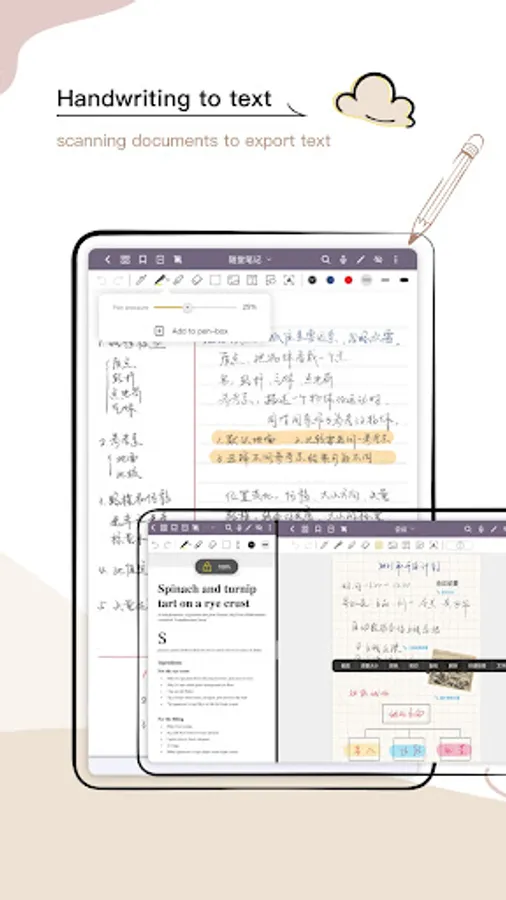
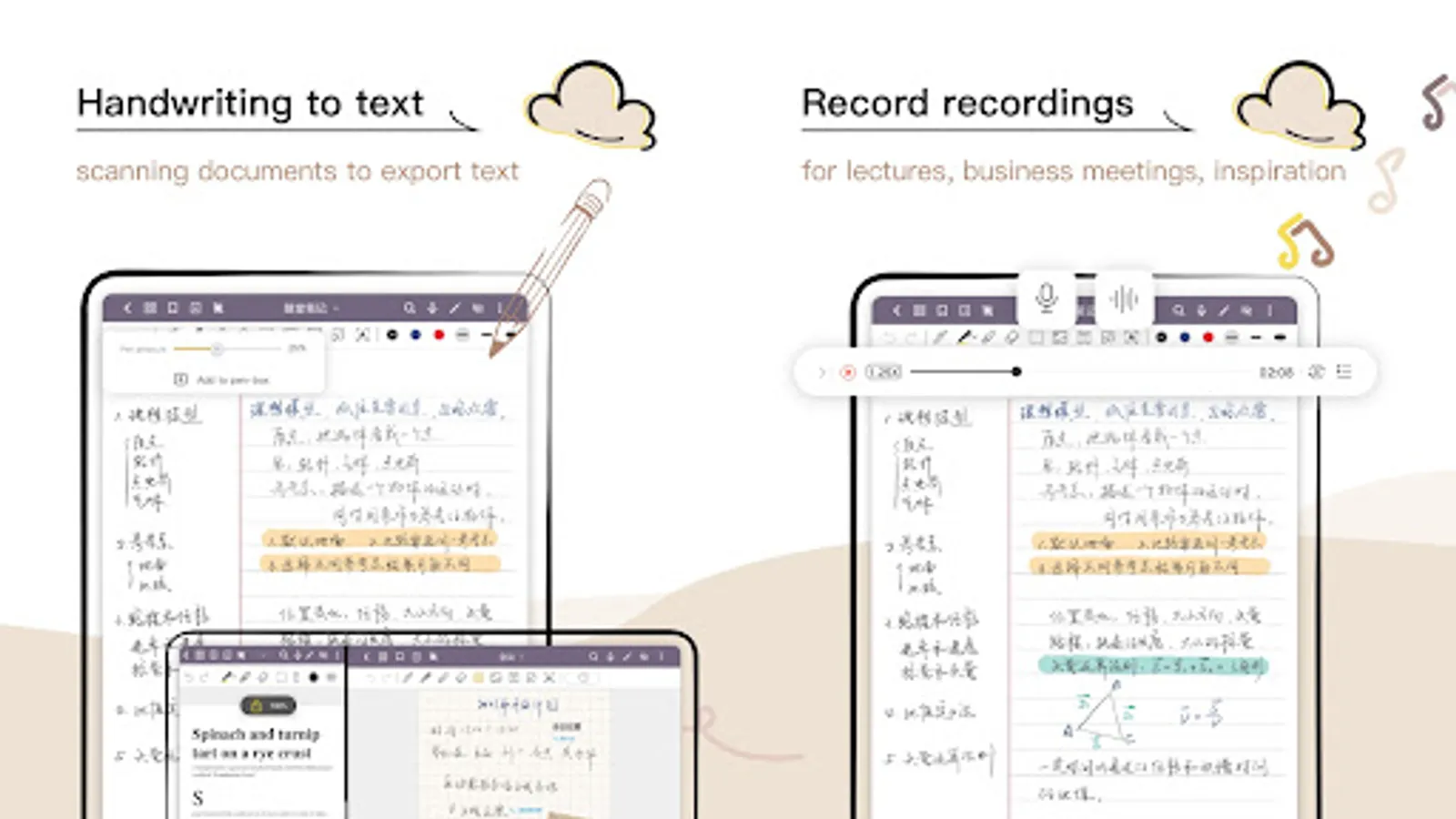
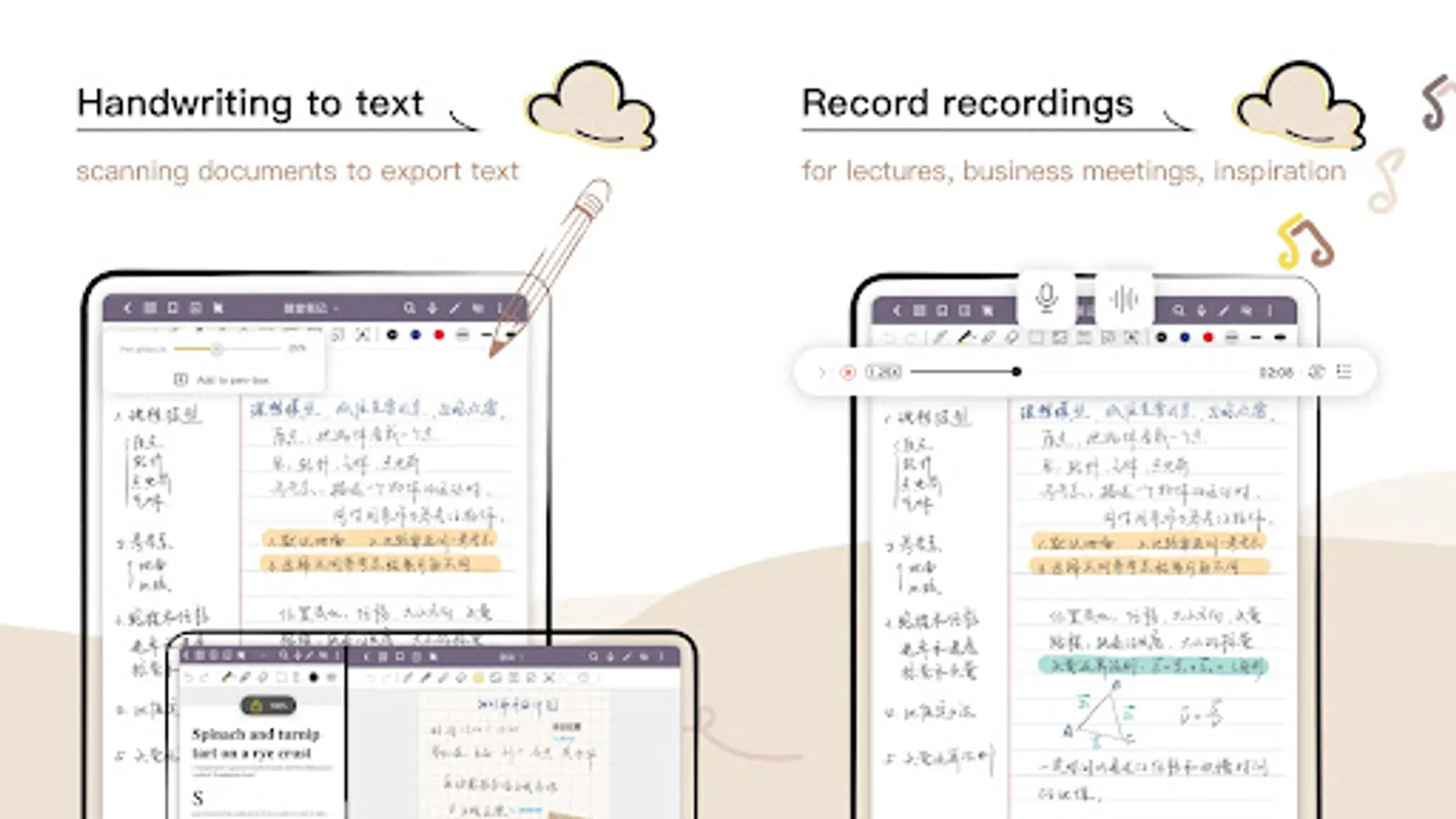
• Handwriting Recognition (OCR): Search, edit, and export handwritten content effortlessly.
🤖 AI-Powered Notes & Summary
• AI Summary: Quickly generate accurate summaries of your notes.
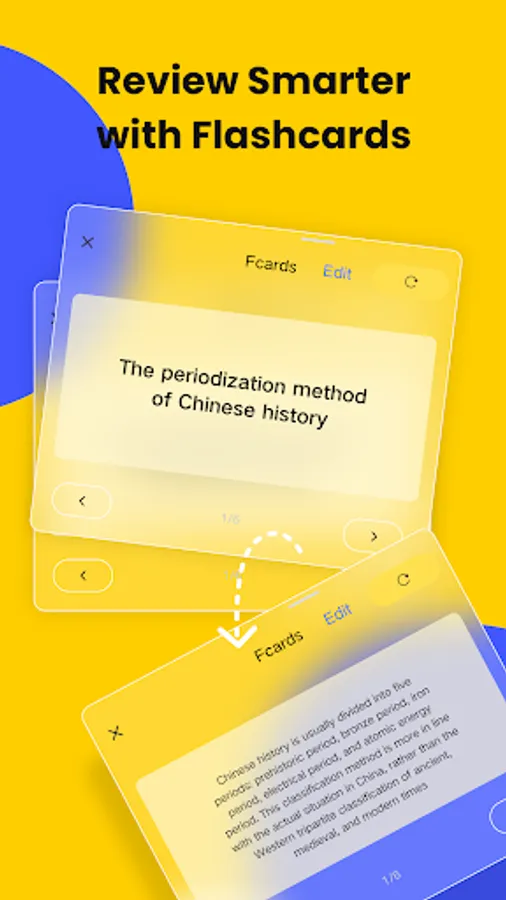
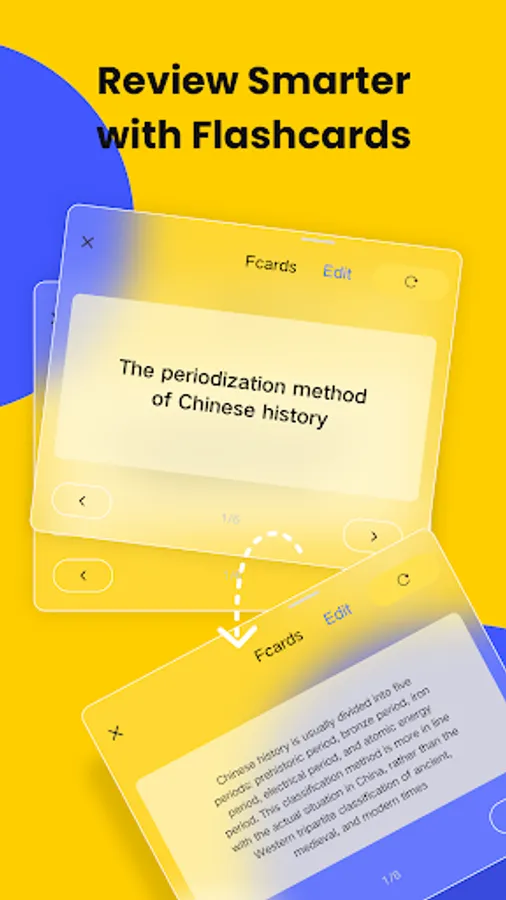
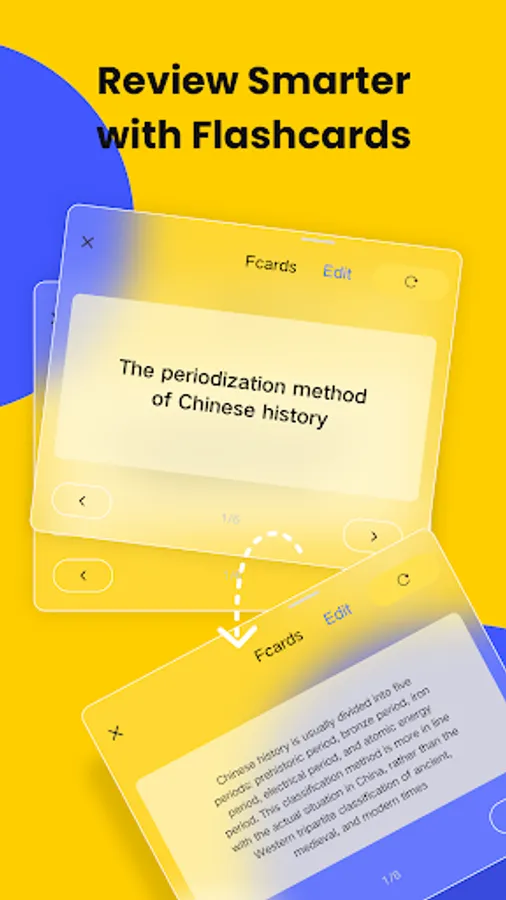
• AI Flashcards: Turn notes into interactive quizzes with AI highlighting key terms.
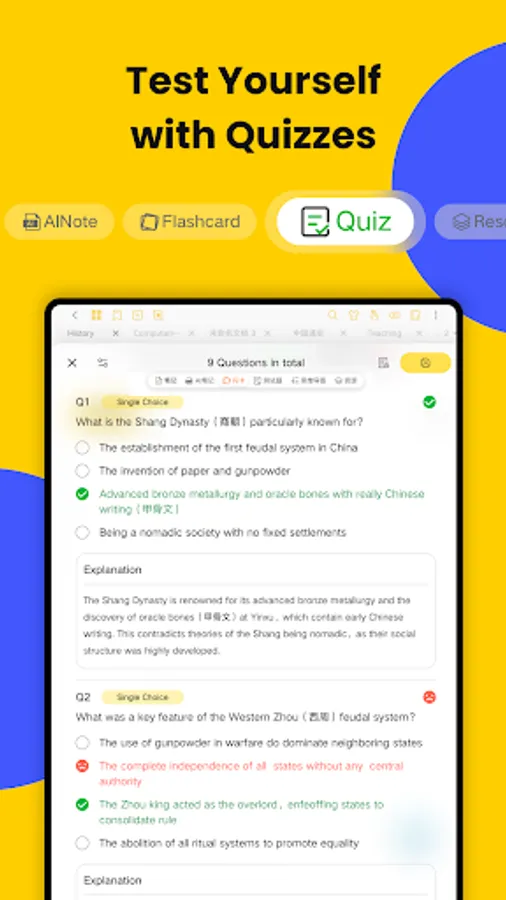
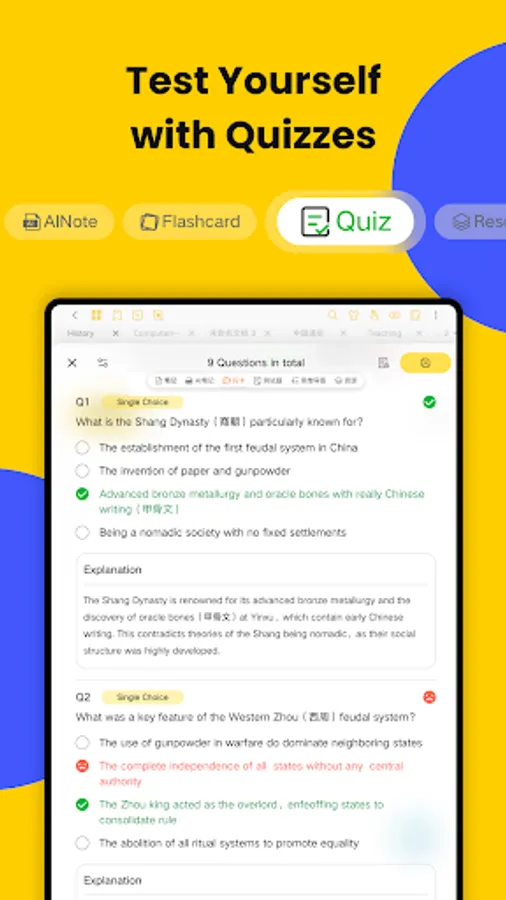
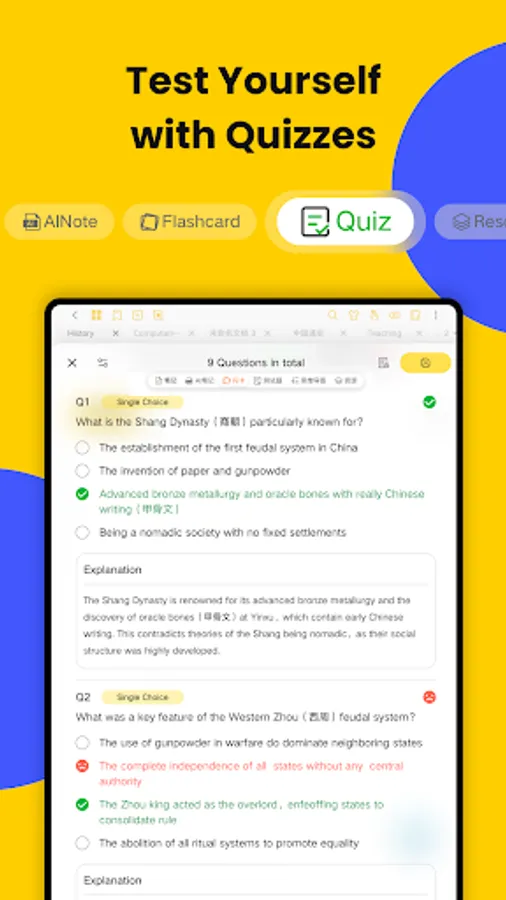
• AI Quizzes & Tests: Generate comprehensive quizzes (incl. single-select, multiple-choice, true/false, open-ended questions, case studies) for quick knowledge verification and gap identification.
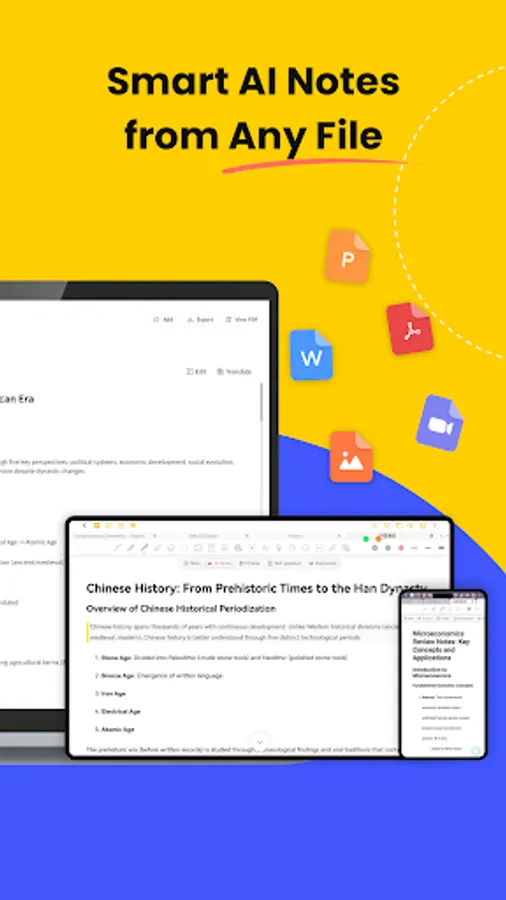
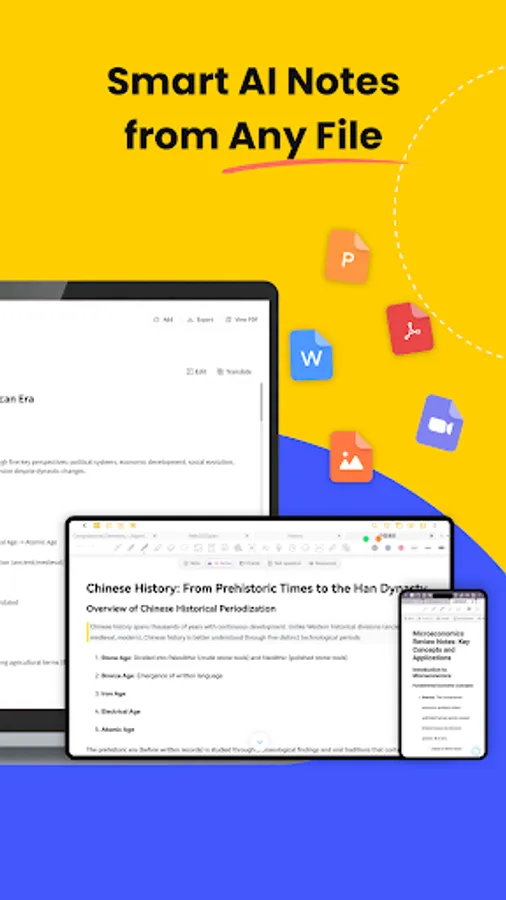
• Multimodal AI Notes: Generate intelligent notes from documents (PDF, DOCX, PPTX, MD), media files (MP3, MP4, MOV), and images.
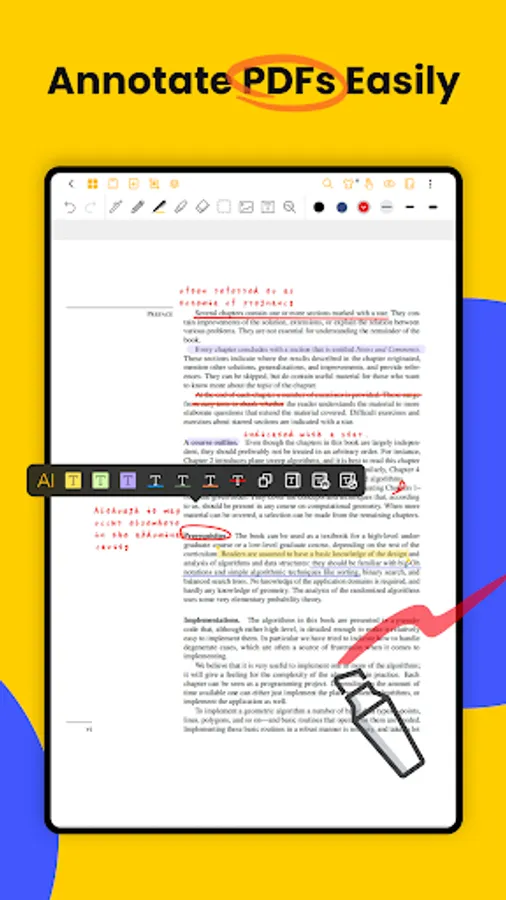
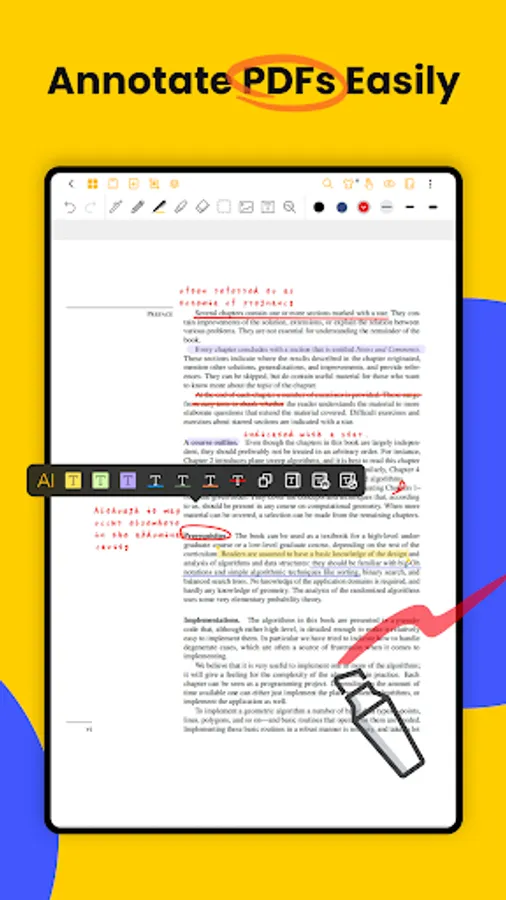
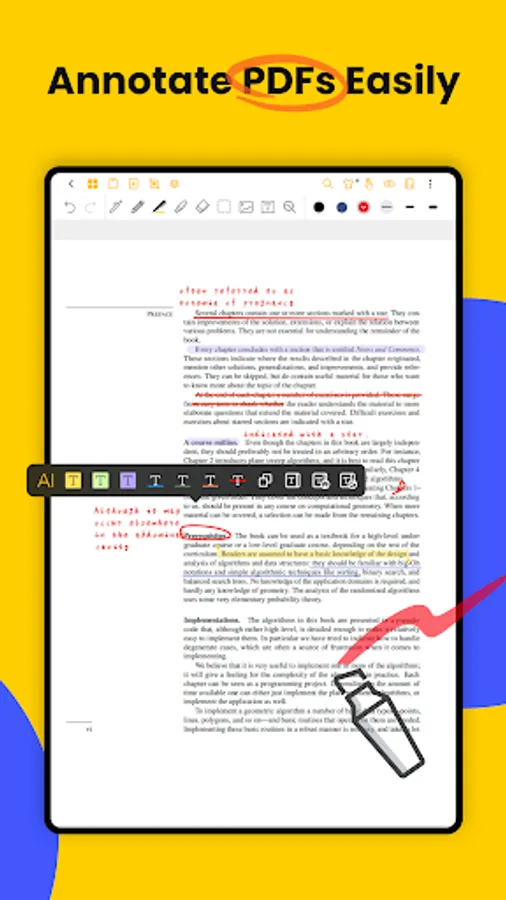
📄 PDF Annotation & Editing
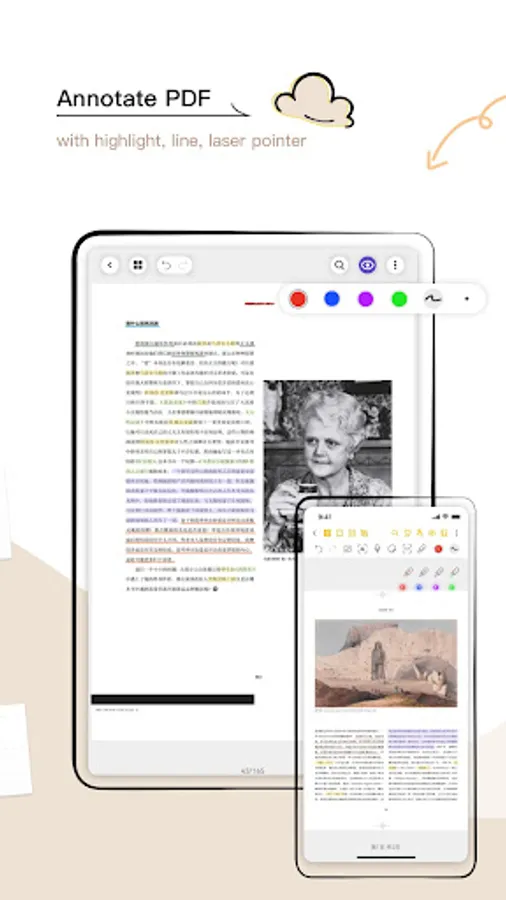
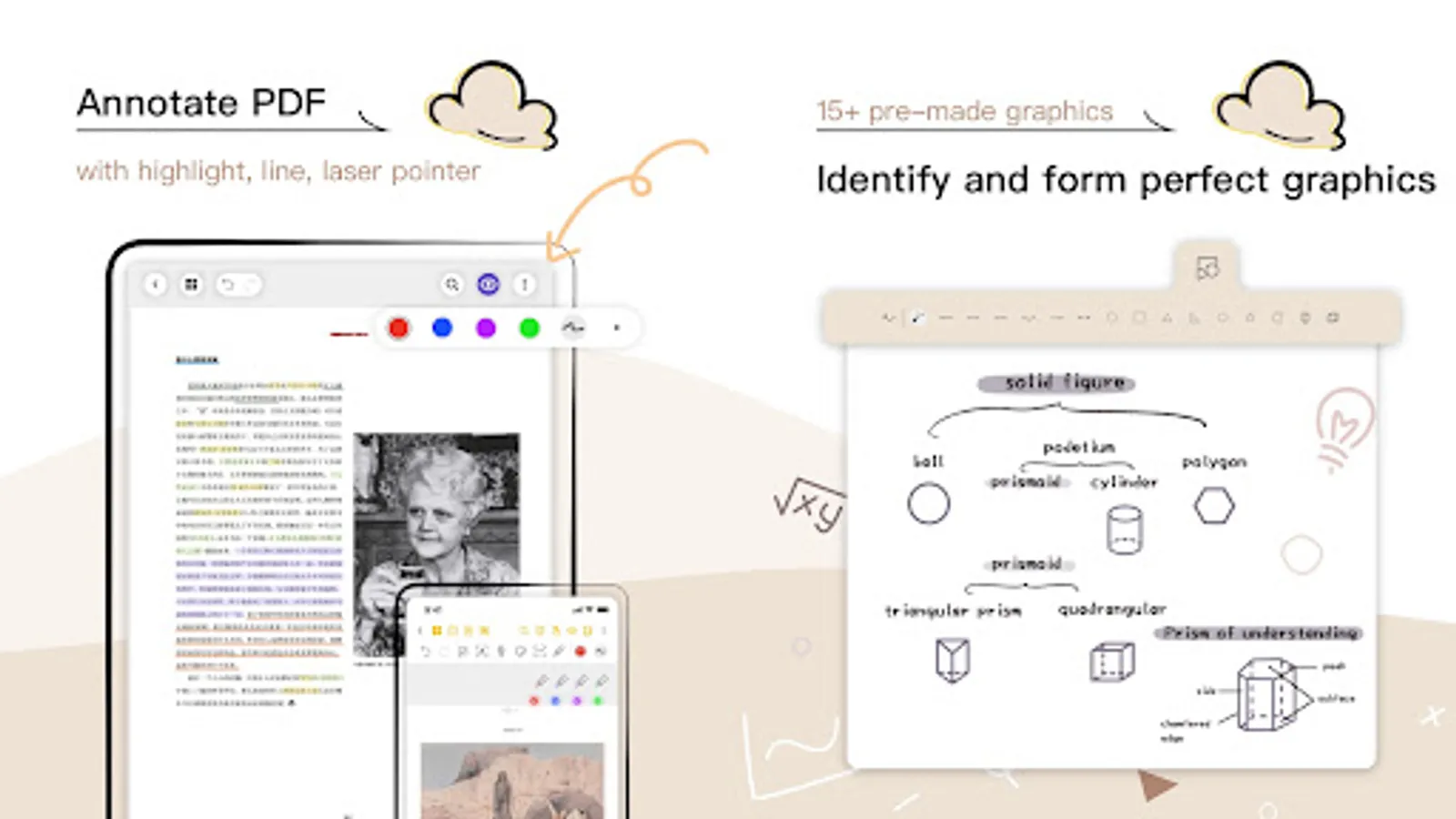
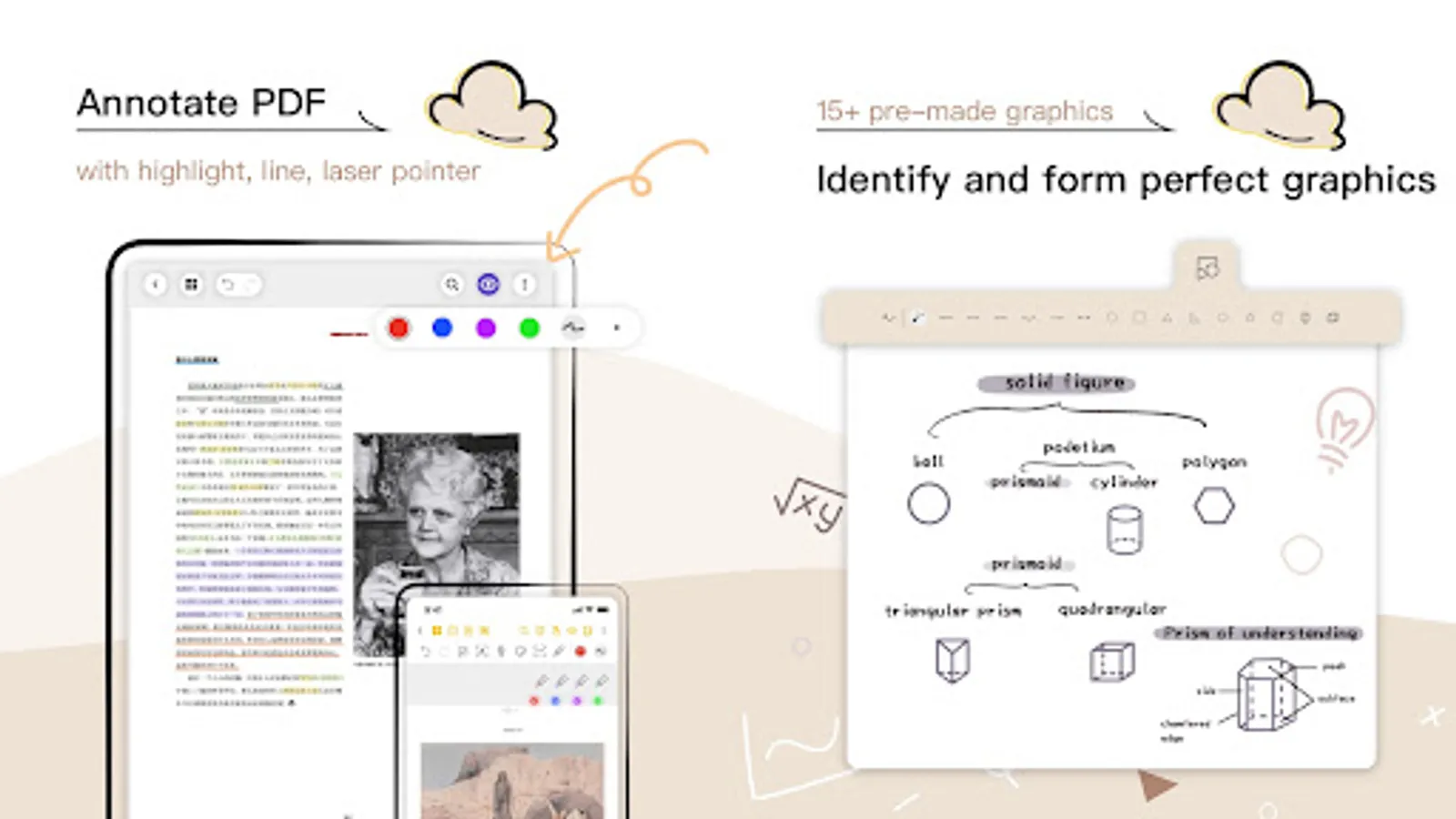
• Import PDFs and annotate with a full toolkit.
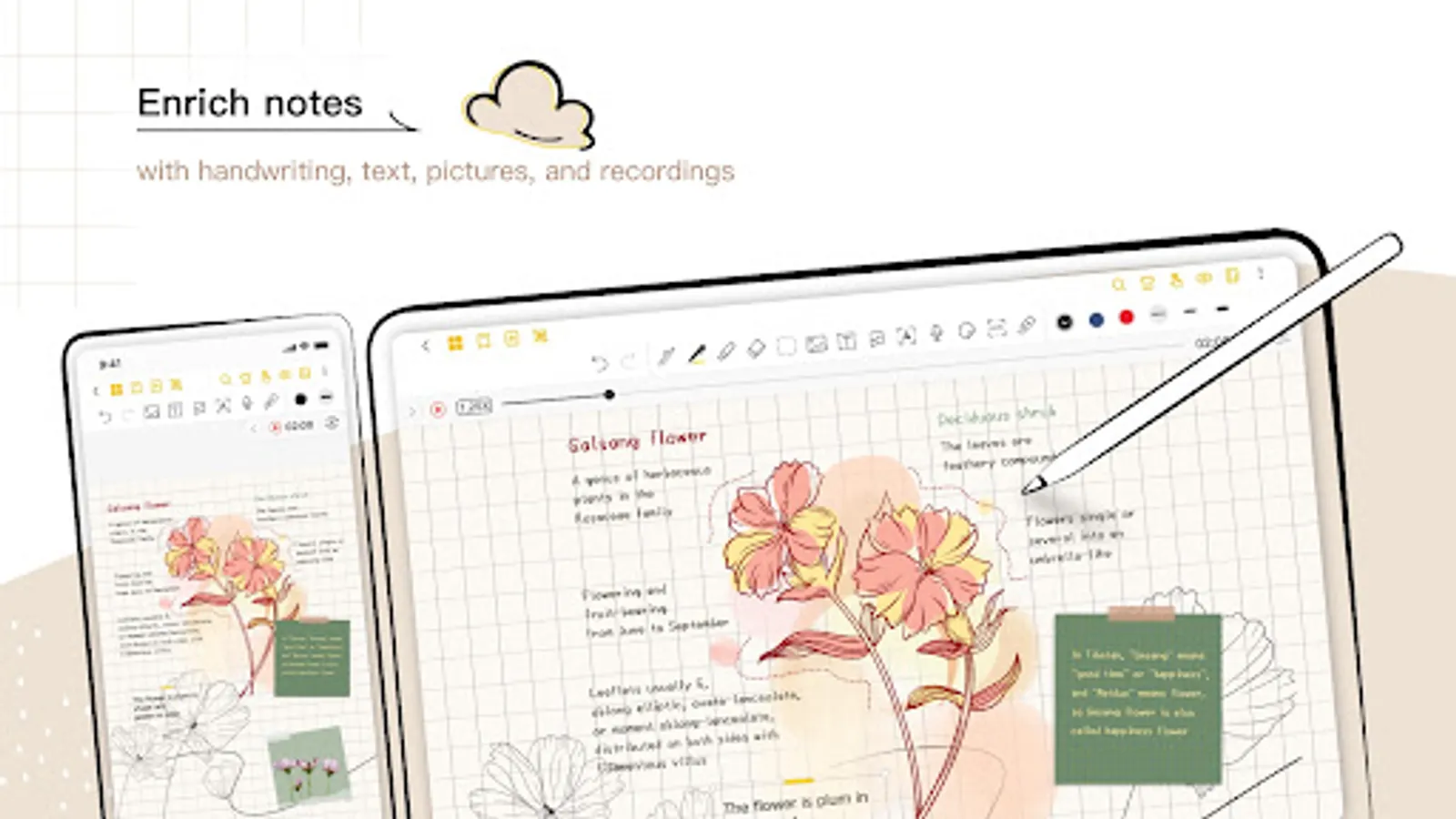
• Add handwritten notes, comments, and highlights directly on PDFs.
• Multi-Window Support: Use multi-window reading and annotating.
• Convert, translate, copy-paste, and export PDFs easily.
🎨 Extensive Customization Options
• Switch between Dark Mode and Eye-Comfort Mode.
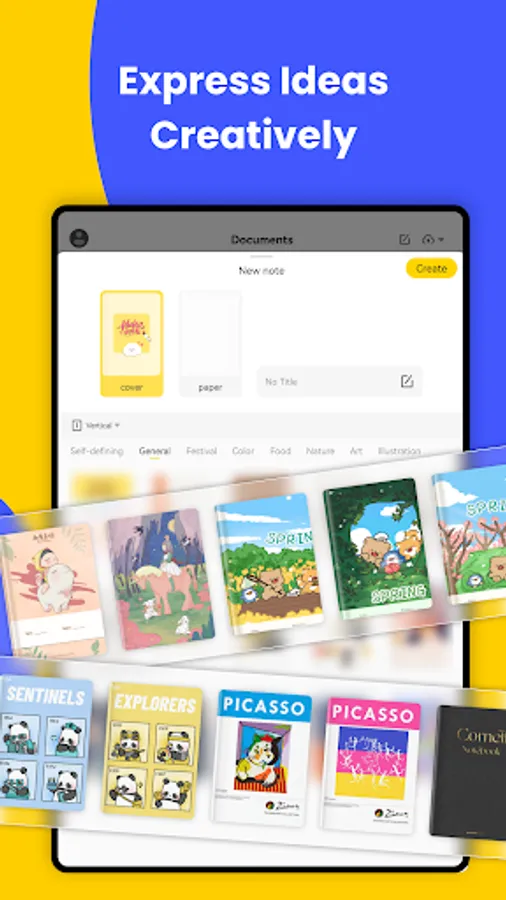
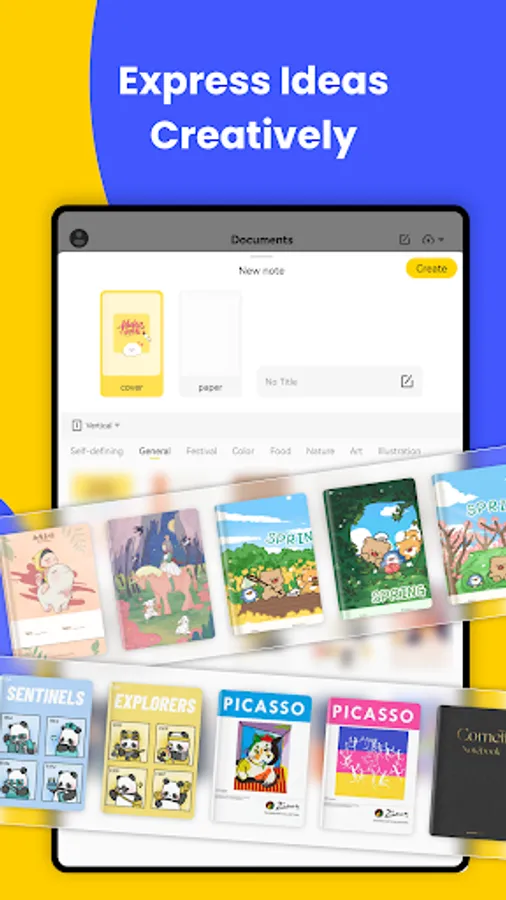
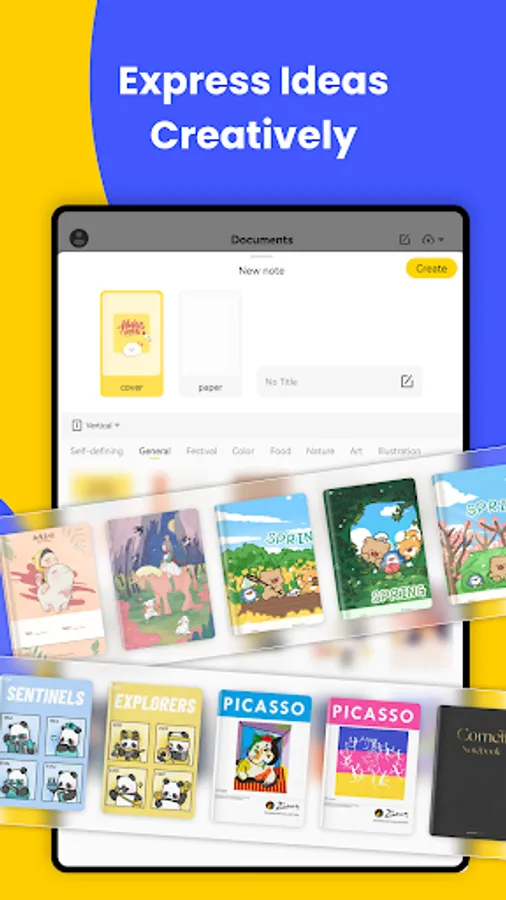
• Choose from various interface themes and styles for notebook personalization.
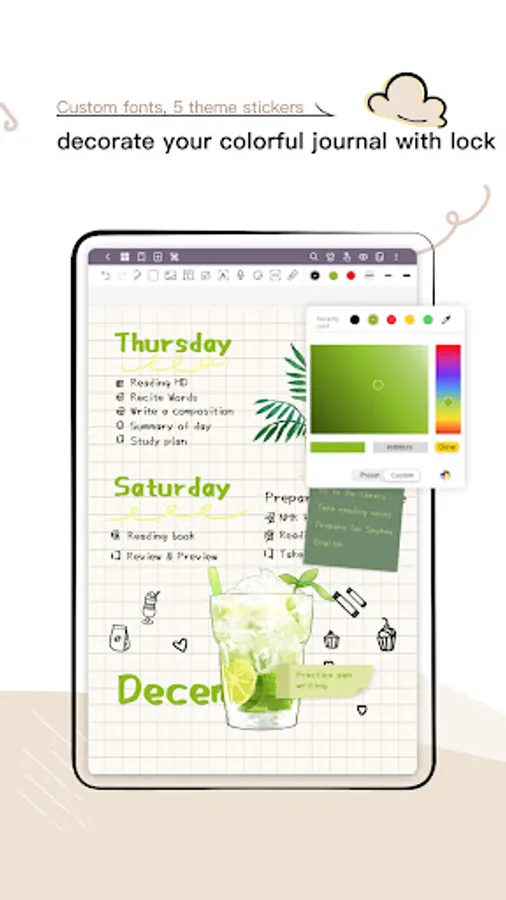
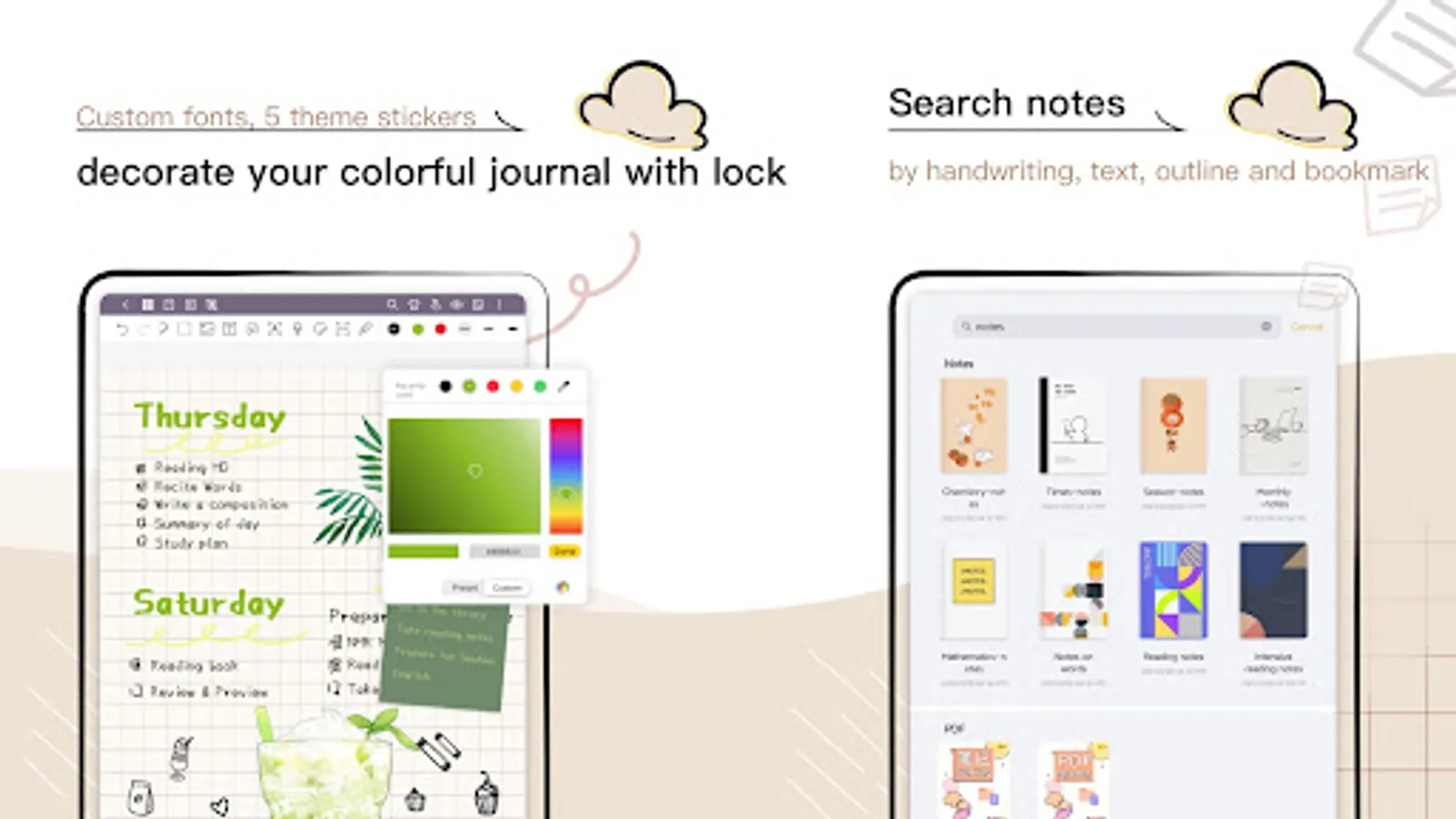
• Import custom fonts for unique, aesthetic notes.
📚 Rich Note Formats
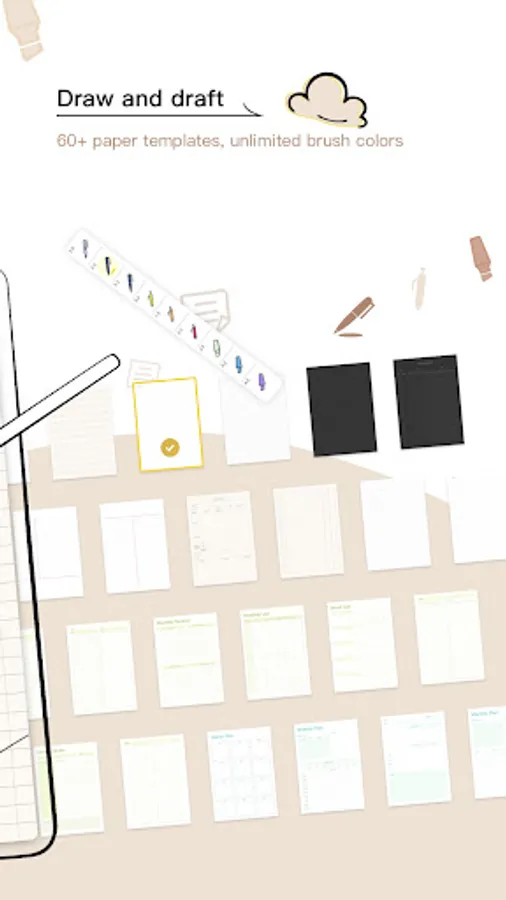
• Vast Library: Tons of templates, covers, and stickers to make your notes pop.
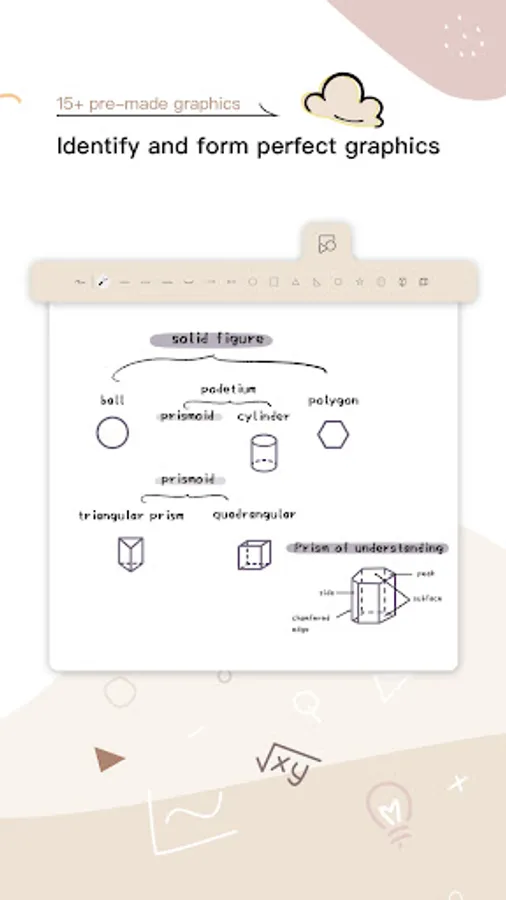
• Powerful editing tools: stroke modification, auto-shape drawing, image insertion.
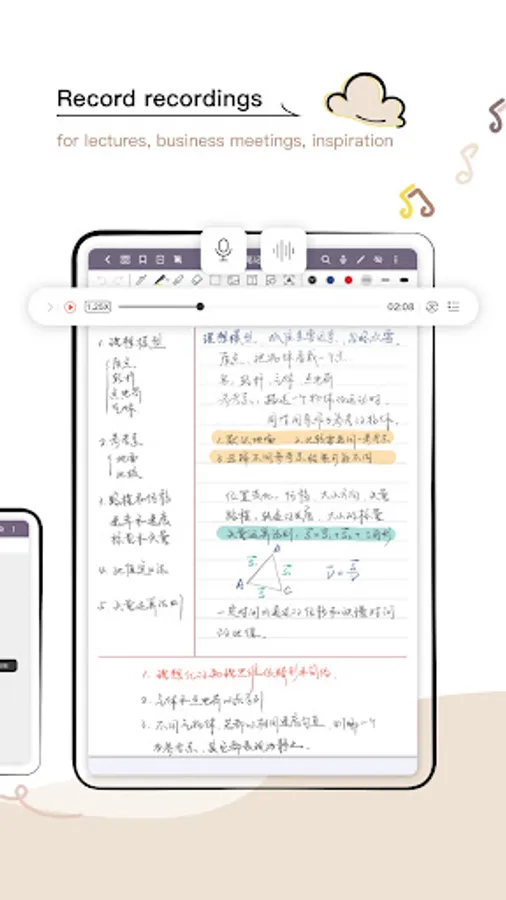
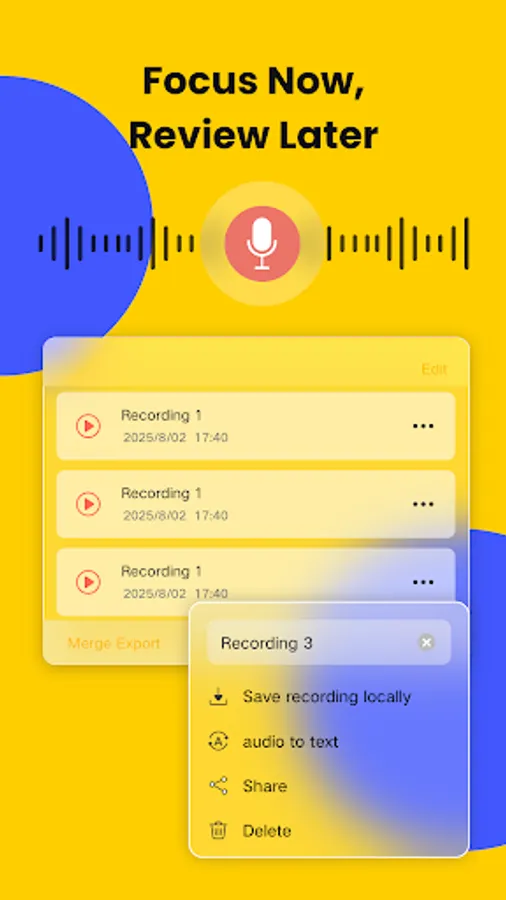
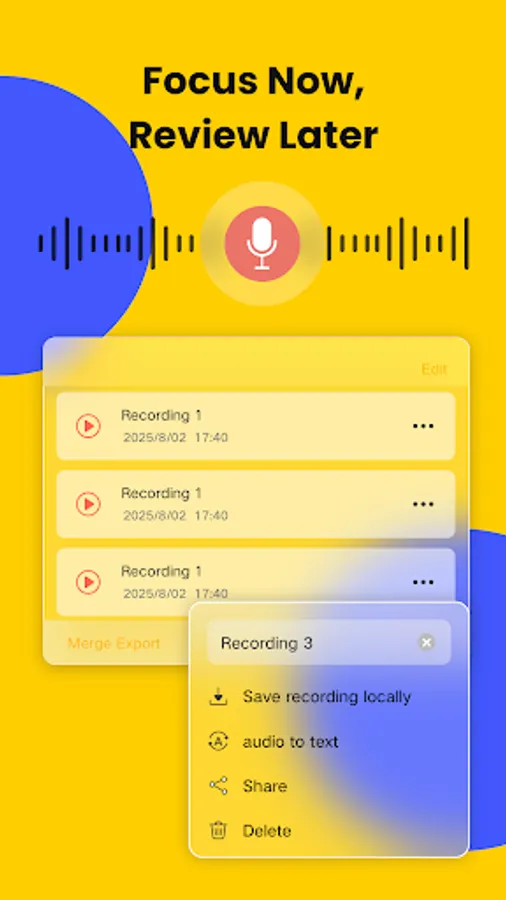
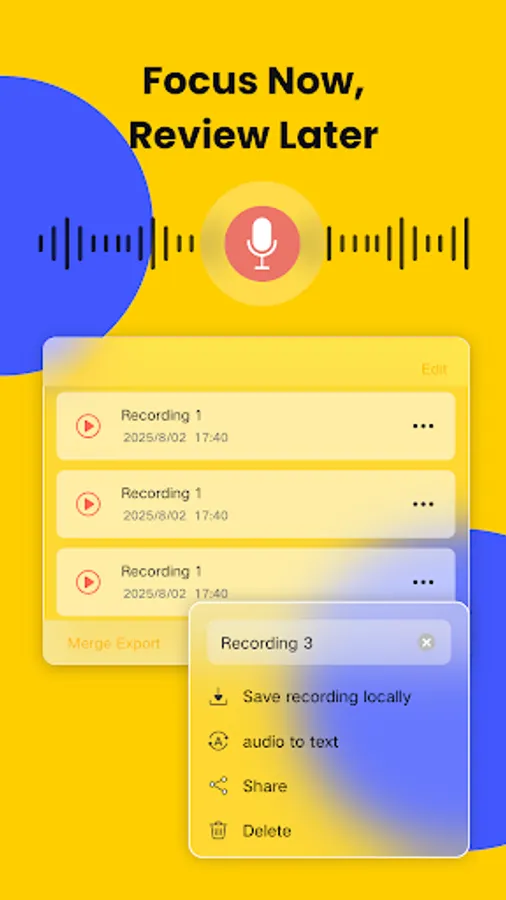
• Sync audio recordings with drawings and text for multimedia notes.
🗂️ Efficient Note Management
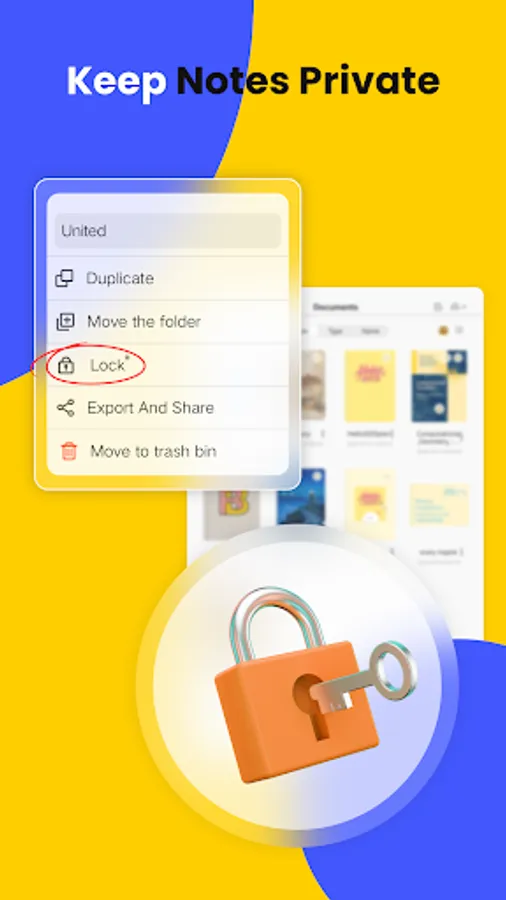
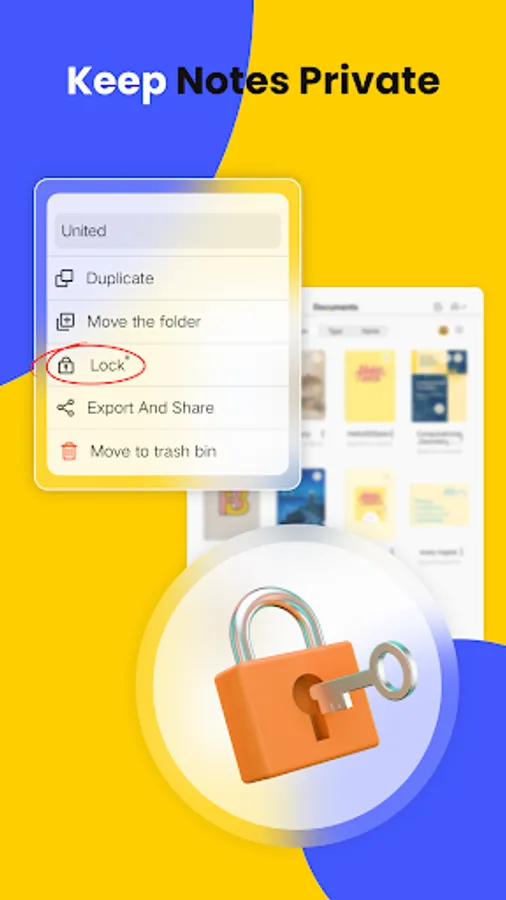
• Organize notes in multi-level folders.
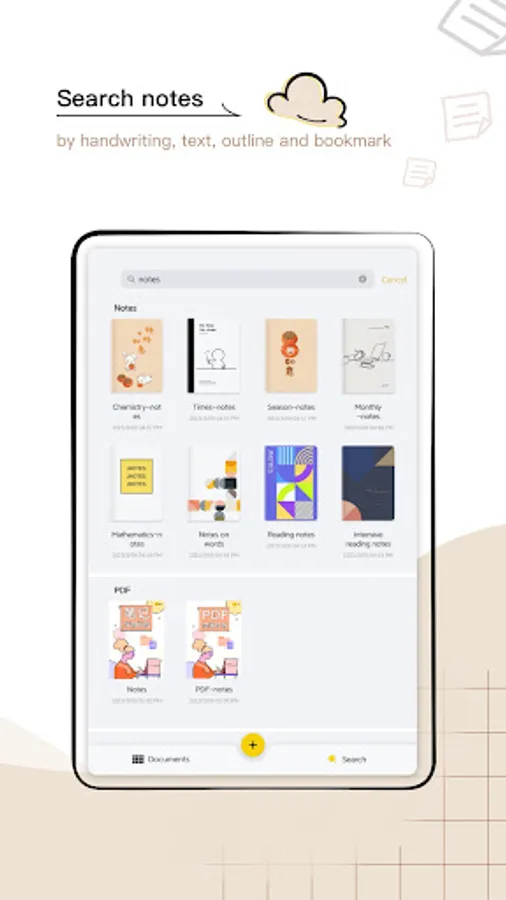
• Quick search for typed or recognized handwritten content.
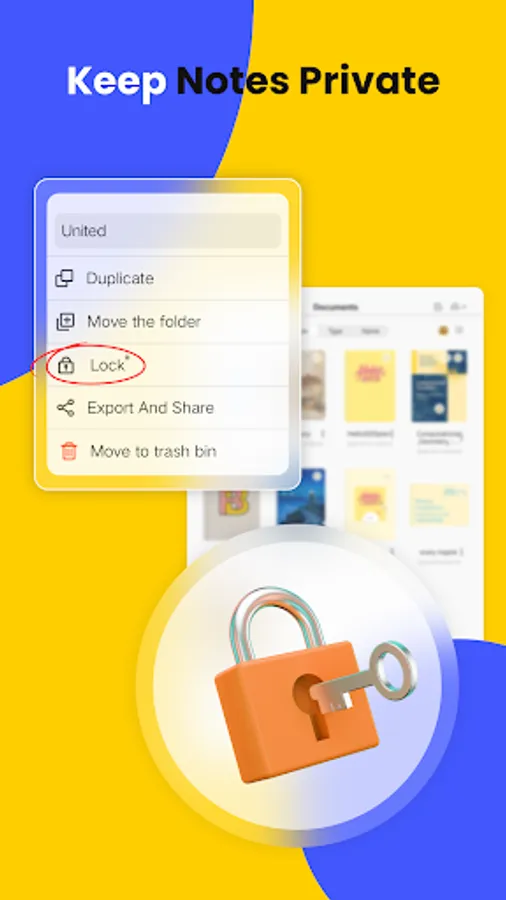
• Backup your notes locally for extra security.
Core Uses of Jnotes
🎓 For Students
• Use Cornell Notes templates for structured study notes, college work, and test prep.
• Turn long notes into easy-to-review summaries with AI Summary.
• Automatically create interactive flashcards using AI.
• Annotate, highlight, and write directly on PDFs with ease.
💼 For Professionals
• Grab templates for meeting notes, business reports, and project management.
• Record voice notes during meetings and sync them with handwritten or typed text.
• OCR instantly converts handwriting into searchable, editable text.
🖊️ For Journaling & Planning
• Use Jnotes as a daily planner, personal journal, or creative notebook.
• Enjoy realistic, lag-free handwriting with stylus input.
• Plan everything—from meals to workouts—or sketch your next big idea.
📌 How to Get Help / Stay Connected
📥 Email: Jnotes_offer@jideos.com (Include your Jnotes version, tablet model, screenshot/video, and issue description)
💬 Social Media:
- Instagram: @jnotesapp
- X: @Jnotes_official
- YouTube: @jnotes5711
🚀 Download Jnotes now and transform your Android tablet into the most powerful digital notebook today!
⭐ Loving Jnotes? We'd be thrilled if you left us a 5-star review on the Play Store! Your feedback helps us keep improving!
✨ Why Jnotes? The best Goodnotes alternative for Android users!
Looking for the ultimate note-taking app for your Android tablet? 📝 Jnotes offers smooth stylus writing, AI-powered notes, PDF annotation and editing tools, handwriting recognition (OCR), and rich note formats. Start creating smart, organized, and beautiful digital notes today!
✏️ Smooth Digital Handwriting
• Customizable pen colors and thickness.
• Advanced digital ink technology ensures lag-free handwriting with stylus support.
• Draw mind maps, write naturally, and enjoy refined stylus compatibility.
• Handwriting Recognition (OCR): Search, edit, and export handwritten content effortlessly.
🤖 AI-Powered Notes & Summary
• AI Summary: Quickly generate accurate summaries of your notes.
• AI Flashcards: Turn notes into interactive quizzes with AI highlighting key terms.
• AI Quizzes & Tests: Generate comprehensive quizzes (incl. single-select, multiple-choice, true/false, open-ended questions, case studies) for quick knowledge verification and gap identification.
• Multimodal AI Notes: Generate intelligent notes from documents (PDF, DOCX, PPTX, MD), media files (MP3, MP4, MOV), and images.
📄 PDF Annotation & Editing
• Import PDFs and annotate with a full toolkit.
• Add handwritten notes, comments, and highlights directly on PDFs.
• Multi-Window Support: Use multi-window reading and annotating.
• Convert, translate, copy-paste, and export PDFs easily.
🎨 Extensive Customization Options
• Switch between Dark Mode and Eye-Comfort Mode.
• Choose from various interface themes and styles for notebook personalization.
• Import custom fonts for unique, aesthetic notes.
📚 Rich Note Formats
• Vast Library: Tons of templates, covers, and stickers to make your notes pop.
• Powerful editing tools: stroke modification, auto-shape drawing, image insertion.
• Sync audio recordings with drawings and text for multimedia notes.
🗂️ Efficient Note Management
• Organize notes in multi-level folders.
• Quick search for typed or recognized handwritten content.
• Backup your notes locally for extra security.
Core Uses of Jnotes
🎓 For Students
• Use Cornell Notes templates for structured study notes, college work, and test prep.
• Turn long notes into easy-to-review summaries with AI Summary.
• Automatically create interactive flashcards using AI.
• Annotate, highlight, and write directly on PDFs with ease.
💼 For Professionals
• Grab templates for meeting notes, business reports, and project management.
• Record voice notes during meetings and sync them with handwritten or typed text.
• OCR instantly converts handwriting into searchable, editable text.
🖊️ For Journaling & Planning
• Use Jnotes as a daily planner, personal journal, or creative notebook.
• Enjoy realistic, lag-free handwriting with stylus input.
• Plan everything—from meals to workouts—or sketch your next big idea.
📌 How to Get Help / Stay Connected
📥 Email: Jnotes_offer@jideos.com (Include your Jnotes version, tablet model, screenshot/video, and issue description)
💬 Social Media:
- Instagram: @jnotesapp
- X: @Jnotes_official
- YouTube: @jnotes5711
🚀 Download Jnotes now and transform your Android tablet into the most powerful digital notebook today!
⭐ Loving Jnotes? We'd be thrilled if you left us a 5-star review on the Play Store! Your feedback helps us keep improving!
Jnotes: Note-Taking, AI, PDF Screenshots

Tap to Rate:
Reviews for Jnotes: Note-Taking, AI, PDF
rawan ashraf
12/30/2025
a really good app,love it
Seso
12/30/2025
Please implement the function to export a directory or multiple pdf all at once, would be a big update. clicking hundreds of times is pointless