
In this travel app, you can book flights, check-in, and access boarding passes with biometric scanning. Includes flight management, personalized notifications, and offline boarding pass viewing.
AppRecs review analysis
AppRecs rating 3.1. Trustworthiness 62 out of 100. Review manipulation risk 33 out of 100. Based on a review sample analyzed.
★★★☆☆
3.1
AppRecs Rating
Ratings breakdown
5 star
56%
4 star
8%
3 star
8%
2 star
0%
1 star
27%
What to know
✓
Good user ratings
65% positive sampled reviews
✓
Authentic reviews
Natural distribution, no red flags
⚠
Pricing complaints
Many low ratings mention paywalls or pricing
About JINAIR
■ Available Services
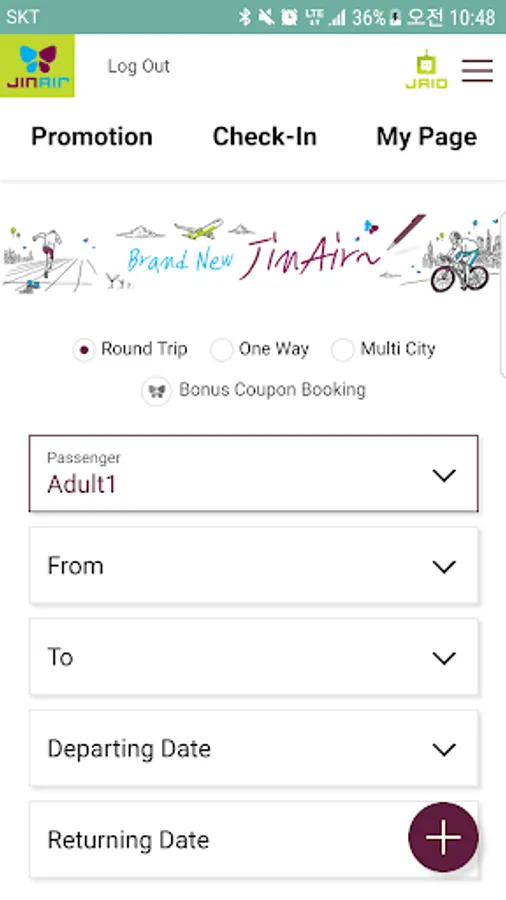
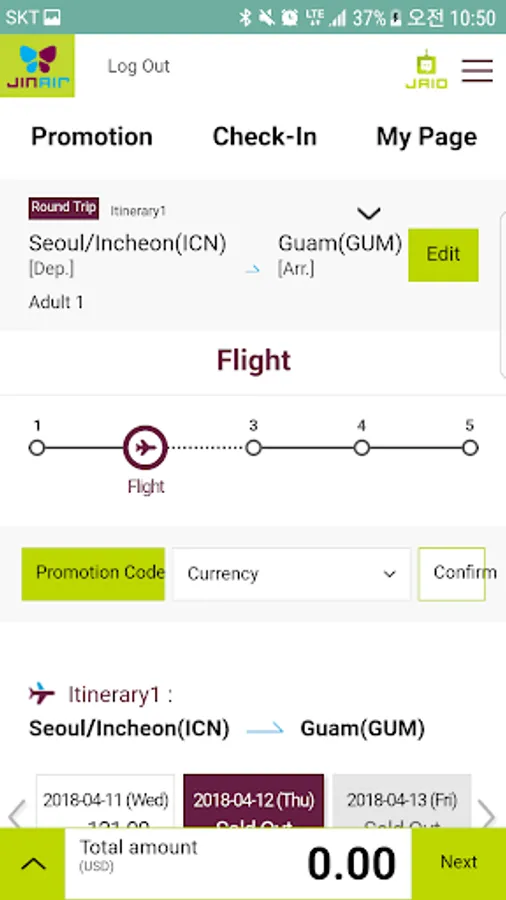
- Flight booking, check-in, and boarding pass issuance
- Lowest fare information easily visible on the calendar
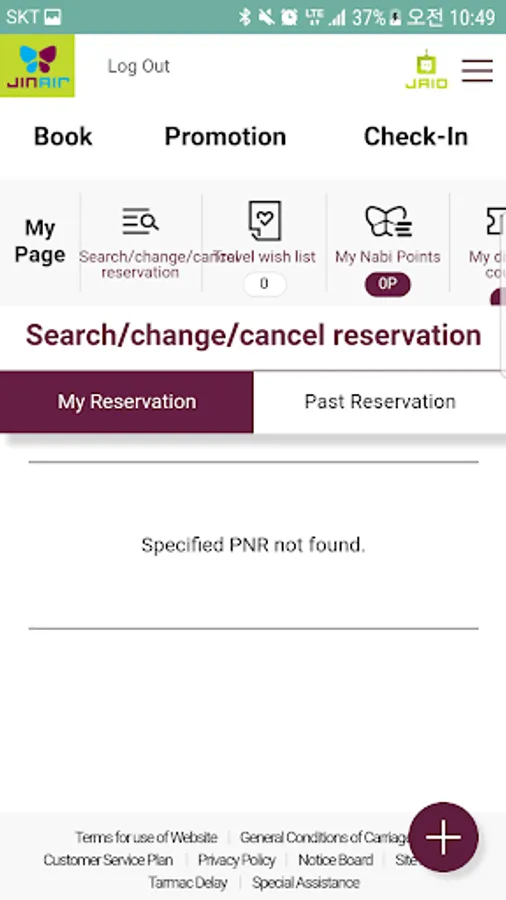
- Personalized services exclusively for mobile APP users
- Event benefits provided via APP push notifications
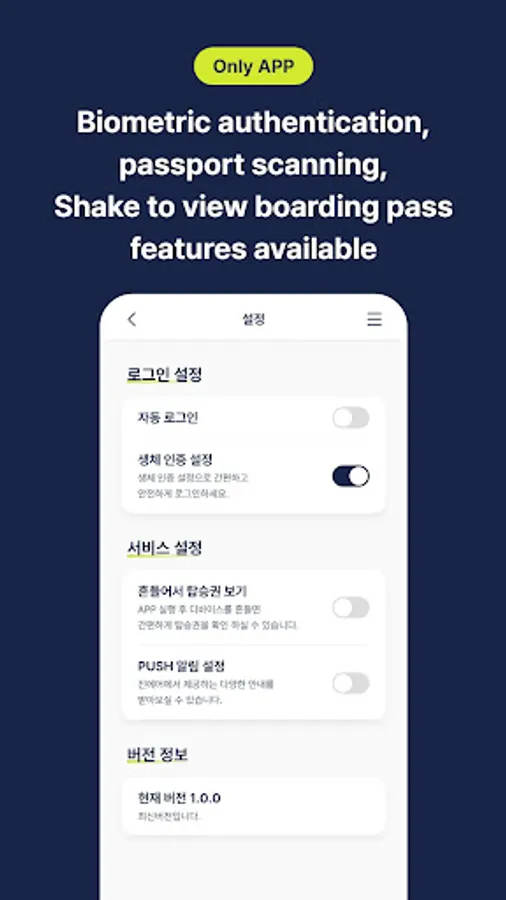
- Support for biometric passport scanning and shake-to-view boarding pass features
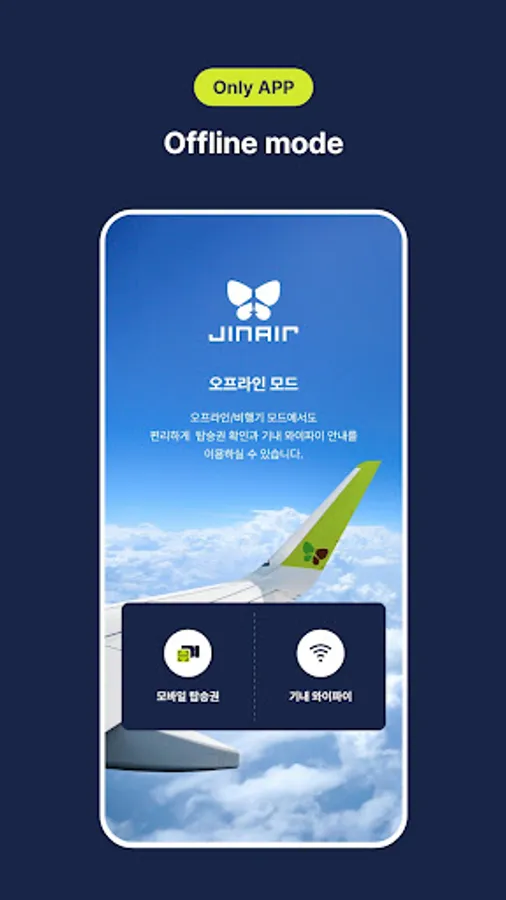
- View boarding pass and in-flight Wi-Fi information in offline mode
■ App Permission Consent Guidelines
Jin Air only accesses essential items necessary for the service based on Article 22-2 of the Information and Communication Network Act, and the details are as follows:
[Essential Access Permissions]
- Device ID and registration information: Device identification and app status check
[Optional Access Permissions]
- Storage space: Read or save files
- Camera: Passport scanning, e-Ticket, profile picture
- Photo : Save boarding pass image
- Biocertification : Login Service, ID Verification
- Location information: Location-based airport counter and reservation guidance
- Notifications: Push notifications
* "Optional access permissions" are required when using the corresponding function, and even if not allowed, other services can still be used.
* We recommend updating to the latest version for using the Jin Air APP, and the supported OS specifications are Android 10 or higher.
* Jin Air Customer Service: 1600-6200
- Flight booking, check-in, and boarding pass issuance
- Lowest fare information easily visible on the calendar
- Personalized services exclusively for mobile APP users
- Event benefits provided via APP push notifications
- Support for biometric passport scanning and shake-to-view boarding pass features
- View boarding pass and in-flight Wi-Fi information in offline mode
■ App Permission Consent Guidelines
Jin Air only accesses essential items necessary for the service based on Article 22-2 of the Information and Communication Network Act, and the details are as follows:
[Essential Access Permissions]
- Device ID and registration information: Device identification and app status check
[Optional Access Permissions]
- Storage space: Read or save files
- Camera: Passport scanning, e-Ticket, profile picture
- Photo : Save boarding pass image
- Biocertification : Login Service, ID Verification
- Location information: Location-based airport counter and reservation guidance
- Notifications: Push notifications
* "Optional access permissions" are required when using the corresponding function, and even if not allowed, other services can still be used.
* We recommend updating to the latest version for using the Jin Air APP, and the supported OS specifications are Android 10 or higher.
* Jin Air Customer Service: 1600-6200
JINAIR Screenshots

Tap to Rate:
Reviews for JINAIR
Yujin Lim
3/4/2026
fast....convenient...!!!^^
Jim
1/18/2026
trash app.