Red IconPack : LuXRed
JustNewDesigns
4.9 ★
137 ratings
5,000+
downloads
$0.99
+ in-app
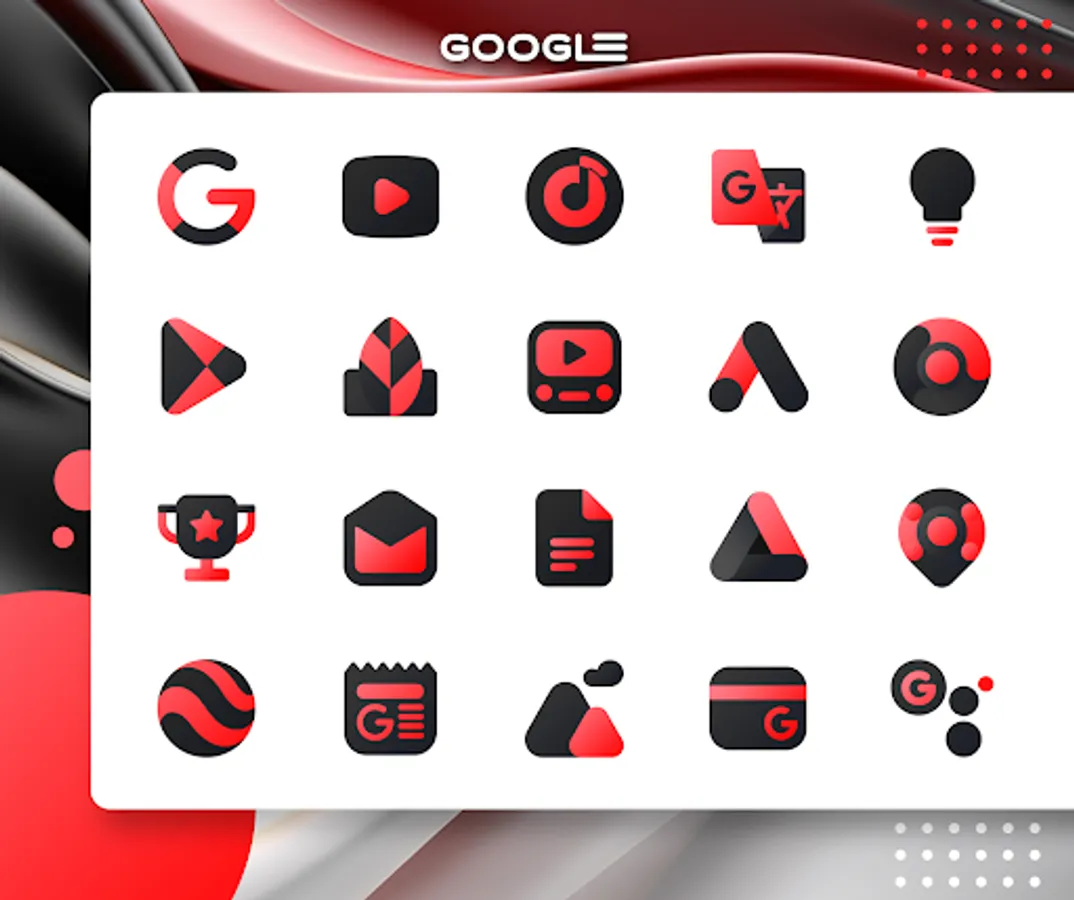
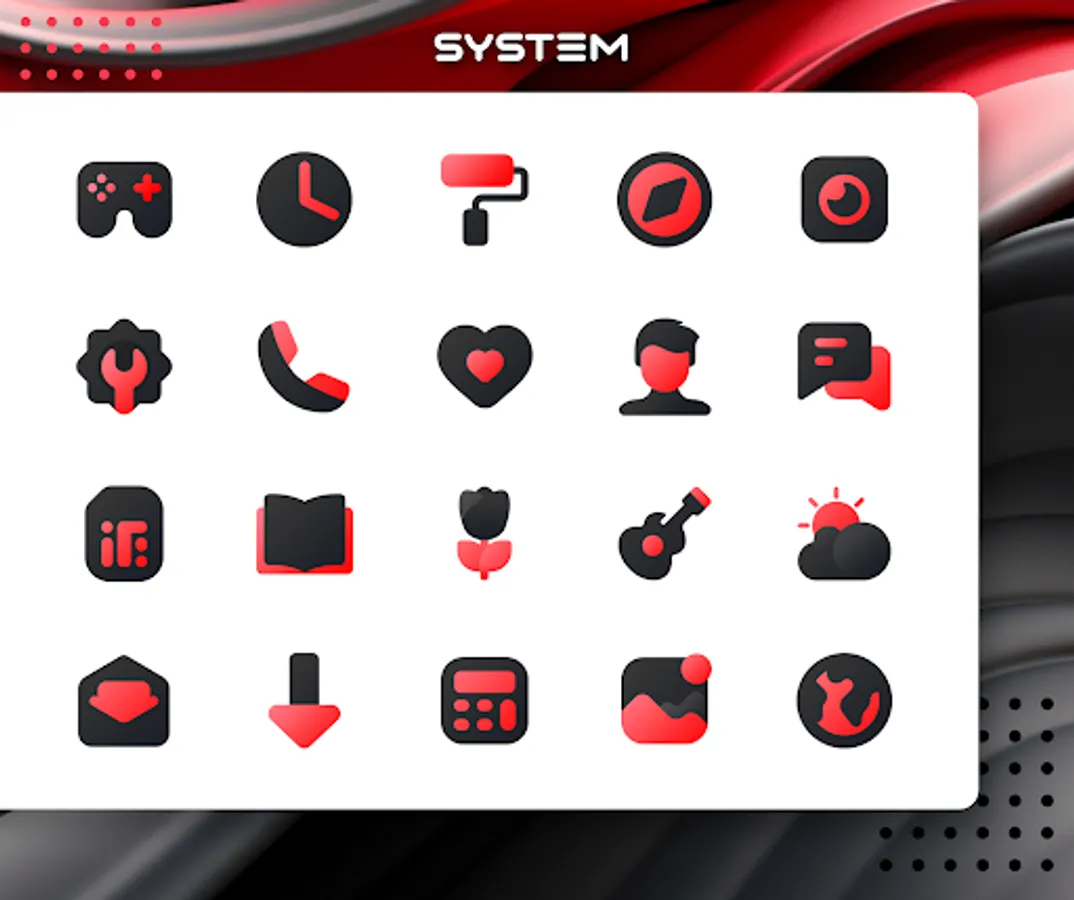
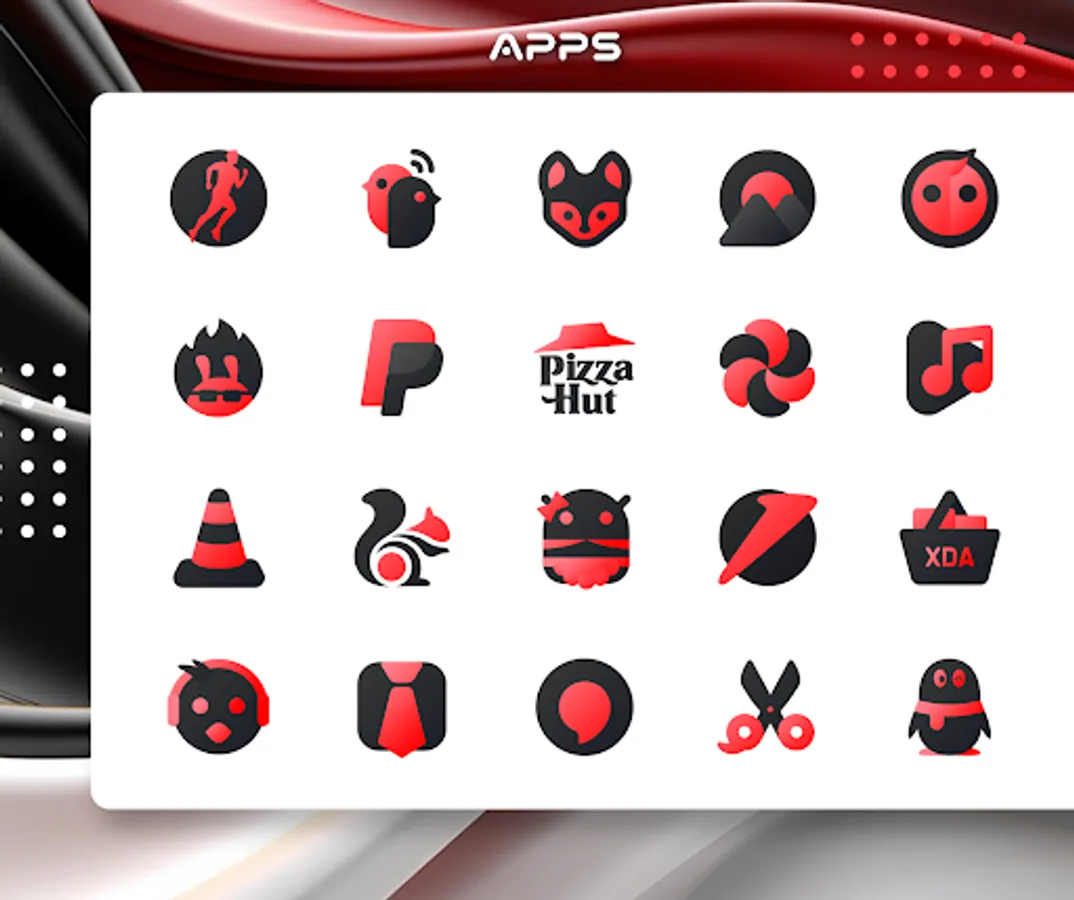
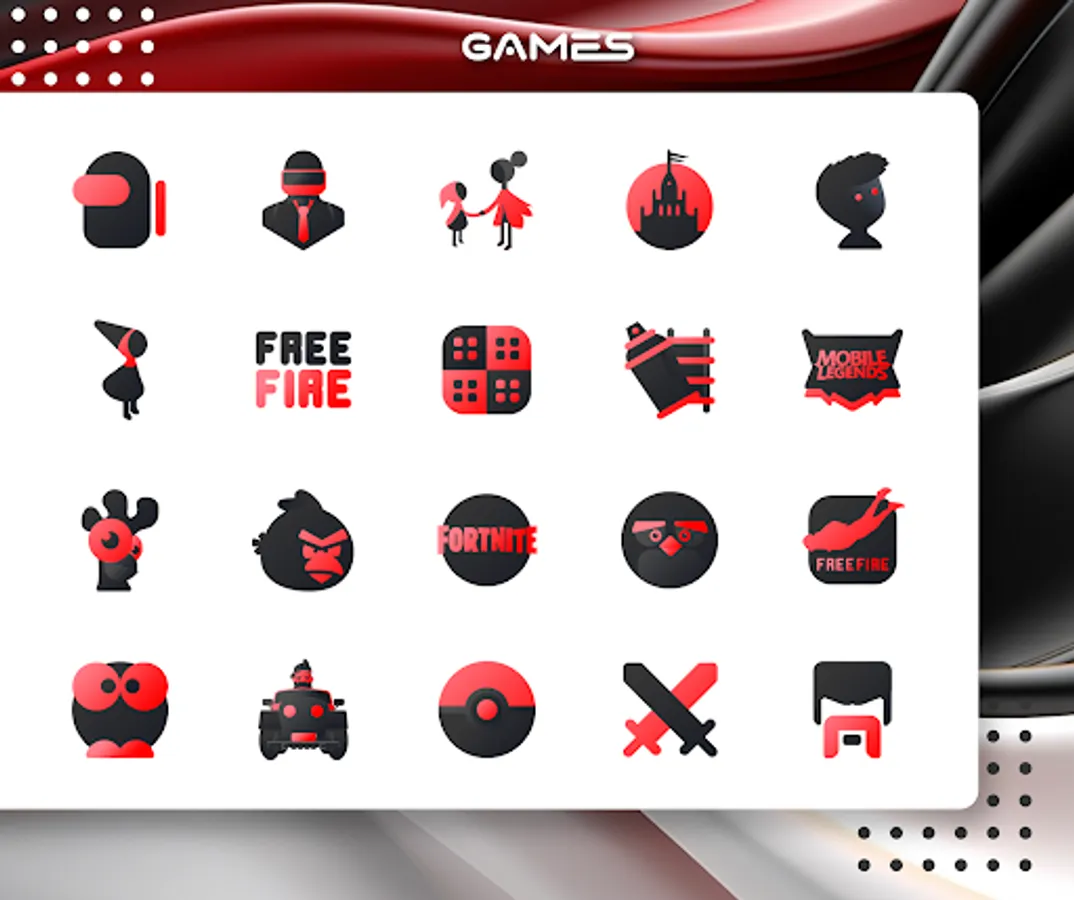
In this icon pack, you can browse through over 3200 stylized icons and customize your device’s appearance. Includes icon search, dynamic calendar, and customizable folder icons.
AppRecs review analysis
AppRecs rating 4.5. Trustworthiness 69 out of 100. Review manipulation risk 28 out of 100. Based on a review sample analyzed.
★★★★☆
4.5
AppRecs Rating
Ratings breakdown
5 star
94%
4 star
3%
3 star
0%
2 star
3%
1 star
0%
What to know
✓
Low review manipulation risk
28% review manipulation risk
✓
High user satisfaction
94% of sampled ratings are 5 stars
✓
Authentic reviews
No red flags detected
About Red IconPack : LuXRed
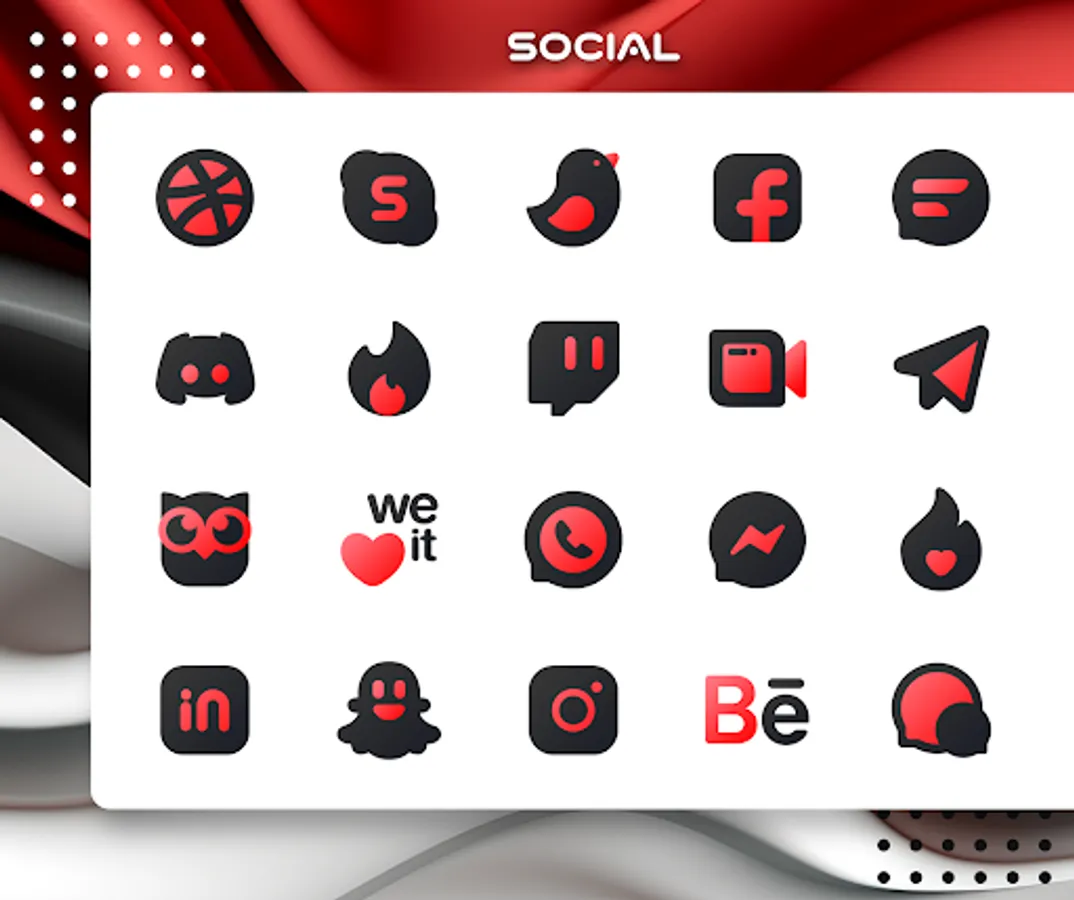
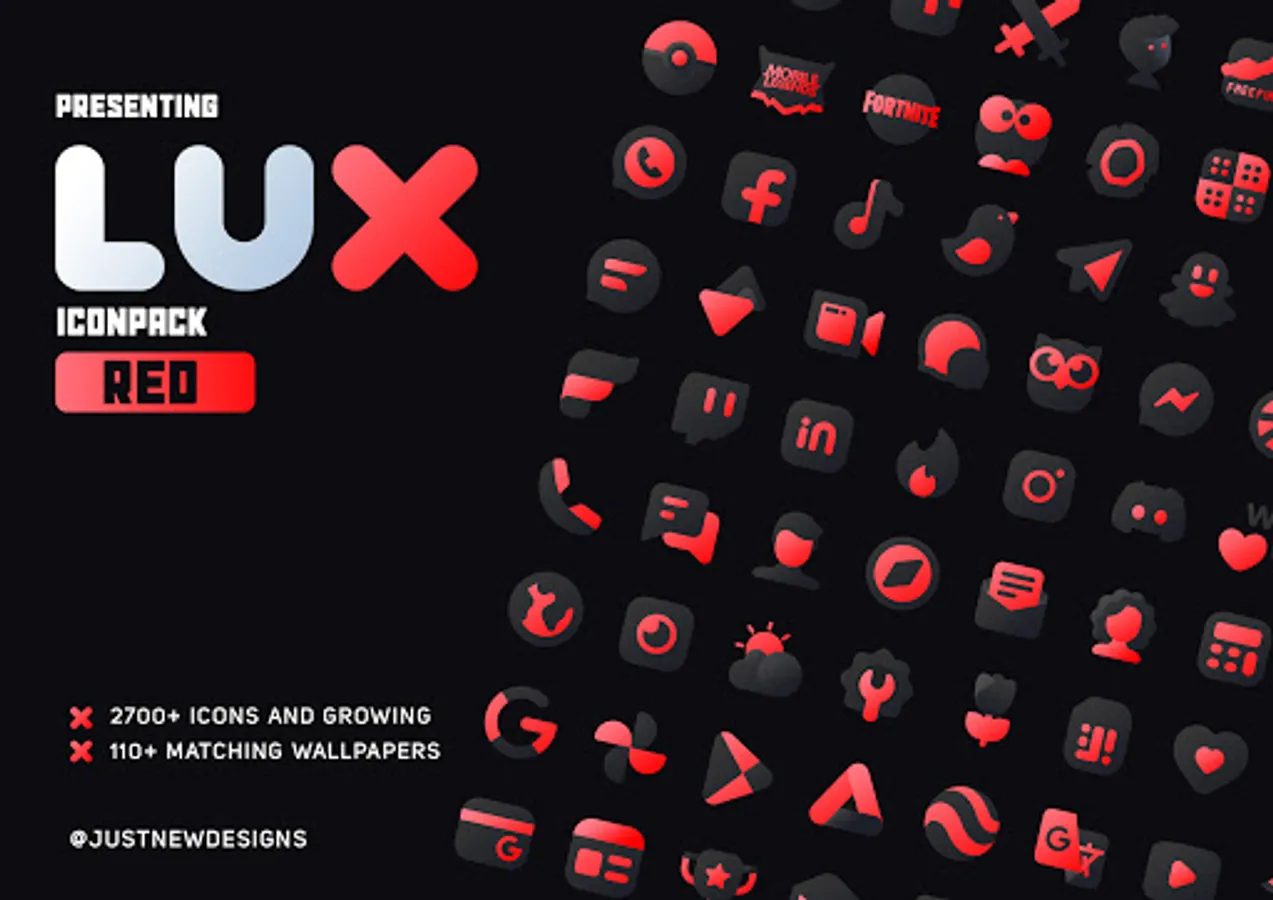
The LuX IconPack series introduces a fresh and mind-blowing addition to its collection - the Lux Red Icon Pack. These icons boast a unique line style that sets them apart from other icon packs, giving your device a distinct and visually stunning look. With over 3200+ icons and top-quality wallpapers, Lux Red Icon Pack offers a plethora of customization options for your mobile screen.
Each icon in this pack is a work of art, meticulously designed to create a pure and unique user experience. The linear icons are crafted with creativity, resulting in a perfect blend of design and functionality that enhances your mobile experience. Upgrade your device's aesthetic with the exclusive Lux Red Icon Pack and enjoy a truly exceptional visual appeal on your home screen.
And do you know?
An average user checks their device more than a 50 times in a day. Don't settle for an ordinary home screen when you can elevate your mobile experience with the Lux Red Icon Pack. With its visually stunning design, every time you check your device will be a real pleasure.
There's always something new:
Lux Red Icon pack is still new with 3200+ Icons . and I can assure you to add lot more icons in every update.
More Colors?
LuX Iconpack is available in many more colors. Check Profile for More Color Options.
Why Choose Lux Red Icon Pack over other Packs?
• 3200+ ICONS WITH TOP NOTCH QUALITY.
• Frequent Updates
• Lots of alternative icon
• Amazing Wall collection
Personal Recommended Settings and Launcher
• Use Nova Launcher
• Set Icon Normalization Off From the Nova Launcher Settings
• Set Icon Size to 100% - 120%
Other Features
• Icon preview &search.
• Dynamic Calendar
• Material Dashboard.
• Custom folder icons
• Category-based Icons
• Custom app drawer icons.
• Easy Icon Request
Still Confuse?
Undoubtedly, Lux Red Icon Pack is best in Dark style icon packs. and we do offer a 100% refund in case you didn't like it. So Nothing to worry about. Don't like it? Contact me via email.
Support
If you have any issue with using Icon pack. Just email me at maknojiyajuned@gmail.com
How to use this Icon pack?
Step 1 : Install supported theme Launcher
Step 2 : Open Lux Red Icon Pack and Go to Apply section and Select Launcher to apply.
If your launcher is not in a list make sure you apply it from your launcher settings
DISCLAIMER
• A supported launcher is required to use this icon pack!
• FAQ section inside the app which answers a lot of questions you may have. Please read it before you emailing your question.
Icon Pack Supported Launchers
Action Launcher • ADW Launcher • Apex Launcher •Atom Launcher • Aviate Launcher • CM Theme Engine • GO Launcher • Holo Launcher • Holo Launcher HD • LG Home • Lucid Launcher • M Launcher • Mini Launcher • Next Launcher • Nougat Launcher •Nova Launcher(recommended) • Smart Launcher •Solo Launcher •V Launcher • ZenUI Launcher •Zero Launcher • ABC Launcher •Evie Launcher • L Launcher • Lawnchair
Icon Pack Supported Launchers not Included in Apply Section
Arrow Launcher • ASAP Launcher •Cobo Launcher •Line Launcher •Mesh Launcher •Peek Launcher • Z Launcher • Launch by Quixey Launcher • iTop Launcher • KK Launcher • MN Launcher • New Launcher • S Launcher • Open Launcher • Flick Launcher • Poco Launcher
This icon pack has been tested, and it works with these launchers. However, it may also work with others too.In case you do not found an apply section in dashboard. You can apply icon pack from a theme setting.
Extra Notes
• Icon pack needs a launcher in order to work.
• Google Now Launcher do not support any icon packs.
• Missing an Icon? feel free to send me an icon request and I will try to update this pack with your requests.
Contact Me
Google+: https://plus.google.com/communities/110791753299244087681
Twitter : https://twitter.com/justnewdesigns
CREDITS
• Jahir Fiquitiva for providing such a great dashboard.
Red IconPack : LuXRed Screenshots
Tap to Rate:
Reviews for Red IconPack : LuXRed
Beta Trial
12/4/2024
Stunning Icons, but no favorites, or Save function, if you find an icon in this pack you want to install on its own, instead of the whole pack at once. *Google is not showing the updates for the 6 Lux packs I purchased, and when I open the apps, it tells me its not registered, though Play store shows the purchase! My only option is to Uninstall, in the store!!! Not cool Google!!!!
Kevin Grube
11/30/2024
Meh