AutoApp for Arduino
joaomgcd
4.1 ★
store rating
10,000+
downloads
Free
AppRecs review analysis
AppRecs rating 3.6. Trustworthiness 58 out of 100. Review manipulation risk 29 out of 100. Based on a review sample analyzed.
★★★☆☆
3.6
AppRecs Rating
Ratings breakdown
5 star
65%
4 star
8%
3 star
12%
2 star
8%
1 star
8%
What to know
✓
High user satisfaction
73% of sampled ratings are 4+ stars (4.1★ average)
✓
Authentic reviews
Natural distribution, no red flags
About AutoApp for Arduino
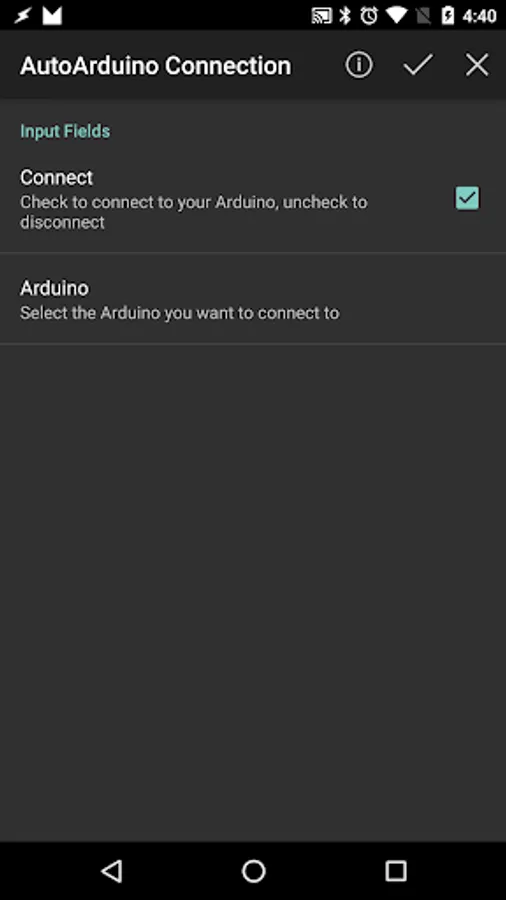
AutoArduino allows you to control your Arduino pins right from Tasker.
IMPORTANT: Install the following sketch on your Arduino to use AutoArduino: https://github.com/joaomgcd/AutoArduino-Sketch/blob/master/pins.ino
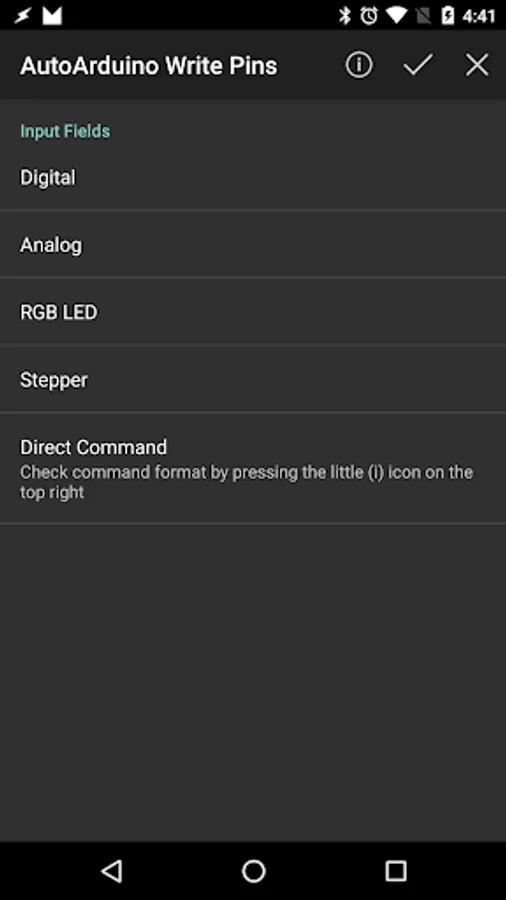
You can set any output pin's digital or analog value from a Tasker action. This allows you to do just about anything on your Arduino from your Android device with the advantage of never having to change the code in your Arduino itself!
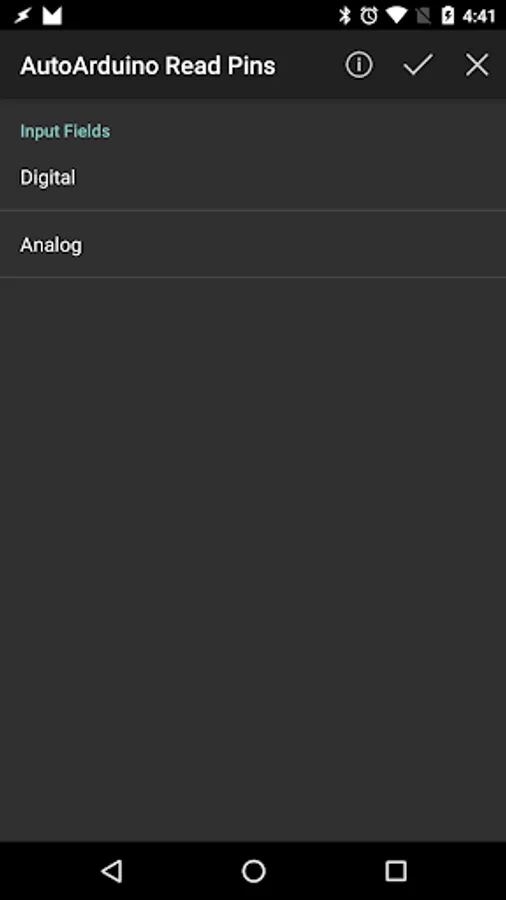
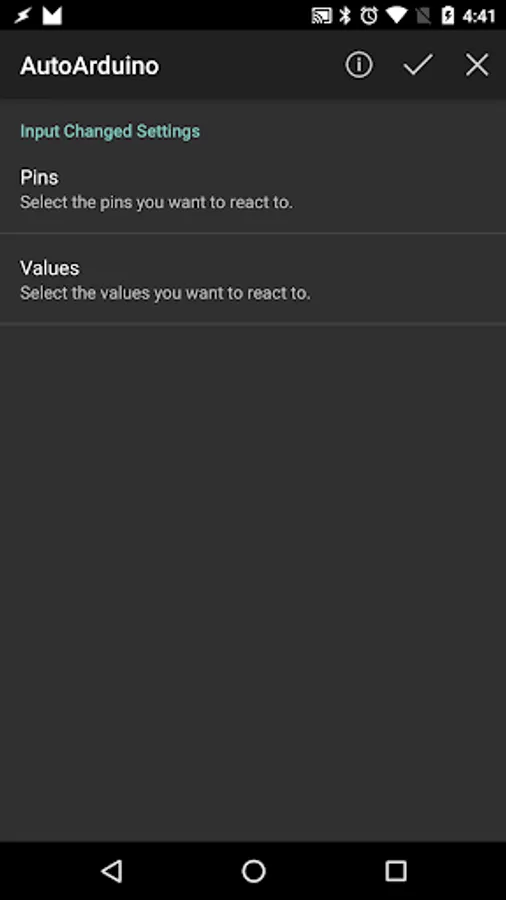
You can also read pin values and even react to them in real time.
Check out the example video to check how a Tasker scene can control an RGB LED.
AutoArduino connects to your Arduino through USB OTG, Bluetooth or Ethernet.
IMPORTANT: Install the following sketch on your Arduino to use AutoArduino: https://github.com/joaomgcd/AutoArduino-Sketch/blob/master/pins.ino
You can set any output pin's digital or analog value from a Tasker action. This allows you to do just about anything on your Arduino from your Android device with the advantage of never having to change the code in your Arduino itself!
You can also read pin values and even react to them in real time.
Check out the example video to check how a Tasker scene can control an RGB LED.
AutoArduino connects to your Arduino through USB OTG, Bluetooth or Ethernet.