Remote - Control for TV
Joyetv
3.8 ★
store rating
10,000+
downloads
Free
+ in-app
In this remote control app, you can operate multiple devices including Roku, Google Chromecast, and infrared remotes, utilizing features like casting, mirroring, and customizable buttons. Includes device pairing, media casting, and screen mirroring functionalities.
AppRecs review analysis
AppRecs rating 3.6. Trustworthiness 88 out of 100. Review manipulation risk 26 out of 100. Based on a review sample analyzed.
★★★☆☆
3.6
AppRecs Rating
Ratings breakdown
5 star
69%
4 star
3%
3 star
0%
2 star
0%
1 star
28%
What to know
✓
Low review manipulation risk
26% review manipulation risk
✓
Credible reviews
88% trustworthiness score from analyzed reviews
✓
Good user ratings
72% positive sampled reviews
About Remote - Control for TV
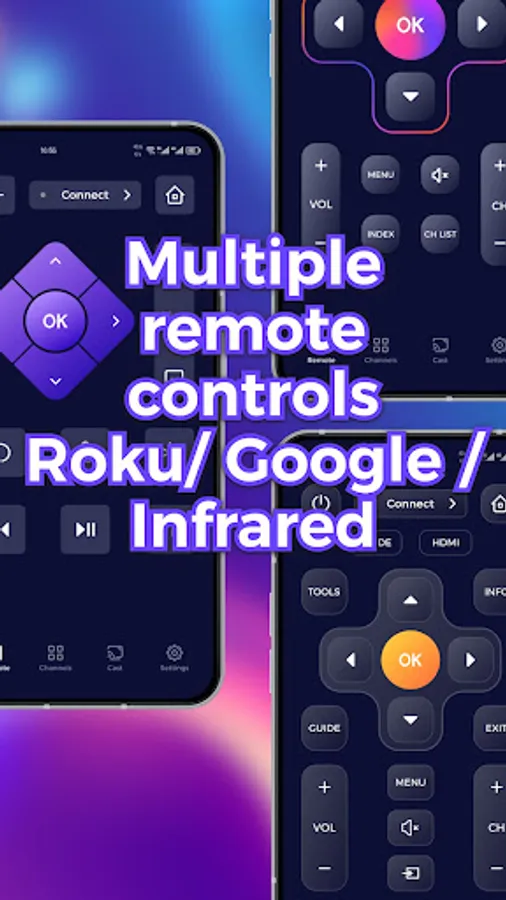
Our remote software supports various devices such as Roku, Google Remote, and infrared remotes. Also support cast/mirror.
Features:
Remote Control for Roku: Use your phone as a remote to navigate Roku TV interface.
Multiple functions: Use your phone to perform various operations on the TV, such as playing, pausing, adjusting progress, adjusting volume, etc.
Google Remote:Control your Google Chromecast and other Google devices with ease.
Infrared Remote:Customize buttons to perform specific functions tailored to your needs.
Casting Features
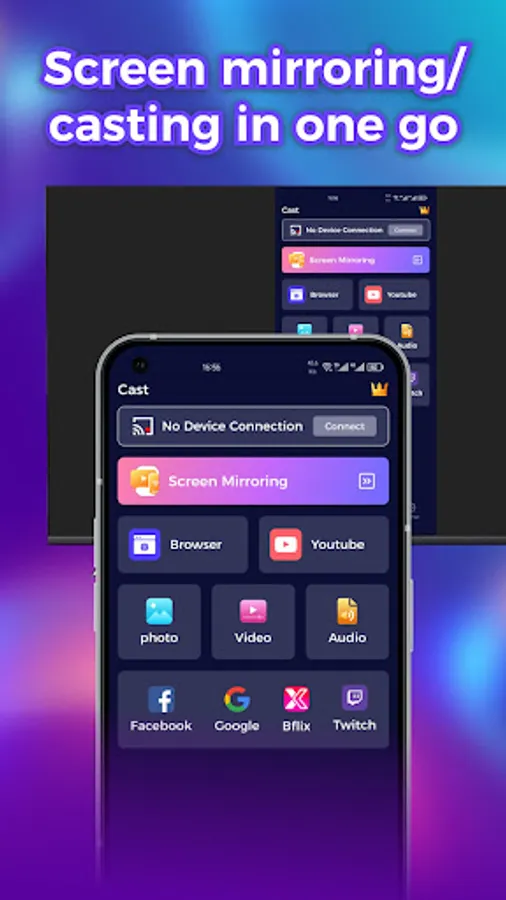
* Local Media Casting: Cast local photos, videos, and audio files from your mobile device to your TV or compatible devices.
* Browser Media Casting: Stream images, videos, and audio directly from your browser to your TV for a seamless viewing experience.
Mirroring Feature
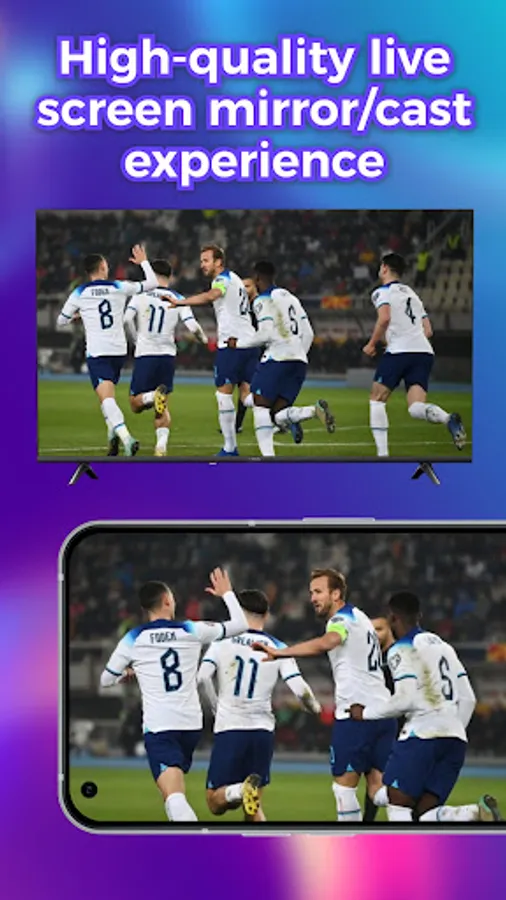
* Screen Mirroring: Mirror your mobile device’s screen to your TV or other compatible devices. This feature is perfect for presentations, gaming, or sharing content with a larger audience.
Easy Setup: Connect your big screen device to the app with a simple setup process.
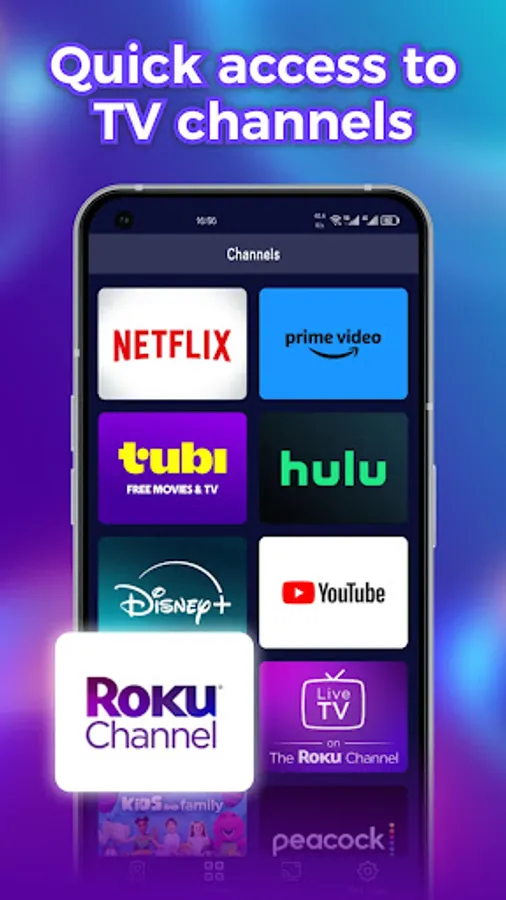
With this Remote app, you can enhance your TV streaming experience by easily controlling your device from your mobile device. Download the app today and start enjoying the convenience of controlling your TV device with ease! Not only get a convenient remote control but also access to a world of entertainment and streaming options. Start exploring today and enhance your big screen entertainment streaming experience!
Features:
Remote Control for Roku: Use your phone as a remote to navigate Roku TV interface.
Multiple functions: Use your phone to perform various operations on the TV, such as playing, pausing, adjusting progress, adjusting volume, etc.
Google Remote:Control your Google Chromecast and other Google devices with ease.
Infrared Remote:Customize buttons to perform specific functions tailored to your needs.
Casting Features
* Local Media Casting: Cast local photos, videos, and audio files from your mobile device to your TV or compatible devices.
* Browser Media Casting: Stream images, videos, and audio directly from your browser to your TV for a seamless viewing experience.
Mirroring Feature
* Screen Mirroring: Mirror your mobile device’s screen to your TV or other compatible devices. This feature is perfect for presentations, gaming, or sharing content with a larger audience.
Easy Setup: Connect your big screen device to the app with a simple setup process.
With this Remote app, you can enhance your TV streaming experience by easily controlling your device from your mobile device. Download the app today and start enjoying the convenience of controlling your TV device with ease! Not only get a convenient remote control but also access to a world of entertainment and streaming options. Start exploring today and enhance your big screen entertainment streaming experience!