
Root Browser
Maple Media
3.1 ★
146K ratings
10,000,000+
downloads
Free
+ in-app
AppRecs review analysis
AppRecs rating 2.6. Trustworthiness 81 out of 100. Review manipulation risk 24 out of 100. Based on a review sample analyzed.
★★☆☆☆
2.6
AppRecs Rating
Ratings breakdown
5 star
45%
4 star
5%
3 star
7%
2 star
3%
1 star
41%
What to know
✓
Low review manipulation risk
24% review manipulation risk
⚠
Ad complaints
Many low ratings mention excessive ads
⚠
High negative review ratio
44% of sampled ratings are 1–2 stars
About Root Browser
File Explorer Root Browser is a fully featured file manager & root browser for rooted superusers to take control of their Android device and root files & folders.
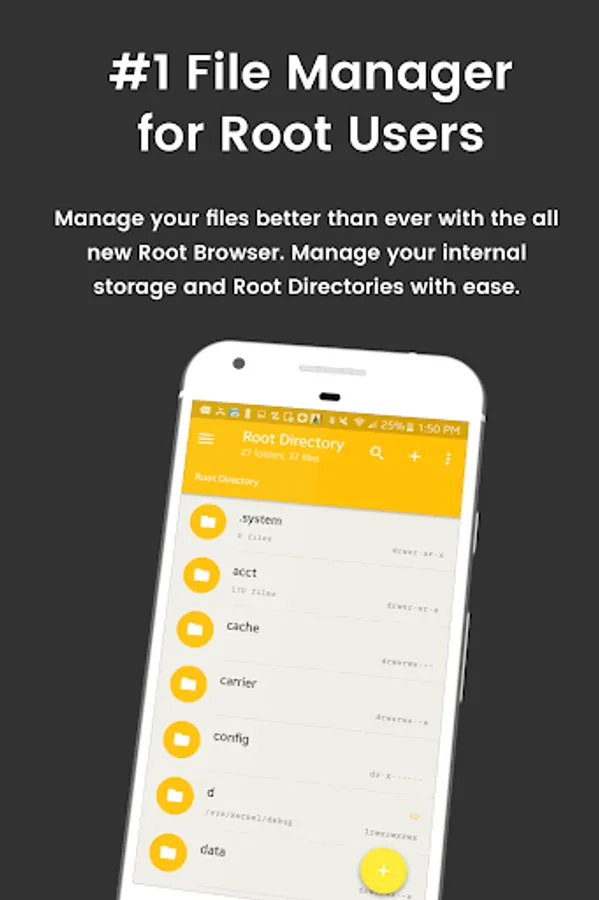
- Access all Root Directories: Explore & access all of your Android's root directories & subdirectories with this advanced root browser
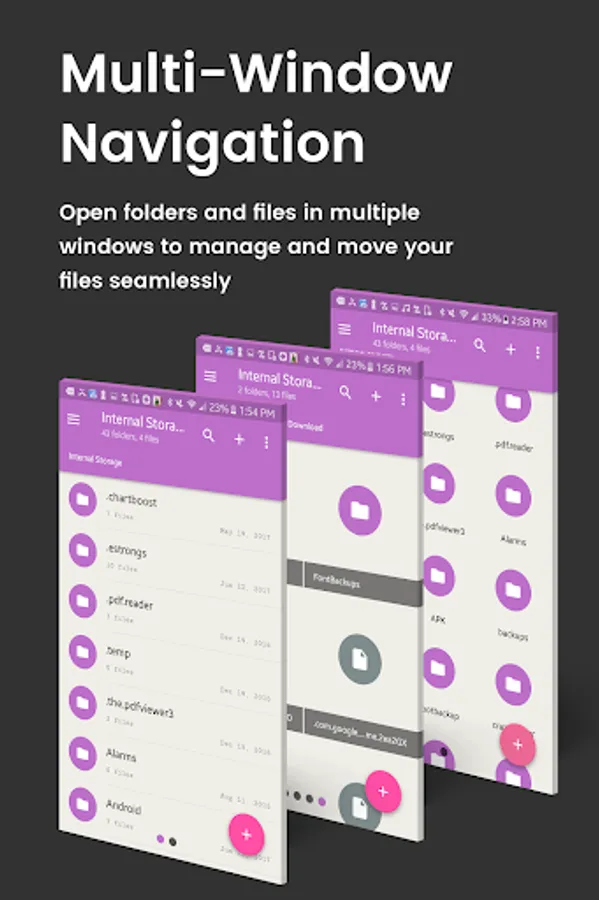
- Advanced Root Browser Features: Advanced features include a SQLite Database Editor, APK Analyzer, multi-pane navigation, ability to execute script files, ability to install zip files using clockwork recovery, and change file permissions and ownerships
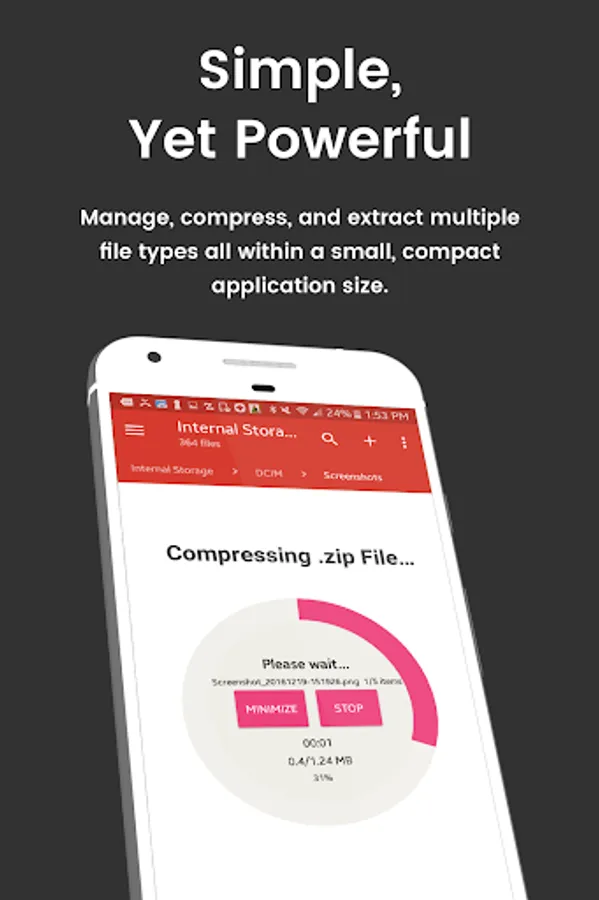
- Advanced File Manager & File Explorer Features: This fully featured file explorer will transfer content, copy and paste, compress, extract ZIP, RAR, BIN, TAR, JAR & APK files, unzip, delete, and move files between local drive, external storage and cloud storage
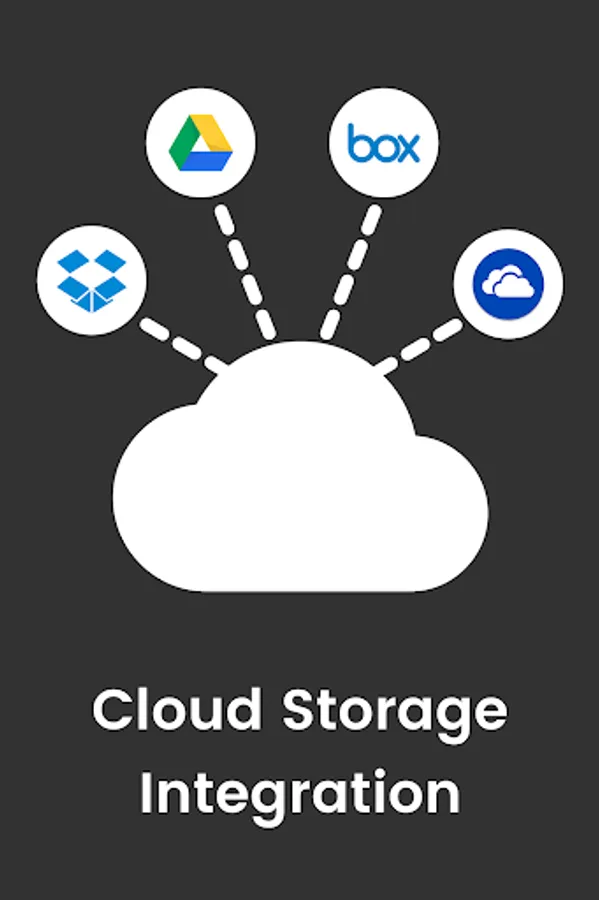
- Cloud Storage: Now access your stored files and transfer files on Box, Dropbox, Google Drive, One Drive
- External File Manager: Access and transfer files, storage backup, USB Flash Drive manager, on the go support
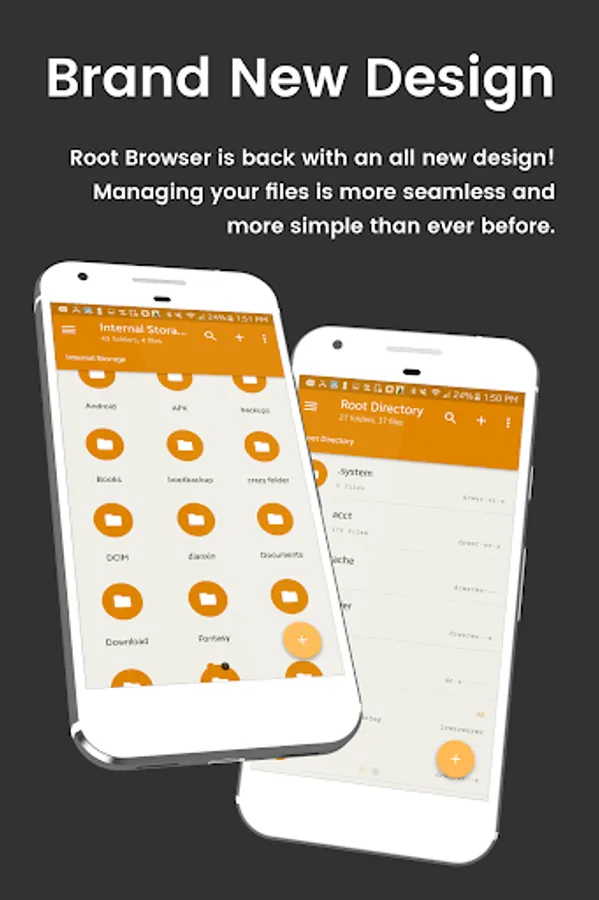
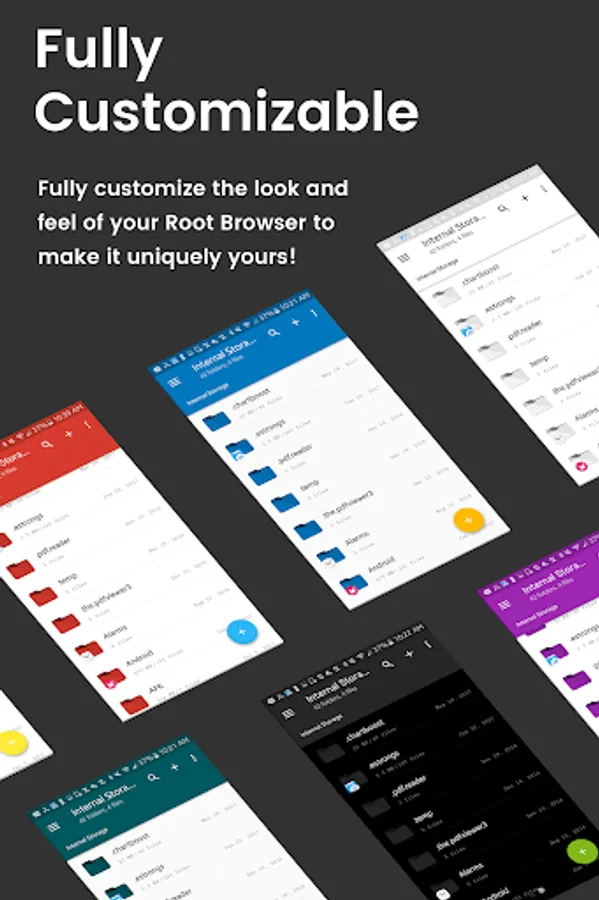
- Fully Customizable: Root Browser prides itself on offering users with a fully customizable experience including custom colors, themes, icons and file / view layout
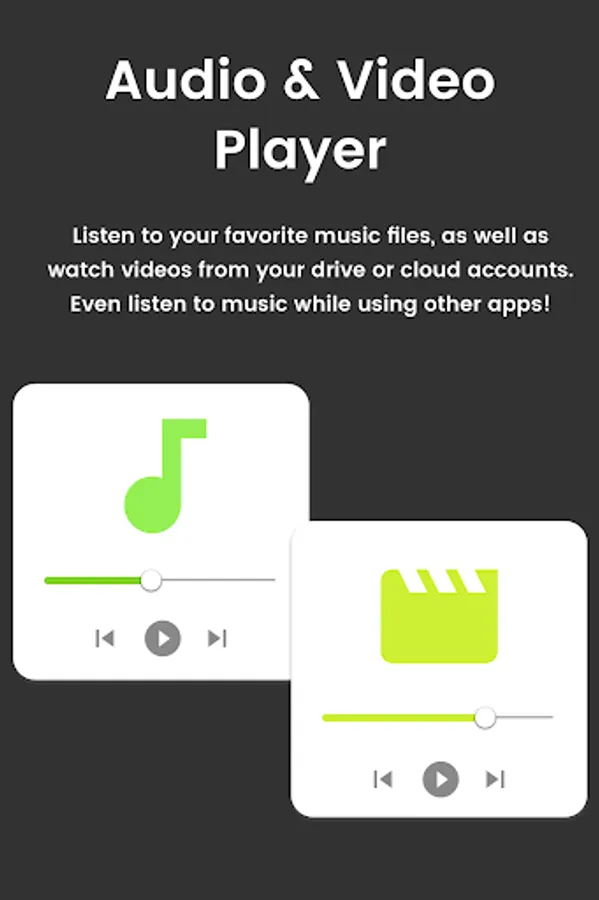
- Audio Manager & Music Player: File manager for mp3 files, ringtone manager
- Video Player Manage and watch your favorite video files
- App Manager: Delete apps, manage app storage
- Organize your Android: File Explorer Root Browser allows users to have full control over all device files. Search and access any file in your system directory, sort by name size & date, create, move, copy/paste, transfer (external transfer) and delete any file
- Share your Files: Cloud storage integration to transfer files between external storage and on-the-go devices. Send files by email to easily share with your contacts.
File Explorer Root Explorer Features List:
- Multi-Pane Navigation
- SQLite Database Editor
- Custom File Listing View
- APK Analyzer
- Batch copy/paste, zip, tar, delete, move any file or folder
- External file transfer
- Access APK, RAR, JAR, TAR & ZIP files apk, rar, jar, tar & zip files
- Audio Player
- Video Player
- Cloud Storage Integration
- Change file permissions and ownership
- View and edit any file
- sqlite explorer
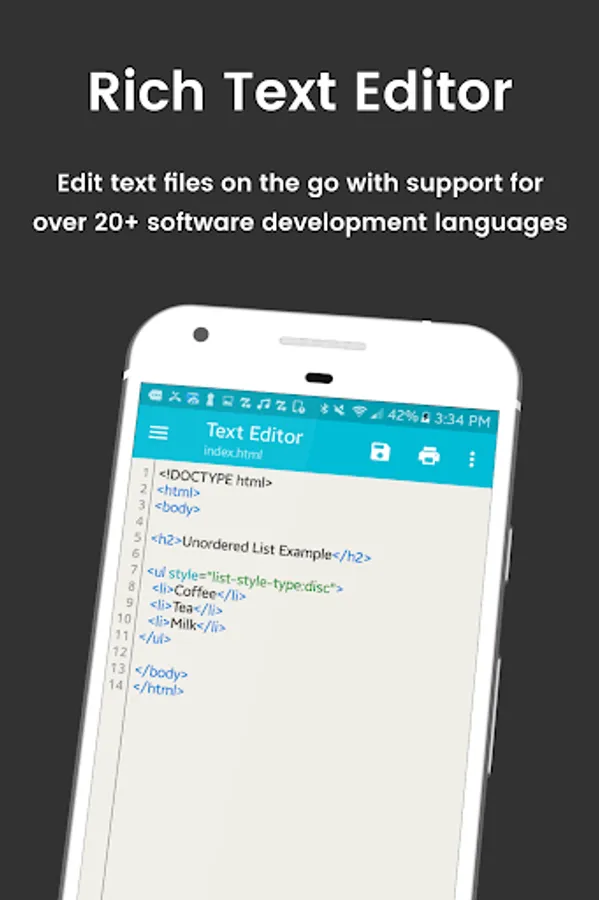
- Text editor
- Move, copy, rename, and delete files.
- Create and delete directories (folders).
- Send files by email.
- Add new files & folders in any directory
- Install zip files using clockwork recovery
- Execute script files
- Show list of files with thumbnails for images.
- Bookmark any folder
- Open files and folders with other apps
- Change the theme (double tap home button)
- Sort by name, size & date
- Extract single files from zip/apks/jars
- Search for files or folders
⚡️⚡️Looking for our classic Root Browser? ➡️ http://bit.ly/RootBrowserClassic
For fast and friendly support, please email us at contact@maplemedia.io. We will be glad to help answer all of your questions and troubleshoot with you.
- Access all Root Directories: Explore & access all of your Android's root directories & subdirectories with this advanced root browser
- Advanced Root Browser Features: Advanced features include a SQLite Database Editor, APK Analyzer, multi-pane navigation, ability to execute script files, ability to install zip files using clockwork recovery, and change file permissions and ownerships
- Advanced File Manager & File Explorer Features: This fully featured file explorer will transfer content, copy and paste, compress, extract ZIP, RAR, BIN, TAR, JAR & APK files, unzip, delete, and move files between local drive, external storage and cloud storage
- Cloud Storage: Now access your stored files and transfer files on Box, Dropbox, Google Drive, One Drive
- External File Manager: Access and transfer files, storage backup, USB Flash Drive manager, on the go support
- Fully Customizable: Root Browser prides itself on offering users with a fully customizable experience including custom colors, themes, icons and file / view layout
- Audio Manager & Music Player: File manager for mp3 files, ringtone manager
- Video Player Manage and watch your favorite video files
- App Manager: Delete apps, manage app storage
- Organize your Android: File Explorer Root Browser allows users to have full control over all device files. Search and access any file in your system directory, sort by name size & date, create, move, copy/paste, transfer (external transfer) and delete any file
- Share your Files: Cloud storage integration to transfer files between external storage and on-the-go devices. Send files by email to easily share with your contacts.
File Explorer Root Explorer Features List:
- Multi-Pane Navigation
- SQLite Database Editor
- Custom File Listing View
- APK Analyzer
- Batch copy/paste, zip, tar, delete, move any file or folder
- External file transfer
- Access APK, RAR, JAR, TAR & ZIP files apk, rar, jar, tar & zip files
- Audio Player
- Video Player
- Cloud Storage Integration
- Change file permissions and ownership
- View and edit any file
- sqlite explorer
- Text editor
- Move, copy, rename, and delete files.
- Create and delete directories (folders).
- Send files by email.
- Add new files & folders in any directory
- Install zip files using clockwork recovery
- Execute script files
- Show list of files with thumbnails for images.
- Bookmark any folder
- Open files and folders with other apps
- Change the theme (double tap home button)
- Sort by name, size & date
- Extract single files from zip/apks/jars
- Search for files or folders
⚡️⚡️Looking for our classic Root Browser? ➡️ http://bit.ly/RootBrowserClassic
For fast and friendly support, please email us at contact@maplemedia.io. We will be glad to help answer all of your questions and troubleshoot with you.
Root Browser Screenshots
Tap to Rate:
Reviews for Root Browser
Moh moh
12/26/2025
many ads!
George Vagenas
11/25/2025
1 star for blowing the app with ads