Metal Detector Professional
Just4Fun Utilities
3.9 ★
2K ratings
500,000+
downloads
Free
AppRecs review analysis
AppRecs rating 3.9. Trustworthiness 74 out of 100. Review manipulation risk 29 out of 100. Based on a review sample analyzed.
★★★☆☆
3.9
AppRecs Rating
Ratings breakdown
5 star
63%
4 star
7%
3 star
6%
2 star
6%
1 star
18%
What to know
✓
Low review manipulation risk
29% review manipulation risk
✓
Credible reviews
74% trustworthiness score from analyzed reviews
✓
Good user ratings
70% positive sampled reviews
About Metal Detector Professional
"Metal Detector Professional" uses built-in magnetic sensor to find metal objects.
How it works?
With the use of magnetometer our tool measures electromagnetic field (EMF) value in your surrounding. Actual value of the field is displayed as microtesla. Induction of Earth's magnetic field ranges from 30 to 60 microtesla (µT). If the intensity increases above 60 µT it might mean that the telephone is near to ferromagnetic materials (metallic objects). Having such information you can try to find wires in the walls and metallic objects under the ground.
Important:
App can only detect ferromagnetic metals. It will not detect gold, silver or copper coins. They are classified as non-ferrous that has no magnetic field.
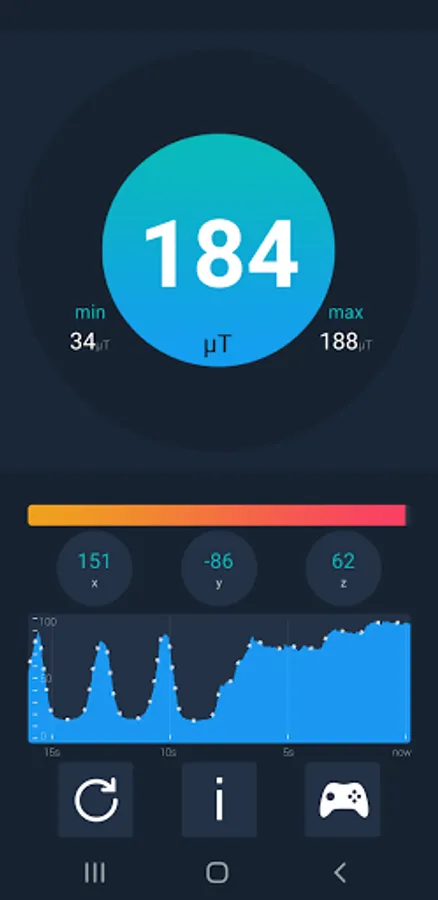
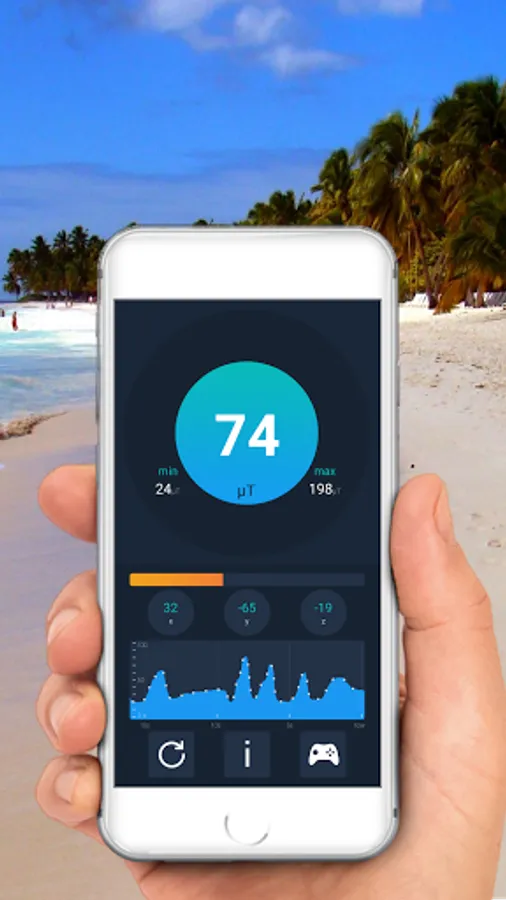
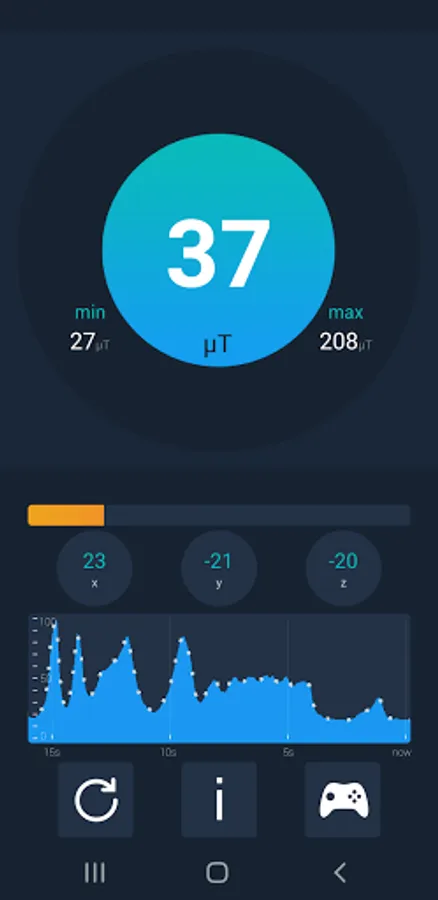
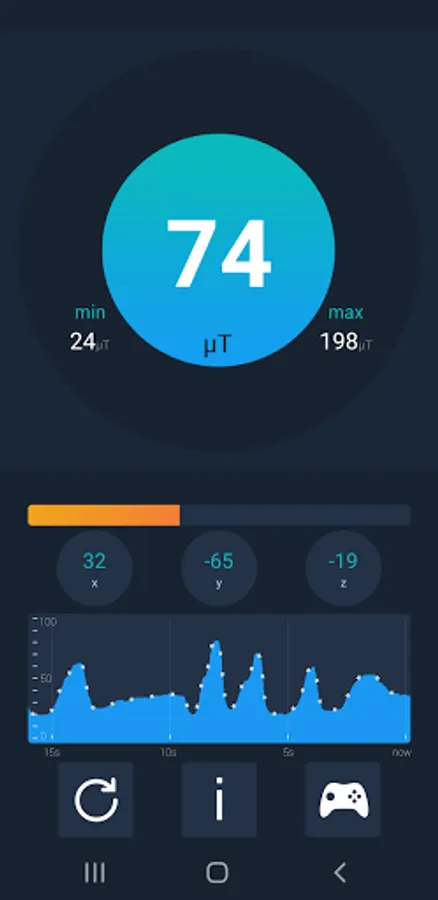
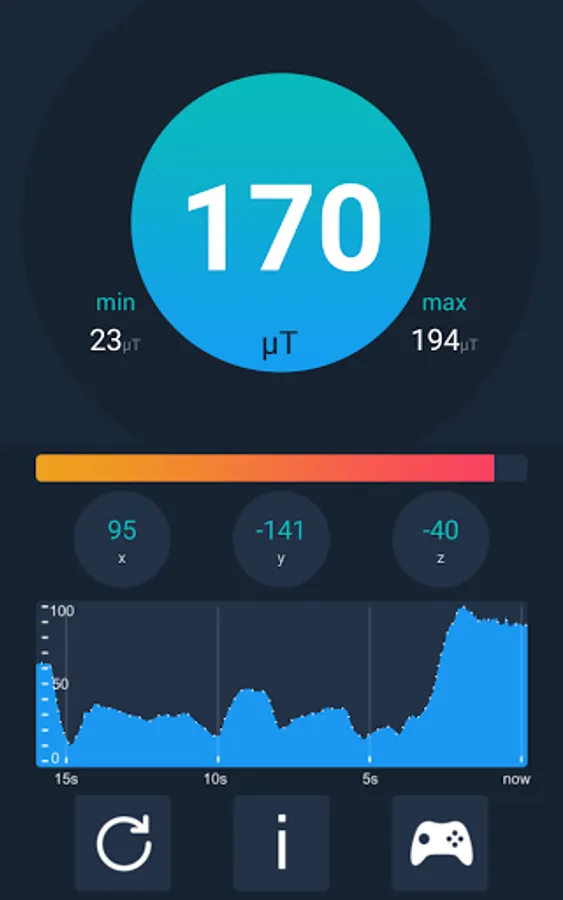
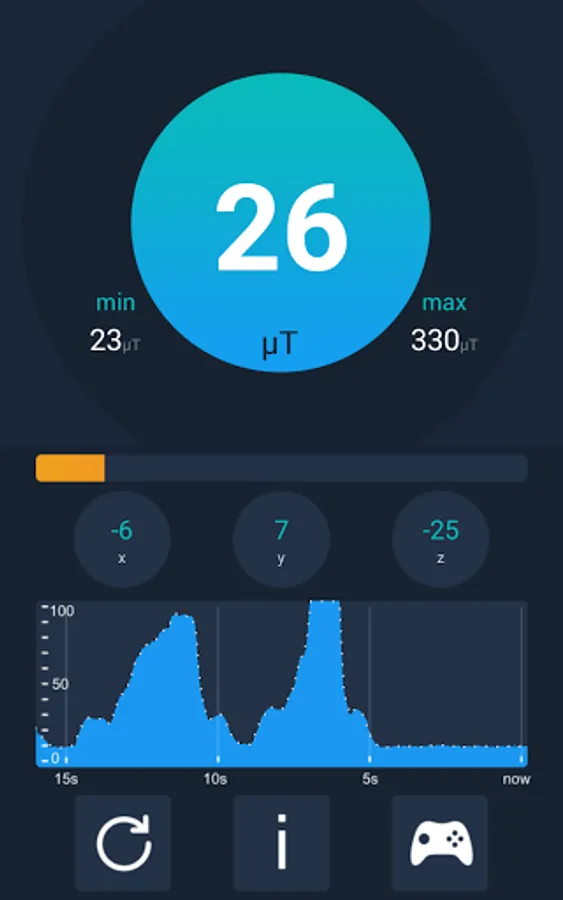
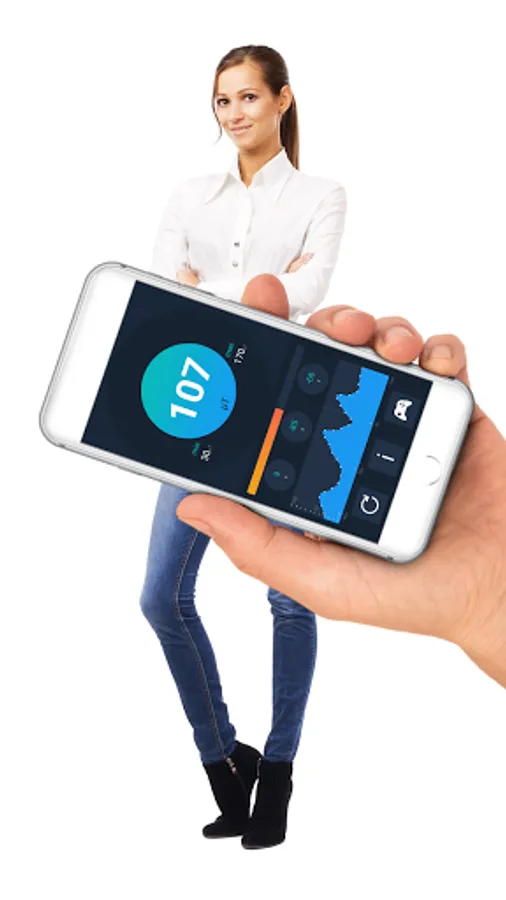
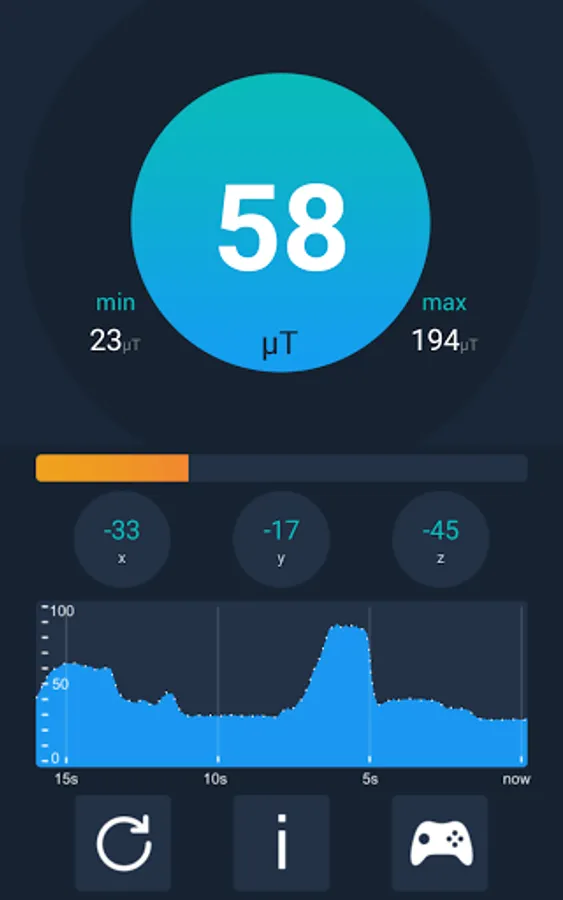
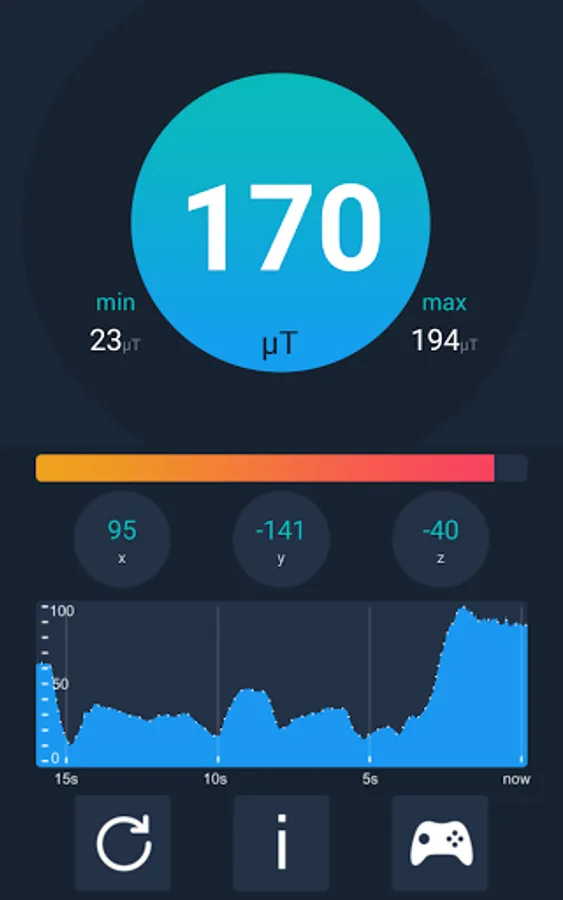
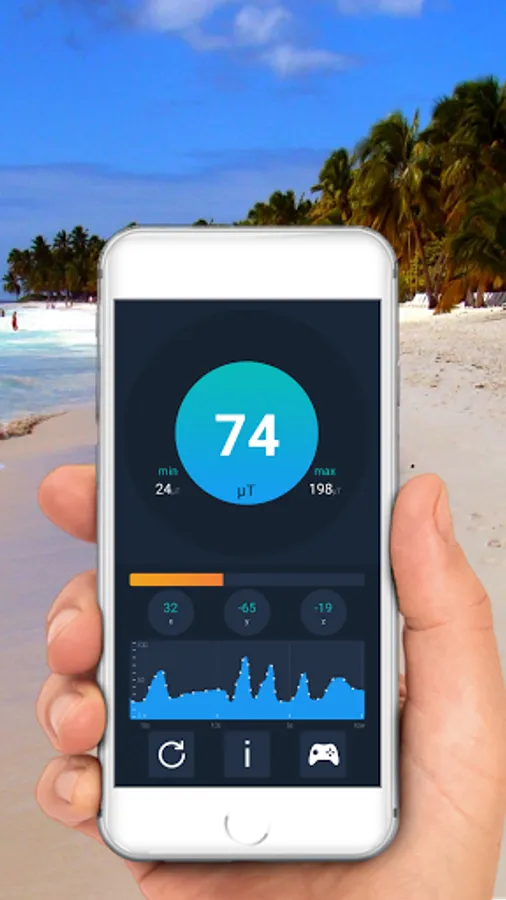
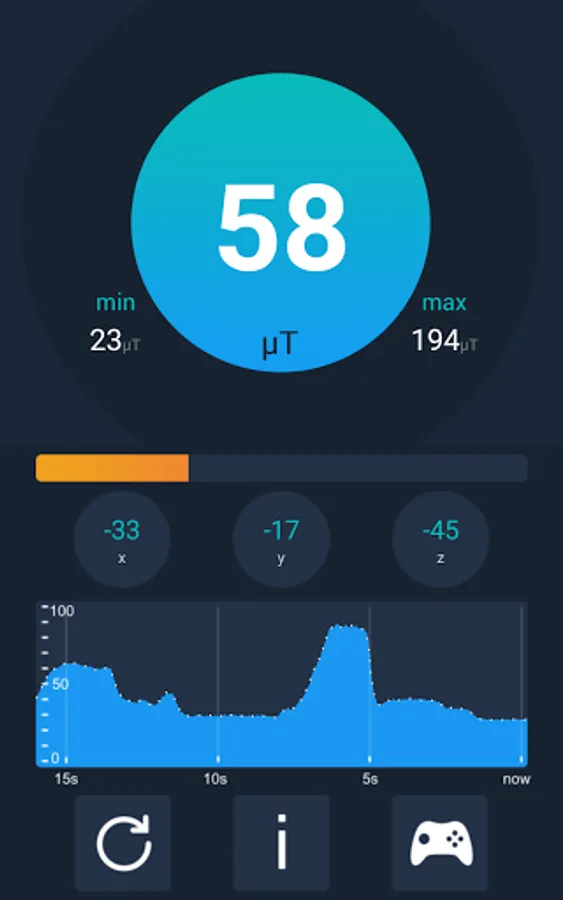
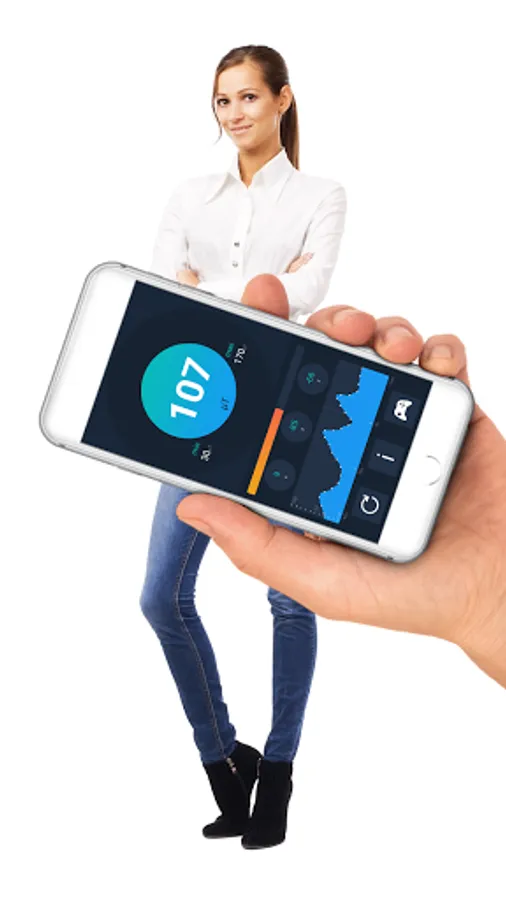
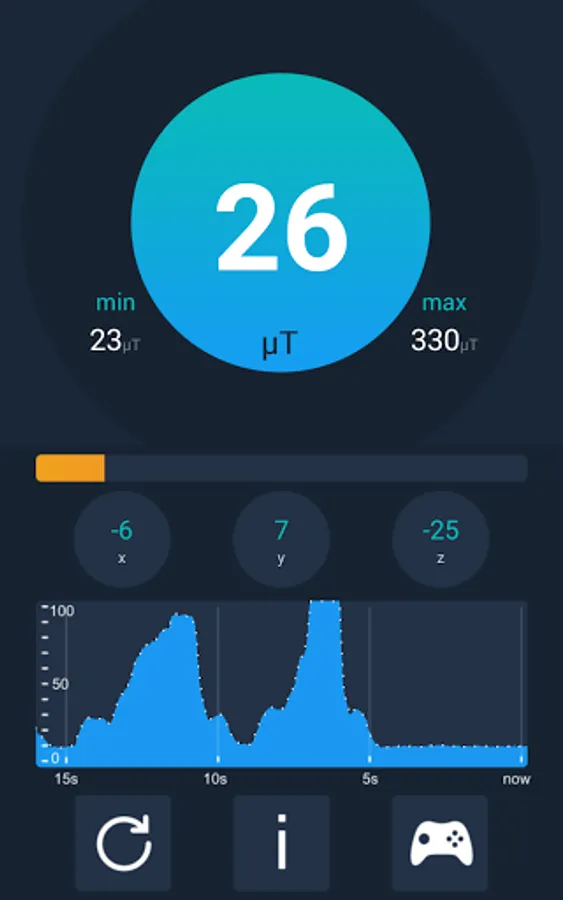
Beside presenting actual µT value, this tool displays the chart with the measurements of the last 15 seconds and presents minimum and maximum detected magnetic field strength. You can reset those readings any time.
How to prepare phone?
Remember that this tool uses built-in magnetic field sensor. Not all phones are equipped in such a sensor. Please check it in your phone specification. Moreover, accuracy of measurements can be disturbed by electronic devices, such as TV set or a PC screen. It's better not to use this application around such devices. Additionally some phone cases may have metallic parts. Before using the application you should remove such parts.
How to calibrate phone?
Before working with metal detector it should be calibrated. To do it, start an application, raise the telephone high and "draw" number 8 pattern in the air. Now you can start playing with the metal finder.
How it works?
With the use of magnetometer our tool measures electromagnetic field (EMF) value in your surrounding. Actual value of the field is displayed as microtesla. Induction of Earth's magnetic field ranges from 30 to 60 microtesla (µT). If the intensity increases above 60 µT it might mean that the telephone is near to ferromagnetic materials (metallic objects). Having such information you can try to find wires in the walls and metallic objects under the ground.
Important:
App can only detect ferromagnetic metals. It will not detect gold, silver or copper coins. They are classified as non-ferrous that has no magnetic field.
Beside presenting actual µT value, this tool displays the chart with the measurements of the last 15 seconds and presents minimum and maximum detected magnetic field strength. You can reset those readings any time.
How to prepare phone?
Remember that this tool uses built-in magnetic field sensor. Not all phones are equipped in such a sensor. Please check it in your phone specification. Moreover, accuracy of measurements can be disturbed by electronic devices, such as TV set or a PC screen. It's better not to use this application around such devices. Additionally some phone cases may have metallic parts. Before using the application you should remove such parts.
How to calibrate phone?
Before working with metal detector it should be calibrated. To do it, start an application, raise the telephone high and "draw" number 8 pattern in the air. Now you can start playing with the metal finder.
Metal Detector Professional Screenshots
Tap to Rate:
Reviews for Metal Detector Professional
Ali Shour
11/11/2025
wow
Jubeck Mwepu k
7/1/2025
great