AppRecs review analysis
AppRecs rating . Trustworthiness 62 out of 100. Review manipulation risk 42 out of 100. Based on a review sample analyzed.
★
AppRecs Rating
Ratings breakdown
5 star
67%
4 star
0%
3 star
33%
2 star
0%
1 star
0%
What to know
⚠
Questionable review patterns
42% review manipulation risk - some review patterns appear unusual
About Mark One *Plugin*
*** ATTENTION! ***
1. Mark One is a *SOUND PLUGIN* for another app called Functional Ear Trainer. It's not a stand-alone application!!! Install FET first.
2. Moreover you need to have an in-app purchase "Sound Plugins" to enable them.
To activate Mark One:
0. Install it.
1. Run Functional Ear Trainer.
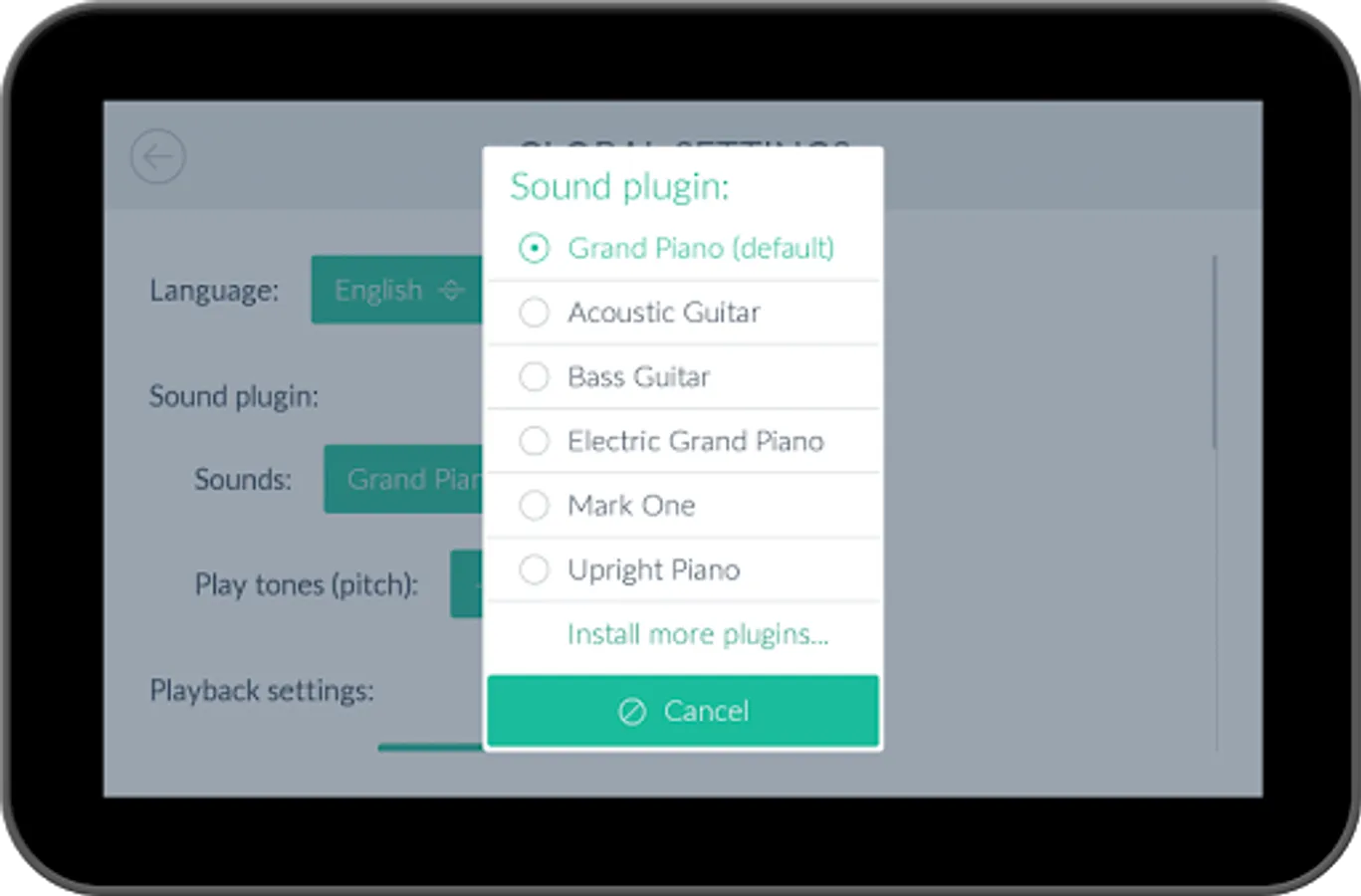
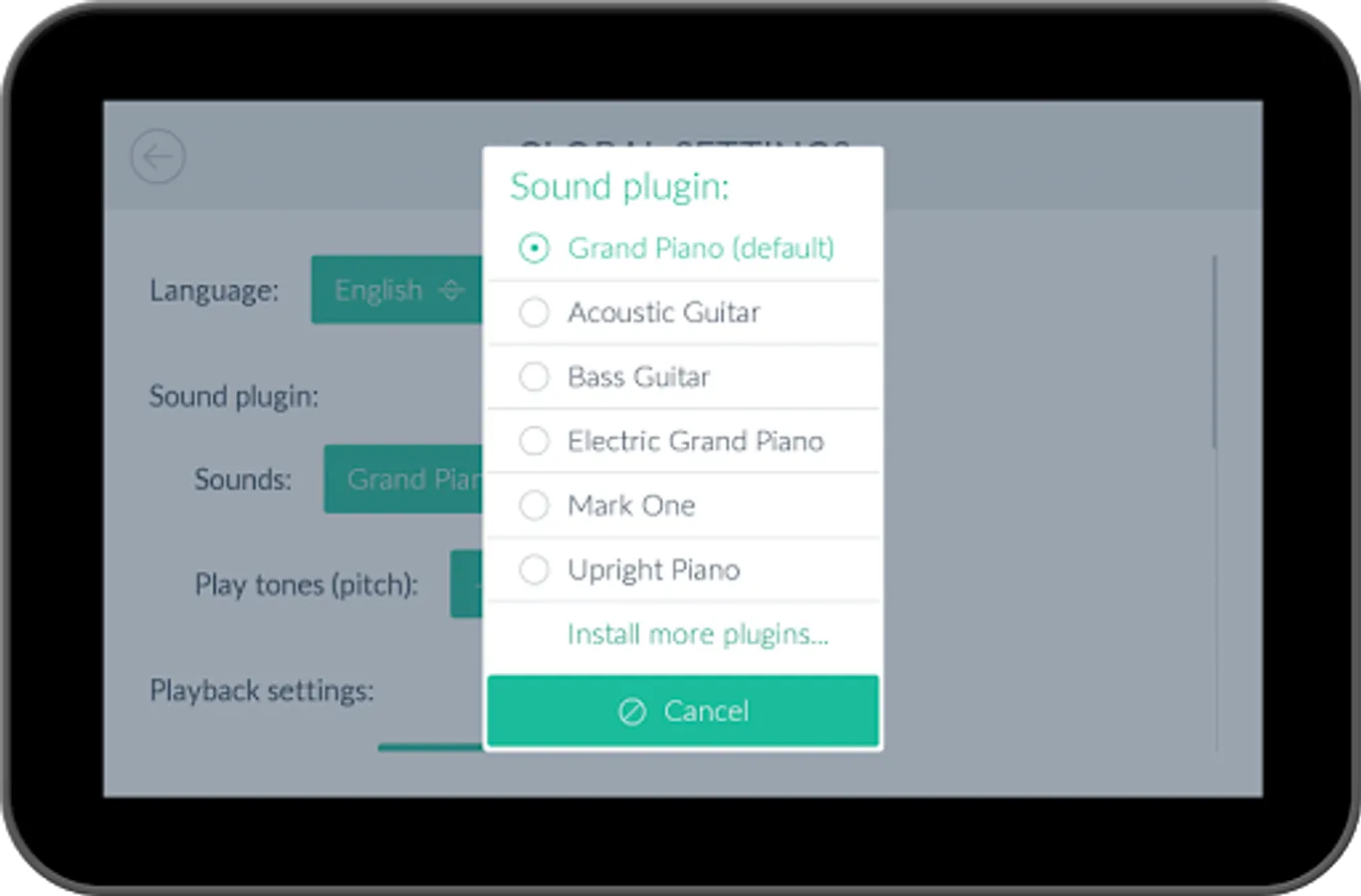
2. Click on the "gear" icon in the Main Menu.
3. Choose "Mark One" under the "Sounds" setting.
🎶 Enjoy! :)
Mark One *Plugin* Screenshots



Tap to Rate:
Reviews for Mark One *Plugin*
Oscar Stern
9/18/2021
Awesome
A Google user
1/27/2019
it is not a musical instrument, bit a sound library or more a note spread over all octaves with one sound that is the default sound in FET. enjoyable, because u can still play them via buttons and the sound is pleasant to ears. while u need perseverance to use FET, here is intuition and jamming around is more applicable. and yes ear phones are recommended. if only it could be utilized by other programers for eg step sequencers, then devs could start sampling other sound libraries.