About QMS-프렌즈 스크린 매장관리 시스템
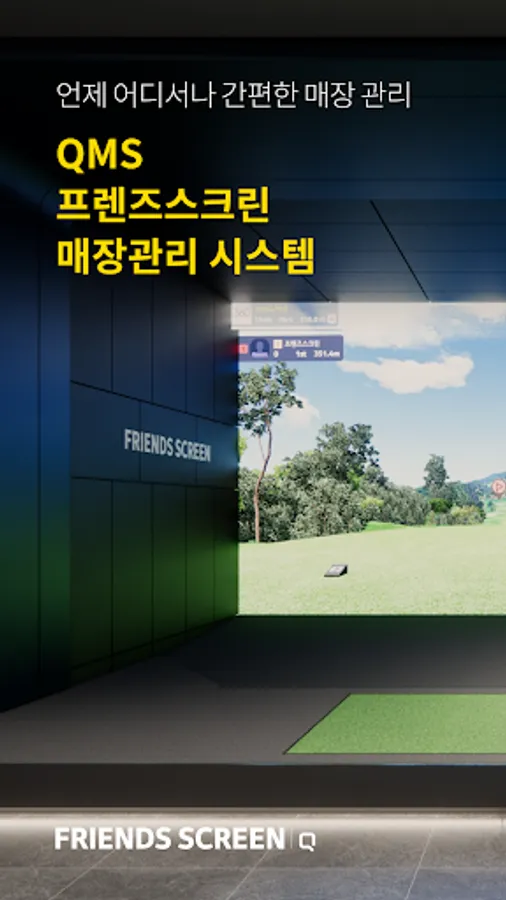
Manage your store conveniently through [QMS-Friends Screen Store Management System].
This service is a store management service that can only be used by store owners and members who have employee accounts.
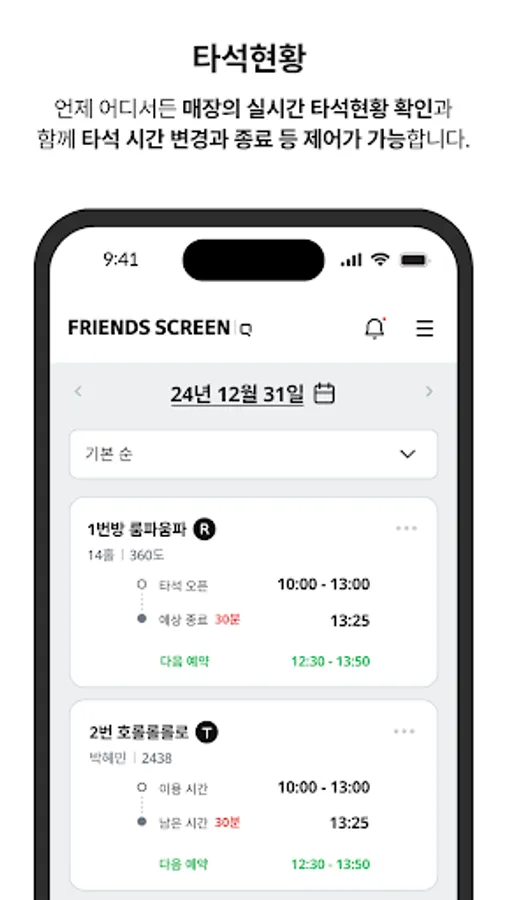
■ You can check the at-bat status of the store anytime, anywhere.
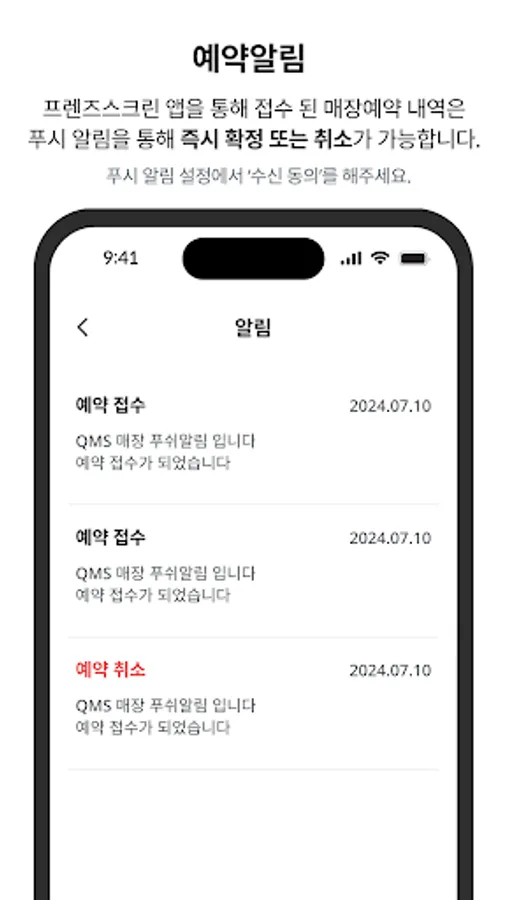
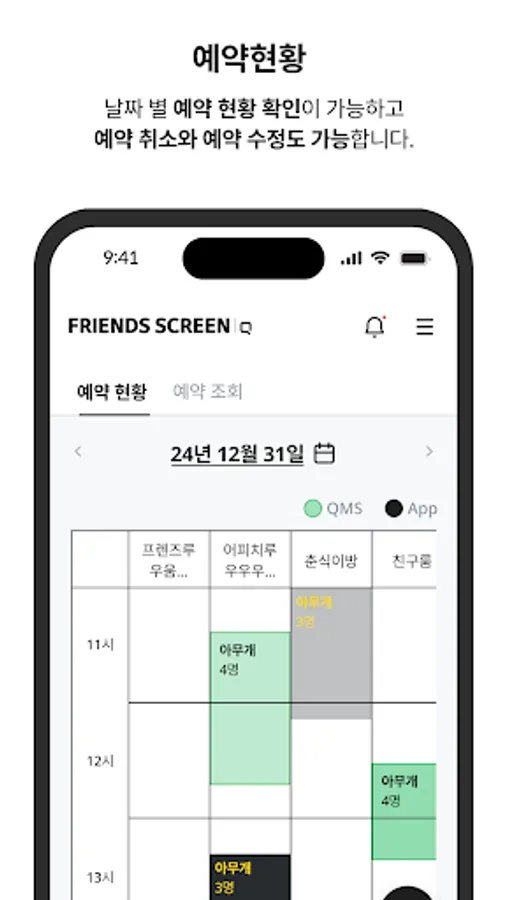
■ When a store reservation is received through the Friends Screen app, it can be confirmed or canceled.
■ Confirmed reservations can be modified or canceled.
*Users may allow or disallow the following permissions to ensure smooth use of [QMS-Friends Screen Store Management System].
- Permission to allow selection
Notification: APP PUSH transfer
■ Optional access rights require permission when using the function, and even if permission is not granted, the service can be used.
: You can change access permissions in Phone Settings > Apps > QMS-Friends Screen Store Management System.
: Alternatively, you can change access permissions in QMS-Friends Screen Store Management System > Menu > Settings.
※ notification
If a problem or error occurs while using the app, please send an inquiry to Kakao VX Customer Center (screenapp@kakaovx.com).
This service is a store management service that can only be used by store owners and members who have employee accounts.
■ You can check the at-bat status of the store anytime, anywhere.
■ When a store reservation is received through the Friends Screen app, it can be confirmed or canceled.
■ Confirmed reservations can be modified or canceled.
*Users may allow or disallow the following permissions to ensure smooth use of [QMS-Friends Screen Store Management System].
- Permission to allow selection
Notification: APP PUSH transfer
■ Optional access rights require permission when using the function, and even if permission is not granted, the service can be used.
: You can change access permissions in Phone Settings > Apps > QMS-Friends Screen Store Management System.
: Alternatively, you can change access permissions in QMS-Friends Screen Store Management System > Menu > Settings.
※ notification
If a problem or error occurs while using the app, please send an inquiry to Kakao VX Customer Center (screenapp@kakaovx.com).