
Real Internet Speed Test
kapron-ap
4.7 ★
1K ratings
100,000+
downloads
Free
Use this internet speed test app to measure actual connection speeds and select preferred servers. Includes signal strength indicators, network provider information, and WiFi details.
AppRecs review analysis
AppRecs rating 4.4. Trustworthiness 44 out of 100. Review manipulation risk 42 out of 100. Based on a review sample analyzed.
★★★★☆
4.4
AppRecs Rating
Ratings breakdown
5 star
86%
4 star
4%
3 star
7%
2 star
0%
1 star
4%
What to know
⚠
Questionable review patterns
42% review manipulation risk - some review patterns appear unusual
⚠
Rating authenticity concerns
High rating concentration (86% 5-star) in sampled ratings
About Real Internet Speed Test
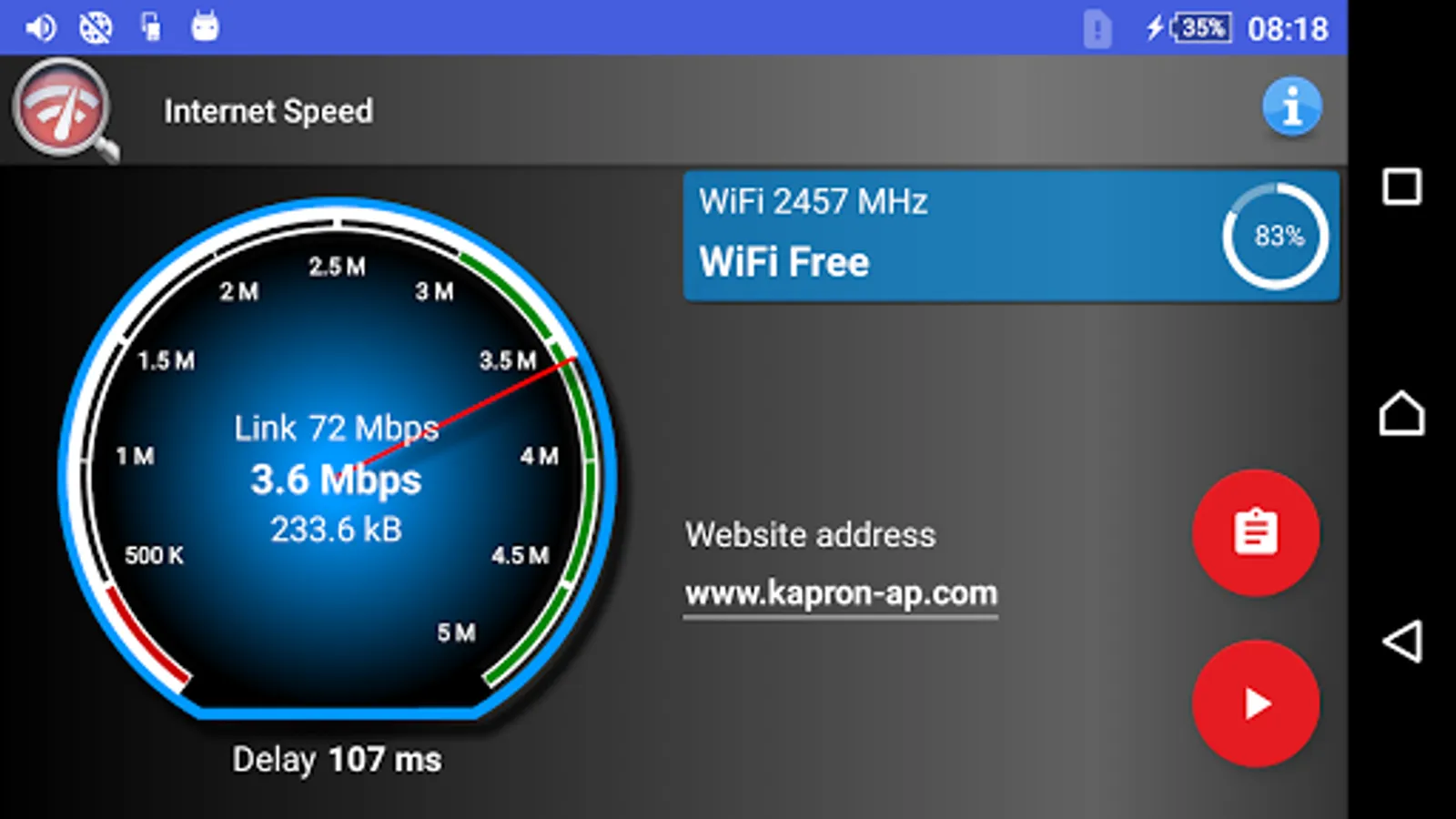
Measure real internet speed which you will actually experience when using current internet connection. Transfers minimal amount of data, perfect for testing internet speed with limited data plan.
Do you wonder why every speed test meter shows totally different results for your internet connection? Because it depends which server it is connecting to. This application lets you to choose the server for test, your favourite web page, internet portal, website with online video streams or any other web address you actually plan to use.
With the fast internet tester and sensitive signal level monitor, you will quickly find a perfect spot for browsing internet at the highest speed. Just move around and execute the test couple of times, it does not transfer megabytes of data so you do not need to worry about your data transfer limit.
Main features:
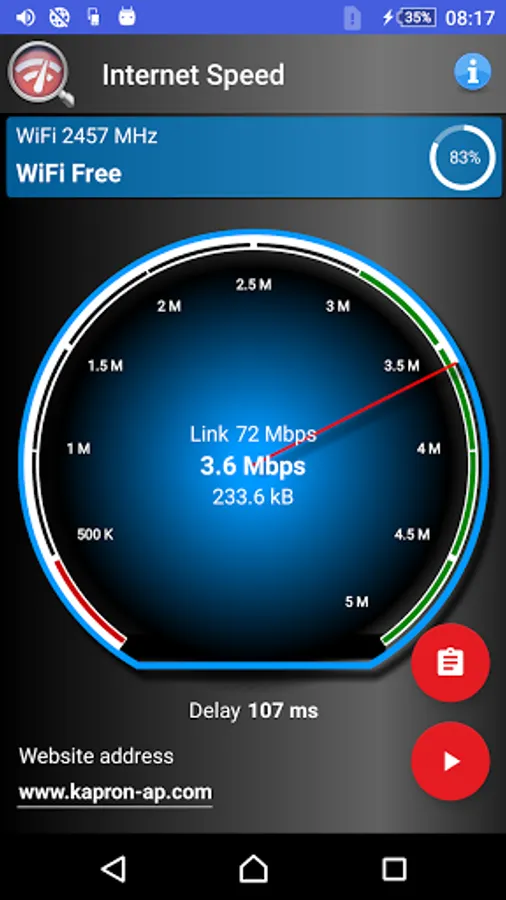
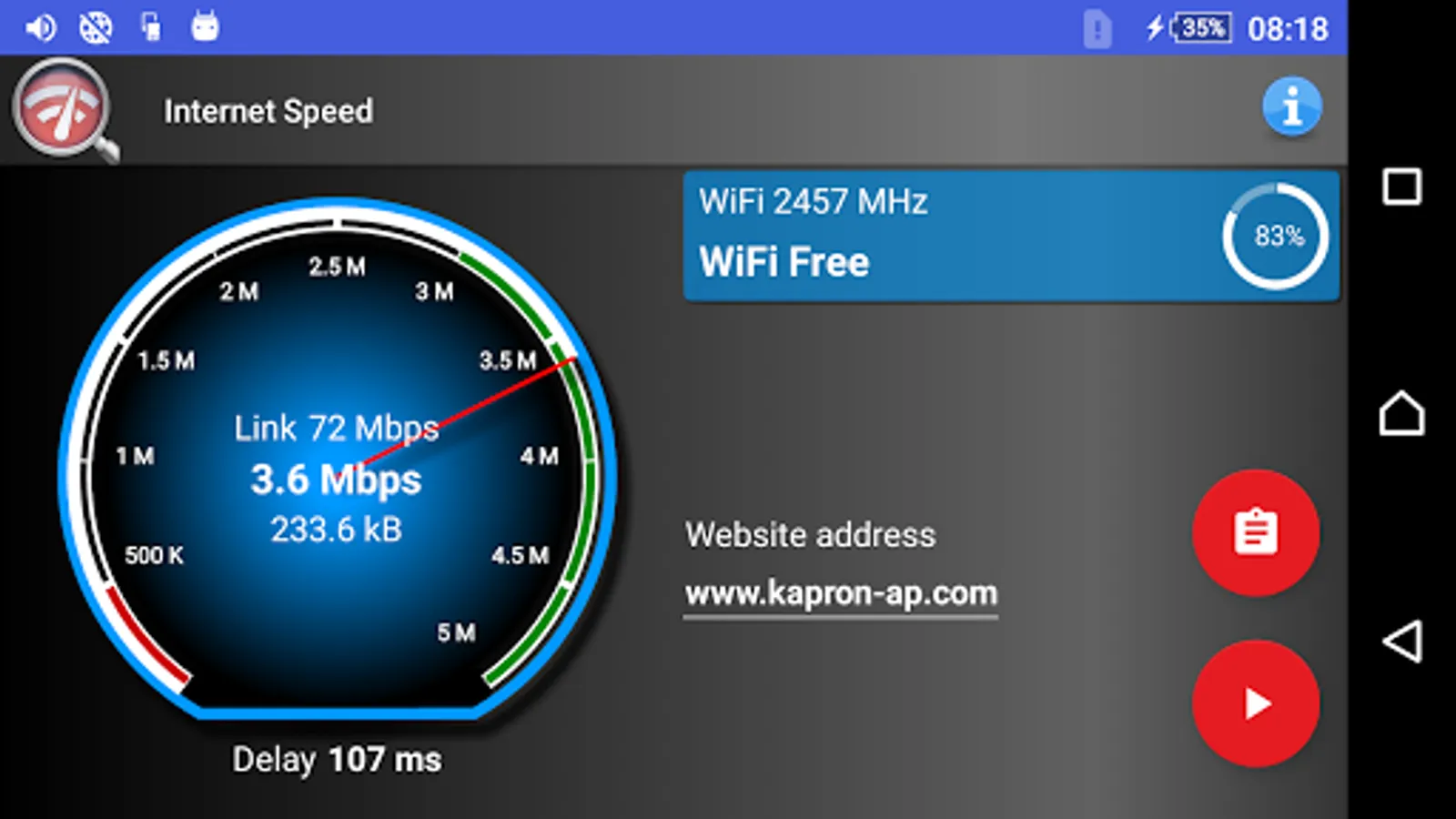
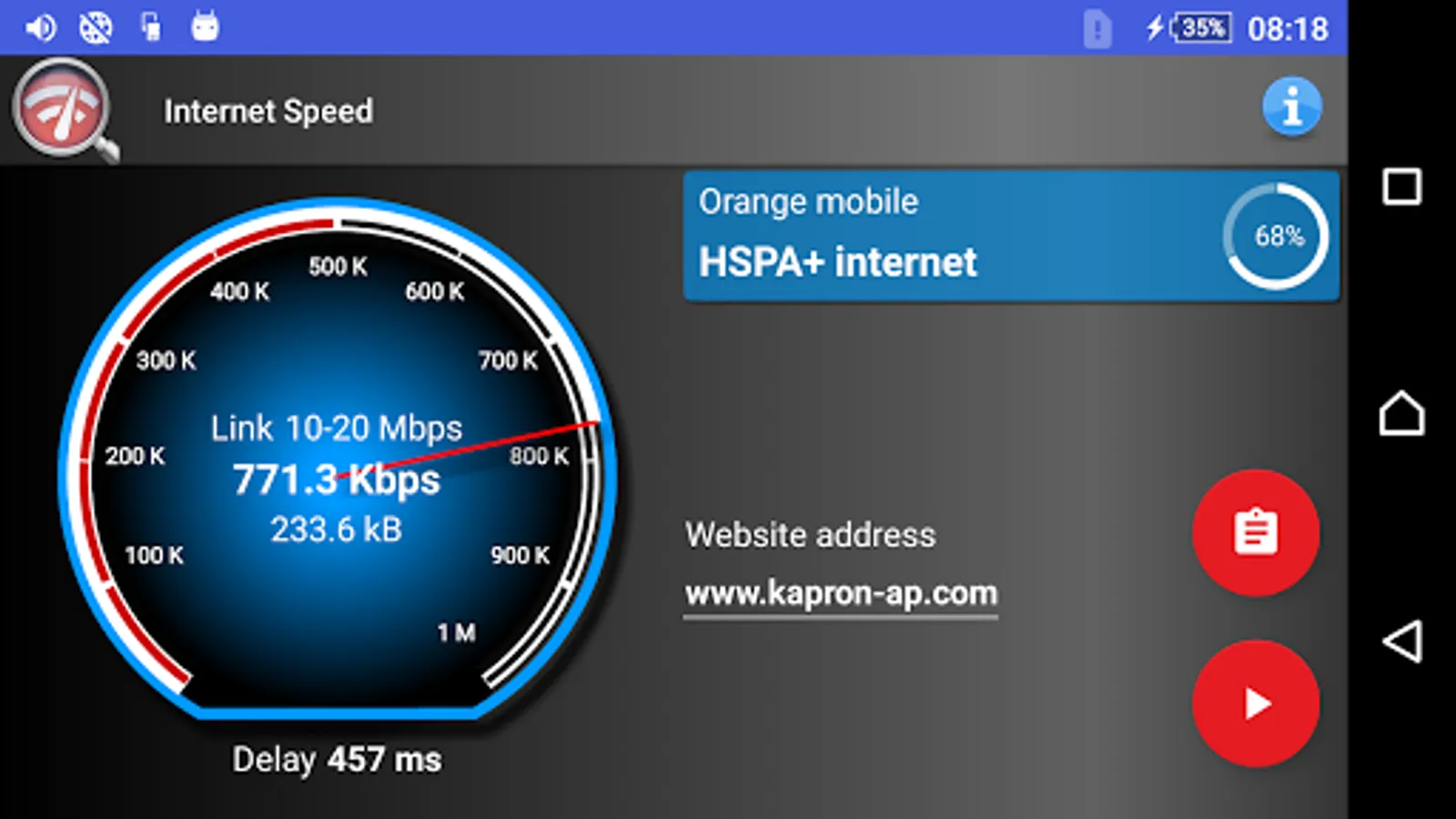
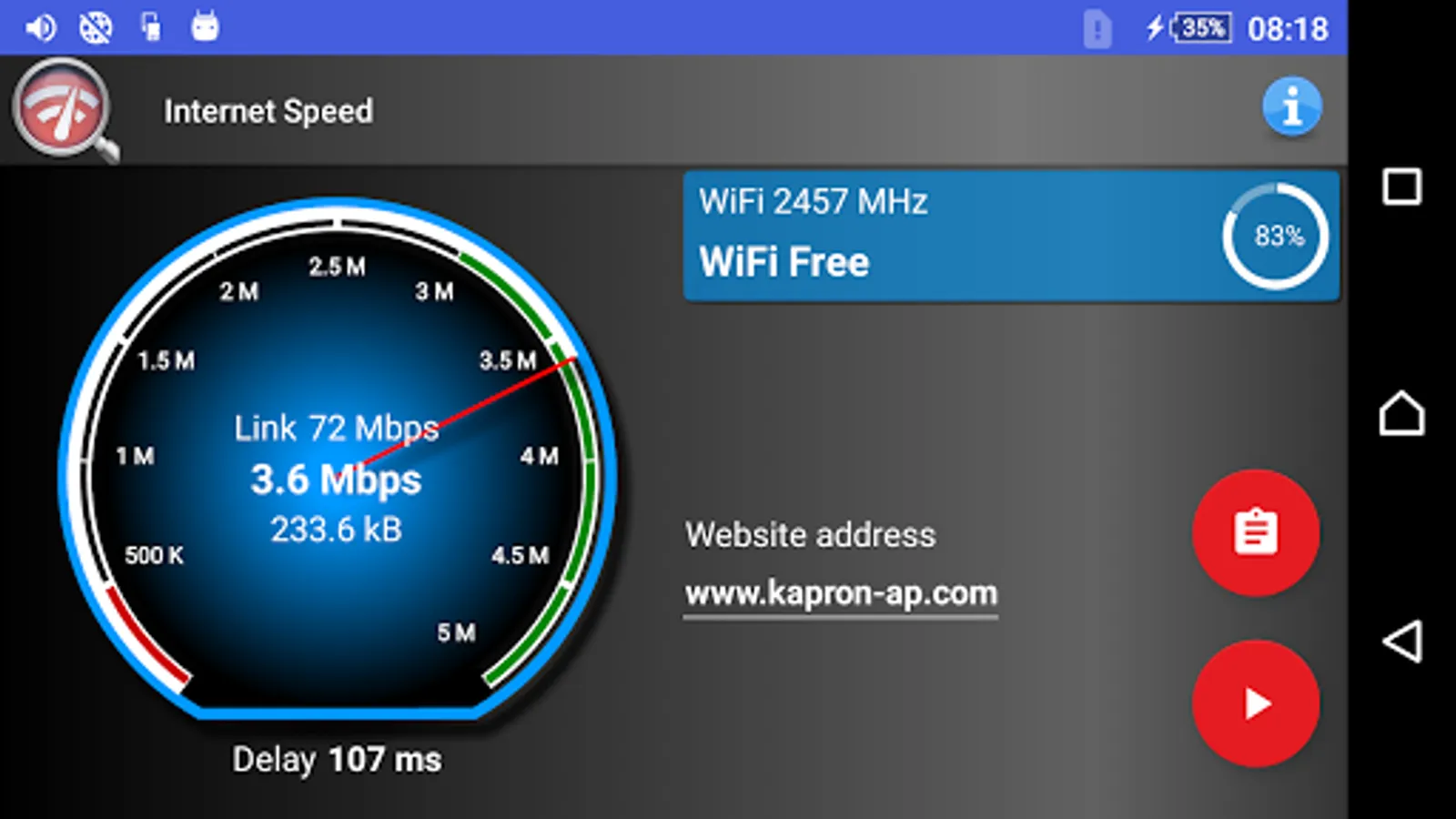
• Calculates true download transfer rate, connection latency and link speed.
• Lets you choose your favorite website for tests.
• Minimal data usage during the test, perfect for testing 2g, 3g and 4g-LTE connections with limited data plan.
• Accurate speed indicator for any WiFi network, open or secured, supported by slow tethering as well as very fast ADSL or optic fibre connections.
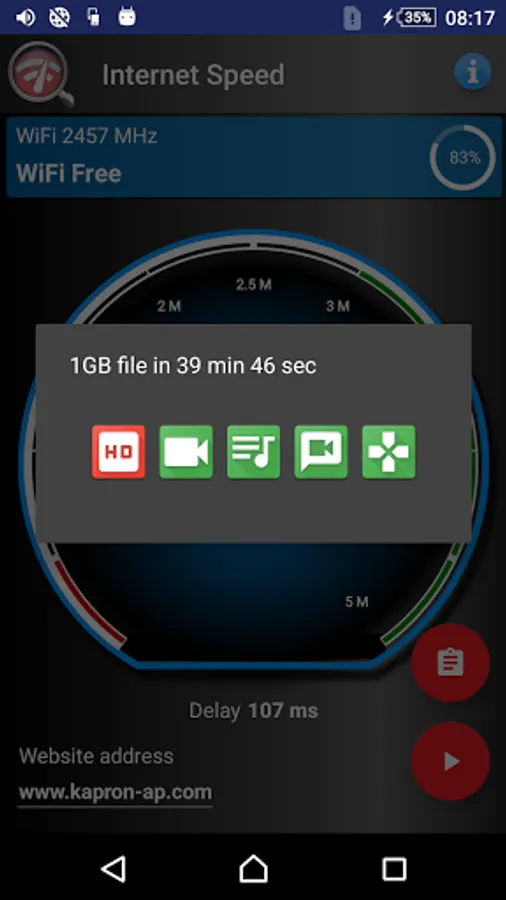
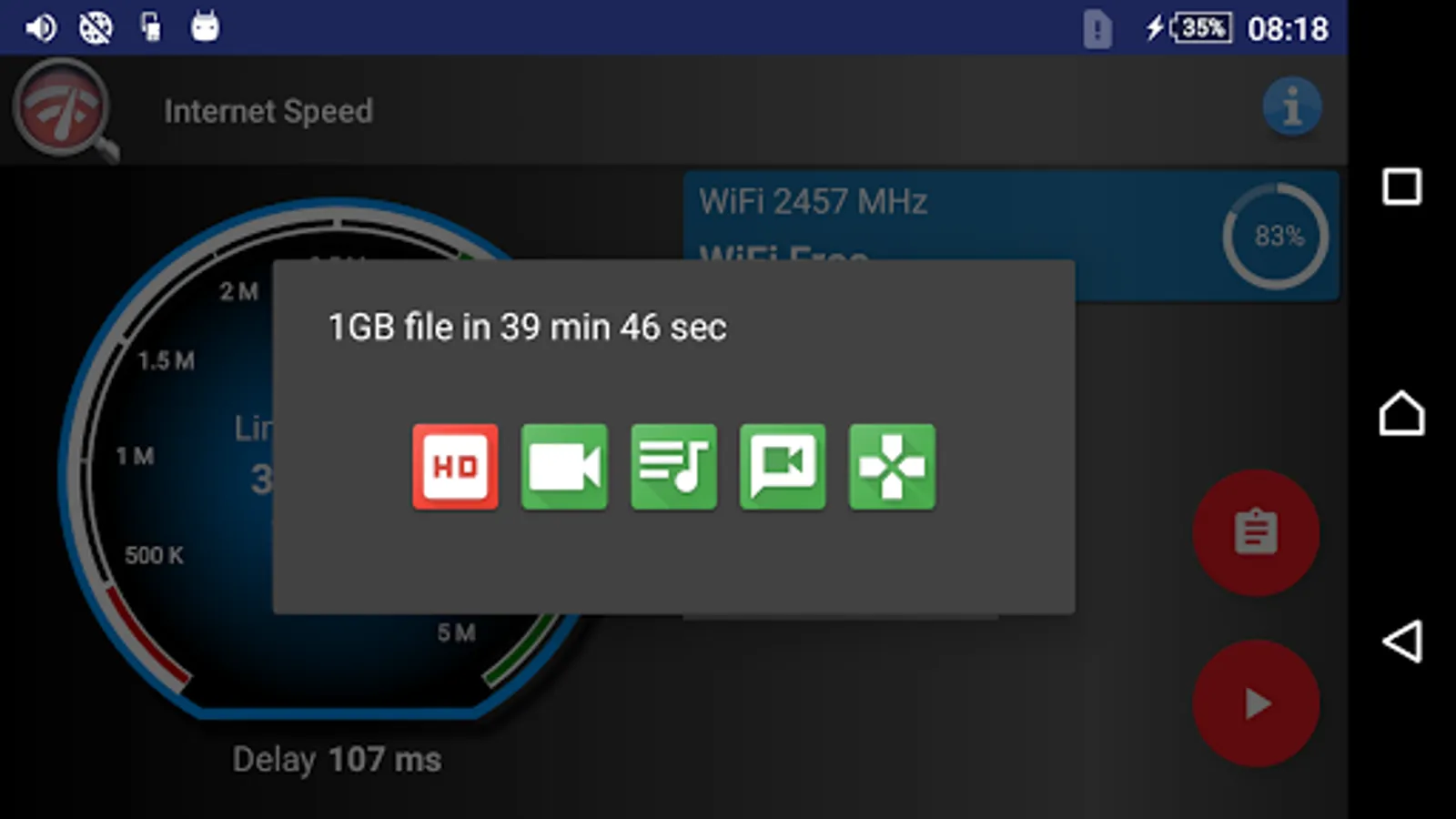
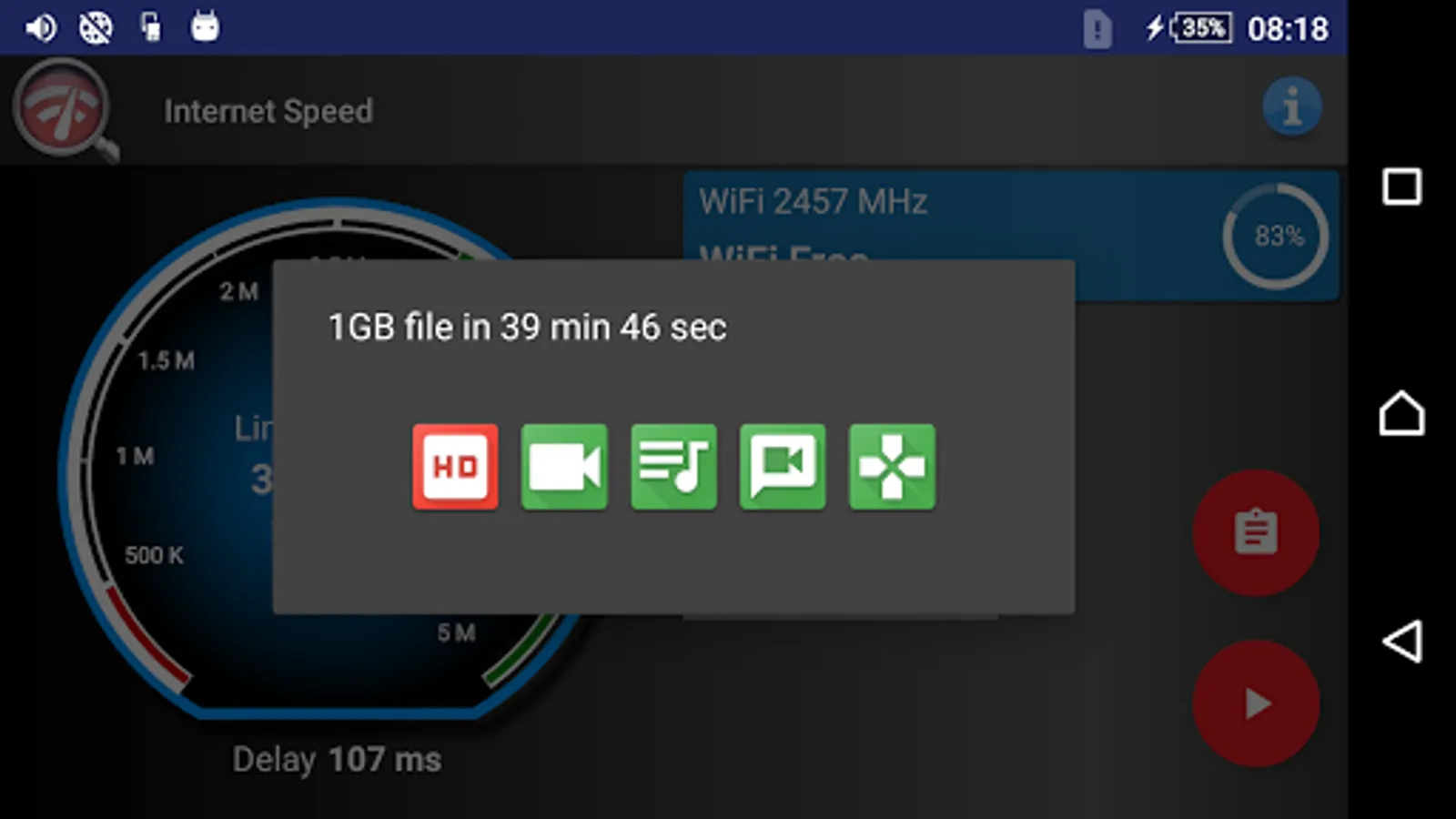
• Rates how good is your connection in five categories, hd online tv and video streams, sd stream, video chat and internet calls, listening to internet radio or online music, playing internet games.
• Calculates how fast it will take to download 1GB file, which is a size of an average 720p movie.
• You do not need to be a hacker, application is for everyone and it is super easy to use.
• All features are completely free, no pro or lite versions.
Additional information displayed:
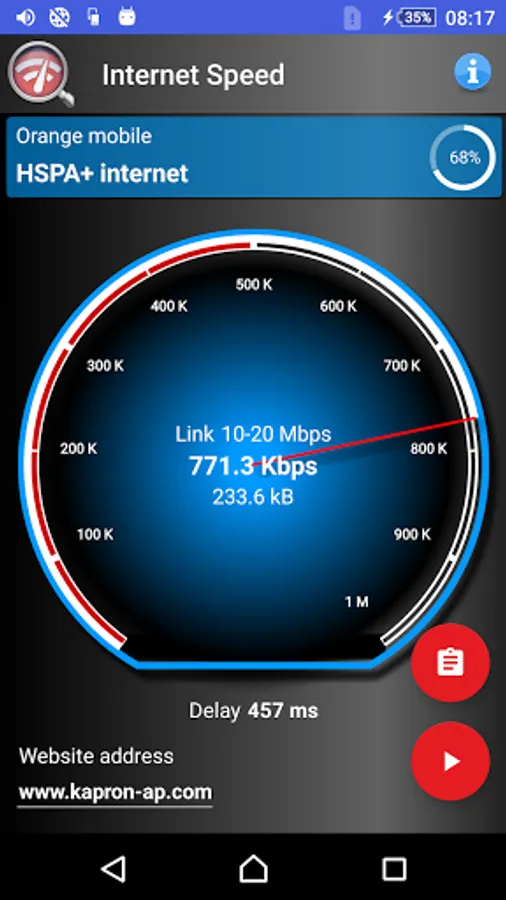
• Signal strength ASU level for WiFi hotspots and GSM/CDMA/WCDMA and LTE networks
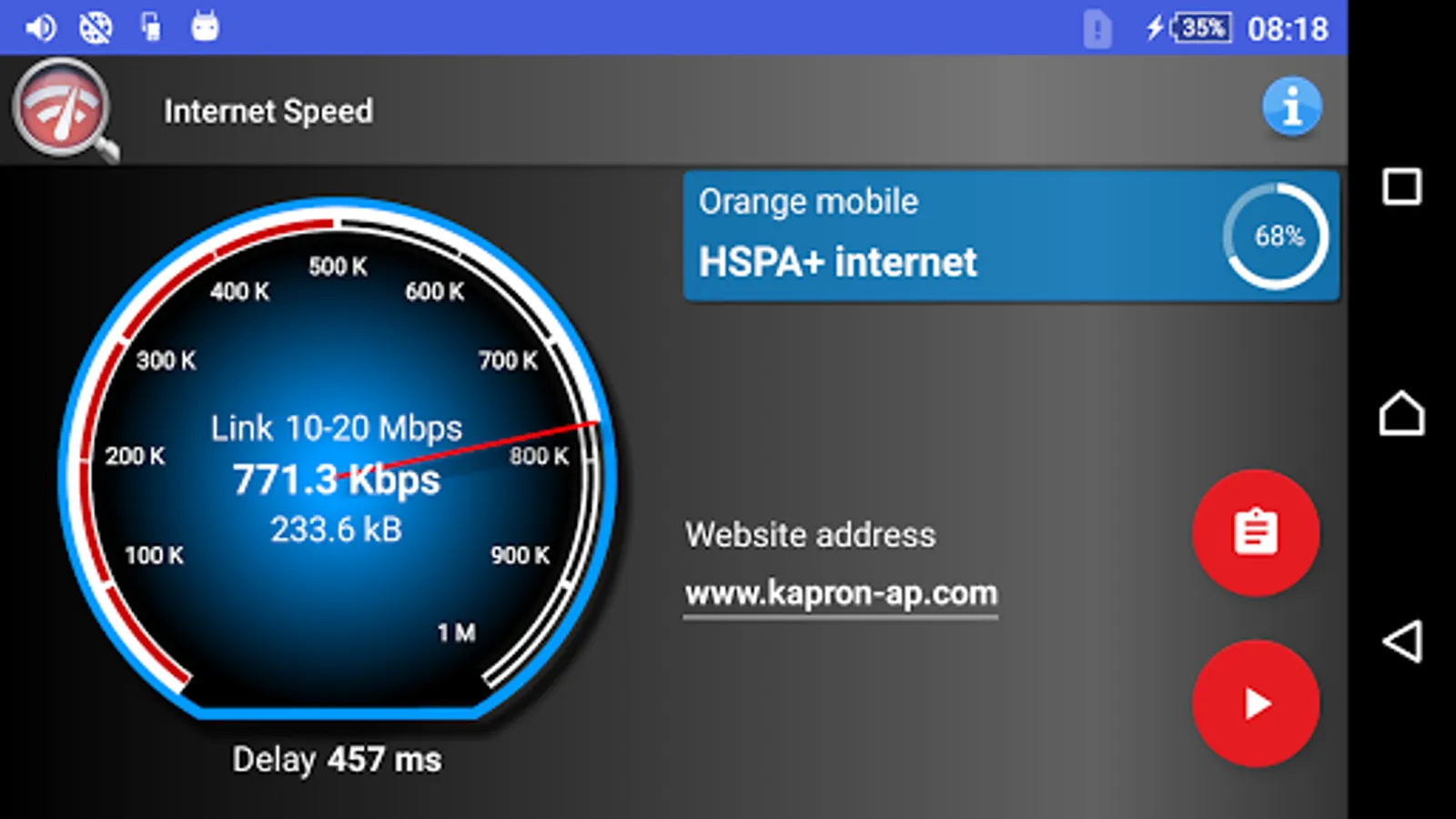
• Current network connection provider, sim card operator, GSM/CDMA/WCDMA band mode for cellular networks.
• SSID and frequency for WiFi connections.
Network transfer rate is shown in bits per second - bps, Kbps or Mbps, depending on your connection speed magnitude.
Do you wonder why every speed test meter shows totally different results for your internet connection? Because it depends which server it is connecting to. This application lets you to choose the server for test, your favourite web page, internet portal, website with online video streams or any other web address you actually plan to use.
With the fast internet tester and sensitive signal level monitor, you will quickly find a perfect spot for browsing internet at the highest speed. Just move around and execute the test couple of times, it does not transfer megabytes of data so you do not need to worry about your data transfer limit.
Main features:
• Calculates true download transfer rate, connection latency and link speed.
• Lets you choose your favorite website for tests.
• Minimal data usage during the test, perfect for testing 2g, 3g and 4g-LTE connections with limited data plan.
• Accurate speed indicator for any WiFi network, open or secured, supported by slow tethering as well as very fast ADSL or optic fibre connections.
• Rates how good is your connection in five categories, hd online tv and video streams, sd stream, video chat and internet calls, listening to internet radio or online music, playing internet games.
• Calculates how fast it will take to download 1GB file, which is a size of an average 720p movie.
• You do not need to be a hacker, application is for everyone and it is super easy to use.
• All features are completely free, no pro or lite versions.
Additional information displayed:
• Signal strength ASU level for WiFi hotspots and GSM/CDMA/WCDMA and LTE networks
• Current network connection provider, sim card operator, GSM/CDMA/WCDMA band mode for cellular networks.
• SSID and frequency for WiFi connections.
Network transfer rate is shown in bits per second - bps, Kbps or Mbps, depending on your connection speed magnitude.
Real Internet Speed Test Screenshots
Tap to Rate:
Reviews for Real Internet Speed Test
Sagittarius centaure
4/3/2022
Scam and wrong reading
A Google user
11/25/2019
Nice