
KBC Brussels Mobile
KBC Global Services
4.3 ★
8K ratings
100,000+
downloads
Free
+ in-app
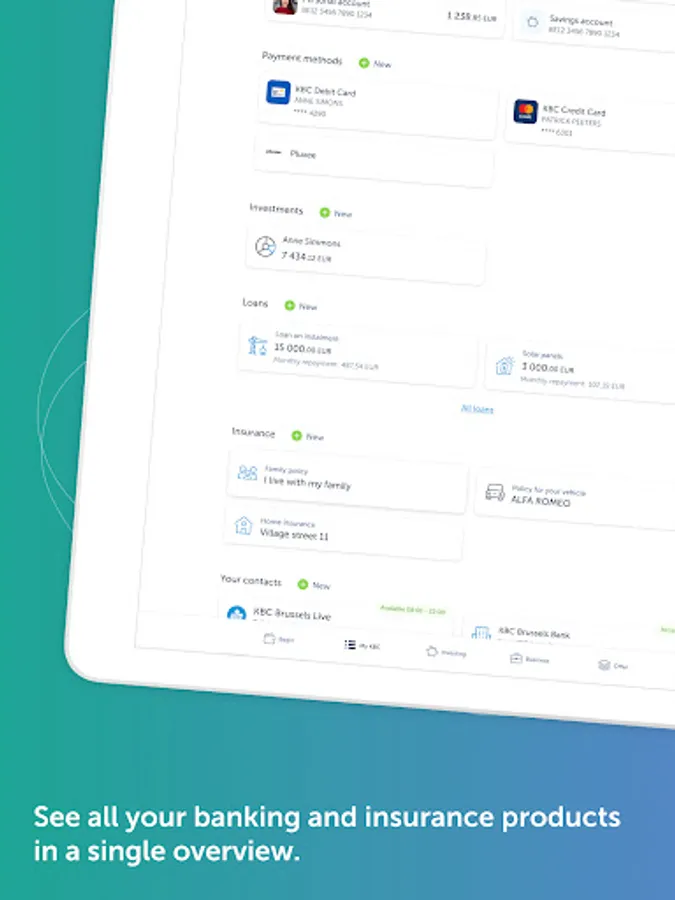
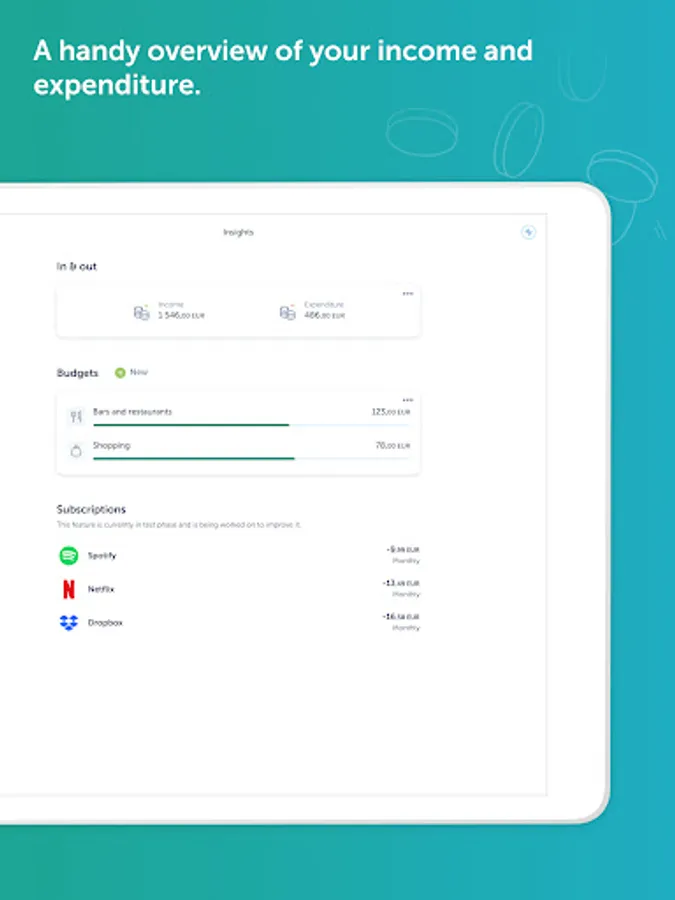
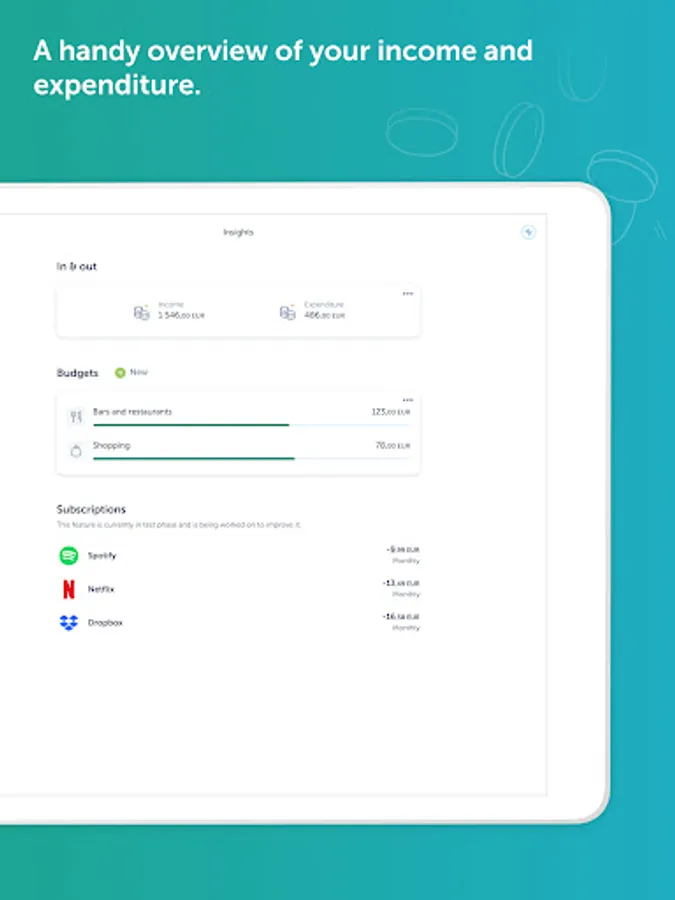
In this banking app, you can manage accounts, make payments, and transfer funds securely. Includes account customization, privacy features, and access to financial articles.
AppRecs review analysis
AppRecs rating 4.2. Trustworthiness 82 out of 100. Review manipulation risk 25 out of 100. Based on a review sample analyzed.
★★★★☆
4.2
AppRecs Rating
Ratings breakdown
5 star
68%
4 star
19%
3 star
2%
2 star
0%
1 star
11%
What to know
✓
Low review manipulation risk
25% review manipulation risk
✓
Credible reviews
82% trustworthiness score from analyzed reviews
⚠
Pricing complaints
Many low ratings mention paywalls or pricing
About KBC Brussels Mobile
KBC Brussels Mobile: the best banking app in the world
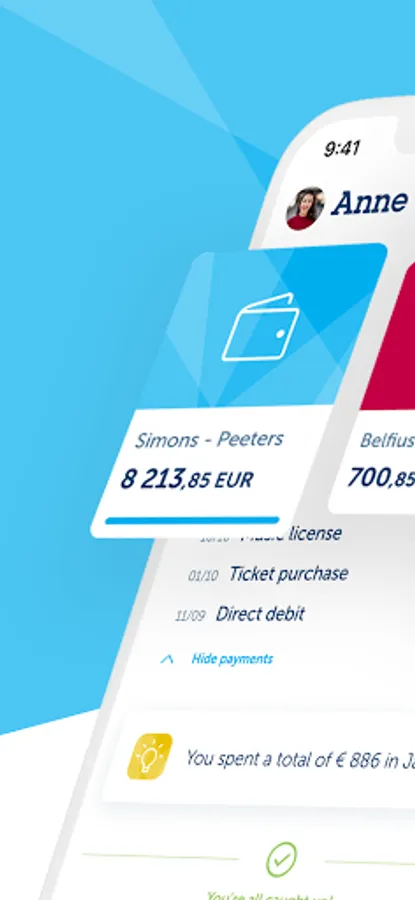
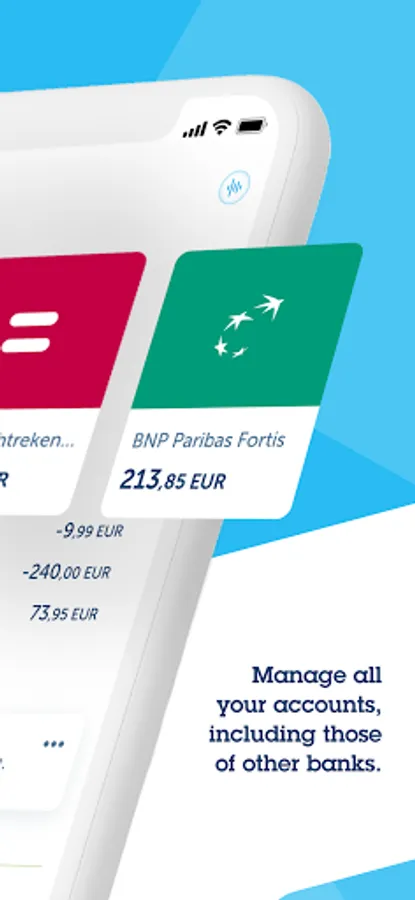
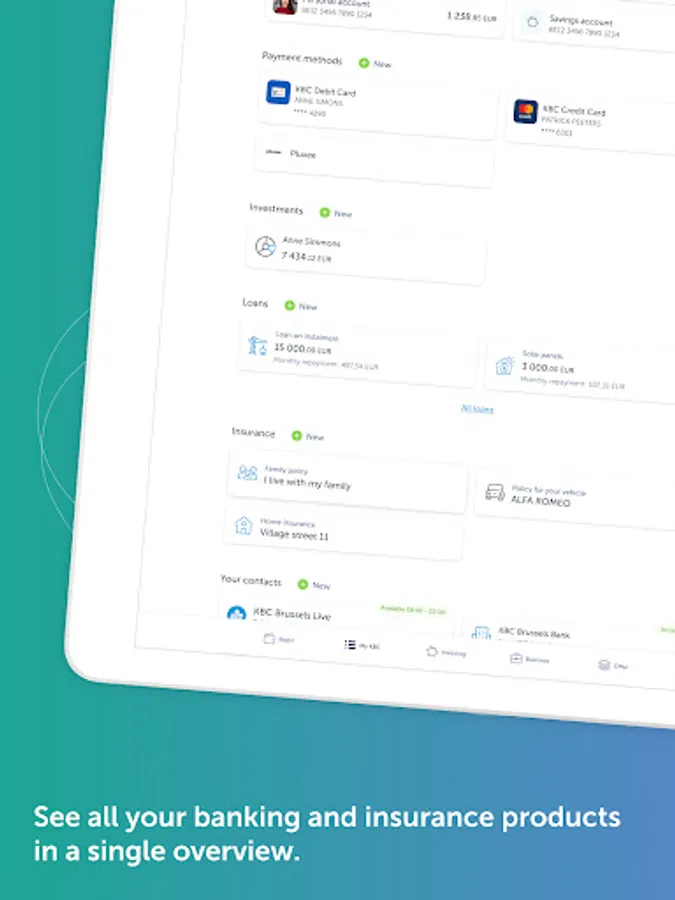
Looking to take care of your banking and insurance needs quickly and securely? Want to make payments, transfer funds or check your account balance without using a card reader? Well you can, whenever and wherever you want with KBC Brussels Mobile on your smartphone or tablet. It's not for nothing that independent research agency Sia has again named KBC Brussels Mobile the best banking app in the world!
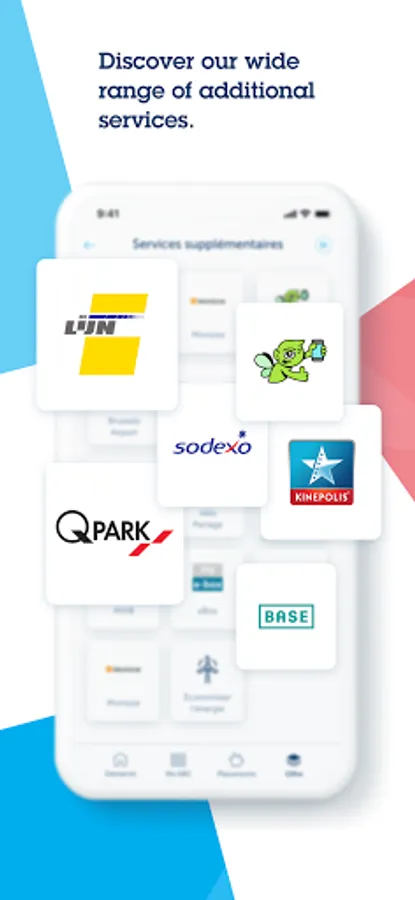
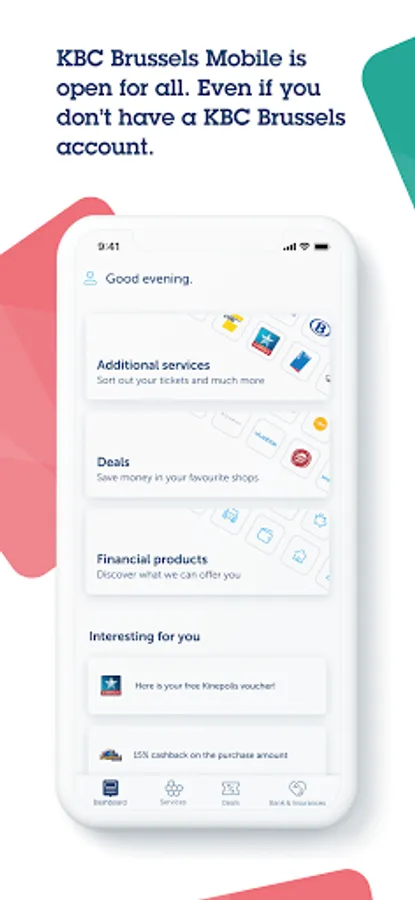
Even if you don't have a current account with us, you can still use KBC Brussels Mobile to do things like buy public transport tickets or keep your loyalty cards together.
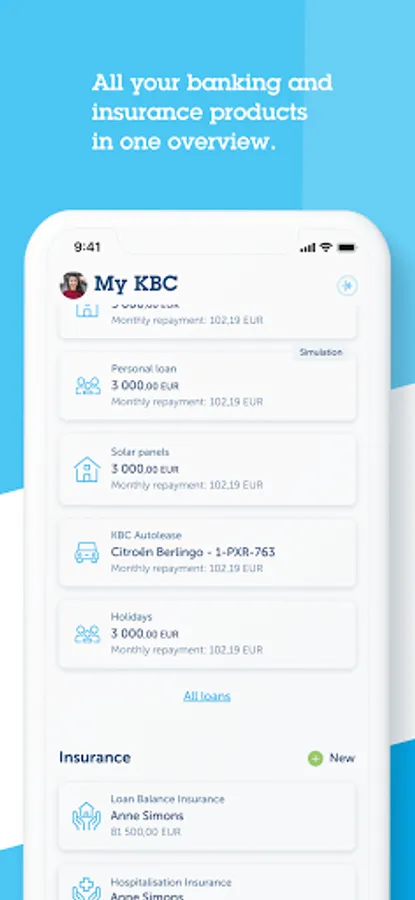
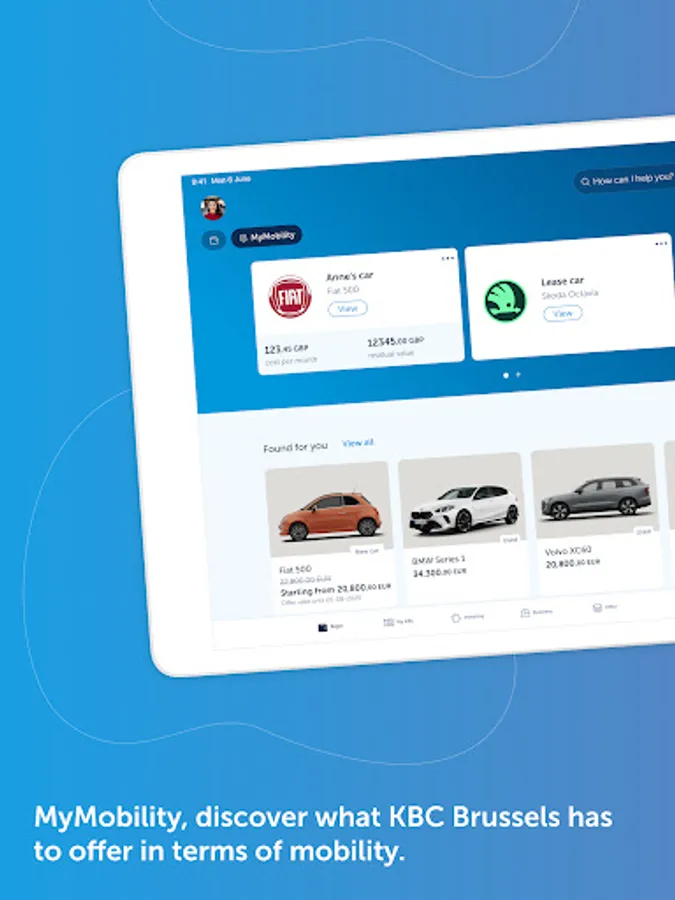
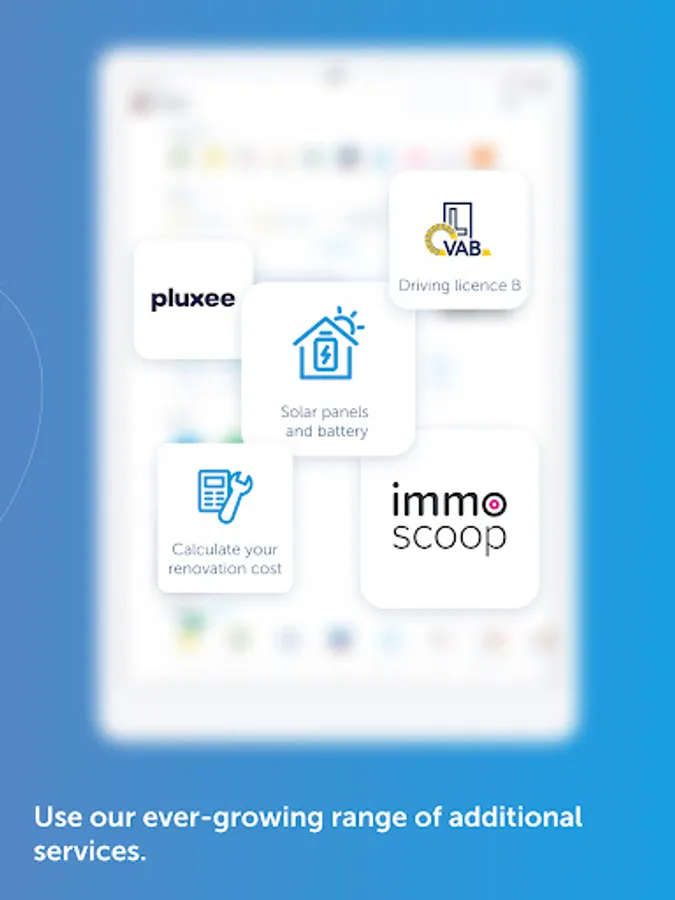
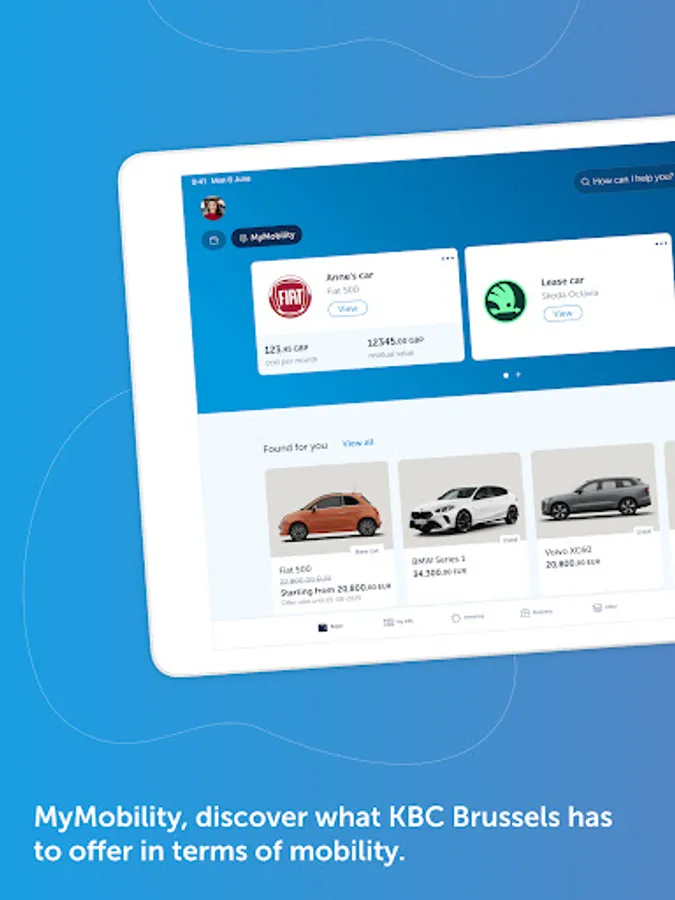
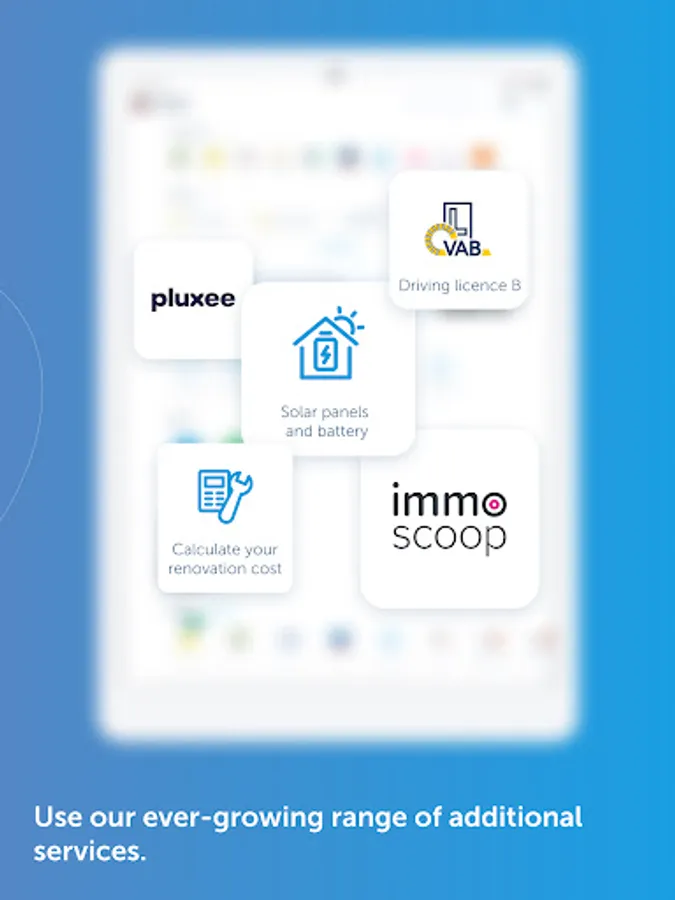
If you already have a current account with us, you can use our Mobile app to the full. You’ll get access to MyMobility, your very own hub for everything mobility-related. If you already own a car or are looking for a new or second-hand model, you’ll find a clear overview, inspiration and useful tools for your mobility in this one place. Our app will also help you every step of the way with your home plans, whether that’s buying a property, renovating or making energy-efficient improvements. For example, you can get an idea of all your renovation costs with the help of ‘Setle’ or have solar panels installed through ‘Impact us Today’.
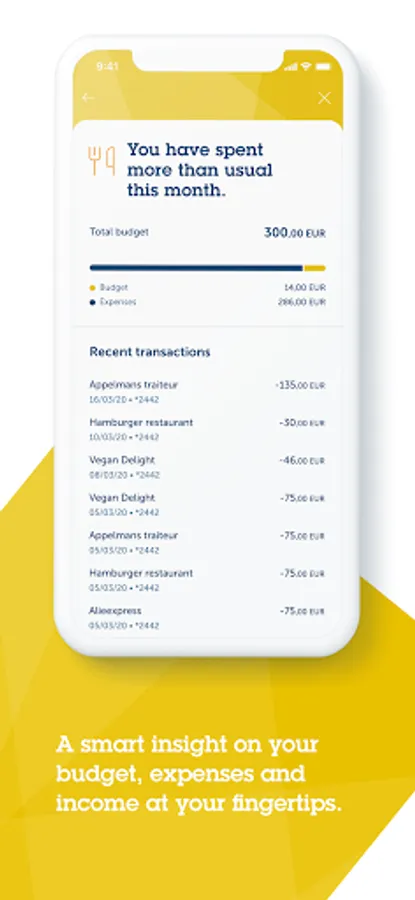
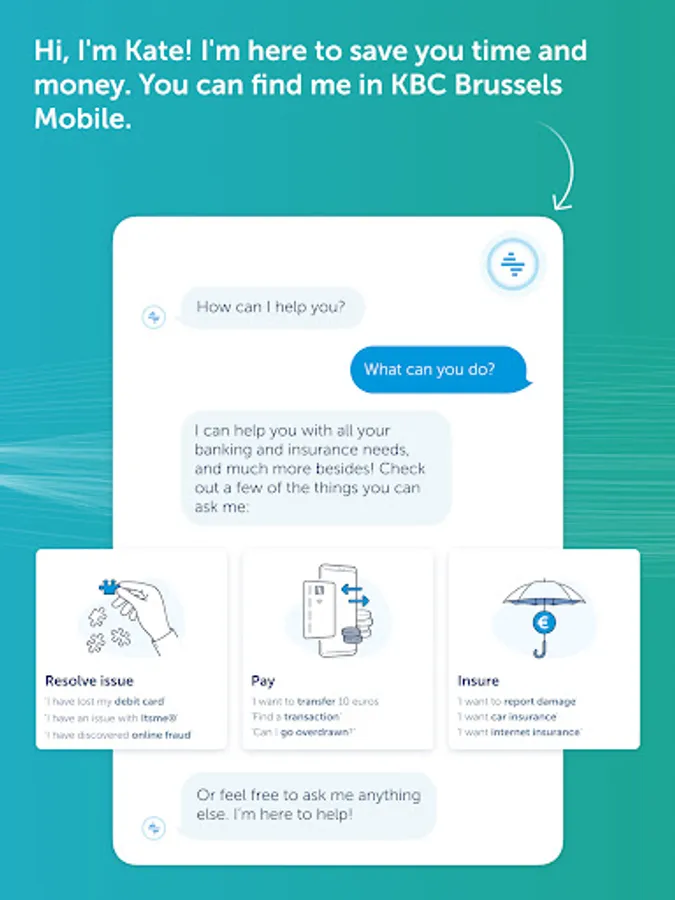
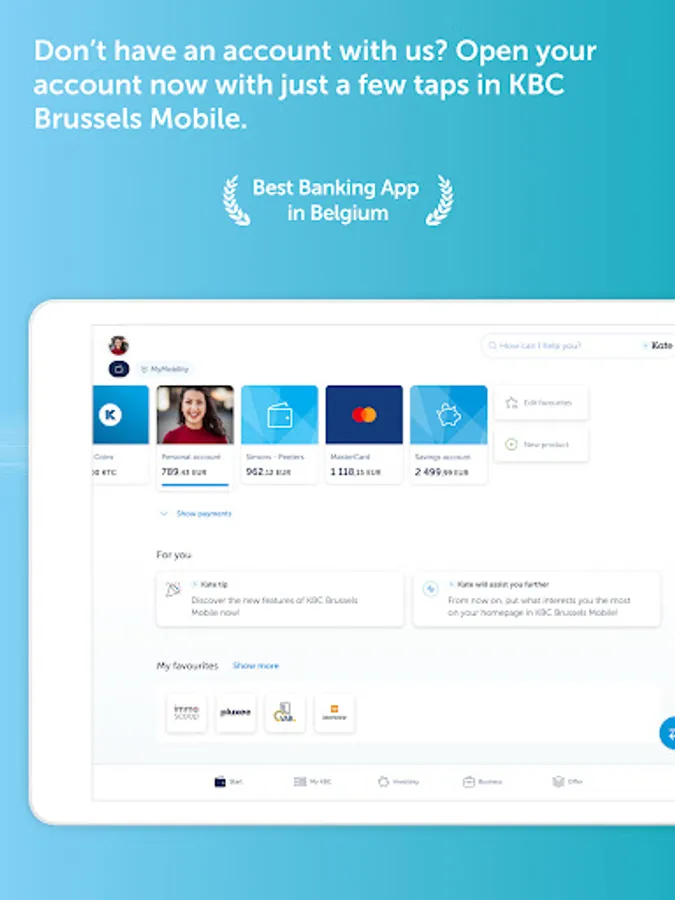
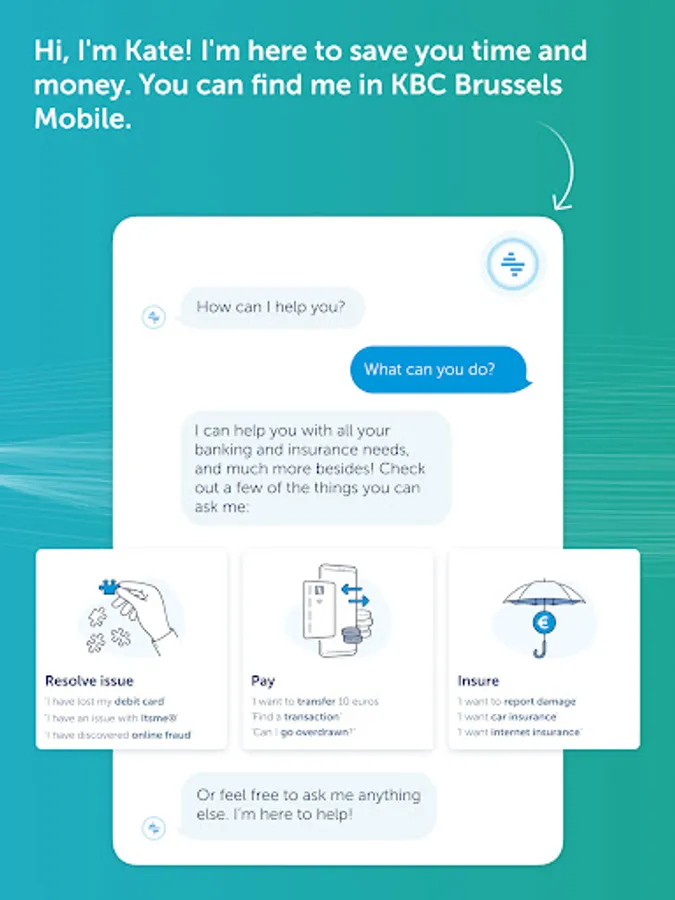
KBC Brussels Mobile also has lots of other neat features that you can use for doing things, such as personalising your accounts by adding a photo, hiding amounts on screen for more privacy and customising your start screen to suit your needs. If you’re keen to learn more about financial matters, the app has informative articles on key financial topics – concise, clear and relevant to you. And, of course, our digital assistant Kate is also on hand to assist you. Just tap the search bar at the top of the app’s screen and ask your question.
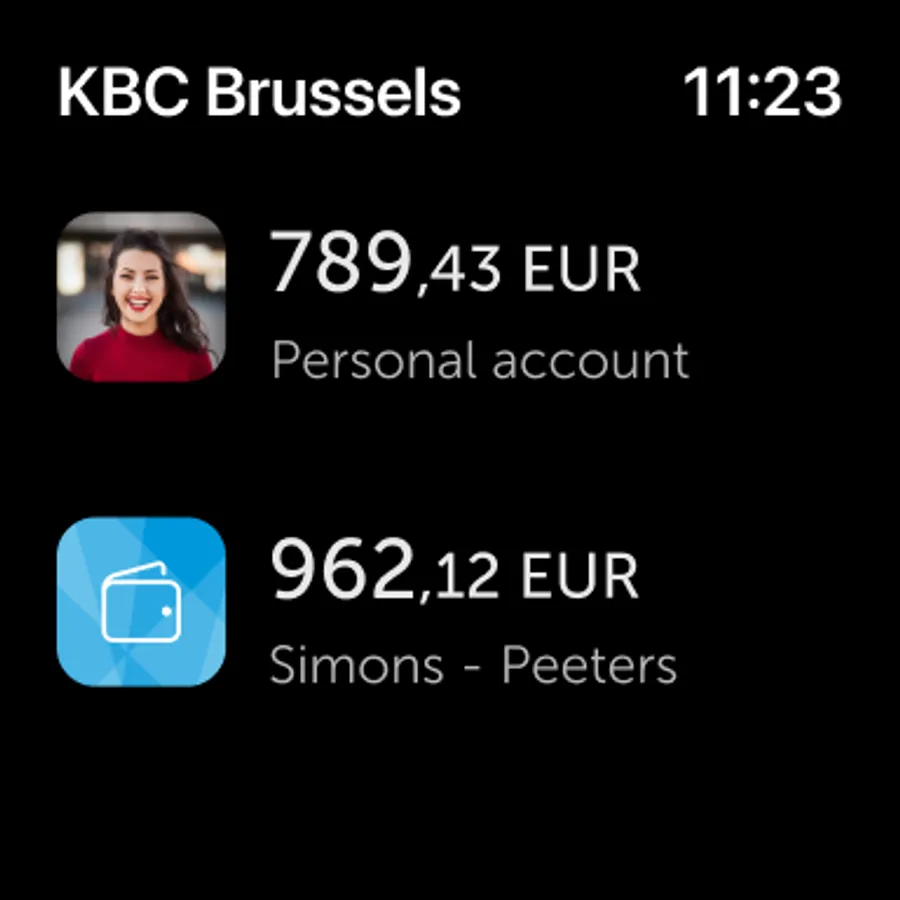
You can even check your account balance on your smartwatch (Wear OS).
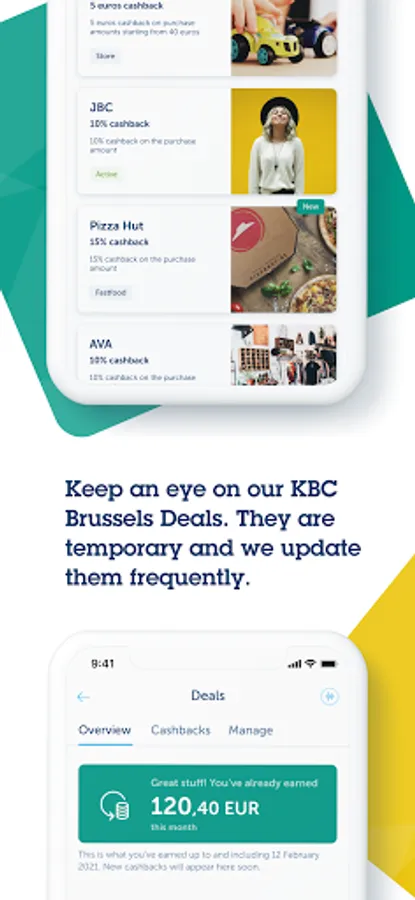
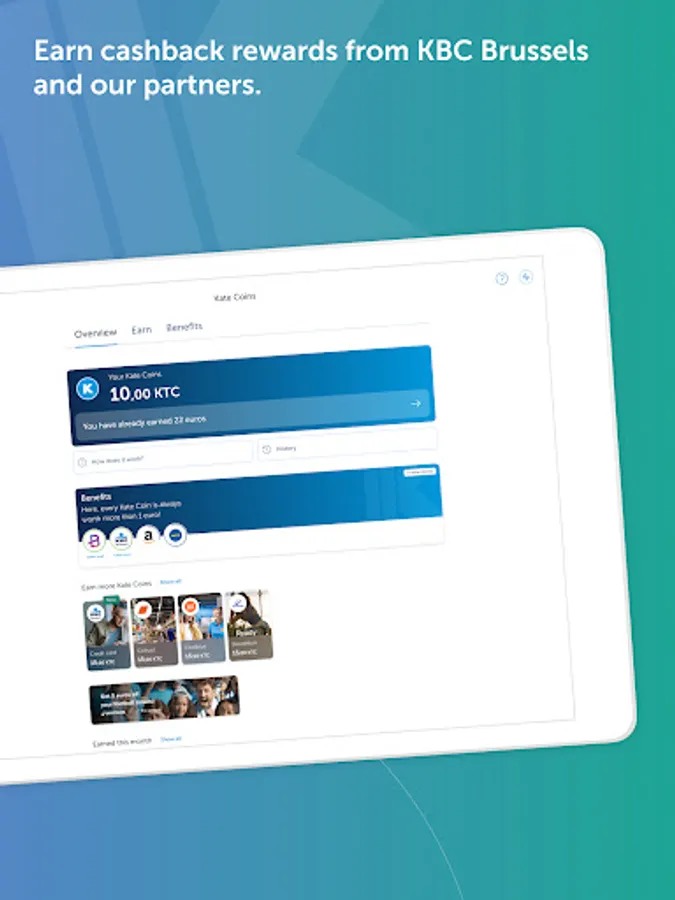
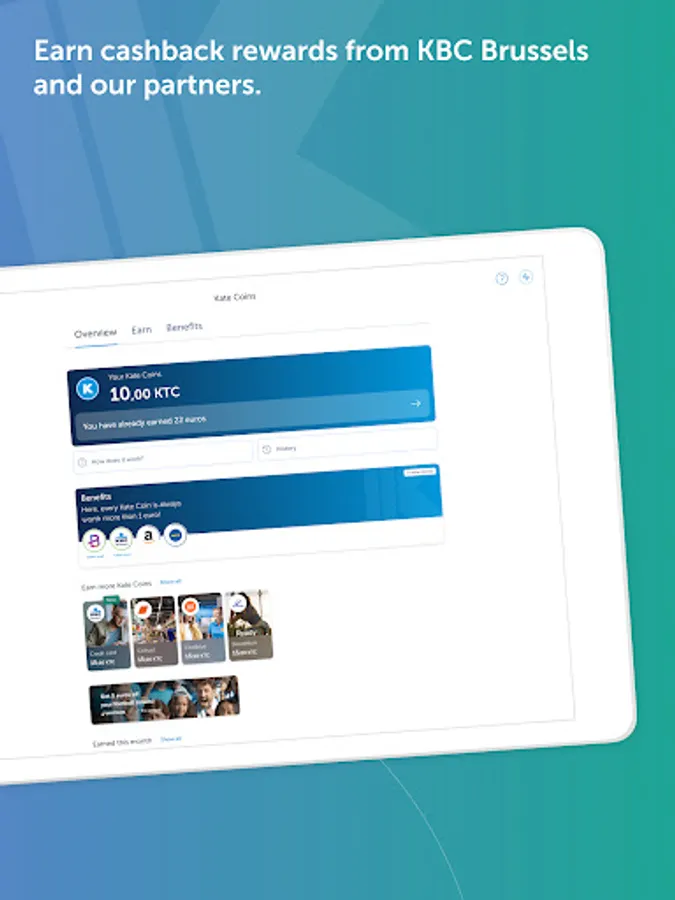
If you opt for our ‘Personalised’ service, you can use the Kate Coins you earn to get great discounts, cashback rewards and other benefits from KBC Brussels and our partners.
If you're curious to find out more, download KBC Brussels Mobile for free now or visit www.kbcbrussels.be/en/mobile.
Looking to take care of your banking and insurance needs quickly and securely? Want to make payments, transfer funds or check your account balance without using a card reader? Well you can, whenever and wherever you want with KBC Brussels Mobile on your smartphone or tablet. It's not for nothing that independent research agency Sia has again named KBC Brussels Mobile the best banking app in the world!
Even if you don't have a current account with us, you can still use KBC Brussels Mobile to do things like buy public transport tickets or keep your loyalty cards together.
If you already have a current account with us, you can use our Mobile app to the full. You’ll get access to MyMobility, your very own hub for everything mobility-related. If you already own a car or are looking for a new or second-hand model, you’ll find a clear overview, inspiration and useful tools for your mobility in this one place. Our app will also help you every step of the way with your home plans, whether that’s buying a property, renovating or making energy-efficient improvements. For example, you can get an idea of all your renovation costs with the help of ‘Setle’ or have solar panels installed through ‘Impact us Today’.
KBC Brussels Mobile also has lots of other neat features that you can use for doing things, such as personalising your accounts by adding a photo, hiding amounts on screen for more privacy and customising your start screen to suit your needs. If you’re keen to learn more about financial matters, the app has informative articles on key financial topics – concise, clear and relevant to you. And, of course, our digital assistant Kate is also on hand to assist you. Just tap the search bar at the top of the app’s screen and ask your question.
You can even check your account balance on your smartwatch (Wear OS).
If you opt for our ‘Personalised’ service, you can use the Kate Coins you earn to get great discounts, cashback rewards and other benefits from KBC Brussels and our partners.
If you're curious to find out more, download KBC Brussels Mobile for free now or visit www.kbcbrussels.be/en/mobile.
KBC Brussels Mobile Screenshots
Tap to Rate:
Reviews for KBC Brussels Mobile
Kristof Langland
12/27/2025
Not Bad! Kate is a bit of a gimmick but par for the course here in Brussels. The Canadian Bank App model works much better. Not sure I want an AI in my banking. Just saying.
mario carvajal de la torre
12/26/2025
very user friendly Bank App