TV Remote Universal Control
Kiran Devi
4.3 ★
47 ratings
10,000+
downloads
Free
+ in-app
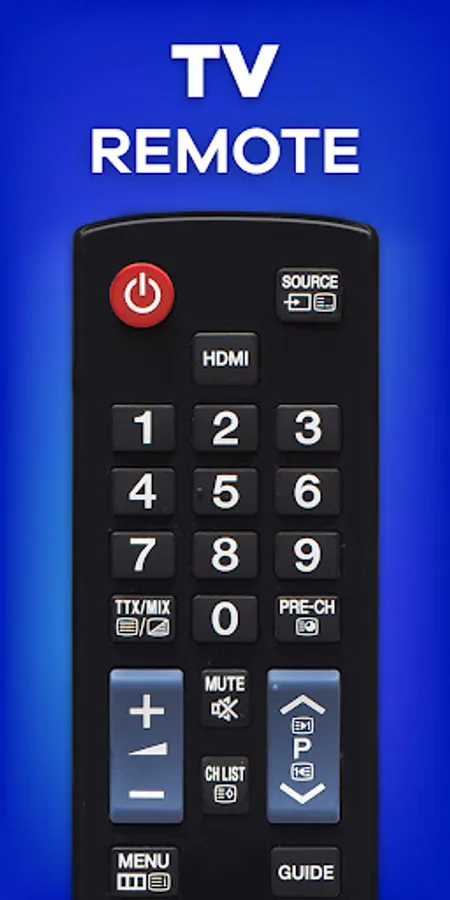
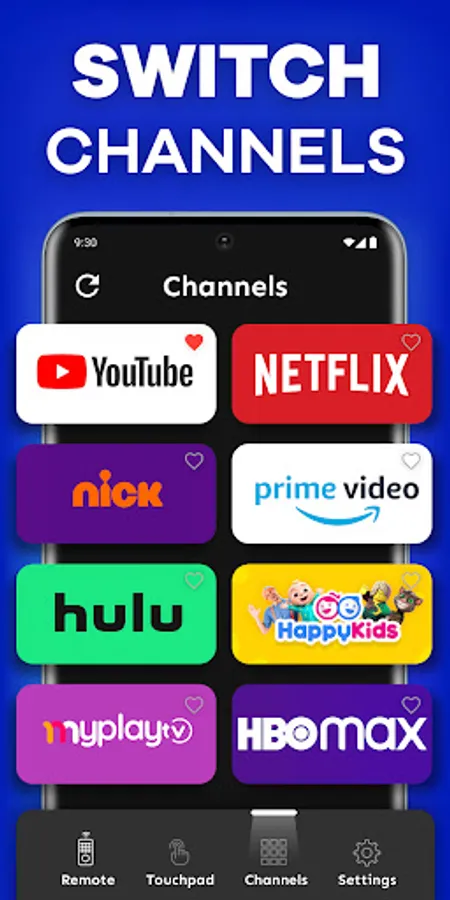
In this TV remote control app, you can connect to multiple smart TVs and manage them using your phone. Includes auto-detection of devices, volume adjustment, playback control, and quick text input.
AppRecs review analysis
AppRecs rating 4.2. Trustworthiness 81 out of 100. Review manipulation risk 25 out of 100. Based on a review sample analyzed.
★★★★☆
4.2
AppRecs Rating
Ratings breakdown
5 star
85%
4 star
0%
3 star
0%
2 star
0%
1 star
15%
What to know
✓
Low review manipulation risk
25% review manipulation risk
✓
Credible reviews
81% trustworthiness score from analyzed reviews
✓
High user satisfaction
85% of sampled ratings are 4+ stars (4.3★ average)
About TV Remote Universal Control
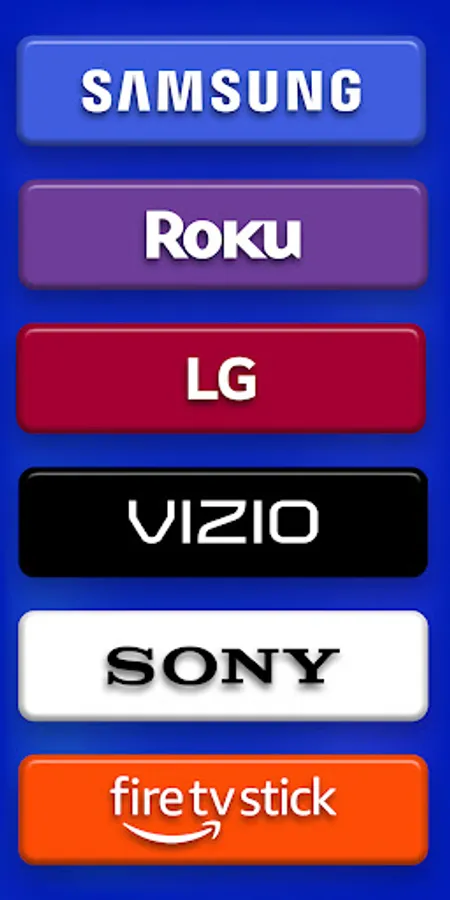
TV Remote Universal Control is easy to use and innovative gadgets that allows you to control multiple smart TVs with just one app. It works with most popular TVs including Roku, Samsung, Sony, LG, Fire TV, Vizio, TCL, or any other smart TVs Whether you have a Smart TV remote or need a remote control for TV, this app connects effortlessly to your TV via the same Wi-Fi network. Say goodbye to searching your physical remotes all the time.
Features of Smart TV Remote Universal Control :
1. Auto-detect Smart TVs: The app automatically scans and connects to all TVs on the same W-iFi network.
2. Universal Remote App: Manage most popular TVs including Roku, Samsung, Sony, LG, Fire TV, Vizio, TCL.
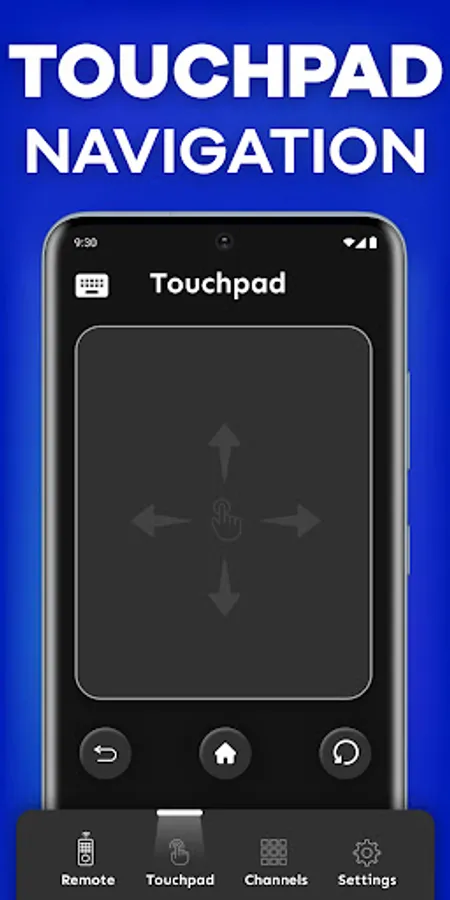
3. Touchpad Navigation: Control your TV efficiently with an easy-to-use touchpad navigation.
4. Power On/Off: Control the power of your Smart TV from your phone.
5. Volume Control: Adjust the volume directly from your phone.
6. Quick Text Input: Easily search for shows and movies using your phone’s keyboard.
7. Playback Control: Play, pause, fast forward, and rewind content as you are using in real remote.
8. Version Support: Support all versions of TV OS.
9. Language Support: Support more than 10 languages.
How to Use Smart TV Remote Universal Control :
1. Open the app and make sure your mobile device and TV both are connected on the same Wi-Fi network.
2. Select your TV or streaming stick.
4. Start using Universal Remote app with ease.
For those wishing to streamline their digital experience, Universal Remote App is an innovative app. We make it easy to operate your devices and access all of them with ease, whether you're viewing your favorite shows, watching a movie, or playing games. So, what are you waiting for? Download the TV Remote Universal Control app now and make control of all the entertainment in your thumb.
Features of Smart TV Remote Universal Control :
1. Auto-detect Smart TVs: The app automatically scans and connects to all TVs on the same W-iFi network.
2. Universal Remote App: Manage most popular TVs including Roku, Samsung, Sony, LG, Fire TV, Vizio, TCL.
3. Touchpad Navigation: Control your TV efficiently with an easy-to-use touchpad navigation.
4. Power On/Off: Control the power of your Smart TV from your phone.
5. Volume Control: Adjust the volume directly from your phone.
6. Quick Text Input: Easily search for shows and movies using your phone’s keyboard.
7. Playback Control: Play, pause, fast forward, and rewind content as you are using in real remote.
8. Version Support: Support all versions of TV OS.
9. Language Support: Support more than 10 languages.
How to Use Smart TV Remote Universal Control :
1. Open the app and make sure your mobile device and TV both are connected on the same Wi-Fi network.
2. Select your TV or streaming stick.
4. Start using Universal Remote app with ease.
For those wishing to streamline their digital experience, Universal Remote App is an innovative app. We make it easy to operate your devices and access all of them with ease, whether you're viewing your favorite shows, watching a movie, or playing games. So, what are you waiting for? Download the TV Remote Universal Control app now and make control of all the entertainment in your thumb.
TV Remote Universal Control Screenshots
Tap to Rate:
Reviews for TV Remote Universal Control
Orville Jackson
12/24/2025
I just started using this app, but so far so good. I can now say that this app can definitely work with. It's a much better experience than many of the others of its kind.
Kishan Rathod
11/8/2024
Good 💯