About Keen Notes
FEATURES
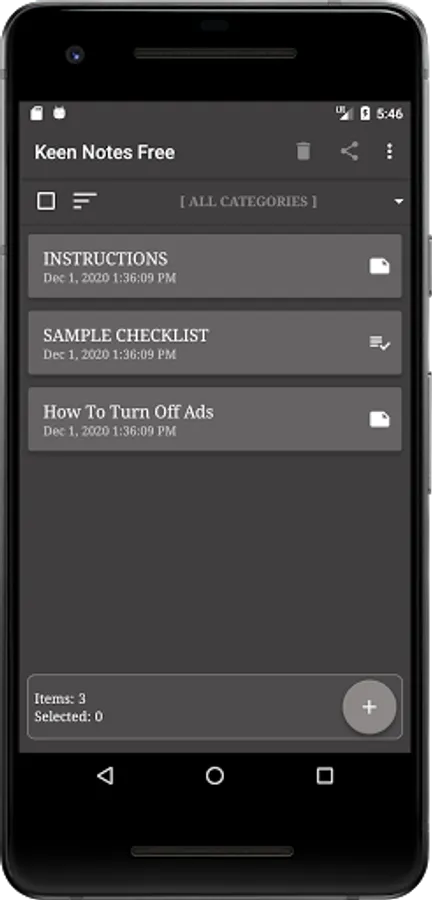
Create Notes
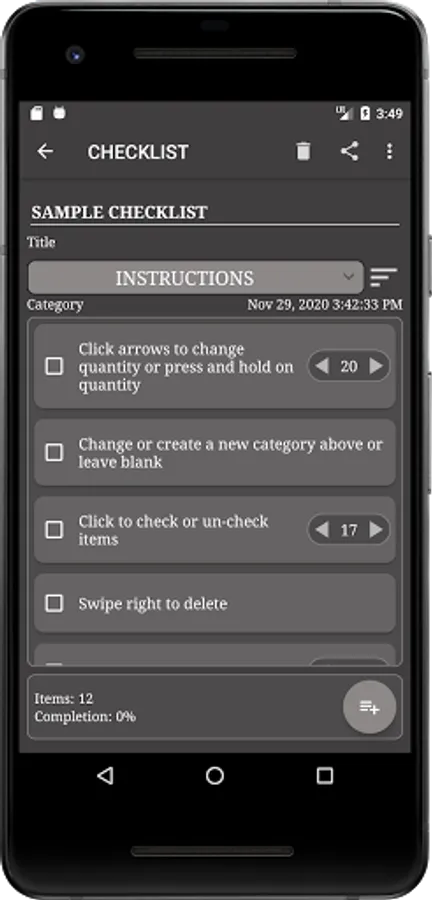
Create Checklists with Quantities On or Off
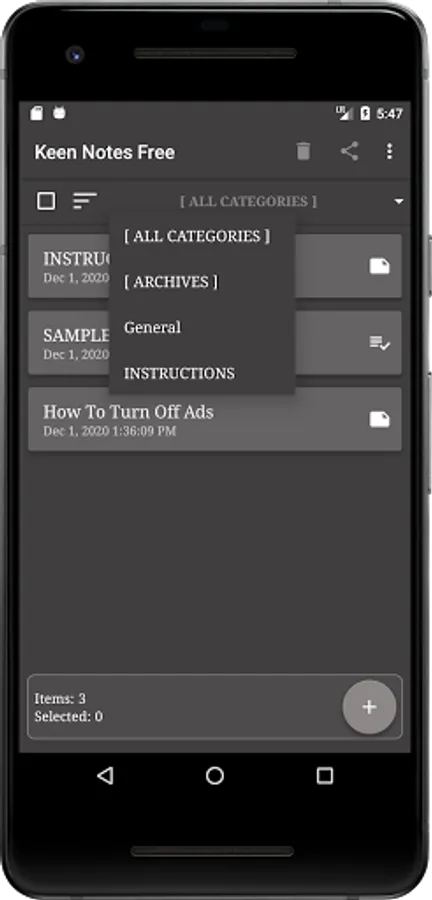
Categorize For Organization
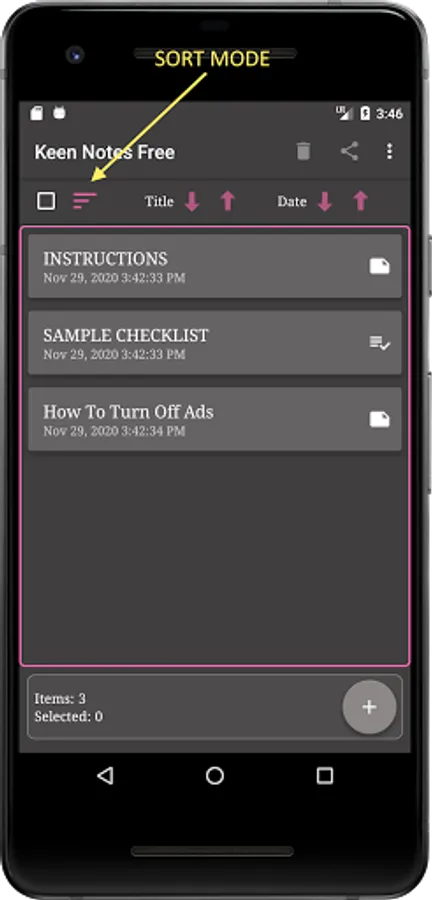
Sort and Reposition Notes
Share Notes with Others
Backup Manually
NOTES AND CHECKLISTS
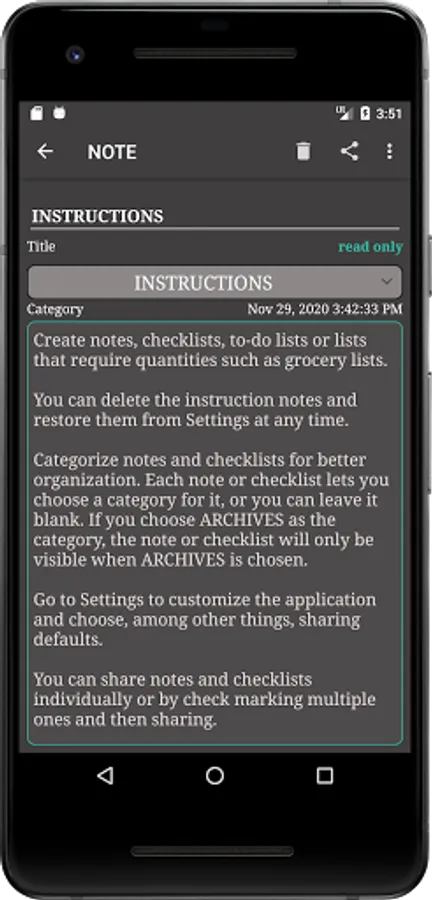
Create notes, checklists, to-do lists or any lists that may require quantities such as grocery lists.
Checklist items can have quantities turned off or on at any time.
For Notes, Read Only mode will prevent keyboard from opening inadvertently while scrolling through the text.
CATEGORIES
Categorize and re-arrange notes for better organization.
Go to the menu and choose Categories to remove, add or edit categories.
SORTING
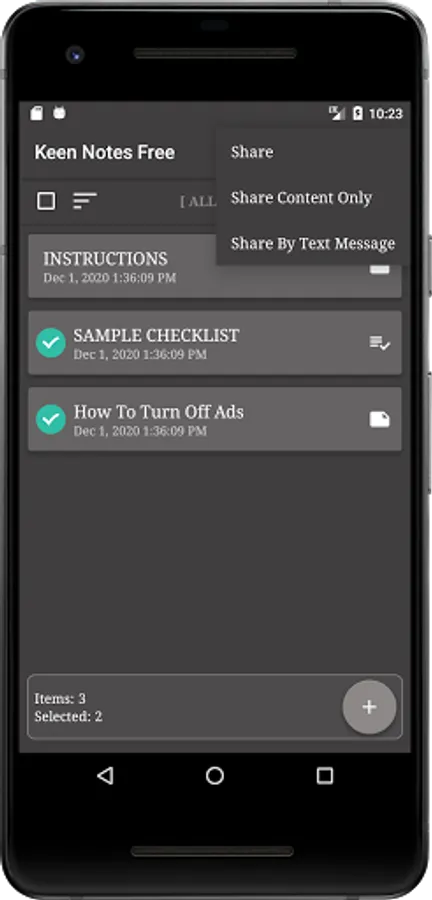
Enter sort mode by selecting the sorting image which is the image with three lines.
When in sort mode, items can be individually dragged to better organize.
When in sort mode, swipe left or right in order to quickly move an item to the top or bottom.
SHARE NOTES
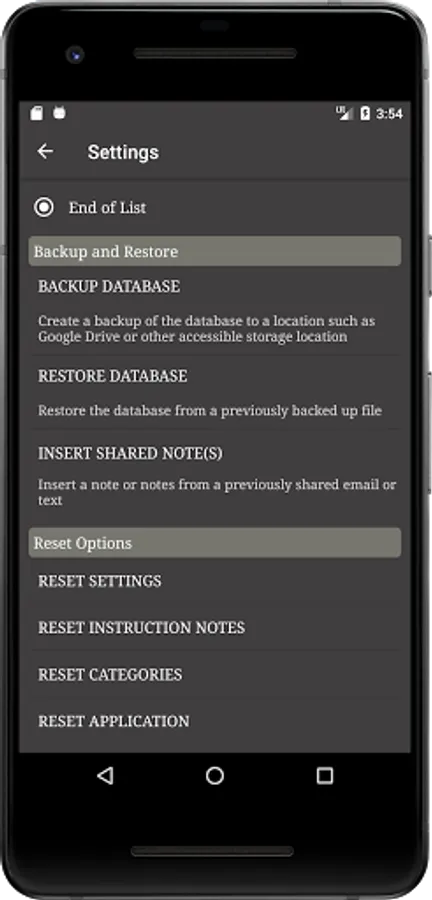
Share one or more notes at a time to send via email, text or any other method your device will allow. Shared notes can also be restored for a different sort of backup. Share notes with someone else and they can insert those notes into their application.
Quickly share a note or checklist by swiping right.
SETTINGS
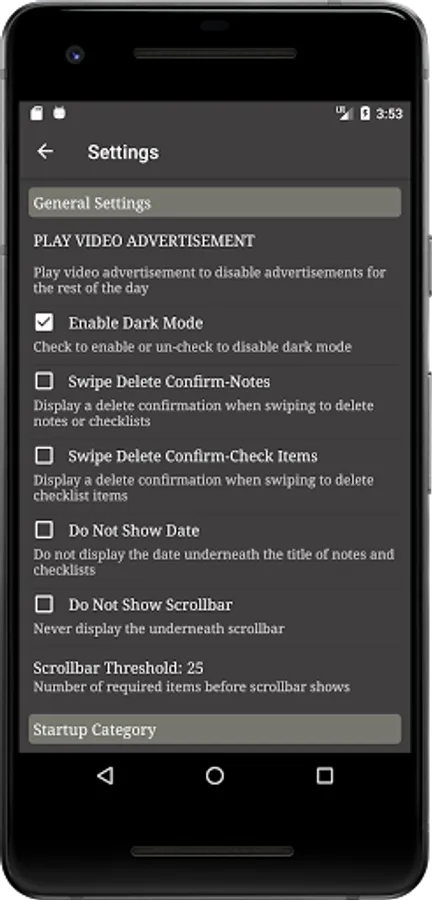
Customize the application to meet your needs.
Turn dark mode on or off.
BACKUP NOTES
All data automatically backs up to your Google Drive for Android versions 6.0 and higher unless it is disabled.
Manually backup to external storage or any other accessible storage location such as Google Drive.
Create Notes
Create Checklists with Quantities On or Off
Categorize For Organization
Sort and Reposition Notes
Share Notes with Others
Backup Manually
NOTES AND CHECKLISTS
Create notes, checklists, to-do lists or any lists that may require quantities such as grocery lists.
Checklist items can have quantities turned off or on at any time.
For Notes, Read Only mode will prevent keyboard from opening inadvertently while scrolling through the text.
CATEGORIES
Categorize and re-arrange notes for better organization.
Go to the menu and choose Categories to remove, add or edit categories.
SORTING
Enter sort mode by selecting the sorting image which is the image with three lines.
When in sort mode, items can be individually dragged to better organize.
When in sort mode, swipe left or right in order to quickly move an item to the top or bottom.
SHARE NOTES
Share one or more notes at a time to send via email, text or any other method your device will allow. Shared notes can also be restored for a different sort of backup. Share notes with someone else and they can insert those notes into their application.
Quickly share a note or checklist by swiping right.
SETTINGS
Customize the application to meet your needs.
Turn dark mode on or off.
BACKUP NOTES
All data automatically backs up to your Google Drive for Android versions 6.0 and higher unless it is disabled.
Manually backup to external storage or any other accessible storage location such as Google Drive.