Remote Brew for Bean to Cup
Keurig Green Mountain, Inc.
3.5 ★
14 ratings
1,000+
downloads
Free
With this app, you can remotely start brewing and customize coffee settings on compatible Keurig bean-to-cup machines. Includes QR code scanning, Bluetooth connectivity, and machine control features.
AppRecs review analysis
AppRecs rating 3.5. Trustworthiness 83 out of 100. Review manipulation risk 15 out of 100. Based on a review sample analyzed.
★★★☆☆
3.5
AppRecs Rating
Ratings breakdown
5 star
54%
4 star
0%
3 star
15%
2 star
15%
1 star
15%
What to know
✓
Low review manipulation risk
15% review manipulation risk
✓
Credible reviews
83% trustworthiness score from analyzed reviews
About Remote Brew for Bean to Cup
Touchless Brewing with the Remote Brew App
Compatible with the Keurig® Collection Eccellenza™ Touch and Eccellenza™ Momentum Bean-to-Cup coffee makers, the Remote Brew app allows you to brew freshly ground coffee using your phone - eliminating the need to touch the machine.
This app is not for use with K-Cup pod brewers.
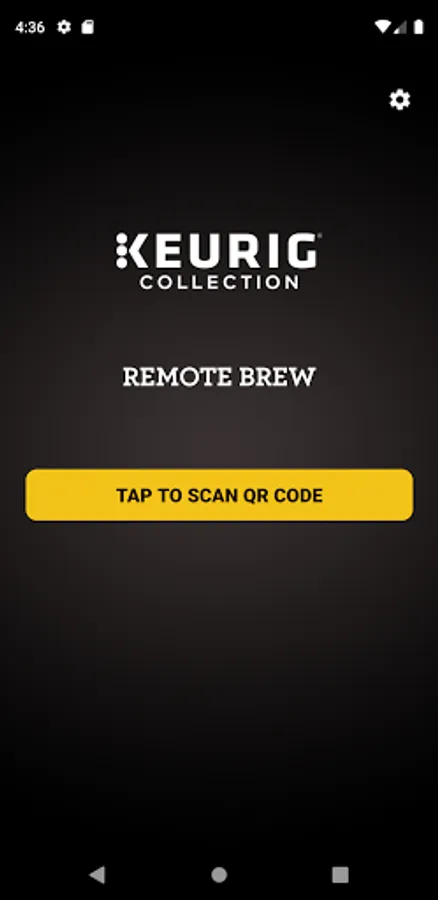
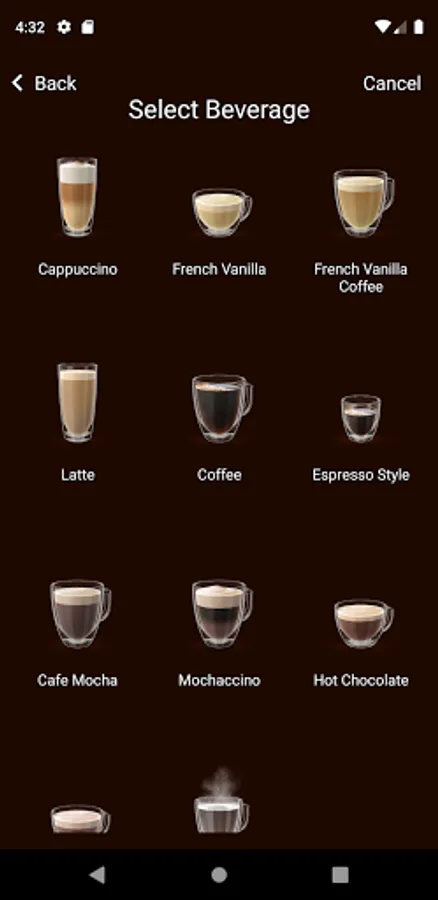
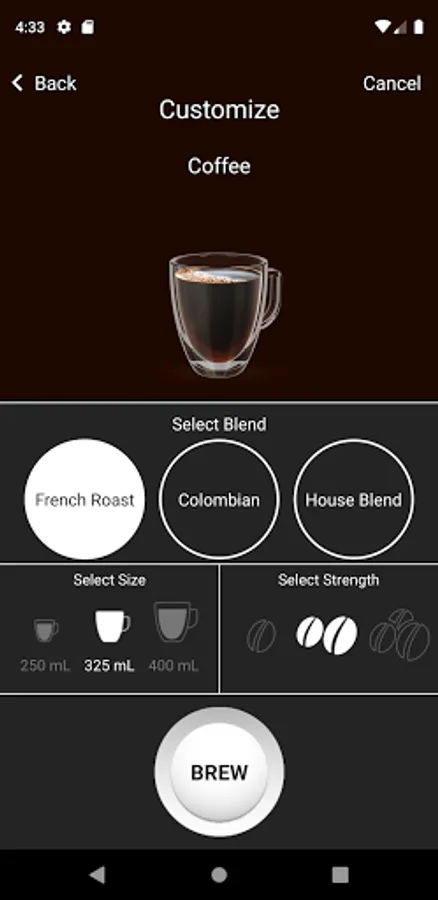
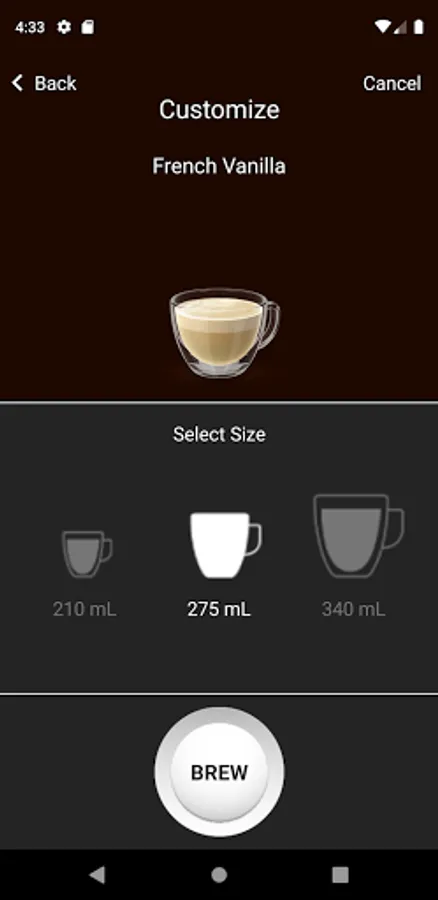
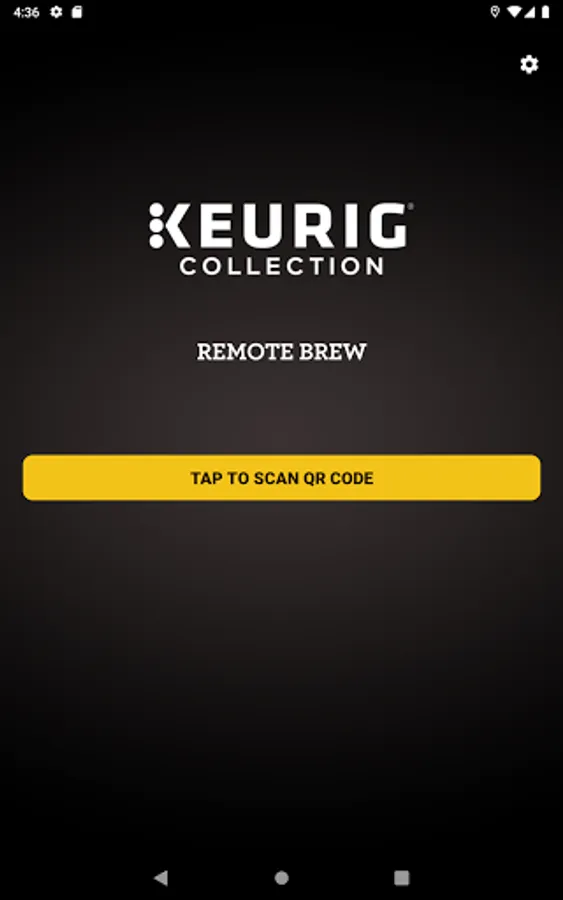
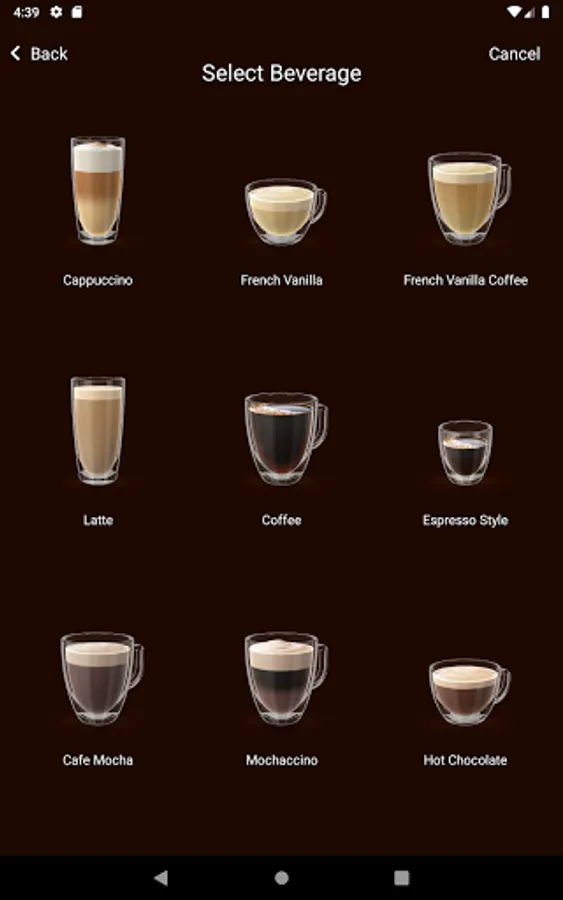
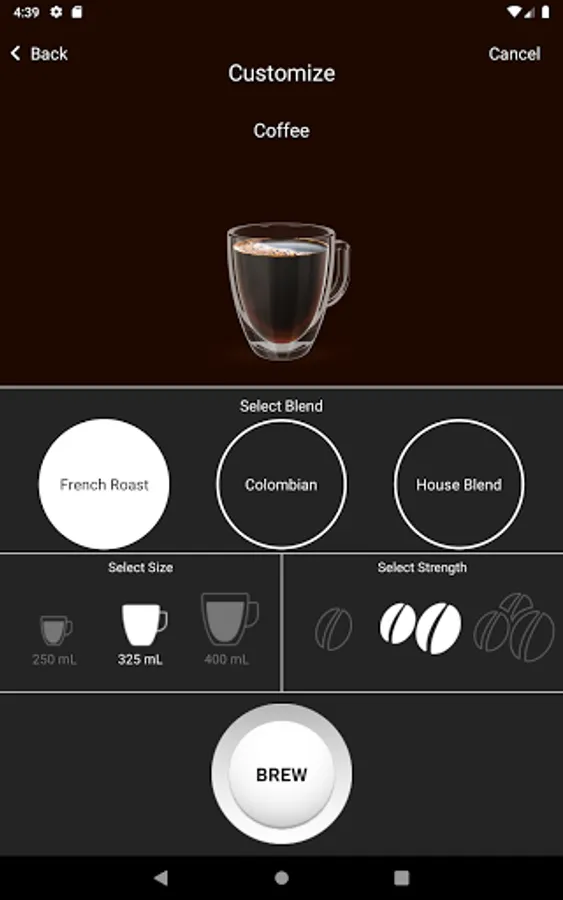
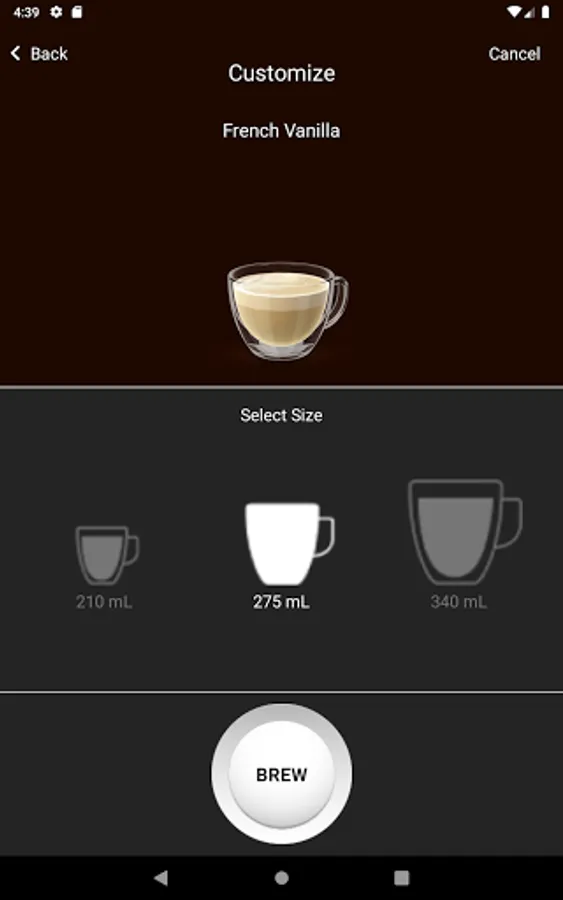
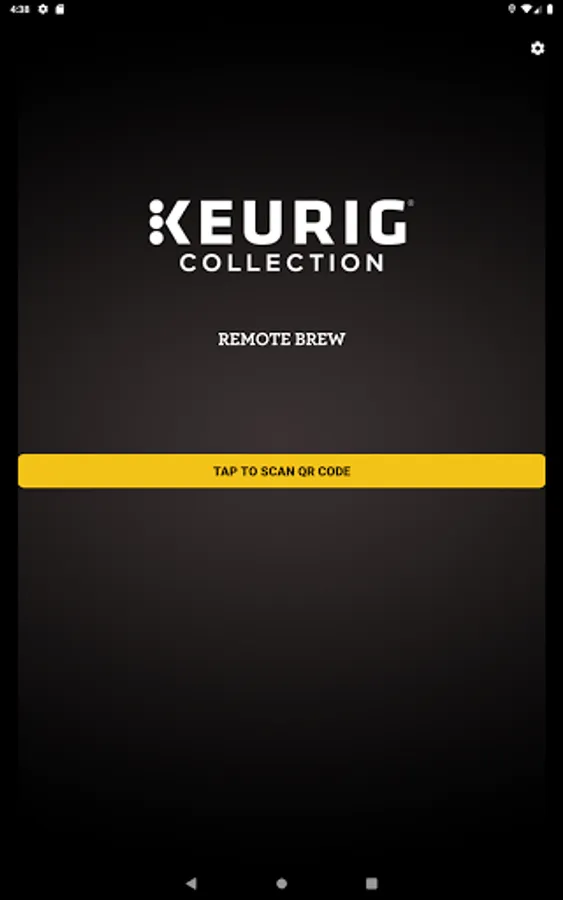
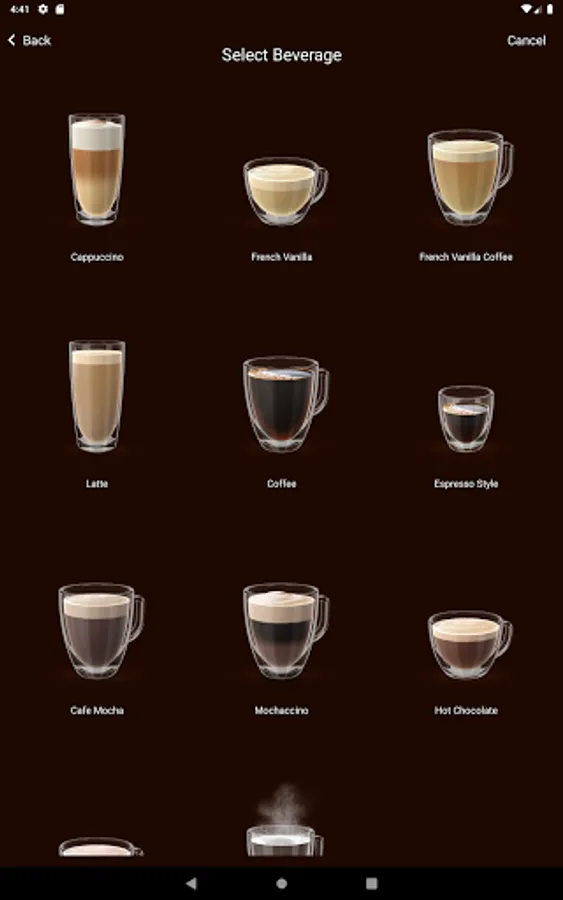
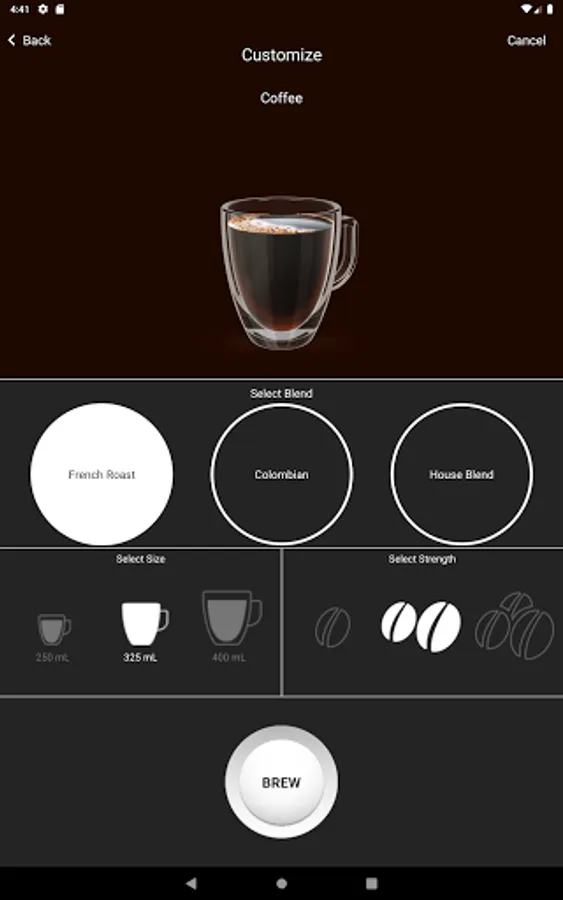
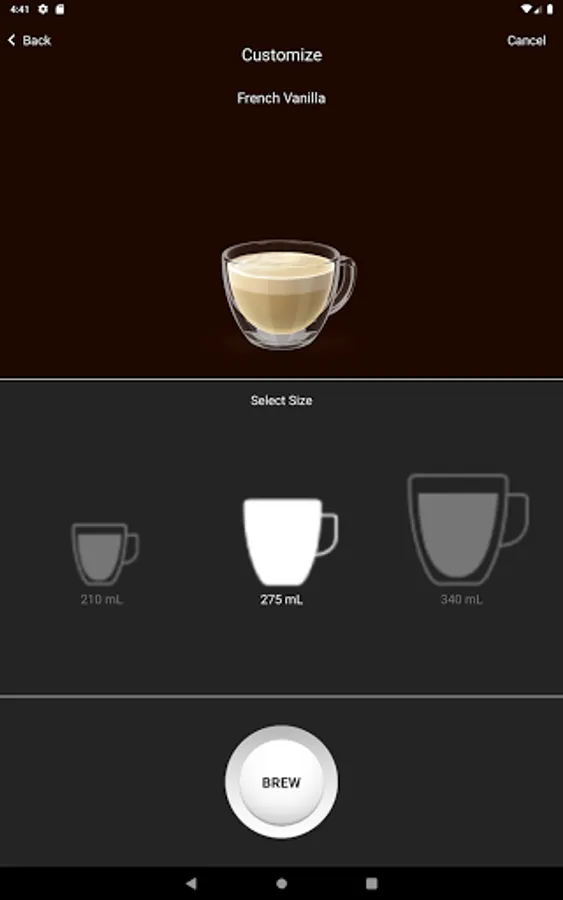
To get started, open the app. Then, scan the QR code displayed on the front of a compatible coffee maker. This will pull up a replica of the coffee maker touchscreen directly on your phone, giving you the ability to brew the specialty beverage of your choice directly from your phone. The power is in your hands!
Requirements/Notes:
- This app does not work on machines that brew K-Cup® pods. It only works on commercial-grade Keurig® Collection Bean-to-Cup Machines (Eccellenza™ Touch and Eccellenza™ Momentum).
- In order to work with the app, machines must be enabled for Bluetooth®. Bluetooth® accessory kits for both machines can be purchased at https://commercial.keurig.com/.
To use, your phone must also be Bluetooth® enabled. Simply use your phone's camera or other QR code reading app to scan the QR code on the machine.
Compatible with the Keurig® Collection Eccellenza™ Touch and Eccellenza™ Momentum Bean-to-Cup coffee makers, the Remote Brew app allows you to brew freshly ground coffee using your phone - eliminating the need to touch the machine.
This app is not for use with K-Cup pod brewers.
To get started, open the app. Then, scan the QR code displayed on the front of a compatible coffee maker. This will pull up a replica of the coffee maker touchscreen directly on your phone, giving you the ability to brew the specialty beverage of your choice directly from your phone. The power is in your hands!
Requirements/Notes:
- This app does not work on machines that brew K-Cup® pods. It only works on commercial-grade Keurig® Collection Bean-to-Cup Machines (Eccellenza™ Touch and Eccellenza™ Momentum).
- In order to work with the app, machines must be enabled for Bluetooth®. Bluetooth® accessory kits for both machines can be purchased at https://commercial.keurig.com/.
To use, your phone must also be Bluetooth® enabled. Simply use your phone's camera or other QR code reading app to scan the QR code on the machine.
Remote Brew for Bean to Cup Screenshots
Tap to Rate:
Reviews for Remote Brew for Bean to Cup
xavier
3/21/2025
does not work, I scanned both the keuig coffee maker and collection
Judy Marlene Wyatt Fischer
10/14/2023
Love how this knows when to descale. It sees what kind pod I'm using. I love it. But don't use tap water.