
My Books Library
DilZa TecH
2.8 ★
49 ratings
10,000+
downloads
Free
+ in-app
In this library management app, you can catalog books, track reading status, and manage wish lists. Includes features for lending, borrowing, and organizing magazines.
AppRecs review analysis
AppRecs rating 2.8. Trustworthiness 87 out of 100. Review manipulation risk 23 out of 100. Based on a review sample analyzed.
★★☆☆☆
2.8
AppRecs Rating
Ratings breakdown
5 star
40%
4 star
0%
3 star
0%
2 star
19%
1 star
40%
What to know
✓
Low review manipulation risk
23% review manipulation risk
✓
Credible reviews
87% trustworthiness score from analyzed reviews
⚠
Mixed user feedback
Average 2.8★ rating suggests room for improvement
About My Books Library
What is My Books Library (MBL) - An Introduction?
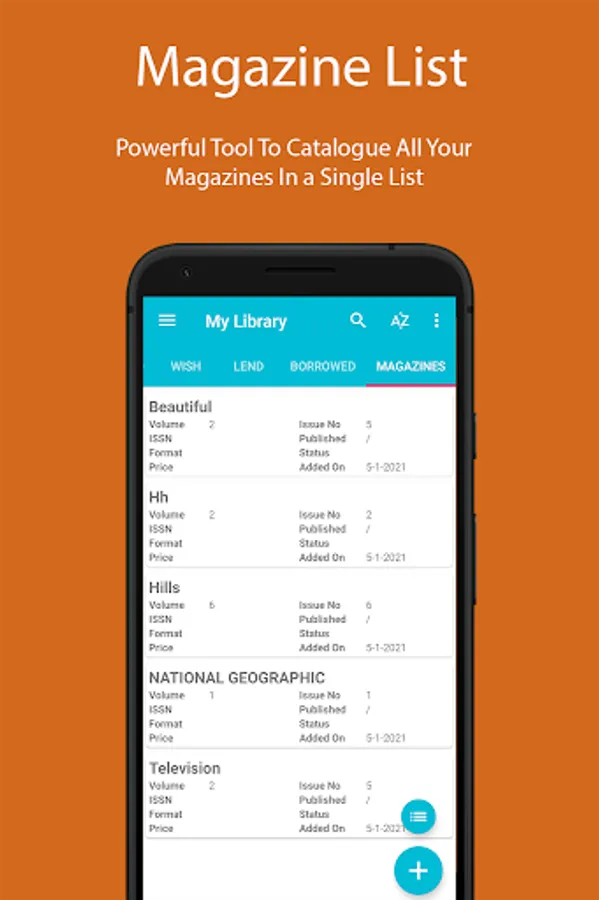
My Books Library is an app specially designed for book lovers who wants to catalogue their books. It is an app to keep a trace of every book which has been read or unread (intended to be read) and the ones which are stashed into a personal library. Moreover, it is also possible to maintain a wish list of books which are intended to be bought and also maintain a list of books which are lend to someone or the books which are borrowed from any person or a library. A special magazine list is available to catalogue all magazines that are stashed into a personal inventory.
Why Use My Books Library (MBL)?
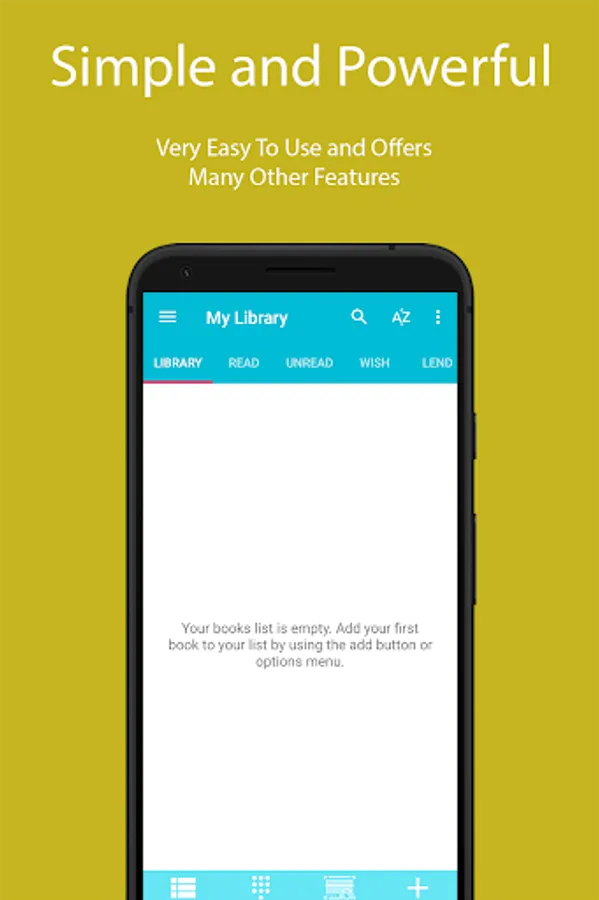
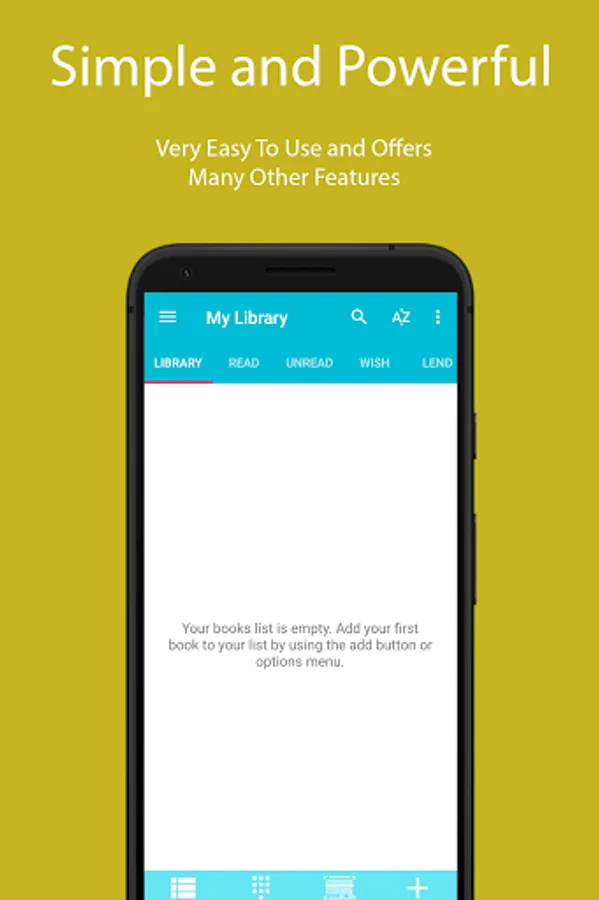
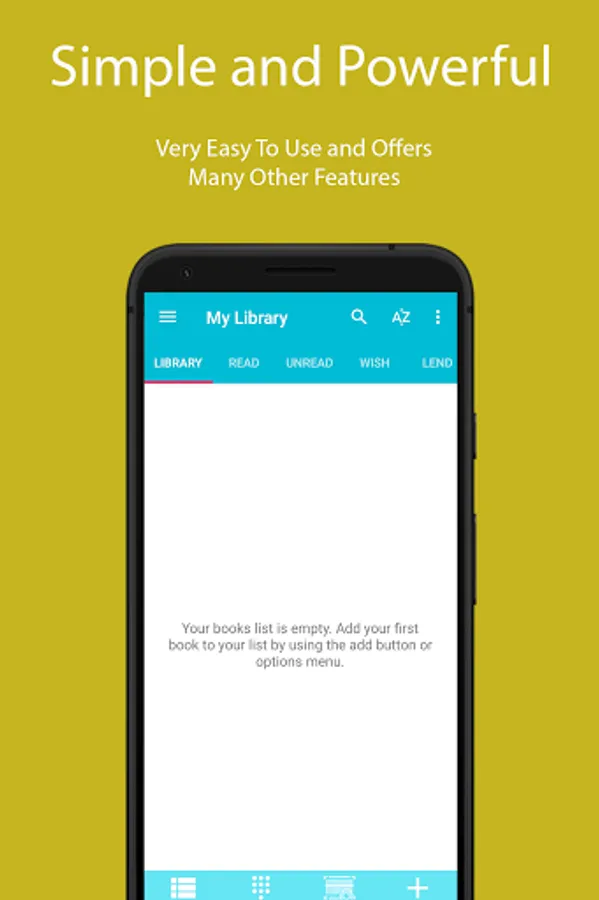
It is the only app of its kind which offers to store or catalogue books all in one place. This app is user friendly and can be operated within a split of a second. All the graphics are simple and self-explanatory. Just spend a couple of minutes and that’s all required to operate the app with no special expertise.
Category of Lists
• Library
Maintain a list of all the books which are available in your personal library or stashed somewhere in your home, cabinets or shelves.
• Read
Mark all the books which have been read. It can be any book like novel, autobiography, history, suspense, thriller, horror, drama, fiction etc.
• UnRead
Maintain a list of books which are intended to be read. It can be the books which are purchased but not yet read or the books which are not available for reading.
• Wish
Create a list of books which are to be purchased, not available easily or still not published.
• Lend
A list of books which have been lend to some one for the purpose of reading or consulting.
• Borrowed
Maintain a list of books which have been borrowed either from someone or a library. In this way it will be a confirmation that a book borrowed from someone or library is till in possession and not yet returned.
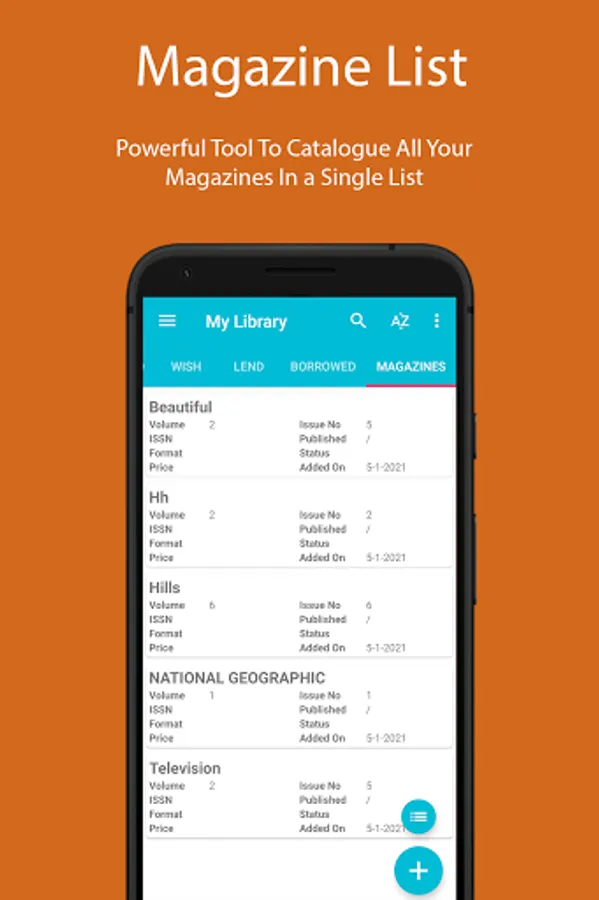
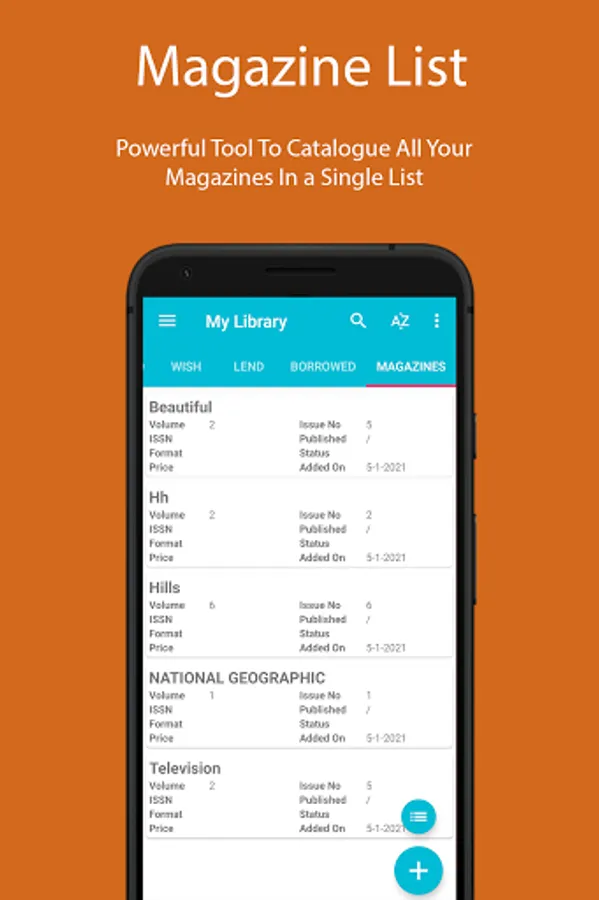
• Magazine
Create a list of all magazines which have been bought, read, lend, borrowed or are available in a personal inventory.
Key Features and Functionalities
• Maintain a complete list of books stashed into a personal library.
• Keep a track of books which are read, unread.
• Manage a wish list.
• Keep a track of books that you lend to or borrow from someone and notify when a book is due.
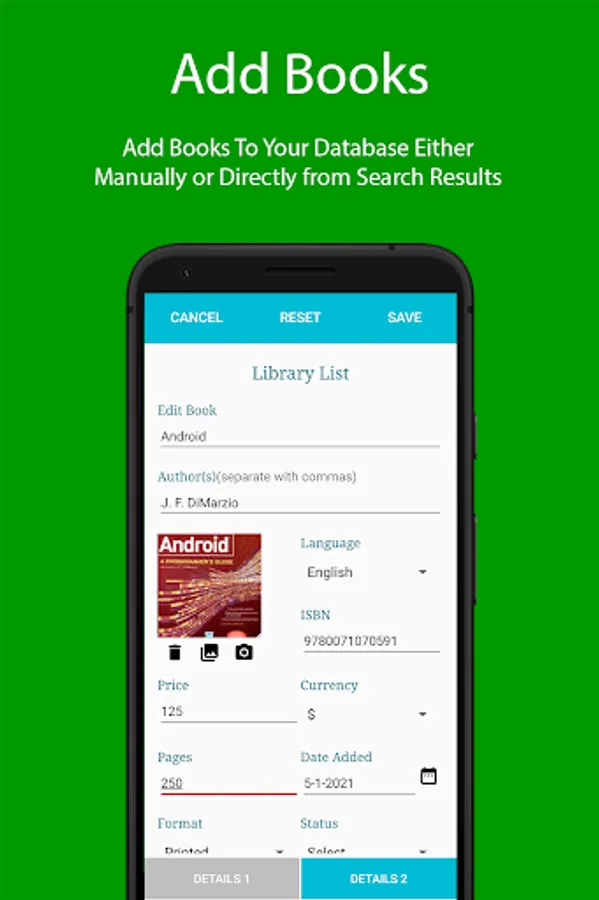
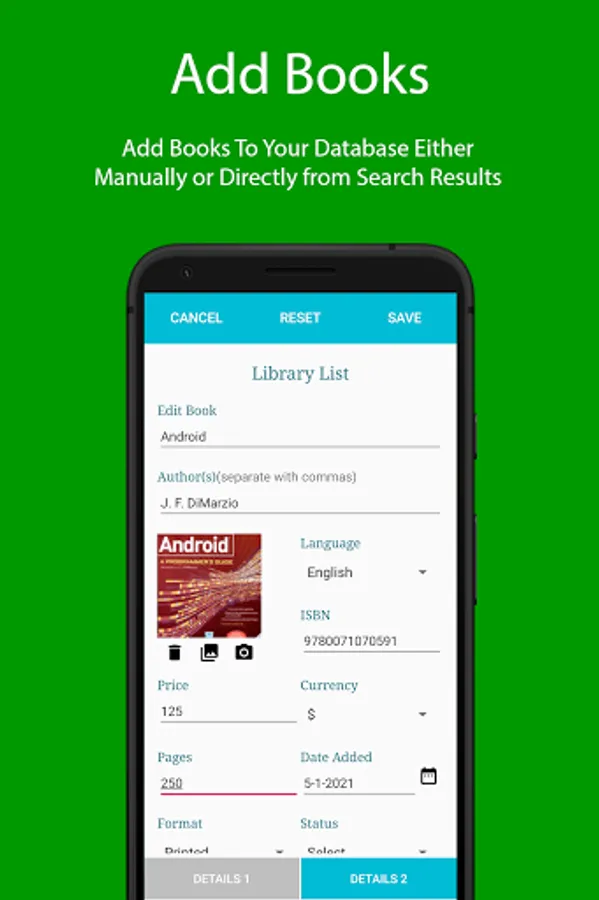
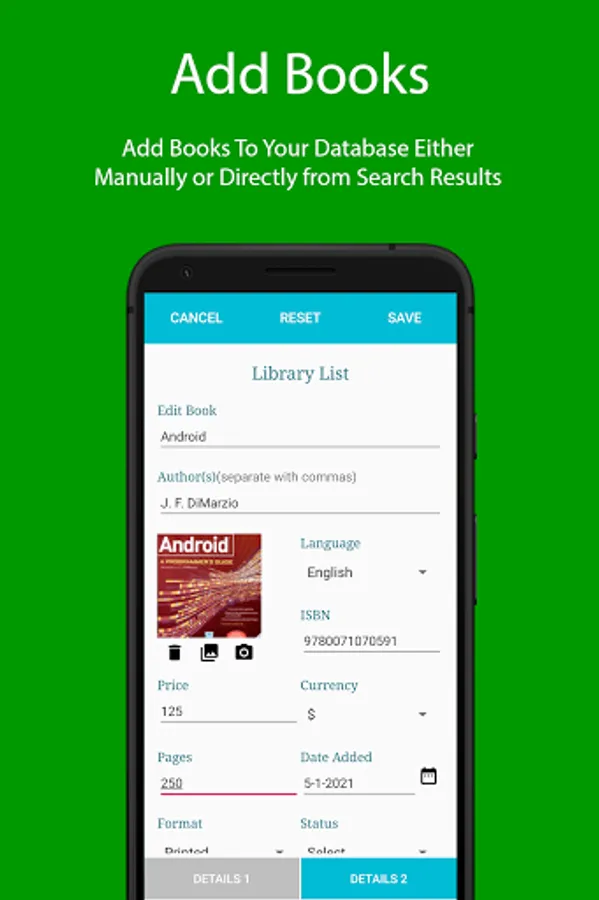
• Add a new book to your library manually.
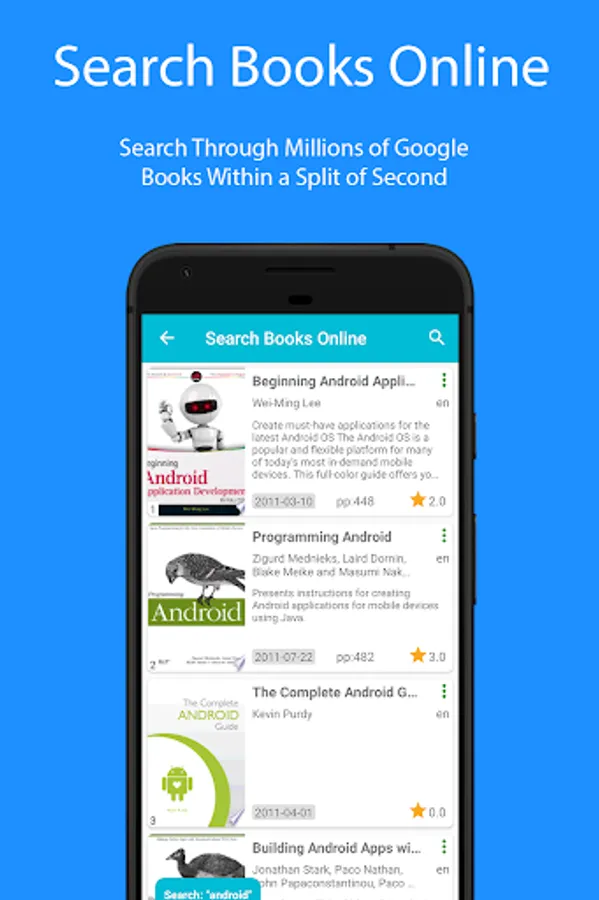
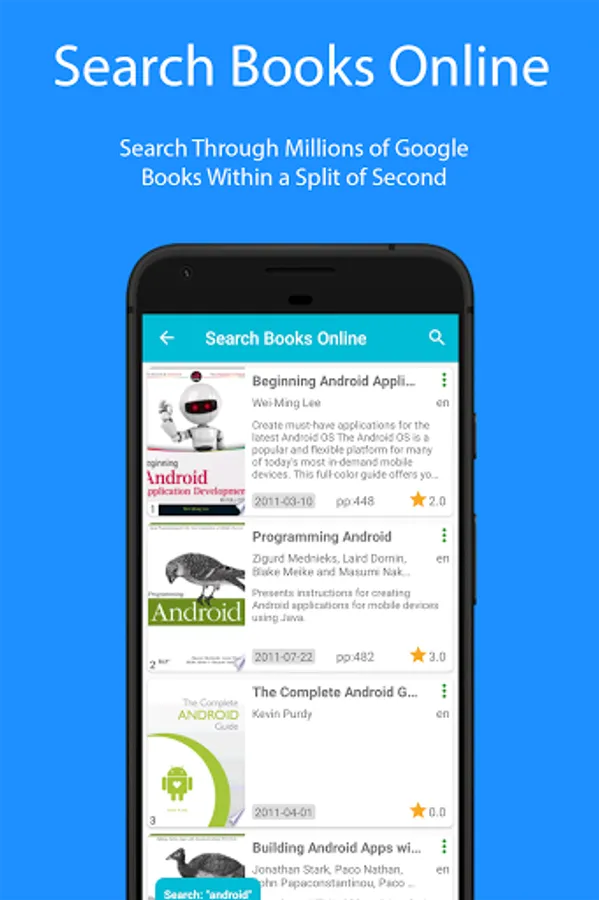
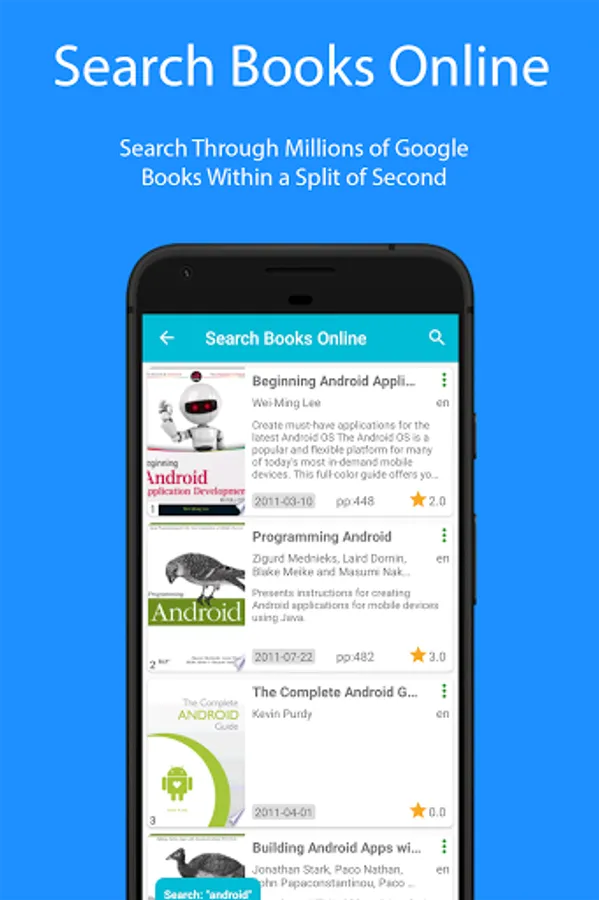
• Add a book directly into library from online search results.
• Browse any list of your books collection as a title list with cover thumbnails.
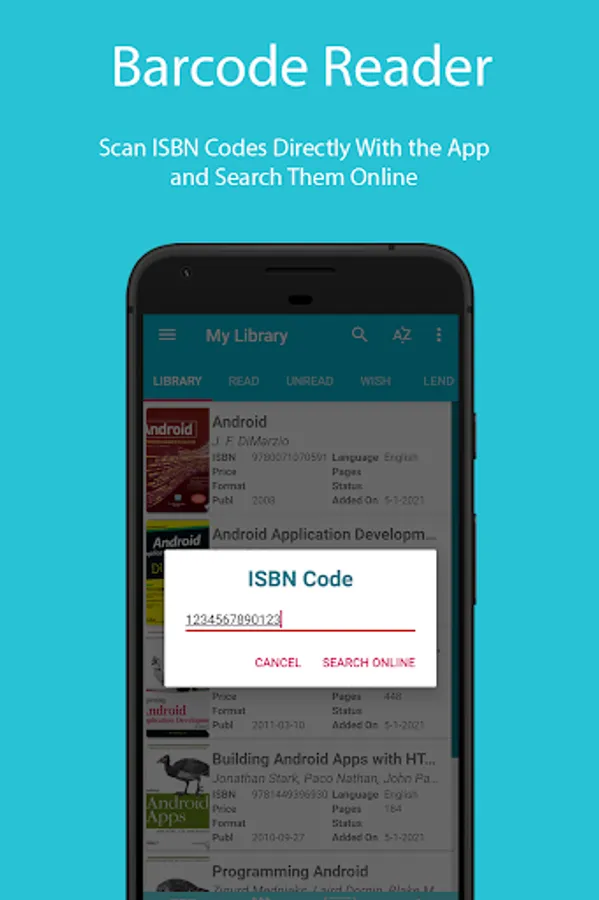
• Search a book online by title, author or ISBN code to get it details.
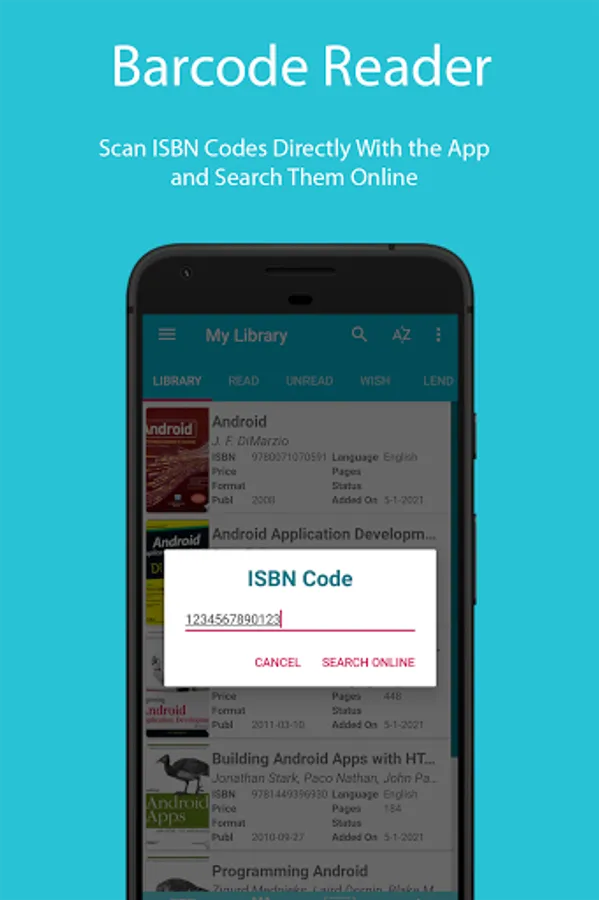
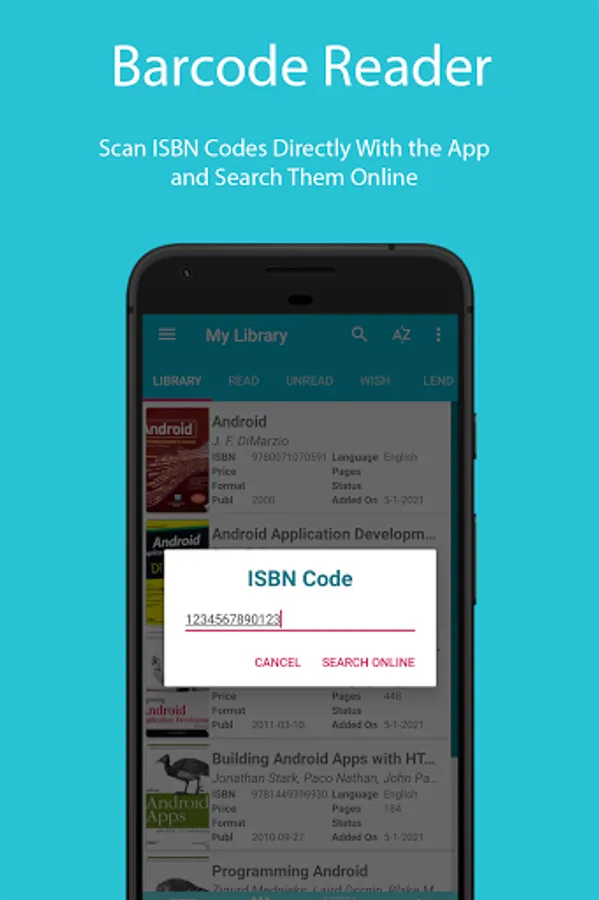
• Search a book online by entering its ISBN code with either 10 or 13 digits.
• Scan a books ISBN code, QR code or any other code from the device’s camera without third party app and search online though Google books.
• Look for a book that is already in your library by inputting a keyword (title, author, ISBN) in quick search box.
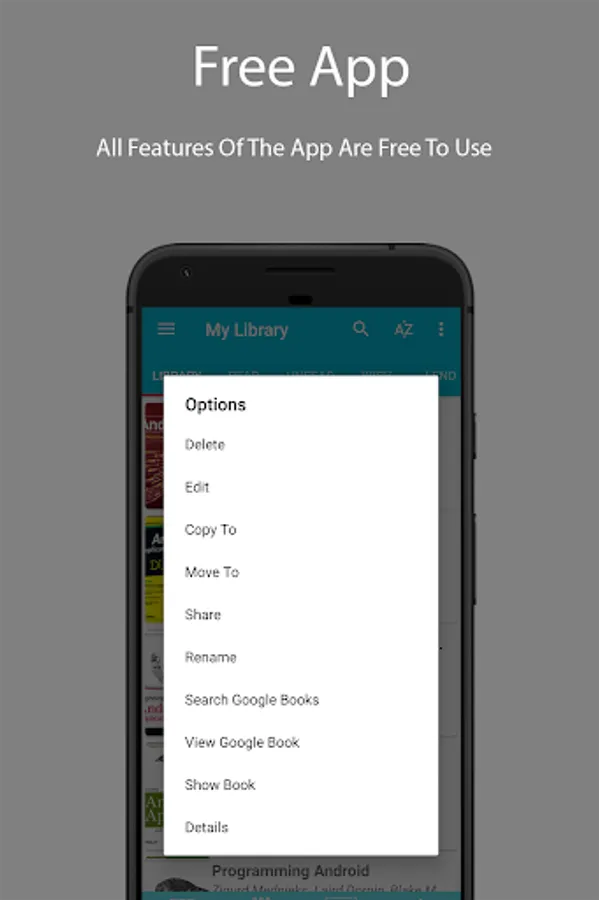
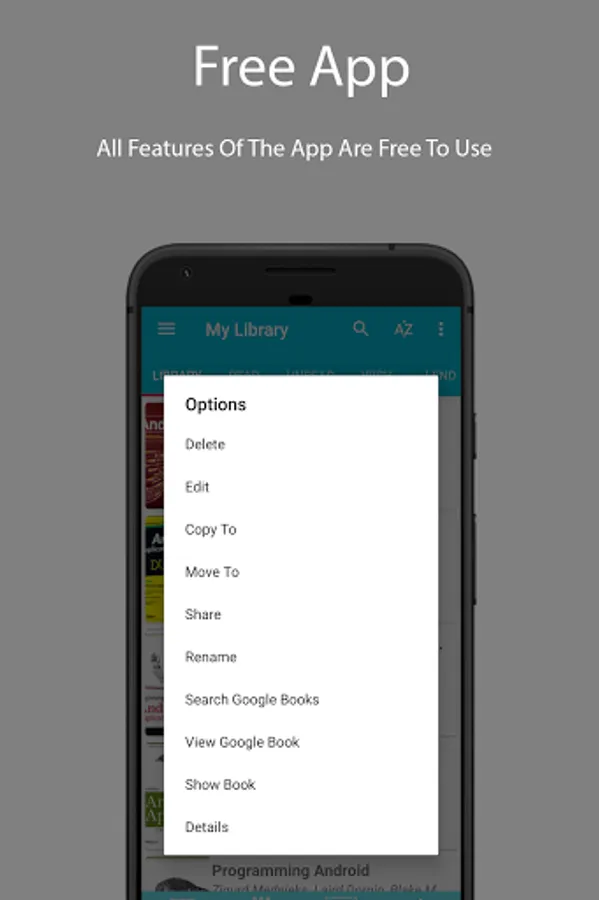
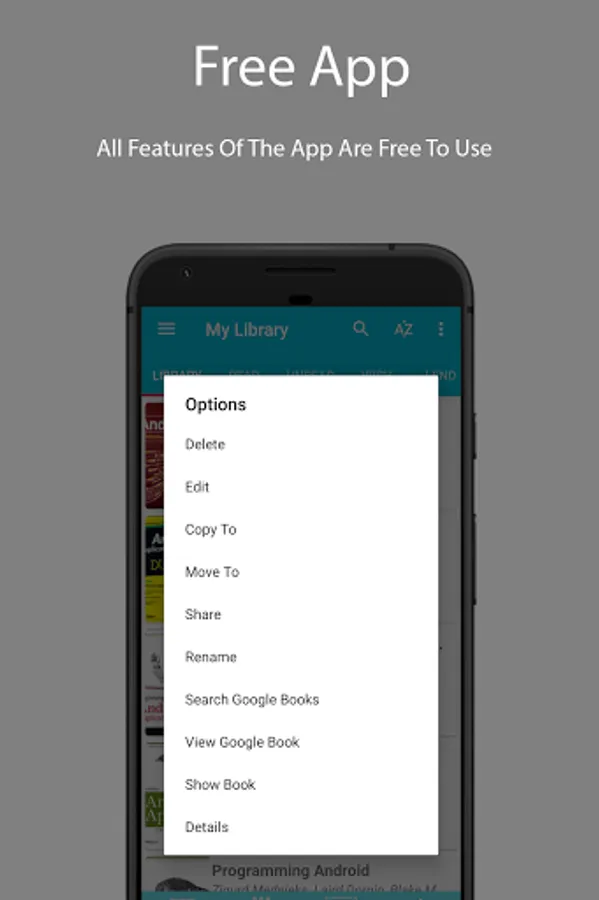
• Moving or copying a book into another list.
• Sharing details of a book.
• Renaming a book easily.
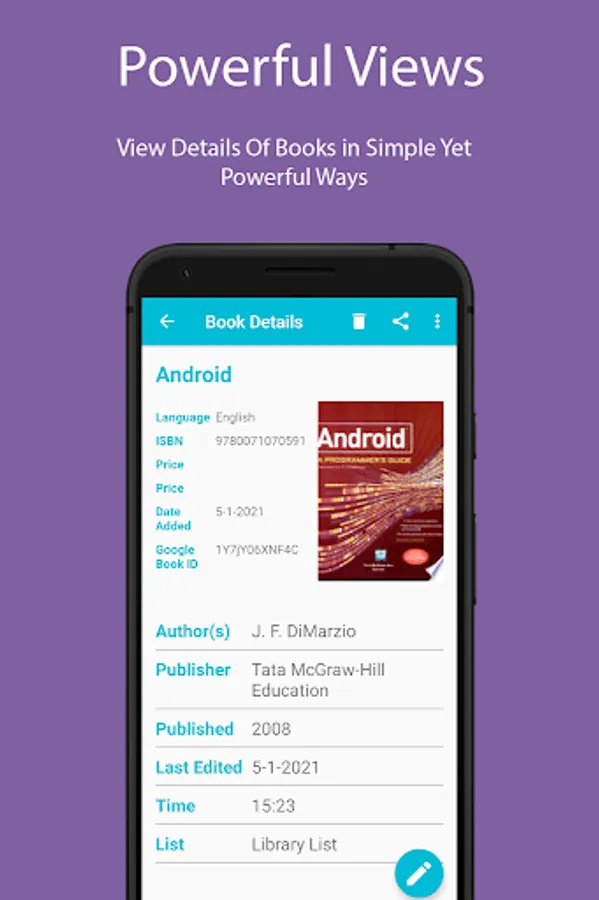
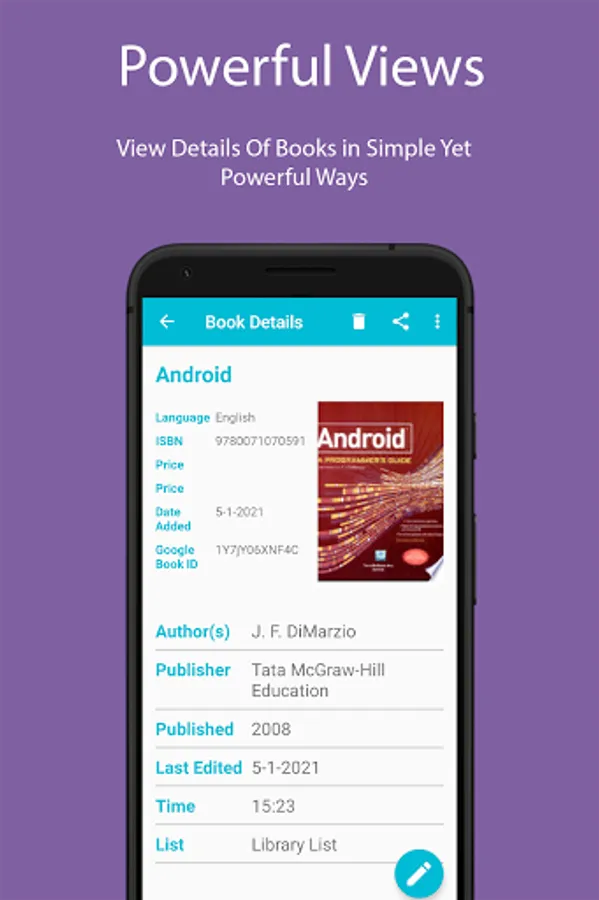
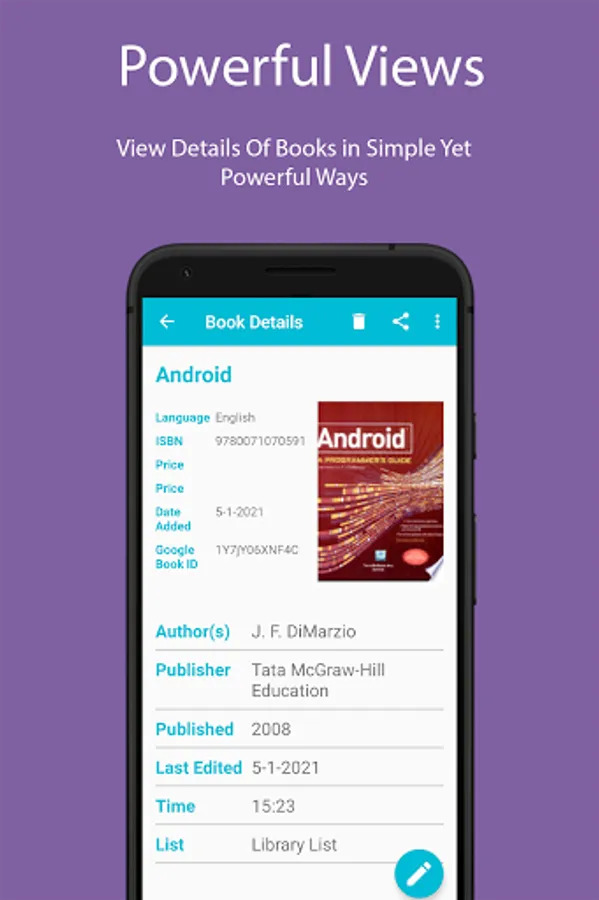
• Viewing details of a book with a click.
• Viewing the limits of every list.
• Sorting books in a list by ascending, descending or created order.
• View extended book details with cover images in full screen mode.
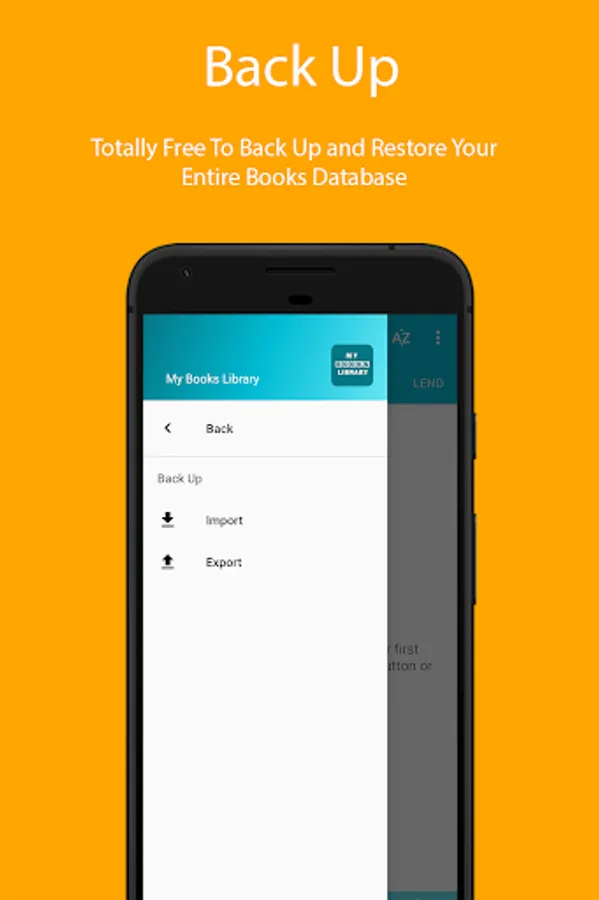
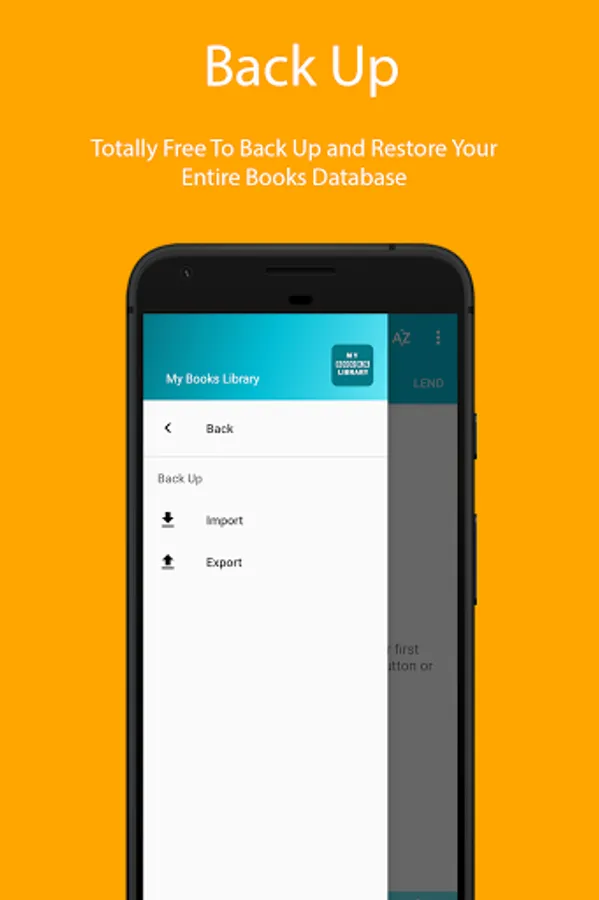
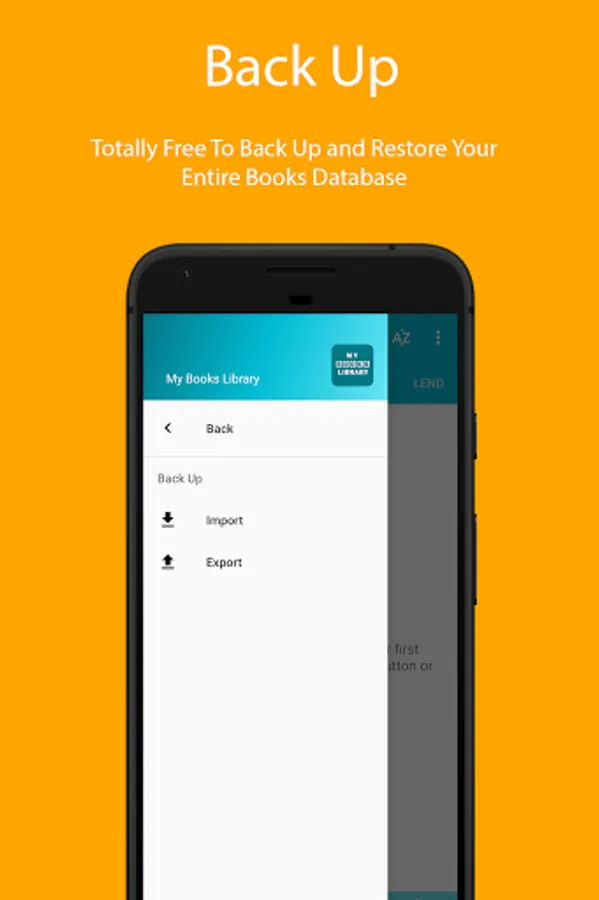
• Back up your library to device storage and recover easily.
Does It Require Internet to operate?
It does not require internet to operate neither it requires any login to be created. But internet is required to purchase digital products from play store and search online through Google books.
Backing Up Database
Export or import the database from the phones internal memory and easily back up library database.
-----------------------------------------------------
We're always excited to hear from you! If you have any feedback, questions, or concerns, please email us at:
dilzatech@gmail.com
-----------------------------------------------------
My Books Library Screenshots
Tap to Rate:
Reviews for My Books Library
SitOnA Rick (SitOnA-Rick)
7/12/2022
Disappointed to see that you have to purchase additional lists and that there is no "bulk" option...
Michelle Matthews
2/28/2022
The process to add books could be smoother, but you add a book and then have to press back a couple of times to get to the scanner again. I don't like the ways for categorizing books: you have to choose from the given lists, and you can't have a book in multiple lists; you can designate author and genre, but can sort by neither.