AppRecs review analysis
AppRecs rating 3.5. Trustworthiness 79 out of 100. Review manipulation risk 31 out of 100. Based on a review sample analyzed.
★★★☆☆
3.5
AppRecs Rating
Ratings breakdown
5 star
67%
4 star
0%
3 star
0%
2 star
0%
1 star
33%
What to know
✓
Credible reviews
79% trustworthiness score from analyzed reviews
✓
Good user ratings
67% positive sampled reviews
About MkvPlayer Play Video Subtitle
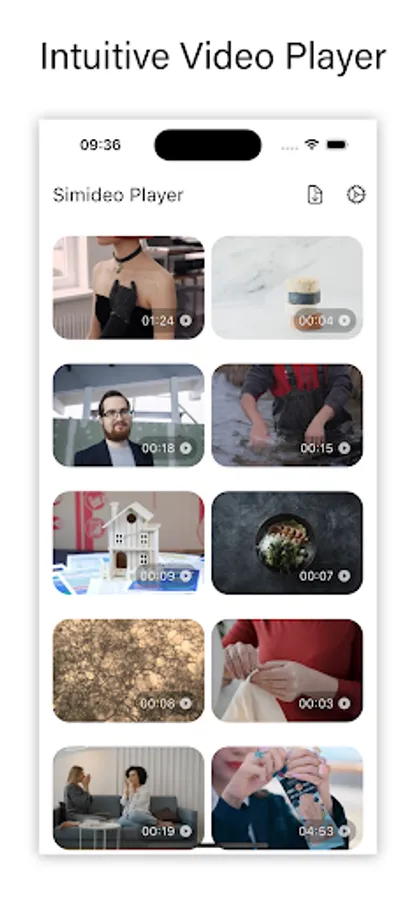
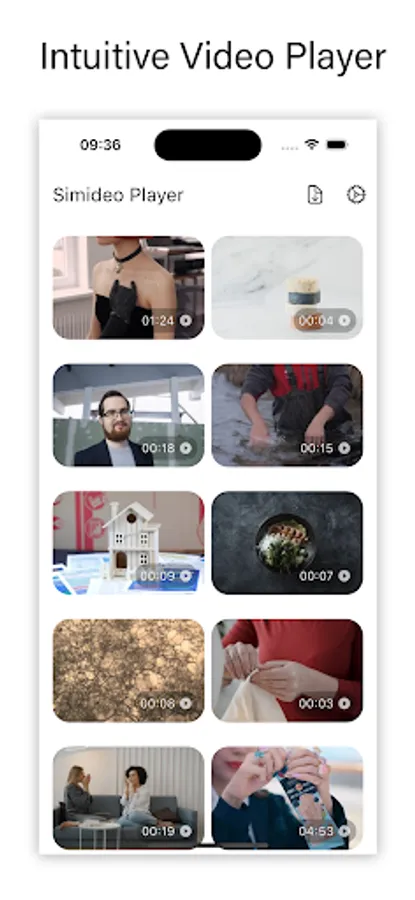
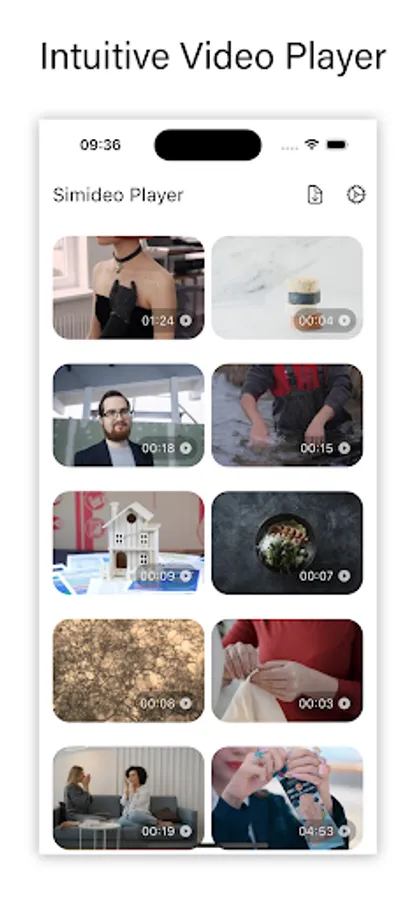
Simideo is a simple but powerful video player is just made for quick and simple way to play your video with subtitle.
It supports all video file formats and subtitle file formats. Just select your video and play it, add any subtitle files to the play to play along with your video.
Play video from your Gallery or Photos apps.
Play video file selected from your File Manager app. It is useful when your OS does not support the video file format like MKV.
Supports formats:
MPEG (ES,PS,TS,PVA,MP3), AVI, ASF / WMV / WMA, MP4 / MOV / 3GP, OGG / OGM / Annodex, Matroska (MKV), Real, WAV (including DTS), Raw Audio: DTS, AAC, AC3/A52, Raw DV, FLAC, FLV (Flash), MXF, Nut, Standard MIDI / SMF, Creative™ Voice.
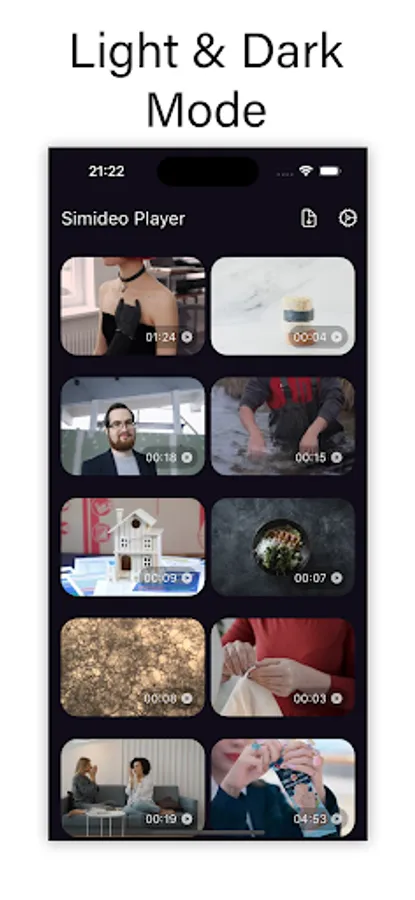
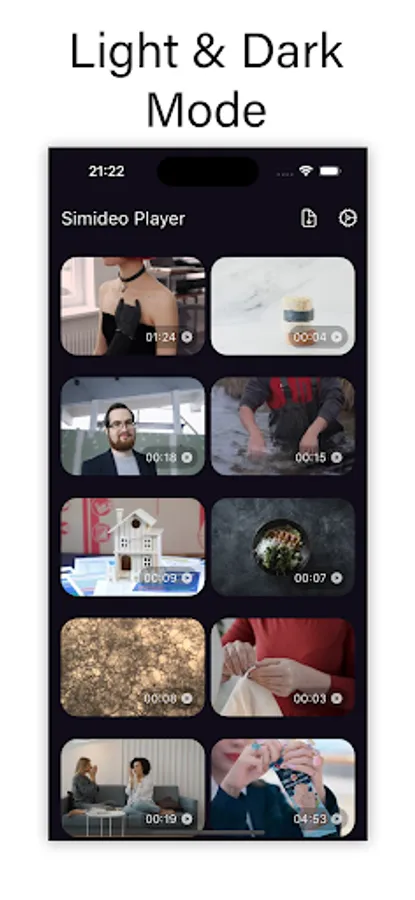
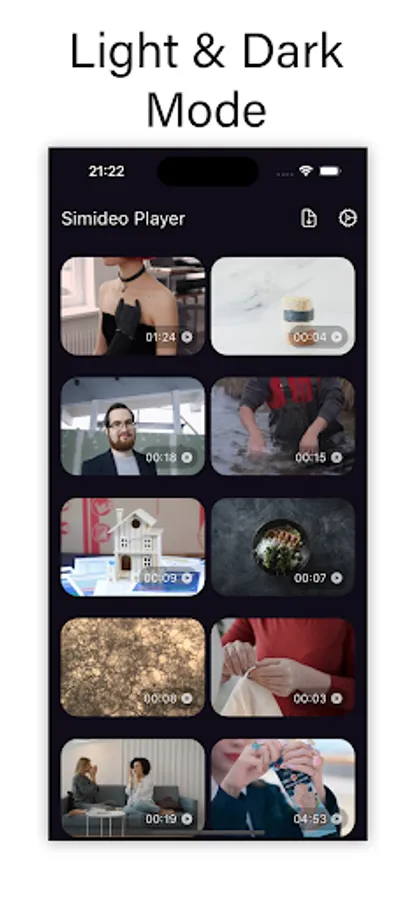
Very intuitive design, focus on playing video. Quick and effective.
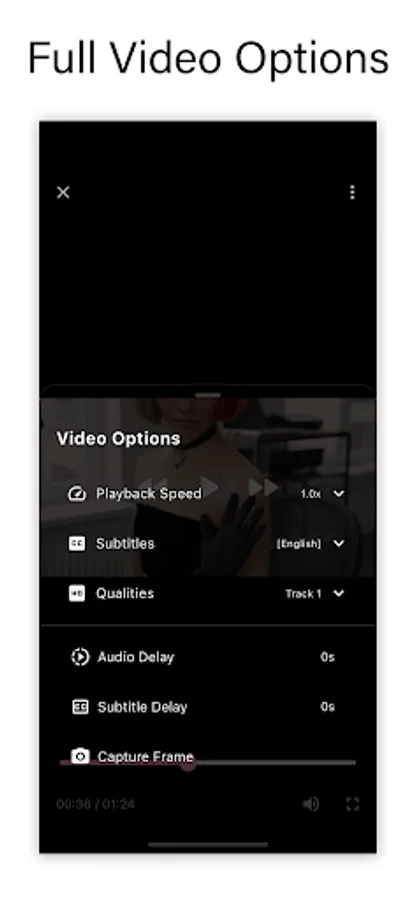
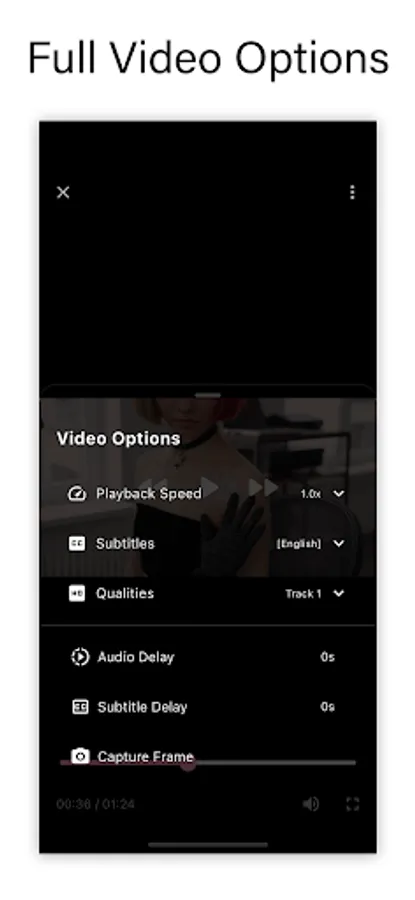
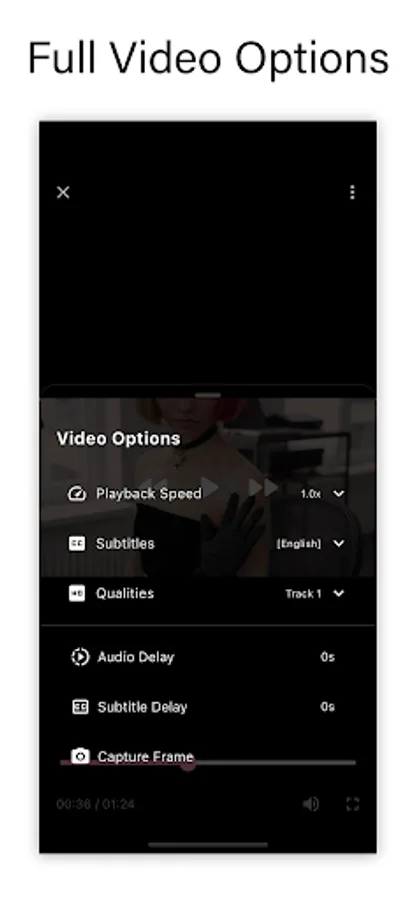
*** Many video options for adjusting ***
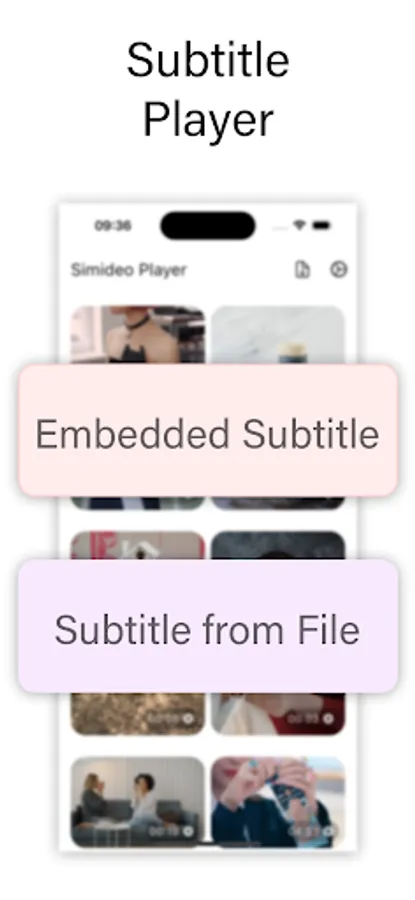
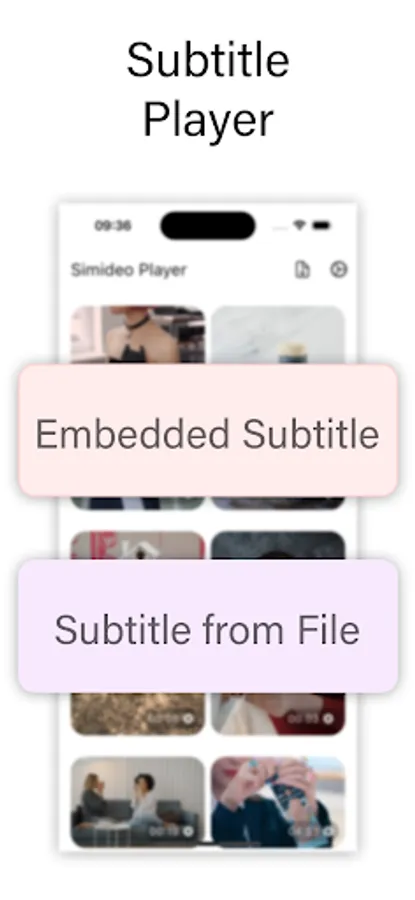
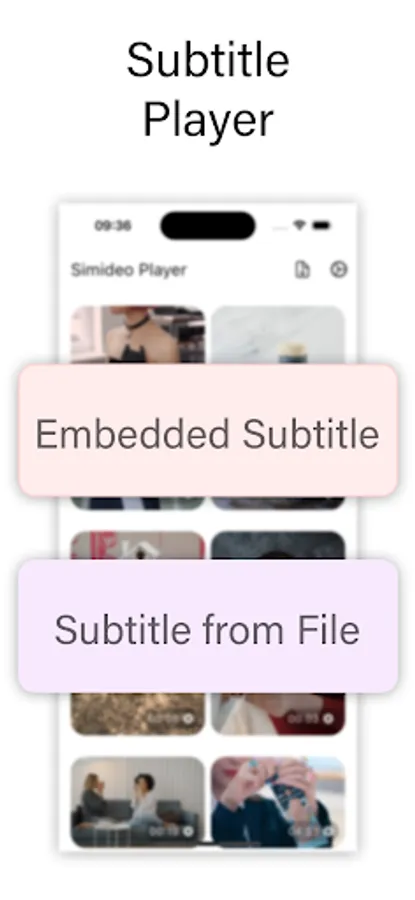
+ Play embedded subtitle tracks in the video
+ Add external subtitle file
+ Adjust playing speed
+ Select video quality
+ Select audio tracks
+ Adjust subtitle delay
+ Adjust audio delay
+ Capture video frame
+ Full screen video player
+ Landscape and portrait video resolution
Install and play your videos now!
It supports all video file formats and subtitle file formats. Just select your video and play it, add any subtitle files to the play to play along with your video.
Play video from your Gallery or Photos apps.
Play video file selected from your File Manager app. It is useful when your OS does not support the video file format like MKV.
Supports formats:
MPEG (ES,PS,TS,PVA,MP3), AVI, ASF / WMV / WMA, MP4 / MOV / 3GP, OGG / OGM / Annodex, Matroska (MKV), Real, WAV (including DTS), Raw Audio: DTS, AAC, AC3/A52, Raw DV, FLAC, FLV (Flash), MXF, Nut, Standard MIDI / SMF, Creative™ Voice.
Very intuitive design, focus on playing video. Quick and effective.
*** Many video options for adjusting ***
+ Play embedded subtitle tracks in the video
+ Add external subtitle file
+ Adjust playing speed
+ Select video quality
+ Select audio tracks
+ Adjust subtitle delay
+ Adjust audio delay
+ Capture video frame
+ Full screen video player
+ Landscape and portrait video resolution
Install and play your videos now!