
Edit Music - Audio Trim, merge
Dexati
4.5 ★
20K ratings
1,000,000+
downloads
Free
+ in-app
With this audio editing app, you can trim, split, merge, and record music and audio files to create customized sounds. Includes tools for volume boosting, changing speed, remixing, and converting between audio and video formats.
AppRecs review analysis
AppRecs rating 4.5. Trustworthiness 79 out of 100. Review manipulation risk 32 out of 100. Based on a review sample analyzed.
★★★★☆
4.5
AppRecs Rating
Ratings breakdown
5 star
71%
4 star
19%
3 star
3%
2 star
4%
1 star
4%
What to know
✓
Credible reviews
79% trustworthiness score from analyzed reviews
✓
High user satisfaction
90% of sampled ratings are 4+ stars (4.5★ average)
⚠
Ad complaints
Many low ratings mention excessive ads
About Edit Music - Audio Trim, merge
Edit music lets you edit your music and audio files to create professional audio or fun audio.
Edit music has the best mp3 cutter with amazing audio booster tools and sound mixers. The music editor part of the app comes with a large set of audio tools to help you make music.
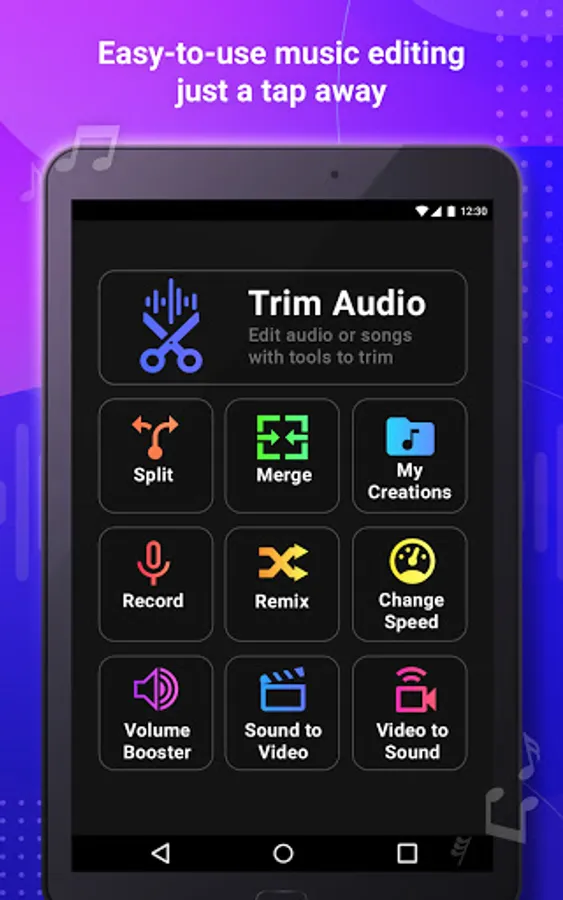
Main music tools include:
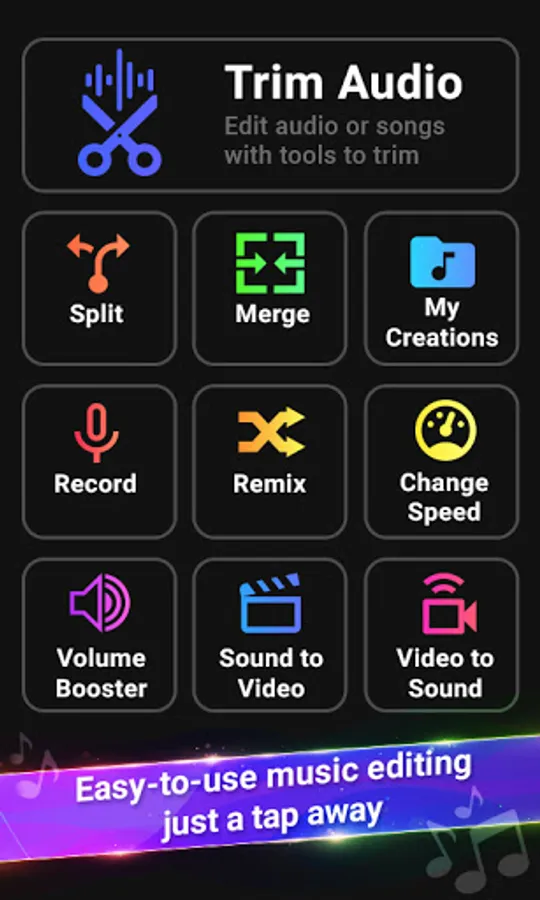
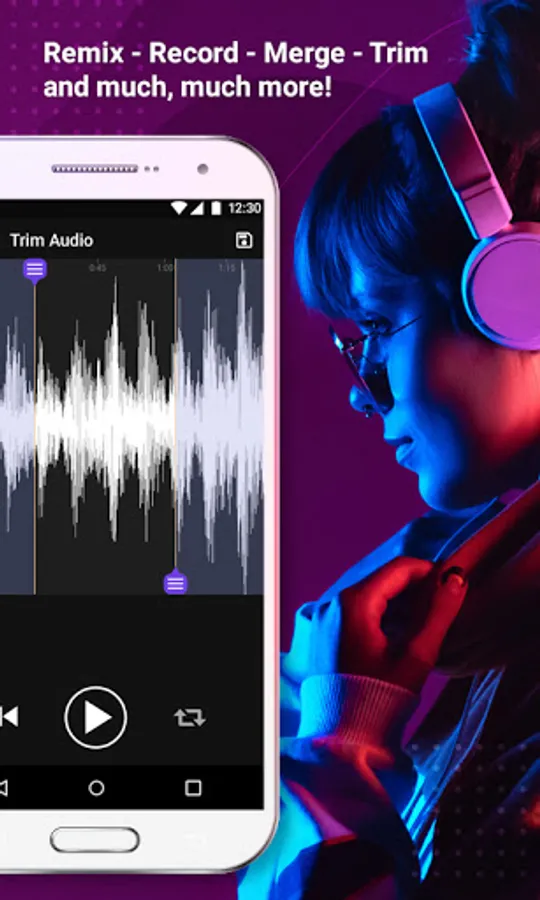
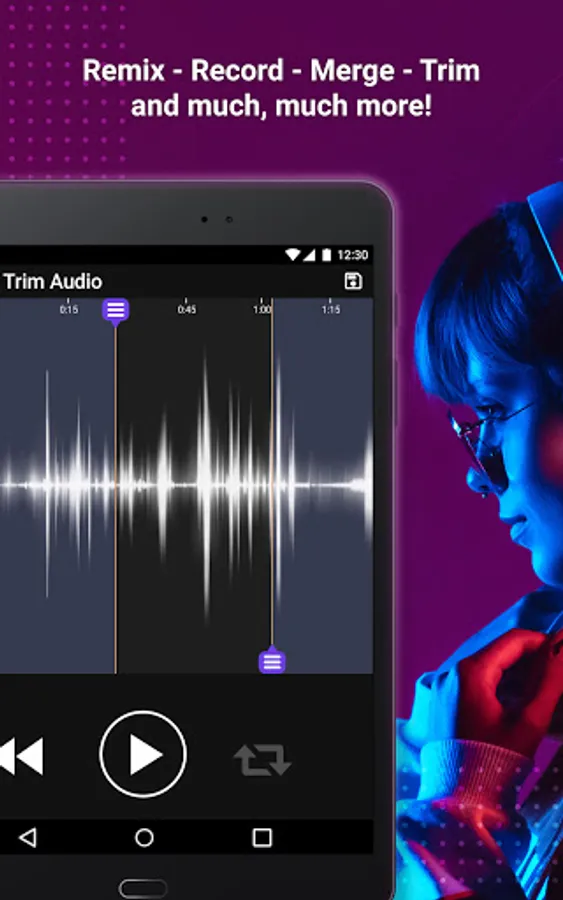
1) Trim Audio - Trim Sound file by cutting out edges and trimming sound file as needed. Save the cut MP3 file.
2) Split Audio - Split the audio file into multiple sound files. Split sound files into multiple mp3 files.
3) Merge sounds - Merge mp3 files into single audio. Make music by adding sounds together.
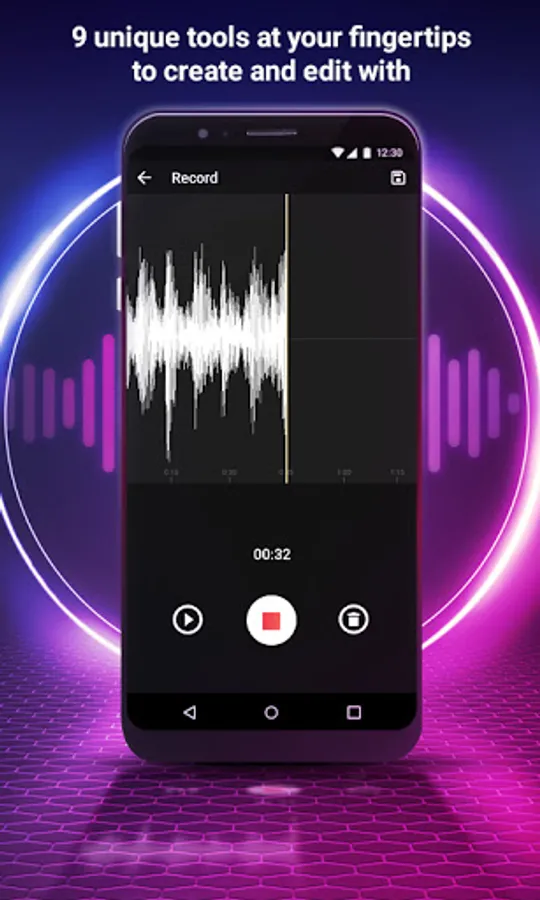
4) Record Music - Music recorder with the ability to record any sounds that you can later remix in music you want to make. Record sounds and reuse the recorded sounds in other features of the app.
5) Change speed of mp3 - Change the speed of audio. Play sound fast or slow using change speed and save the audio. Speedup music with one click on make music into a slow jam.
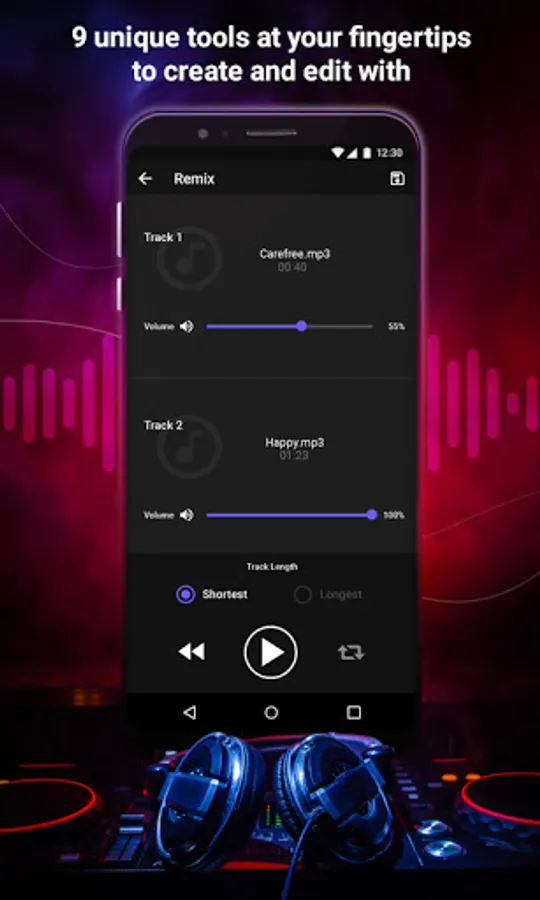
6) Remix Sounds - Remix music by combining multiple sounds into a single sound file.
7) Volume Booster - Increase music media volume for audio sound, game sound, or video sound. Boost audio volume or reduce the audio volume as needed.
8) Sounds to Video - Create a video from your sounds. If you want to share your music on youtube with an album cover, this is the tool for you. Create video from audio with music album cover photo.
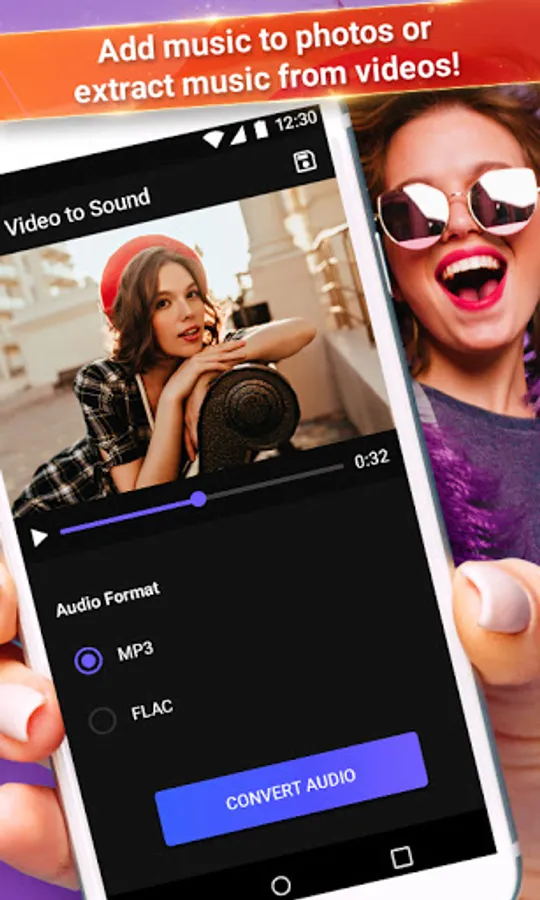
9) Video to Sound - Extract audio from video and convert video into an audio file. Video to sound converter reduces the file size if you want to share only the music part of a video.
Edit your audio files like a pro using Edit Music.
Edit music has the best mp3 cutter with amazing audio booster tools and sound mixers. The music editor part of the app comes with a large set of audio tools to help you make music.
Main music tools include:
1) Trim Audio - Trim Sound file by cutting out edges and trimming sound file as needed. Save the cut MP3 file.
2) Split Audio - Split the audio file into multiple sound files. Split sound files into multiple mp3 files.
3) Merge sounds - Merge mp3 files into single audio. Make music by adding sounds together.
4) Record Music - Music recorder with the ability to record any sounds that you can later remix in music you want to make. Record sounds and reuse the recorded sounds in other features of the app.
5) Change speed of mp3 - Change the speed of audio. Play sound fast or slow using change speed and save the audio. Speedup music with one click on make music into a slow jam.
6) Remix Sounds - Remix music by combining multiple sounds into a single sound file.
7) Volume Booster - Increase music media volume for audio sound, game sound, or video sound. Boost audio volume or reduce the audio volume as needed.
8) Sounds to Video - Create a video from your sounds. If you want to share your music on youtube with an album cover, this is the tool for you. Create video from audio with music album cover photo.
9) Video to Sound - Extract audio from video and convert video into an audio file. Video to sound converter reduces the file size if you want to share only the music part of a video.
Edit your audio files like a pro using Edit Music.
Edit Music - Audio Trim, merge Screenshots
Tap to Rate:
Reviews for Edit Music - Audio Trim, merge
N. I chaudhary
1/14/2025
❤️
Ankit Parmar
4/28/2024
very good