Secure Folder - Secure Files
Maheta Developers inc.
4.6 ★
store rating
10,000+
downloads
Free
With this app, you can store and safeguard private files, photos, and videos with encryption and app lock features. Includes biometric access, cloud backup, and break-in alerts.
AppRecs review analysis
AppRecs rating 4.1. Trustworthiness 0 out of 100. Review manipulation risk 0 out of 100. Based on a review sample analyzed.
★★★★☆
4.1
AppRecs Rating
Ratings breakdown
5 star
81%
4 star
8%
3 star
3%
2 star
3%
1 star
3%
What to know
✓
High user satisfaction
81% of sampled ratings are 5 stars
✓
Authentic reviews
Natural distribution, no red flags
⚠
Review quality concerns
80% of sampled 5-star reviews are very short
About Secure Folder - Secure Files
Secure Folder- Hidden Photo Vault, Turn on most privacy for your files.
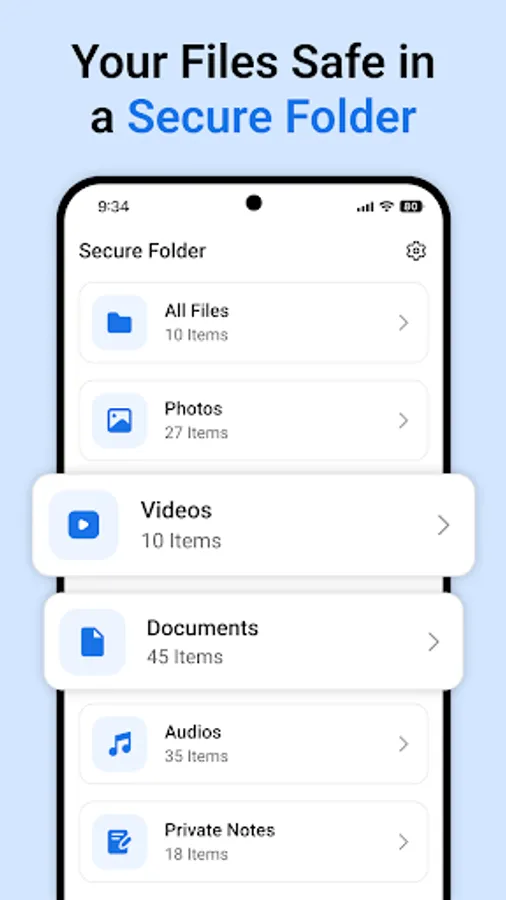
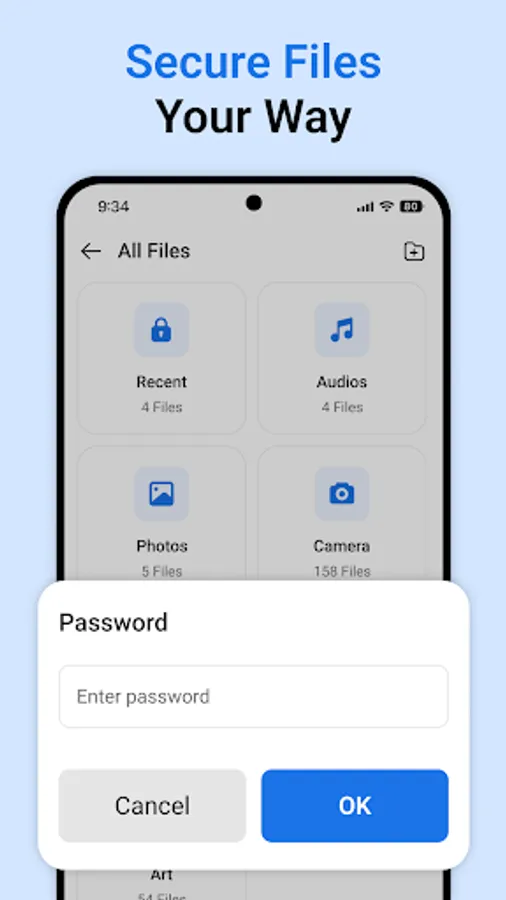
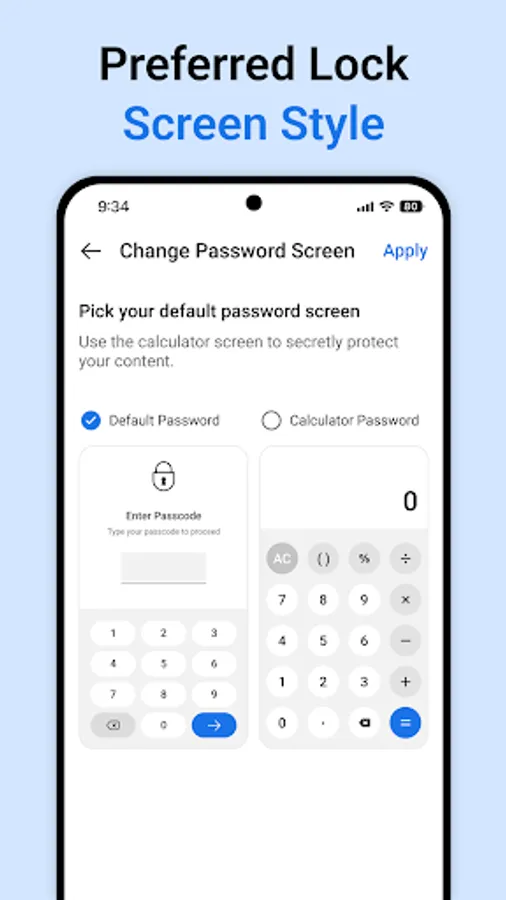
Secure Folder creates a private space on your device to protect and store confidential data separately from other content. Access to Secure Folder is restricted and requires user authentication through a PIN, pattern, password, or biometric verification such as fingerprint recognition.
Main Features of Secure Folder:
* Add Files to Secure Folder for Enhanced Privacy
* Highly Secure Private Folder for Confidential Content
* Advanced Data Encryption for Maximum Protection
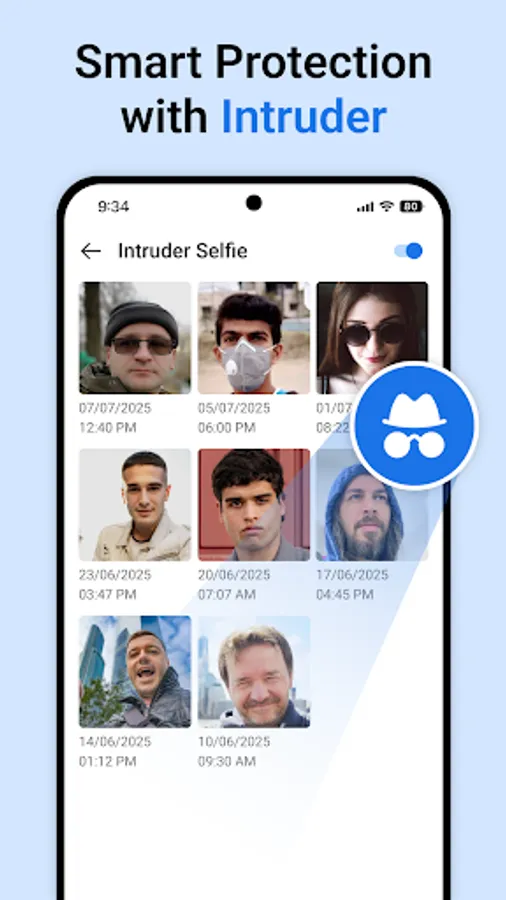
* Break-in Alerts: Get Notified of Unauthorized Access Attempts
* Keep Confidential Data Separate and Secure
* Hide and Protect Your Private Photos & Videos
* Use App Lock to Safeguard Social Media, Photos & Videos
* App Lock – Secure Access to Photos, Videos & Gallery
* Hide Pictures & Videos with Vault-Style Protection
* Access via PIN, Pattern, Password, or Biometric Verification
* Cloud Backup & Restore for Seamless Data Migration
Security Feature:
* Cloud Backup for Easy Data Recovery
* Securely Manage Secrets & Sensitive Information
* Strong Password & PIN Protection
* Hide Photos and Videos Privately
* Free & Automatic Online Backup
* Keep Photos Safe in a Private Vault
Secure Folder provide you with an option to Lock and Hide Photos Videos Security , Files and many more! Protect your Apps and photos from Unnecessary access from your Friends and family member. Password Manager is a secure and easy-to use samsung pass.
Secure Folder creates a private space on your device to protect and store confidential data separately from other content. Access to Secure Folder is restricted and requires user authentication through a PIN, pattern, password, or biometric verification such as fingerprint recognition.
Main Features of Secure Folder:
* Add Files to Secure Folder for Enhanced Privacy
* Highly Secure Private Folder for Confidential Content
* Advanced Data Encryption for Maximum Protection
* Break-in Alerts: Get Notified of Unauthorized Access Attempts
* Keep Confidential Data Separate and Secure
* Hide and Protect Your Private Photos & Videos
* Use App Lock to Safeguard Social Media, Photos & Videos
* App Lock – Secure Access to Photos, Videos & Gallery
* Hide Pictures & Videos with Vault-Style Protection
* Access via PIN, Pattern, Password, or Biometric Verification
* Cloud Backup & Restore for Seamless Data Migration
Security Feature:
* Cloud Backup for Easy Data Recovery
* Securely Manage Secrets & Sensitive Information
* Strong Password & PIN Protection
* Hide Photos and Videos Privately
* Free & Automatic Online Backup
* Keep Photos Safe in a Private Vault
Secure Folder provide you with an option to Lock and Hide Photos Videos Security , Files and many more! Protect your Apps and photos from Unnecessary access from your Friends and family member. Password Manager is a secure and easy-to use samsung pass.