Gaming DNS - Get Low Ping
Kolin inc
3.7 ★
store rating
10,000+
downloads
Free
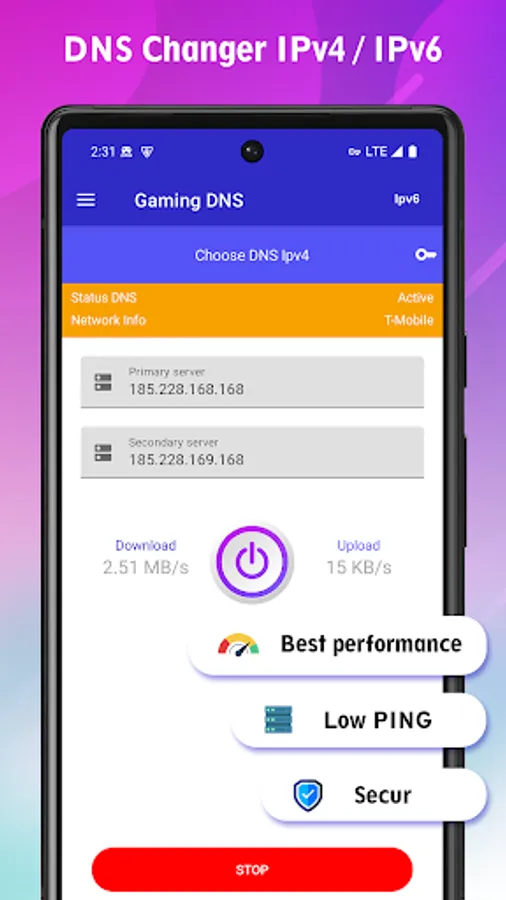
With this app, you can improve your internet connection for online gaming by selecting and configuring DNS servers easily. Includes support for IPv4 and IPv6, speed testing, and manual DNS entry options.
AppRecs review analysis
AppRecs rating 2.2. Trustworthiness 70 out of 100. Review manipulation risk 41 out of 100. Based on a review sample analyzed.
★★☆☆☆
2.2
AppRecs Rating
Ratings breakdown
5 star
63%
4 star
6%
3 star
0%
2 star
0%
1 star
31%
What to know
⚠
Questionable review patterns
41% review manipulation risk - some review patterns appear unusual
⚠
Review quality concerns
52% of sampled 5-star reviews are very short
⚠
High negative review ratio
31% of sampled ratings are 1–2 stars
About Gaming DNS - Get Low Ping
Often feel annoyed with slow internet network? Gaming DNS application is here to help you get better internet quality when playing online games by using the available public DNS service.
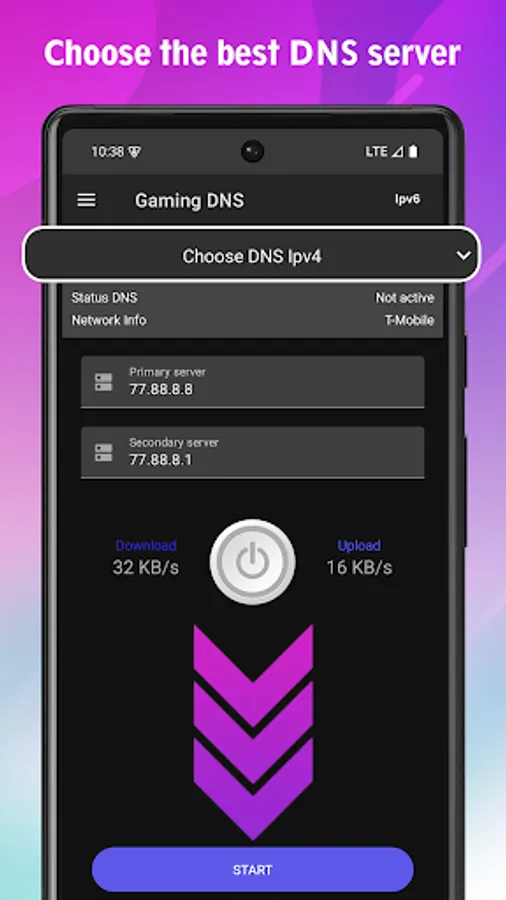
By using our application, you can quickly connect the internet network on your mobile device with the best publicly available DNS service. You don't need to bother looking for a troublesome DNS IP address on the internet.
Our application supports IPv6 and IPv4 DNS connections that you can easily configure in the application. Plus complete settings to make it easier for you to set connectivity on your mobile device.
Main features:
1. Fast DNS server connection
2. DNS changer IPv4 and IPv6 support
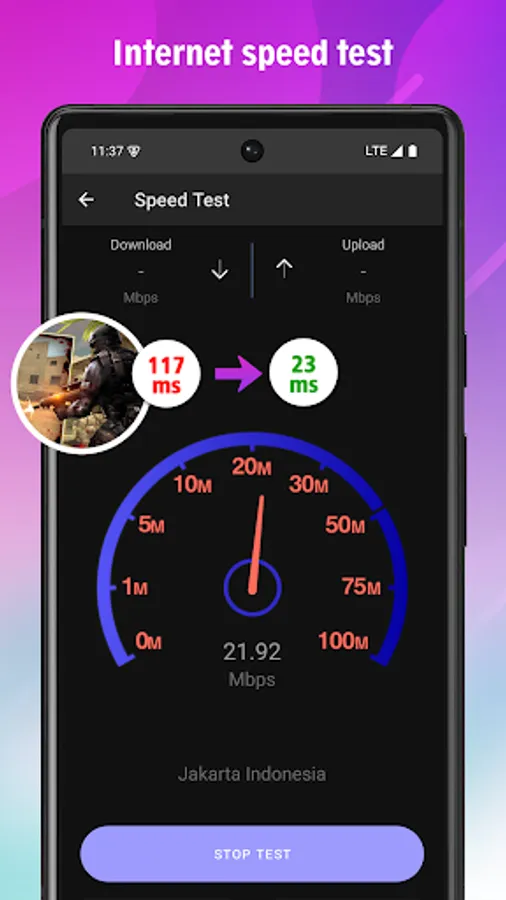
3. Get Lower Ping for Online Games
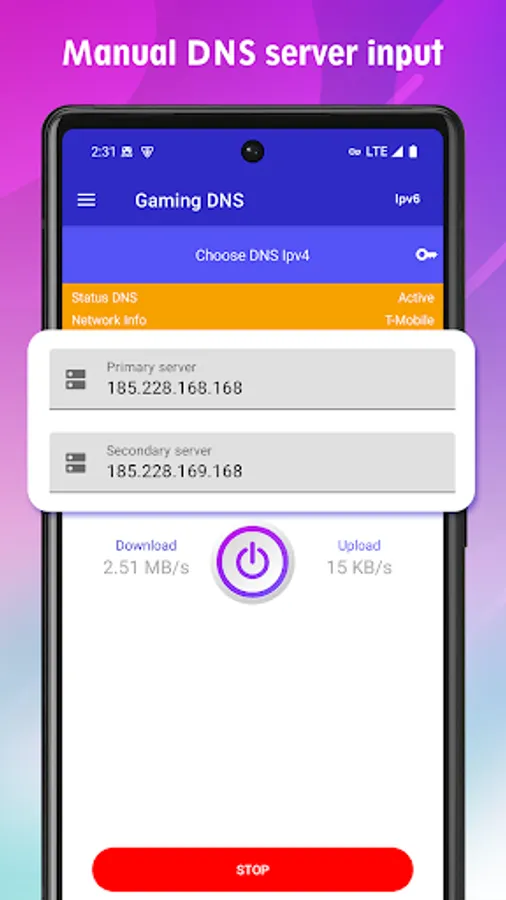
4. Enter DNS IP address manually
5. Flexible settings
6. Test internet speed
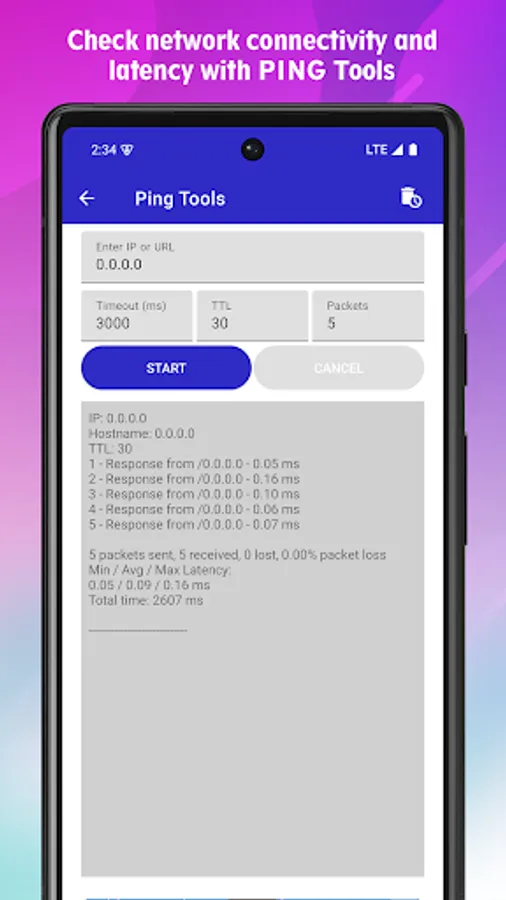
7. PING Tools
How to use:
1. Open Gaming DNS
2. Select your DNS server or enter DNS manually
3. Tap the "Start" button to start connecting
If you find any problems in the application, contact the developer via email: support@blueproxy.co.id
By using our application, you can quickly connect the internet network on your mobile device with the best publicly available DNS service. You don't need to bother looking for a troublesome DNS IP address on the internet.
Our application supports IPv6 and IPv4 DNS connections that you can easily configure in the application. Plus complete settings to make it easier for you to set connectivity on your mobile device.
Main features:
1. Fast DNS server connection
2. DNS changer IPv4 and IPv6 support
3. Get Lower Ping for Online Games
4. Enter DNS IP address manually
5. Flexible settings
6. Test internet speed
7. PING Tools
How to use:
1. Open Gaming DNS
2. Select your DNS server or enter DNS manually
3. Tap the "Start" button to start connecting
If you find any problems in the application, contact the developer via email: support@blueproxy.co.id