▶ How to register
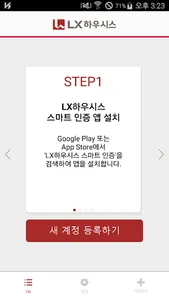
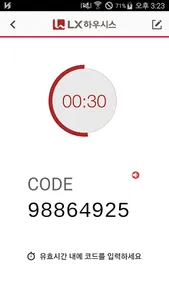
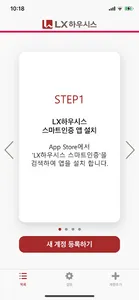
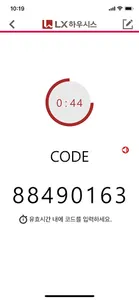
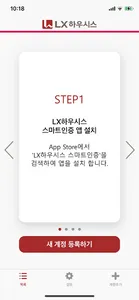
1. Set your password on the LX Hausys account registration page.
2. When the QR code is generated, click 'Register a new account' at the bottom of the app to scan the QR code.
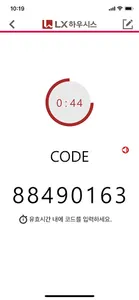
3. After scanning, enter the PIN number on the screen to complete the registration.
1. Set your password on the LX Hausys account registration page.
2. When the QR code is generated, click 'Register a new account' at the bottom of the app to scan the QR code.
3. After scanning, enter the PIN number on the screen to complete the registration.
Show More