Video Hide Screen Overlay
Kraph Tech
3.7 ★
147 ratings
10,000+
downloads
Free
+ in-app
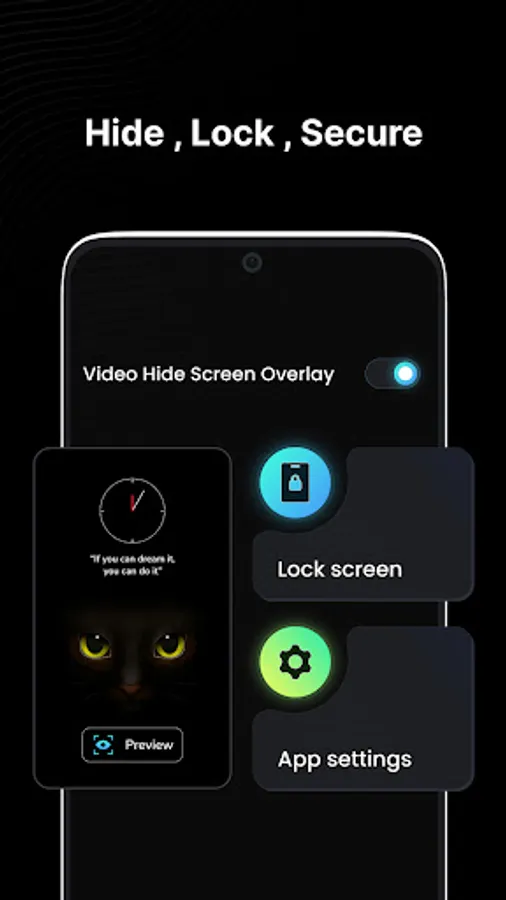
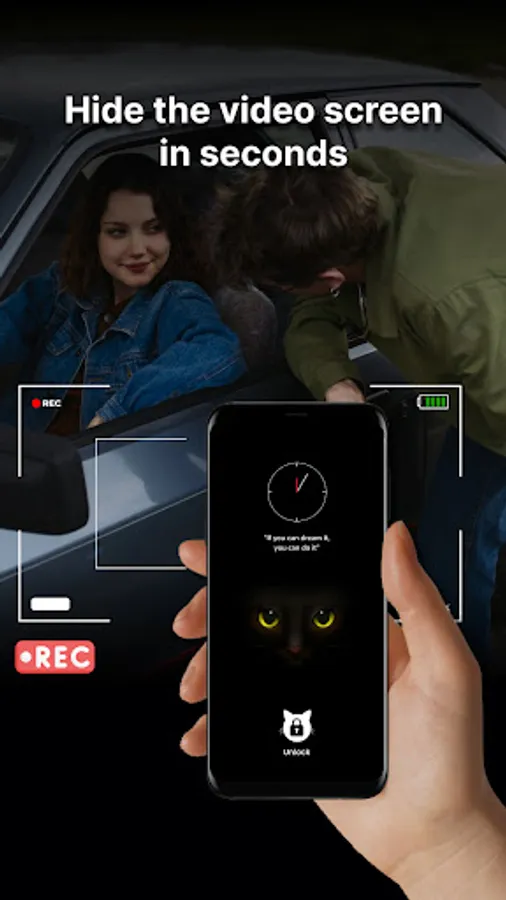
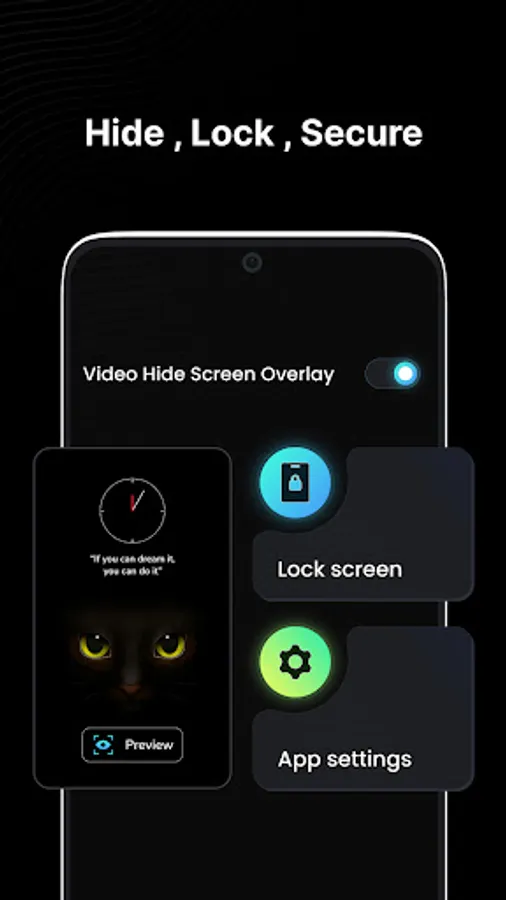
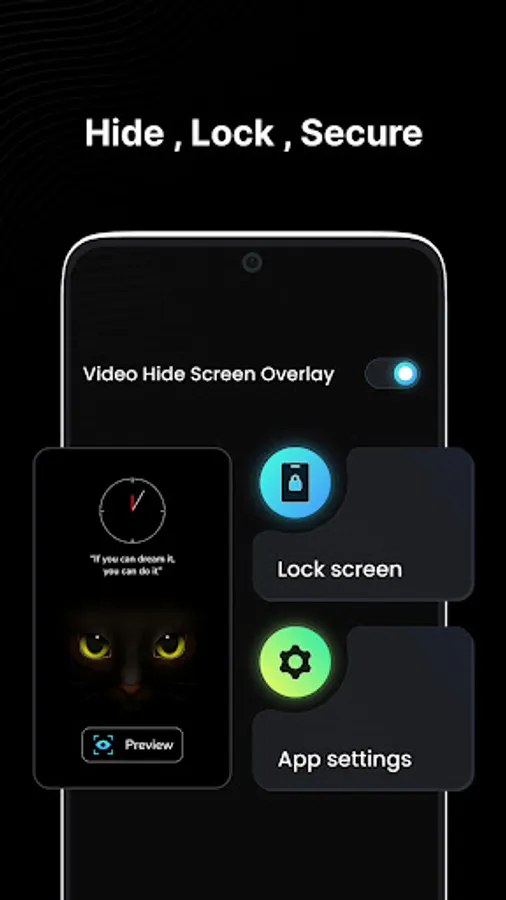
With this app, you can quickly hide or lock your screen to maintain privacy while videos continue playing and customize your lock screen with wallpapers, clocks, and taglines. Includes options for overlays, floating buttons, and unlocking methods.
AppRecs review analysis
AppRecs rating 3.7. Trustworthiness 78 out of 100. Review manipulation risk 30 out of 100. Based on a review sample analyzed.
★★★☆☆
3.7
AppRecs Rating
Ratings breakdown
5 star
46%
4 star
23%
3 star
4%
2 star
9%
1 star
18%
What to know
✓
Credible reviews
78% trustworthiness score from analyzed reviews
✓
Good user ratings
69% positive sampled reviews
✓
Authentic reviews
Natural distribution, no red flags
About Video Hide Screen Overlay
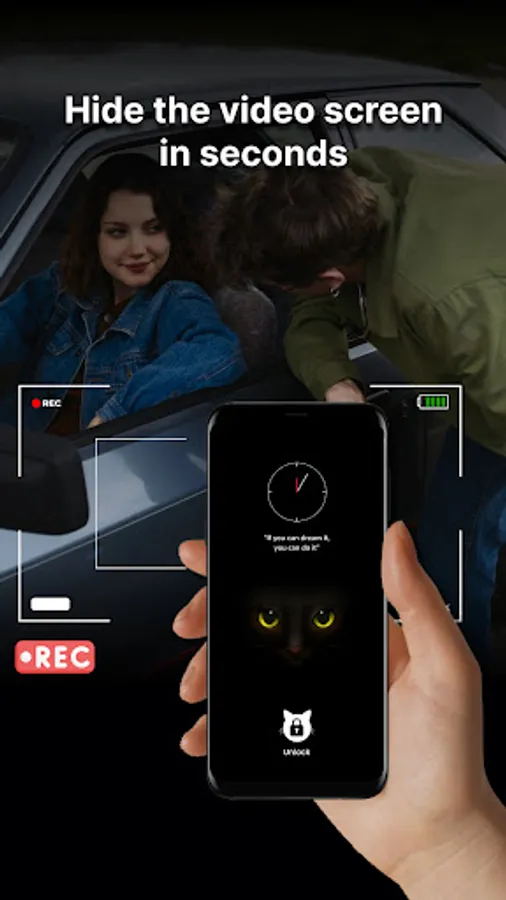
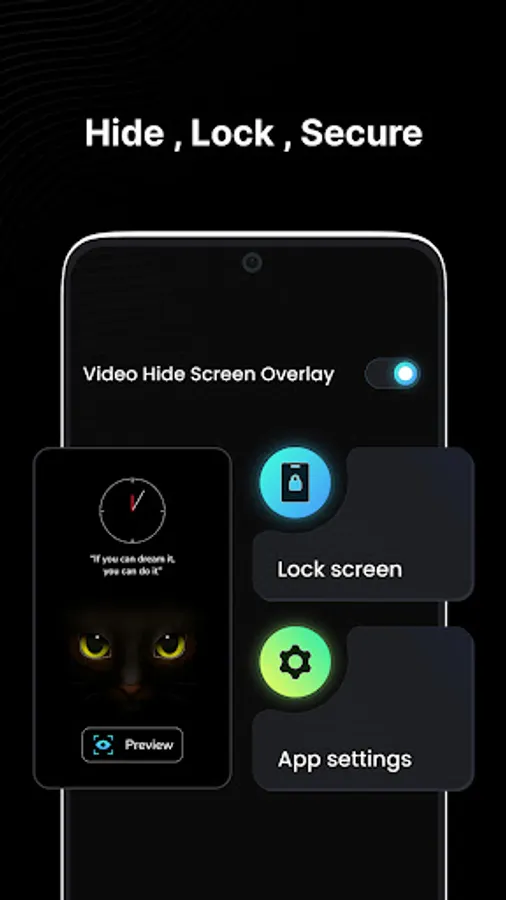
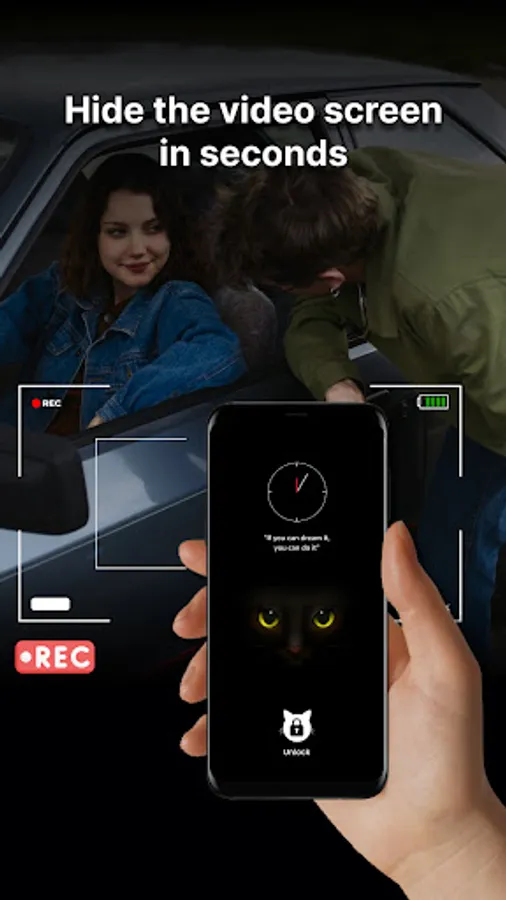
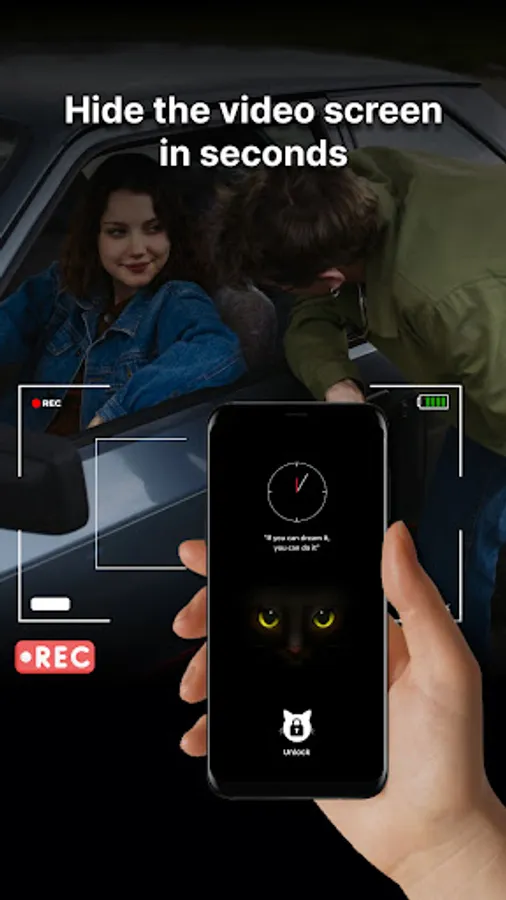
The app helps to quickly hide and lock your screen whenever needed. Use this app to discreetly hide your video or temporarily lock your screen while the video continues playing.
- This app is generally used to quickly lock the screen when you want to hide some content temporarily.
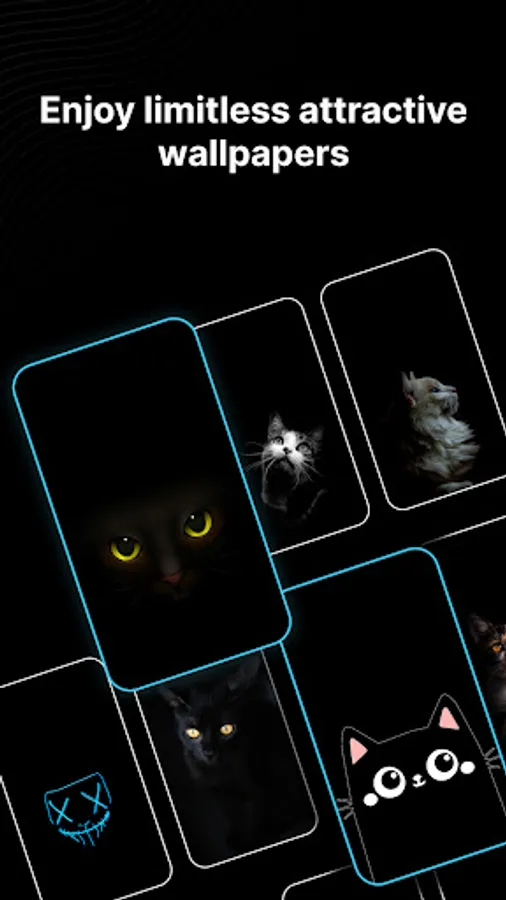
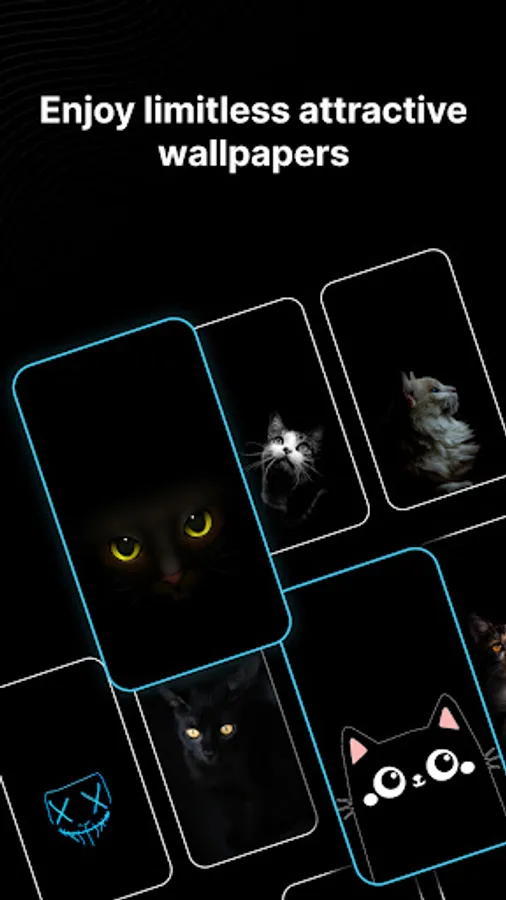
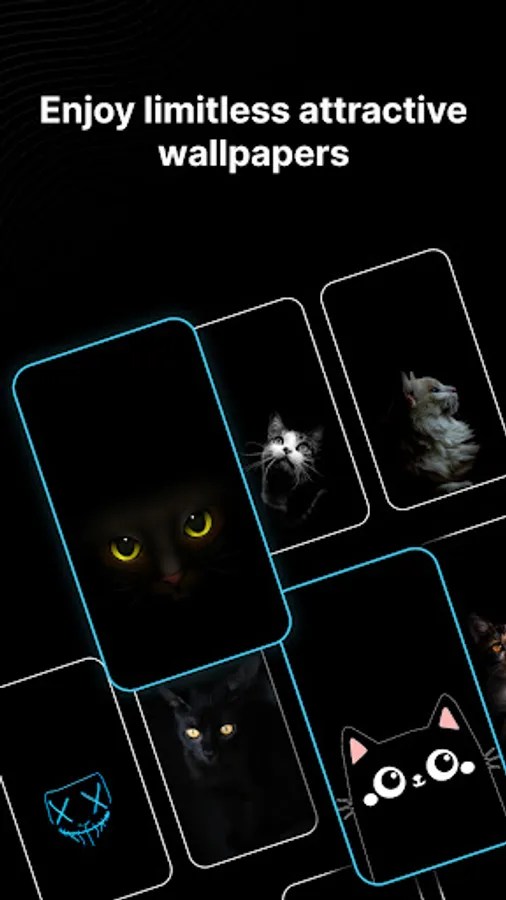
Hide your screen with attractive wallpapers that are available in the app itself. Alternatively, set a black blank video screen that displays nothing running on your screen.
Key Features:
🎨 Customize Your Screen:
🔍 Personalize your lock screen with an array of attractive features.
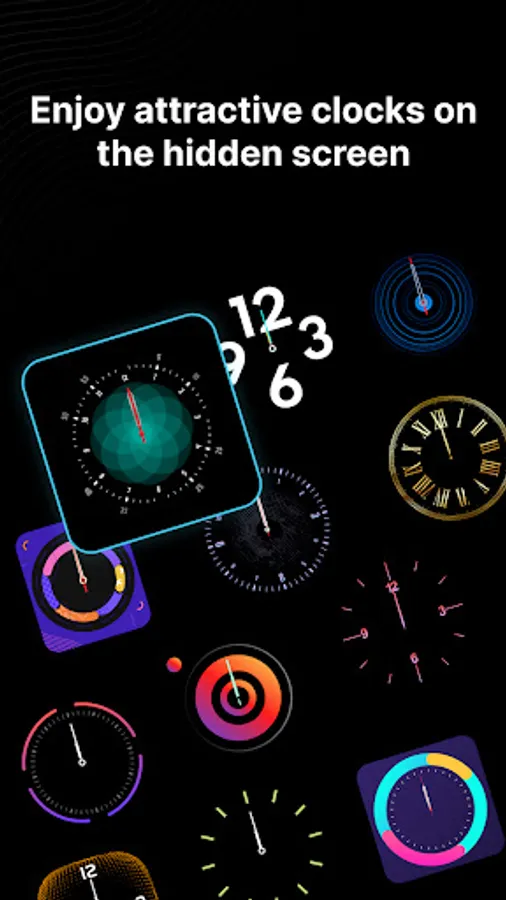
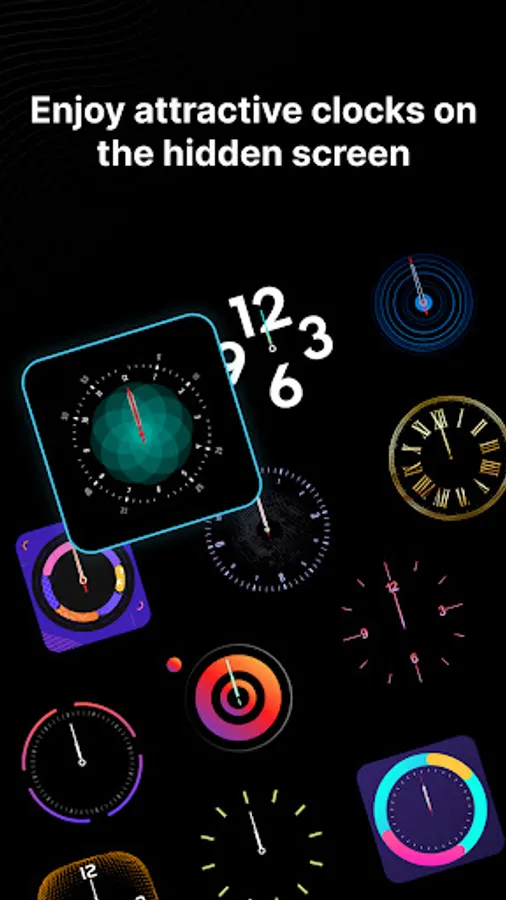
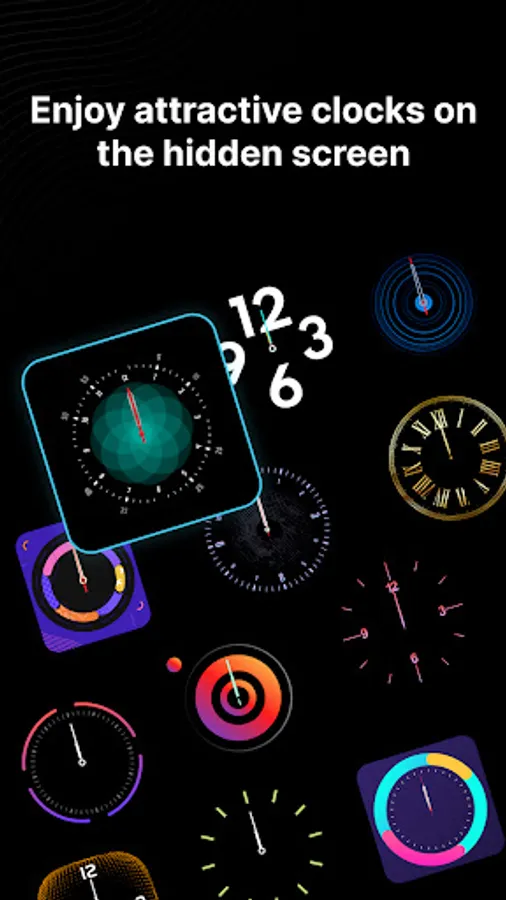
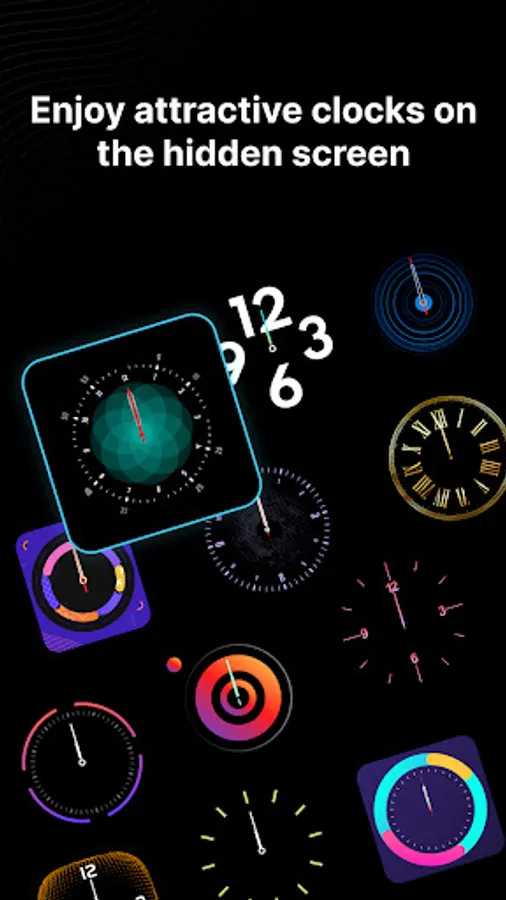
🕒 Apply Clock : Get attractive clock designs to add to you screen.
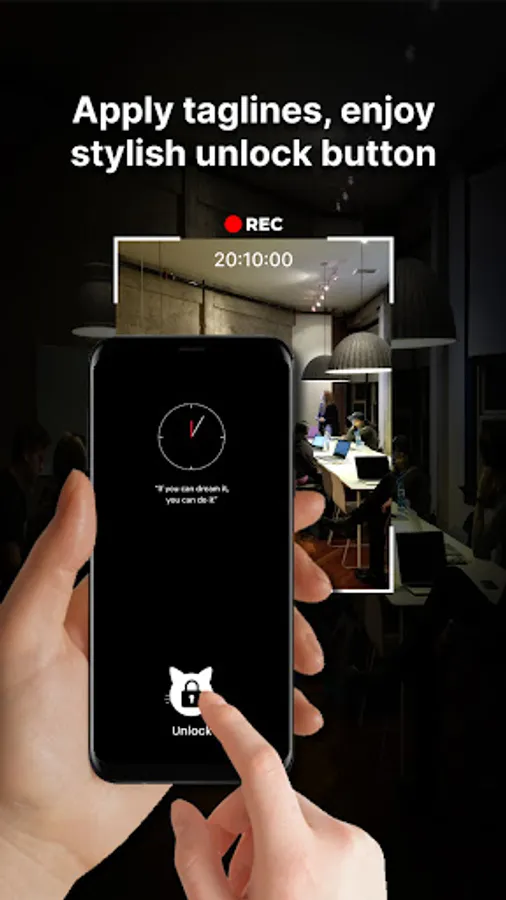
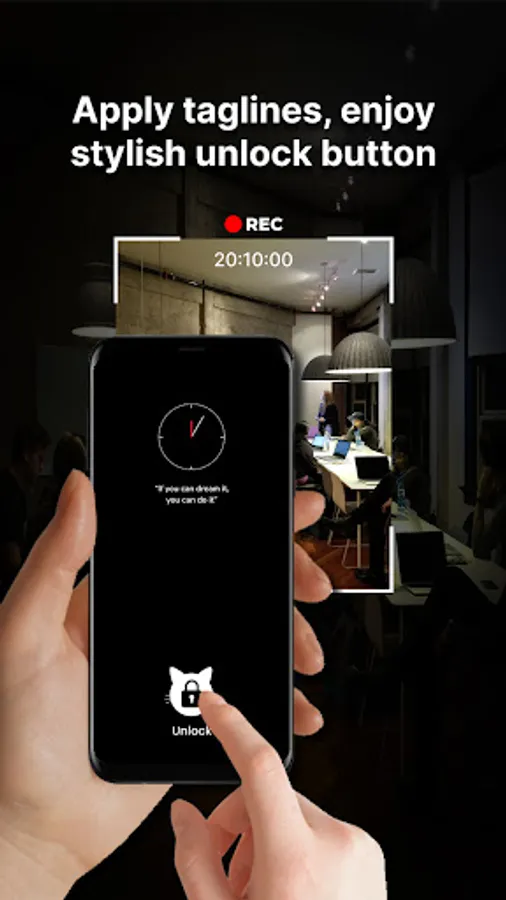
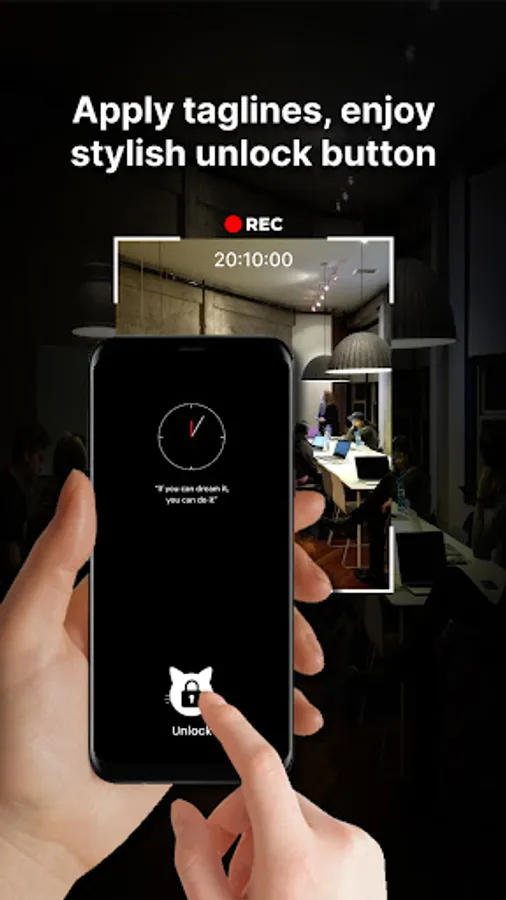
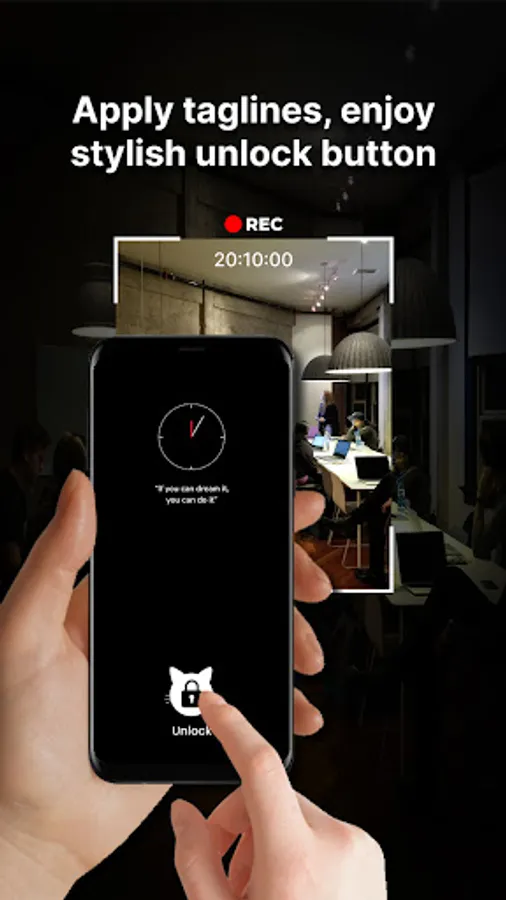
📽️ Apply Tag Line : Add a your own tagline to your lock screen using different text fonts and a variety of colors.
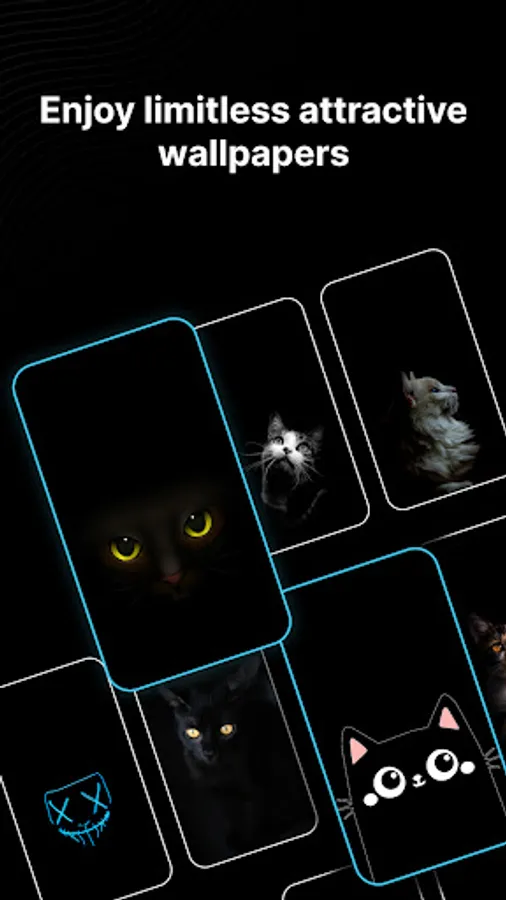
🖼️ Wallpapers : Captivating wallpapers (including adorable black cat wallpapers), other attractive wallpapers.
🔓 Add attractive floating buttons to create a classy lock screen, Unlock your screen easily using the floating button for added convenience.
App Settings: Tailor the app to your preferences. Set the number of taps required to unlock your screen (1, 2, 3, or 4).
Enable or disable the "Always on display" feature as per your needs.
You can also choose to skip the unlock screen button and directly unlock with a floating button or tapping action.
Permission:
Overlay Permission: We require this permission to display a black screen over other apps.
- This app is generally used to quickly lock the screen when you want to hide some content temporarily.
Hide your screen with attractive wallpapers that are available in the app itself. Alternatively, set a black blank video screen that displays nothing running on your screen.
Key Features:
🎨 Customize Your Screen:
🔍 Personalize your lock screen with an array of attractive features.
🕒 Apply Clock : Get attractive clock designs to add to you screen.
📽️ Apply Tag Line : Add a your own tagline to your lock screen using different text fonts and a variety of colors.
🖼️ Wallpapers : Captivating wallpapers (including adorable black cat wallpapers), other attractive wallpapers.
🔓 Add attractive floating buttons to create a classy lock screen, Unlock your screen easily using the floating button for added convenience.
App Settings: Tailor the app to your preferences. Set the number of taps required to unlock your screen (1, 2, 3, or 4).
Enable or disable the "Always on display" feature as per your needs.
You can also choose to skip the unlock screen button and directly unlock with a floating button or tapping action.
Permission:
Overlay Permission: We require this permission to display a black screen over other apps.
Video Hide Screen Overlay Screenshots
Tap to Rate:
Reviews for Video Hide Screen Overlay
Komala Hd
8/9/2025
super
AIRJAE
12/1/2024
Add every 3 seconds -_-