
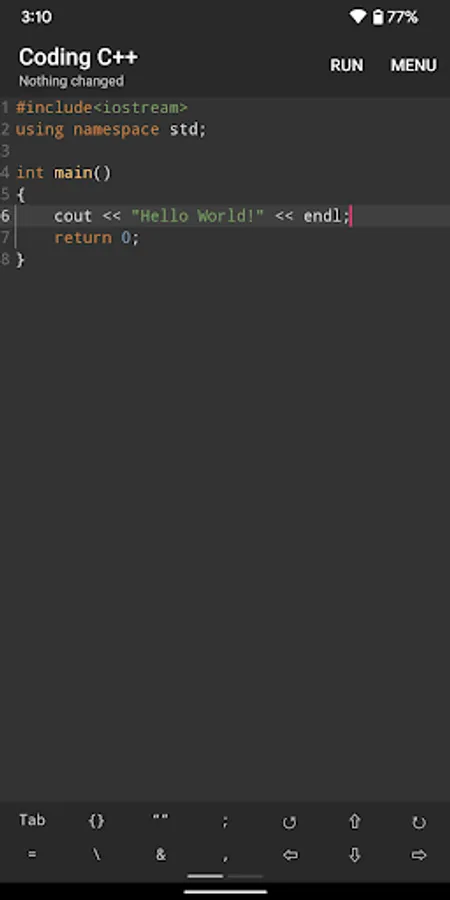
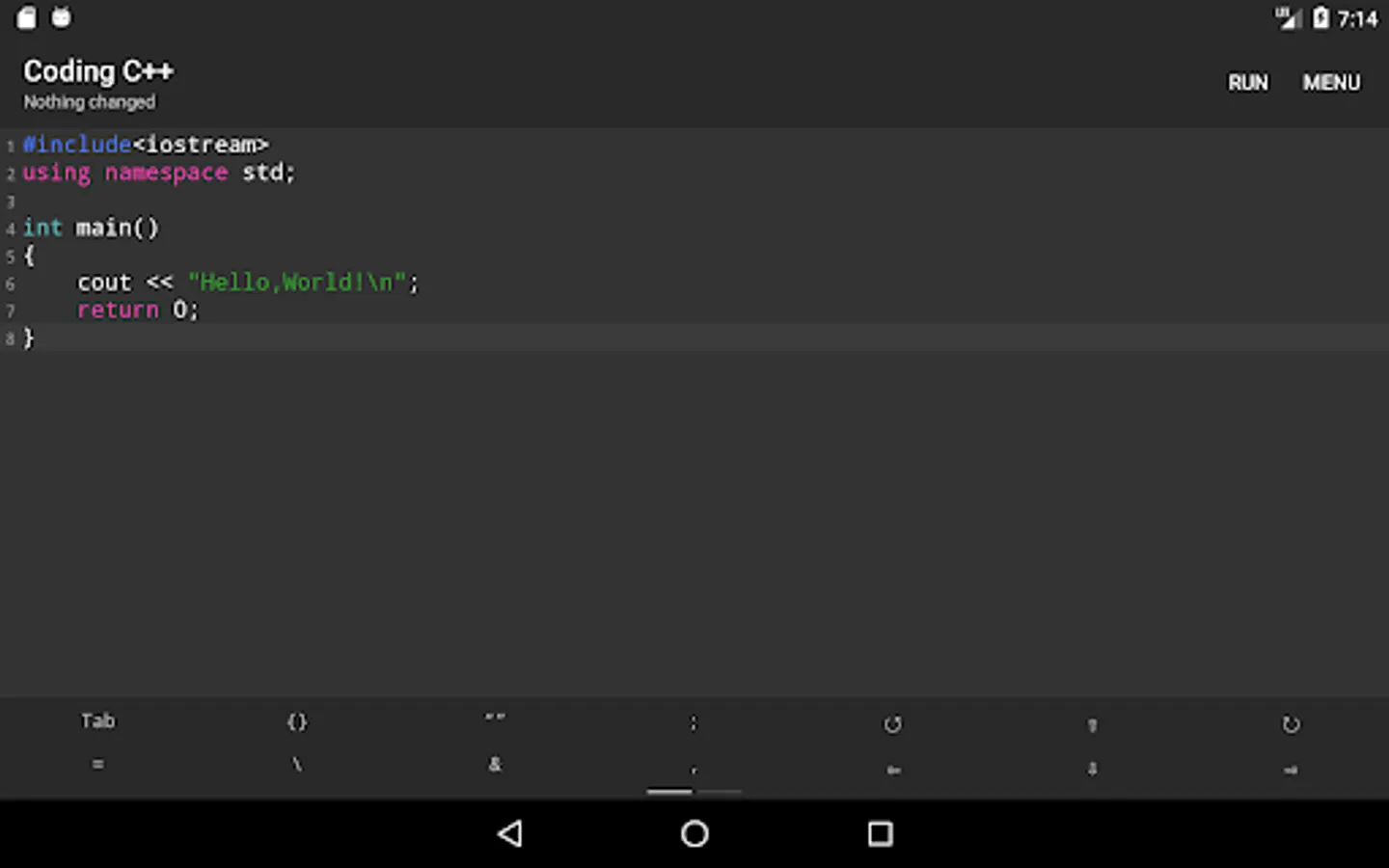
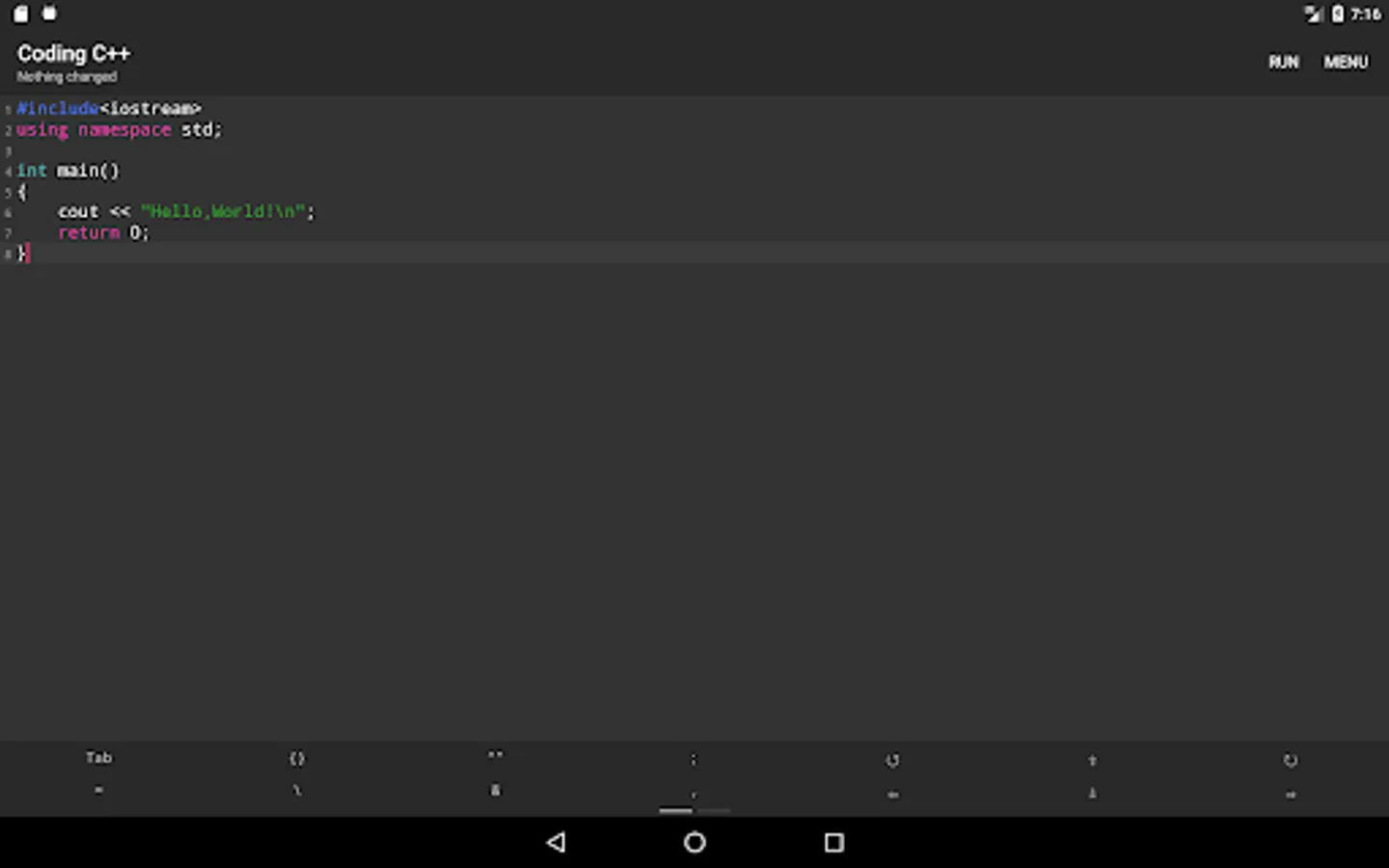
With this IDE, you can write, compile, and run C++ code while utilizing syntax highlighting and auto-save features. Includes code formatting tools and support for various input methods.
AppRecs review analysis
AppRecs rating 4.2. Trustworthiness 67 out of 100. Review manipulation risk 36 out of 100. Based on a review sample analyzed.
★★★★☆
4.2
AppRecs Rating
Ratings breakdown
5 star
61%
4 star
16%
3 star
9%
2 star
3%
1 star
11%
What to know
✓
High user satisfaction
77% of sampled ratings are 4+ stars (4.1★ average)
✓
Authentic reviews
Natural distribution, no red flags
About Coding C++
Feature:
1.Code Compile & Run
2.Auto Save
3.Highlight Key Words
4.Open/Save file
5.Smart Code Hint
6.Format Code
7.Common Character Panel
8.Support Every InputMethod
Coding C++ Screenshots

Tap to Rate:
Reviews for Coding C++
DiaboPT
2/20/2026
Best app for developing on the go. What? You can't use conio.h on linux? Here you can (with other window and linux libraries). It might be lacking in the settings department (for example, idk which version of c++ it is, or how big the text in the output should be). But overall, almost no ads (and you can go futher and disable wifi), it reads pretty fast and a very small intellisense (which is better than most mobile dev apps). Still, no project managment, just a single cpp file read, but oh well
ZAIB kHAN
2/20/2026
please hurry up to install this c++