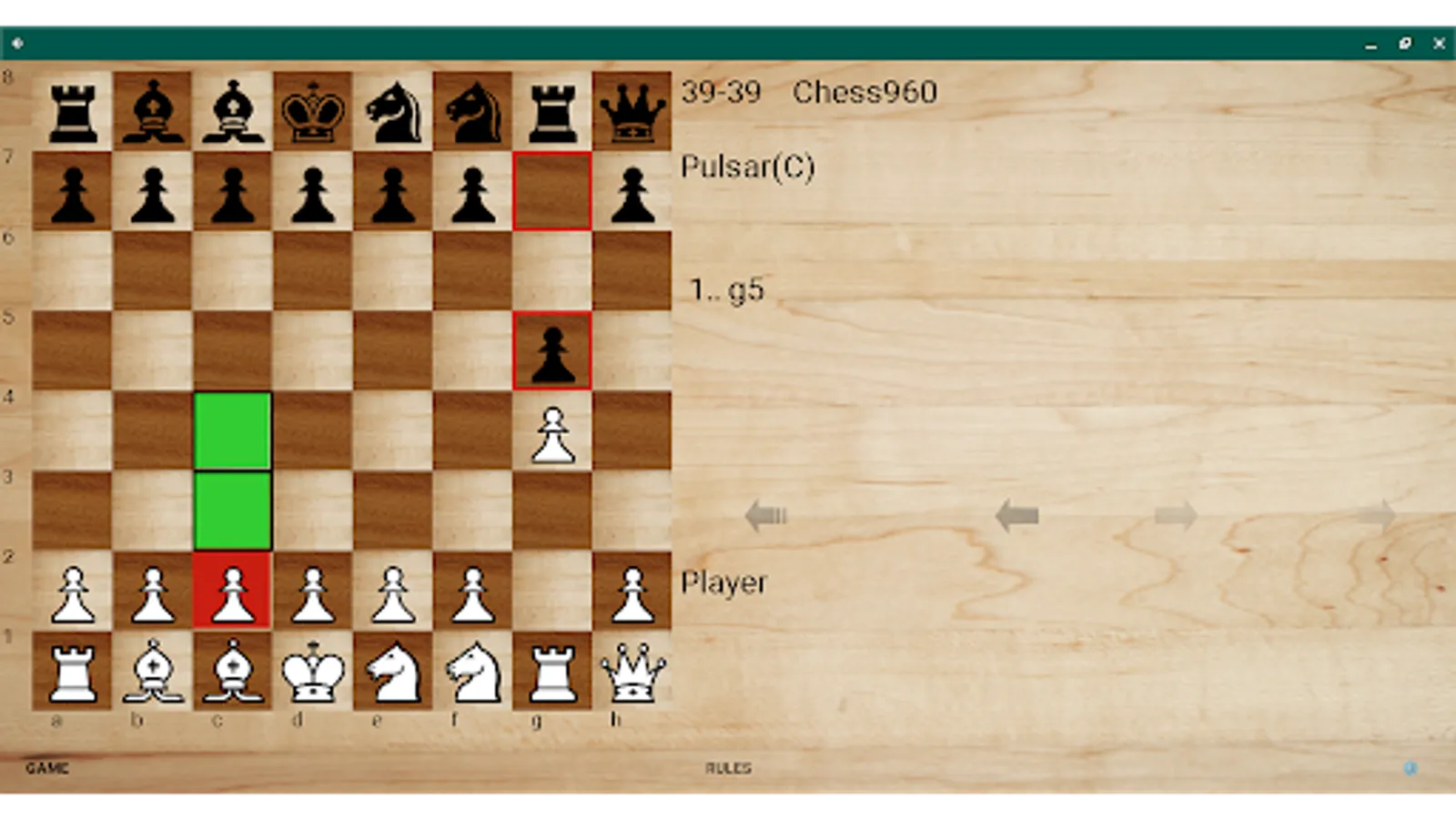
In this chess engine app, you can play against levels across six variants including Chess960 and Crazyhouse. Includes game analysis, game history, and various customization options for pieces and boards.
AppRecs review analysis
AppRecs rating 3.7. Trustworthiness 72 out of 100. Review manipulation risk 35 out of 100. Based on a review sample analyzed.
★★★☆☆
3.7
AppRecs Rating
Ratings breakdown
5 star
39%
4 star
28%
3 star
11%
2 star
0%
1 star
22%
What to know
✓
Credible reviews
72% trustworthiness score from analyzed reviews
✓
Good user ratings
66% positive sampled reviews
✓
Authentic reviews
Natural distribution, no red flags
About Pulsar Chess Engine
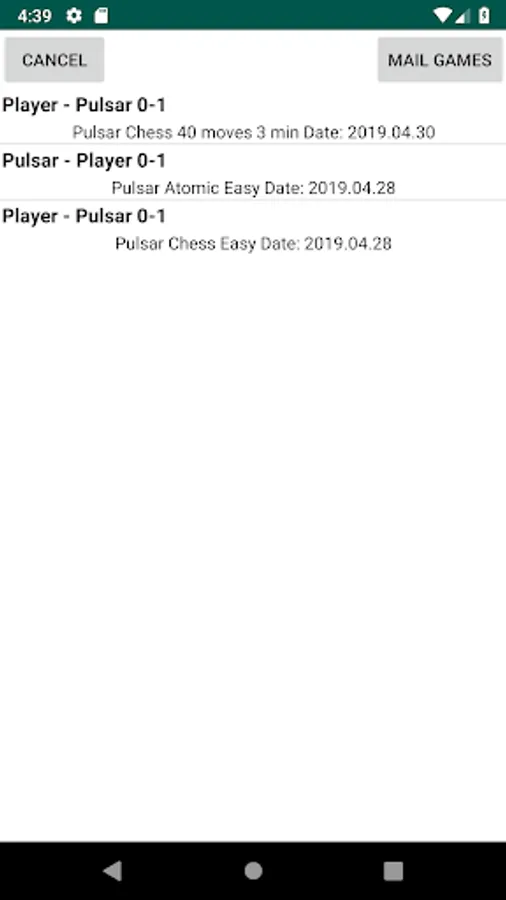
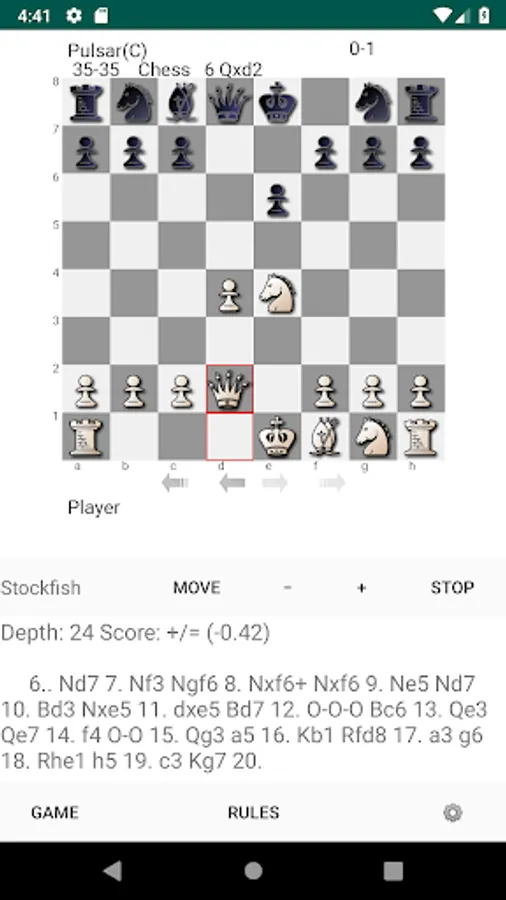
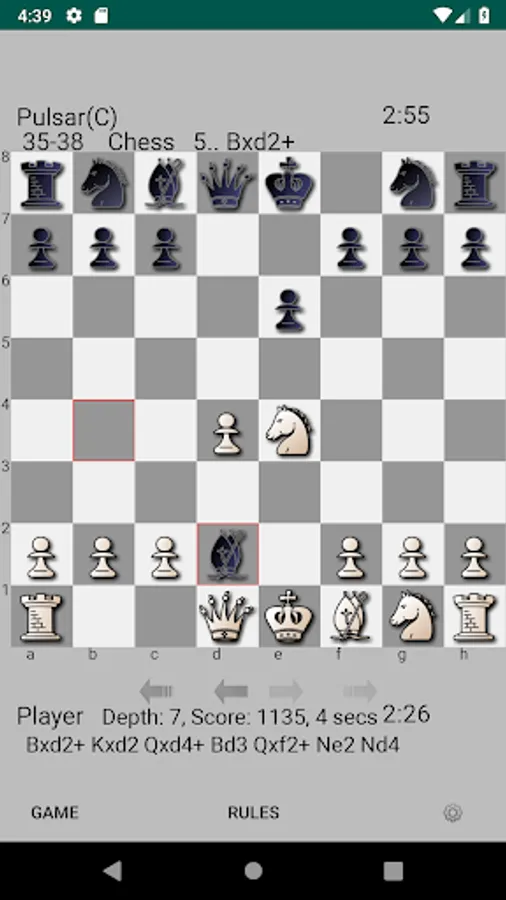
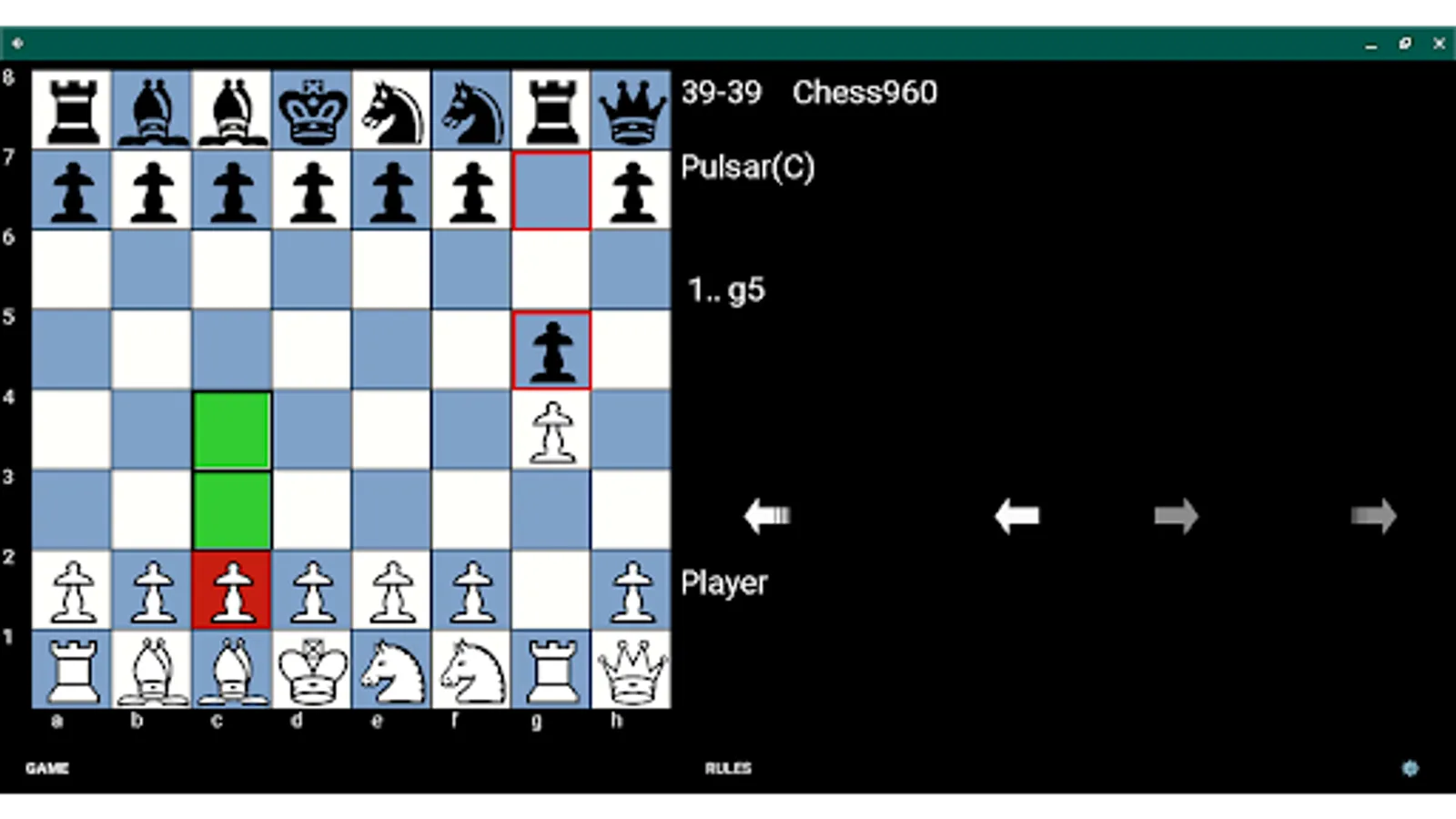
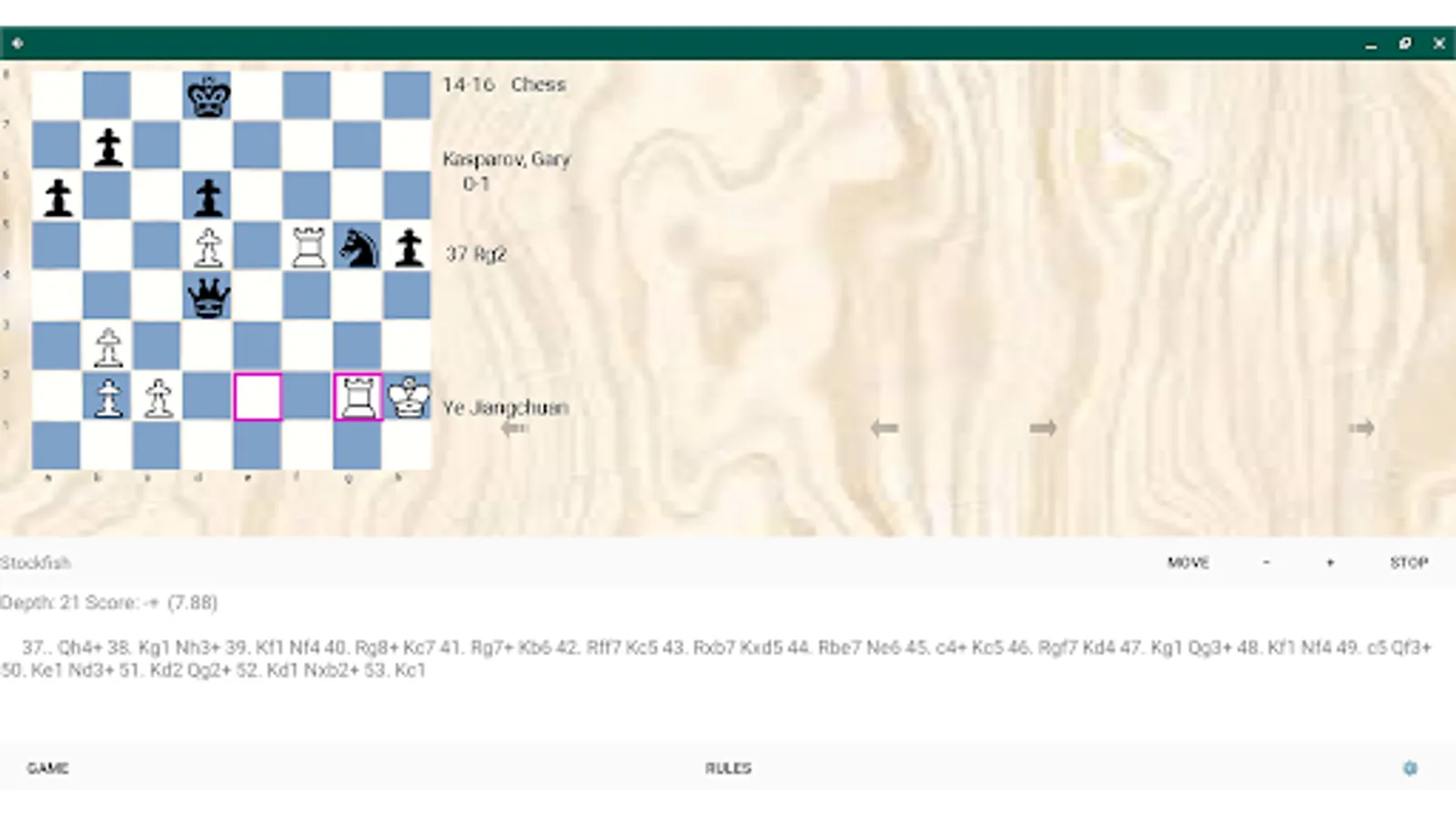
Pulsar logs all its games that end with a result and they can be opened in the Game menu. Newest games are on top and if the game is a chess game, Stockfish engine analysis is available. Engine analysis is also available in reviewing Chess960 games however no castle info is sent to the engine. Additional classic PGN game collections are available to view and analyze.
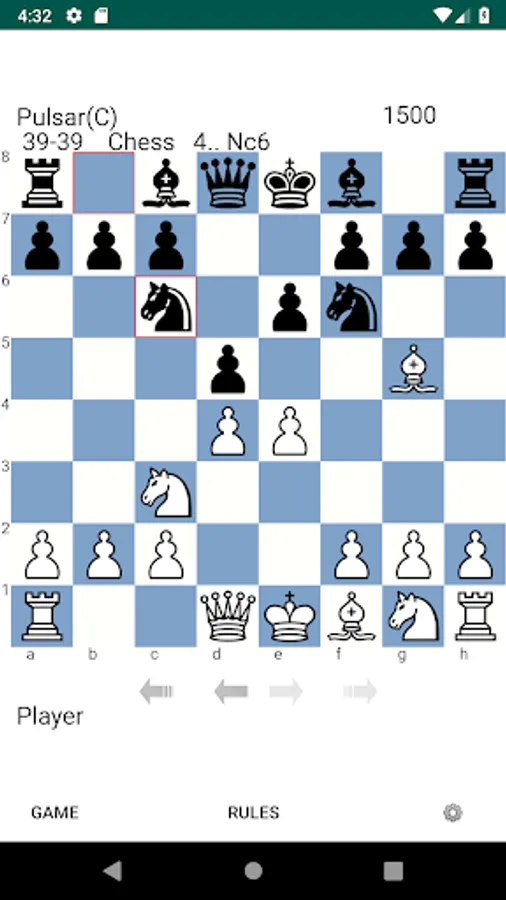
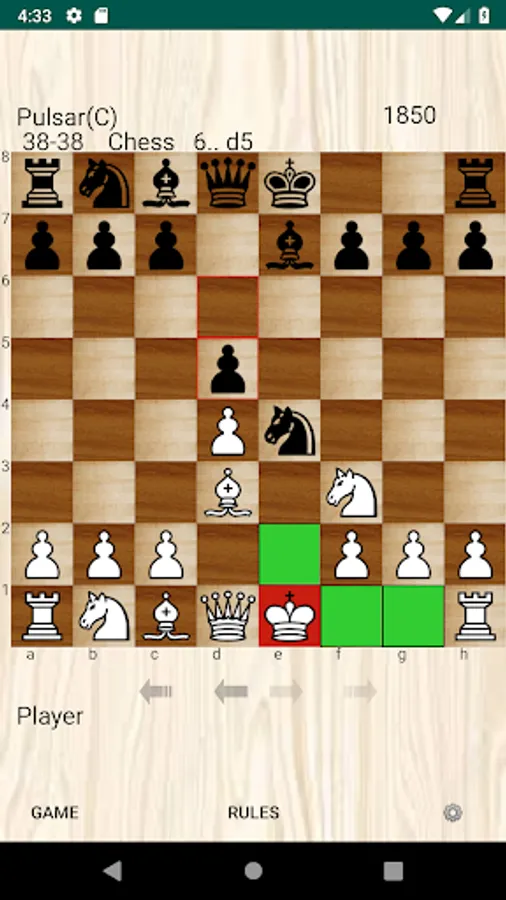
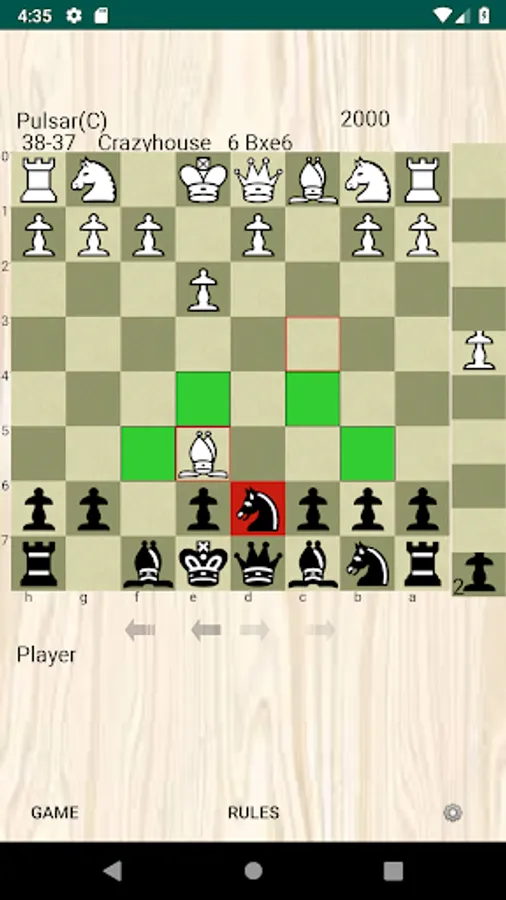
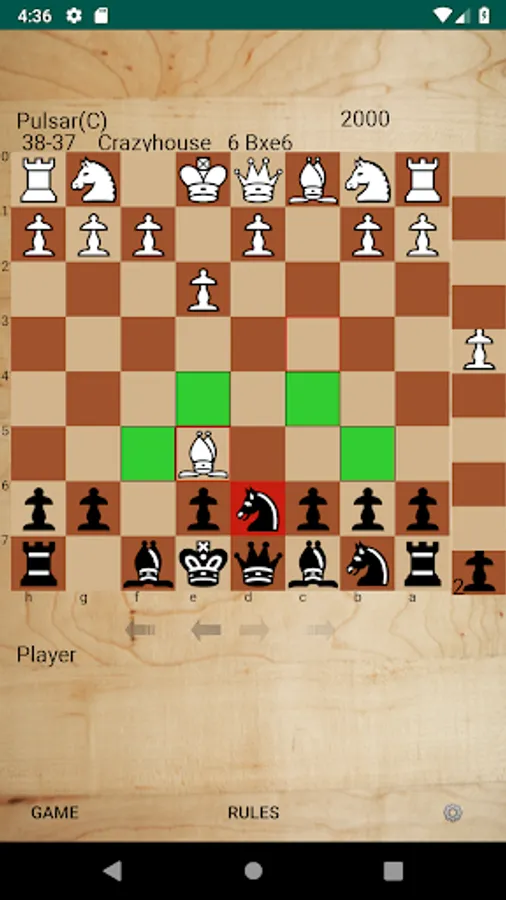
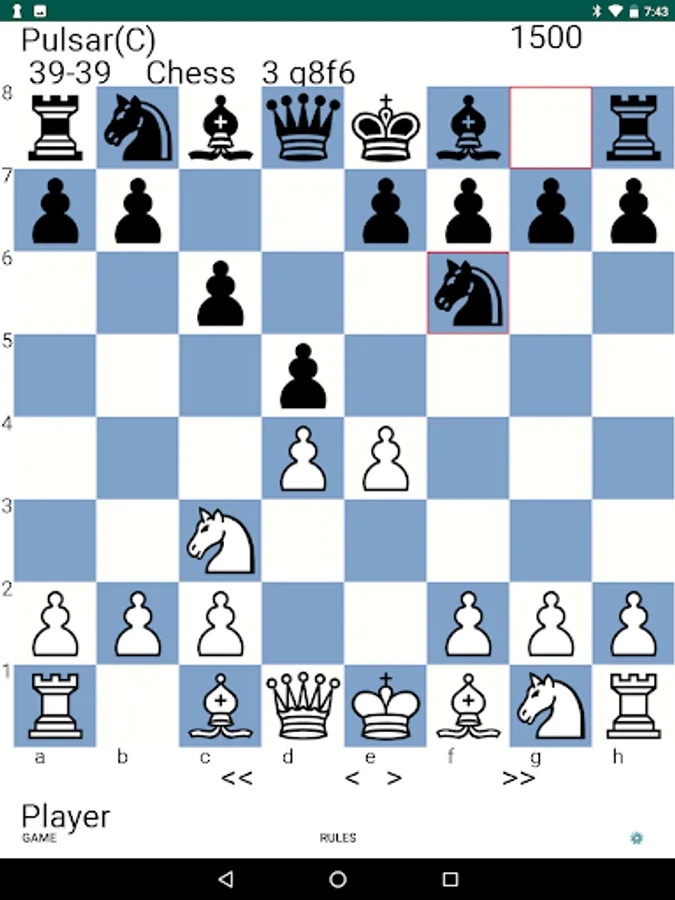
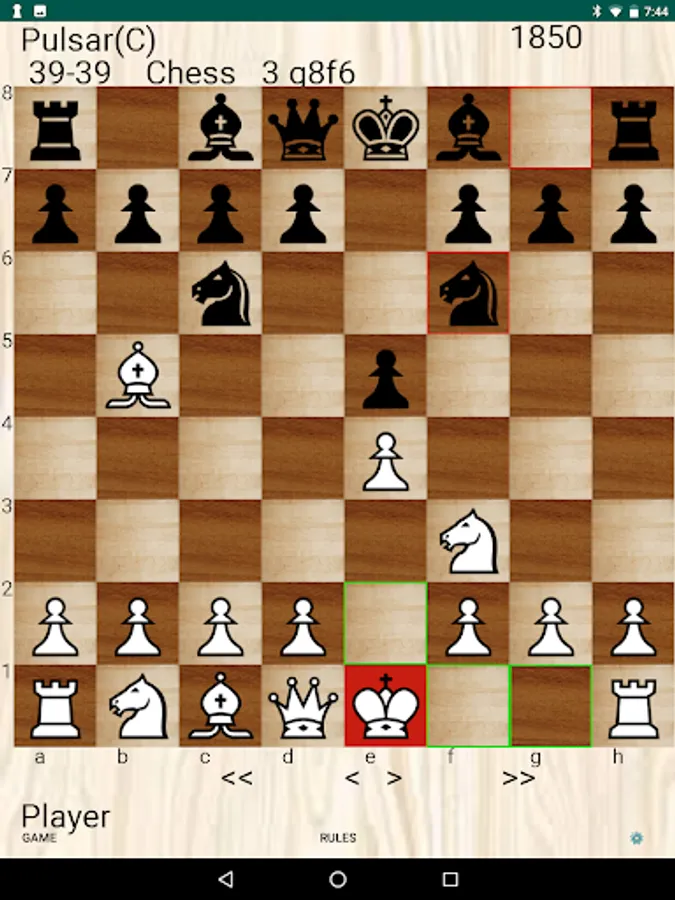
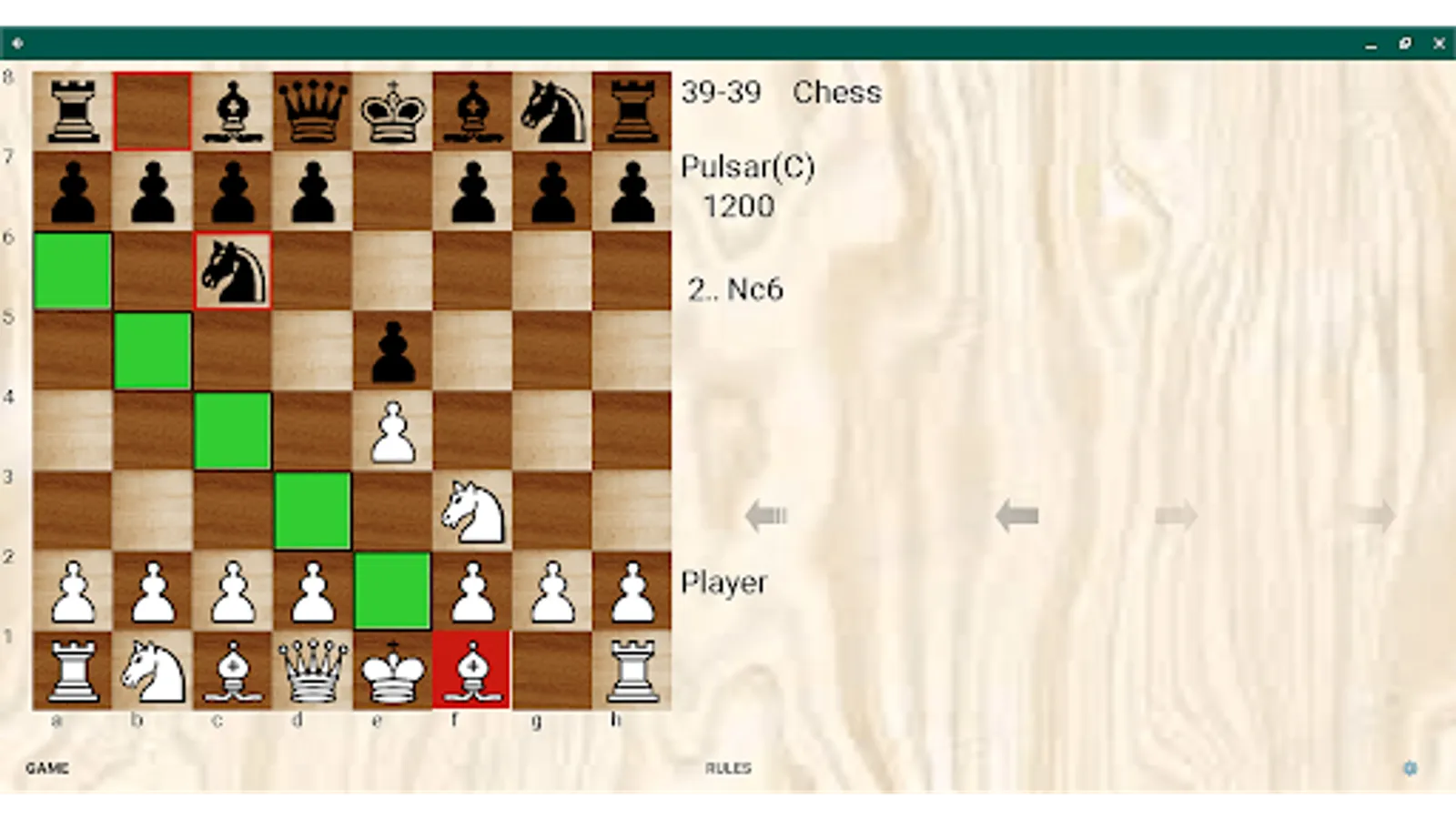
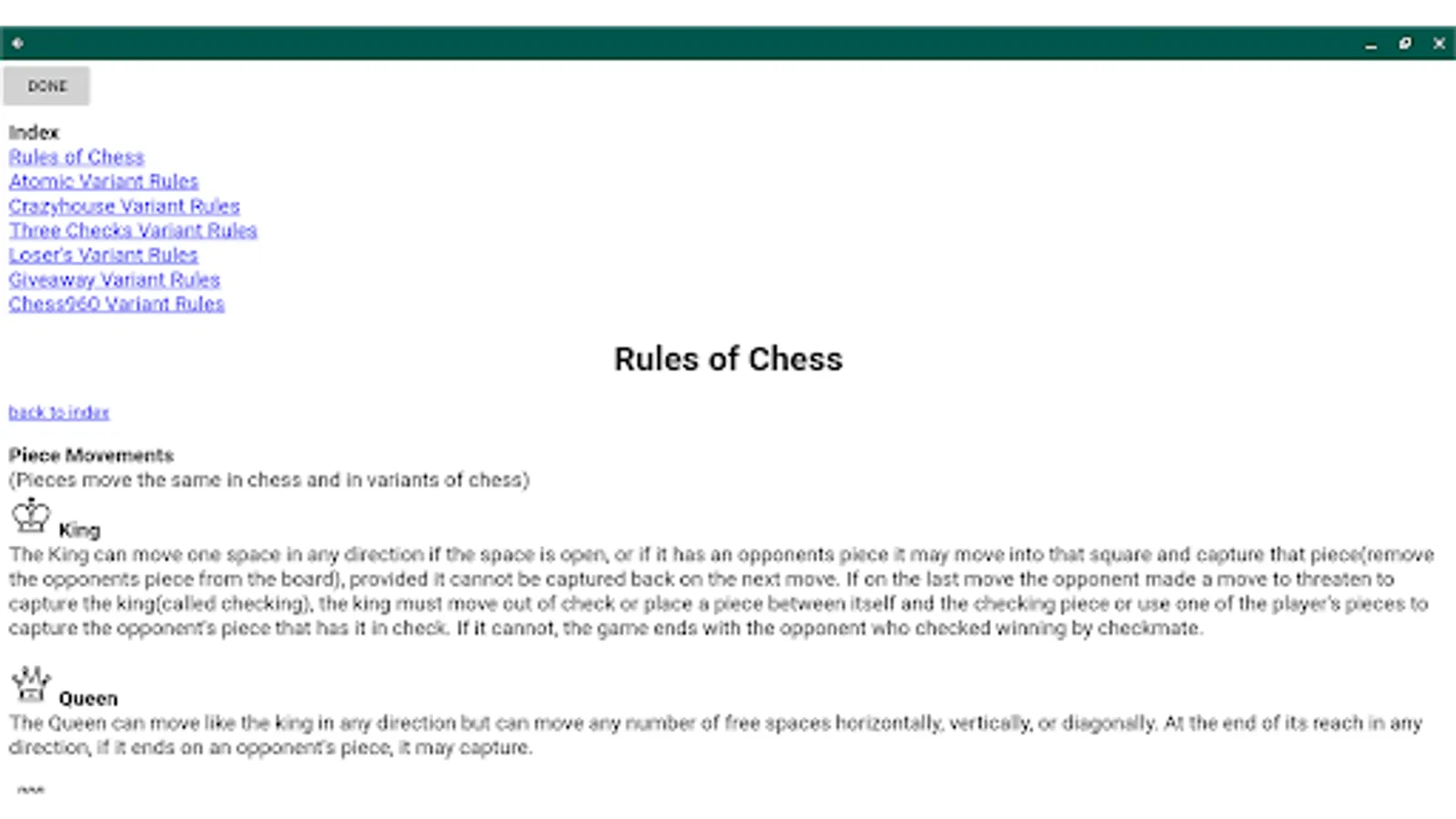
Pulsar includes levels for all its games and their rules It's add free. It defaults to Easy if the users just starts playing, otherwise go to the game button and choose new game to configure a more specific game. Last game type played is saved on restart of the app. There are some choices for board colors and chess pieces as well as the apps background color. There are also show books moves and show thinking options in settings.
The board in Pulsar Chess Engine is Accessible by Talkback, for the blind and visually impaired. Only direct tapping is supported, not swiping. Tap on a square, and it will speak what's on the square such as "e2 - white pawn". Double tap to select the square with Talkback on. There is also speak move. This speak move and tap on square info is in English as well as Spanish, Italian, French and German. Talkback can normally read text on buttons and labels etc, but a board is a collection of images. To be accessible, the board has to be programmed to return text when the tap is in the space of a square.
Pulsar started as a computer chess program and over time learned variants. It remains an interesting chess only program if the users it not interested in variants. I ran it extensively on two servers testing the app against strong players and also testing how to handicap it on handicapped computer bots. The ratings that appear on the board when selecting from the first 8 difficulty levels are estimates based on what I saw running it at various strengths.
On game / new game if play vs the computer is unchecked the user can play in two person mode which I've found useful when I have a device and want to play a chess game but no chess board with another person who is present.
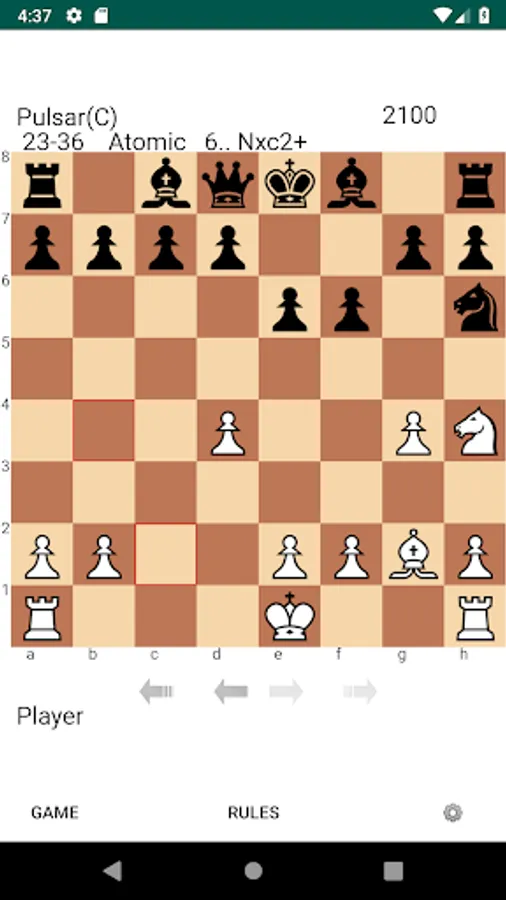
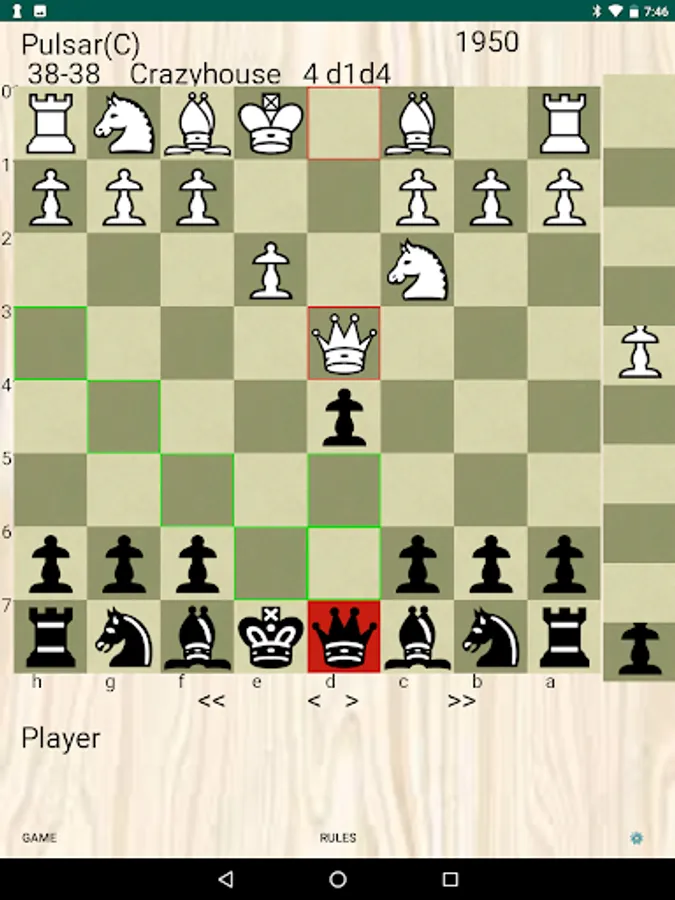
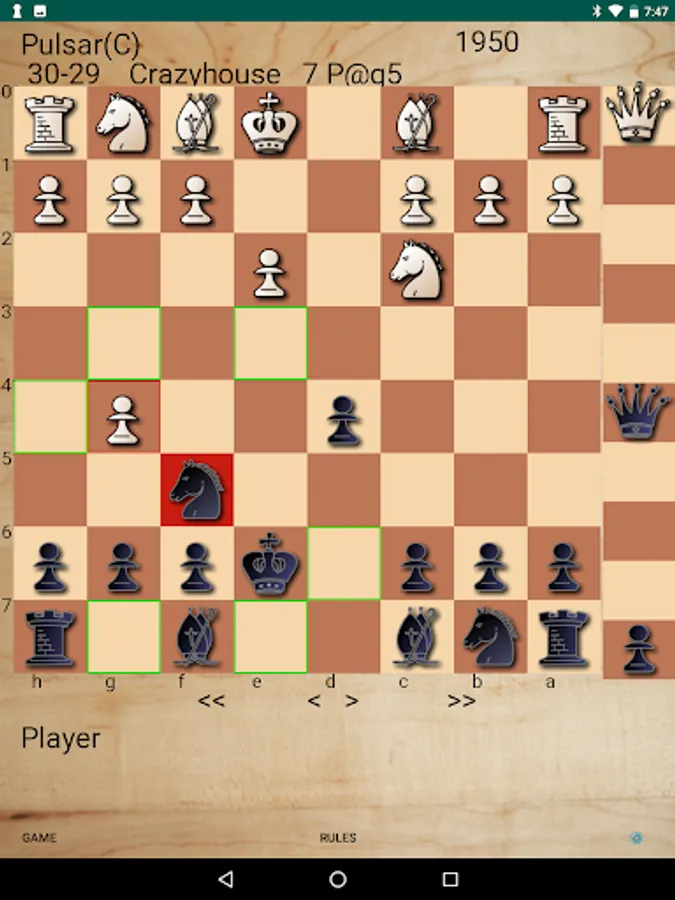
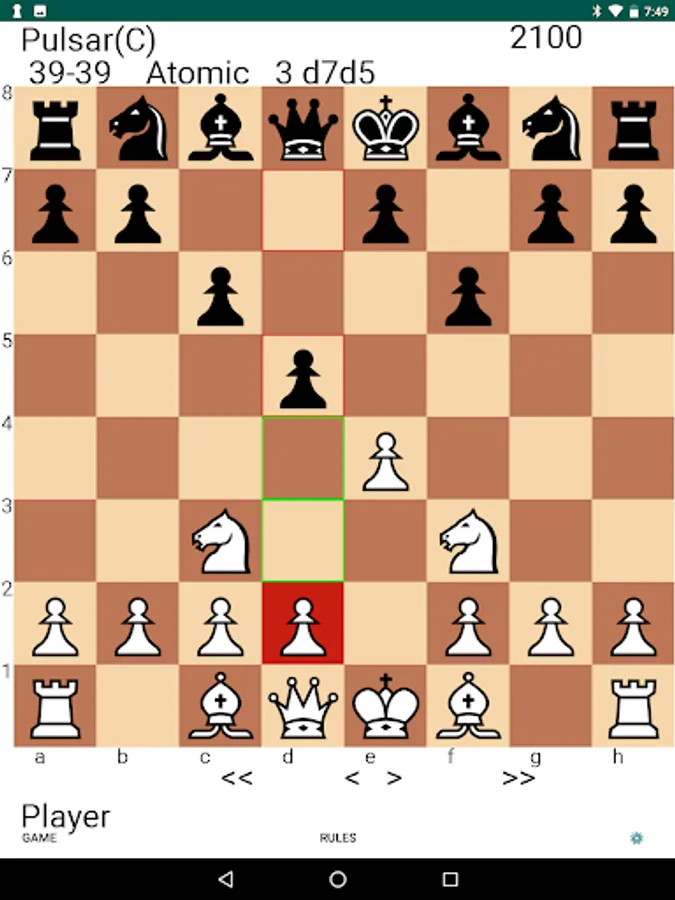
The Atomic Chess variant in Pulsar follows ICC rules and has no concept of check and king can castle in check. In Crazyhouse the user can use a turn to drop on board any of the pieces they have captured and the piece palette with the drop pieces appears to right of board.
The engine code on all platforms, mobile and Computers is pulsar2009-b. If users follow the support link or visit developer website, they can get pulsar2009-b binaries that work on all the different computer operating systems in Winboard Protocol supported clients. I have decided to not release an Android binary at this time. Partly because we use the Winboard Protocol and the UCI official protocol does not support all the variants Pulsar plays so it would not run in UCI clients.
Pulsar Chess Engine Screenshots
Tap to Rate:
Reviews for Pulsar Chess Engine
Marco Scataglini
12/31/2025
is a decent chess engine, the only problem is it allows you and the bot "castling under and through check". I read Mike Adams saying it follows ICC rules, but ICC follows FIDE rules and they specify that castling is prevented if the king is on a square attacked by one or more of the opponent's pieces, or if the king would pass through or end on a square that is under attack... So... it should not happen.
Ralph
11/7/2025
Very nice app good for training my pupils






![[365fun] JumpShot icon](https://apprecs.org/gp/img/icons/webp/150/com.whitewind.jumnpshot/bYsY6qfxdl42P2oupC03zntjcP3GEAR4vpt_9F9GgUI-icon)