Auto Connect Bluetooth Devices
Latex Apps
4.5 ★
store rating
10,000+
downloads
Free
+ in-app
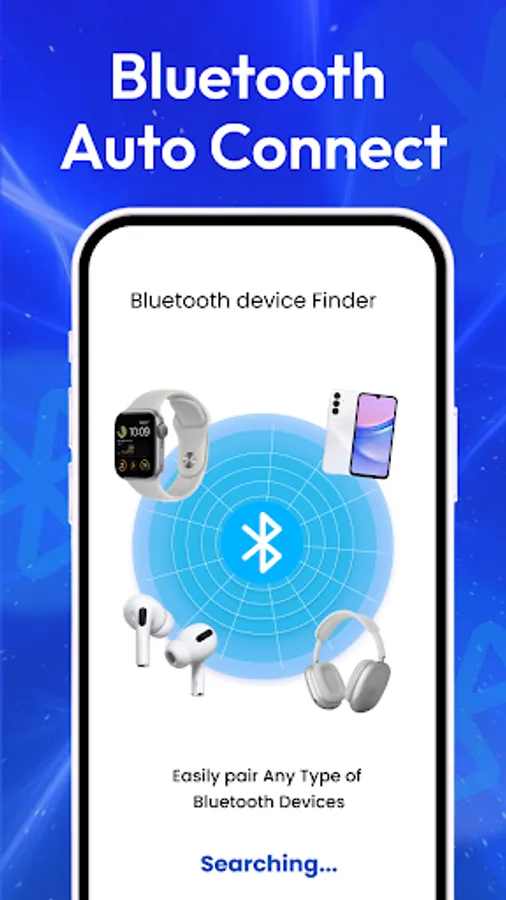
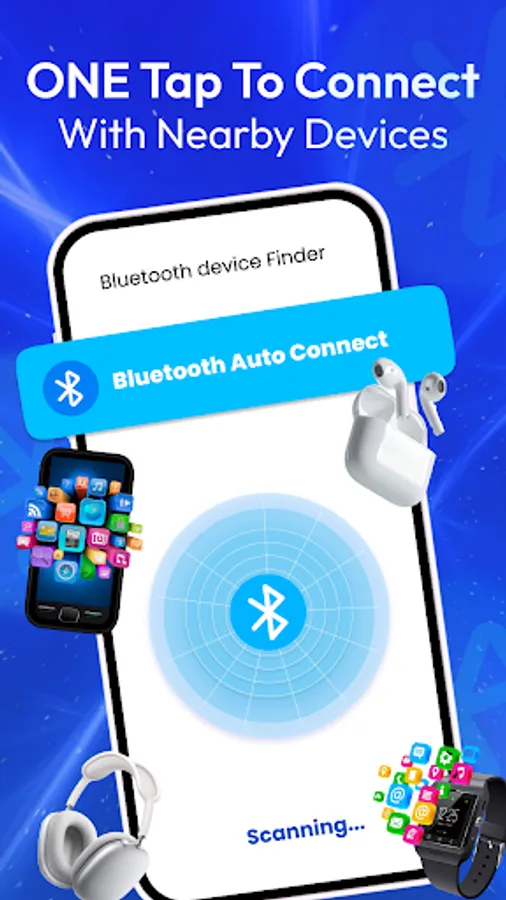
In this app, you can manage, scan, and connect to Bluetooth devices automatically or manually. Includes device management, scanning, and connection control features.
AppRecs review analysis
AppRecs rating 4.3. Trustworthiness 89 out of 100. Review manipulation risk 22 out of 100. Based on a review sample analyzed.
★★★★☆
4.3
AppRecs Rating
Ratings breakdown
5 star
88%
4 star
0%
3 star
0%
2 star
0%
1 star
13%
What to know
✓
Low review manipulation risk
22% review manipulation risk
✓
Credible reviews
89% trustworthiness score from analyzed reviews
✓
High user satisfaction
88% of sampled ratings are 5 stars
About Auto Connect Bluetooth Devices
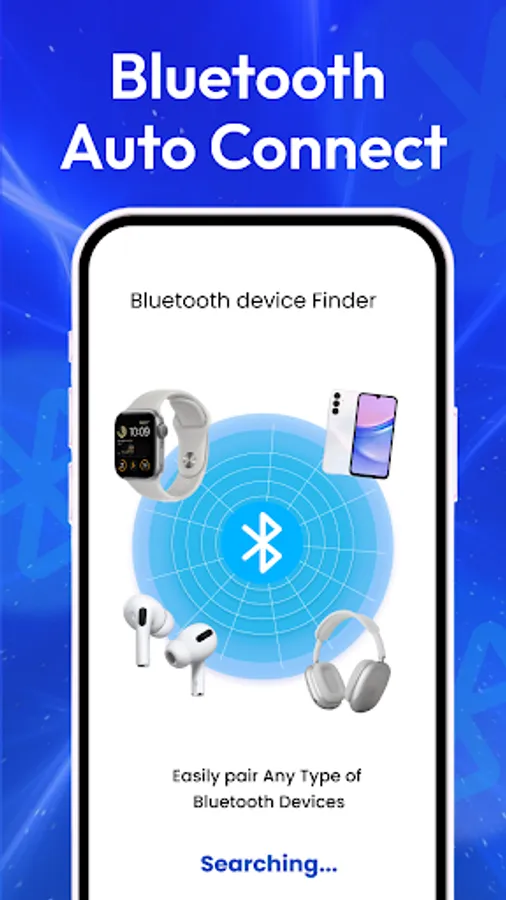
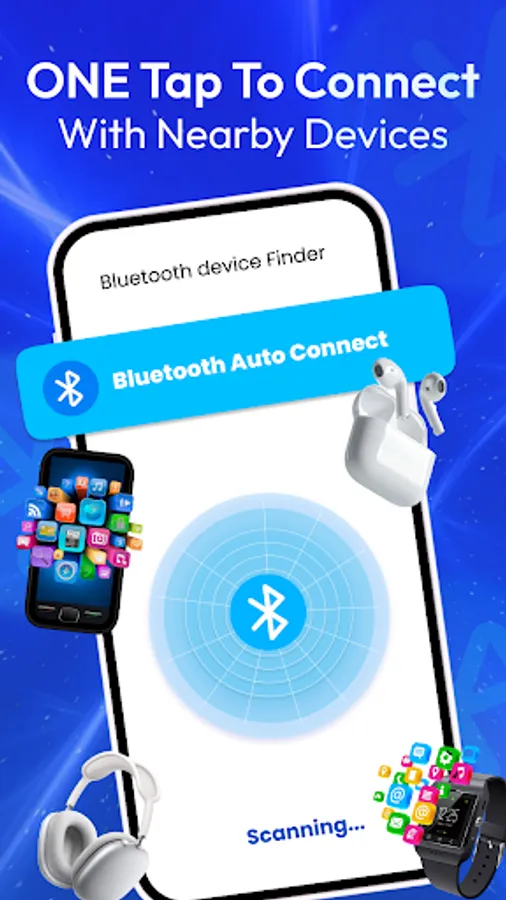
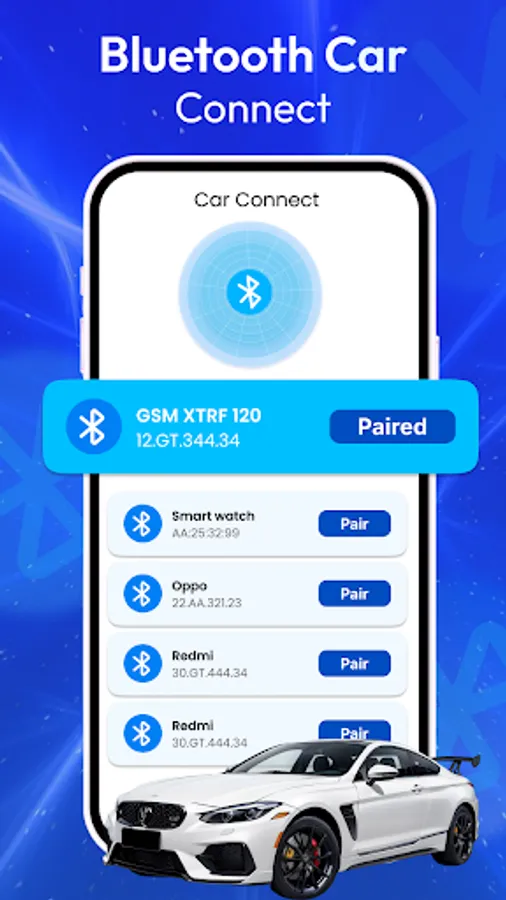
The auto connect Bluetooth is your all-in-one solution to manage and control Bluetooth devices. It combines bluetooth scanning, bluetooth pairing, and Bluetooth device management into one simple app.
🔹 Bluetooth Scanning
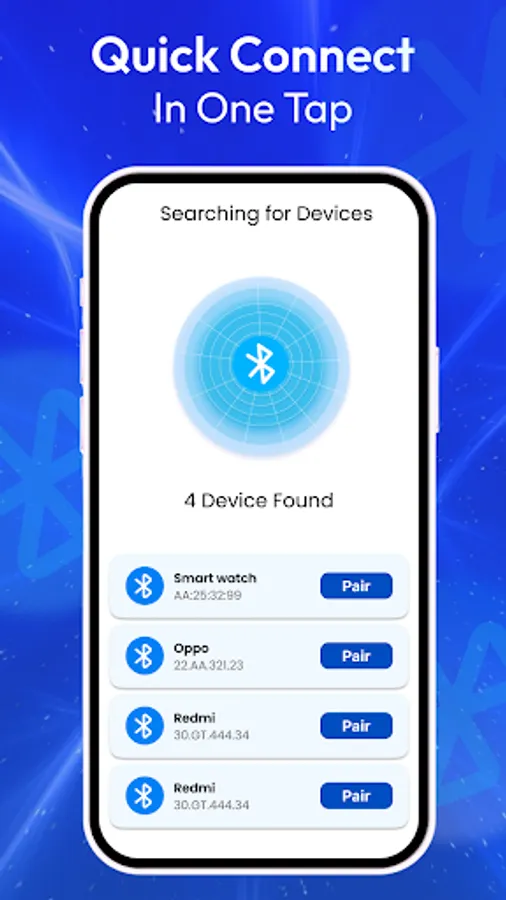
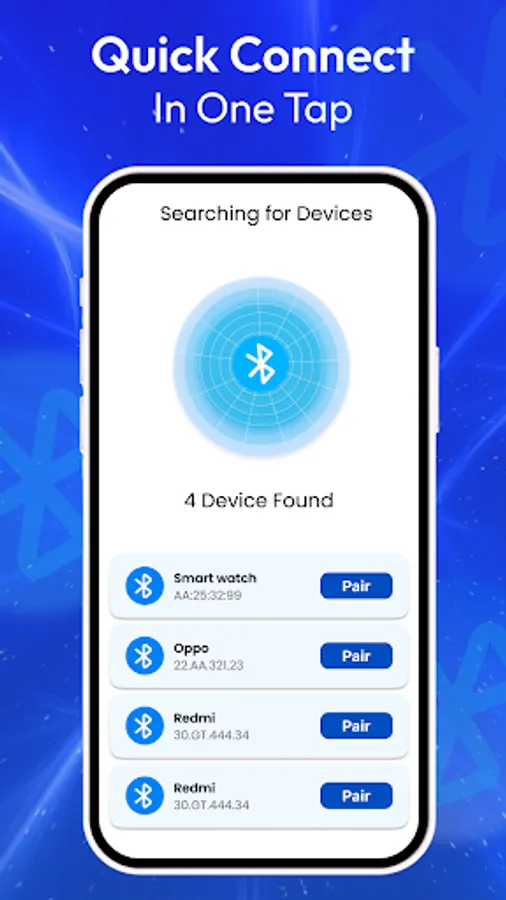
With Bluetooth scanner and finder you can quickly detect nearby devices. Scan for other Bluetooth devices like Bluetooth headphones, speakers, or car systems and connect instantly. With the Bluetooth scanner and finder, you’ll never miss any bluetooth device around you.
🔹 Bluetooth Distance Tracker
Check how far your devices are with the built-in distance feature. After scanning with the Bluetooth scanner and finder, the app shows the signal strength to estimate how close or far your gadgets are.
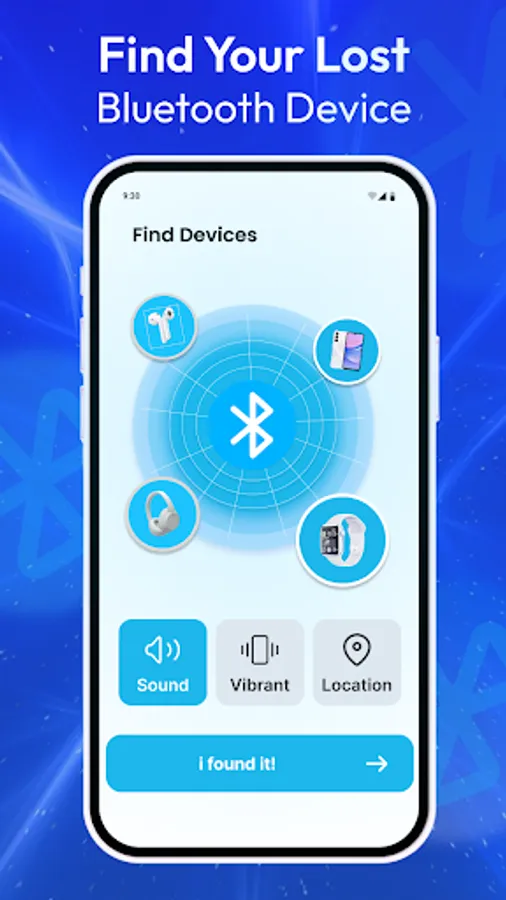
🔹 Find My Bluetooth Device
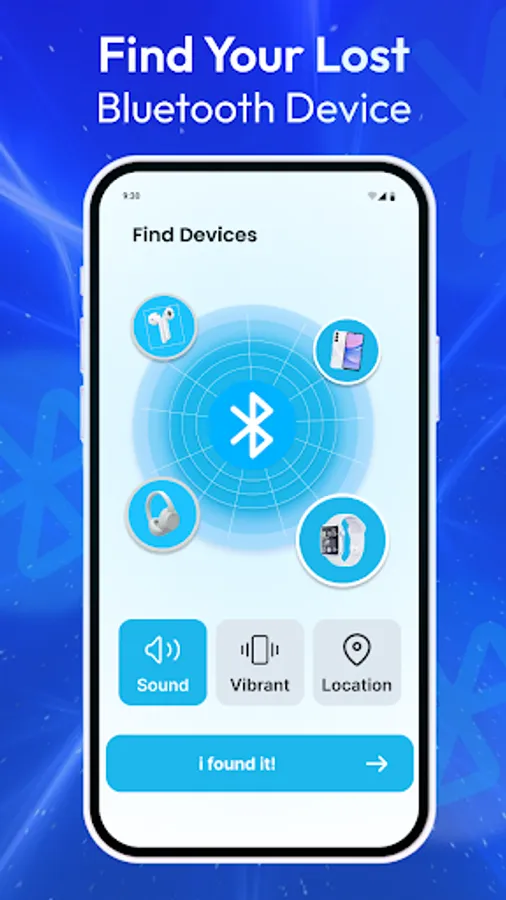
Lost your gadget? Use Bluetooth scanner and finder to locate it quickly. Whether it’s headphones or a smartwatch, the Find My Bluetooth Device feature works seamlessly with auto connect Bluetooth.
🔹 Paired Devices Manager
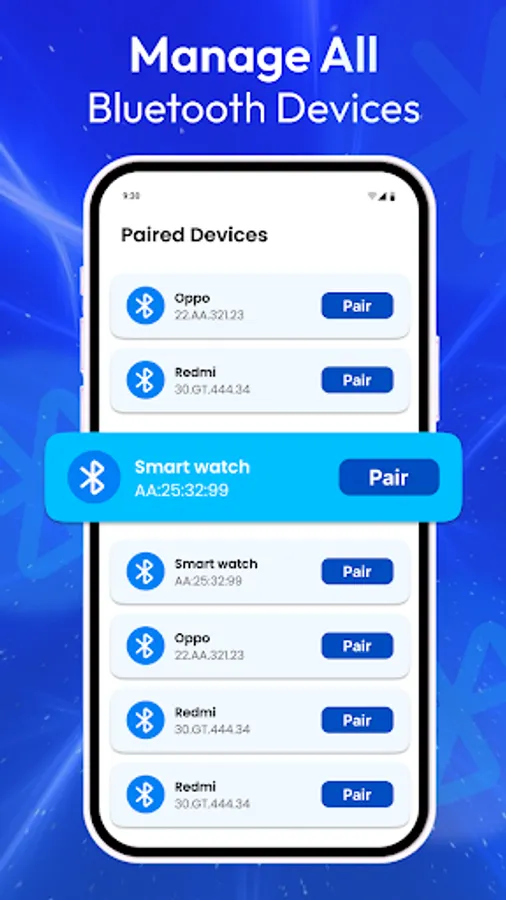
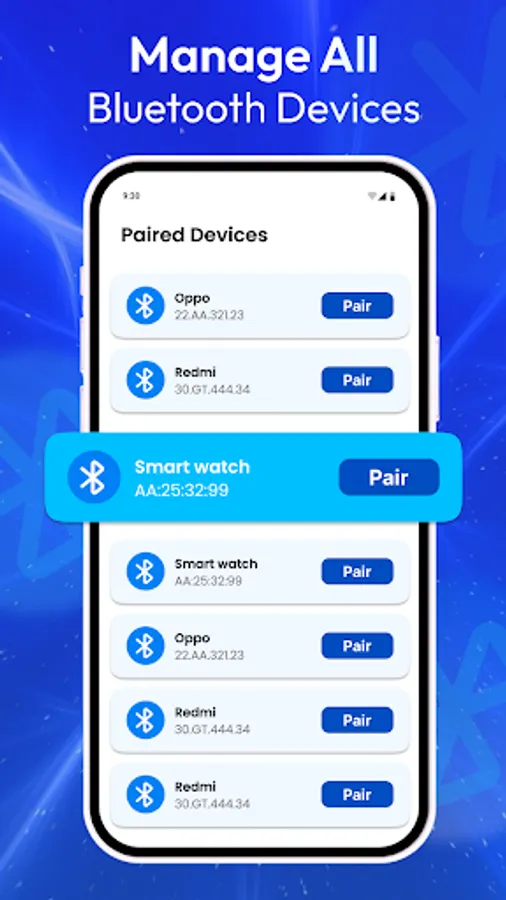
View and manage all paired Bluetooth devices in one place with Bluetooth auto connect. Connect, disconnect, or forget devices whenever you want.
🔹 Block Bluetooth Devices
Auto connect Bluetooth keeps your connections safe by blocking unwanted Bluetooth devices from pairing with your phone.
🔹 Bluetooth Manual Connection
The Bluetooth Manual screen allows users to manually connect with different types of bluetooth devices by choosing the correct option.
Bluetooth Headphones
Scan for nearby Bluetooth headphones and connect instantly. This option helps with Bluetooth pairing and Bluetooth headset streaming for a smooth audio experience.
Bluetooth Speaker
Search and connect to available Bluetooth speakers in your range. Ideal for music playback, this option makes Bluetooth pairing with speakers simple and reliable.
Car Sound system
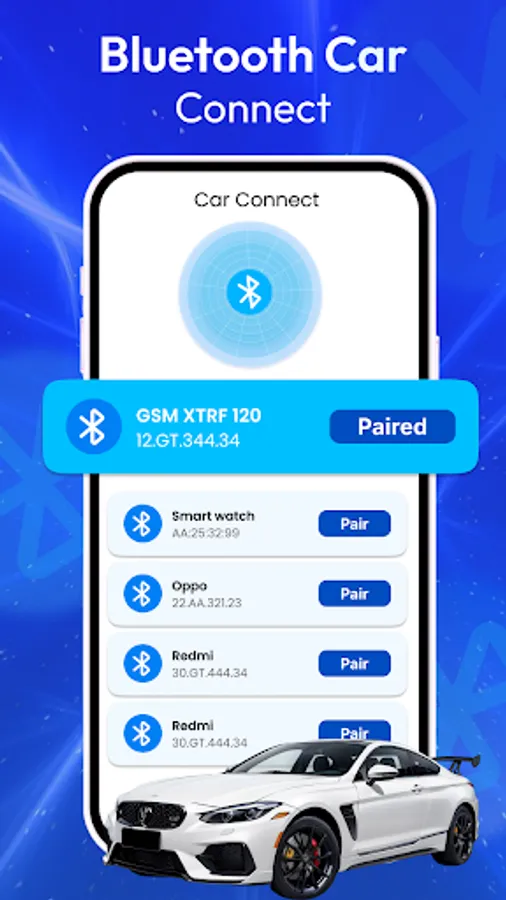
Easily connect your phone to your car’s audio system. With Bluetooth auto connect, you can enjoy hands-free calls and music streaming while driving safely.
Manual Connection
If your device doesn’t fit into the above categories, use the manual connection option. Auto connect Bluetooth lets you connect to other available Bluetooth devices directly and securely.
🔹 Bluetooth Device Information
View technical details of each connection including names, addresses, and supported features. This works perfectly alongside Bluetooth headset streaming for the best experience.
🔹 Bluetooth Logs
View technical details of each connection including names, addresses, and supported features.
With Bluetooth Scanner & Connect, you can easily manage your wireless world—whether it’s enjoying music, making calls in your car, or keeping track of your gadgets.
📩 Support: info.latexapps@gmail.com
🔹 Bluetooth Scanning
With Bluetooth scanner and finder you can quickly detect nearby devices. Scan for other Bluetooth devices like Bluetooth headphones, speakers, or car systems and connect instantly. With the Bluetooth scanner and finder, you’ll never miss any bluetooth device around you.
🔹 Bluetooth Distance Tracker
Check how far your devices are with the built-in distance feature. After scanning with the Bluetooth scanner and finder, the app shows the signal strength to estimate how close or far your gadgets are.
🔹 Find My Bluetooth Device
Lost your gadget? Use Bluetooth scanner and finder to locate it quickly. Whether it’s headphones or a smartwatch, the Find My Bluetooth Device feature works seamlessly with auto connect Bluetooth.
🔹 Paired Devices Manager
View and manage all paired Bluetooth devices in one place with Bluetooth auto connect. Connect, disconnect, or forget devices whenever you want.
🔹 Block Bluetooth Devices
Auto connect Bluetooth keeps your connections safe by blocking unwanted Bluetooth devices from pairing with your phone.
🔹 Bluetooth Manual Connection
The Bluetooth Manual screen allows users to manually connect with different types of bluetooth devices by choosing the correct option.
Bluetooth Headphones
Scan for nearby Bluetooth headphones and connect instantly. This option helps with Bluetooth pairing and Bluetooth headset streaming for a smooth audio experience.
Bluetooth Speaker
Search and connect to available Bluetooth speakers in your range. Ideal for music playback, this option makes Bluetooth pairing with speakers simple and reliable.
Car Sound system
Easily connect your phone to your car’s audio system. With Bluetooth auto connect, you can enjoy hands-free calls and music streaming while driving safely.
Manual Connection
If your device doesn’t fit into the above categories, use the manual connection option. Auto connect Bluetooth lets you connect to other available Bluetooth devices directly and securely.
🔹 Bluetooth Device Information
View technical details of each connection including names, addresses, and supported features. This works perfectly alongside Bluetooth headset streaming for the best experience.
🔹 Bluetooth Logs
View technical details of each connection including names, addresses, and supported features.
With Bluetooth Scanner & Connect, you can easily manage your wireless world—whether it’s enjoying music, making calls in your car, or keeping track of your gadgets.
📩 Support: info.latexapps@gmail.com