
With this time tracking app, you can clock in and out using a single touch, view total hours, and track location with GPS. Includes offline operation, department transfers, and upcoming features like benefit balances.
AppRecs review analysis
AppRecs rating 3.2. Trustworthiness 87 out of 100. Review manipulation risk 21 out of 100. Based on a review sample analyzed.
★★★☆☆
3.2
AppRecs Rating
Ratings breakdown
5 star
47%
4 star
7%
3 star
7%
2 star
3%
1 star
36%
What to know
✓
Low review manipulation risk
21% review manipulation risk
✓
Credible reviews
87% trustworthiness score from analyzed reviews
⚠
High negative review ratio
40% of sampled ratings are 1–2 stars
About PayClock
PayClock Mobile is part of Lathem’s PayClock Online Time and Attendance System. Companies using PayClock Online can easily track their employees’ hours using their mobile device, while employees benefit from tracking their work in office, remotely, or on the go.
FEATURES
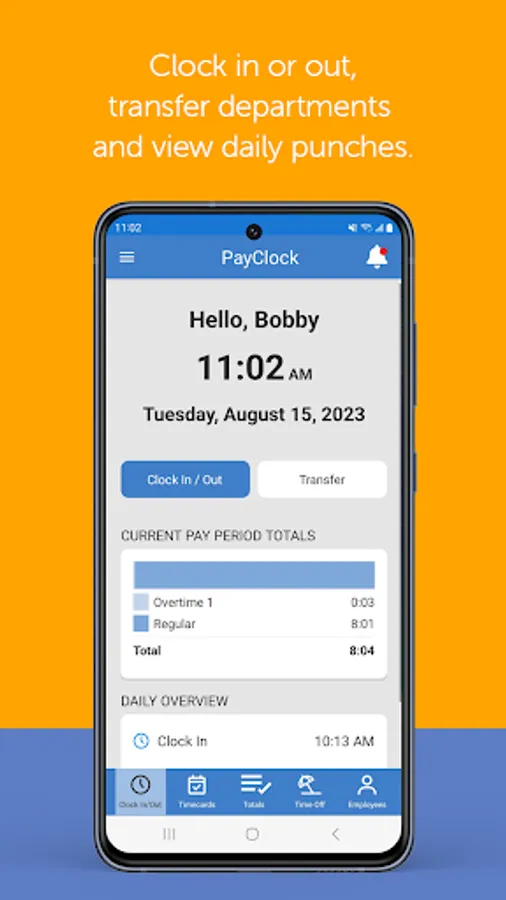
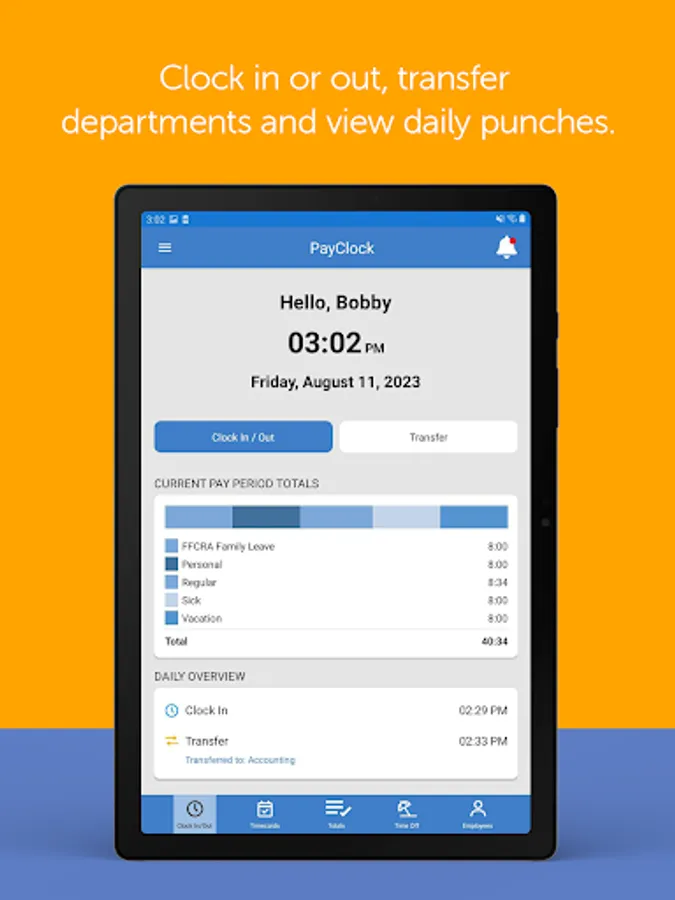
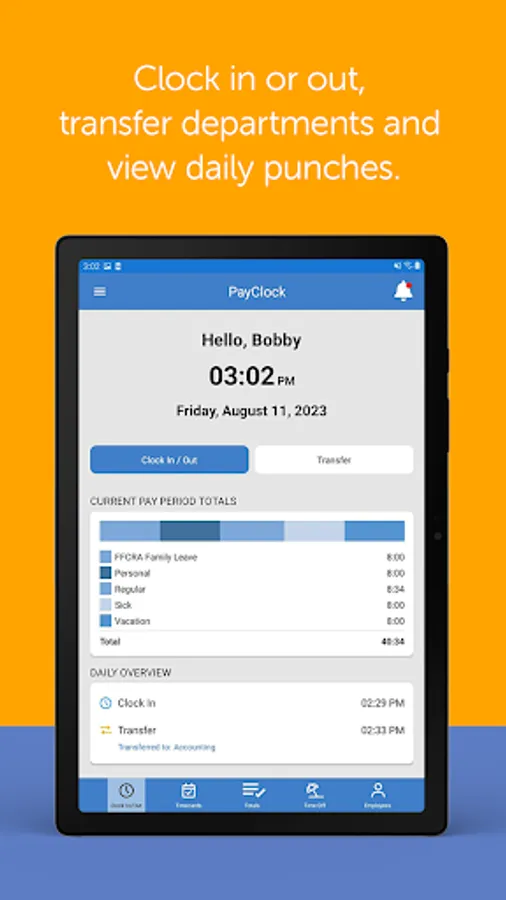
• Easily clock in and out with 1-touch
• GPS tracking of transaction locations
• Transfer departments with department level validation per employee
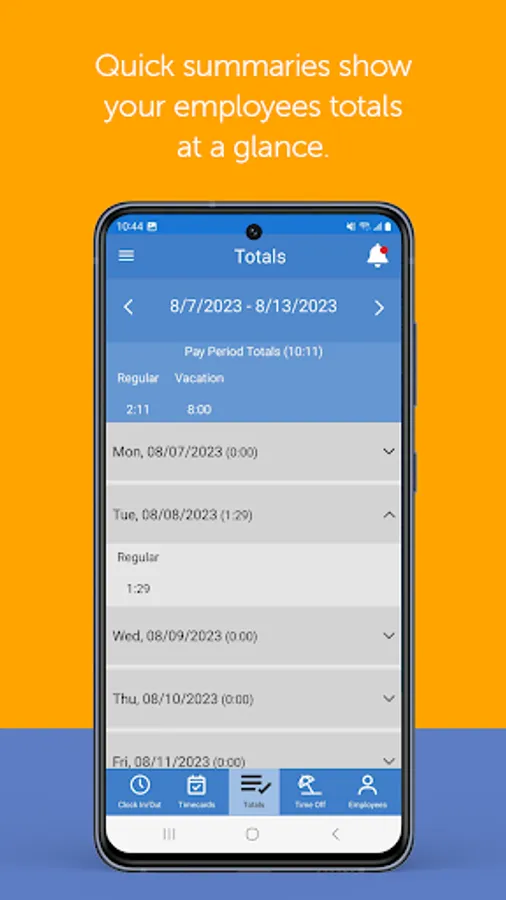
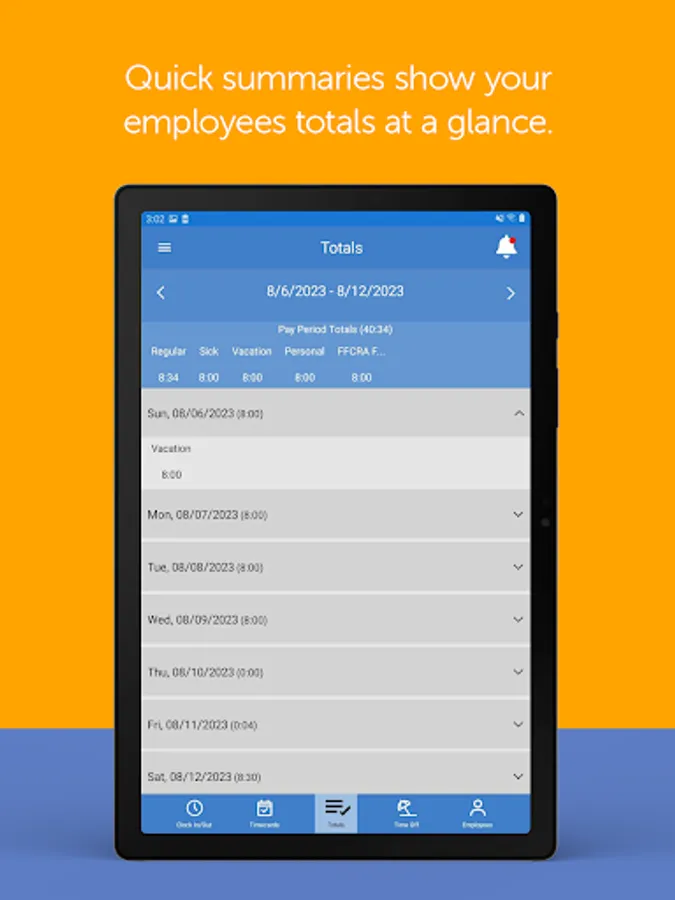
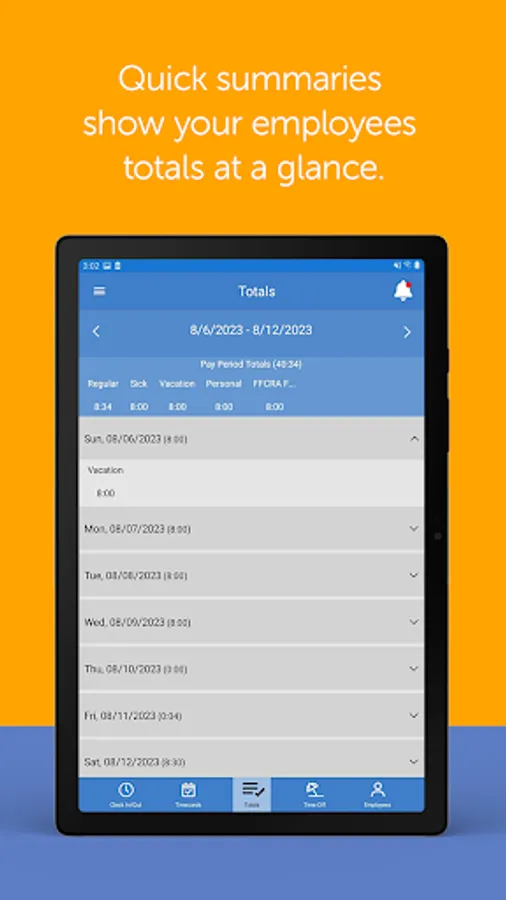
• View total hours worked by pay code in the current and prior pay periods (Coming Soon)
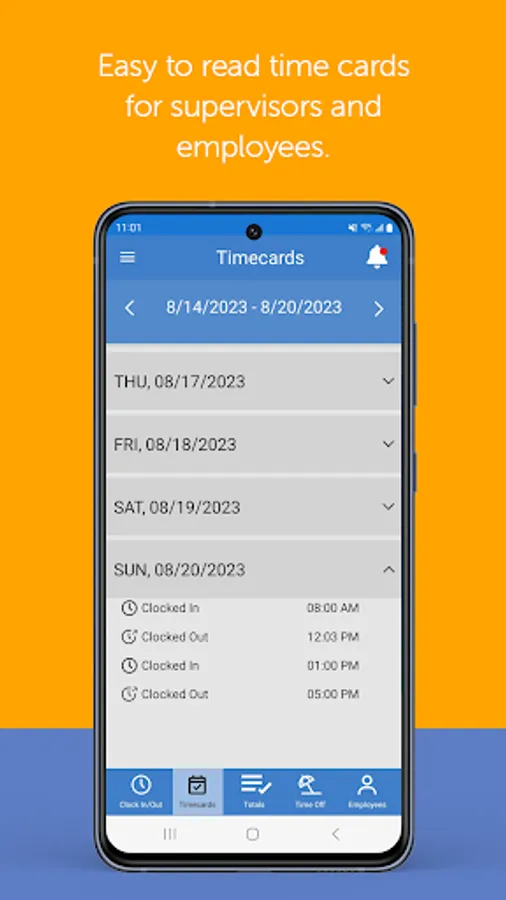
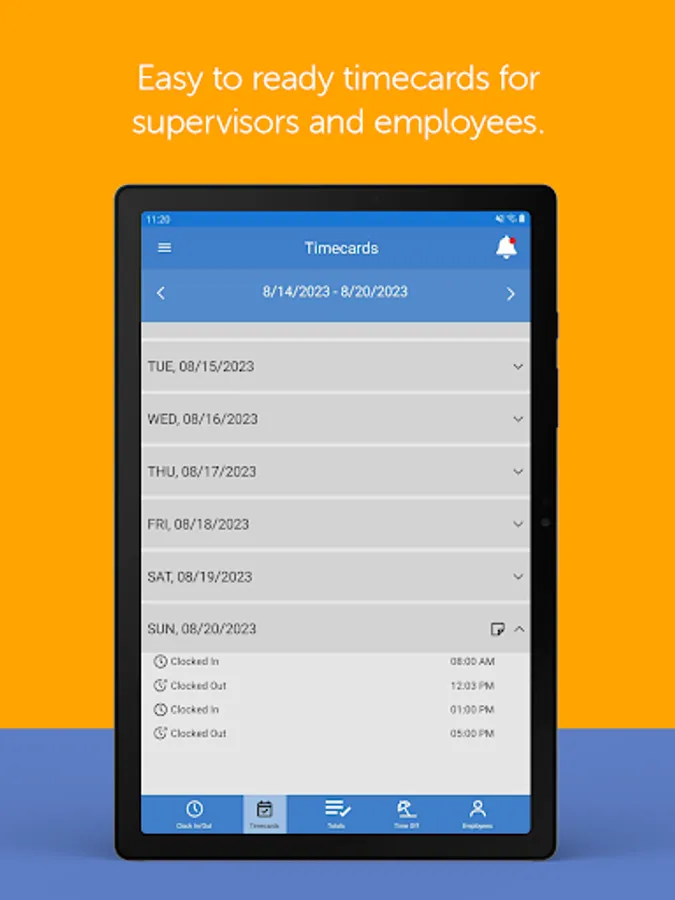
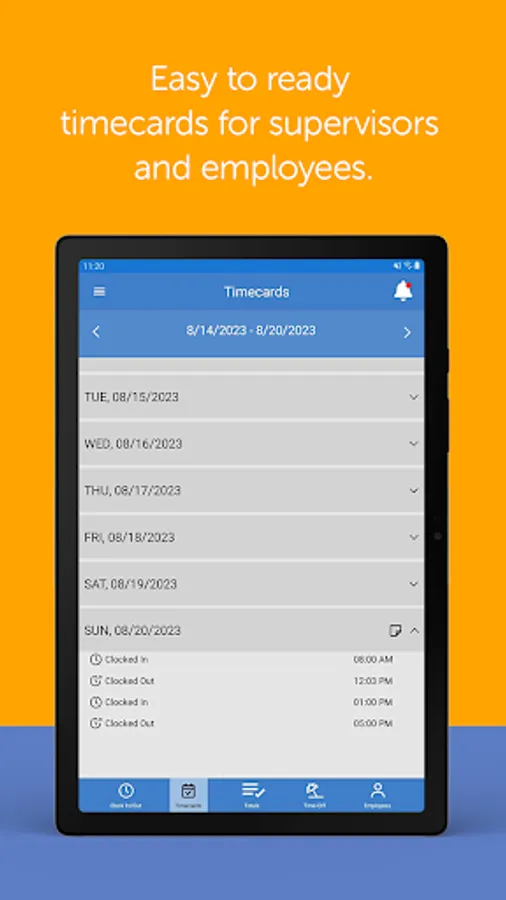
• View punches for today
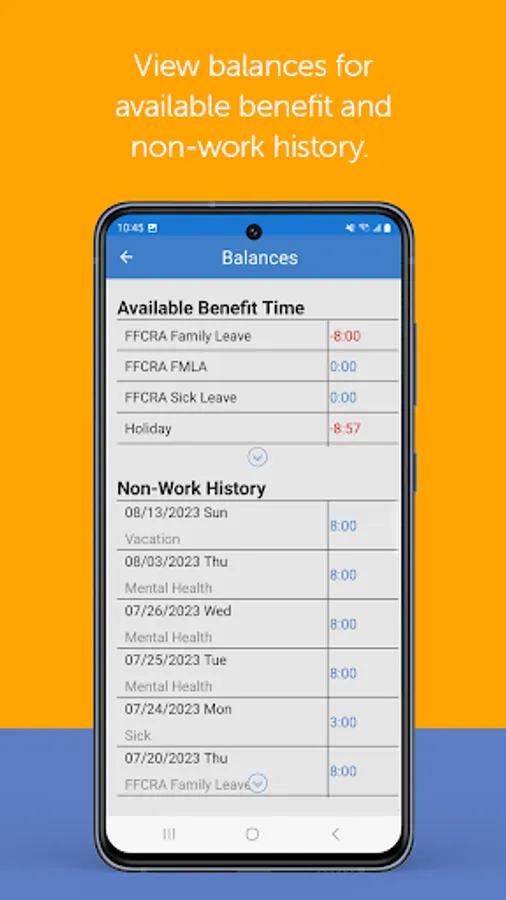
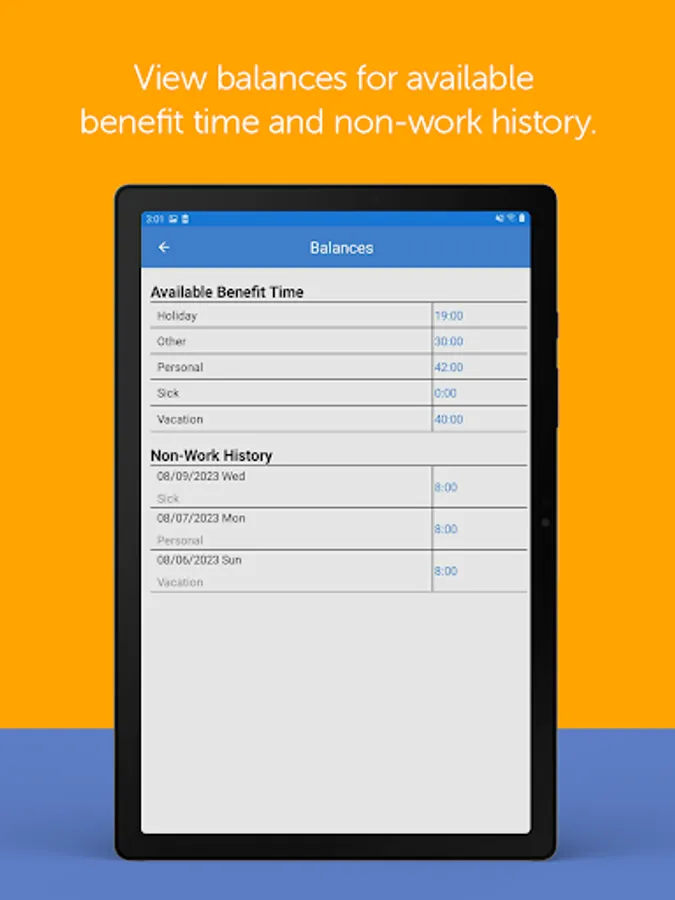
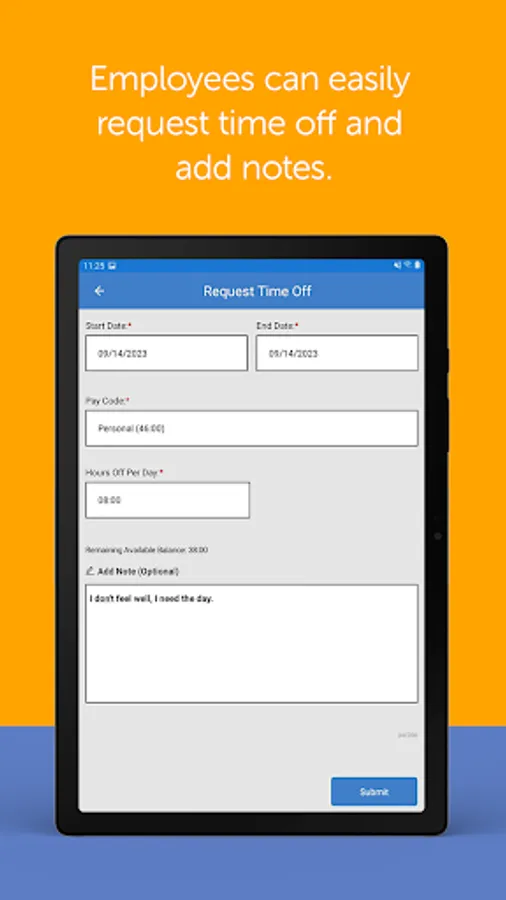
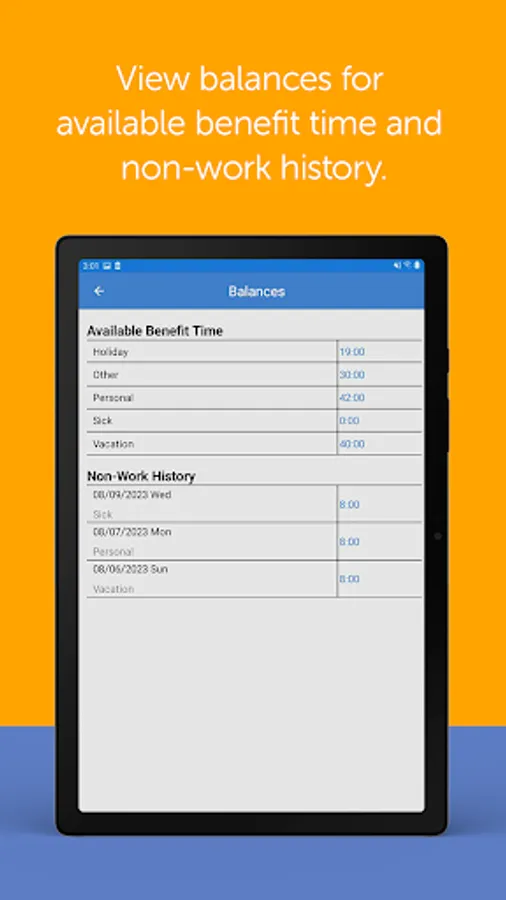
• View up to date benefit time balances (Coming Soon)
• Continuous operation even when offline
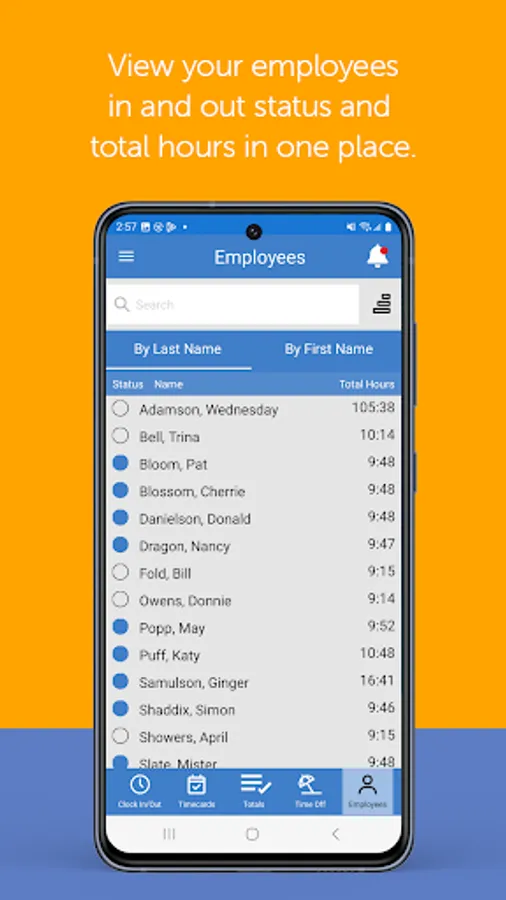
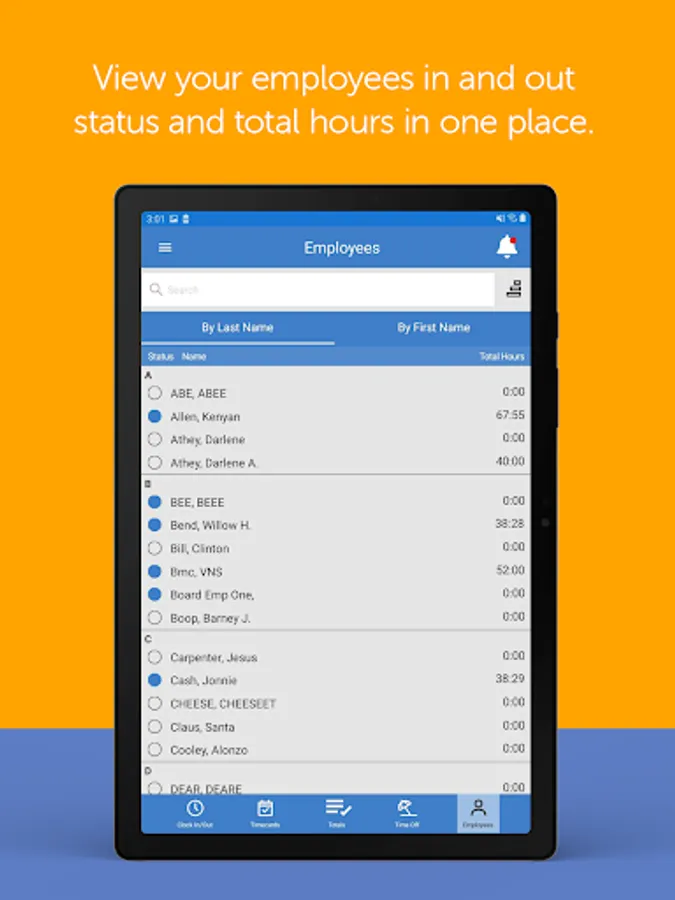
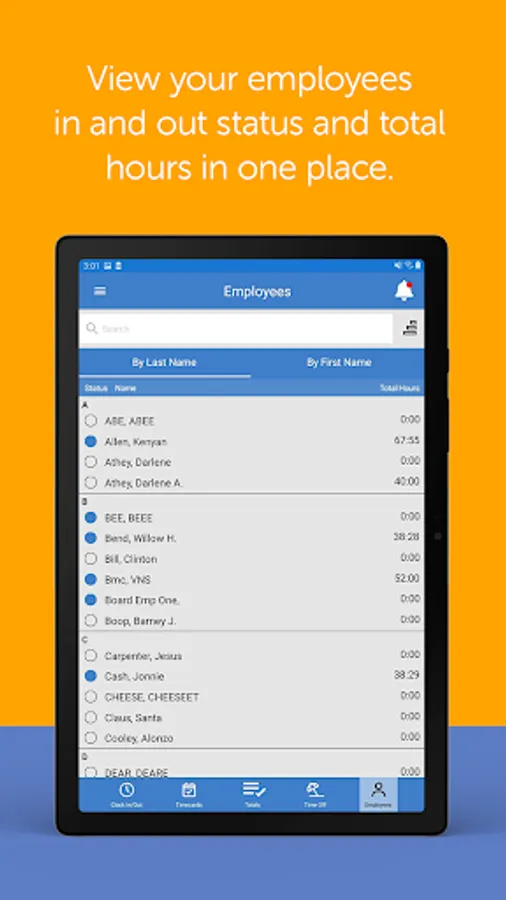
• Supervisors can view their employees’ punches, total hours, and benefit time balances (Coming Soon)
SIGN UP
• This app requires a PayClock Online account, with mobile access enabled for each employee
• Employees must have a validated email address and password
WHAT IS PAYCLOCK ONLINE
• PayClock Online is comprehensive online cloud-based time and attendance system
• Automatically calculates worked hours, including overtime, based on customizable work rules
• Employees can clock in and out from their computer, a physical time clock (sold separately), or using this mobile app on their smartphone or tablet
• Integrates hours with the most popular payroll providers and applications such as ADP®, Paychex®, QuickBooks®, and more
• Powerful employee scheduling
• Comprehensive reporting capabilities, including exports to Excel or PDF
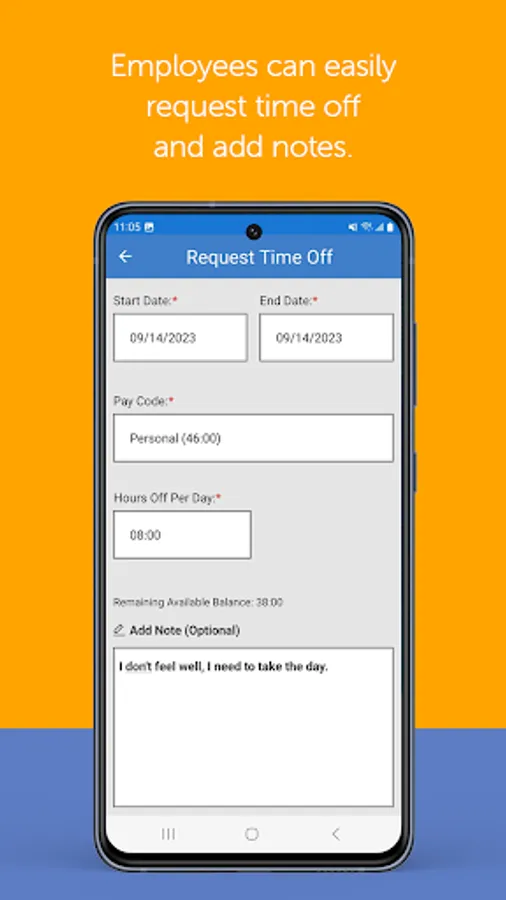
• Easy to use benefit time accruals
SUPPORT
• Free customer support is available to all PayClock Online users
FEATURES
• Easily clock in and out with 1-touch
• GPS tracking of transaction locations
• Transfer departments with department level validation per employee
• View total hours worked by pay code in the current and prior pay periods (Coming Soon)
• View punches for today
• View up to date benefit time balances (Coming Soon)
• Continuous operation even when offline
• Supervisors can view their employees’ punches, total hours, and benefit time balances (Coming Soon)
SIGN UP
• This app requires a PayClock Online account, with mobile access enabled for each employee
• Employees must have a validated email address and password
WHAT IS PAYCLOCK ONLINE
• PayClock Online is comprehensive online cloud-based time and attendance system
• Automatically calculates worked hours, including overtime, based on customizable work rules
• Employees can clock in and out from their computer, a physical time clock (sold separately), or using this mobile app on their smartphone or tablet
• Integrates hours with the most popular payroll providers and applications such as ADP®, Paychex®, QuickBooks®, and more
• Powerful employee scheduling
• Comprehensive reporting capabilities, including exports to Excel or PDF
• Easy to use benefit time accruals
SUPPORT
• Free customer support is available to all PayClock Online users
PayClock Screenshots
Tap to Rate:
Reviews for PayClock
Jo Graham
9/24/2025
Our school uses this & we have had No Problems With It!!!!!!!
Devin Brady
7/31/2025
For years the developers of this app have been saying they will add a "schedule" section and its still not released. What a joke!