OS Launcher 18 - iLauncher OS
Quick PhotoEditing Apps
3.5 ★
store rating
100,000+
downloads
Free
AppRecs review analysis
AppRecs rating 3.3. Trustworthiness 80 out of 100. Review manipulation risk 27 out of 100. Based on a review sample analyzed.
★★★☆☆
3.3
AppRecs Rating
Ratings breakdown
5 star
46%
4 star
15%
3 star
8%
2 star
8%
1 star
23%
What to know
✓
Low review manipulation risk
27% review manipulation risk
✓
Credible reviews
80% trustworthiness score from analyzed reviews
⚠
High negative review ratio
31% of sampled ratings are 1–2 stars
About OS Launcher 18 - iLauncher OS
Experience the latest iOS 18 style on your Android device
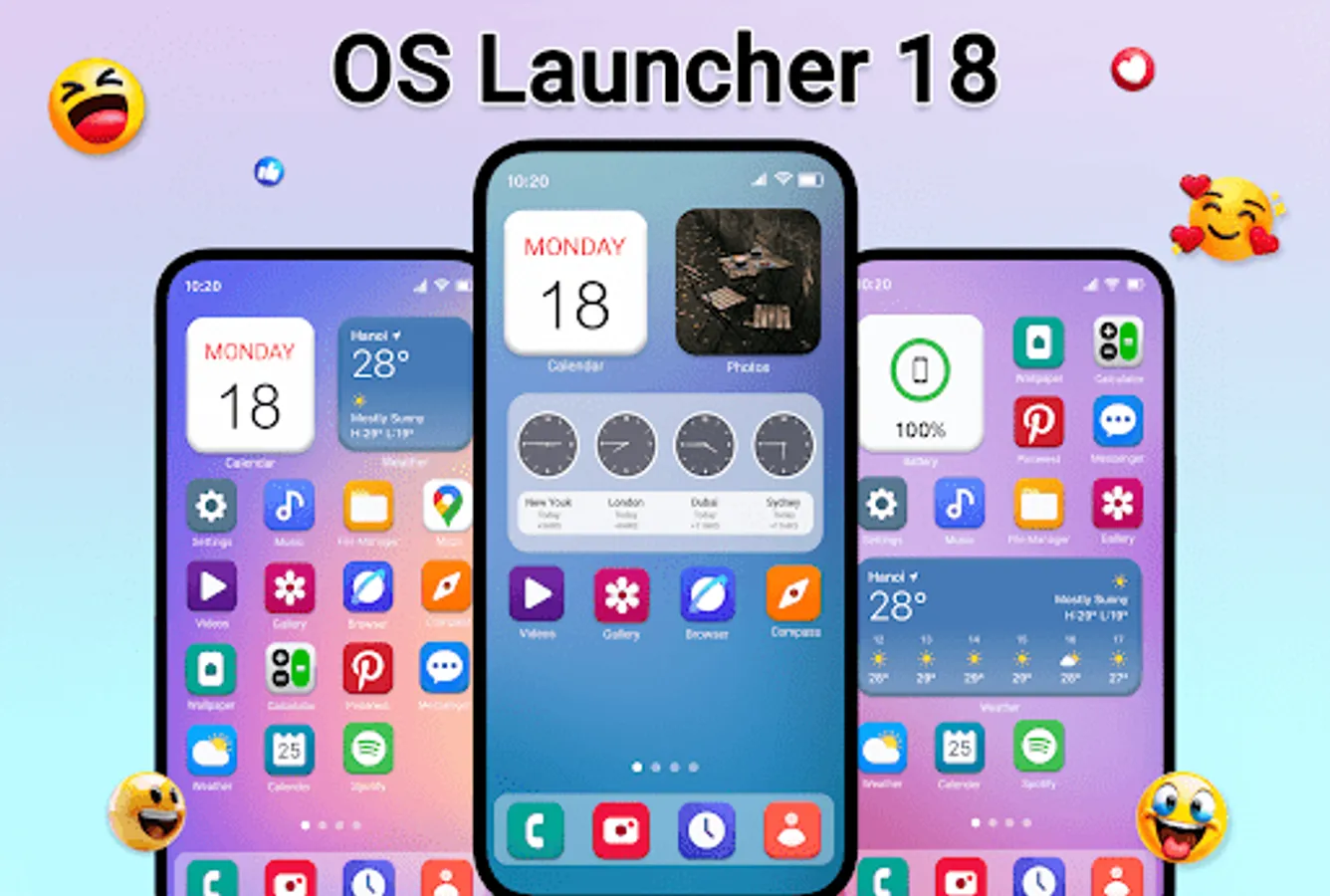
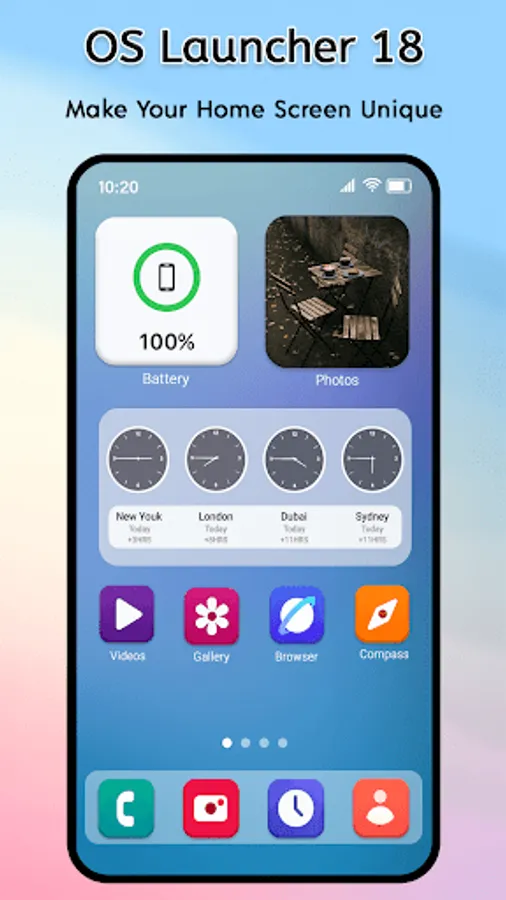
OS Launcher 18 – iLauncher OS transforms your Android phone into a smooth, modern iOS 18-style launcher. Enjoy the iPhone home screen experience, clean design, and fast performance with powerful customization options.
✨ Key Features of OS Launcher 18
🍎 iOS 18 Style Home Screen
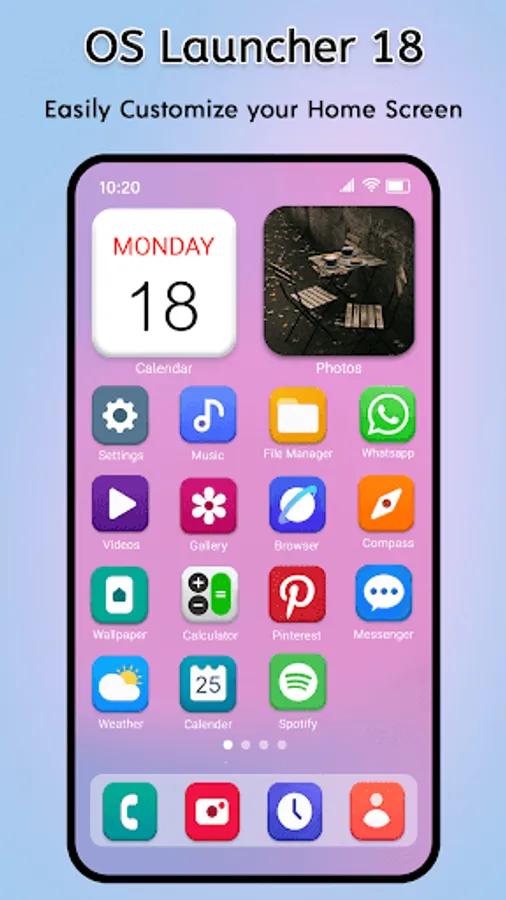
Get a realistic iOS 18 launcher experience with app icons, layout, and animations inspired by the latest iPhone interface.
🎛️ iOS Control Center
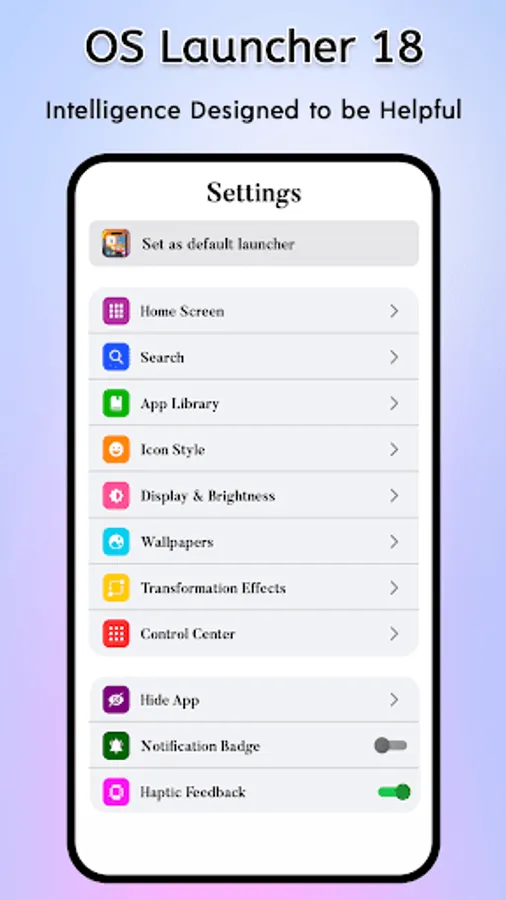
Swipe to access quick controls like Wi-Fi, Bluetooth, brightness, volume, and more — just like an iPhone control center.
📂 App Library & Smart Organization
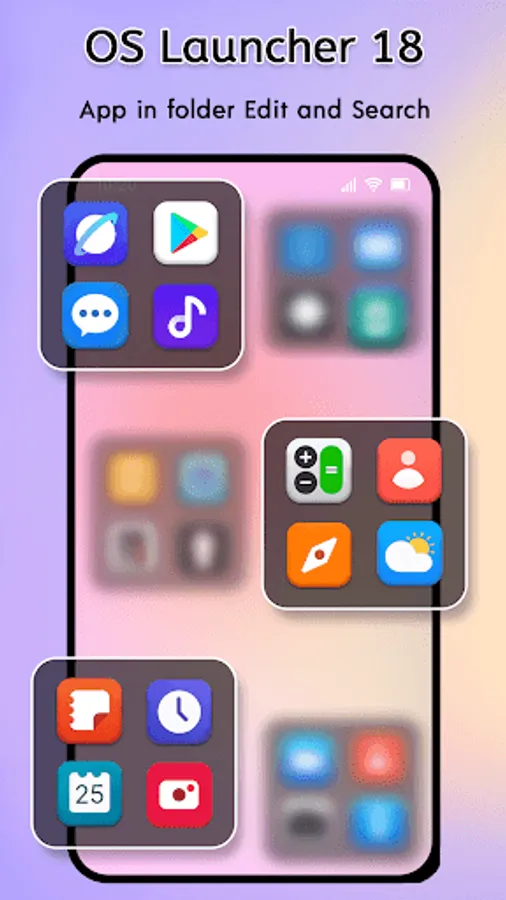
Automatically organize apps into categories using an iOS-style App Library, keeping your home screen clean and minimal.
🧩 iOS Widgets Support
Add beautiful iOS widgets for clock, weather, calendar, and more to personalize your home screen.
🚀 Smooth & Fast Performance
OS Launcher 18 is optimized for speed, smooth animations, and low battery usage — perfect for daily use.
🎨 iOS Icons & Themes
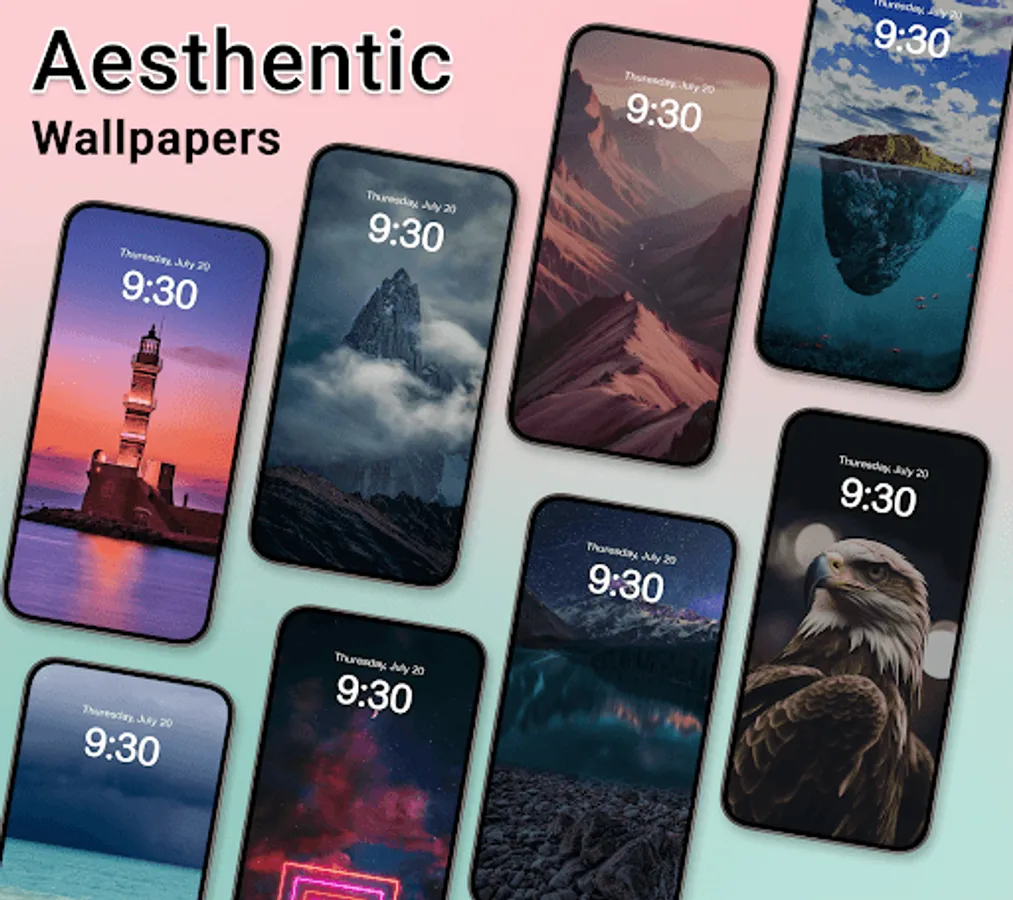
Use iPhone-style icons, wallpapers, and themes to complete the full iOS launcher experience.
🔒 Privacy & Control
We respect user privacy. Required permissions are only used to enable launcher features like notifications and widgets.
If you love the iOS look and feel, this launcher brings the best of iPhone UI to Android — simple, elegant, and easy to use.
OS Launcher 18 – iLauncher OS transforms your Android phone into a smooth, modern iOS 18-style launcher. Enjoy the iPhone home screen experience, clean design, and fast performance with powerful customization options.
✨ Key Features of OS Launcher 18
🍎 iOS 18 Style Home Screen
Get a realistic iOS 18 launcher experience with app icons, layout, and animations inspired by the latest iPhone interface.
🎛️ iOS Control Center
Swipe to access quick controls like Wi-Fi, Bluetooth, brightness, volume, and more — just like an iPhone control center.
📂 App Library & Smart Organization
Automatically organize apps into categories using an iOS-style App Library, keeping your home screen clean and minimal.
🧩 iOS Widgets Support
Add beautiful iOS widgets for clock, weather, calendar, and more to personalize your home screen.
🚀 Smooth & Fast Performance
OS Launcher 18 is optimized for speed, smooth animations, and low battery usage — perfect for daily use.
🎨 iOS Icons & Themes
Use iPhone-style icons, wallpapers, and themes to complete the full iOS launcher experience.
🔒 Privacy & Control
We respect user privacy. Required permissions are only used to enable launcher features like notifications and widgets.
If you love the iOS look and feel, this launcher brings the best of iPhone UI to Android — simple, elegant, and easy to use.