
Lexus Integrated Dashcam
Lexus Mobile Apps
1.5 ★
26 ratings
5,000+
downloads
Free
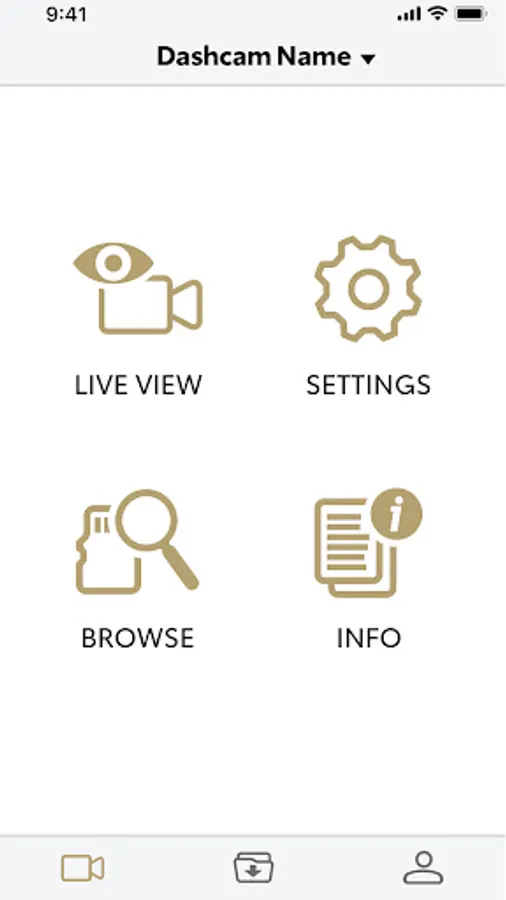
In this app, you can connect to your Lexus Integrated Dashcam to manage settings and download video files. Includes wireless video transfer, settings adjustment, and software update notifications.
AppRecs review analysis
AppRecs rating 1.6. Trustworthiness 77 out of 100. Review manipulation risk 21 out of 100. Based on a review sample analyzed.
★☆☆☆☆
1.6
AppRecs Rating
Ratings breakdown
5 star
4%
4 star
8%
3 star
4%
2 star
0%
1 star
84%
What to know
✓
Low review manipulation risk
21% review manipulation risk
✓
Credible reviews
77% trustworthiness score from analyzed reviews
⚠
Mixed user feedback
Average 1.5★ rating suggests room for improvement
About Lexus Integrated Dashcam
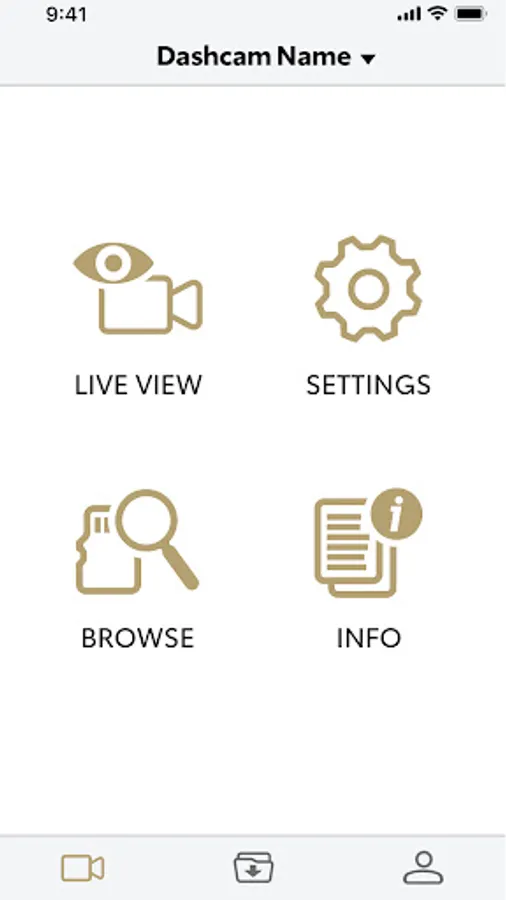
The Lexus Integrated Dashcam App allows you to connect to your Lexus Integrated Dashcam to manage your device settings and download your video content.
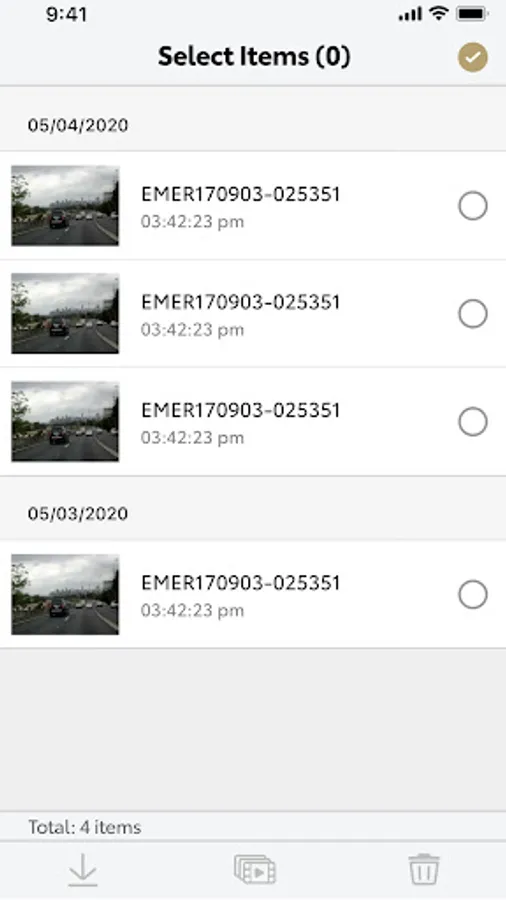
- Wireless Video File Download
- Settings Management
- Software Updates
Wireless Video File Transfer
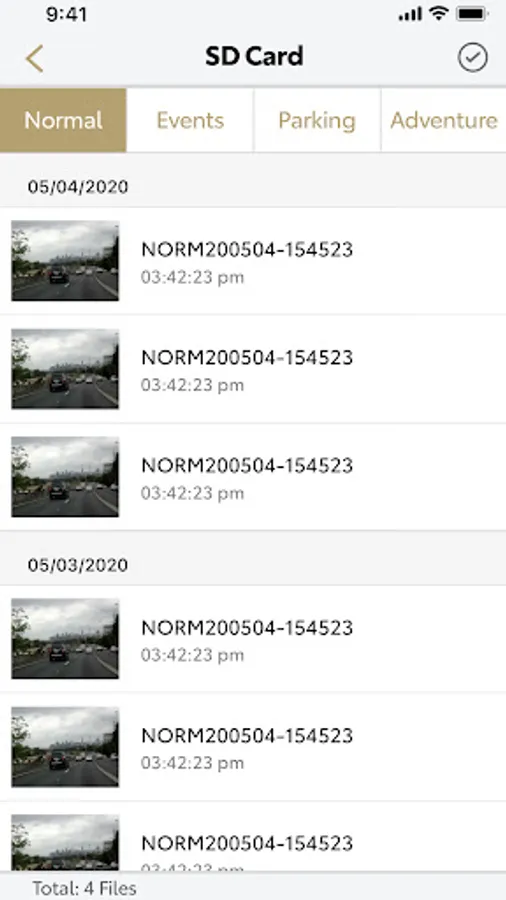
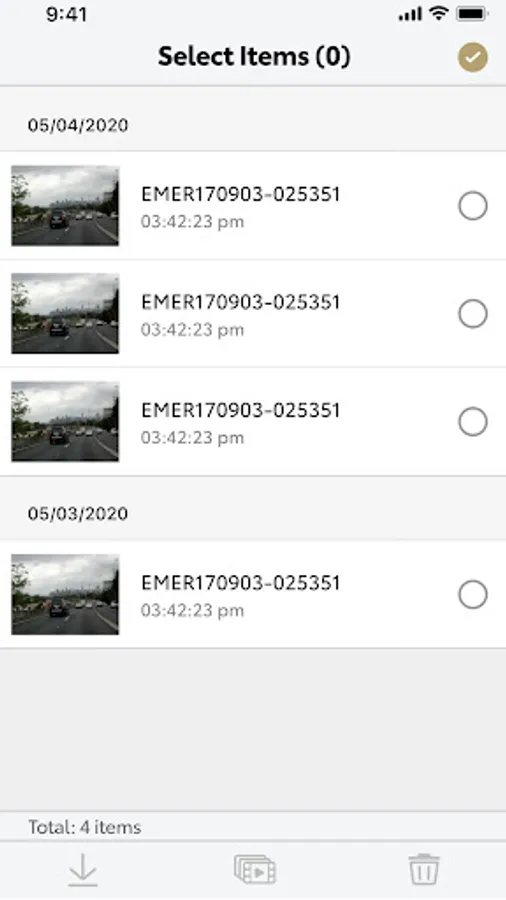
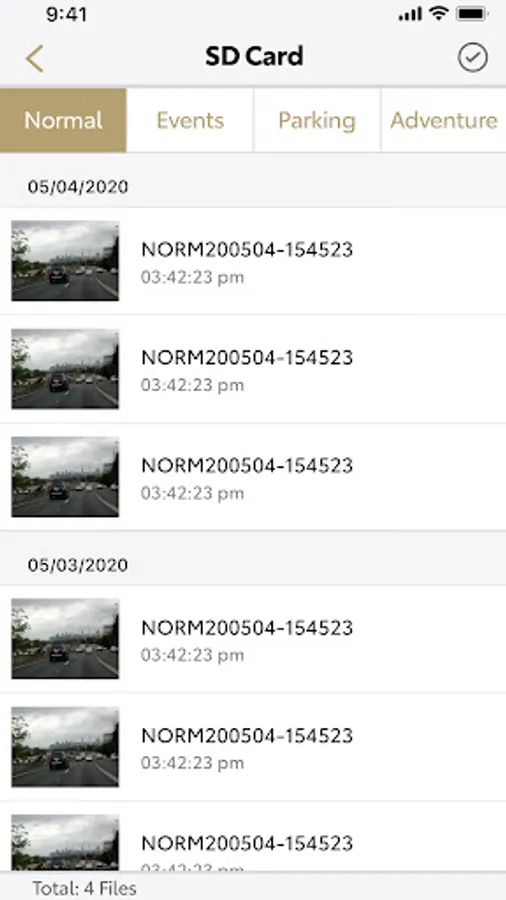
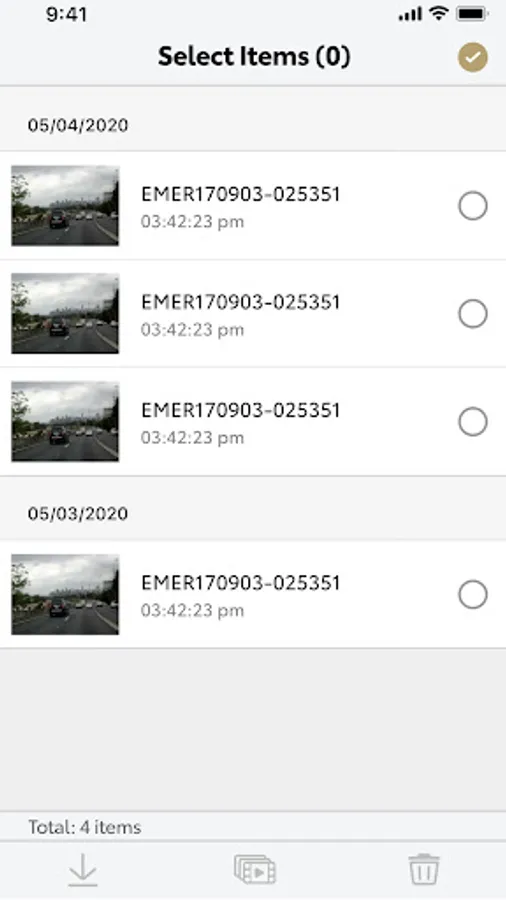
Easily download your video files from any of the folders on your Lexus Integrated Dashcam to your smart phone using Wi-Fi.
Once saved to your phone, you can easily transfer or share your files.
It is important to download and save a copy of any important footage as soon as it is safe to do so to prevent it being overwritten. Protected Files may still be overwritten by newer protected files if the memory card is full.
Note: Your video is only transferred from your camera directly to your phone and is not stored or backed up on the cloud by this service.
Detailed Owner’s Manual
Use the app to view the detailed owner’s manual for detailed help with the features of your Lexus Integrated Dashcam.
Note: Review the in-app Owner’s Manual for all features and functions.
Settings Management
Use the app to easily change settings such as G-force sensitivity, video resolution and frame rate, storage allocation, date and time settings, video information stamp settings, GPS history settings, default microphone behaviors, footage overwrite settings and more.
Software update
With Over The Air Software updates you do not have to worry about missing the latest updates, the App will notify you when it is time to update to the latest software and assist you with the process.
- Wireless Video File Download
- Settings Management
- Software Updates
Wireless Video File Transfer
Easily download your video files from any of the folders on your Lexus Integrated Dashcam to your smart phone using Wi-Fi.
Once saved to your phone, you can easily transfer or share your files.
It is important to download and save a copy of any important footage as soon as it is safe to do so to prevent it being overwritten. Protected Files may still be overwritten by newer protected files if the memory card is full.
Note: Your video is only transferred from your camera directly to your phone and is not stored or backed up on the cloud by this service.
Detailed Owner’s Manual
Use the app to view the detailed owner’s manual for detailed help with the features of your Lexus Integrated Dashcam.
Note: Review the in-app Owner’s Manual for all features and functions.
Settings Management
Use the app to easily change settings such as G-force sensitivity, video resolution and frame rate, storage allocation, date and time settings, video information stamp settings, GPS history settings, default microphone behaviors, footage overwrite settings and more.
Software update
With Over The Air Software updates you do not have to worry about missing the latest updates, the App will notify you when it is time to update to the latest software and assist you with the process.
Lexus Integrated Dashcam Screenshots
Tap to Rate:
Reviews for Lexus Integrated Dashcam
M5
12/17/2025
useless
Bob Walter
11/30/2025
it won't connect, just beep beep beep. JUNK from a top brand (LEXUS)