Hue Config Viewer
life4hue
4.7 ★
store rating
10,000+
downloads
Free
AppRecs review analysis
AppRecs rating 4.2. Trustworthiness 55 out of 100. Review manipulation risk 27 out of 100. Based on a review sample analyzed.
★★★★☆
4.2
AppRecs Rating
Ratings breakdown
5 star
83%
4 star
0%
3 star
17%
2 star
0%
1 star
0%
What to know
✓
High user satisfaction
83% of sampled ratings are 5 stars
✓
Authentic reviews
Natural distribution, no red flags
About Hue Config Viewer
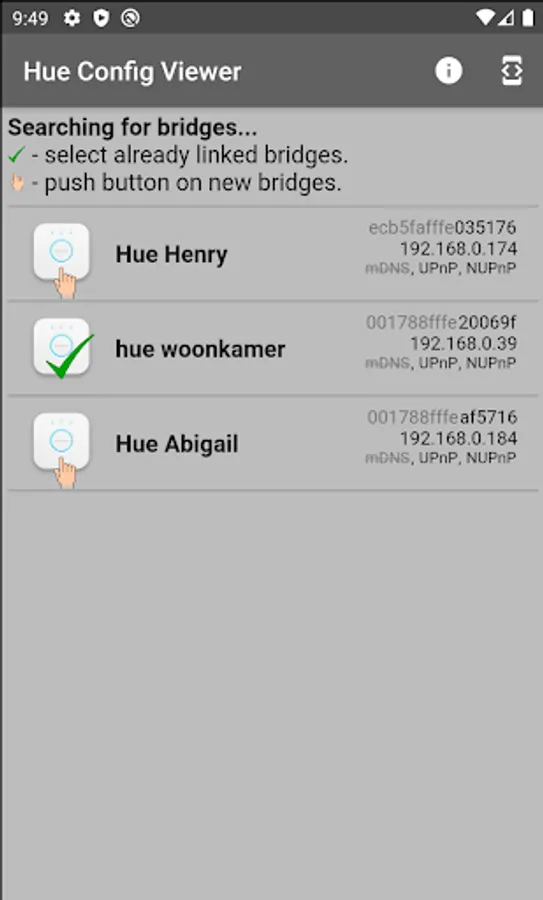
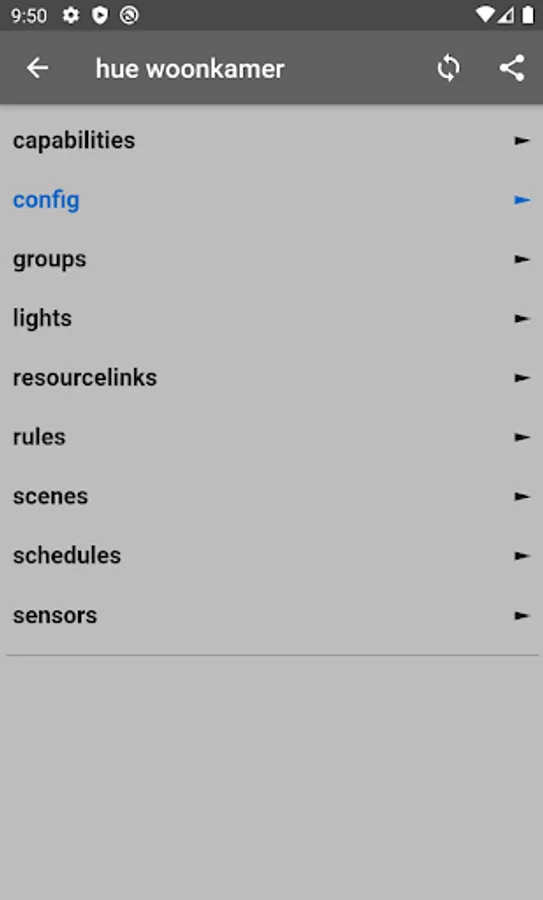
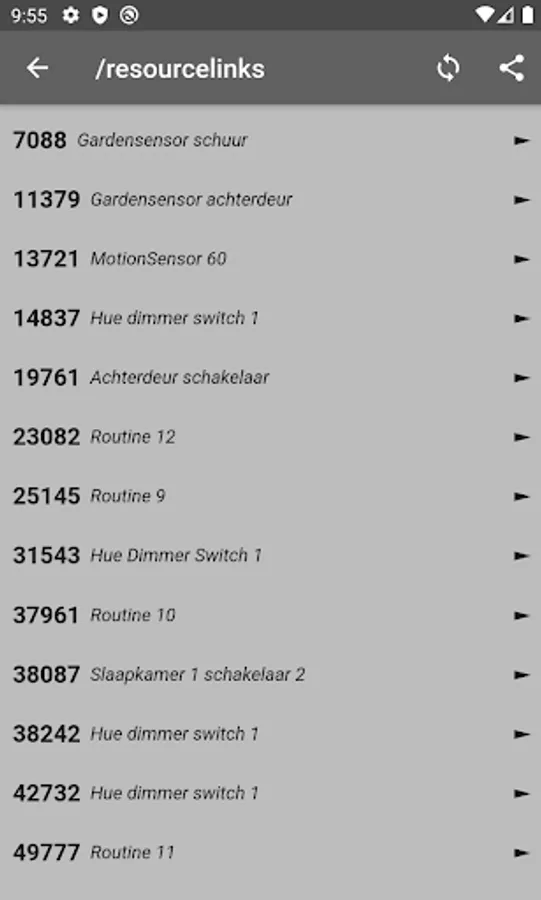
This app requires a Philips Hue system with a Hue bridge. Its sole purpose is to view the configuration inside the Hue bridge, compare it to a "registry viewer". The Hue Config Viewer is not an editor; it will not write to the configuration. It does not control your lights.
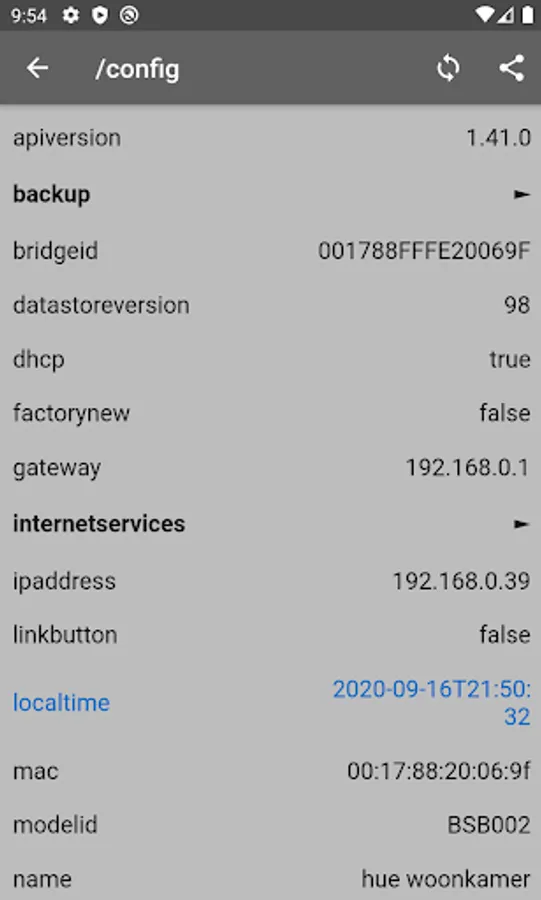
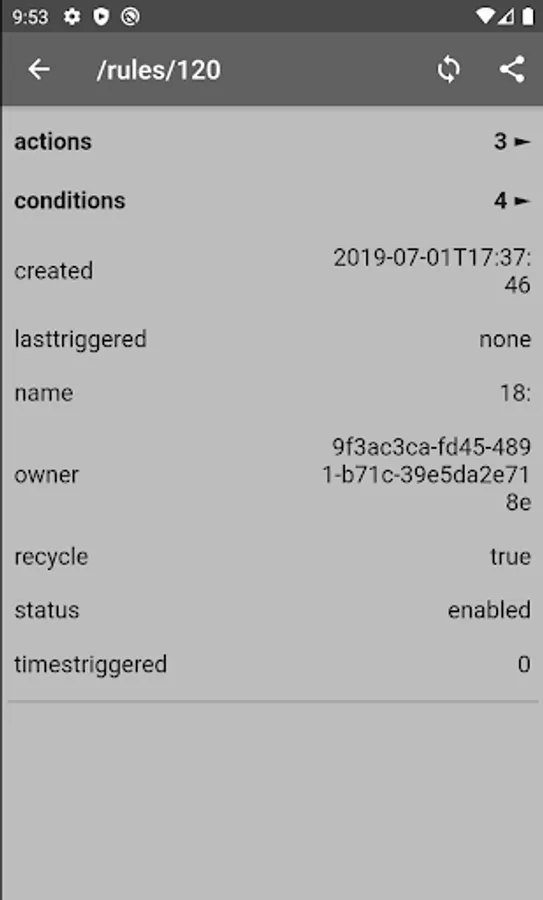
Hue bridge configuration keys and values are shown horizontally next to each other. When you retrieve the configuration again (sync icon), the changes are highlighted.
Are you a Hue developer or user, interested what is the configuration in your Hue bridge? With the Hue Config Viewer you can see the configuration. If you want to understand the configuration, go to the Philips page https://www.meethue.com and look for "developers" and then "Philips hue API".
The app has an option to share your bridge configuration. Always be careful when you share data and think with whom you will be sharing this. Your bridge configuration describes which lights, sensors, and switches you have; your home automation behaviour and the apps you use.
For your privacy, all “whitelist” entries in the bridge configuration are partially replaced by “…”
Hue bridge configuration keys and values are shown horizontally next to each other. When you retrieve the configuration again (sync icon), the changes are highlighted.
Are you a Hue developer or user, interested what is the configuration in your Hue bridge? With the Hue Config Viewer you can see the configuration. If you want to understand the configuration, go to the Philips page https://www.meethue.com and look for "developers" and then "Philips hue API".
The app has an option to share your bridge configuration. Always be careful when you share data and think with whom you will be sharing this. Your bridge configuration describes which lights, sensors, and switches you have; your home automation behaviour and the apps you use.
For your privacy, all “whitelist” entries in the bridge configuration are partially replaced by “…”