LIFX
Feit Electric Company, Inc.
2.8 ★
14K ratings
1,000,000+
downloads
Free
In this smart lighting app, you can control, schedule, and customize your WiFi-enabled lights with features like scenes and effects. Includes automation tools, group management, and integration options.
AppRecs review analysis
AppRecs rating 2.7. Trustworthiness 86 out of 100. Review manipulation risk 18 out of 100. Based on a review sample analyzed.
★★☆☆☆
2.7
AppRecs Rating
Ratings breakdown
5 star
33%
4 star
9%
3 star
5%
2 star
9%
1 star
44%
What to know
⚠
Pricing complaints
Many low ratings mention paywalls or pricing
⚠
Mixed user feedback
Average 2.8★ rating suggests room for improvement
⚠
High negative review ratio
53% of sampled ratings are 1–2 stars
About LIFX
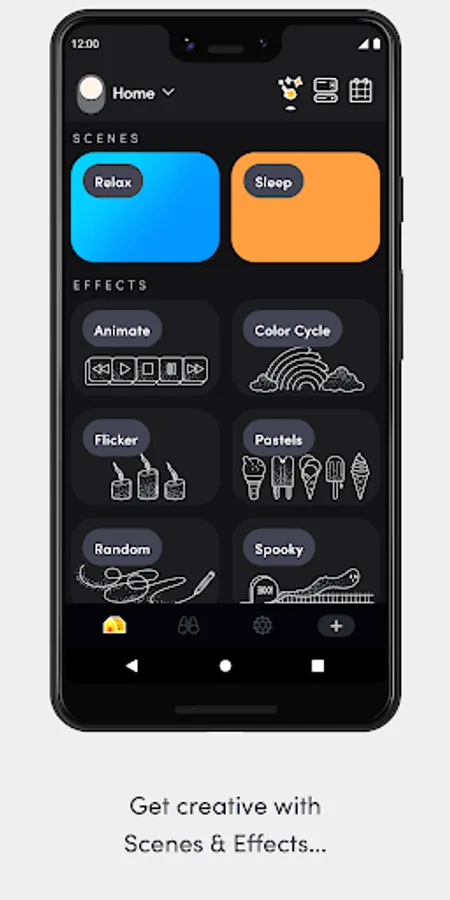
LIFX App can not only help give you the best start, but will turn your experience “up to 11”. Automate your wake up Schedule, or set up your movie-watching Scene (then set up voice control so you don’t even have to leave the sofa), or play with Effects next time you’re entertaining.
Features.
The LIFX app is packed full of features like:
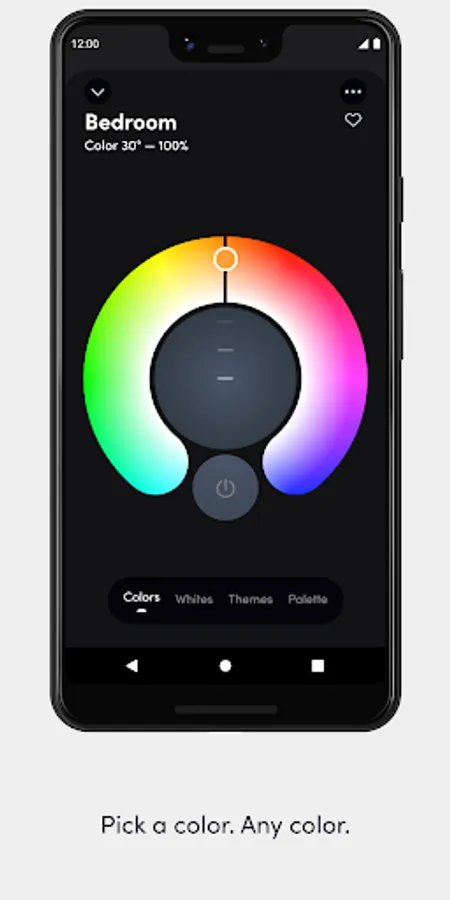
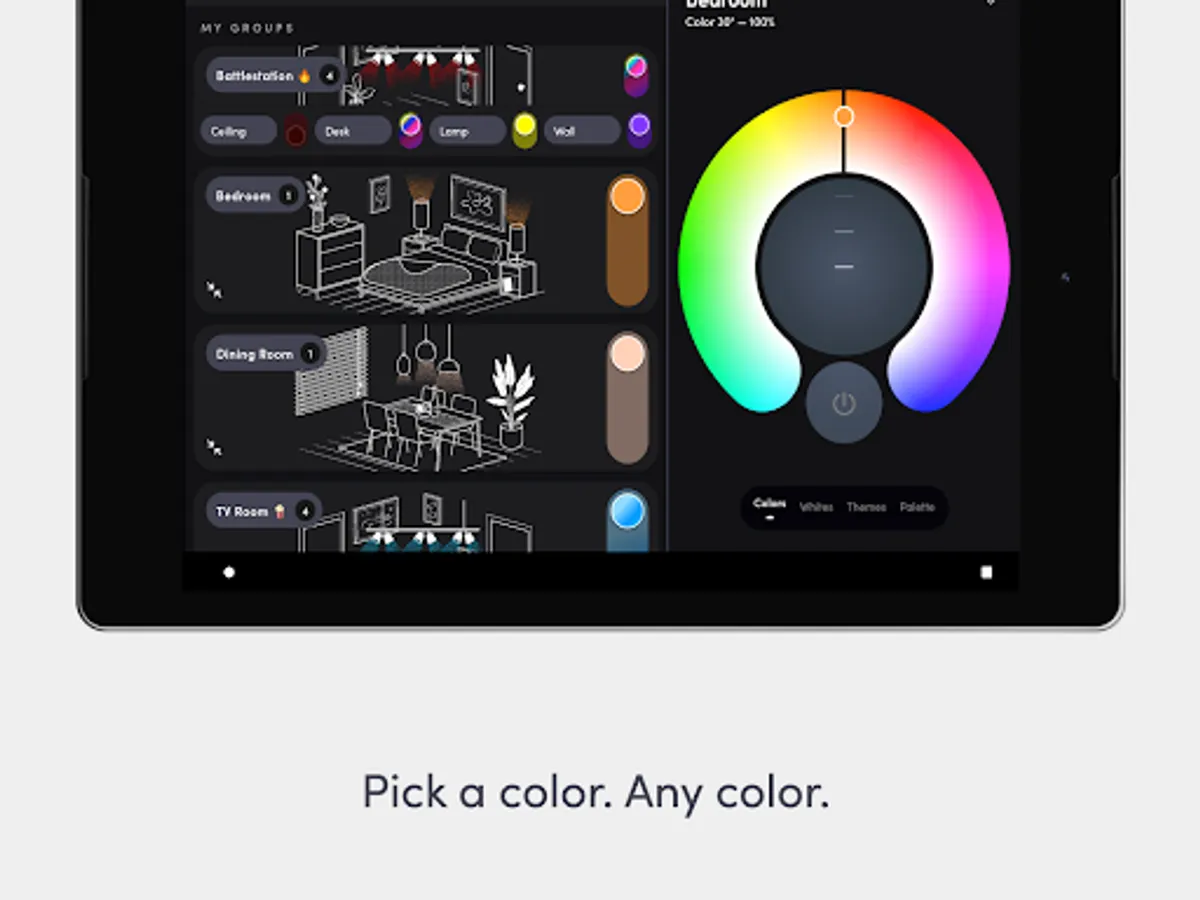
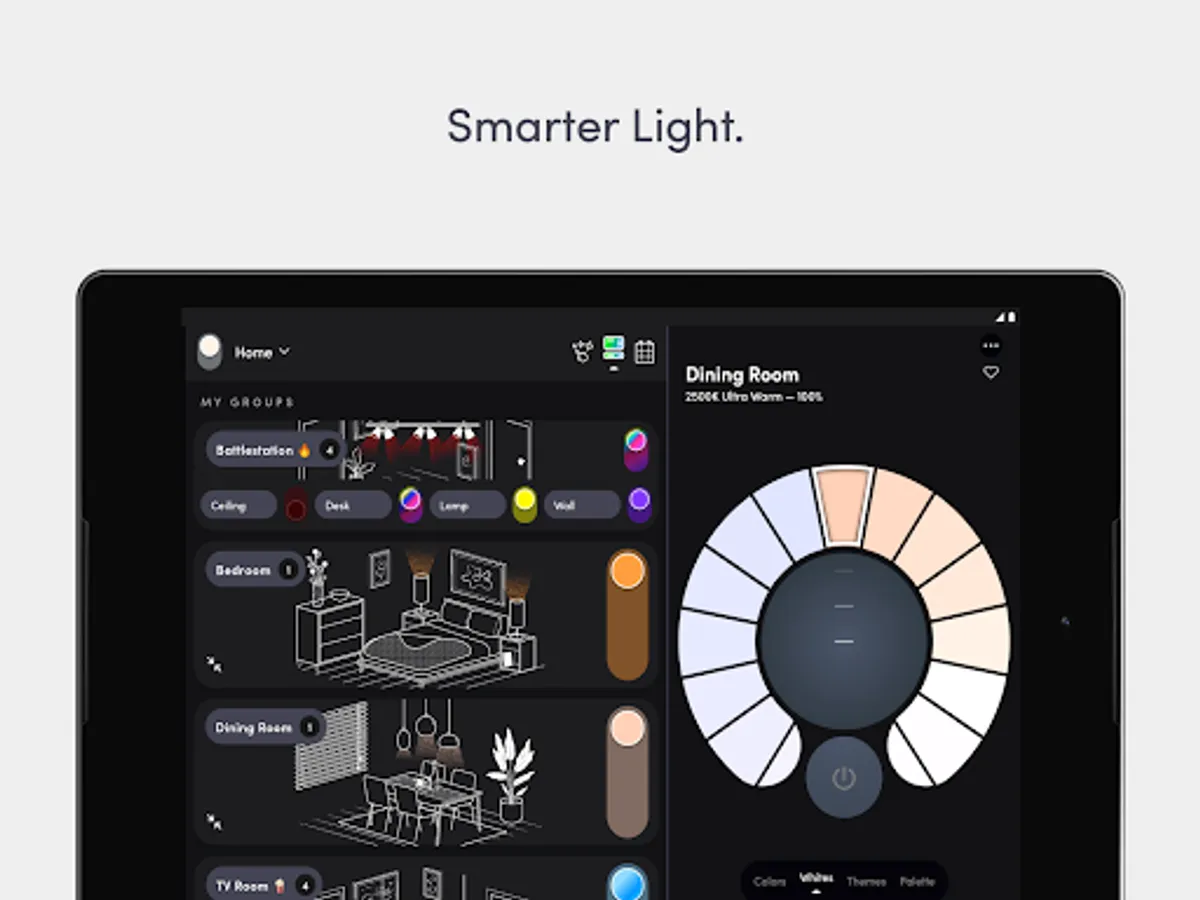
- The Basics: on/off, dim, change color, change white temperature.
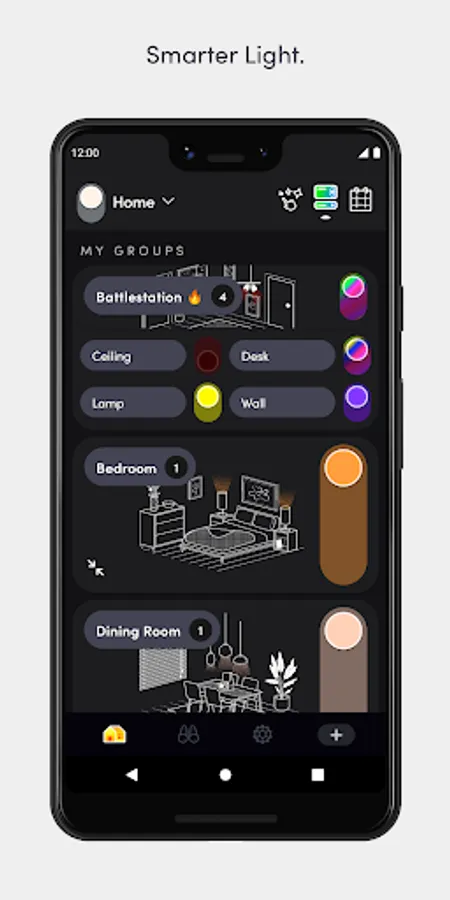
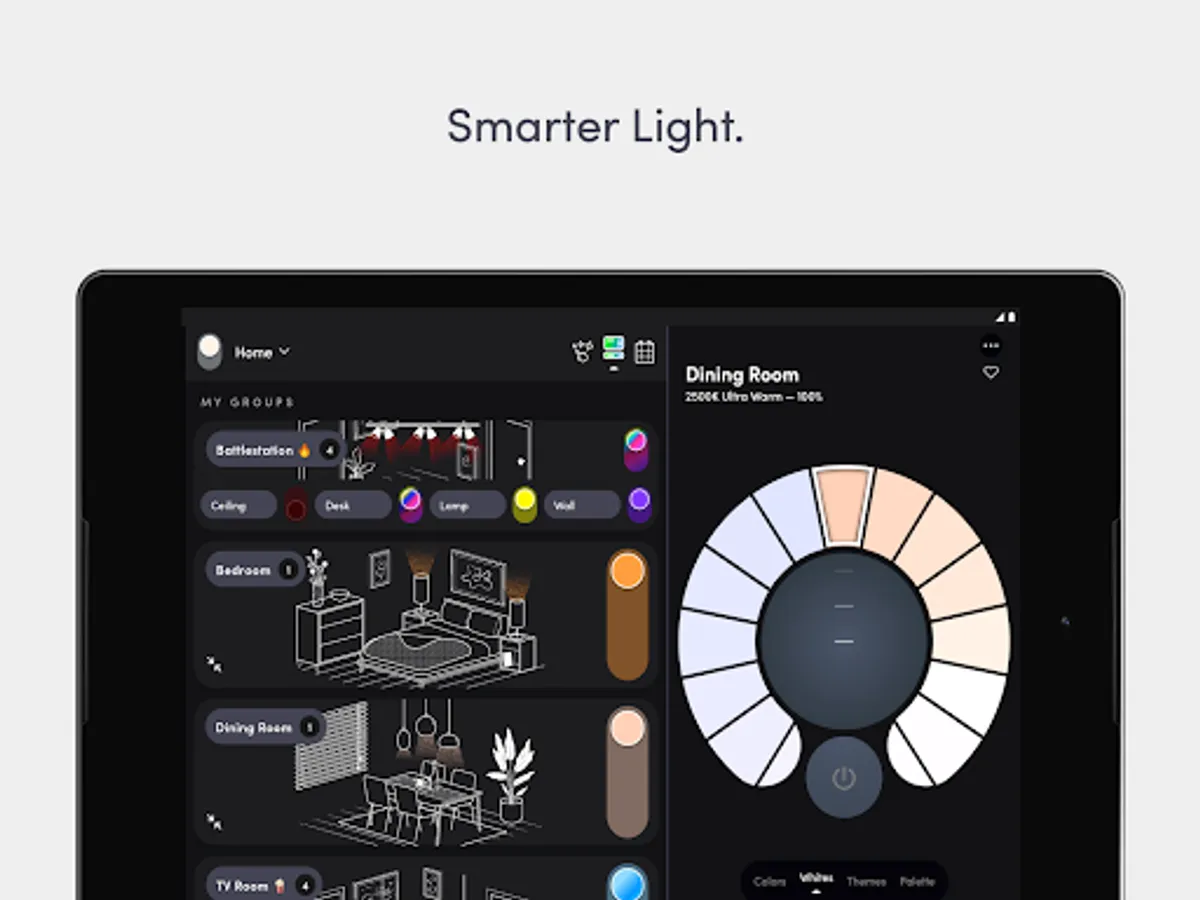
- Groups: control all lights in a group easily, including on/off and dimming with one touch from the Home Dashboard.
- Group personalization: choose a LIFX illustration to suit or personalize Group cards with your own pictures.
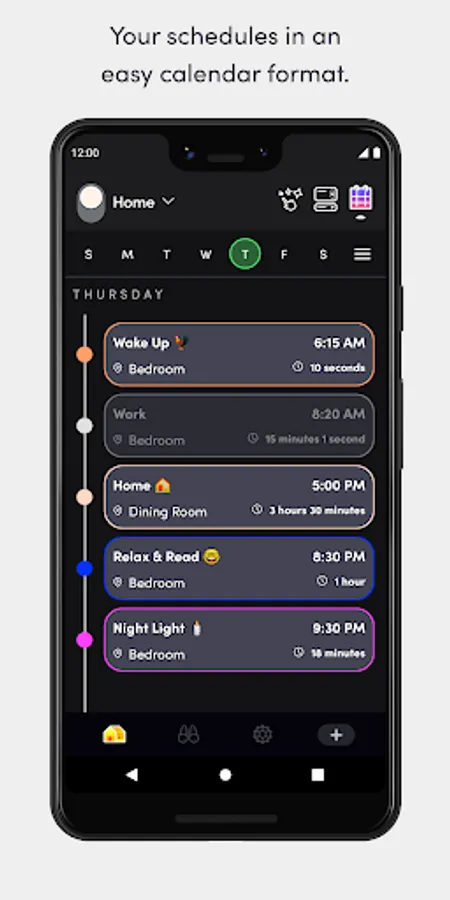
- Schedules: automate your lights to fade, change color, and turn on/off, all visible in an easy calendar-style view.
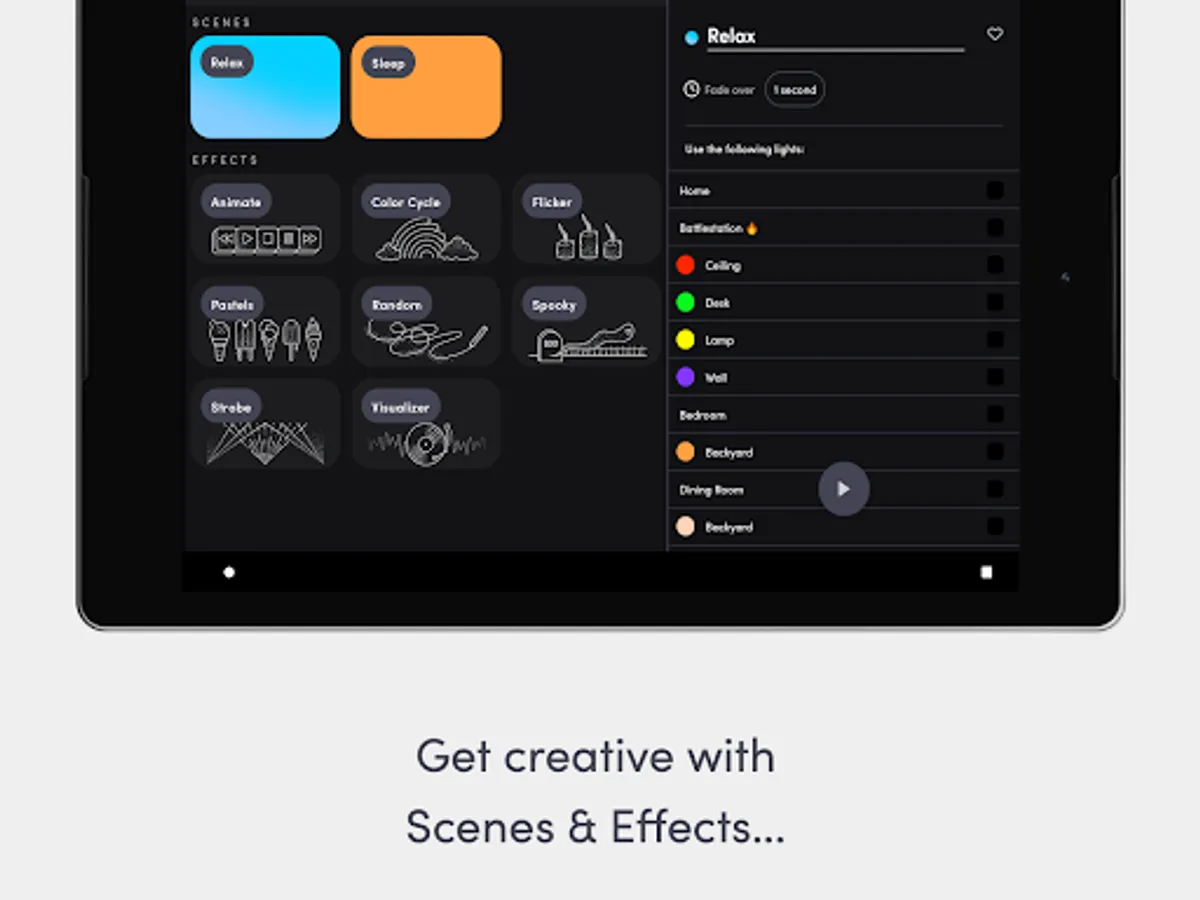
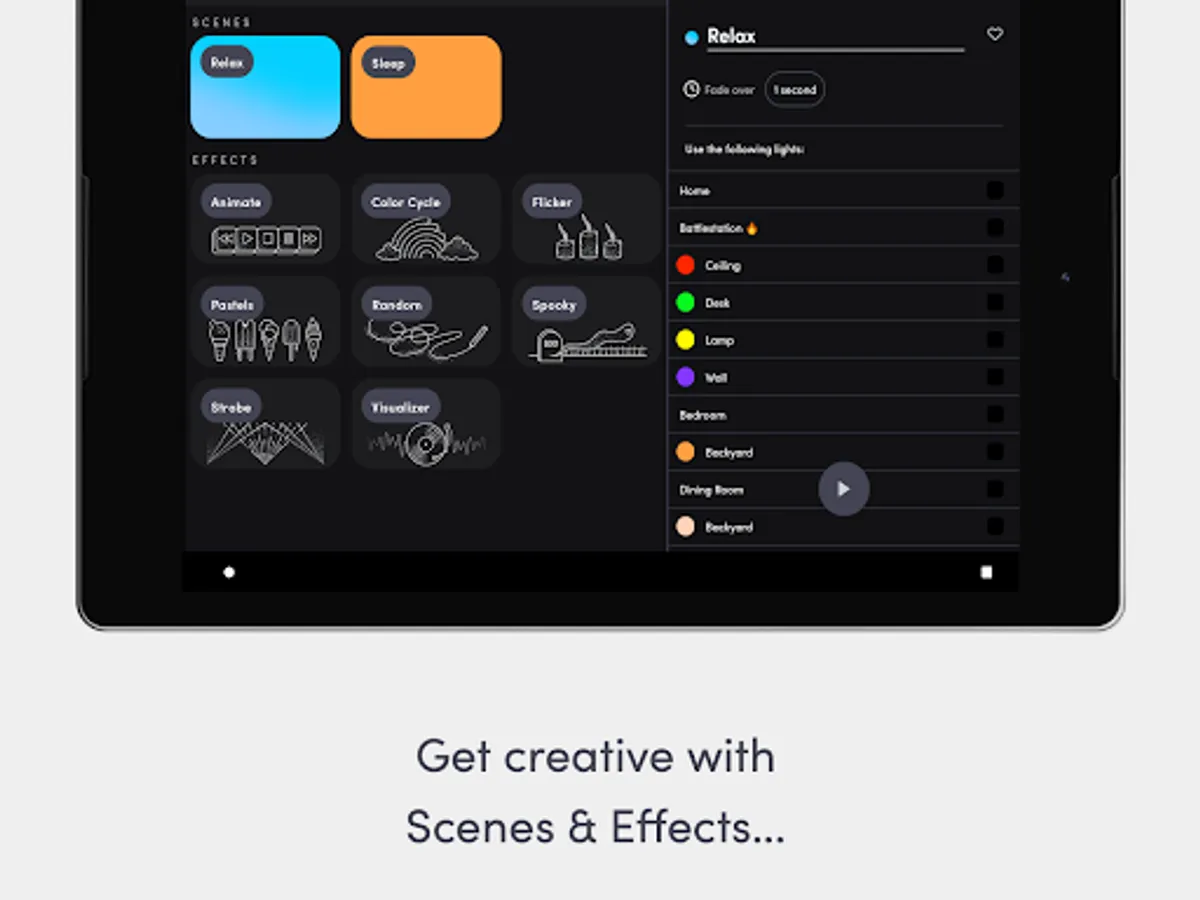
- Effects: play with special effects like the music visualizer, fire, move, candle flicker, strobe, color cycle & more, all in one place.
- Scenes: set your lighting just the way you like it and save it for later.
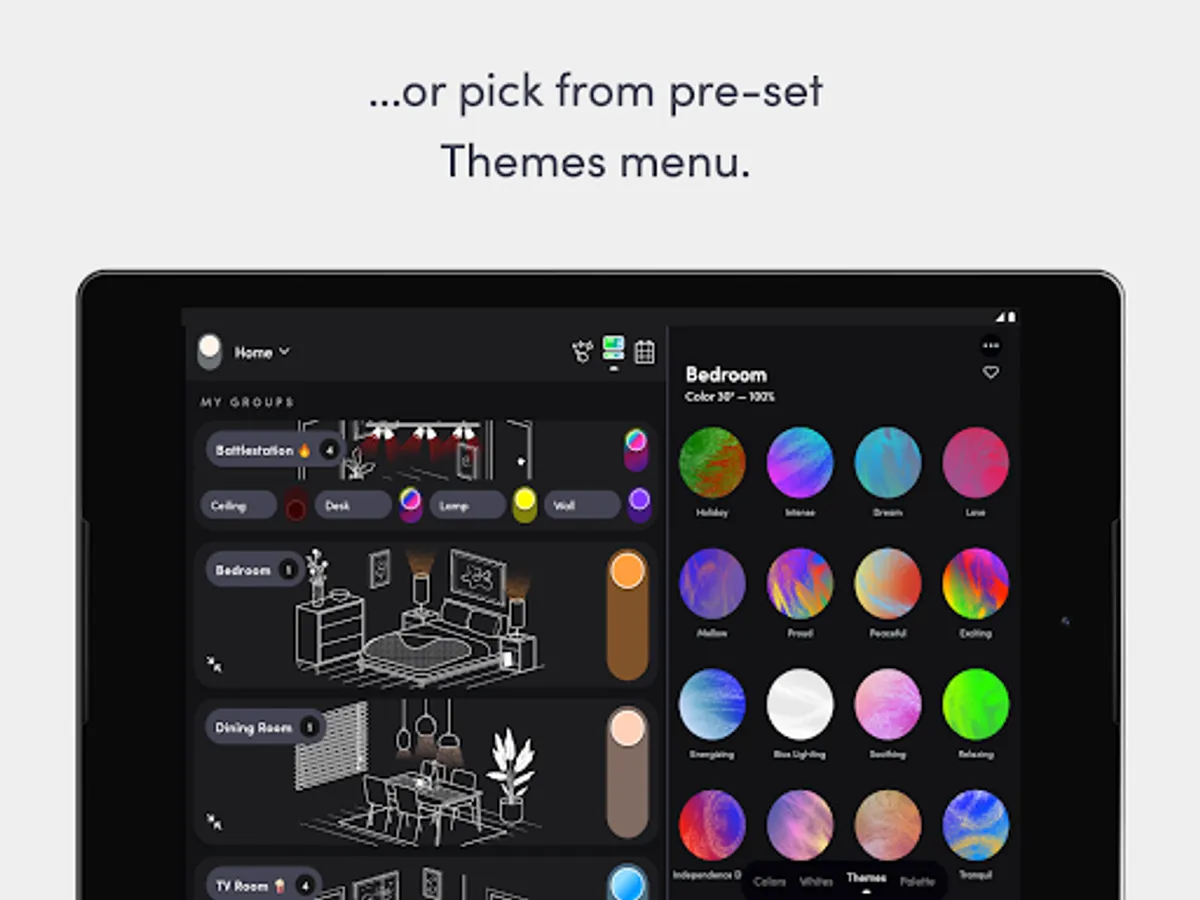
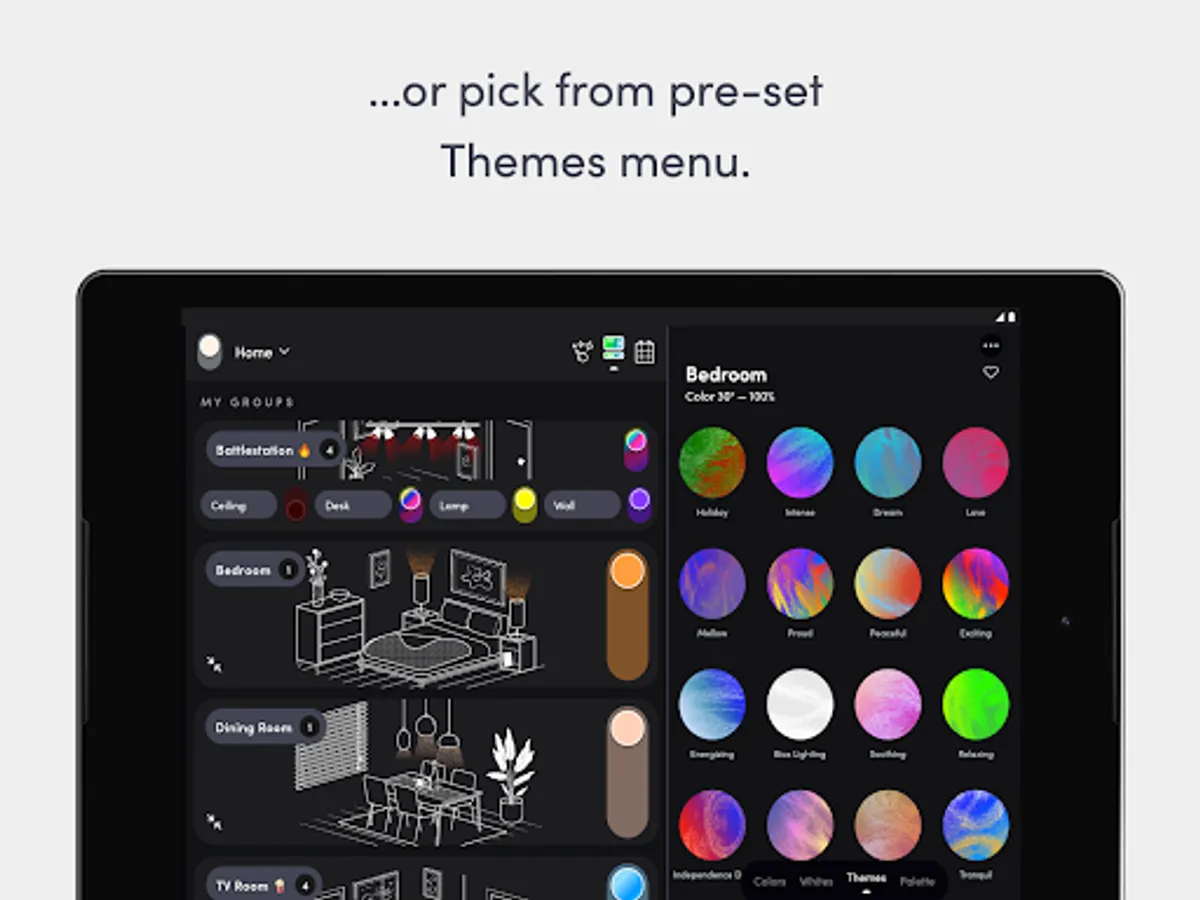
- Themes: a library of one click color combinations for a Group, from ‘Proud’ to ‘Soothing’.
- Paint: with your finger in the app, paint color live onto your LIFX Z, Beam, Tile and Candle.
- Custom color palettes: add your favorite colors to a custom color palette.
- Discover Tab: find How To guides, learn about integration partners, or shop for LIFX
- Switches: configure switches to control your LIFX lights, groups and scenes, as well as other non-LIFX devices
- and much more.
Example uses from our customers:
- Ambiance: schedule warmer light in the evening - to calm - and whiter light in the morning - to energize.
- “Moccupancy”: set irregular schedules to make it seem like you’re home when you’re not.
- Sleep: set your bedroom lights to deep red just before bed to produce more melatonin which helps you get better quality sleep.
- Stay put: you’ve settled into the sofa for a streaming binge but left the lights on. No need to jump up to the switch, just ask your voice assistant.
- Pet owners: if you're unexpectedly late home from work, turn the lights on for your dog from wherever you are.
- Silent notifications: use partner apps to give you a light flash if… your car is arriving, or the forecast says it will rain, or you are mentioned on social media, and much more.
HomeKit
Best color-changing smart bulb for HomeKit - CNET
Pairing LIFX with Apple HomeKit is easy using the HomeKit onboarding QR code available in the product packaging.
Stay in touch.
Need a helping hand, or want to offer us some advice? We would love to hear from you about your LIFX experience. You can reach us at support@lifx.com.
LIFX lights are available at lifx.com
LIFX Screenshots


Tap to Rate:
Reviews for LIFX
Aaron Cunneen
3/3/2026
Terrible !!! this app is just Pathetic. DO NOT purchase this product !! just changing your home network is a Nightmare !!. Never again !!
Alana Delaforce
3/1/2026
Look, if you dont know much about router settings etc this will take some fiddling around. Took me a week on and off to get everything doing what it should be consistently but now I am there it is all working well.