With this micrograph app, you can capture, annotate, and organize images of tiny objects using a smartphone microscope lens. Includes photo capture, measurement tools, note addition, and sharing options.
AppRecs review analysis
AppRecs rating 1.5. Trustworthiness 80 out of 100. Review manipulation risk 19 out of 100. Based on a review sample analyzed.
★☆☆☆☆
1.5
AppRecs Rating
Ratings breakdown
5 star
3%
4 star
3%
3 star
12%
2 star
12%
1 star
71%
What to know
✓
Low review manipulation risk
19% review manipulation risk
⚠
Mixed user feedback
Average 1.6★ rating suggests room for improvement
⚠
High negative review ratio
83% of sampled ratings are 1–2 stars
About i-Seeing
Use the i-Seeing app to work with smartphone microscope lens as an microscopic tool to observe tiny objects and record digital micrographs with your Phone!
Features:
Capture of photos with tiny objects as you do with sophisticated optical microscope
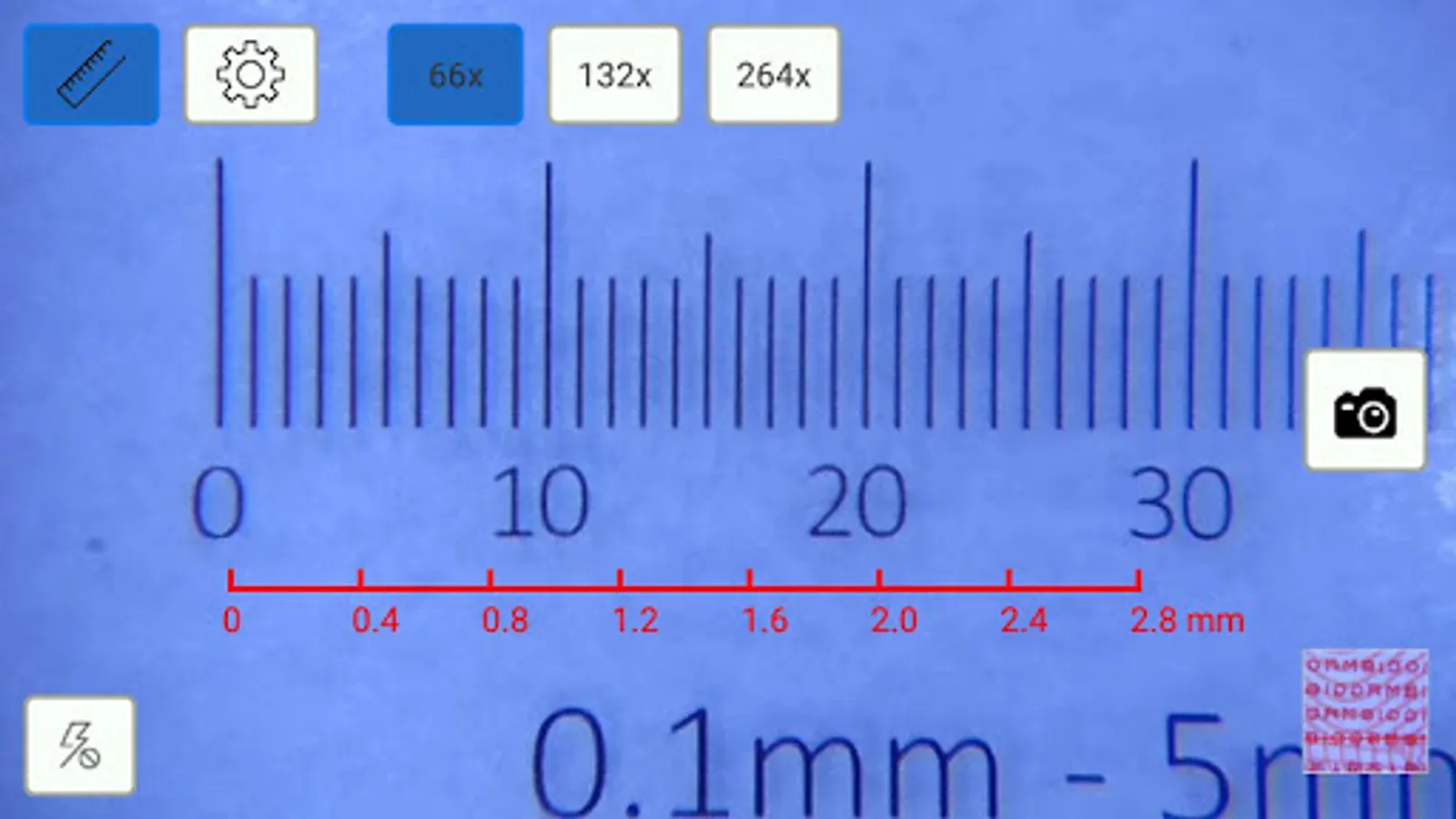
Scale bar for objects measurement which can be toggled on/off
Automatic recording of shooting date and time
Allow you to add notes to your picture
Direct sharing of photos with email, message..
Attach the smartphone microscope lens to your Phone and convert it into a convenient portable microscope. Capture and save micrographs. Zoom in on photos and tag pictures with comments. Access your photos from your i-Seeing app, email them to your computer and colleagues.
Hardware Requirements:
Smartphone microscoep lens (e.g. iMICROSCOPE, iMICROSCOPE R, Fingertip Microscope iMicro C and iMicro Q etc.)
Smartphone running Android 5.0 or newer version
Read more on www.mobile-scope.com
i-Seeing Screenshots
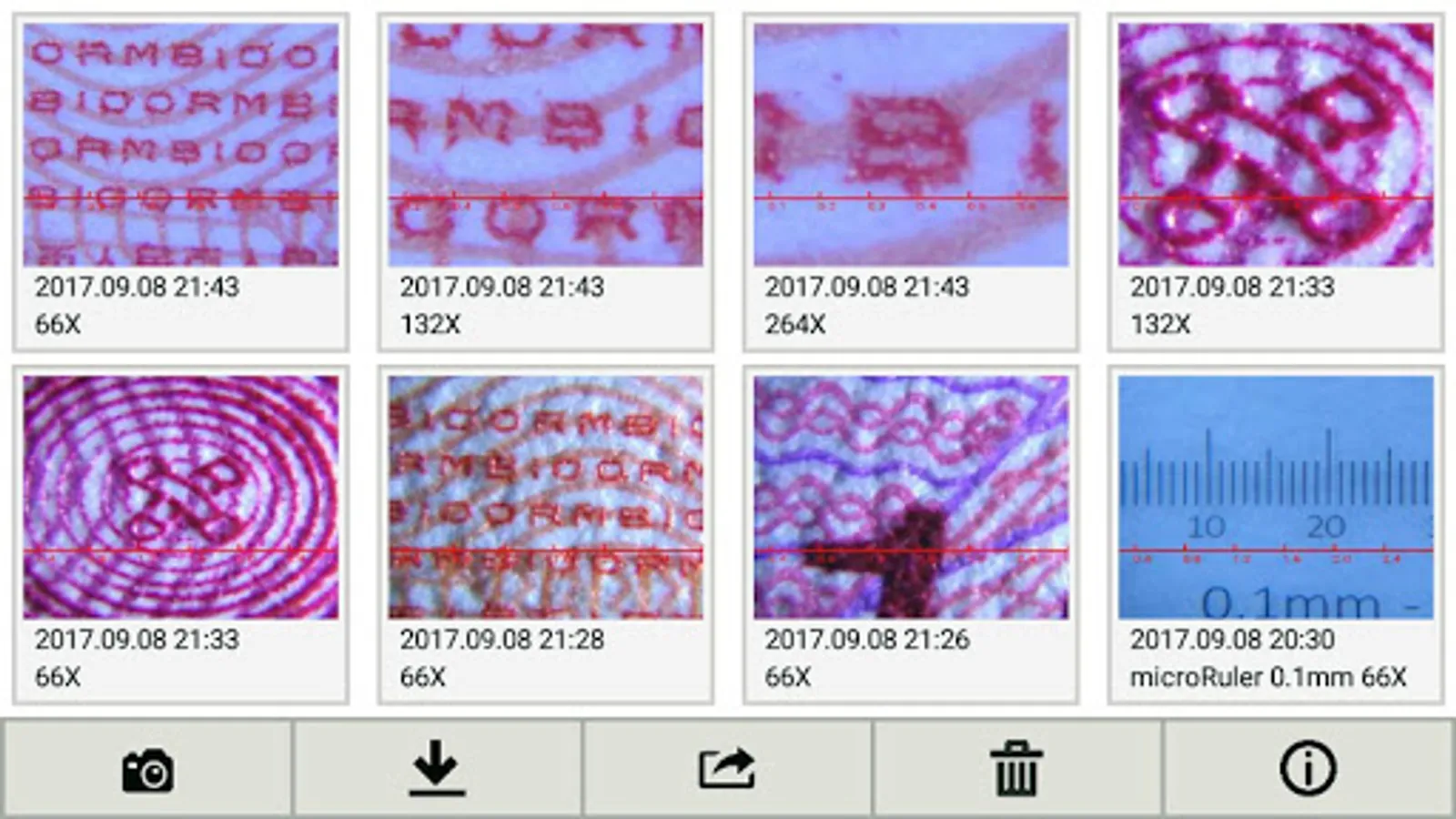
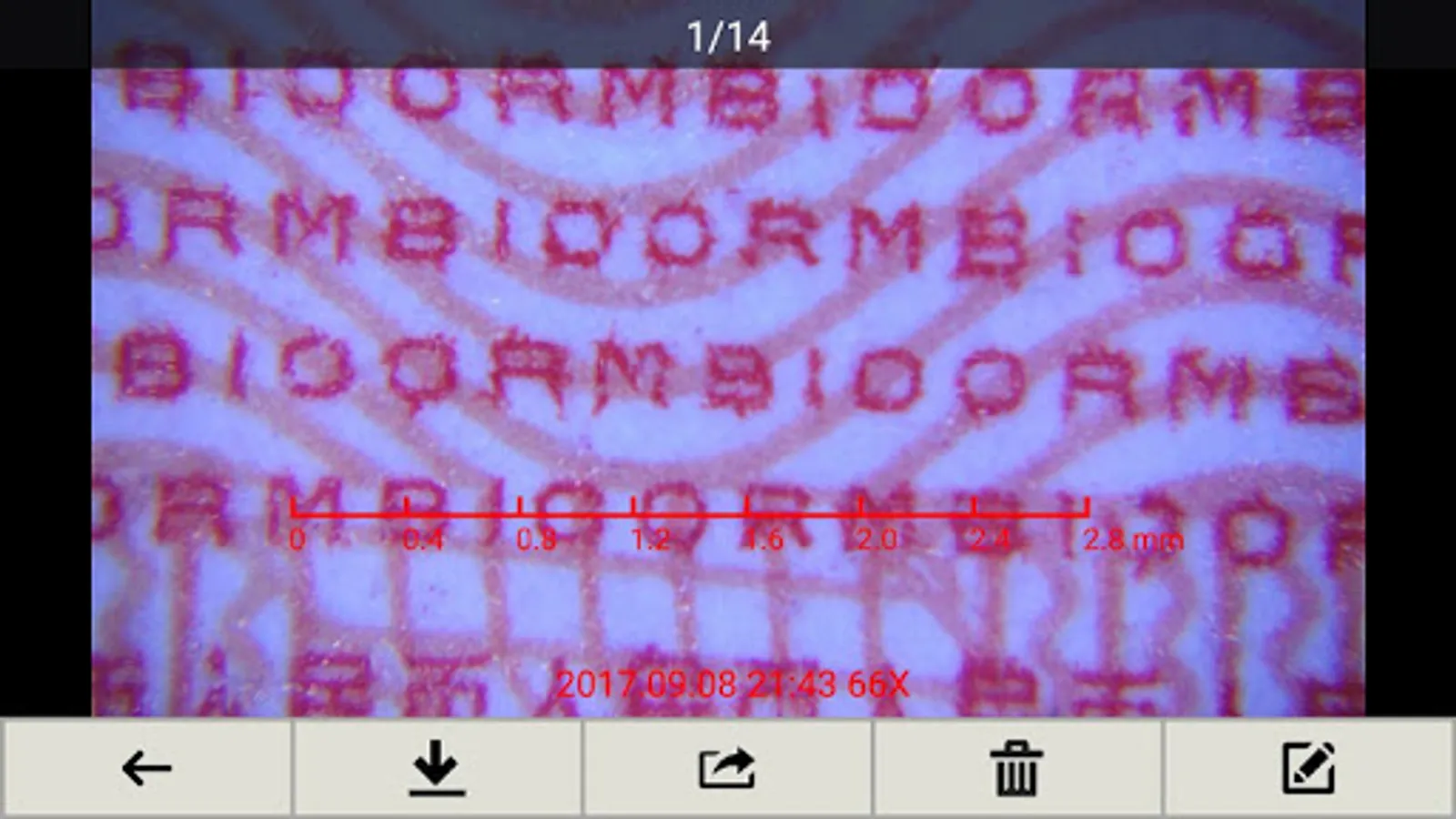
Tap to Rate:
Reviews for i-Seeing
Muhammad Saqib
10/22/2025
Horrible ! The app keeps asking for camera permissions despite having the camera permission !
Kerri Spicer
6/25/2025
App needs a lot of work. Microscopes quality is difficult to tell without a decent means with which to use them. My app has buttons for 48x, 98x, 144x, and 192x. I have all 5 microscopes which are supposedly capable of 25-200x, 100-800x (2), and 150-1200x (2). How do these buttons correlate to the product? Further, there is no way to stop the camera from switching lenses, back and forth. My camera settings are set to Not automatically change lenses. Scopes need better stand and larger working de