
CPU Monitor - temperature
Lite Tools Games
4.1 ★
49K ratings
5,000,000+
downloads
Free
AppRecs review analysis
AppRecs rating 4.1. Trustworthiness 51 out of 100. Review manipulation risk 45 out of 100. Based on a review sample analyzed.
★★★★☆
4.1
AppRecs Rating
Ratings breakdown
5 star
75%
4 star
2%
3 star
4%
2 star
1%
1 star
18%
What to know
⚠
Questionable review patterns
45% review manipulation risk - some review patterns appear unusual
⚠
Review quality concerns
64% of sampled 5-star reviews are very short
About CPU Monitor - temperature
A beautiful and powerful free app for android. It can monitor the device’s CPU usage and frequency real time, analyze the causes of phone overheating, monitor the battery temperature (approximate temperature of the phone or CPU), and provide efficient tips to cool down your phone.
CPU Monitor:
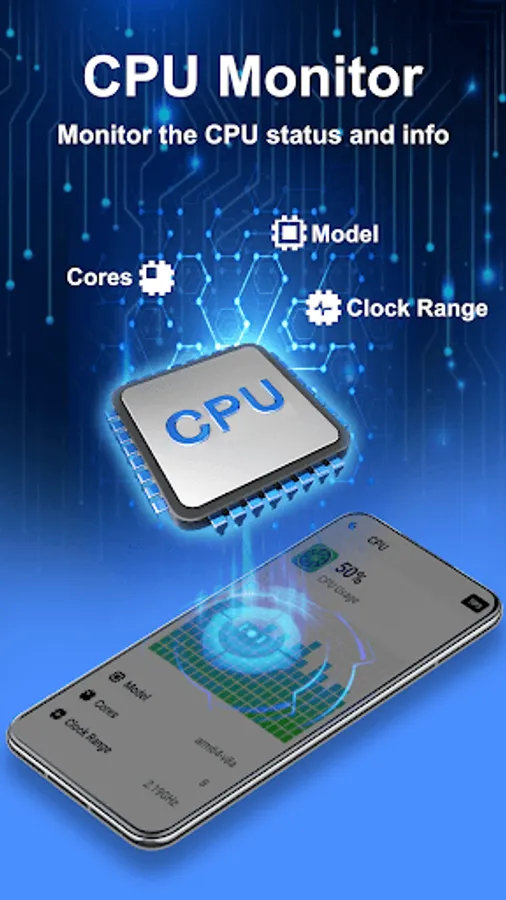
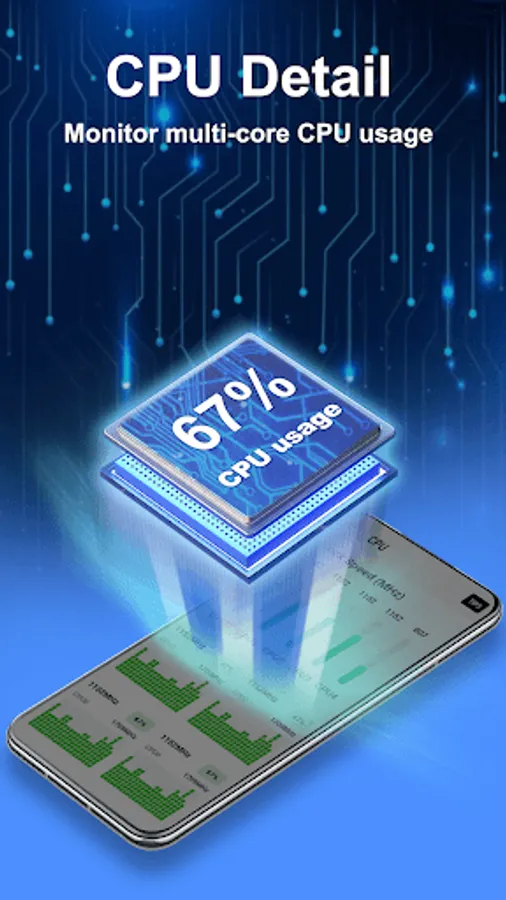
CPU Monitor feature can monitor the CPU usage and frequency, analyze the history data, and clock speed for each core, provide efficient cooler tips to prevent phone from overheating.
Junk Cleaner:
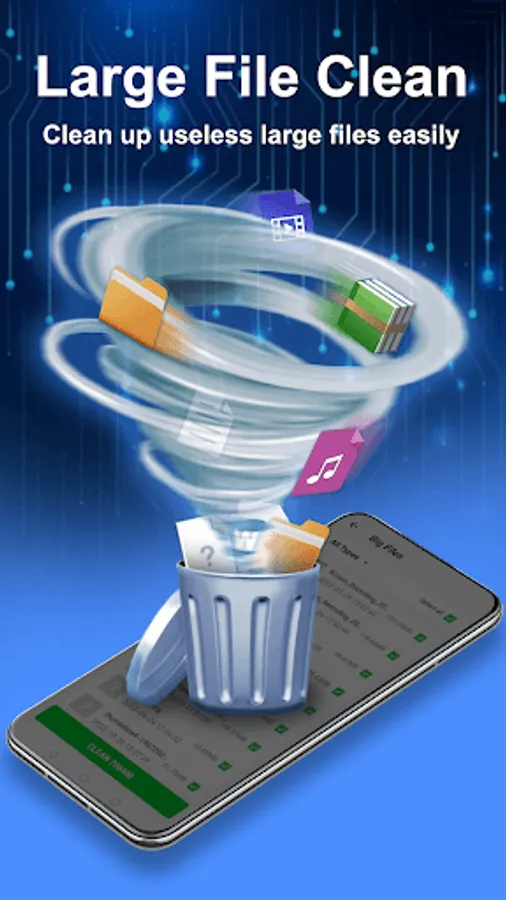
The junk cleaner feature can display the phone storage and RAM usage, and help to release more storage space. It scans your phone for unnecessary junk files and residual files that slow down your phone. And it removes them to free up more storage space for your android phone.
App Manager:
The app manager feature allows you to back up or uninstall applications on your phone and delete the installed Android package file (app APK) if necessary.
Battery Monitor:
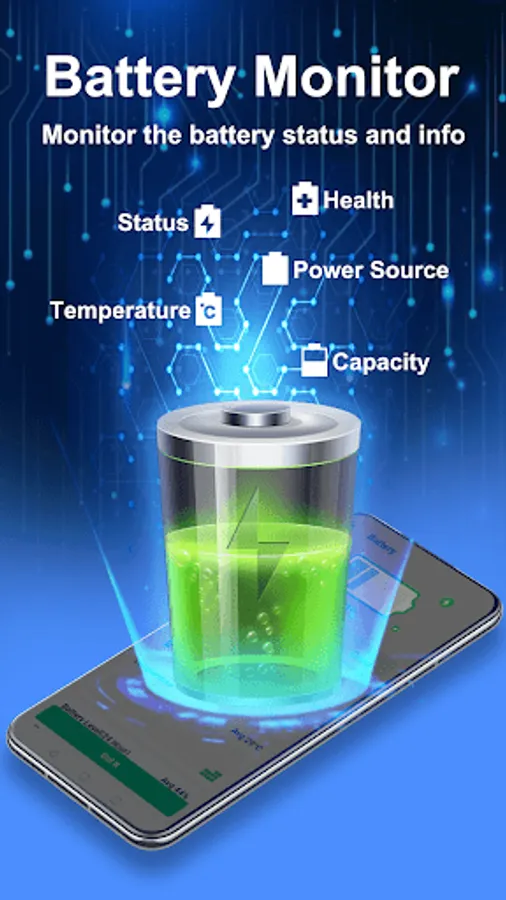
It can display the status of device's battery, including the battery power status, temperature, health, remaining time and other detail information.
Device information:
Provide detail information about the device, including: SoC (System On Chip) name, architecture, device brand & model, screen resolution, RAM, storage, camera, and more.
★ Widget:
Support desktop widget including: cpu, battery and ram.
CPU Monitor:
CPU Monitor feature can monitor the CPU usage and frequency, analyze the history data, and clock speed for each core, provide efficient cooler tips to prevent phone from overheating.
Junk Cleaner:
The junk cleaner feature can display the phone storage and RAM usage, and help to release more storage space. It scans your phone for unnecessary junk files and residual files that slow down your phone. And it removes them to free up more storage space for your android phone.
App Manager:
The app manager feature allows you to back up or uninstall applications on your phone and delete the installed Android package file (app APK) if necessary.
Battery Monitor:
It can display the status of device's battery, including the battery power status, temperature, health, remaining time and other detail information.
Device information:
Provide detail information about the device, including: SoC (System On Chip) name, architecture, device brand & model, screen resolution, RAM, storage, camera, and more.
★ Widget:
Support desktop widget including: cpu, battery and ram.
CPU Monitor - temperature Screenshots



Tap to Rate:
Reviews for CPU Monitor - temperature
Jijo Jijo
12/29/2025
super my phone very cool
Collen Milumbe
12/29/2025
Good