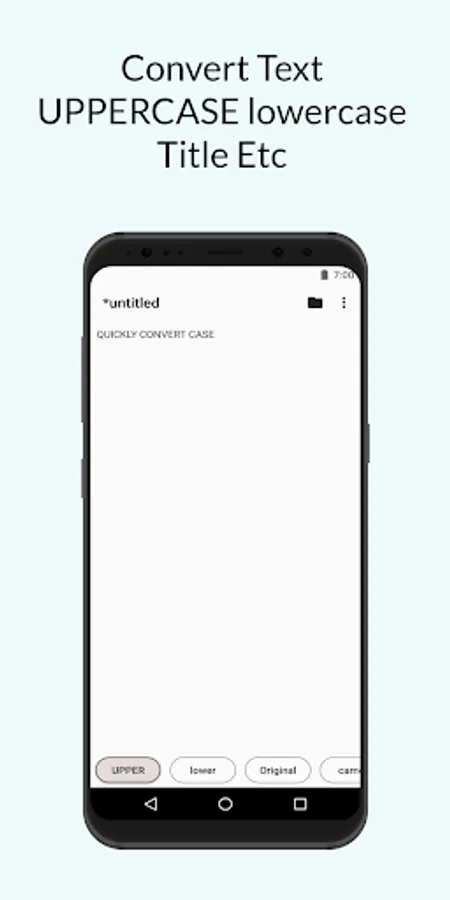
In this text editor app, users can open, write, and edit plain text and code files with a distraction-free interface. Includes privacy features, multiple themes, custom fonts, and support for various developer formats.
AppRecs review analysis
AppRecs rating 3.3. Trustworthiness 75 out of 100. Review manipulation risk 24 out of 100. Based on a review sample analyzed.
★★★☆☆
3.3
AppRecs Rating
Ratings breakdown
5 star
45%
4 star
15%
3 star
8%
2 star
7%
1 star
25%
What to know
✓
Low review manipulation risk
24% review manipulation risk
⚠
Ad complaints
Many low ratings mention excessive ads
⚠
High negative review ratio
32% of sampled ratings are 1–2 stars
About Text Editor
LitesApp Text Editor is a fast, lightweight, and privacy‑first text & code editor for Android. Open, write, and edit plain‑text files (TXT) and developer formats like JSON, XML, SQL, PHP, JavaScript, and YAML — all in a clean, distraction‑free interface. The app works primarily offline and keeps your documents on your device. No account required.
Why LitesApp Text Editor?
- Fast & lightweight: Quick launch and smooth typing without bloat.
- Privacy‑first & offline: Your notes and files stay on your device unless you share them.
- Open with & share: Handle text files from file managers, email, chat apps, and cloud drives.
- Custom fonts & typography: Choose your font and size; imported fonts are cached for reliability and can be removed anytime.
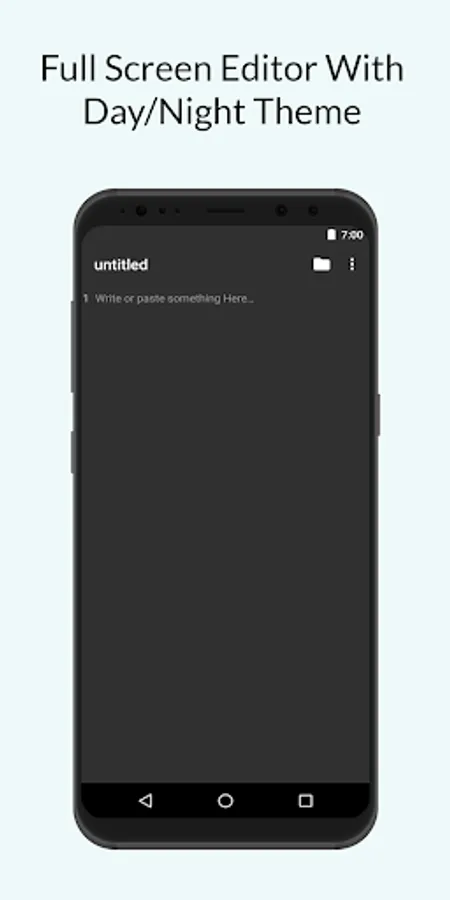
- Light & dark themes: Comfortable editing day or night.
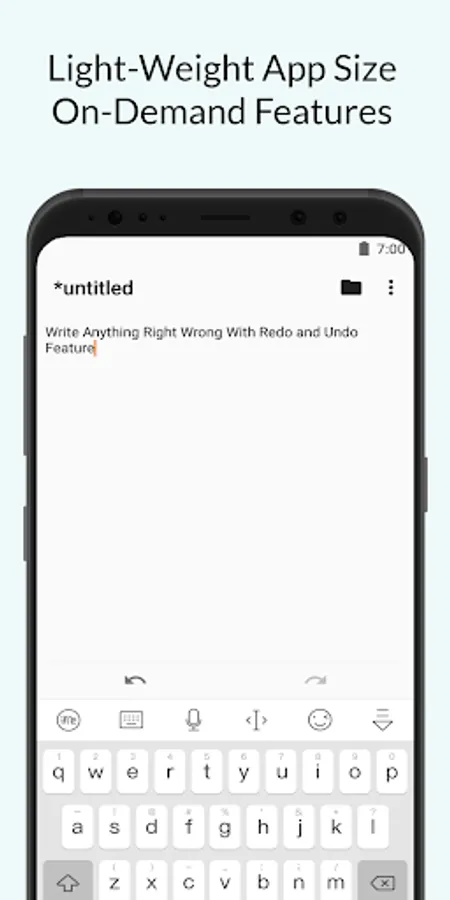
- Undo & redo: Correct mistakes with confidence.
- Respectful prompts: In‑app review requests appear only occasionally, after meaningful usage.
- Built‑in feedback: Send bug reports or feature requests directly via email.
- Hindi localization: Full Hindi support; English by default.
Built for editing
- Plain text editor for notes, to‑dos, and quick drafts.
- Code‑friendly: Edit JSON, XML, SQL, PHP, JavaScript, YAML and more (as plain text).
- Intent support: Use “Open with” from other apps and continue editing instantly.
- Clean Material 3 UI: Focus on writing, not on menus.
Private by design
- No cloud upload of your documents.
- No login or account.
- Local counters may optimize non‑intrusive in‑app review timing.
- Ads with consent: Google Mobile Ads (AdMob) via User Messaging Platform (UMP) where required.
- Crash reporting: Firebase Crashlytics collects crash diagnostics (not your document contents).
- Optional analytics: Aggregate usage metrics only (no document contents).
Pricing & monetization
- Free to use with ads.
- Optional in‑app purchase to remove ads via Google Play.
Permissions
- Storage: To open and save files you choose.
- Network: For ads/consent (AdMob/UMP), optional feedback email you send, crash reporting, and Google Play in‑app review.
Notes
- LitesApp focuses on plain‑text editing. Some proprietary formats may not retain original formatting when opened as text.
Support
Have a suggestion or found a bug? Open the in‑app feedback dialog or email us at contact@litesapp.com.
Why LitesApp Text Editor?
- Fast & lightweight: Quick launch and smooth typing without bloat.
- Privacy‑first & offline: Your notes and files stay on your device unless you share them.
- Open with & share: Handle text files from file managers, email, chat apps, and cloud drives.
- Custom fonts & typography: Choose your font and size; imported fonts are cached for reliability and can be removed anytime.
- Light & dark themes: Comfortable editing day or night.
- Undo & redo: Correct mistakes with confidence.
- Respectful prompts: In‑app review requests appear only occasionally, after meaningful usage.
- Built‑in feedback: Send bug reports or feature requests directly via email.
- Hindi localization: Full Hindi support; English by default.
Built for editing
- Plain text editor for notes, to‑dos, and quick drafts.
- Code‑friendly: Edit JSON, XML, SQL, PHP, JavaScript, YAML and more (as plain text).
- Intent support: Use “Open with” from other apps and continue editing instantly.
- Clean Material 3 UI: Focus on writing, not on menus.
Private by design
- No cloud upload of your documents.
- No login or account.
- Local counters may optimize non‑intrusive in‑app review timing.
- Ads with consent: Google Mobile Ads (AdMob) via User Messaging Platform (UMP) where required.
- Crash reporting: Firebase Crashlytics collects crash diagnostics (not your document contents).
- Optional analytics: Aggregate usage metrics only (no document contents).
Pricing & monetization
- Free to use with ads.
- Optional in‑app purchase to remove ads via Google Play.
Permissions
- Storage: To open and save files you choose.
- Network: For ads/consent (AdMob/UMP), optional feedback email you send, crash reporting, and Google Play in‑app review.
Notes
- LitesApp focuses on plain‑text editing. Some proprietary formats may not retain original formatting when opened as text.
Support
Have a suggestion or found a bug? Open the in‑app feedback dialog or email us at contact@litesapp.com.