Doc Scanner: OCR & PDF Scanner
LittleAnts Apps
3.4 ★
store rating
10,000+
downloads
Free
+ in-app
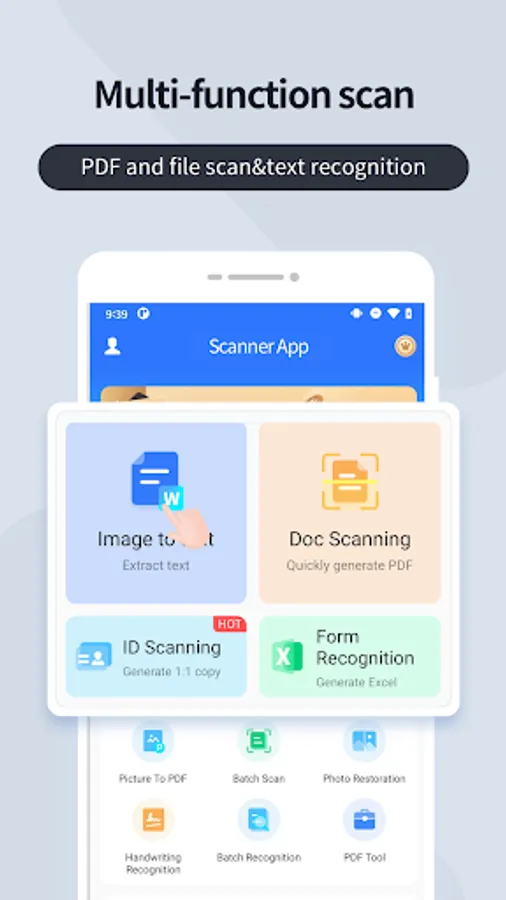
With this document scanner app, you can scan files, IDs, and books, extract editable text using OCR, and create secure PDFs. Includes features for batch scanning, multi-language OCR, and PDF editing tools.
AppRecs review analysis
AppRecs rating 3.4. Trustworthiness 0 out of 100. Review manipulation risk 0 out of 100. Based on a review sample analyzed.
★★★☆☆
3.4
AppRecs Rating
Ratings breakdown
5 star
44%
4 star
22%
3 star
0%
2 star
0%
1 star
33%
What to know
✓
Authentic reviews
Natural distribution, no red flags
⚠
High negative review ratio
33% of sampled ratings are 1–2 stars
About Doc Scanner: OCR & PDF Scanner
Need a powerful document scanner? Transform your mobile device into a portable scanner! Scan files, IDs, or books with OCR tech, extract editable text, and create secure PDFs instantly.
Ideal for:
Students, professionals, and small teams streamlining document management.
---Key Features---
🔍 Smart OCR Scanning
• Scan documents, cards, or images → extract text instantly
• Batch scan & handwriting recognition
• Multi-language OCR (English, Japanese, etc.)
📄 Professional PDF Tools
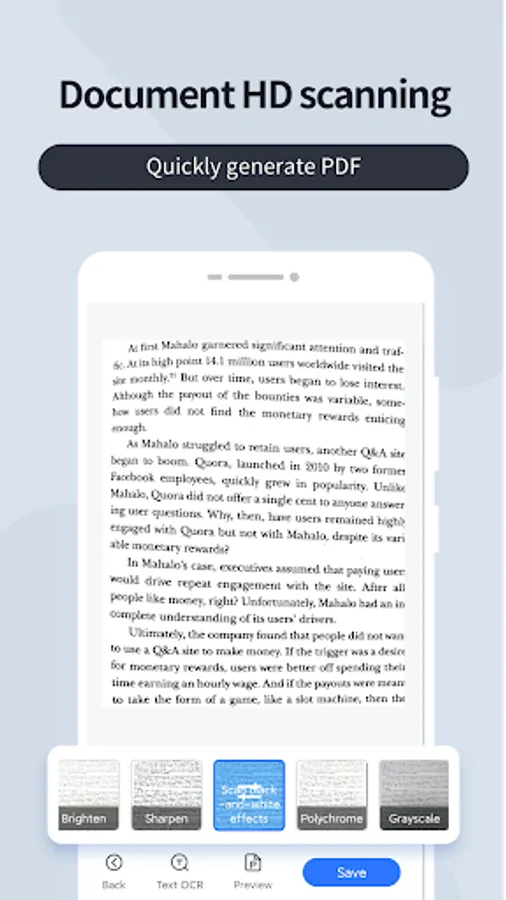
• Convert scans to PDF in one tap
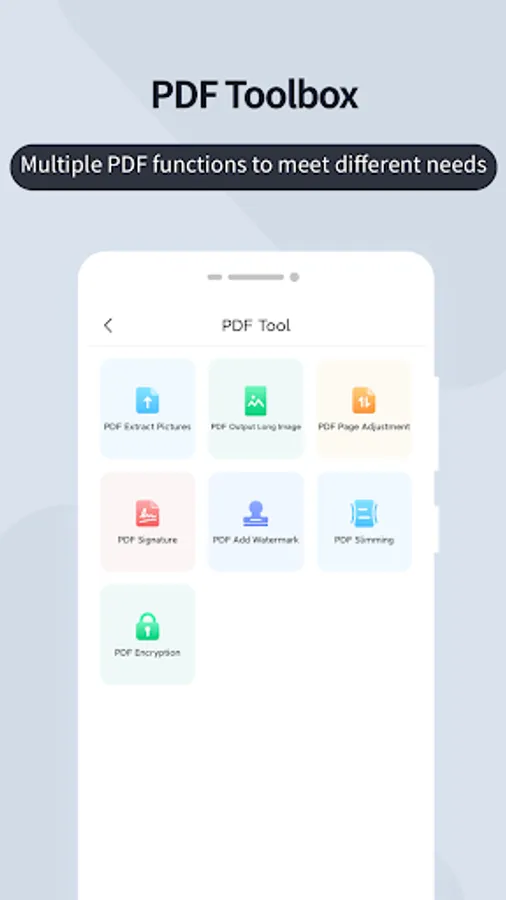
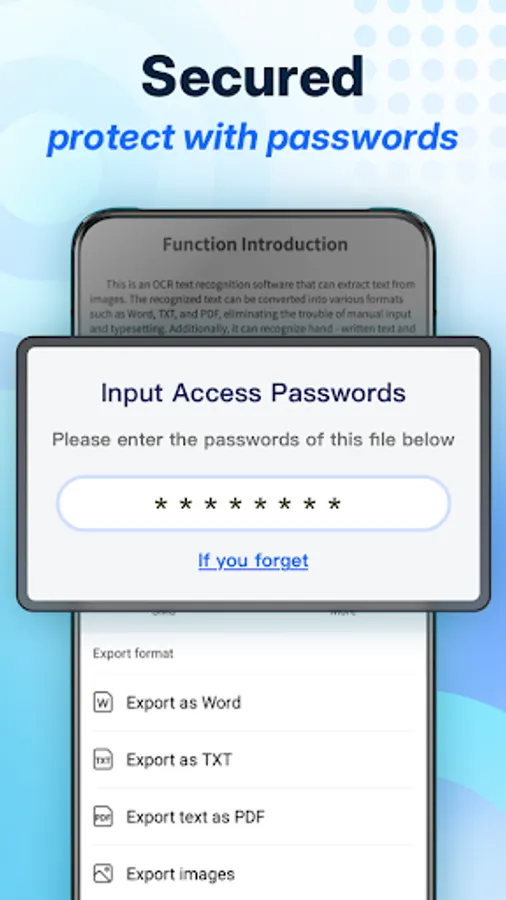
• Add e-signatures, watermarks, or encryption
• Merge pages & compress files
↗️ Effortless Sharing
• Share PDFs via email/social media
• Export with original formatting
⚙️ Quality Control
• Adjust brightness/color for quality
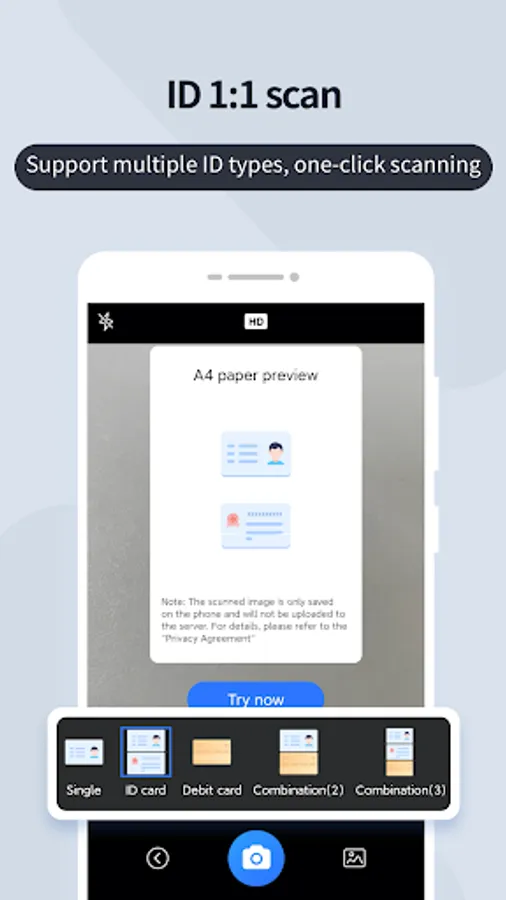
• Scan IDs (1:1 digital copies)
Pro Tips:
• Use natural light for clearer scans
• Hold steady for optimal OCR results
• Crop edges to perfect document quality
Questions? Contact: bowang.liu.lbw@gmail.com
Privacy Policy: https://sites.google.com/view/scanmasterproprivacypolicy/
Ideal for:
Students, professionals, and small teams streamlining document management.
---Key Features---
🔍 Smart OCR Scanning
• Scan documents, cards, or images → extract text instantly
• Batch scan & handwriting recognition
• Multi-language OCR (English, Japanese, etc.)
📄 Professional PDF Tools
• Convert scans to PDF in one tap
• Add e-signatures, watermarks, or encryption
• Merge pages & compress files
↗️ Effortless Sharing
• Share PDFs via email/social media
• Export with original formatting
⚙️ Quality Control
• Adjust brightness/color for quality
• Scan IDs (1:1 digital copies)
Pro Tips:
• Use natural light for clearer scans
• Hold steady for optimal OCR results
• Crop edges to perfect document quality
Questions? Contact: bowang.liu.lbw@gmail.com
Privacy Policy: https://sites.google.com/view/scanmasterproprivacypolicy/