
BLIPS - SmartMicroOptics
SmartMicroOptics
3.6 ★
103 ratings
10,000+
downloads
Free
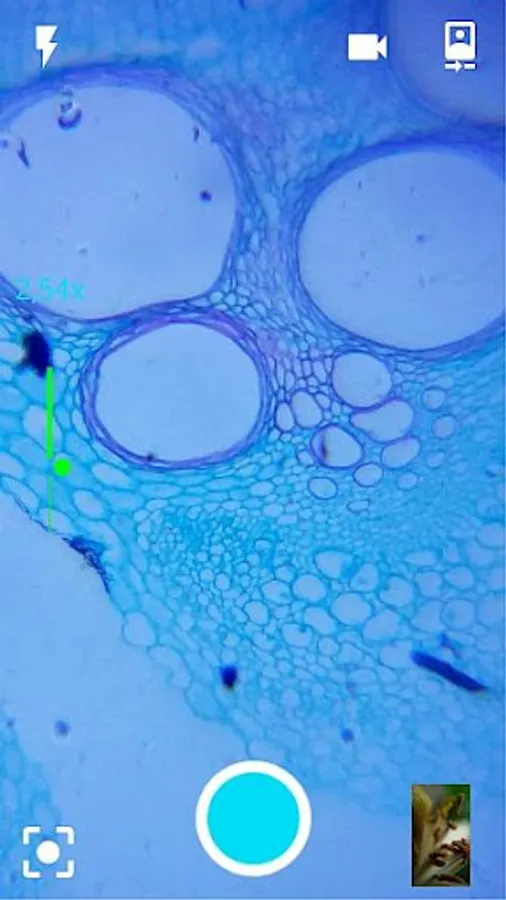
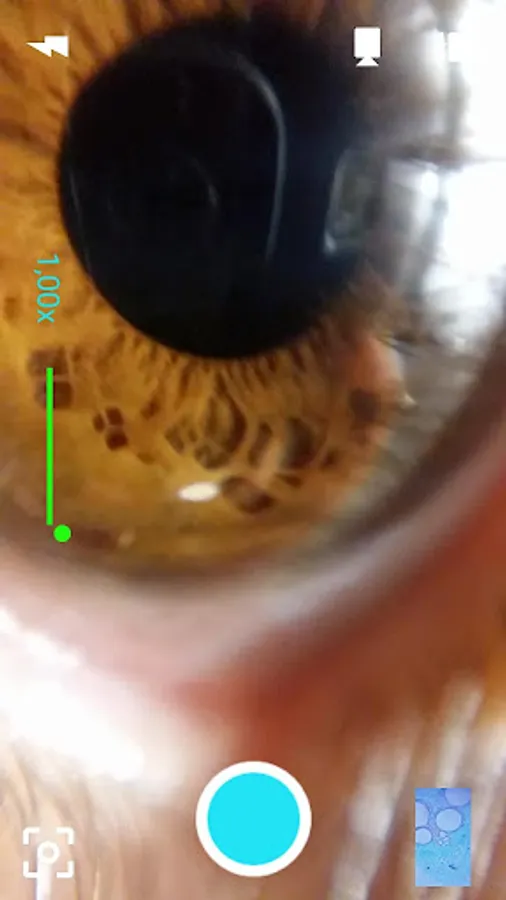
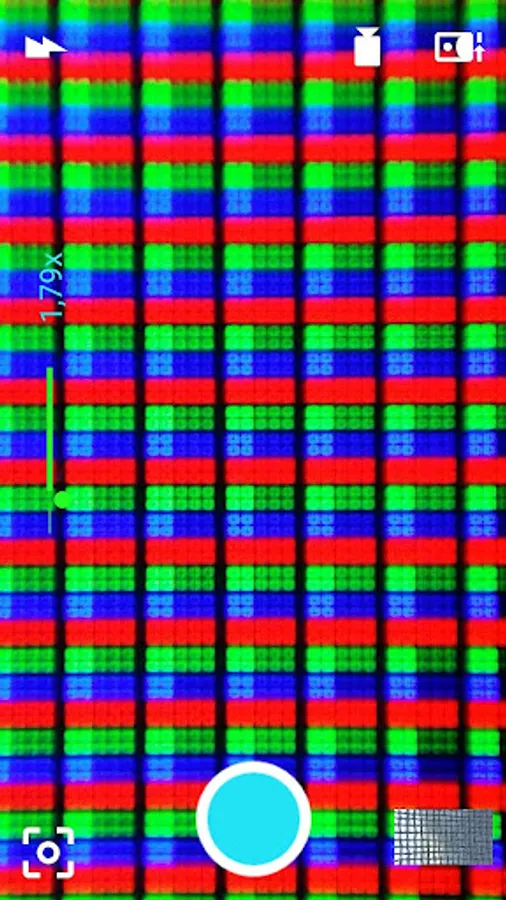
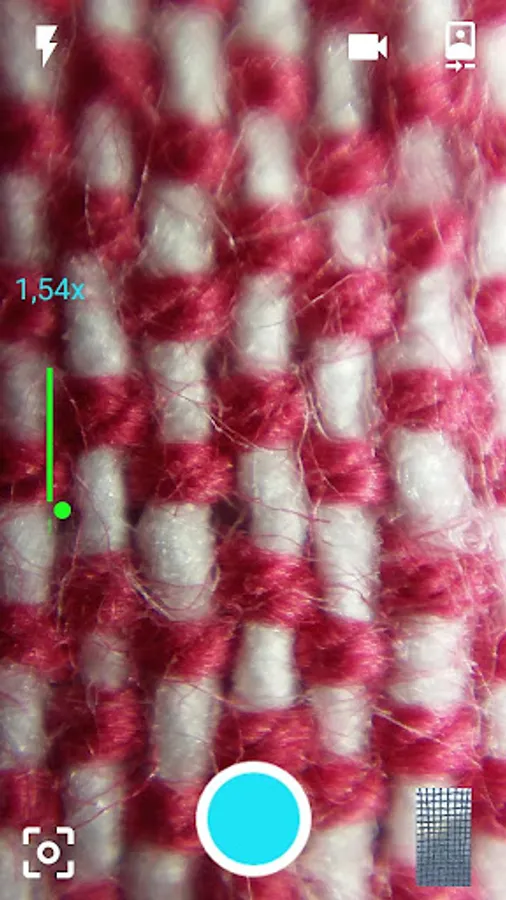
With this photo app, you can capture macro and microscopic images or videos using dedicated lenses and systems. Includes zoom, flashlight, timer, and image management features.
AppRecs review analysis
AppRecs rating 3.7. Trustworthiness 61 out of 100. Review manipulation risk 39 out of 100. Based on a review sample analyzed.
★★★☆☆
3.7
AppRecs Rating
Ratings breakdown
5 star
47%
4 star
18%
3 star
6%
2 star
6%
1 star
24%
What to know
✓
Good user ratings
65% positive sampled reviews
✓
Authentic reviews
Natural distribution, no red flags
About BLIPS - SmartMicroOptics
Photo application with dedicated functions for easy use of BLIPS lenses or DIPLE systems; for Macro photos or videos, or for observation at Microscopic scales ( www.blips.pro ) .
FEATURES:
- Ability to take pictures and to shoot videos.
- Digital Zoom to further increase the magnification and to observe microscopic details on the smartphone screen.
- Flashlight can be activated whenever the users wants to increase the illumination on the observed subject, for enhancing the image definition.
- Autofocus normally turned off; it can be easily activated and locked, if needed.
- Ability to take multiple shots holding down the shooting button.
- Photos and videos stored in a dedicated folder (SMO), inside the Digital Camera Images ( DCIM ); the user can exploit the tools of the Android system gallery for managing, sharing and editing his pictures.
- Full use of the screen to observe the tiniest details directly on your smartphone.
- Timer: the user can use this function to keep the camera still for the shot, few seconds after clicking the button
FEATURES:
- Ability to take pictures and to shoot videos.
- Digital Zoom to further increase the magnification and to observe microscopic details on the smartphone screen.
- Flashlight can be activated whenever the users wants to increase the illumination on the observed subject, for enhancing the image definition.
- Autofocus normally turned off; it can be easily activated and locked, if needed.
- Ability to take multiple shots holding down the shooting button.
- Photos and videos stored in a dedicated folder (SMO), inside the Digital Camera Images ( DCIM ); the user can exploit the tools of the Android system gallery for managing, sharing and editing his pictures.
- Full use of the screen to observe the tiniest details directly on your smartphone.
- Timer: the user can use this function to keep the camera still for the shot, few seconds after clicking the button
BLIPS - SmartMicroOptics Screenshots
Tap to Rate:
Reviews for BLIPS - SmartMicroOptics
Yes
10/27/2025
Having a simple button allowing you to view your pics would go a long way. I still can't find any pics I took? android 10.
Michel Brazeau
4/12/2025
hard to figure out.