LoMag Ticket scanner - Control
Longint
3.7 ★
store rating
5,000+
downloads
Free
+ in-app
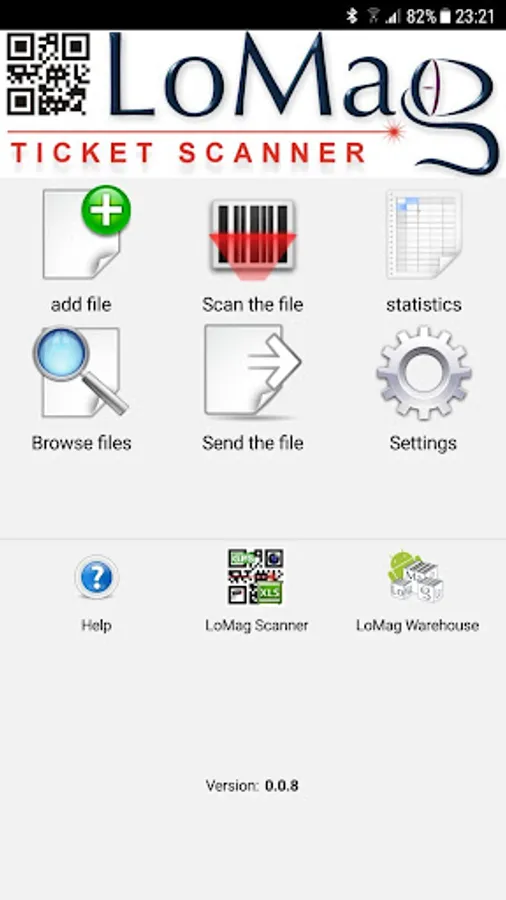
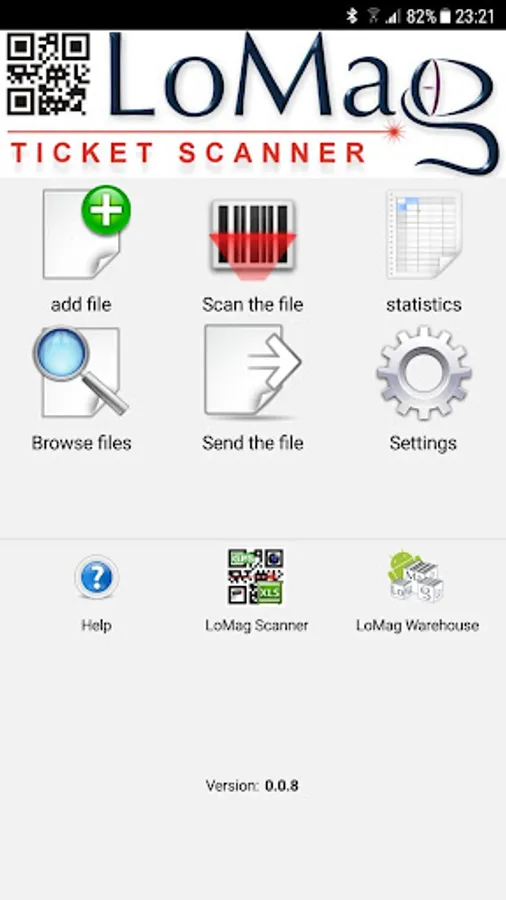
With this ticket scanner app, you can scan and verify tickets using your phone’s camera or hardware readers. Includes support for multiple data formats, bulk uploads from files, and real-time attendance analysis.
AppRecs review analysis
AppRecs rating 3.5. Trustworthiness 70 out of 100. Review manipulation risk 27 out of 100. Based on a review sample analyzed.
★★★☆☆
3.5
AppRecs Rating
Ratings breakdown
5 star
45%
4 star
0%
3 star
33%
2 star
21%
1 star
0%
What to know
✓
Low review manipulation risk
27% review manipulation risk
✓
Credible reviews
70% trustworthiness score from analyzed reviews
About LoMag Ticket scanner - Control
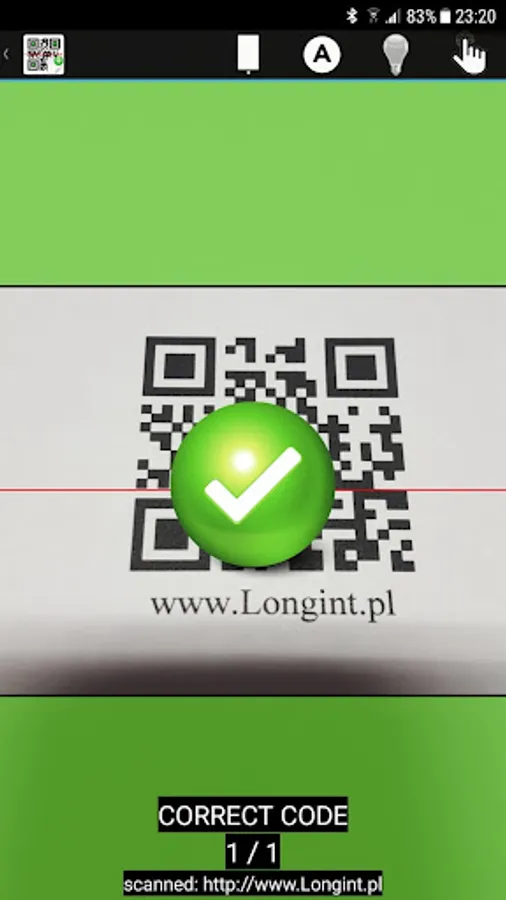
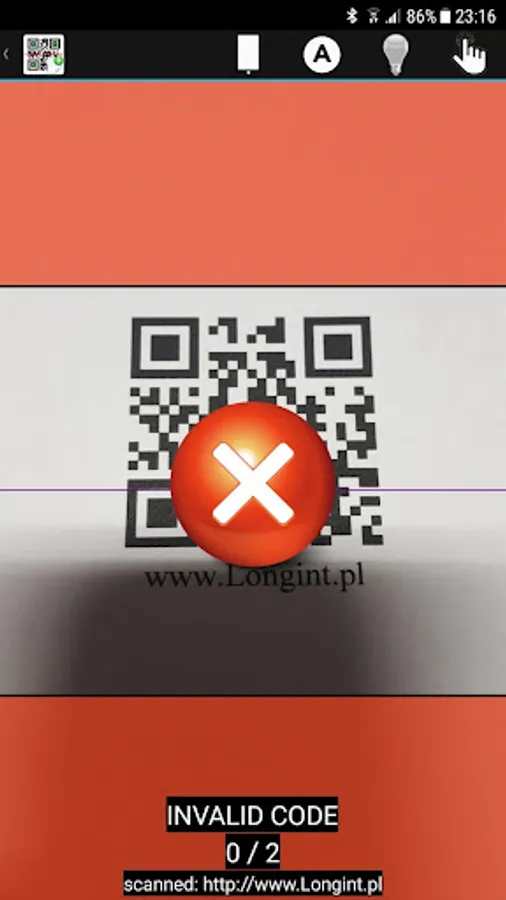
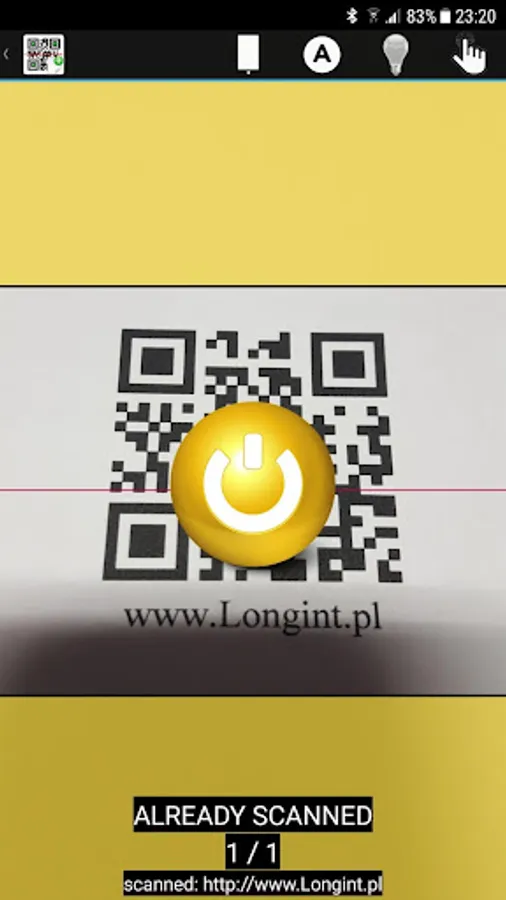
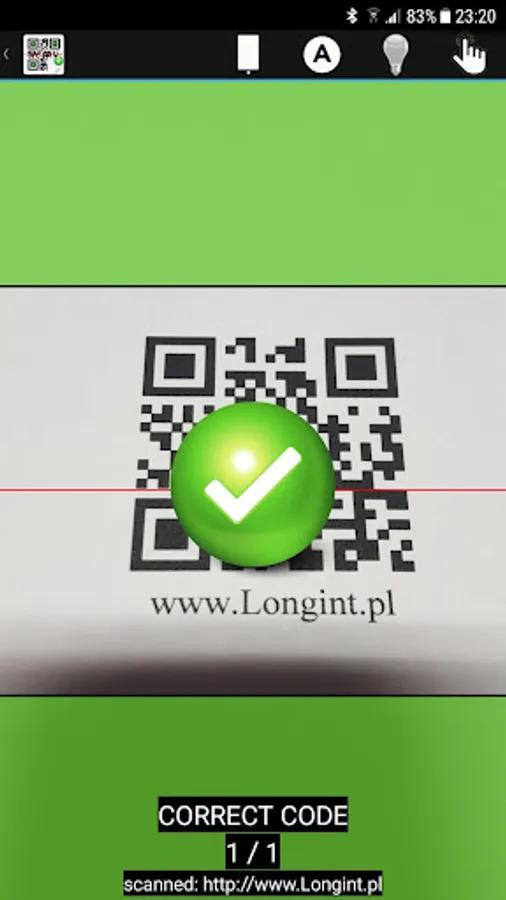
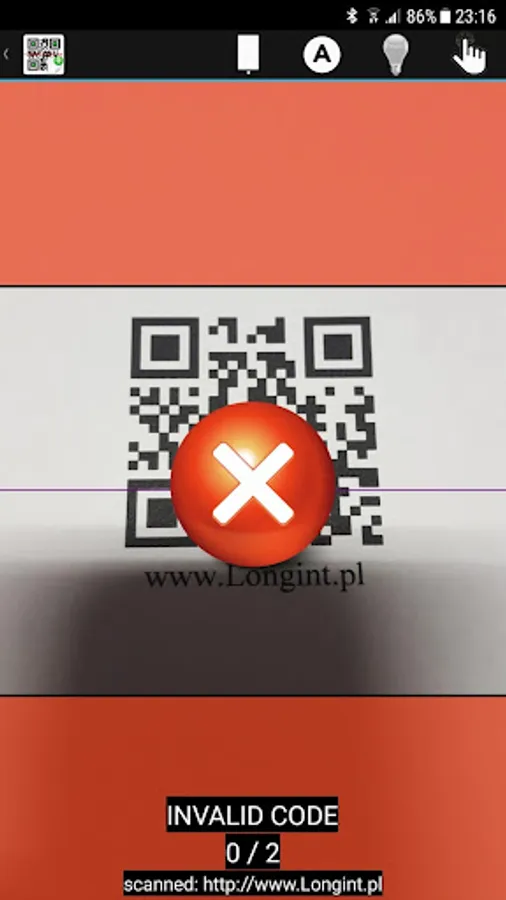
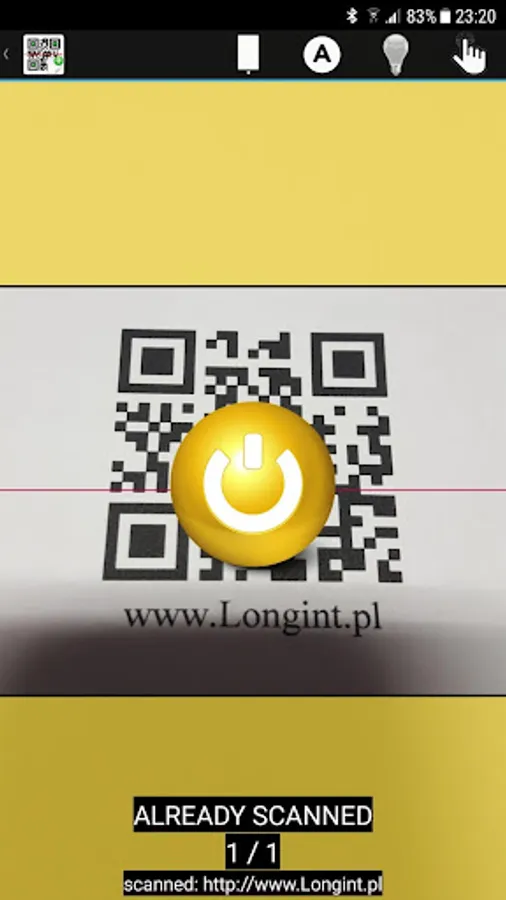
It's simple and secure application for event organizers to control tickets on the venue entry. Ticket scanner allows you to use your phone to scan tickets and verify codes. The program can use the phone's camera or use hardware-based code readers (eg in data collectors). Simply send barcodes from Excel or a text file and you can verify your guest tickets for your event.
Usage:
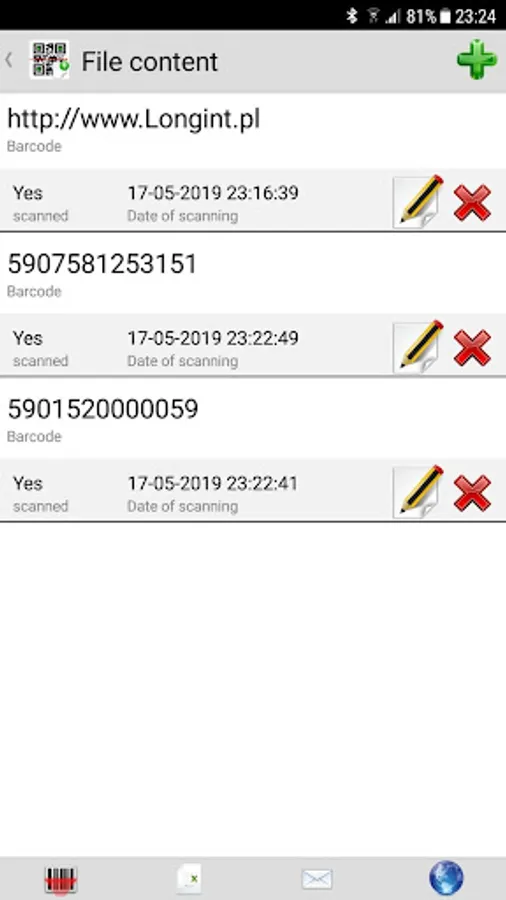
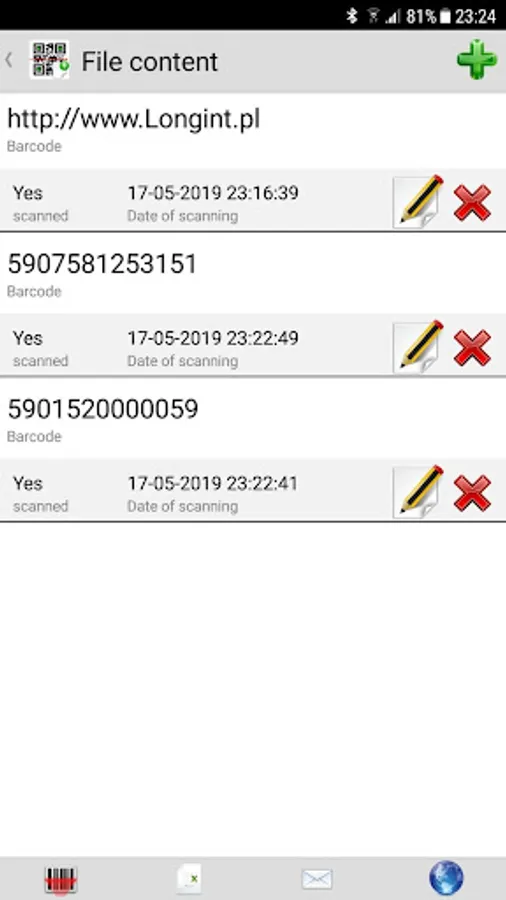
- Upload list of barcodes for your event from Excel / XML or Text file
- Add extra attendees codes manually or scan extra codes from tickets.
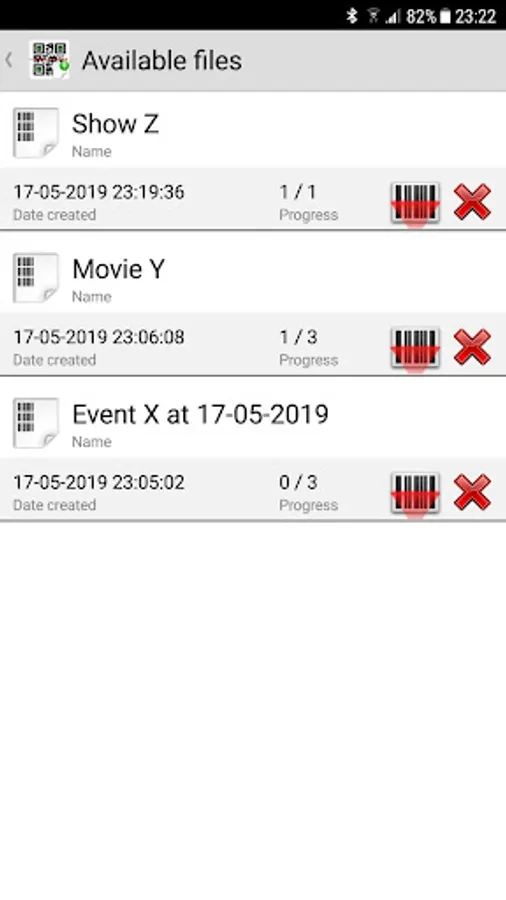
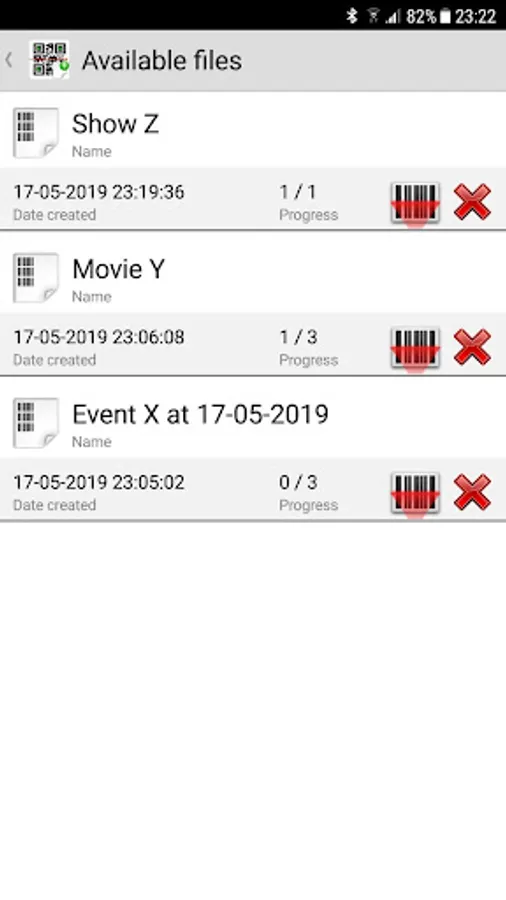
- Manage multiple events simultaneously using many files
- Scan 1D and 2D barcodes, including QR codes and check if code from ticket is on the list
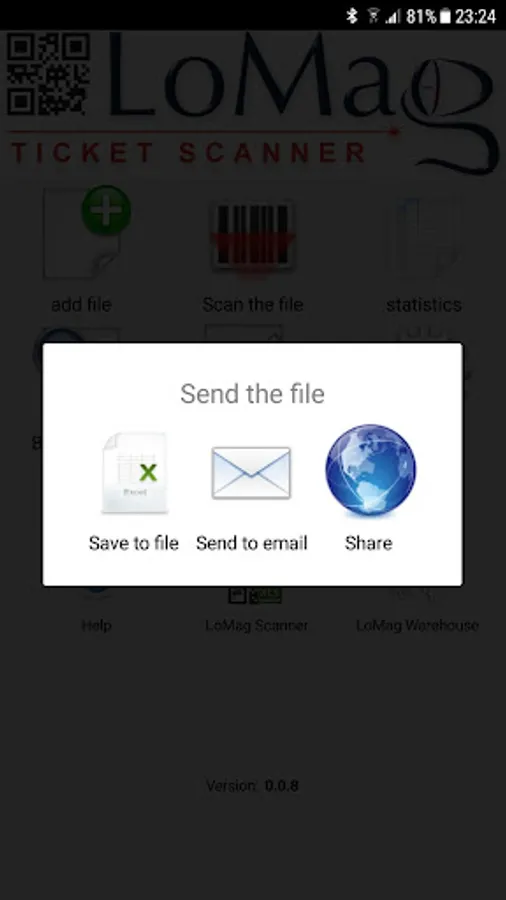
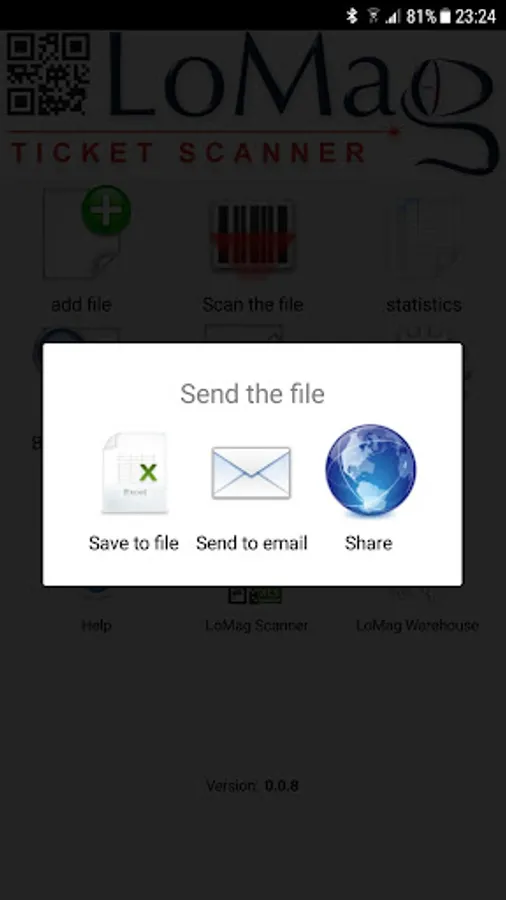
- analyze statistics, send results to email / file / cloud
Application settings:
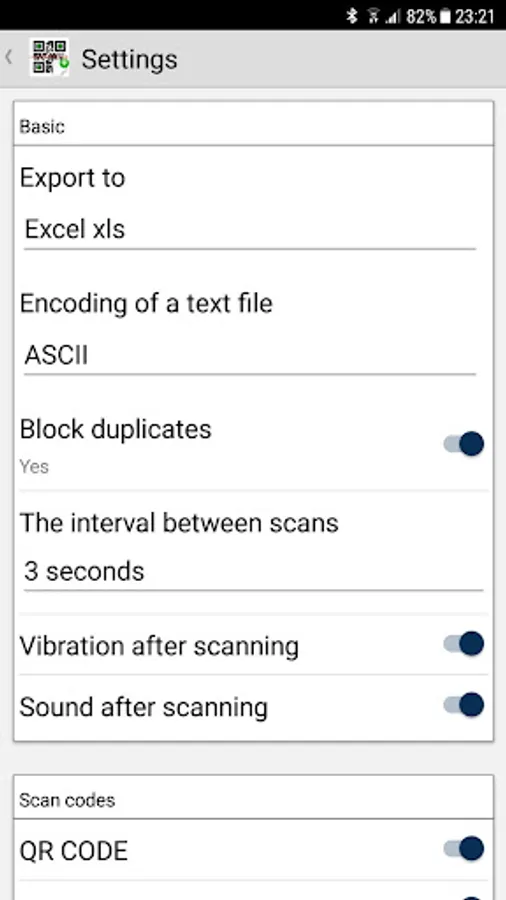
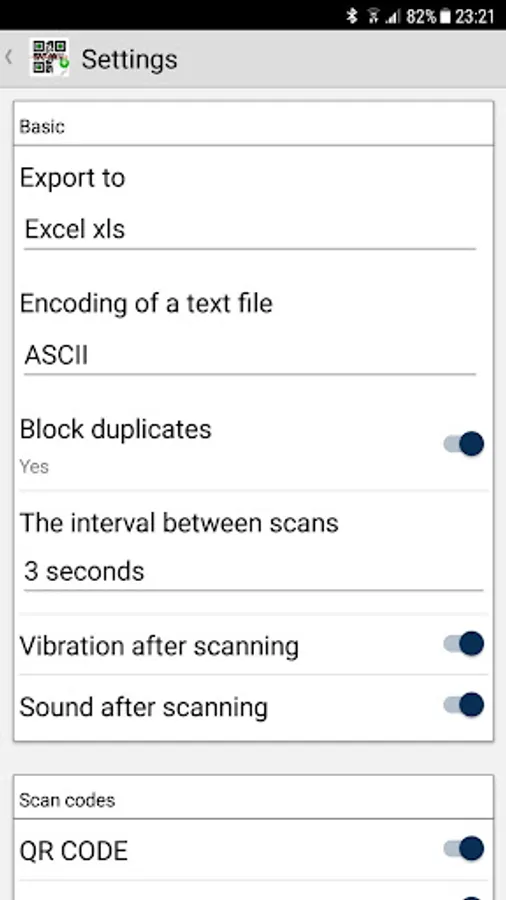
- data format: XLS, XLSX, CSV, Json, XML
- text file format: SCII, Unicode
- block duplicate scans
- timeout for next scan
- vibration/sound after scan
- type of supported codes: QR CODE, DATAMATRIX, UPC, EAN8, EAN 13, CODE 128, CODE 93, CODE 39, ITP, PDF417.
Usage:
- Upload list of barcodes for your event from Excel / XML or Text file
- Add extra attendees codes manually or scan extra codes from tickets.
- Manage multiple events simultaneously using many files
- Scan 1D and 2D barcodes, including QR codes and check if code from ticket is on the list
- analyze statistics, send results to email / file / cloud
Application settings:
- data format: XLS, XLSX, CSV, Json, XML
- text file format: SCII, Unicode
- block duplicate scans
- timeout for next scan
- vibration/sound after scan
- type of supported codes: QR CODE, DATAMATRIX, UPC, EAN8, EAN 13, CODE 128, CODE 93, CODE 39, ITP, PDF417.