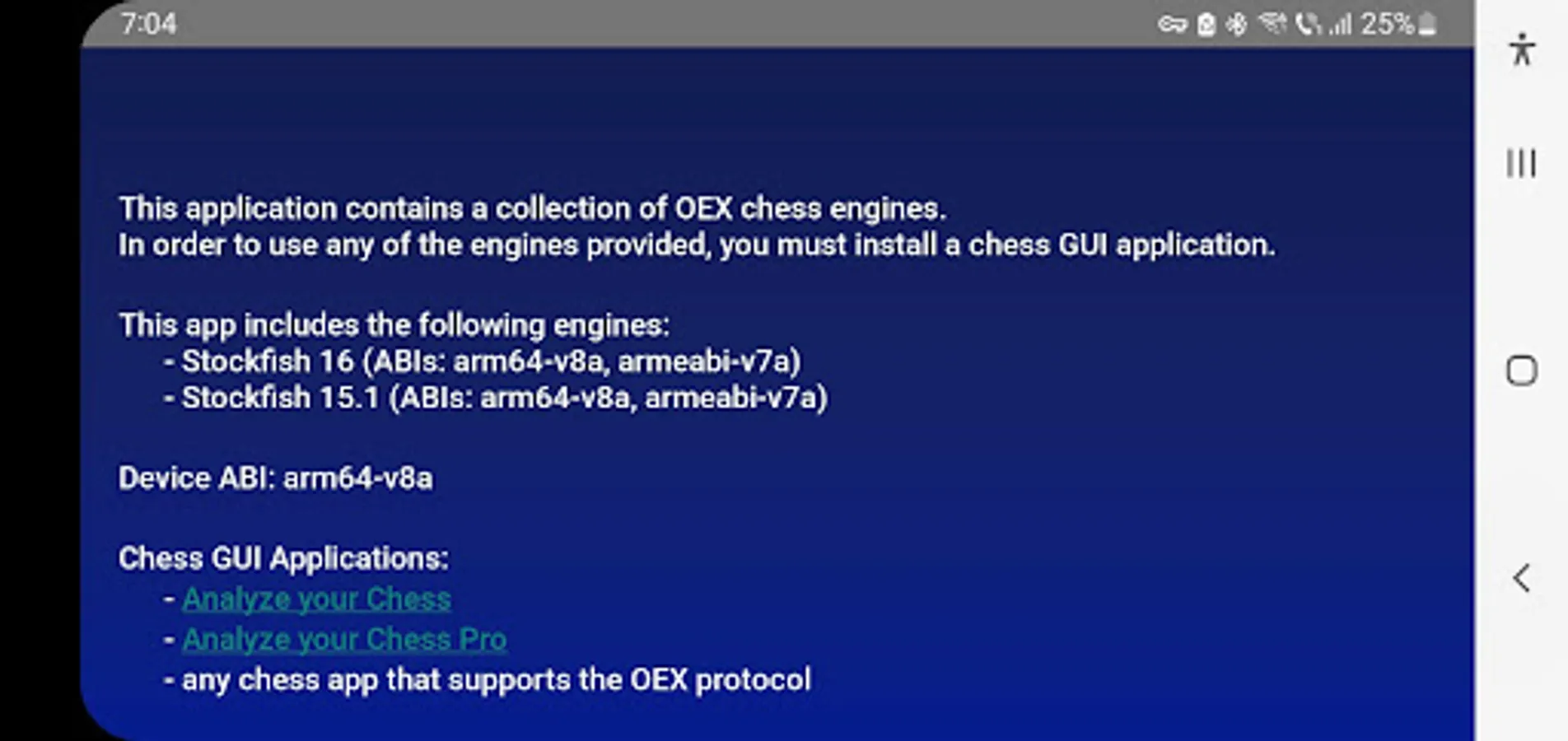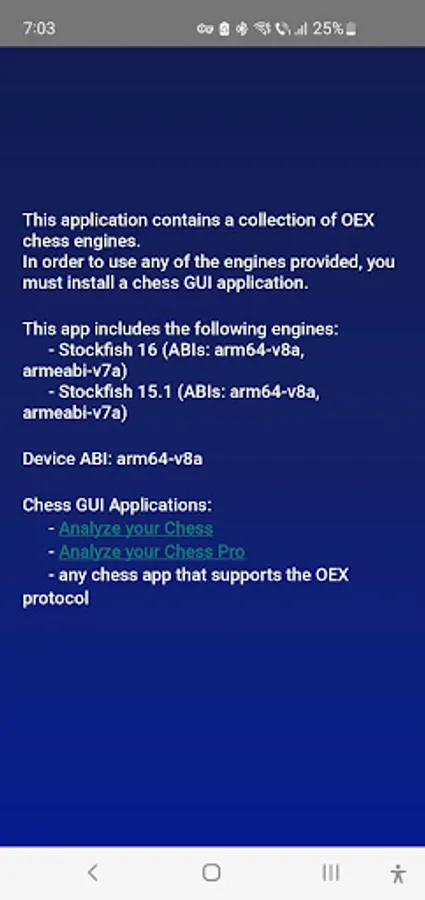
This app provides a collection of chess engines for use with compatible chess GUI applications. It allows users to install and manage engines like Stockfish and Clover. Includes native executables for Stockfish 1, Stockfish 17, and Clover 0.
AppRecs review analysis
AppRecs rating 4.0. Trustworthiness 66 out of 100. Review manipulation risk 37 out of 100. Based on a review sample analyzed.
★★★★☆
4.0
AppRecs Rating
Ratings breakdown
5 star
100%
4 star
0%
3 star
0%
2 star
0%
1 star
0%
What to know
✓
High user satisfaction
100% of sampled ratings are 5 stars
✓
Authentic reviews
No red flags detected
⚠
Review quality concerns
44% of sampled 5-star reviews are very short
About Chess Engines
The Chess Engines application serves as a companion to a chess GUI application and is not intended for standalone use.
It lacks a graphical user interface, functioning solely as a collection of chess engines.
These engines can be employed by any Android chess application that offers a GUI for interacting with the chess engine through the OEX (Open Exchange) protocol.
The application bundles native executables for the following open source chess engines:
• Stockfish 17.1 - https://stockfishchess.org/blog/2025/stockfish-17-1/
• Stockfish 17 - https://stockfishchess.org/blog/2024/stockfish-17/
• Clover 7.0 https://github.com/lucametehau/CloverEngine
Recommended Chess GUIs:
• Analyze your Chess (free) https://play.google.com/store/apps/details?id=com.lucian.musca.chess.analyzeyourchess&hl=en
• Analyze your Chess Pro (paid) https://play.google.com/store/apps/details?id=com.lucian.musca.chess.analyzeyourchess.pro&hl=en
To utilize the chess engine with the aforementioned GUIs, navigate to the Engine Management Screen > Overflow Menu > Install Open Exchange Engine . From there, select the desired chess engine(s) for installation.
It lacks a graphical user interface, functioning solely as a collection of chess engines.
These engines can be employed by any Android chess application that offers a GUI for interacting with the chess engine through the OEX (Open Exchange) protocol.
The application bundles native executables for the following open source chess engines:
• Stockfish 17.1 - https://stockfishchess.org/blog/2025/stockfish-17-1/
• Stockfish 17 - https://stockfishchess.org/blog/2024/stockfish-17/
• Clover 7.0 https://github.com/lucametehau/CloverEngine
Recommended Chess GUIs:
• Analyze your Chess (free) https://play.google.com/store/apps/details?id=com.lucian.musca.chess.analyzeyourchess&hl=en
• Analyze your Chess Pro (paid) https://play.google.com/store/apps/details?id=com.lucian.musca.chess.analyzeyourchess.pro&hl=en
To utilize the chess engine with the aforementioned GUIs, navigate to the Engine Management Screen > Overflow Menu > Install Open Exchange Engine . From there, select the desired chess engine(s) for installation.