With this diagramming app, you can create flowcharts and diagrams, import Visio files, and collaborate in real time. Includes shape libraries, templates, comments, sharing options, and format support.
AppRecs review analysis
AppRecs rating 2.4. Trustworthiness 85 out of 100. Review manipulation risk 18 out of 100. Based on a review sample analyzed.
★★☆☆☆
2.4
AppRecs Rating
Ratings breakdown
5 star
30%
4 star
5%
3 star
7%
2 star
8%
1 star
50%
What to know
⚠
Pricing complaints
Many low ratings mention paywalls or pricing
⚠
Mixed user feedback
Average 2.6★ rating suggests room for improvement
⚠
High negative review ratio
58% of sampled ratings are 1–2 stars
About Lucidchart
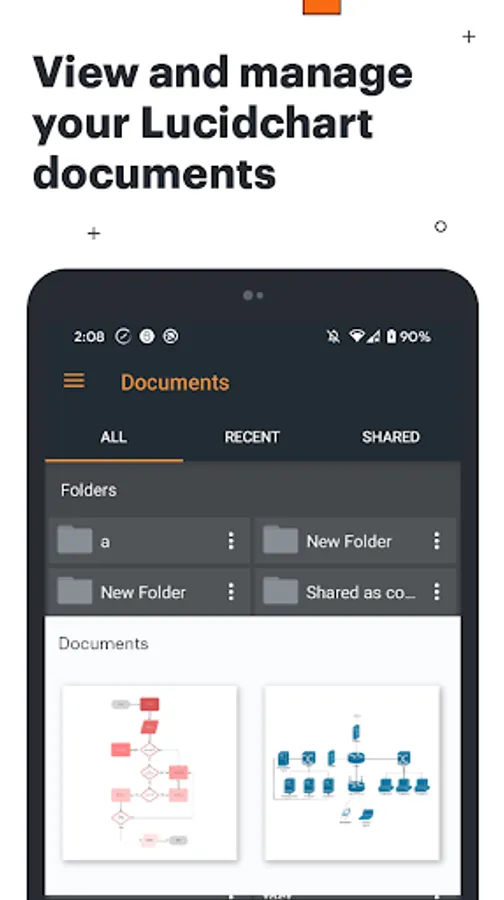
With this intuitive, cloud-based app, everyone can work visually and collaborate in real time. Lucidchart offers an extensive shape library for all your diagramming needs.
Intuitive features:
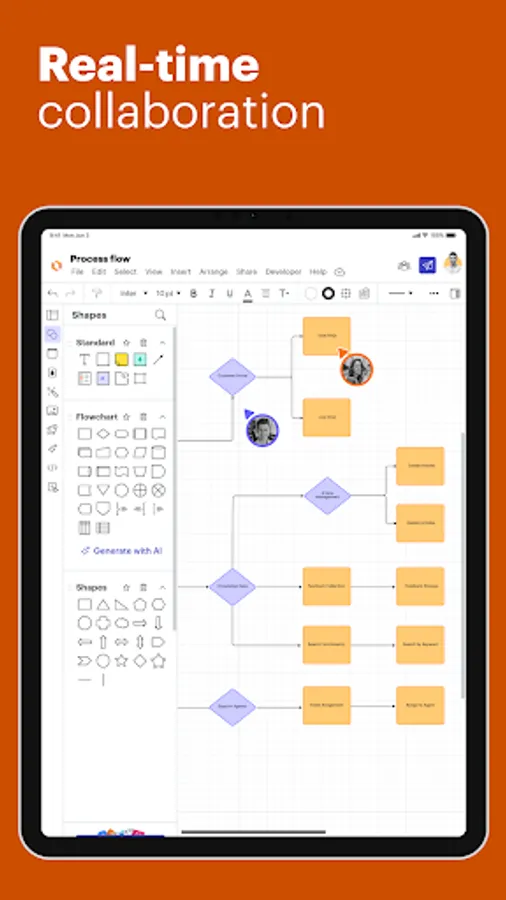
Real-time collaboration
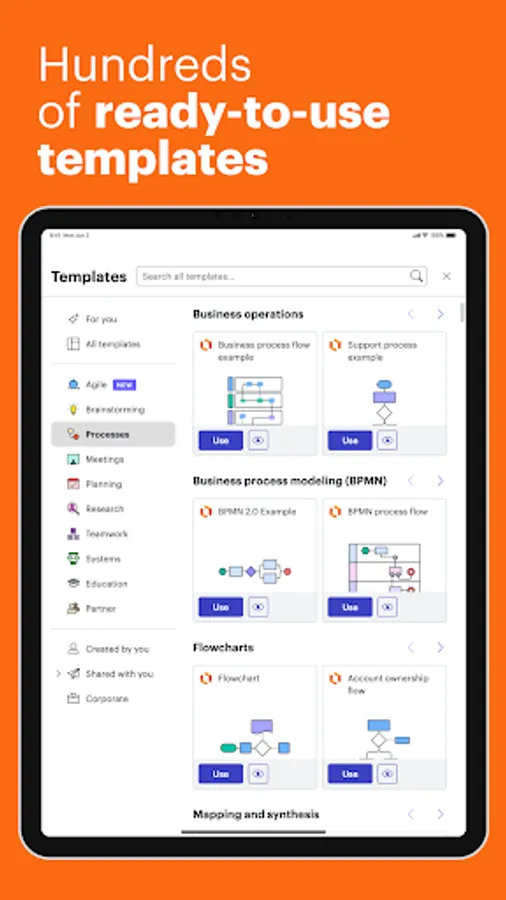
Hundreds of ready-to-use templates
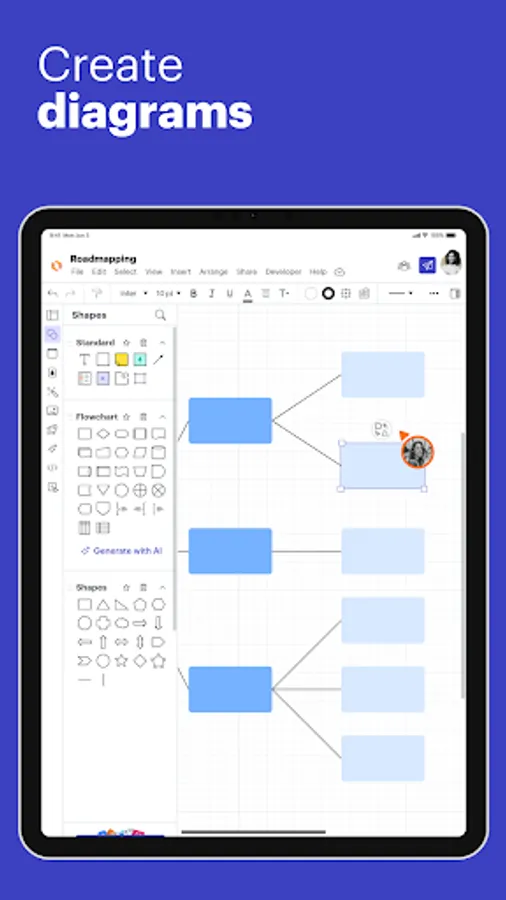
Create diagrams
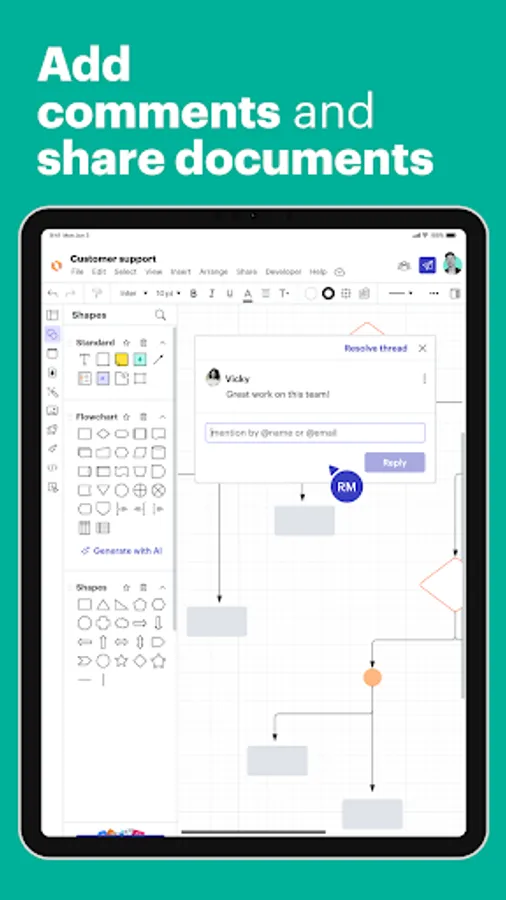
Add comments
Share documents
Easy to share and publish:
Generate shareable links
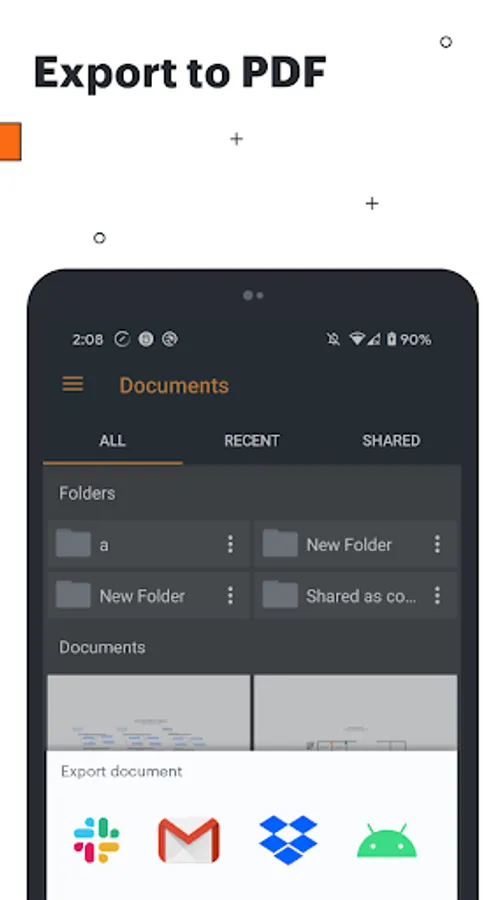
Export to PDF to use natively in other apps
Email documents to share with others
Global compatibility:
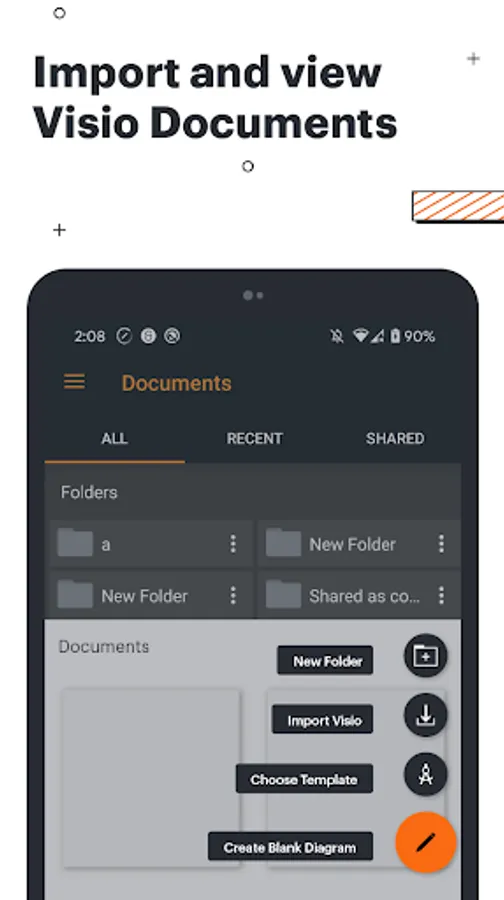
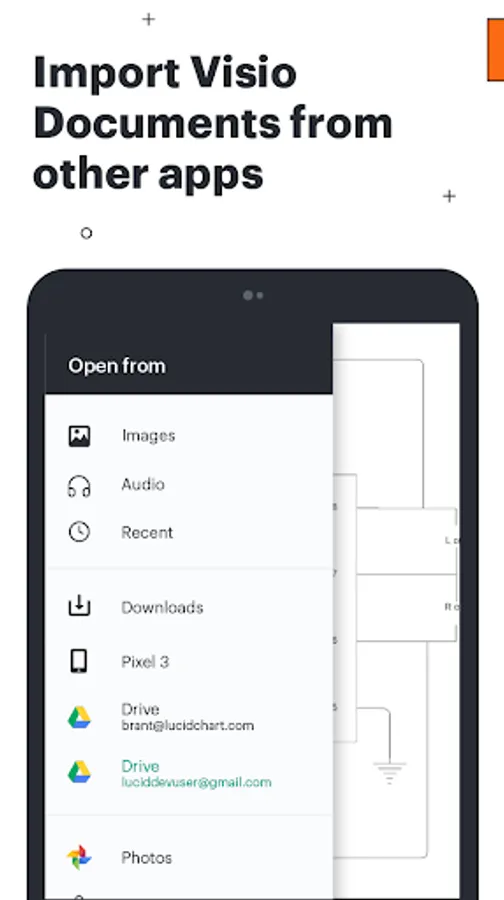
Supports VDX, VSD, VSDM, and VSDX formats
Runs on all major browsers and device operating systems
Terms of Service
https://lucid.co/tos-mobile
Privacy Policy
https://lucid.co/privacy-mobile
CONTACT US:
For feedback and questions, you can reach us in our Lucid community https://community.lucid.co/. Thanks for considering Lucidchart!
Lucidchart Screenshots
Tap to Rate:
Reviews for Lucidchart
Chris Zürcher
12/29/2025
I installed the app on my Android tablet with Samsung keyboard and started adding a shape and a connection arrow. For deleting them I found a comment telling me to use the delete button on the keyboard.But the keyboard is active only for editing text. There is no trash bin shortcut icon and no delete option in the edit nor any other menu. When I can't easily delete something then there is no point in starting drawing.
Cody Cullison
11/20/2025
AI application was amazing! I copied and pasted a large 12 month training document. Lucidchart spit out a great flowchart. I used the free version, it does have limitations, but that is expect. my chart was large it was difficult to create a banner or poster sized chart, but hey.. you gotta make money somehow.