Wheel Decide
DecideWheels
2.6 ★
store rating
10,000+
downloads
Free
AppRecs review analysis
AppRecs rating 2.4. Trustworthiness 86 out of 100. Review manipulation risk 20 out of 100. Based on a review sample analyzed.
★★☆☆☆
2.4
AppRecs Rating
Ratings breakdown
5 star
26%
4 star
5%
3 star
18%
2 star
0%
1 star
51%
What to know
✓
Low review manipulation risk
20% review manipulation risk
✓
Credible reviews
86% trustworthiness score from analyzed reviews
⚠
Mixed user feedback
Average 2.6★ rating suggests room for improvement
About Wheel Decide
Why so vogue?
Since COVID-19 has locked us up inside our home for quite a long, it's pretty accurate that more or less we have become lethargic.
A mental and cognitive-behavioral report from a renowned institute has shown that nearly 50% of youths and teens have been using mobile, tablets, and laptops vigorously playing games during the lockdown. Several games allow you to win coins and real money prizes as a bonus.
Several individuals have sacrificed their employment during the horrible attack of Covid-19. Such individuals have pushed themselves into online gambling, live casino playing, etc.
In specific examples, one thing is clear video games, and spin & roll apps have gained popularity in the last two to three years.
What is Wheel decide?
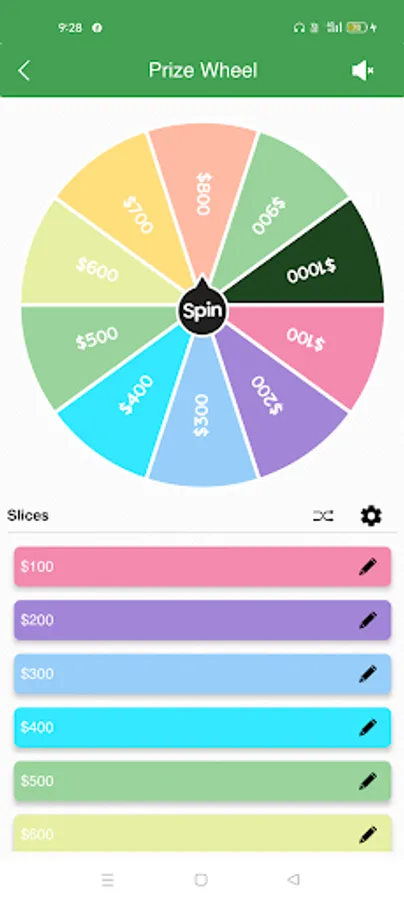
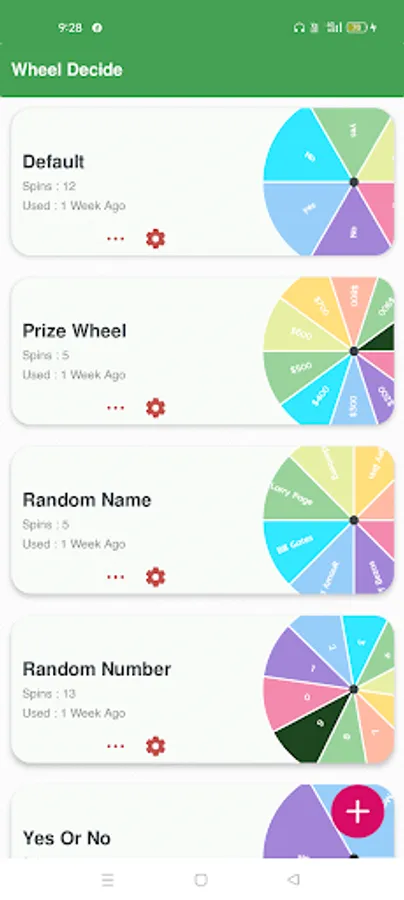
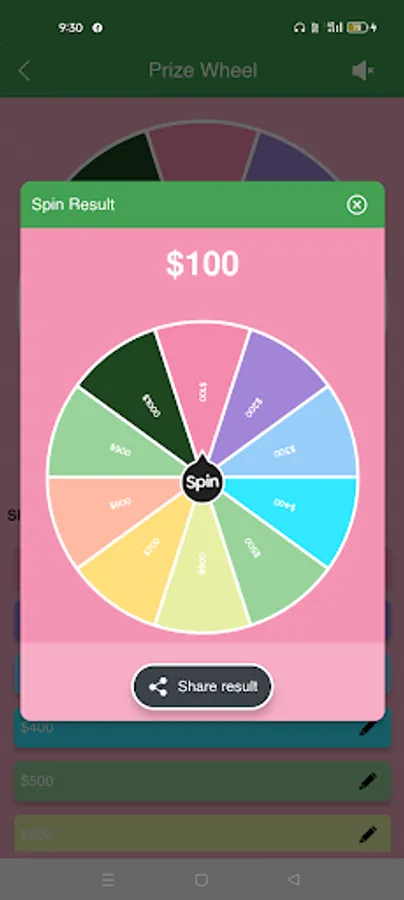
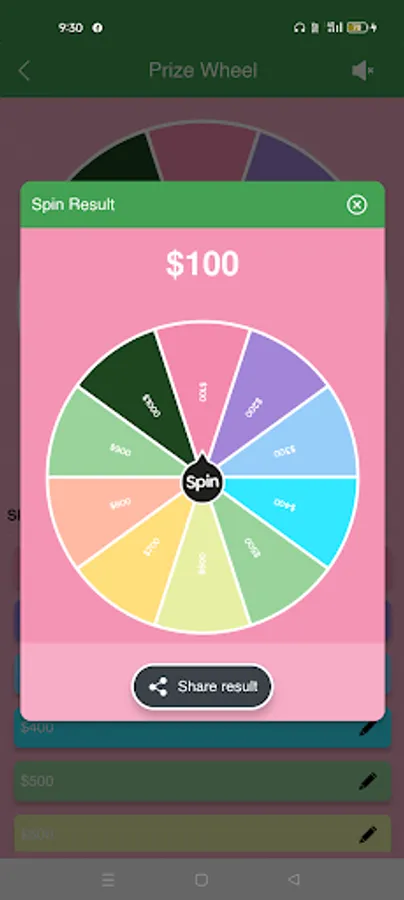
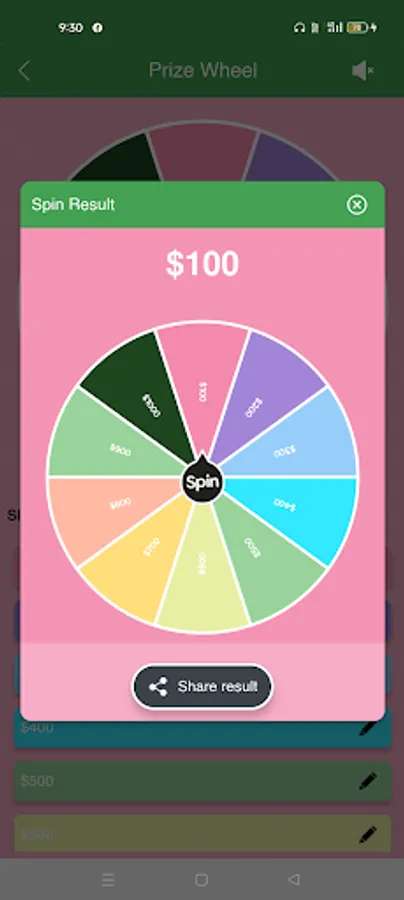
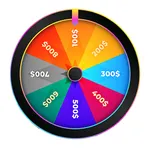
The Wheel decides it is a fun-loving and amusing app that combines spinning, rolling, prize-winning, etc. It enables you to develop and whirl your self-made Wheel to make decisions, choose between things, etc. The official launching of the Wheel Decide is 2012.
Where to find and download it?
This app is listed in the Google Play Store. One need to look for the app in browsing platforms.
What can you play?
There are many alternatives in Wheel decide. A spinning wheel is a robust tool in this app that allows users to play several crazy games, such as Cards Vs. Humanity, Truth & Dare, Celebrity, Catch Phrase, etc.
Tools
There are several options and tools to edit and create your self-designed Wheel.
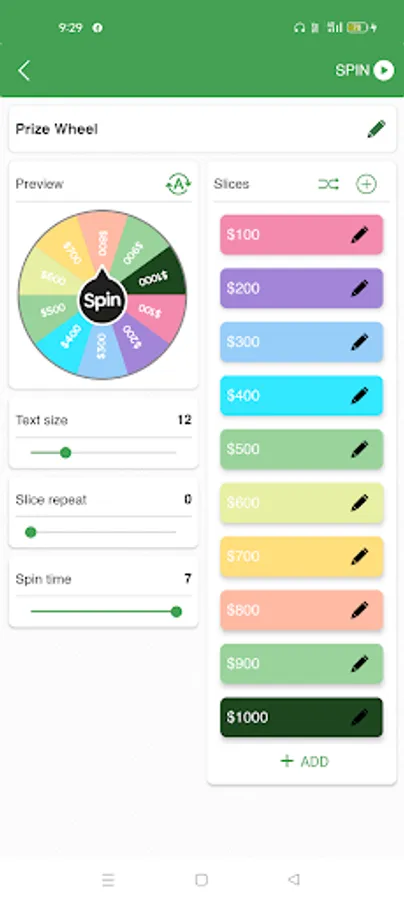
1. There are mainly six editing tabs in the settings tab: Preview, Text Size, Slice Repeat, Spin Time, Slices, and Add.
2. Use the ‘Preview' option to check your wheel's final look.
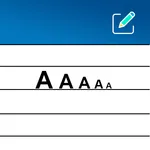
3. The 'Text Size' tab has different font size options, from one to fifty. You can adjust the Wheel's numbers according to your preferences.
4. The 'Slice Repeat' tab lets you set and modify the repatriation frequency of the spinning wheel.
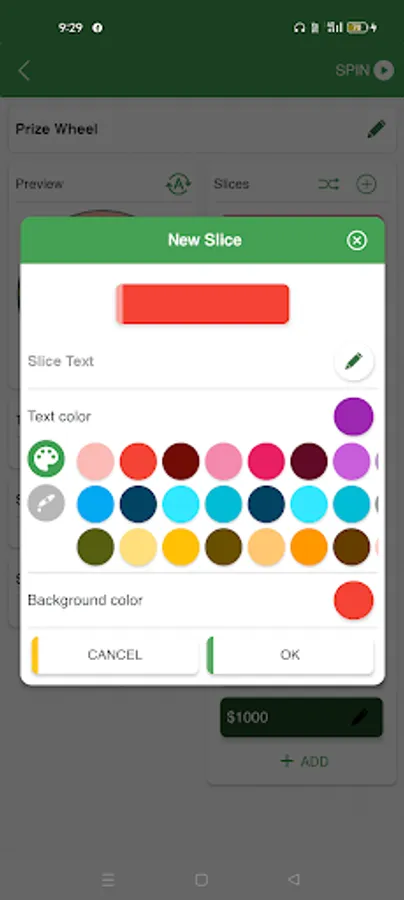
5. You can add text color, text size, and background color using the' Add' section.
6. There are several color options available in Wheel Decide. You can color alternative slices ( Yes/No) creatively if you create a decision-making wheel.
Conclusion
Wheel decide is an excellent inventive app. Start making your write decisions using Wheel decide today.
Since COVID-19 has locked us up inside our home for quite a long, it's pretty accurate that more or less we have become lethargic.
A mental and cognitive-behavioral report from a renowned institute has shown that nearly 50% of youths and teens have been using mobile, tablets, and laptops vigorously playing games during the lockdown. Several games allow you to win coins and real money prizes as a bonus.
Several individuals have sacrificed their employment during the horrible attack of Covid-19. Such individuals have pushed themselves into online gambling, live casino playing, etc.
In specific examples, one thing is clear video games, and spin & roll apps have gained popularity in the last two to three years.
What is Wheel decide?
The Wheel decides it is a fun-loving and amusing app that combines spinning, rolling, prize-winning, etc. It enables you to develop and whirl your self-made Wheel to make decisions, choose between things, etc. The official launching of the Wheel Decide is 2012.
Where to find and download it?
This app is listed in the Google Play Store. One need to look for the app in browsing platforms.
What can you play?
There are many alternatives in Wheel decide. A spinning wheel is a robust tool in this app that allows users to play several crazy games, such as Cards Vs. Humanity, Truth & Dare, Celebrity, Catch Phrase, etc.
Tools
There are several options and tools to edit and create your self-designed Wheel.
1. There are mainly six editing tabs in the settings tab: Preview, Text Size, Slice Repeat, Spin Time, Slices, and Add.
2. Use the ‘Preview' option to check your wheel's final look.
3. The 'Text Size' tab has different font size options, from one to fifty. You can adjust the Wheel's numbers according to your preferences.
4. The 'Slice Repeat' tab lets you set and modify the repatriation frequency of the spinning wheel.
5. You can add text color, text size, and background color using the' Add' section.
6. There are several color options available in Wheel Decide. You can color alternative slices ( Yes/No) creatively if you create a decision-making wheel.
Conclusion
Wheel decide is an excellent inventive app. Start making your write decisions using Wheel decide today.