AppRecs review analysis
AppRecs rating . Trustworthiness 72 out of 100. Review manipulation risk 18 out of 100. Based on a review sample analyzed.
★
AppRecs Rating
Ratings breakdown
5 star
0%
4 star
29%
3 star
0%
2 star
0%
1 star
71%
What to know
✓
Low review manipulation risk
18% review manipulation risk
✓
Credible reviews
72% trustworthiness score from analyzed reviews
⚠
Mixed user feedback
Average 1.9★ rating suggests room for improvement
About Crossword Paper Maker
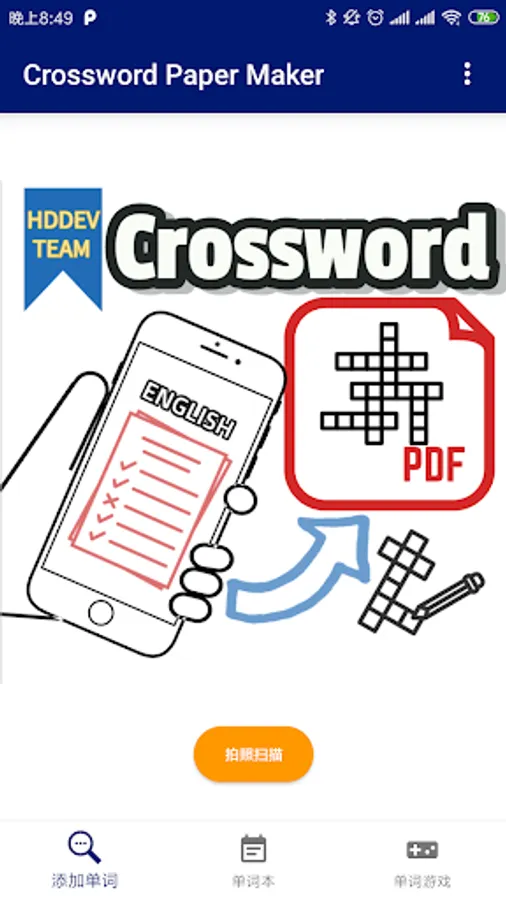
Turn your word lists into beautiful, ready‑to‑print puzzles in minutes. Pick a list, tap Shuffle until you like the layout, then export and go.
## What you can do
- Make crosswords or fill‑in‑the‑blank sheets fast
- Shuffle layouts until it feels right
- Add your own words or use built‑in books
- One‑tap PDF export for printing or sharing
- Fully offline — nothing leaves your device
## Who it’s for
- Teachers making warm‑ups, quizzes, and worksheets
- Parents and tutors creating personalized practice
- Learners building study sheets for any topic
## When to use it
- Classroom activities and homework
- Review packs and test prep
- Home practice and holiday work
- Custom materials for any age or level
## How it works
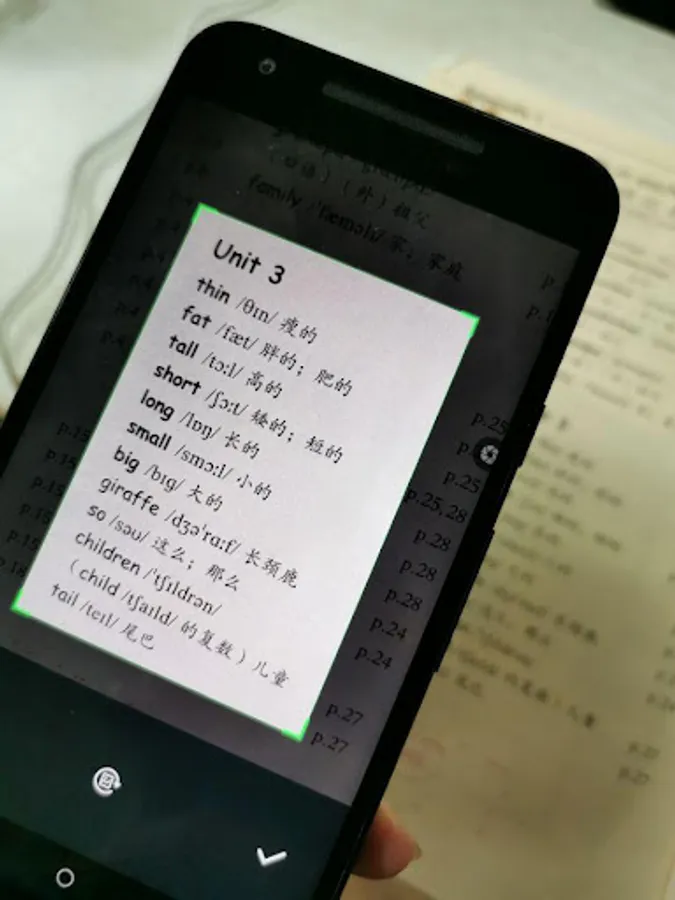
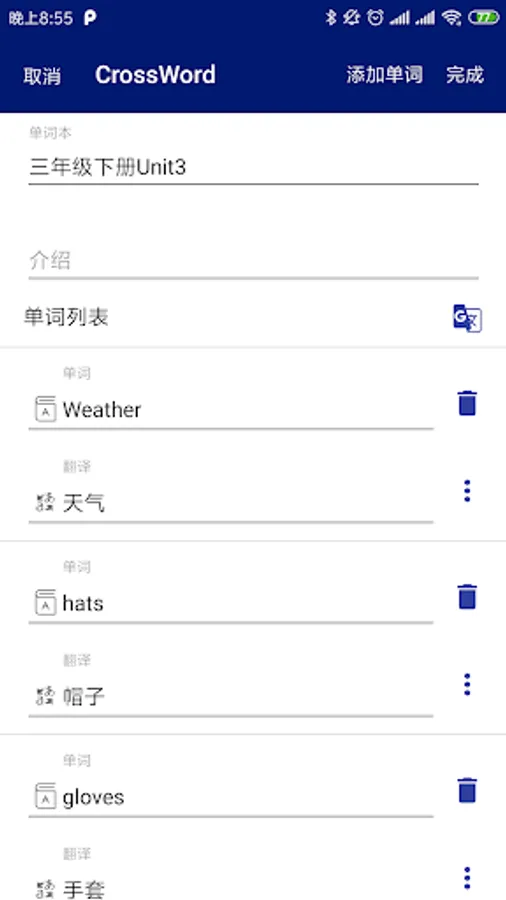
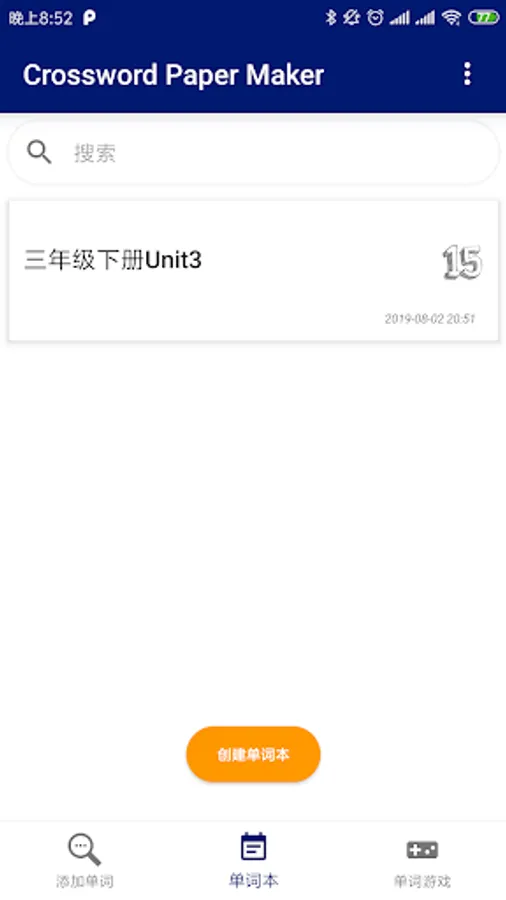
1. Open a word book or add your words
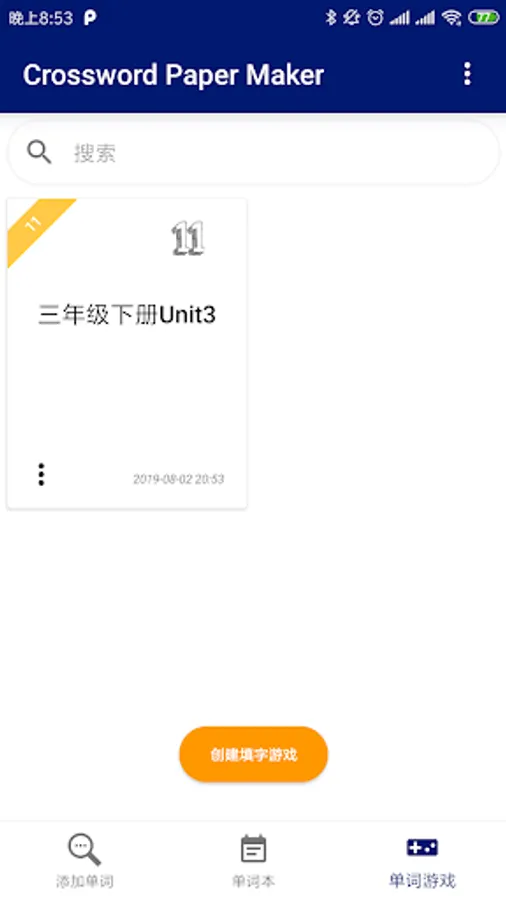
2. Choose puzzle type and word count
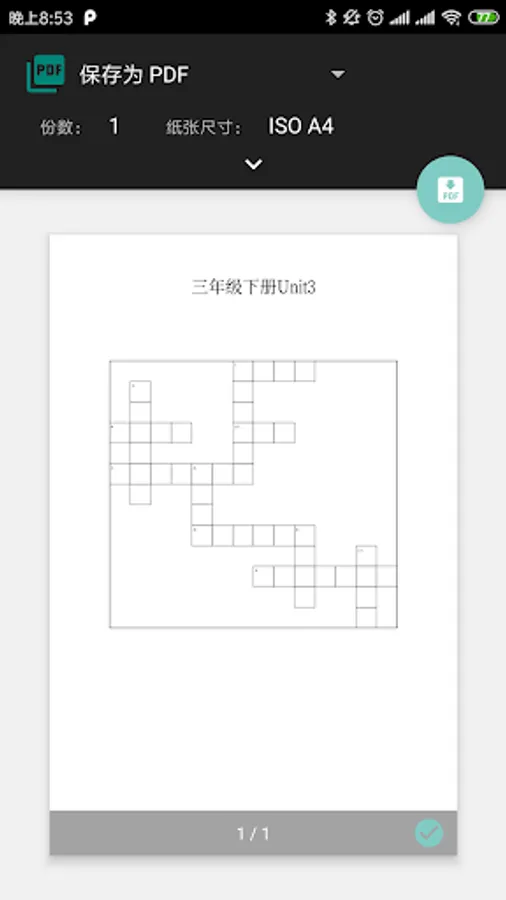
3. Preview and tap Shuffle to try new layouts
4. Export to PDF and print or share
## Why you’ll like it
- Saves time and looks polished
- Makes practice more fun
- Simple, clean, no sign‑in
- Works anywhere, even without internet
## What you can do
- Make crosswords or fill‑in‑the‑blank sheets fast
- Shuffle layouts until it feels right
- Add your own words or use built‑in books
- One‑tap PDF export for printing or sharing
- Fully offline — nothing leaves your device
## Who it’s for
- Teachers making warm‑ups, quizzes, and worksheets
- Parents and tutors creating personalized practice
- Learners building study sheets for any topic
## When to use it
- Classroom activities and homework
- Review packs and test prep
- Home practice and holiday work
- Custom materials for any age or level
## How it works
1. Open a word book or add your words
2. Choose puzzle type and word count
3. Preview and tap Shuffle to try new layouts
4. Export to PDF and print or share
## Why you’ll like it
- Saves time and looks polished
- Makes practice more fun
- Simple, clean, no sign‑in
- Works anywhere, even without internet
Crossword Paper Maker Screenshots
Tap to Rate:
Reviews for Crossword Paper Maker
Jackie Tolentino
10/18/2022
Useless
Nick Iglesias
4/15/2022
Doesn't allow katakana or hiragana characters.