
LH Entertainment
Deutsche Lufthansa AG
2.0 ★
180 ratings
100,000+
downloads
Free
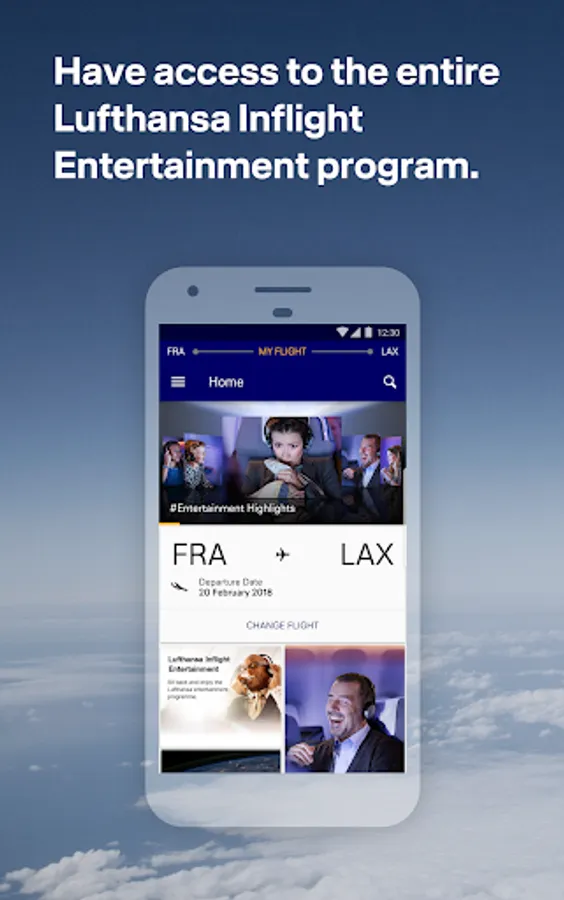
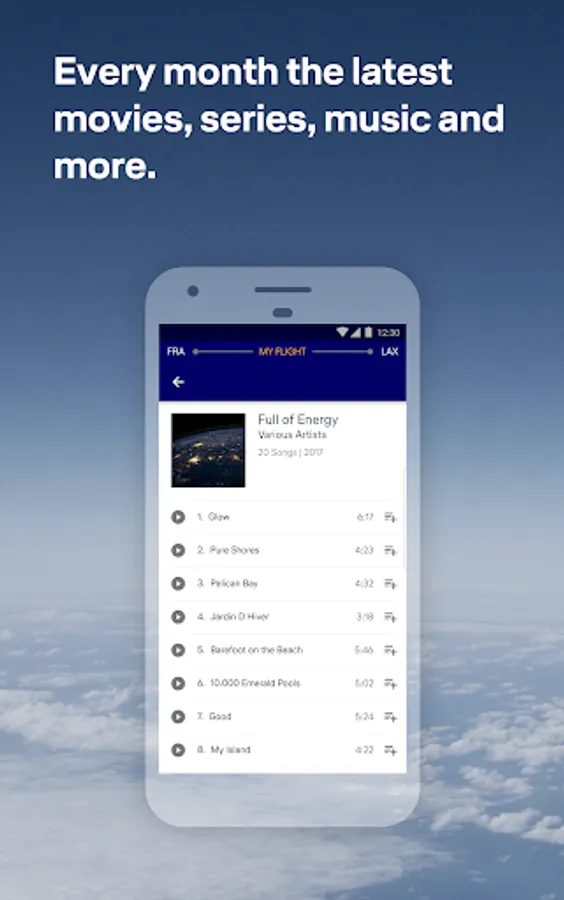
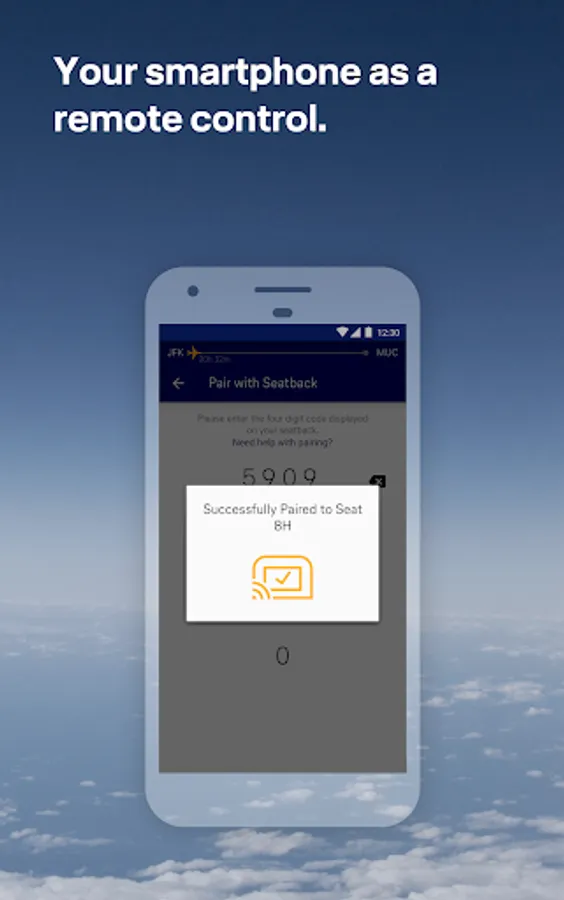
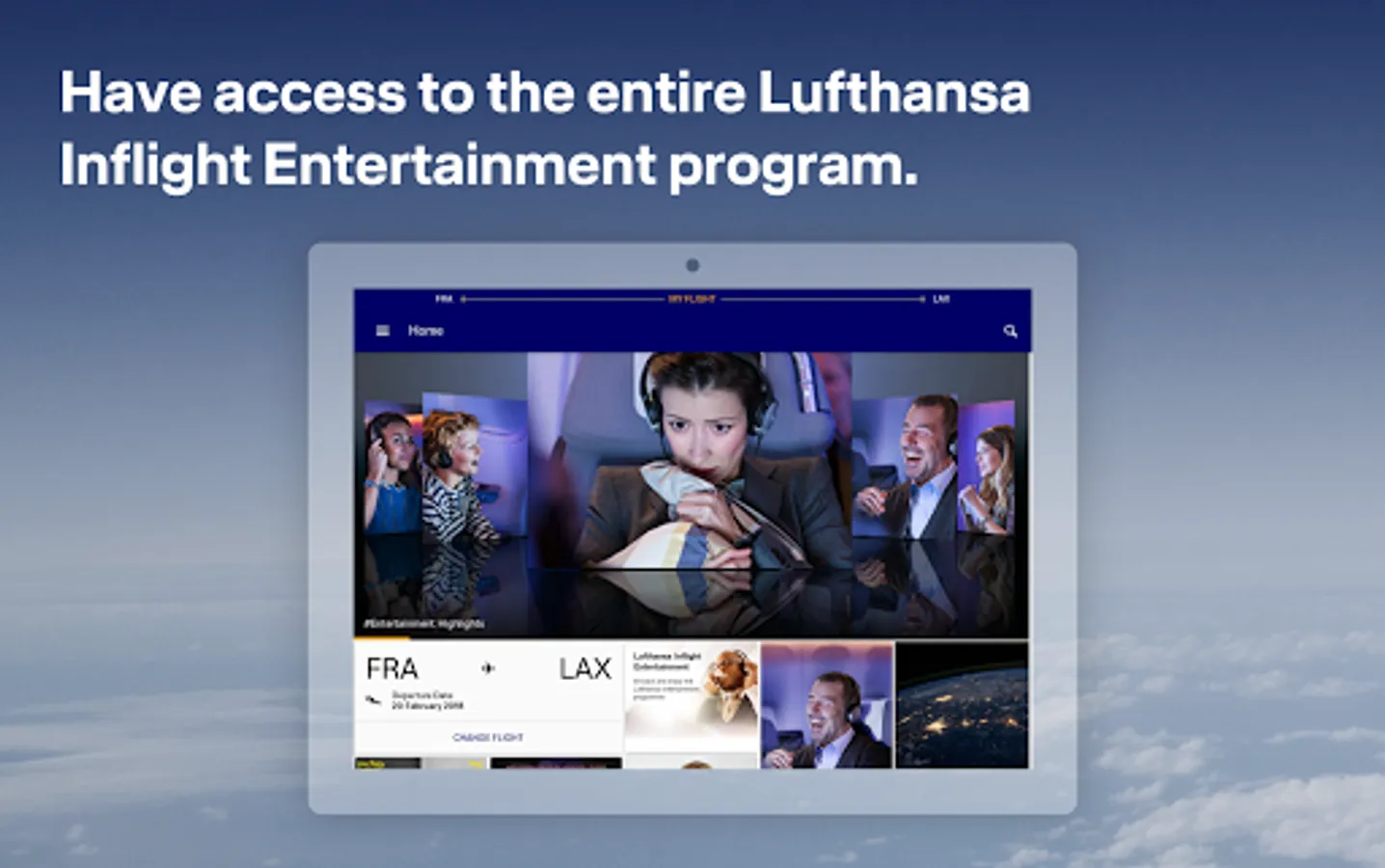
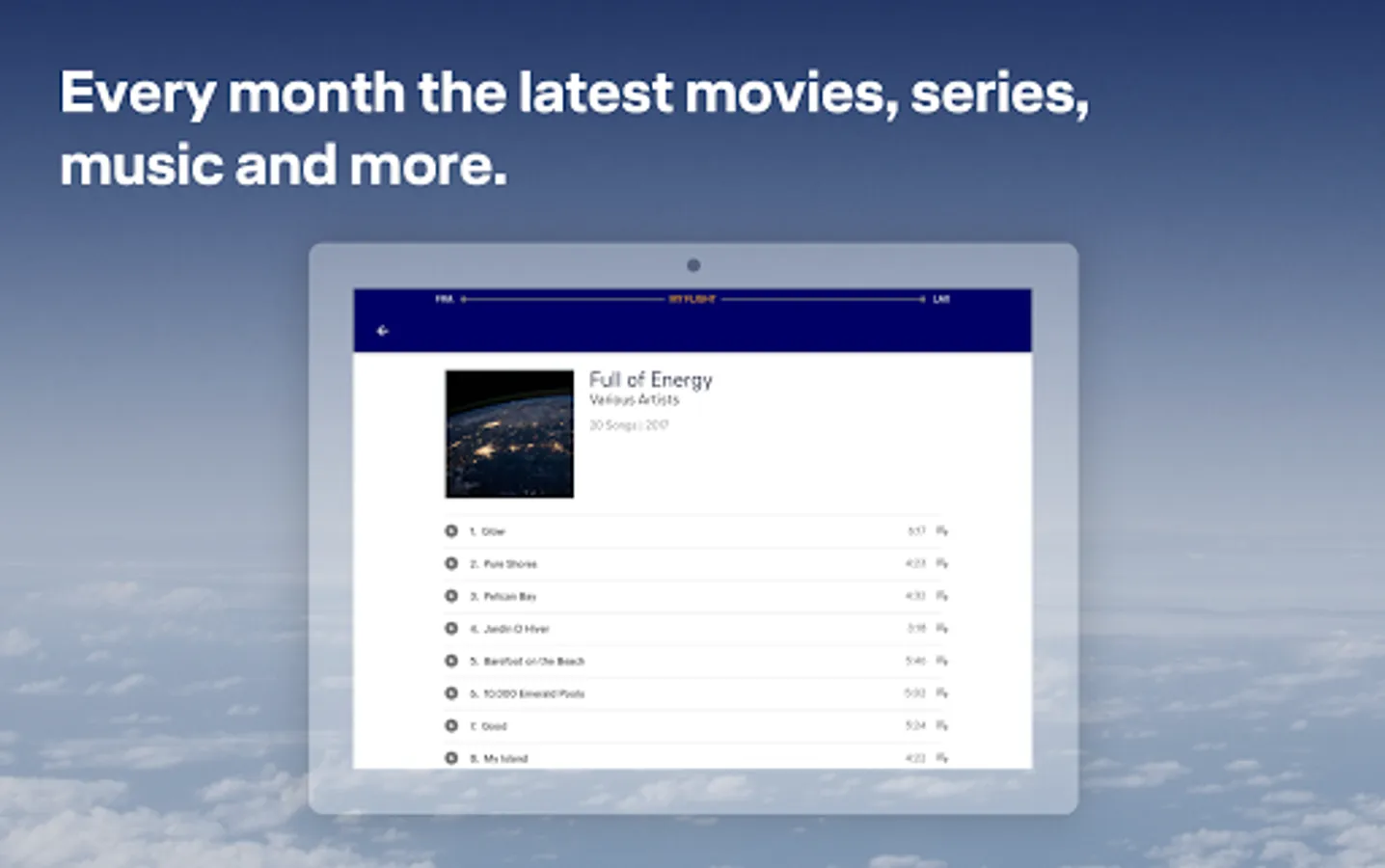
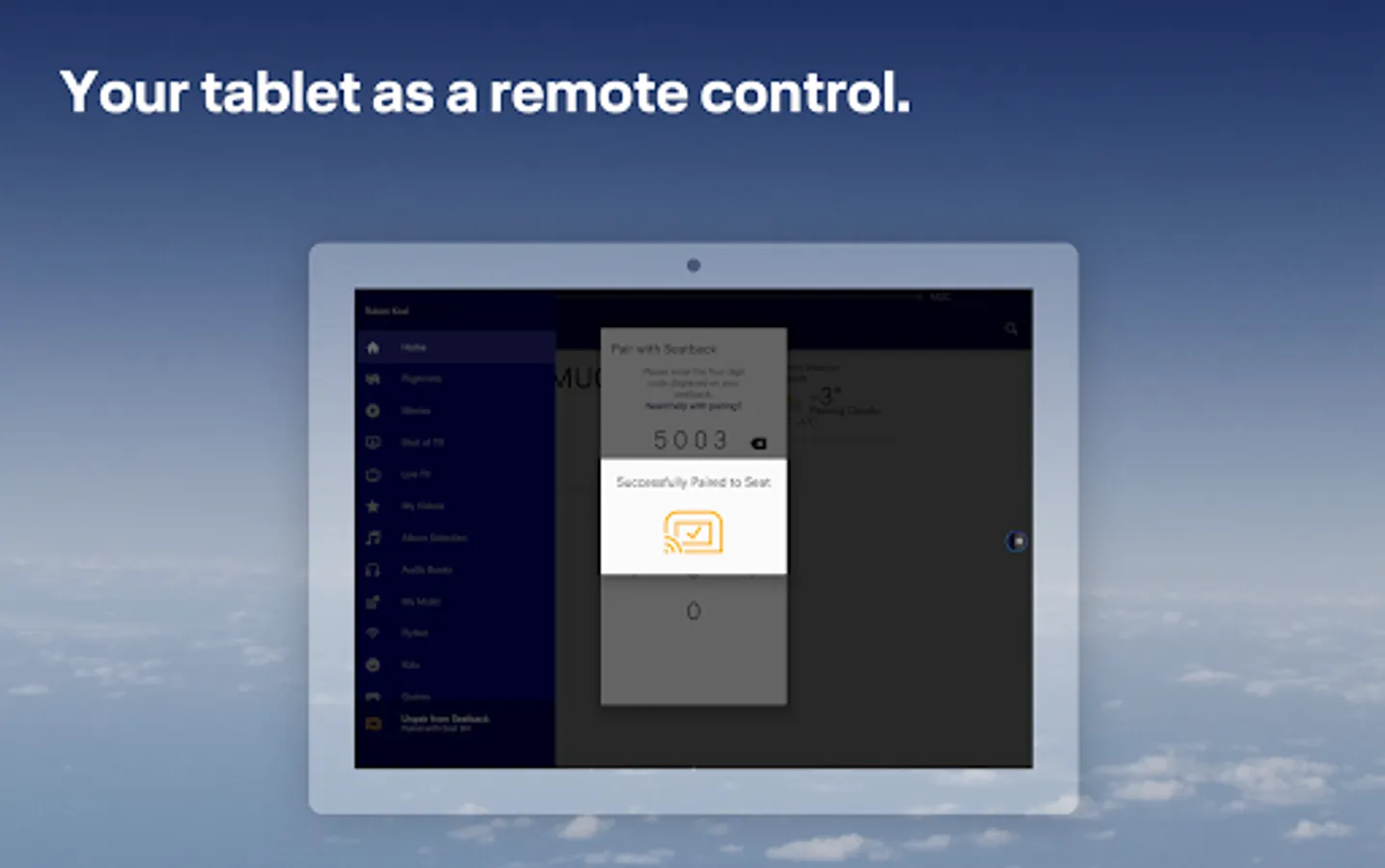
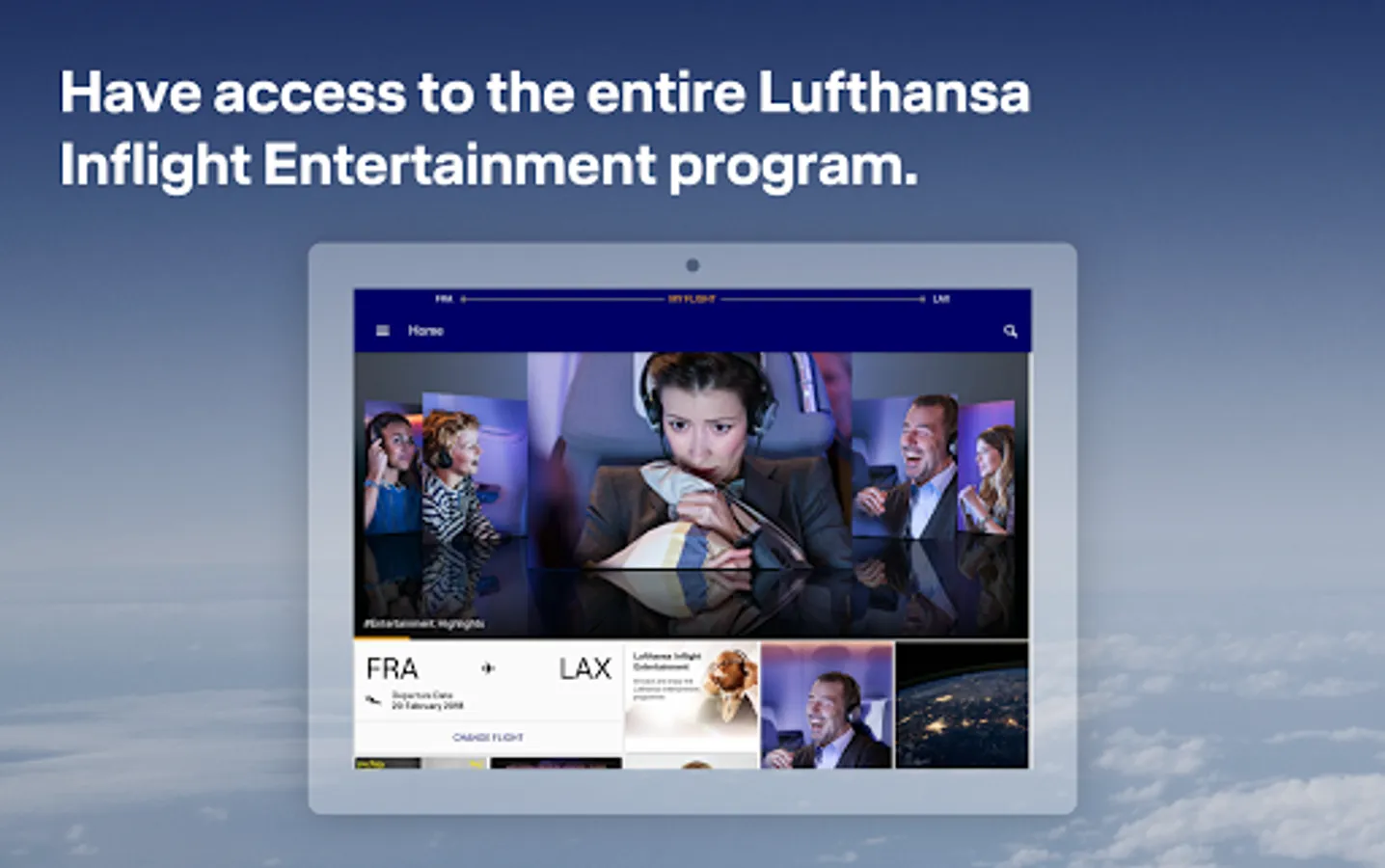
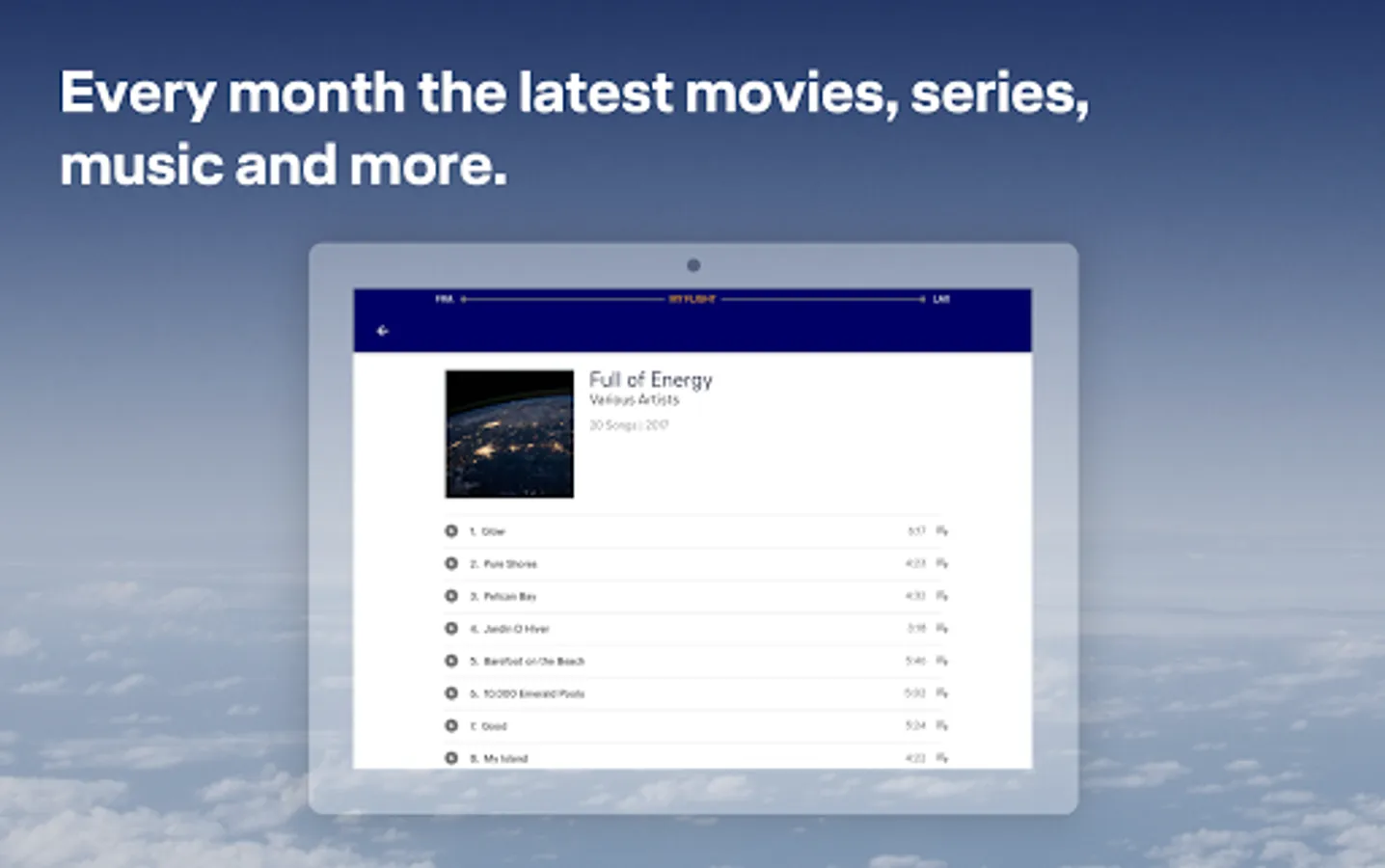
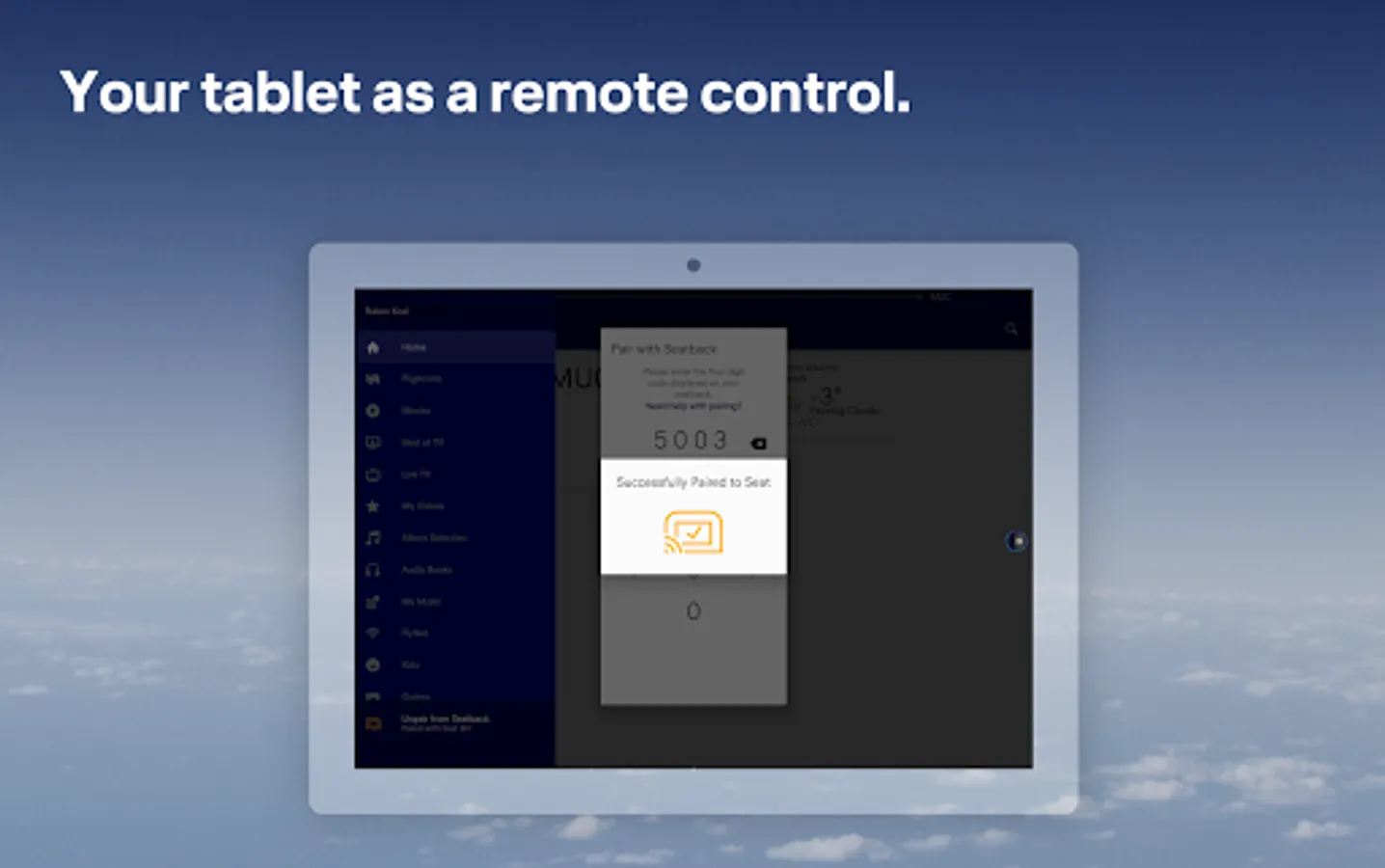
With this app, you can control your seat screen using your smartphone or tablet and select from movies, music, and audiobooks. Includes flight updates, moving map, and playlist synchronization.
AppRecs review analysis
AppRecs rating 1.9. Trustworthiness 59 out of 100. Review manipulation risk 31 out of 100. Based on a review sample analyzed.
★☆☆☆☆
1.9
AppRecs Rating
Ratings breakdown
5 star
26%
4 star
0%
3 star
0%
2 star
0%
1 star
74%
What to know
✓
Authentic reviews
No red flags detected
⚠
Mixed user feedback
Average 2.0★ rating suggests room for improvement
⚠
High negative review ratio
74% of sampled ratings are 1–2 stars
About LH Entertainment
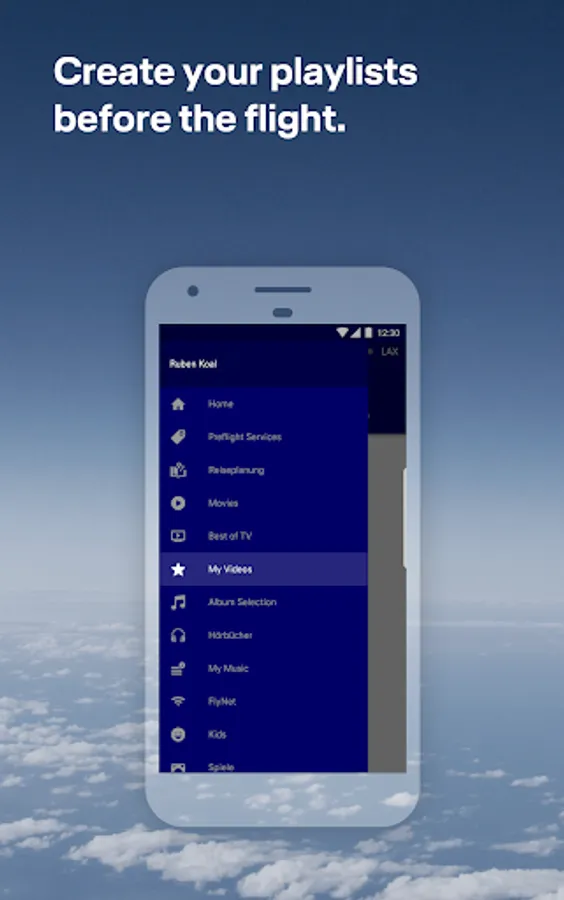
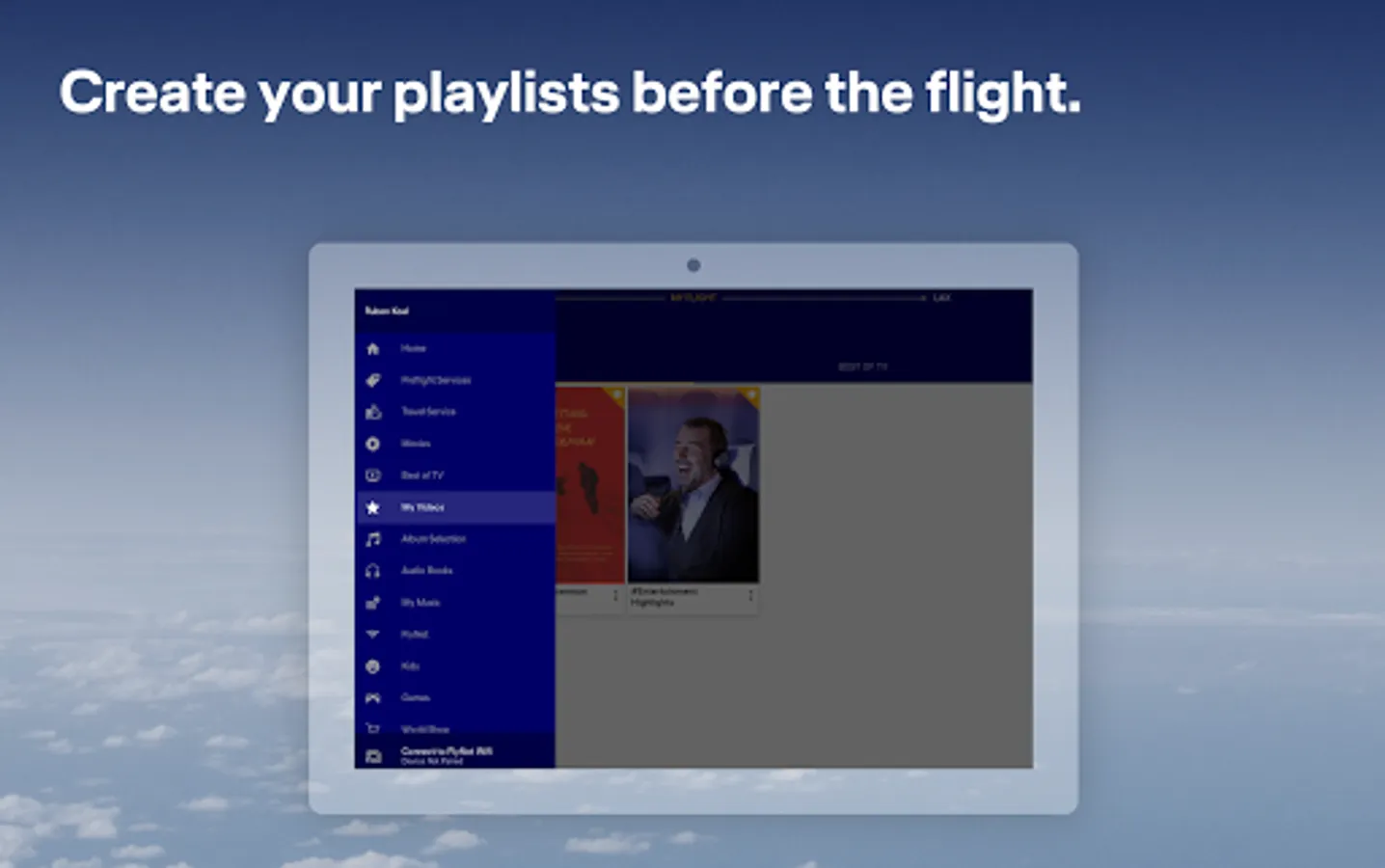
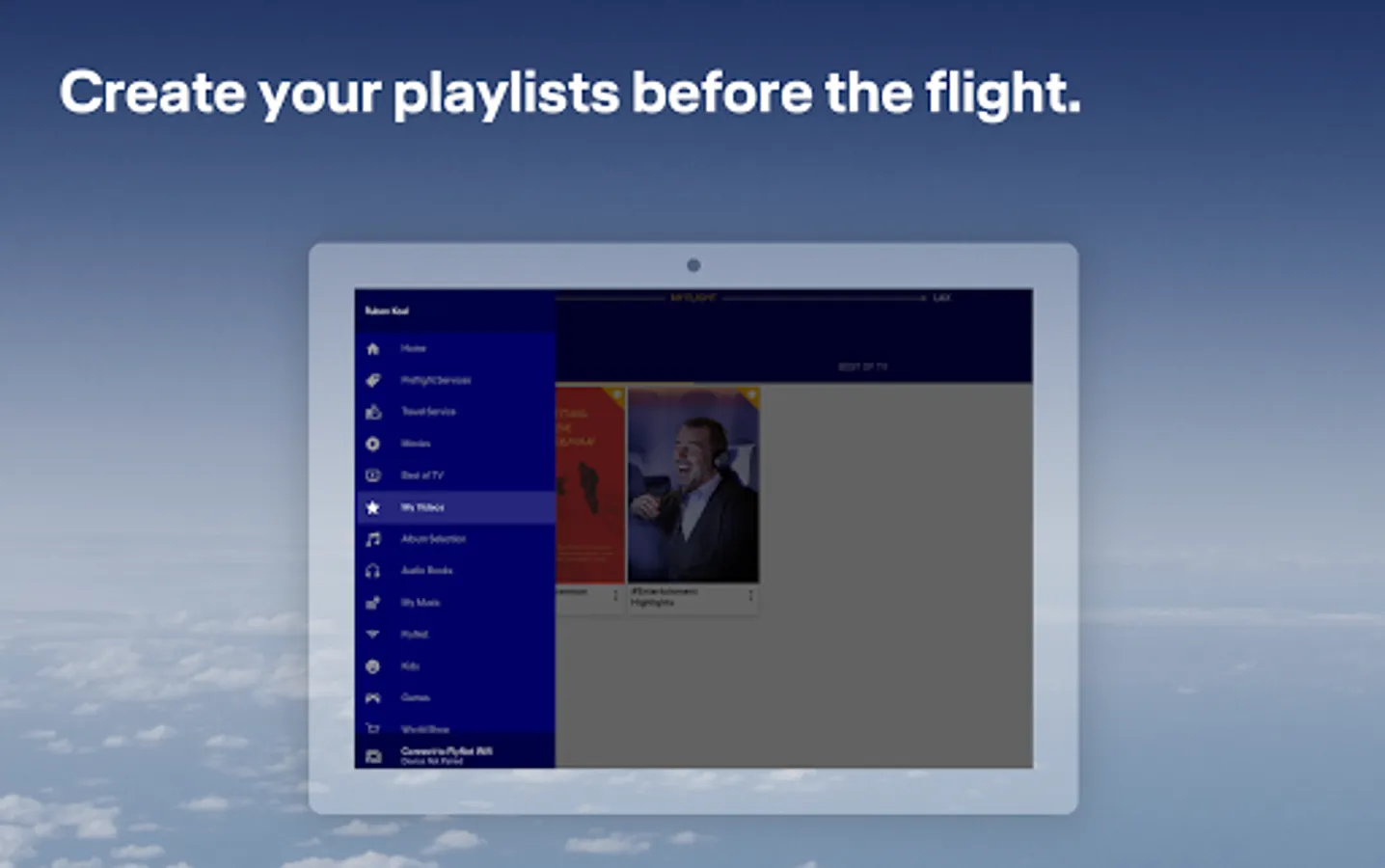
Create your own playlists from the comfort of your couch in the A350 Companion App before the flight. Your selection will be synchronized with the onboard entertainment program as soon as you connect to your in-seat screen.
The A350 Companion app also provides up-to-date flight information and the location of your flight on a moving map.
What do you need to do - once you are onboard your A350 flight, connect to the Telekom_FlyNet hotspot, launch the A350 Companion App, connect your device to the in-seat screen, and sync - done.
Please note that this app is only for flights on the Lufthansa A350. Whether you have booked a flight with the Lufthansa A350 can be seen in the booking or the preflight e-mail using the A350 symbol.
For Lufthansa flights with other types of aircraft, for example the Boeing 747-800 or the Airbus A330 / 340, you need a different version of the Entertainment App. These can be found in the App Store under the same name with a gray app icon.
LH Entertainment Screenshots
Tap to Rate:
Reviews for LH Entertainment
Michael
12/15/2025
Servicewüste Deutschland.
gigi
10/25/2025
I just wanted to use my Bluetooth headphones. but it was not possible. I could not connect to the airplane system, nor was it possible while using this app. Absolut garbage. The whole system is unusable. Other airplane companies do provide better solutions. even without app! this app is dead. no further updates since November 2024