
Aqara Home
Shenzhen Aqara Software Service Co., Ltd.
4.2 ★
11K ratings
500,000+
downloads
Free
+ in-app
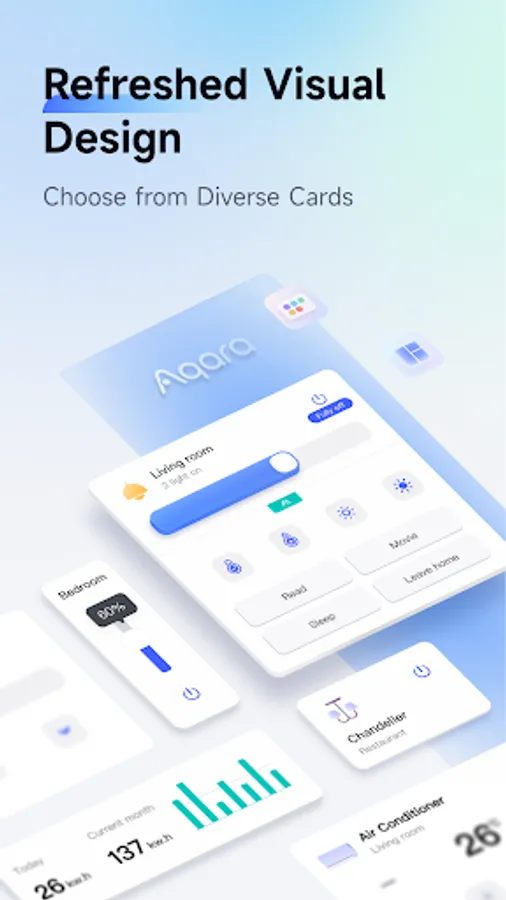
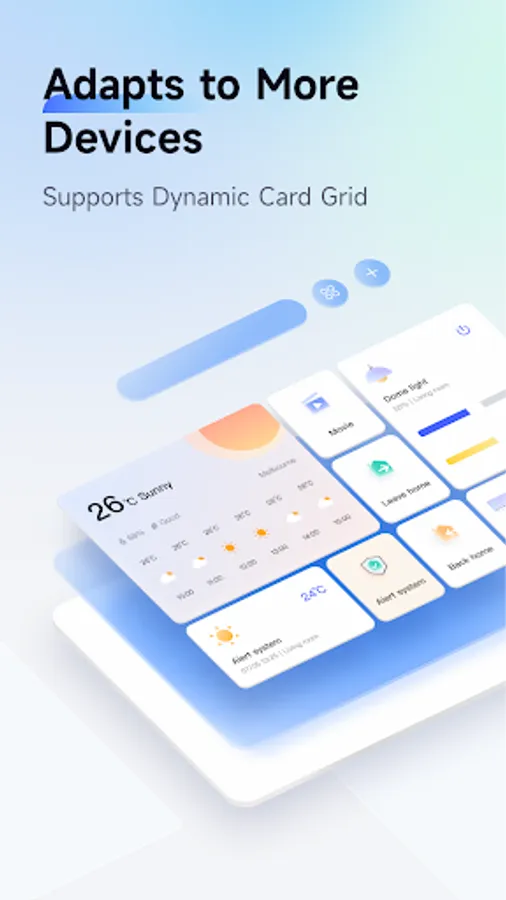
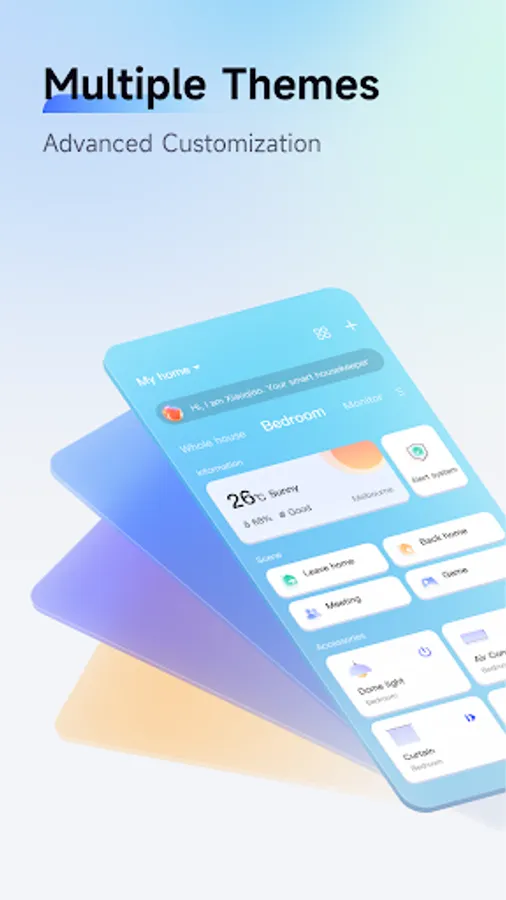
With this smart home automation app, you can control Aqara accessories, create rooms and automations, and monitor device status. Includes device management, automation setup, scene creation, and real-time sensor data.
AppRecs review analysis
AppRecs rating 4.3. Trustworthiness 83 out of 100. Review manipulation risk 16 out of 100. Based on a review sample analyzed.
★★★★☆
4.3
AppRecs Rating
Ratings breakdown
5 star
69%
4 star
9%
3 star
4%
2 star
4%
1 star
14%
What to know
✓
Low review manipulation risk
16% review manipulation risk
✓
Credible reviews
83% trustworthiness score from analyzed reviews
⚠
Ad complaints
Many low ratings mention excessive ads
About Aqara Home
Aqara Home is an app for smart home automation and control. With Aqara Home, you can:
1. control Aqara accessories anywhere and anytime where there is Internet access;
2. create homes and rooms and assign accessories to the rooms;
3. control your Aqara accessories and check the status of connected appliances. For example:
• adjust the brightness of lights and check the power consumption of home appliances;
• monitor the temperature, humidity and air pressure;
• detect water leak, and human movement.
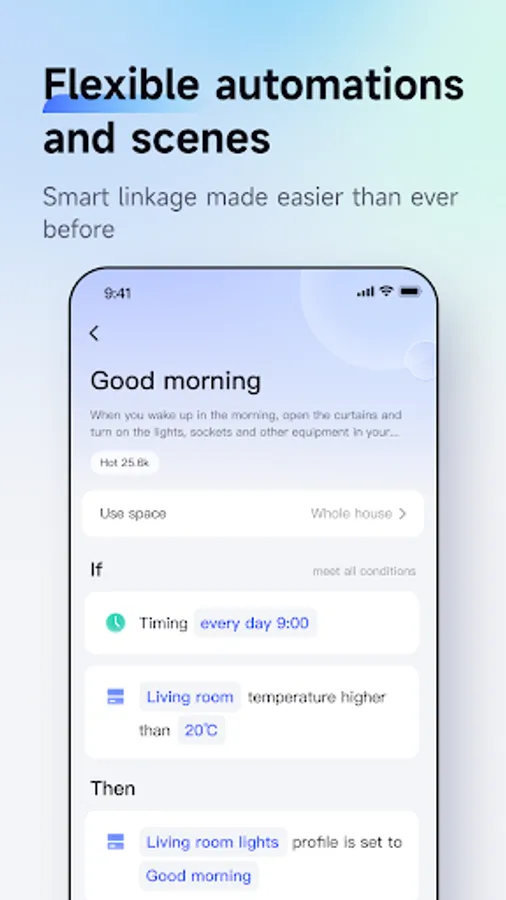
4. create Automations to automate your home. For example:
• set a timer to turn on or off an appliance connected to a smart plug;
• use a Door and Window Sensor to trigger lights: turn on lights automatically when the door opens.
5. create Scenes to control multiple accessories. For example, add a Scene to turn on multiple lights and fans;
Aqara Home app supports following Aqara accessories: Aqara Hub, Smart Plug, Wireless Remote Switch, LED Light Bulb, Door and Window Sensor, Motion Sensor, Temperature and Humidity Sensor, Vibration Sensor, and Water Leak Sensor. This is not a complete list. Please see www.aqara.com for more details.
1. control Aqara accessories anywhere and anytime where there is Internet access;
2. create homes and rooms and assign accessories to the rooms;
3. control your Aqara accessories and check the status of connected appliances. For example:
• adjust the brightness of lights and check the power consumption of home appliances;
• monitor the temperature, humidity and air pressure;
• detect water leak, and human movement.
4. create Automations to automate your home. For example:
• set a timer to turn on or off an appliance connected to a smart plug;
• use a Door and Window Sensor to trigger lights: turn on lights automatically when the door opens.
5. create Scenes to control multiple accessories. For example, add a Scene to turn on multiple lights and fans;
Aqara Home app supports following Aqara accessories: Aqara Hub, Smart Plug, Wireless Remote Switch, LED Light Bulb, Door and Window Sensor, Motion Sensor, Temperature and Humidity Sensor, Vibration Sensor, and Water Leak Sensor. This is not a complete list. Please see www.aqara.com for more details.
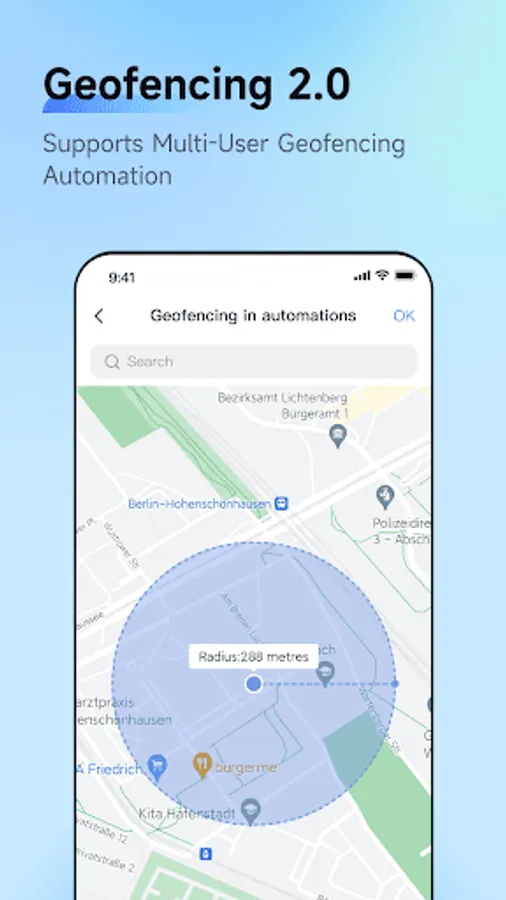
Aqara Home Screenshots
Tap to Rate:
Reviews for Aqara Home
Necip Akman
2/21/2026
New device > a disaster. a complete counter-intuitive app with a tendency to rob a lot of time of you.
David YouTube
2/19/2026
after several attempts, the app can open. is there anything bad with this app? I only have this issue with aqara