About My wine cellar
This application allows to identify and locate the bottles of your wine cellar
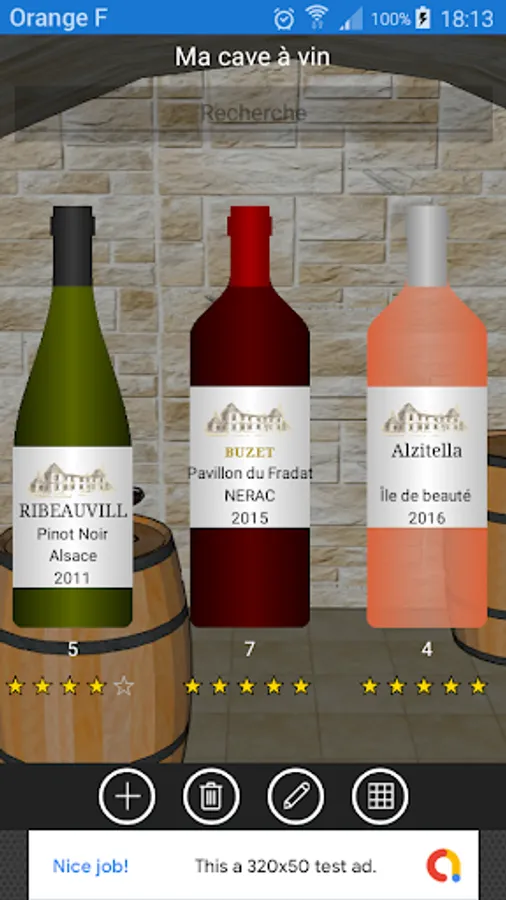
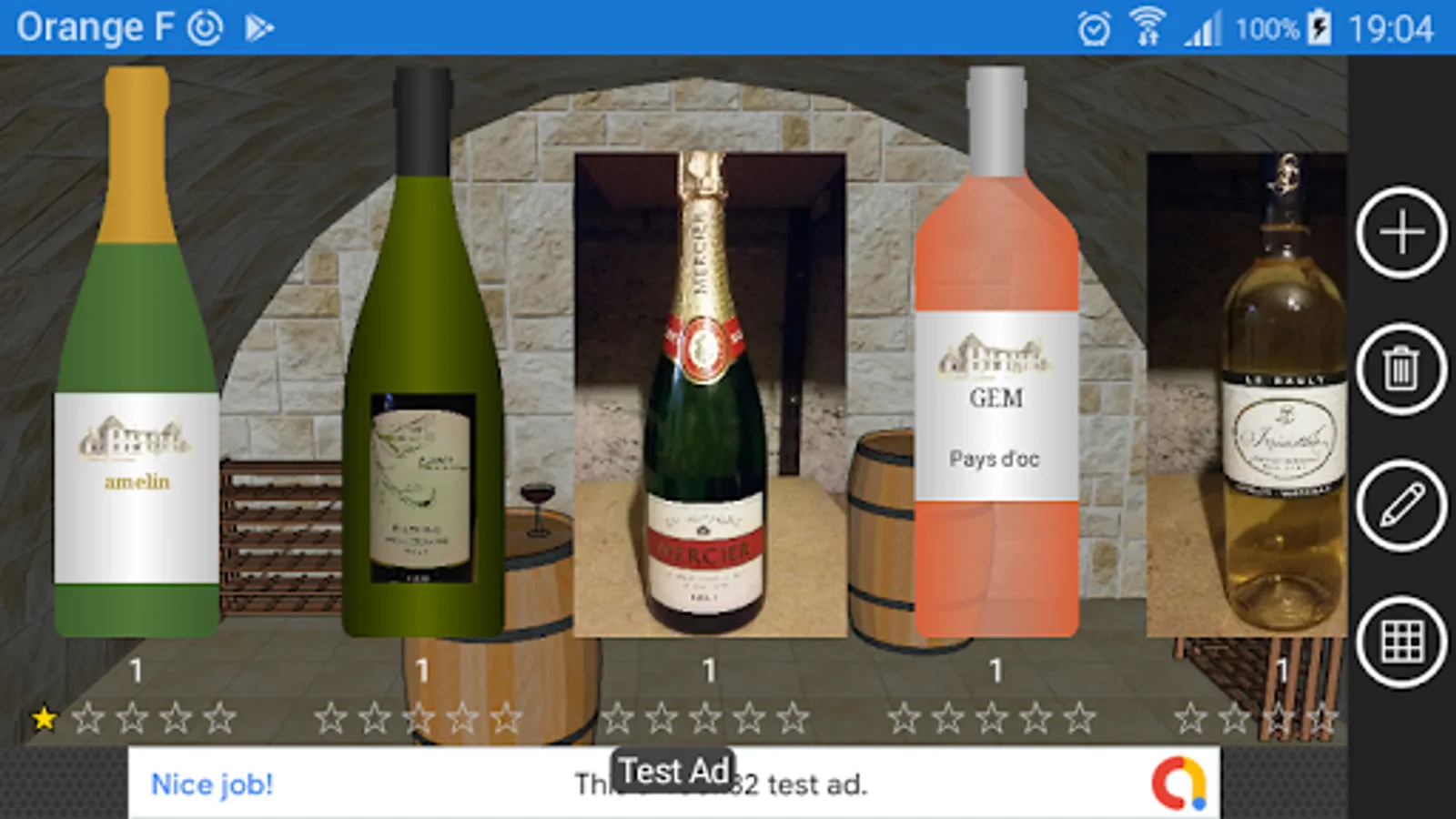
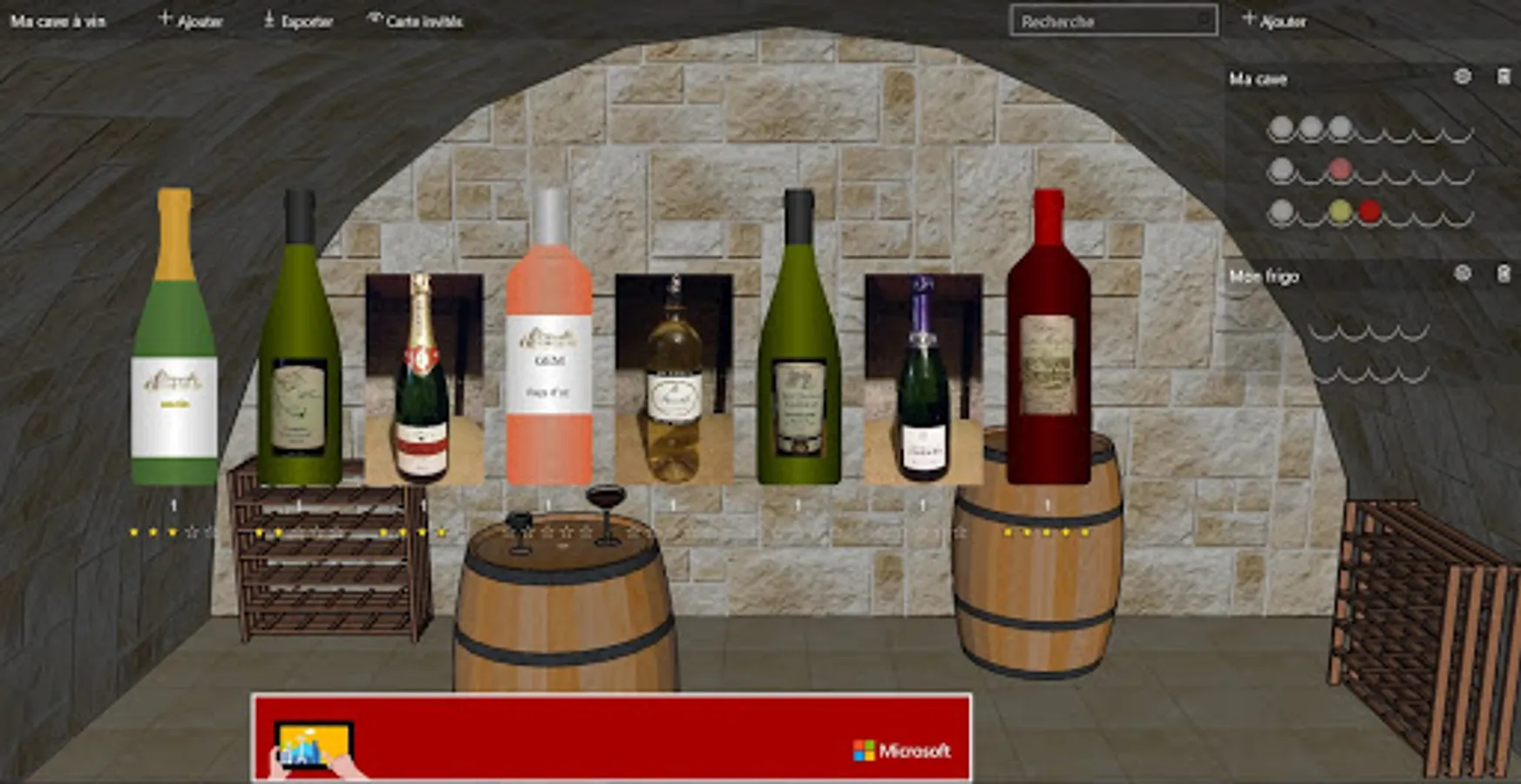
Red wine, white wine, pink wine.... blue wine, green wine, yellow wine
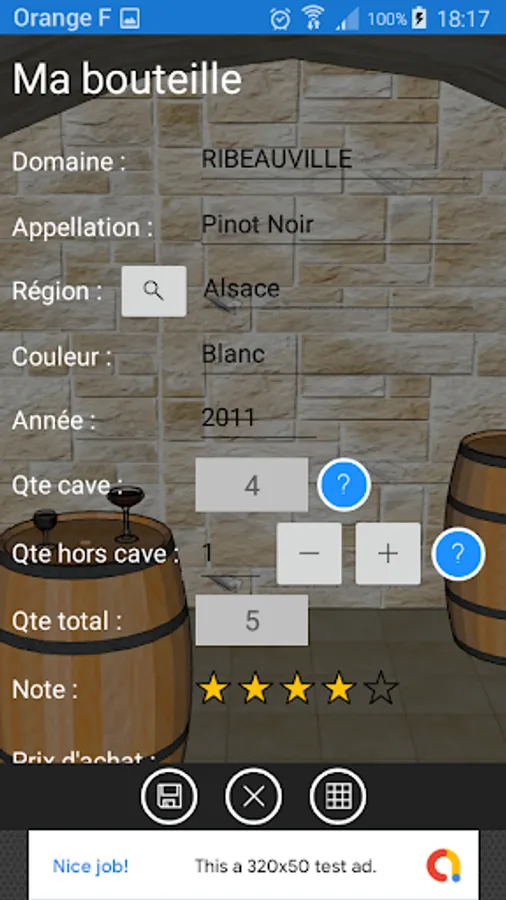
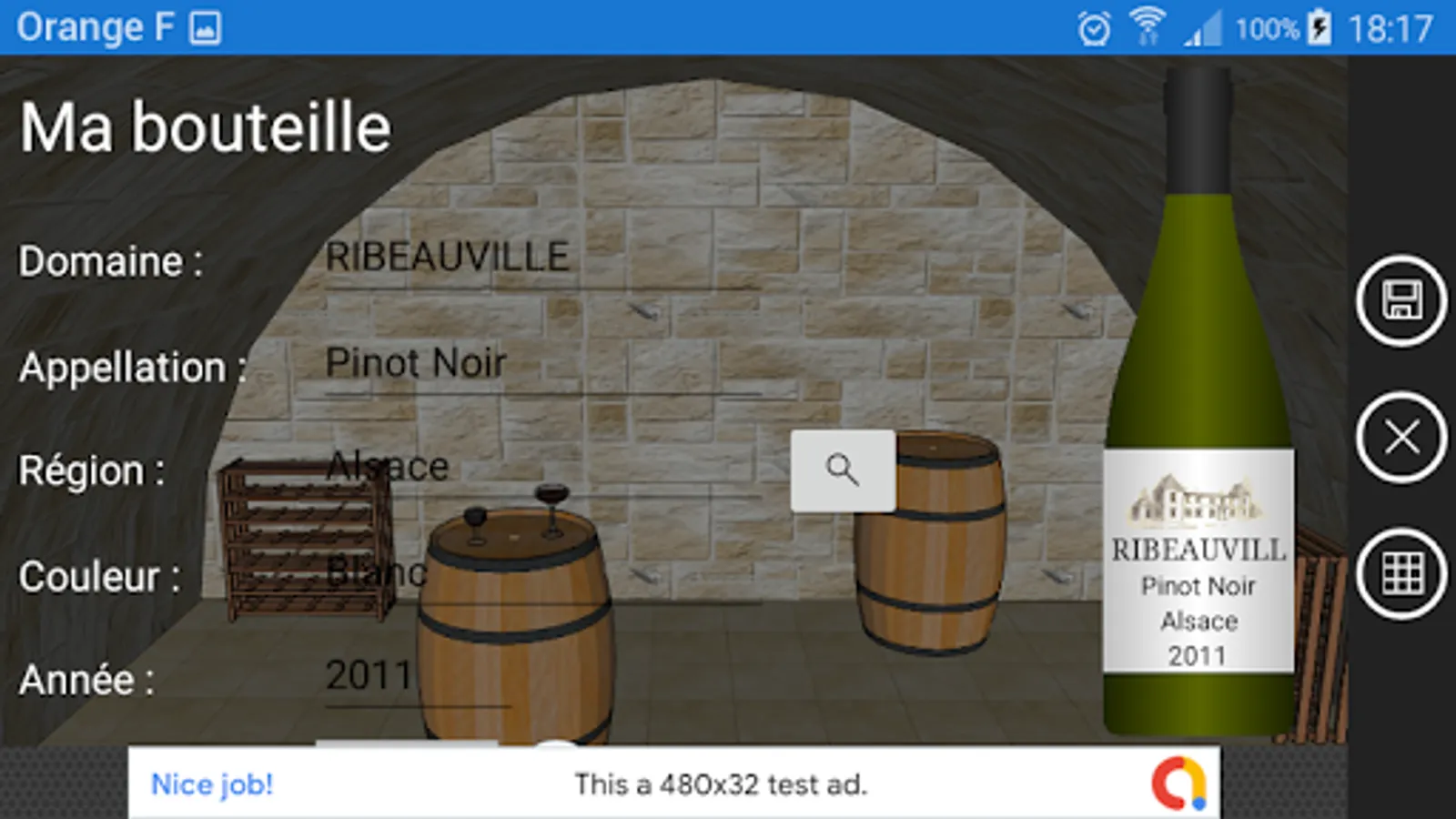
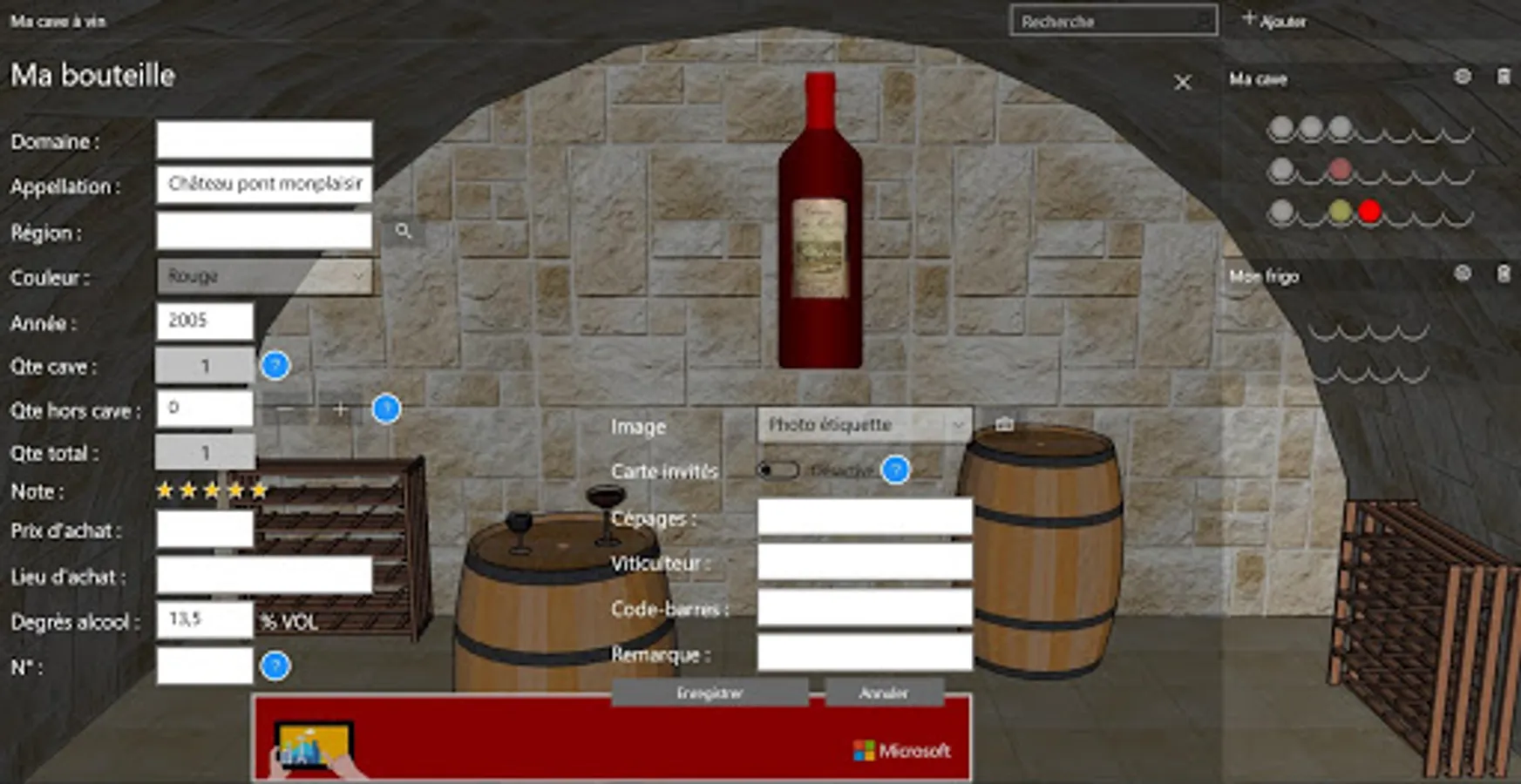
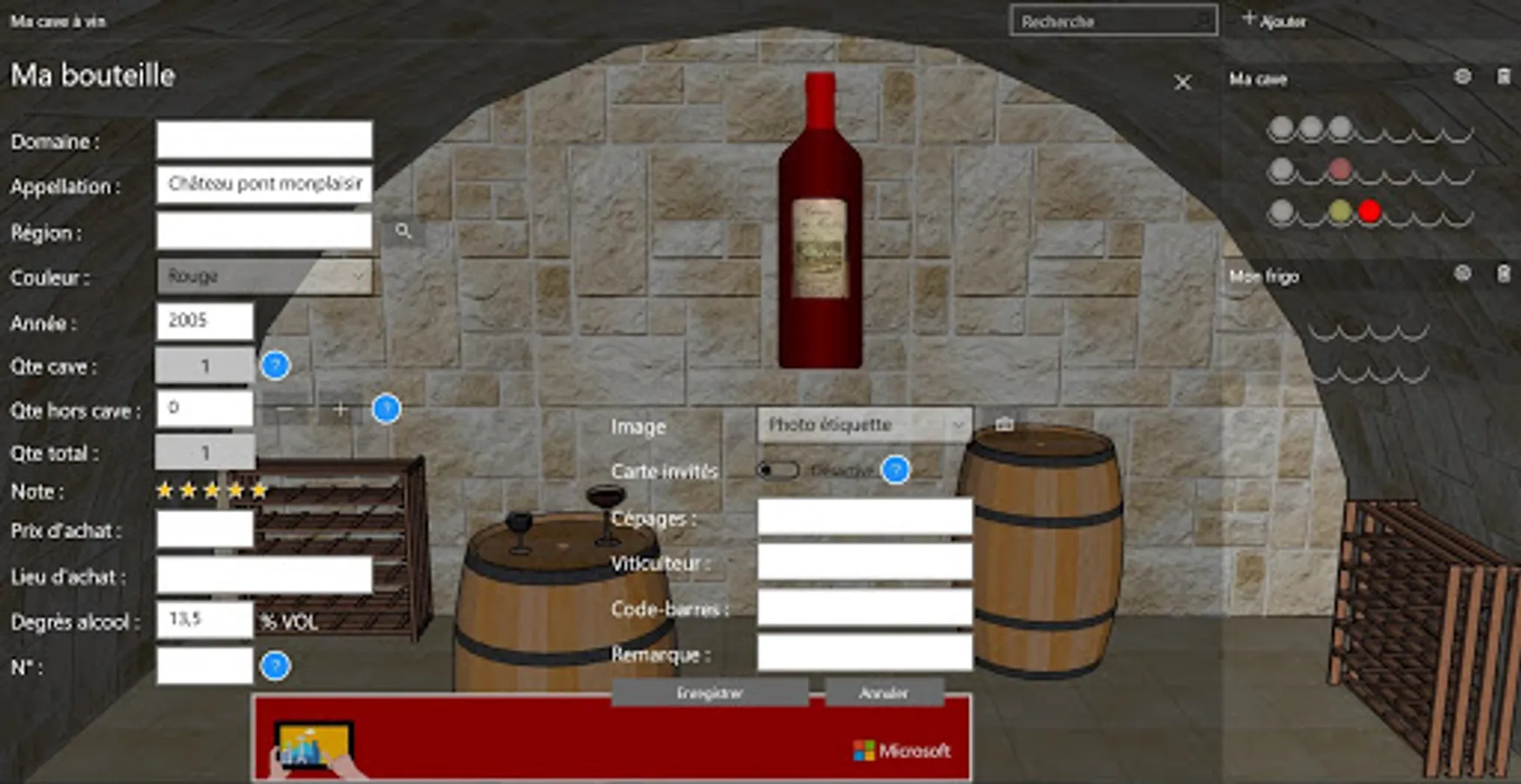
A large number of fields are available to fill in the characteristics of your wines (region, year, note, purchase price, place of purchase, degrees of alcohol, grape varieties)
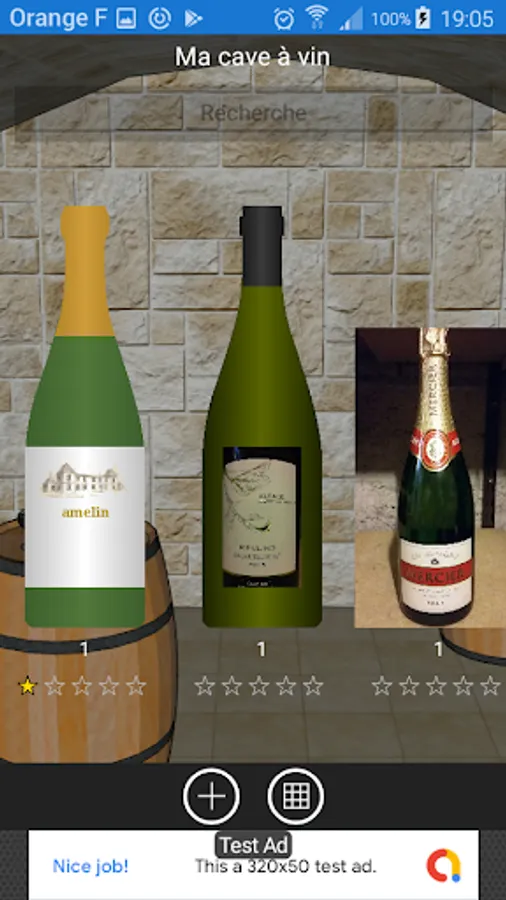
You can add the photo of the bottle or label.
If you do not want to add a photo, the drawing of the bottle is displayed by default.
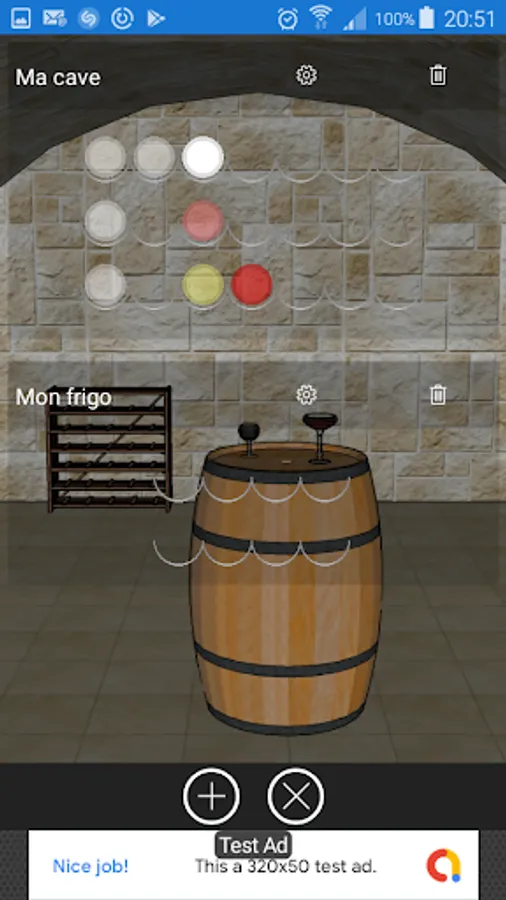
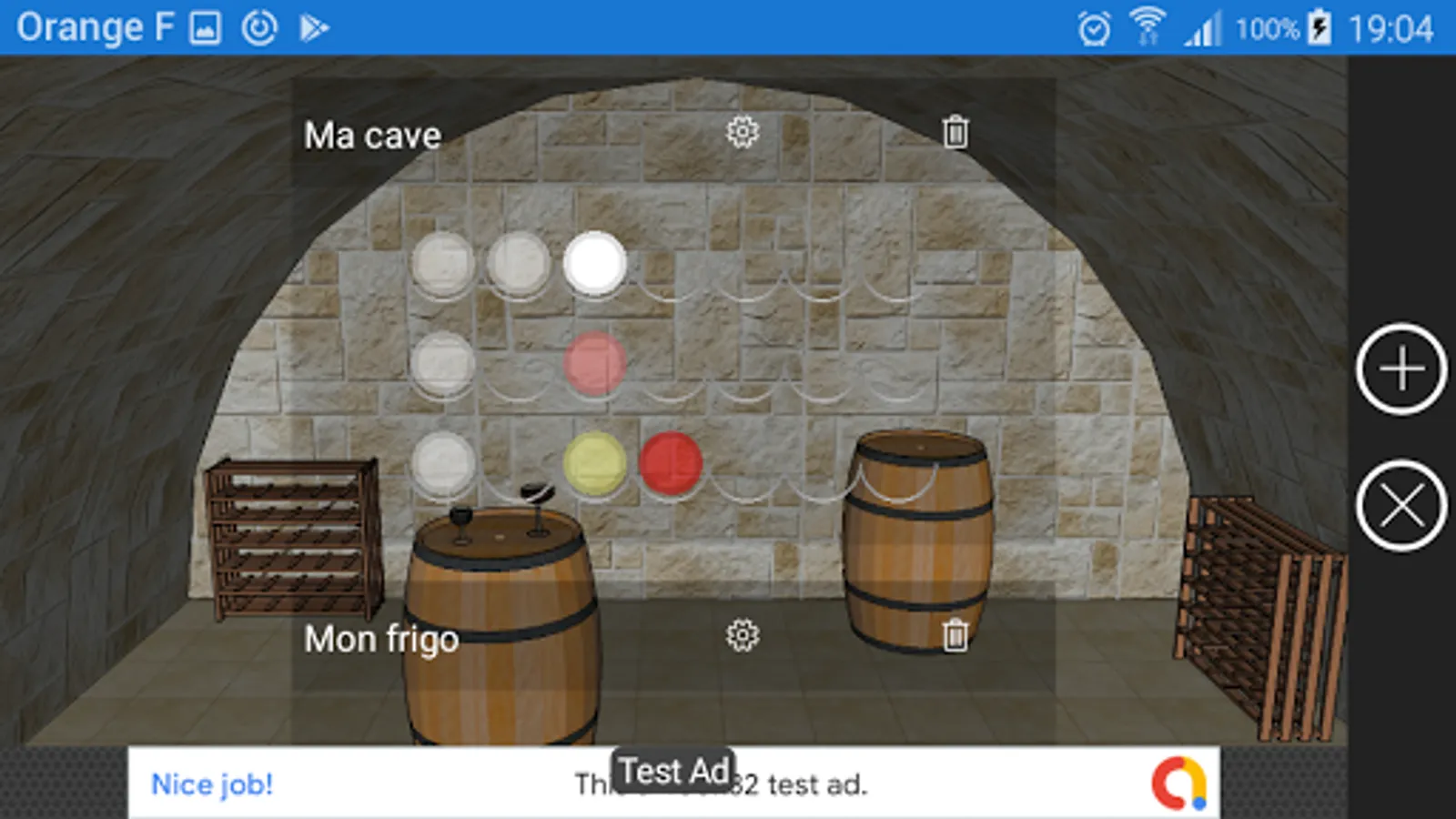
Set up your wine cellar to match the dimensions and layout of your actual cellar, name it, set the number of lines and set the number of supports for each line. Add as much cellar as you need, you can also add a shelf or fridge for example.
Place the bottles in your cellar simply by clicking on free slots.
If you do not have a dedicated space for your bottles, just fill in the quantity outside the cellar field.
Your bottle list can be exported in CSV format.
The application can also be used in horizontal mode.
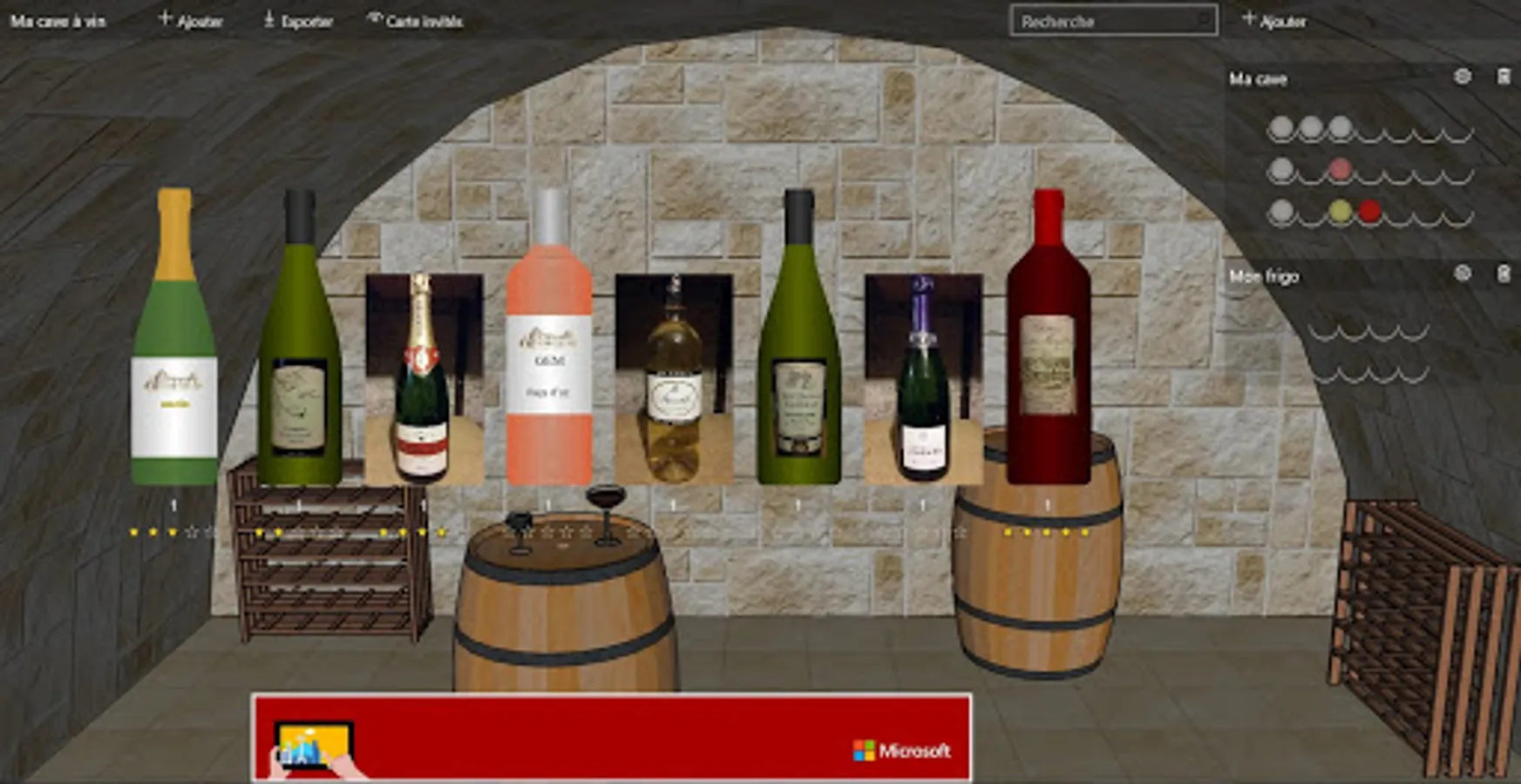
A guest mode allows your guests to view the bottles in your cellar without being able to make changes (only on tablet and PC)
Red wine, white wine, pink wine.... blue wine, green wine, yellow wine
A large number of fields are available to fill in the characteristics of your wines (region, year, note, purchase price, place of purchase, degrees of alcohol, grape varieties)
You can add the photo of the bottle or label.
If you do not want to add a photo, the drawing of the bottle is displayed by default.
Set up your wine cellar to match the dimensions and layout of your actual cellar, name it, set the number of lines and set the number of supports for each line. Add as much cellar as you need, you can also add a shelf or fridge for example.
Place the bottles in your cellar simply by clicking on free slots.
If you do not have a dedicated space for your bottles, just fill in the quantity outside the cellar field.
Your bottle list can be exported in CSV format.
The application can also be used in horizontal mode.
A guest mode allows your guests to view the bottles in your cellar without being able to make changes (only on tablet and PC)