Zen Flip Clock
Wang Shudao
4.4 ★
13K ratings
1,000,000+
downloads
Free
+ in-app
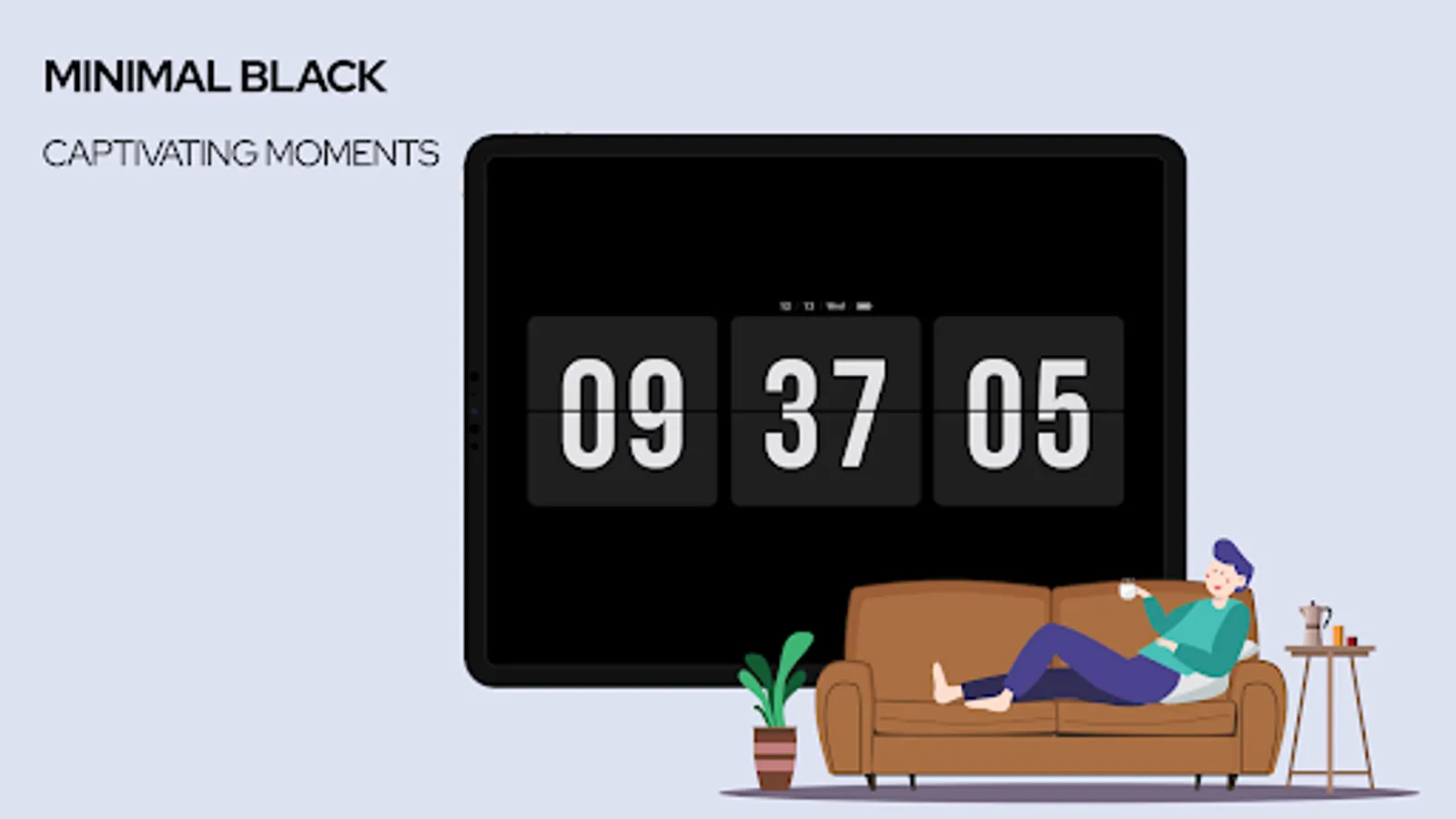
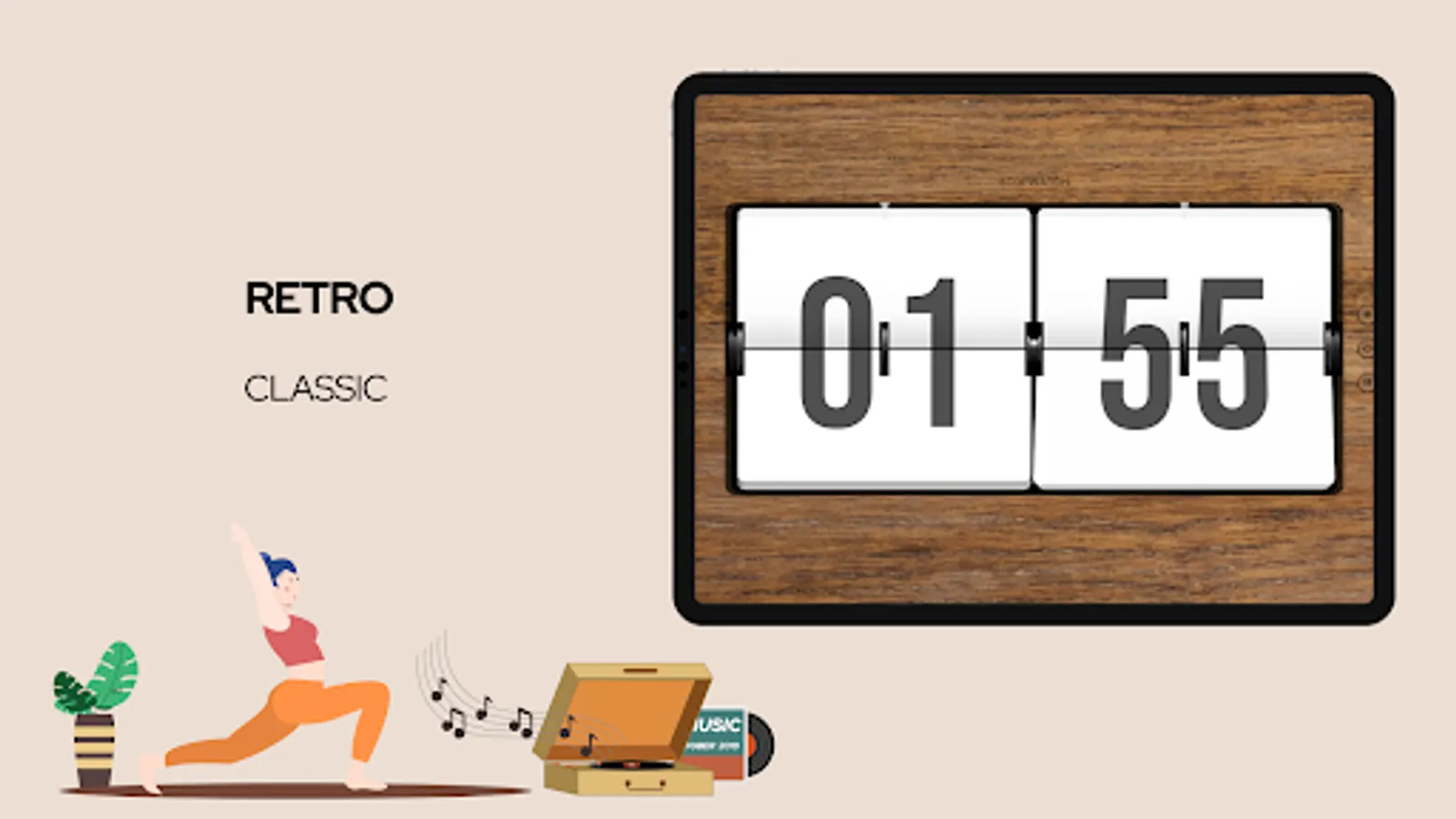
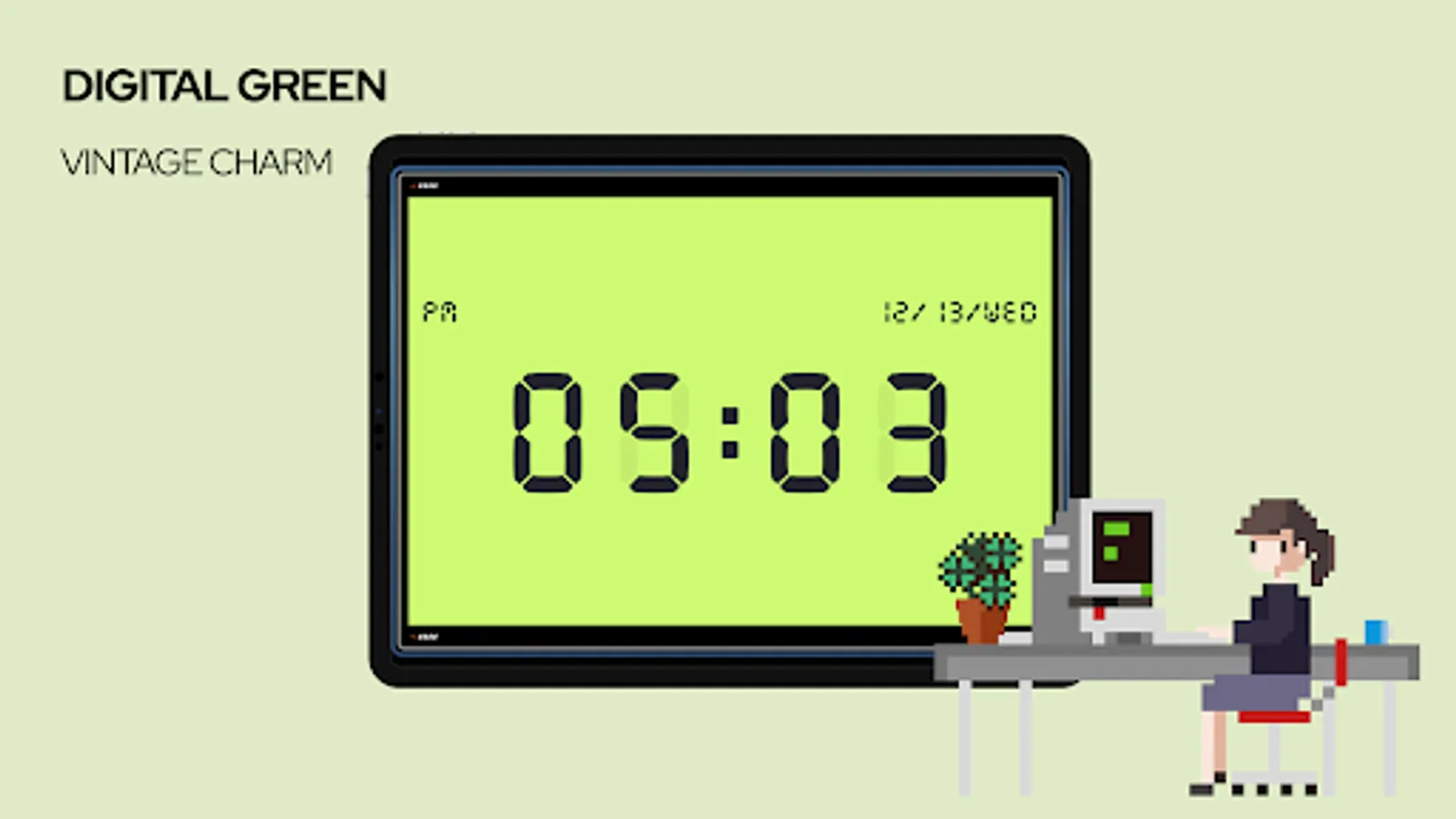
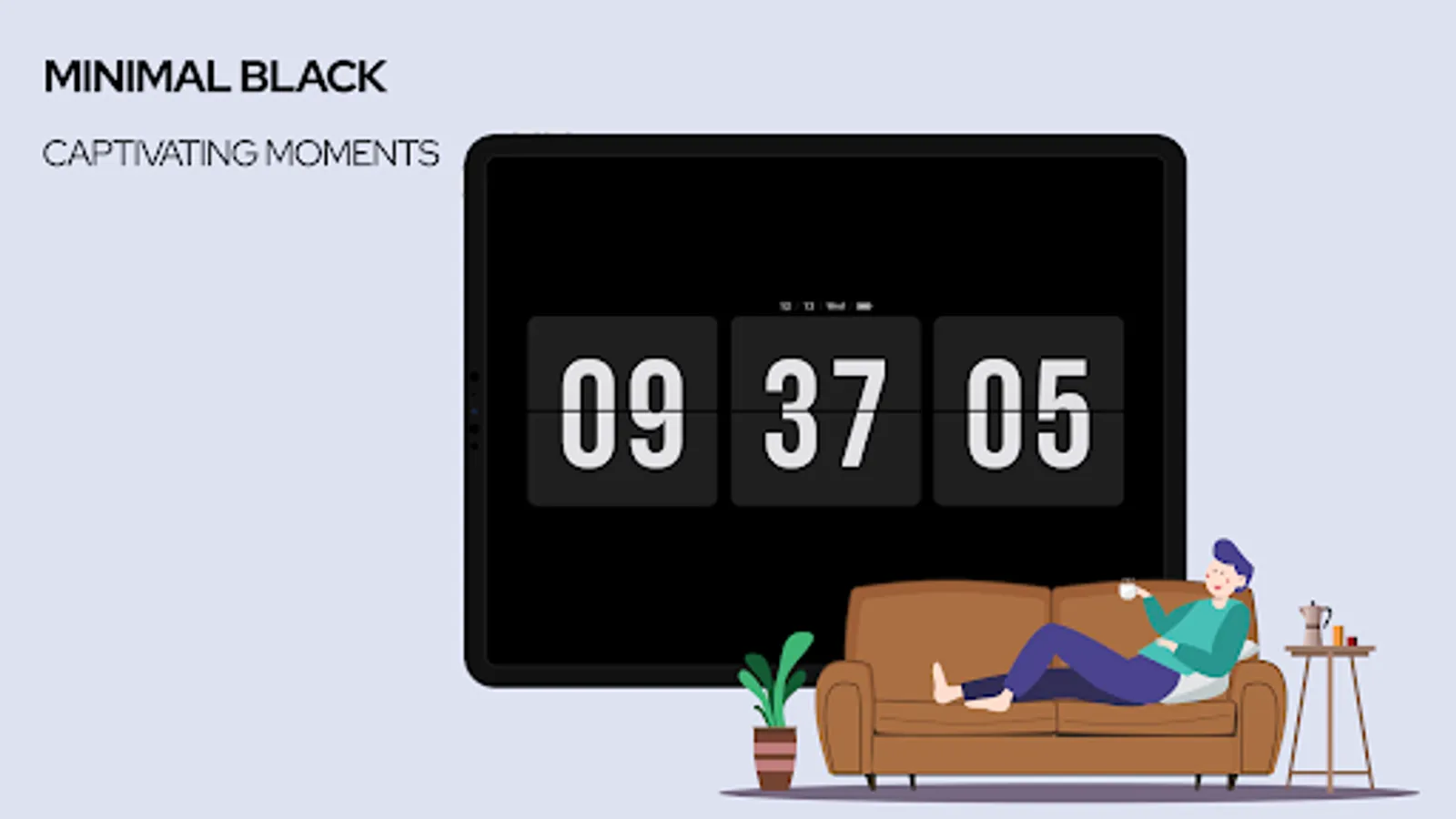
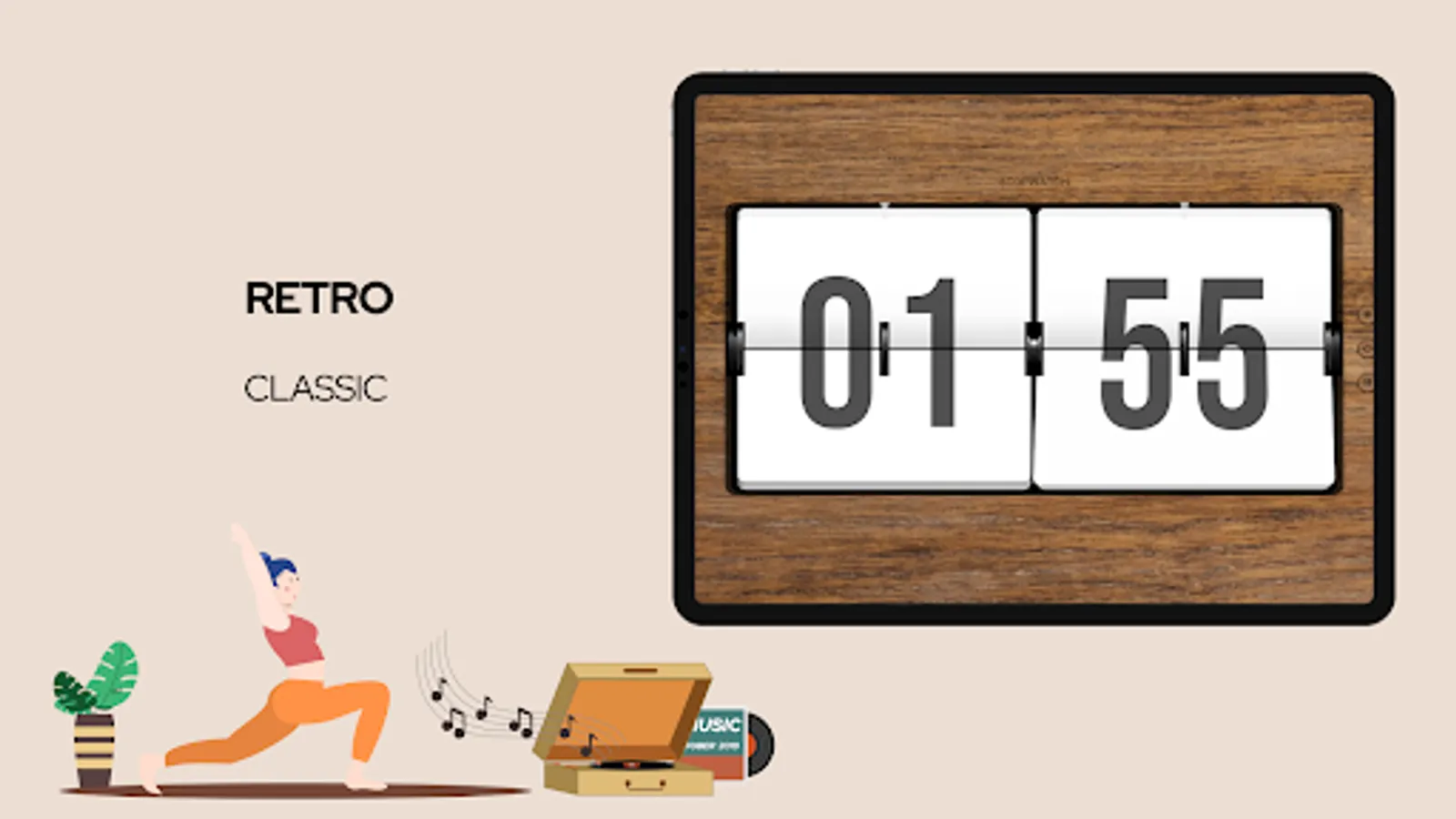
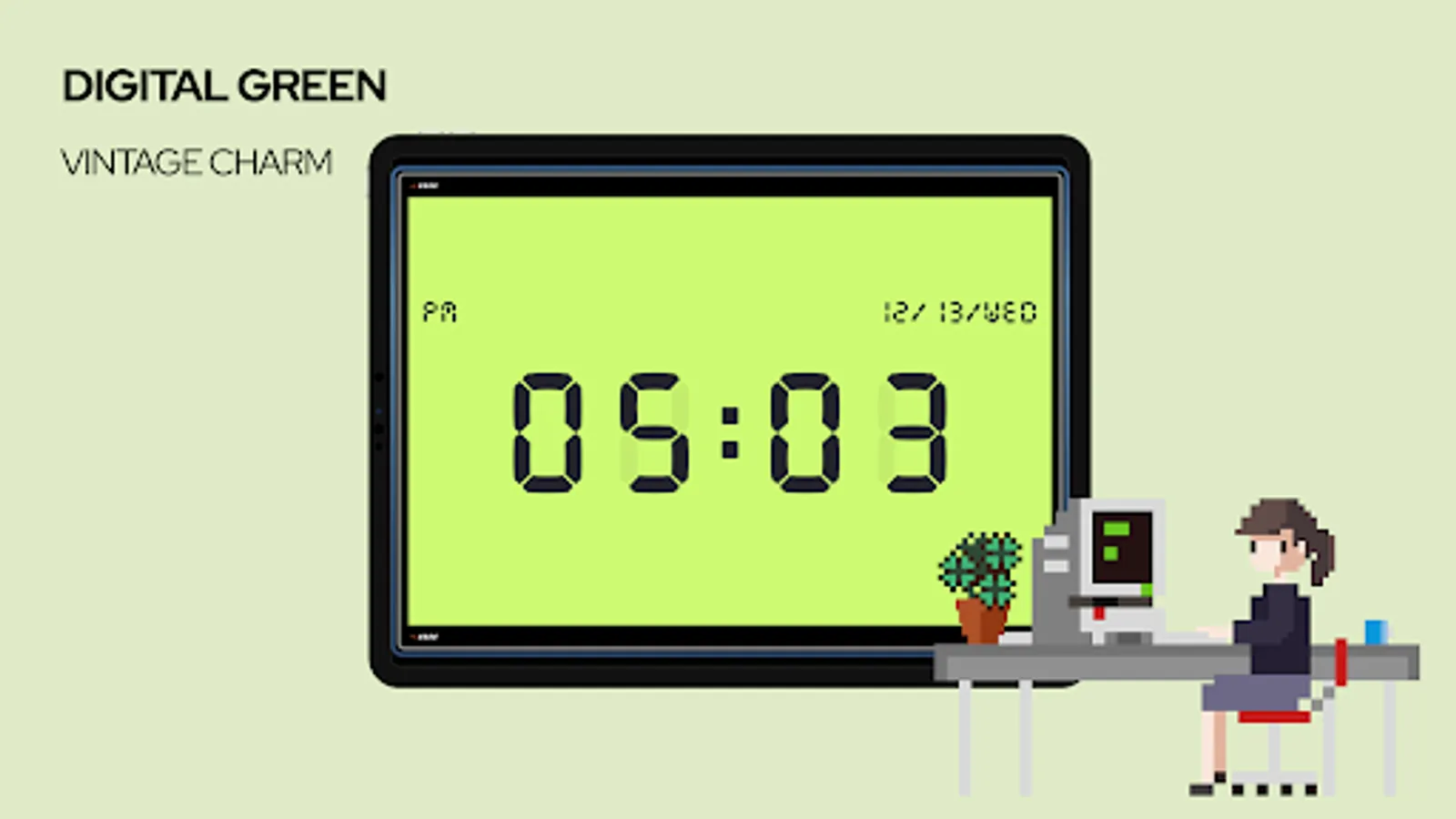
In this clock app, you can view time with a minimalistic flip clock display and use the Pomodoro timer or stopwatch for productivity. Includes stand-by support and customizable settings.
AppRecs review analysis
AppRecs rating 4.0. Trustworthiness 75 out of 100. Review manipulation risk 31 out of 100. Based on a review sample analyzed.
★★★★☆
4.0
AppRecs Rating
Ratings breakdown
5 star
73%
4 star
15%
3 star
2%
2 star
3%
1 star
8%
What to know
✓
Credible reviews
75% trustworthiness score from analyzed reviews
✓
High user satisfaction
88% of sampled ratings are 4+ stars (4.4★ average)
⚠
Ad complaints
Many low ratings mention excessive ads
About Zen Flip Clock
Merry Christmas and Happy New Year! The promotion runs from December 23, 2024, to January 6, 2025—get a lifetime membership at 50% off!
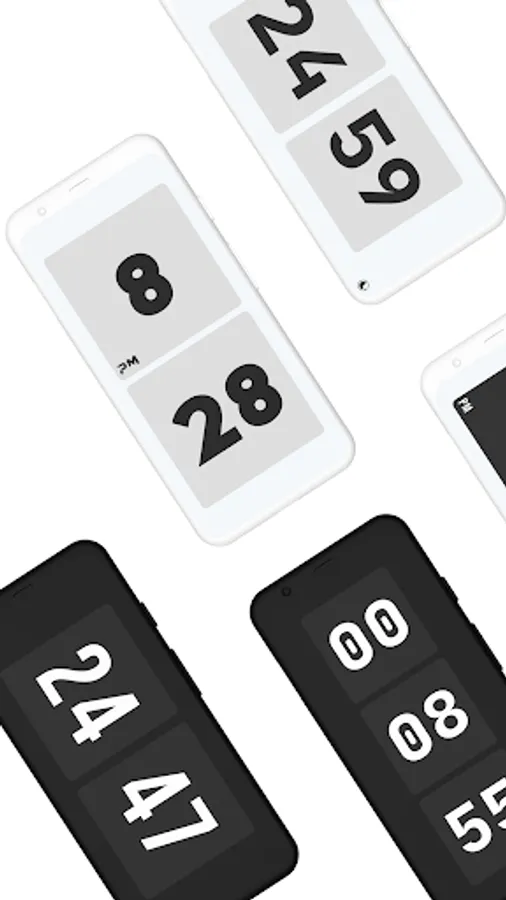
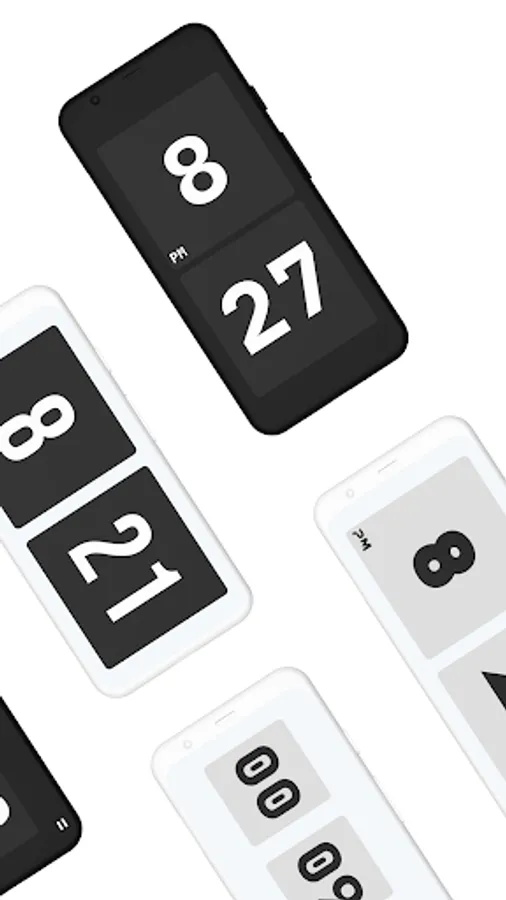
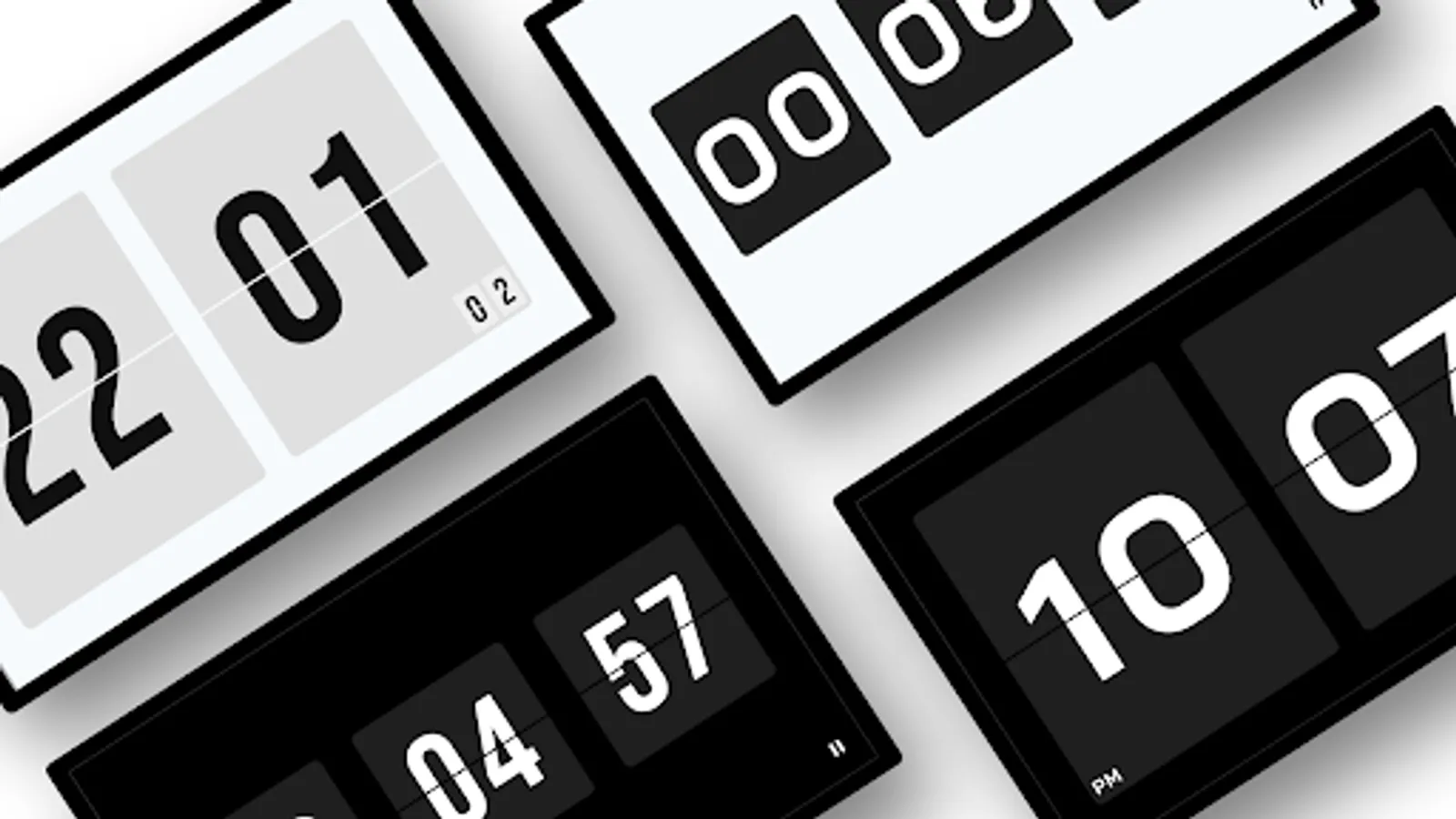
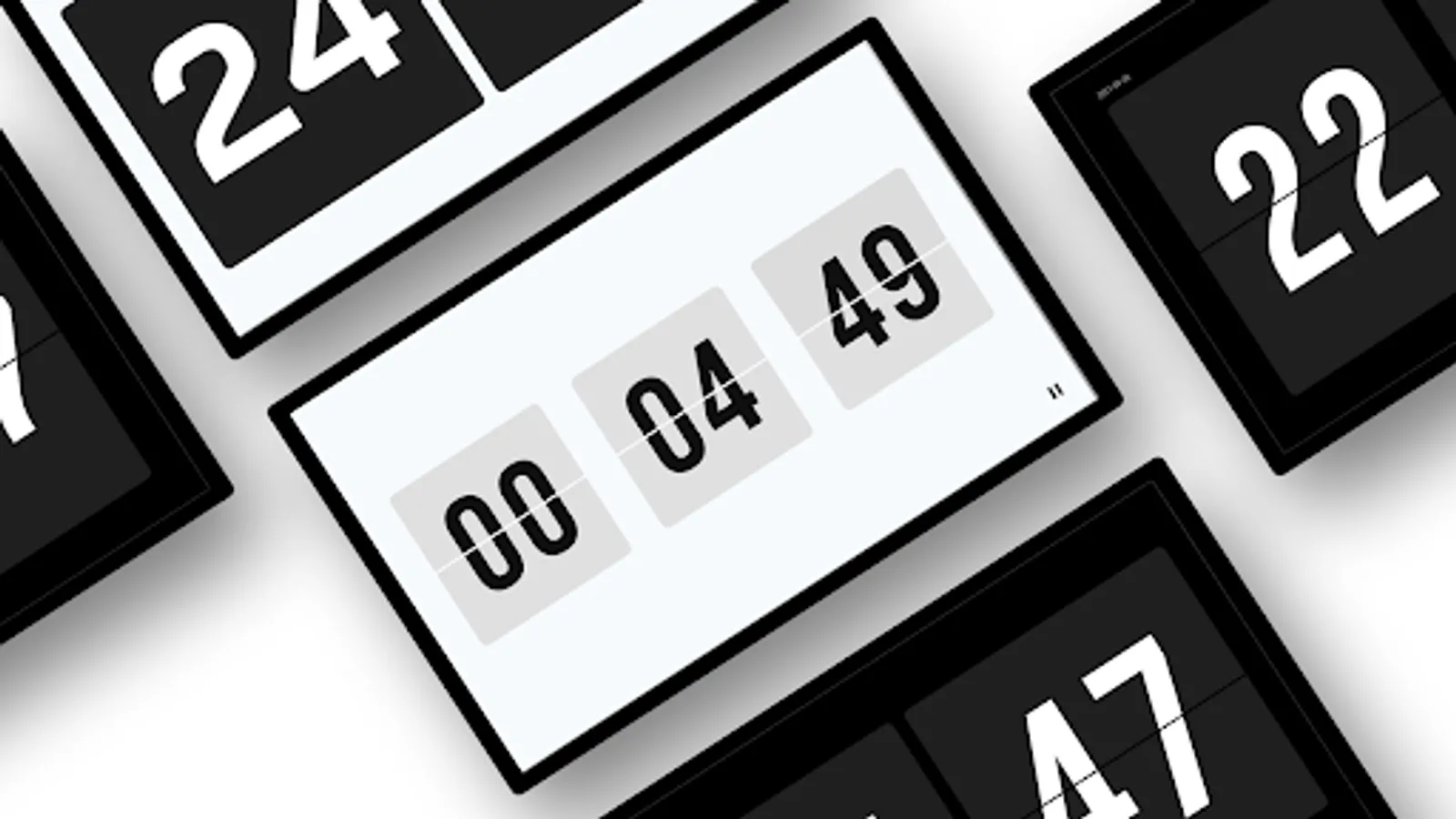
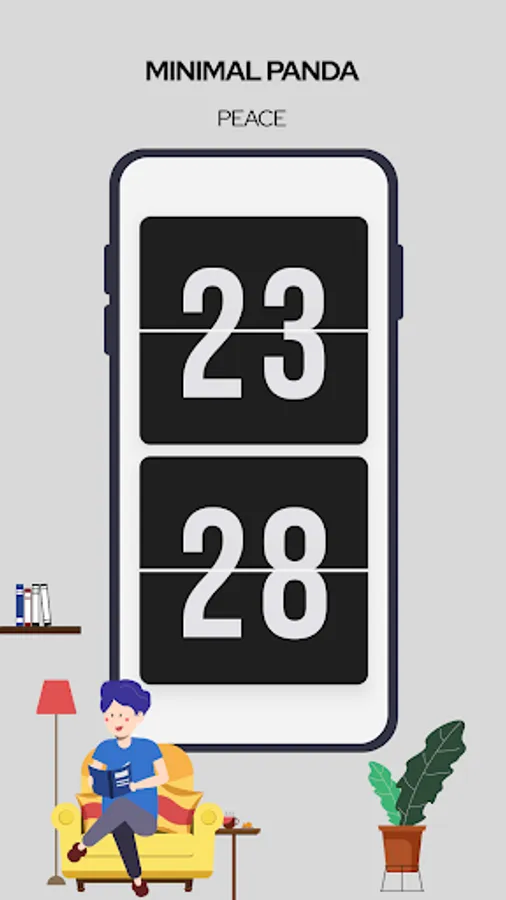
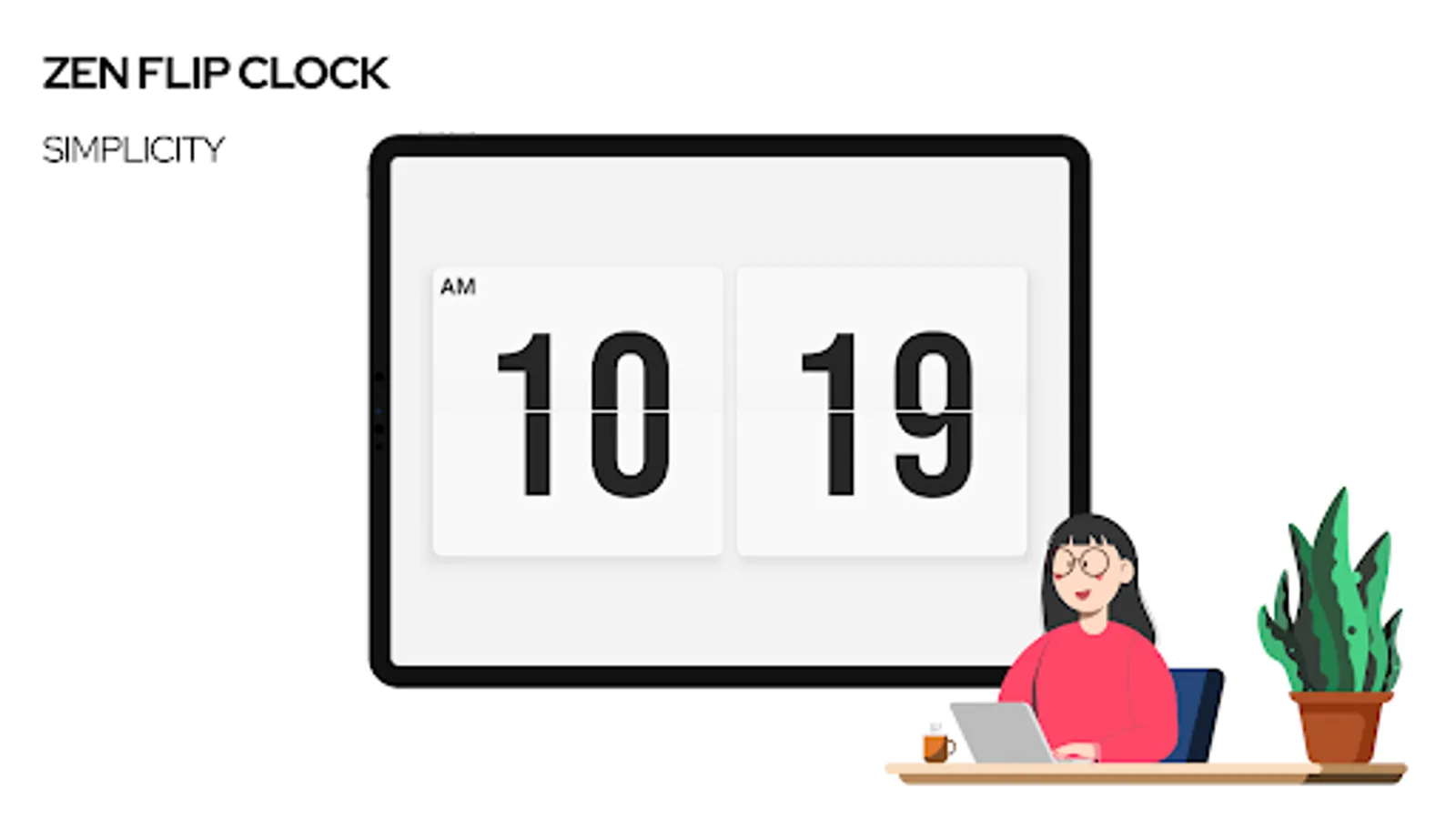
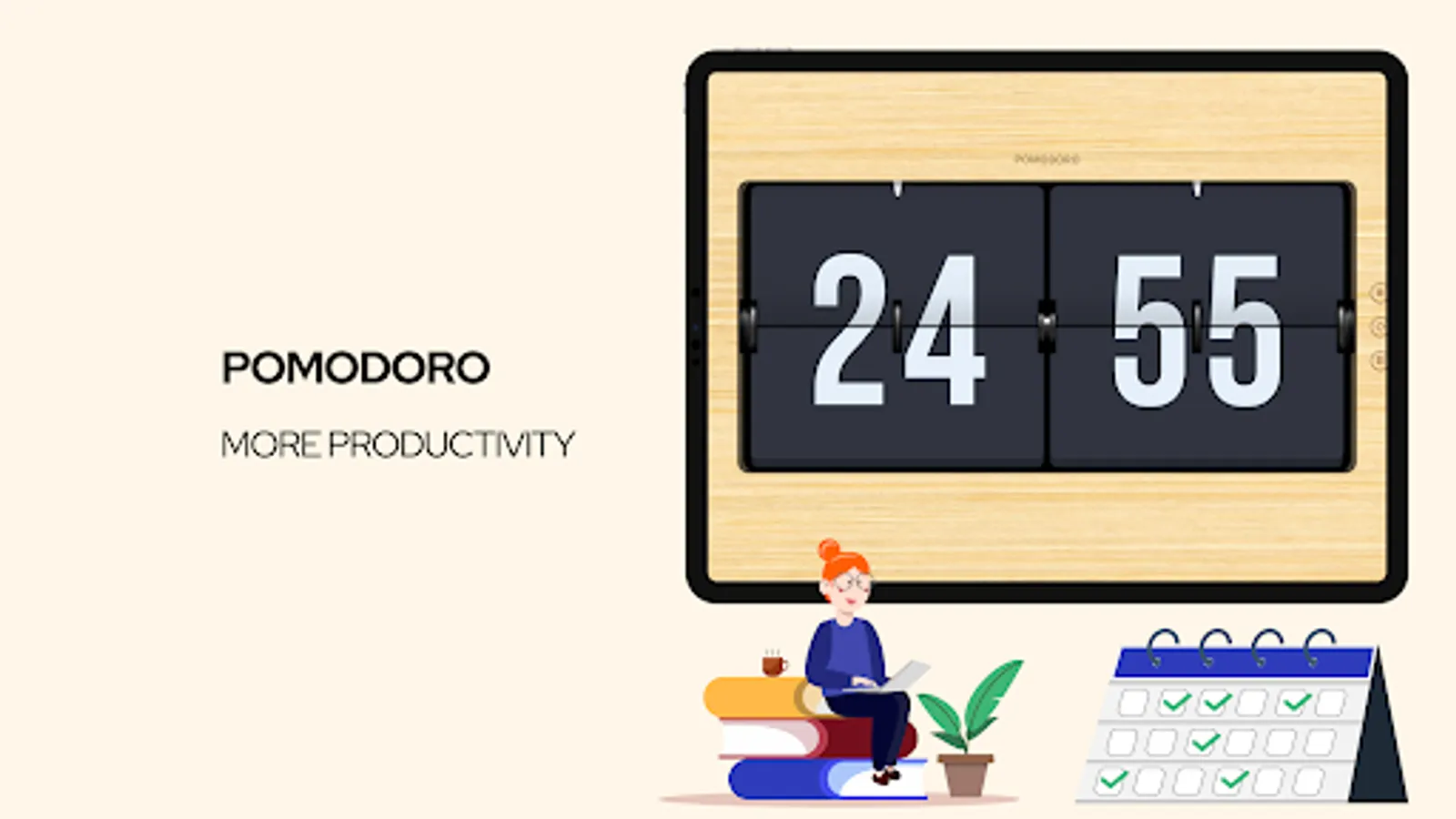
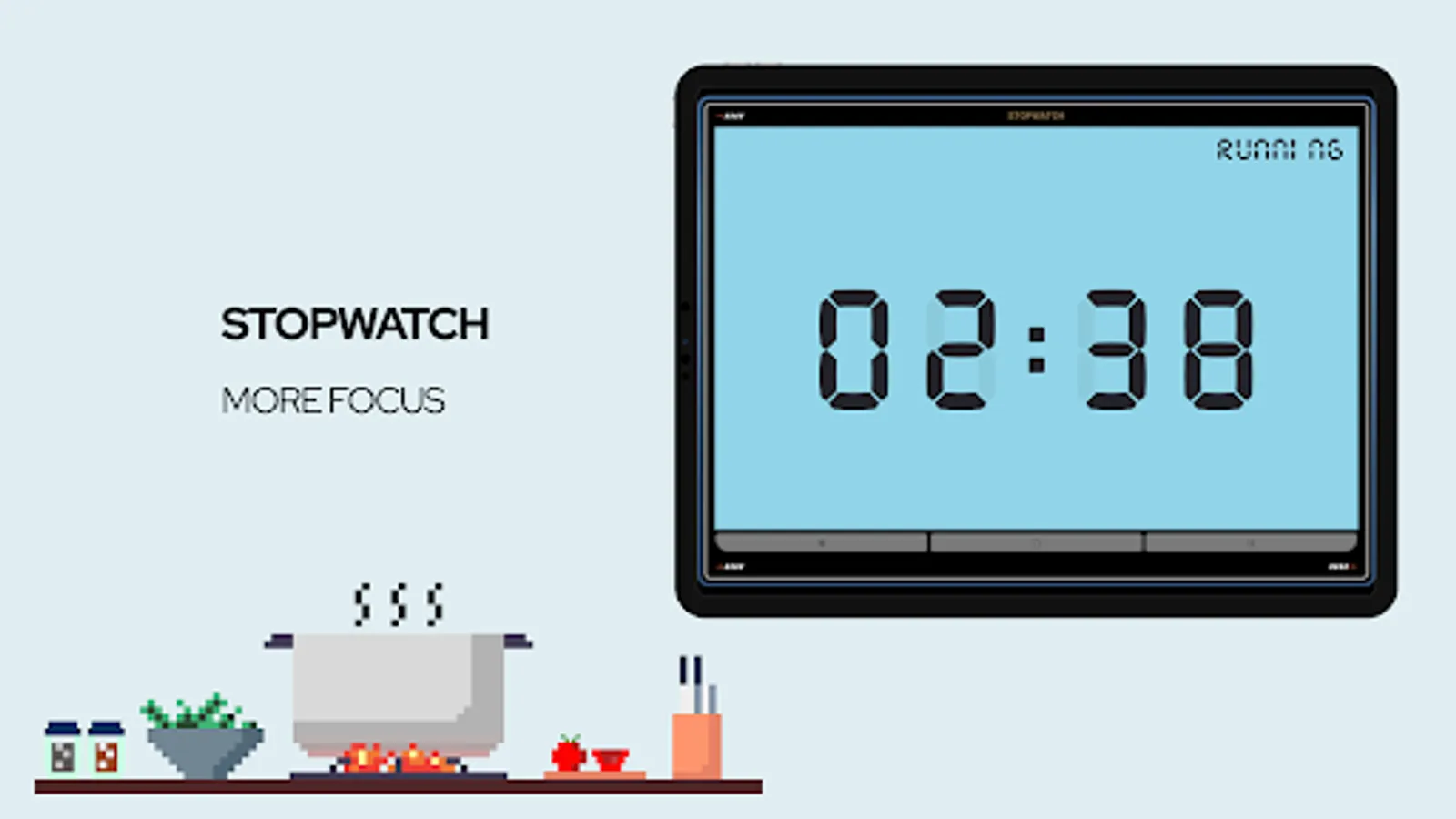
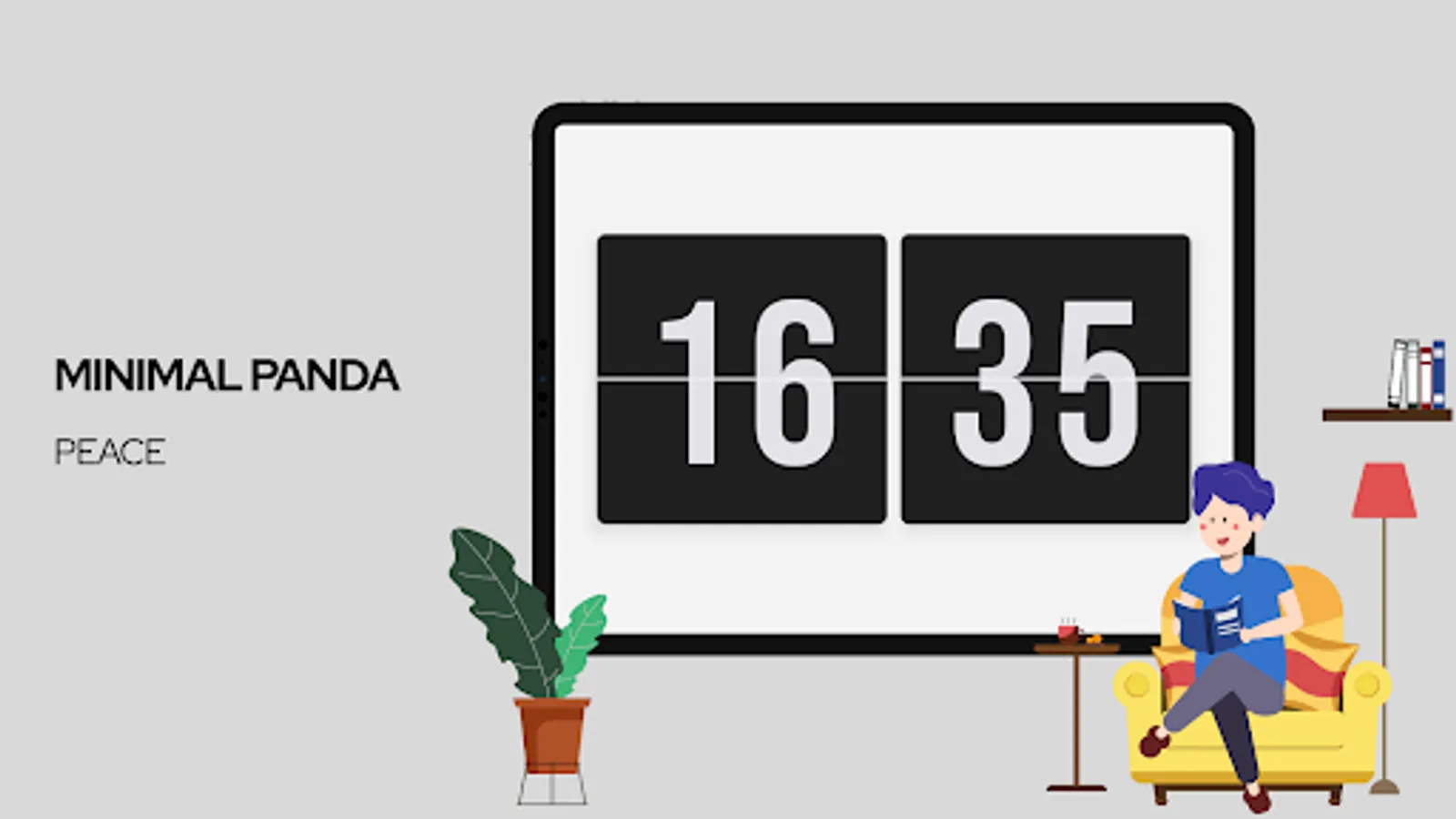
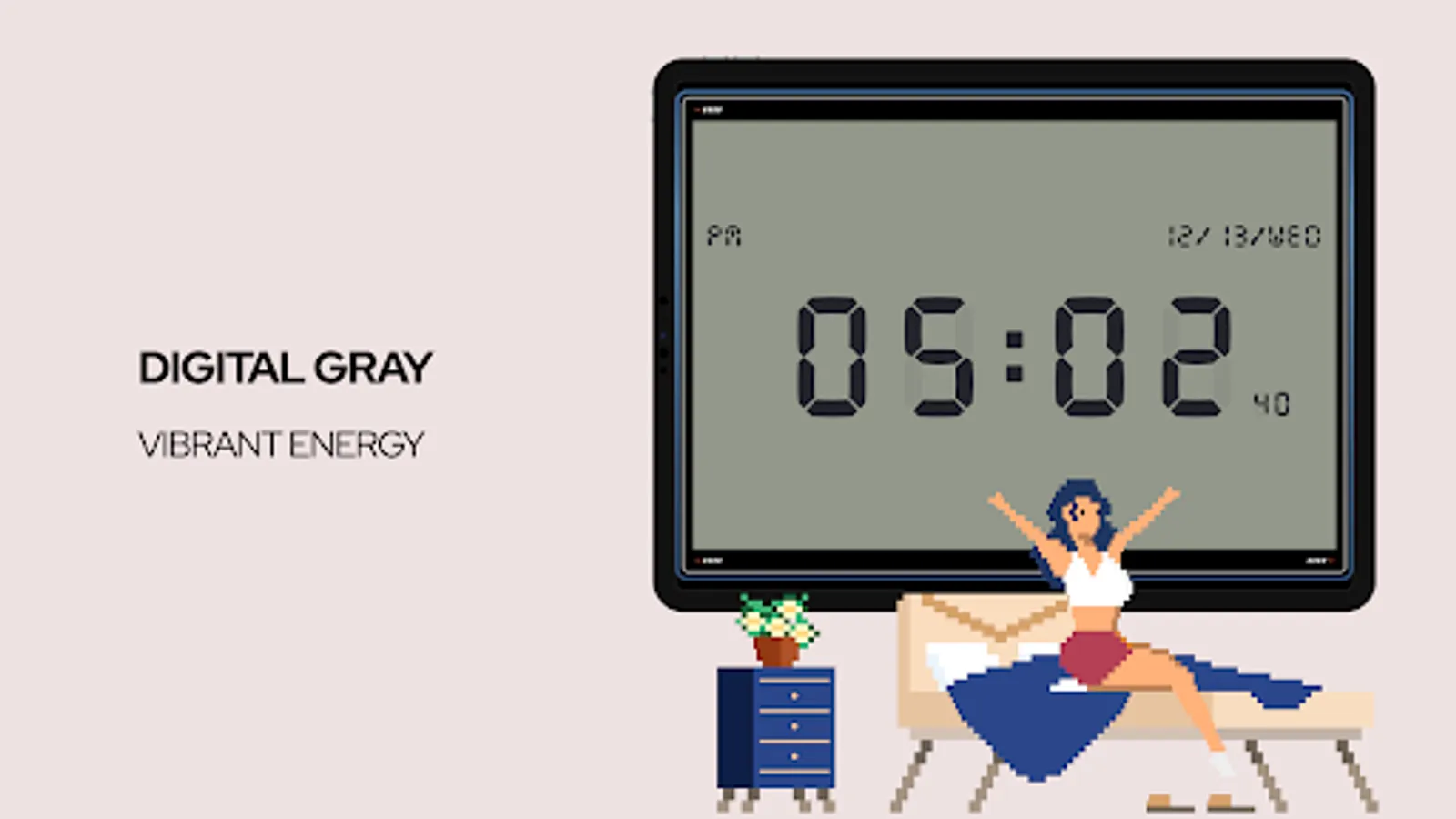
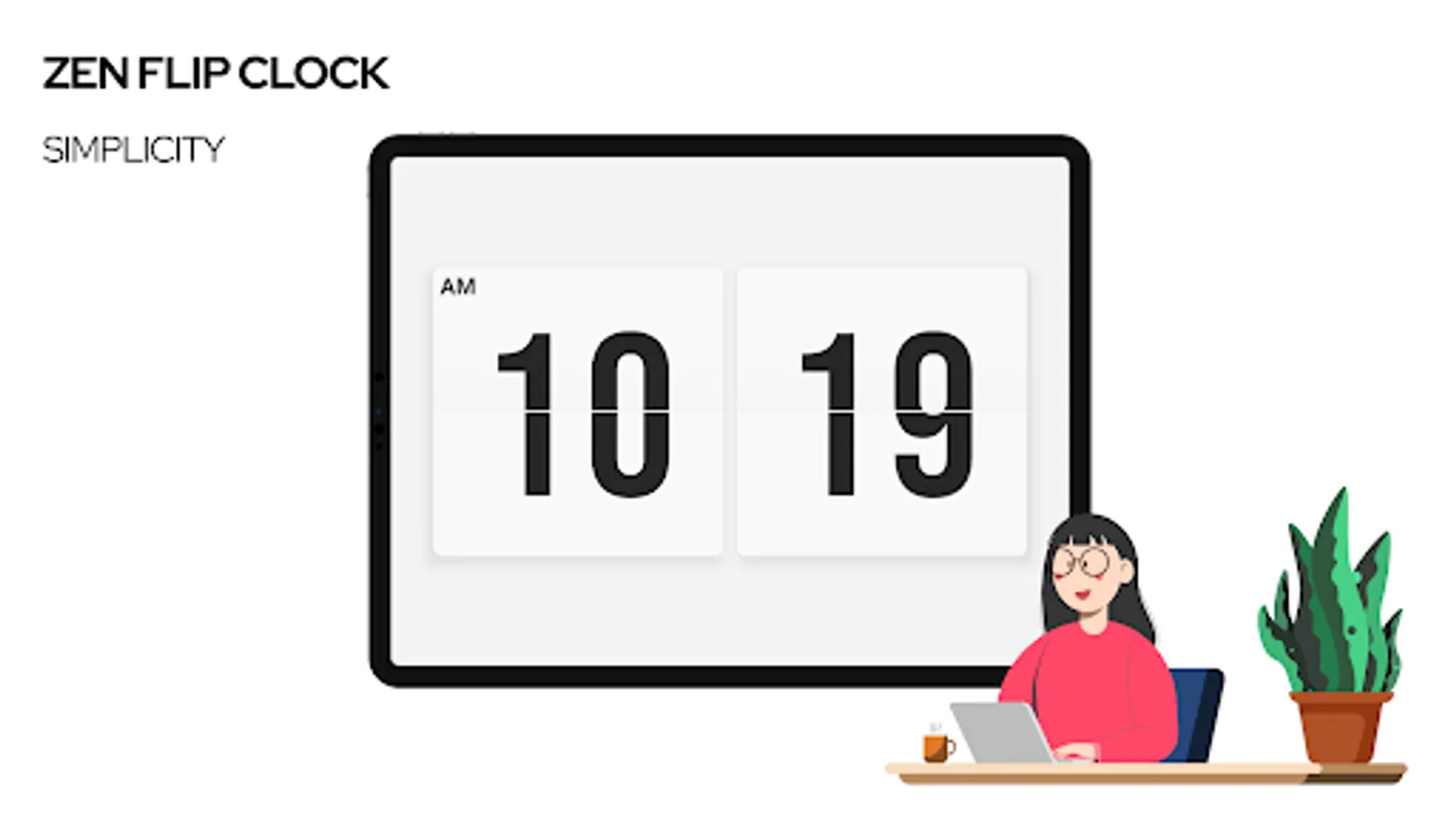
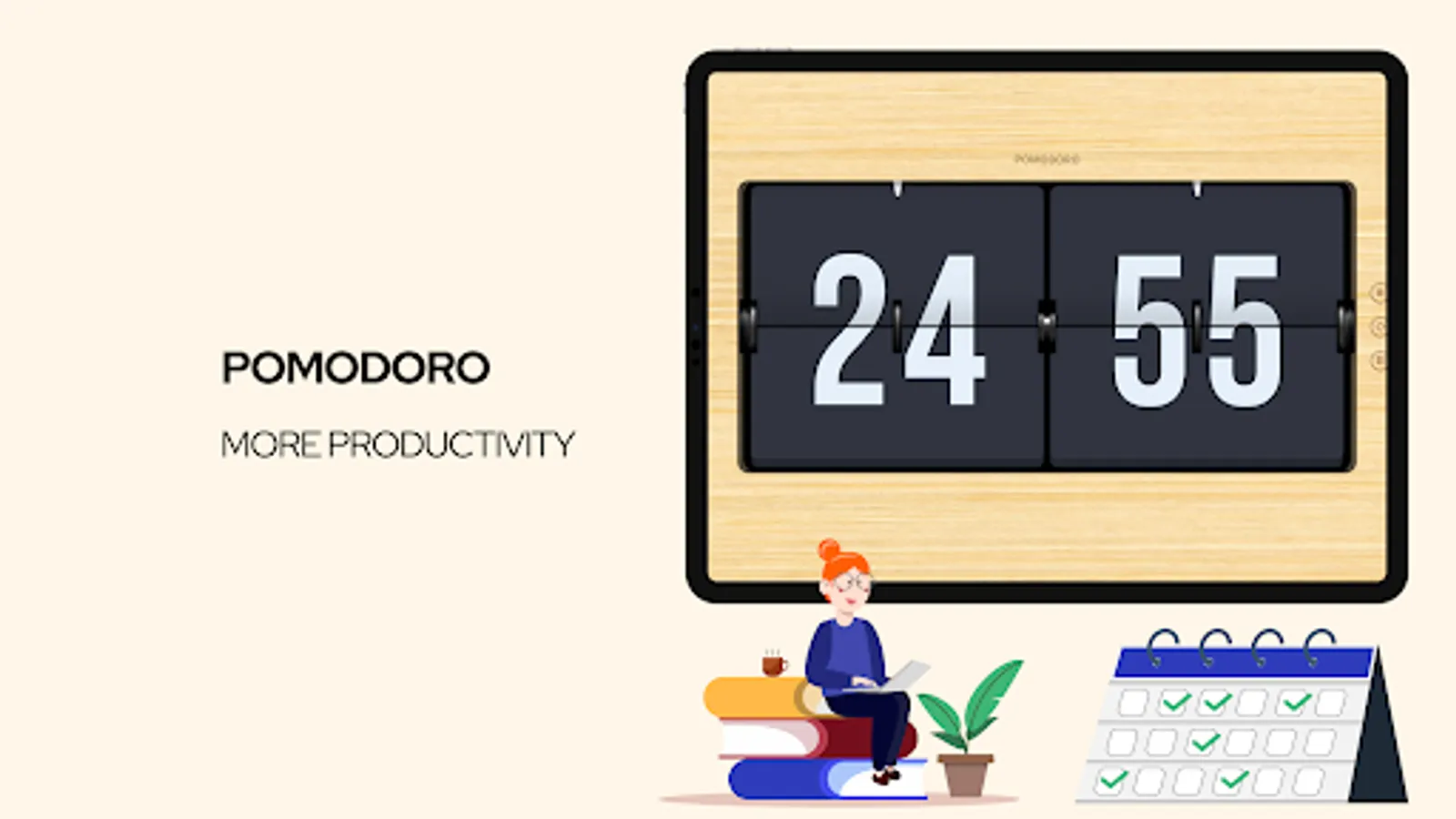
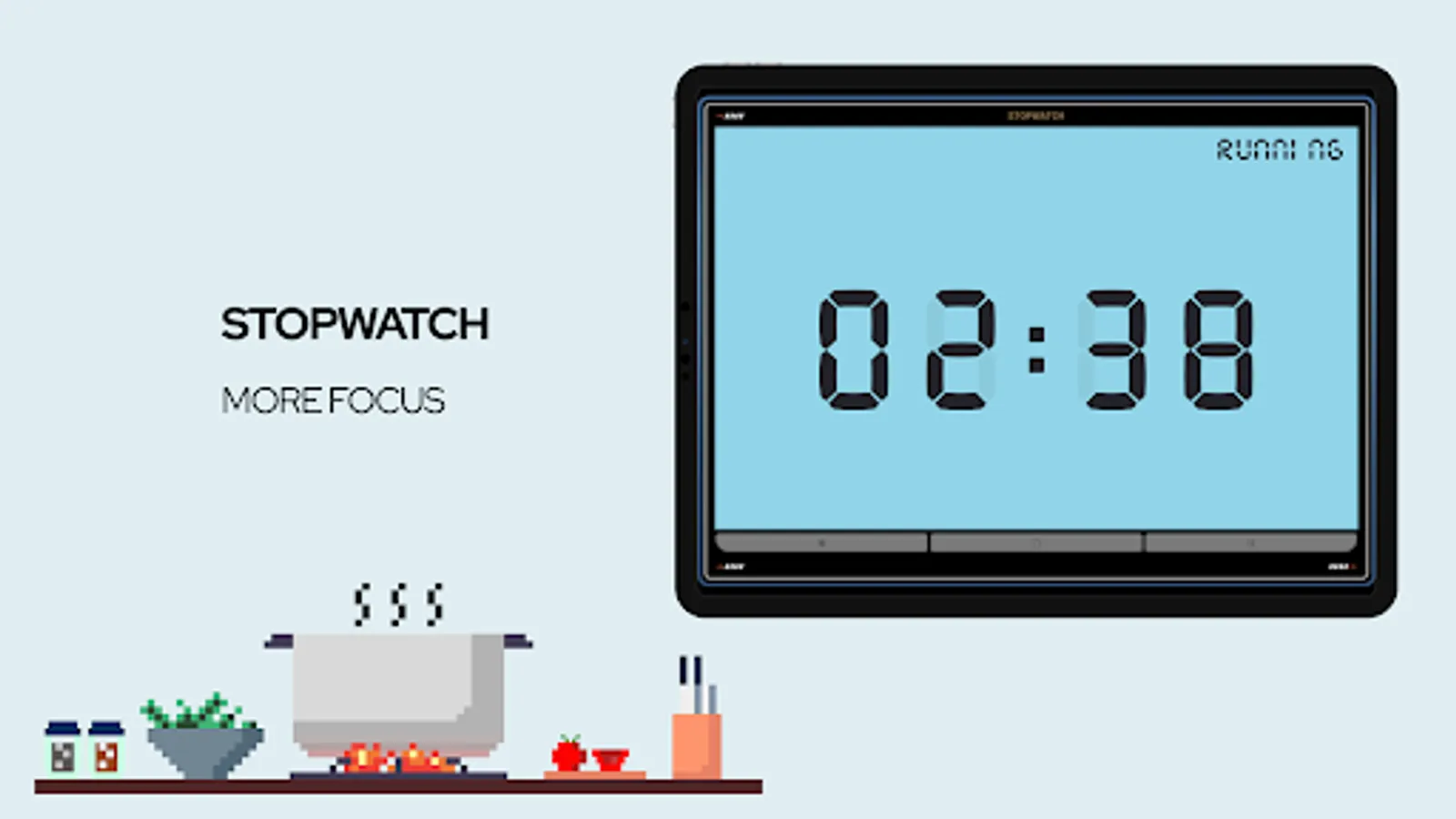
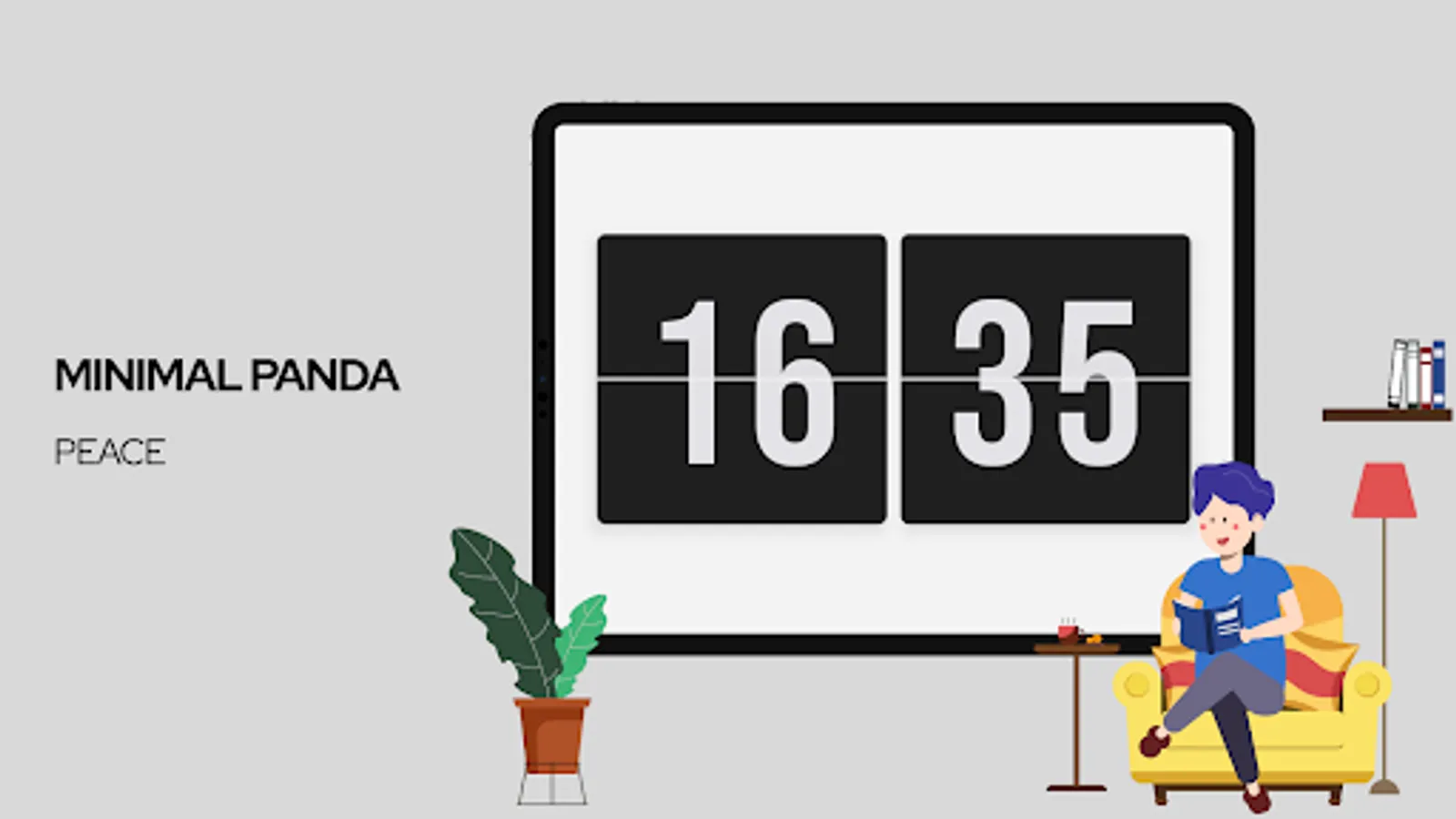
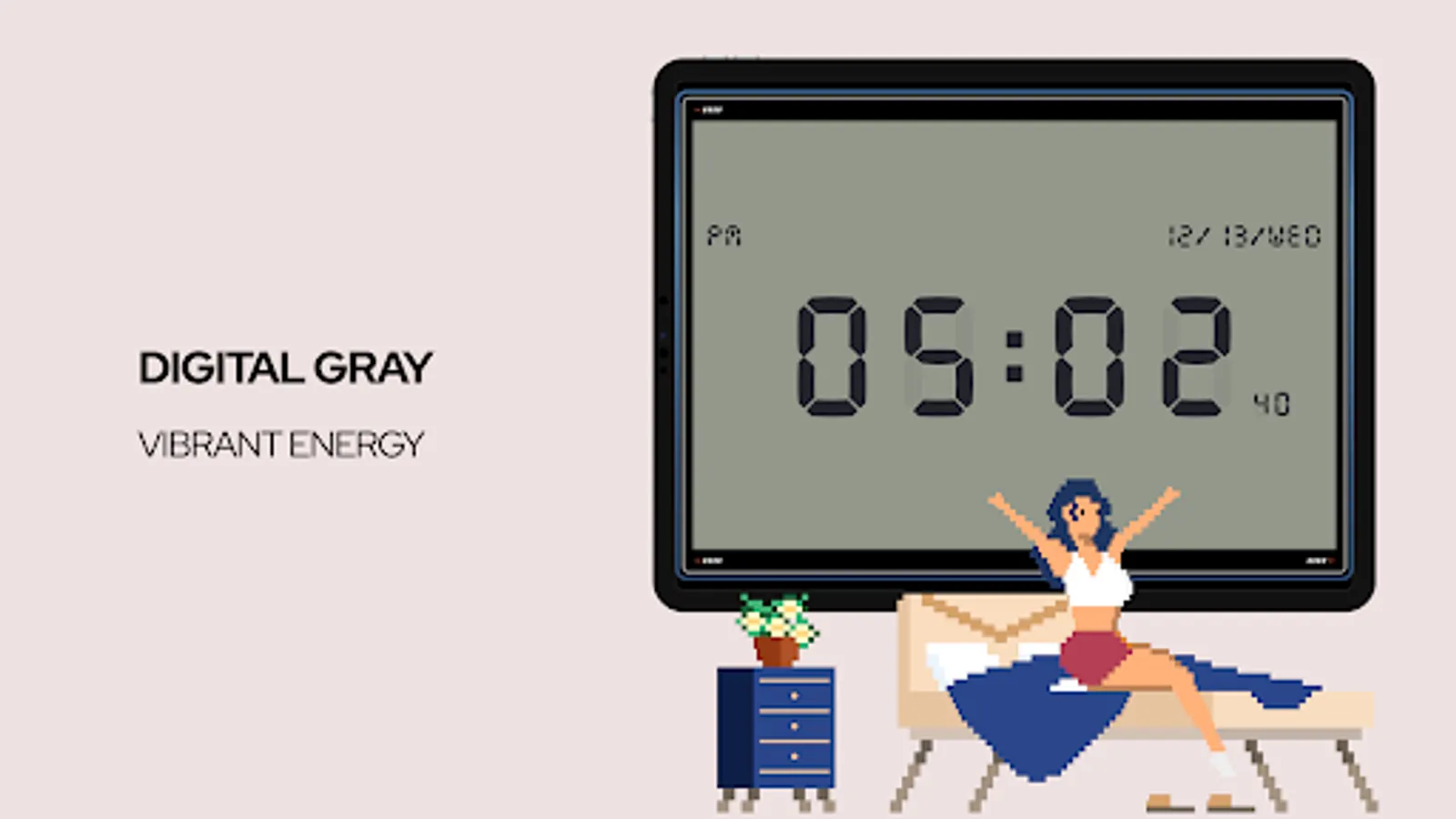
Introducing Zen Flip Clock - the app that lets you appreciate the beauty of time in a simple, minimalistic style. It's equipped with a Pomodoro timer and stopwatch to help you manage your time and tasks, and boost your focus and productivity.
But wait, there's more! With Zen Flip Clock, you can add a flip clock element to your photos and videos, resulting in stunning, creative works that truly stand out. This app is perfect for students, office workers, photography enthusiasts, and anyone who wants to make the most out of their time.
HOW TO USE:
1. Swipe left to pomodoro
2. Swipe right to stopwatch
3. Tap to show settings
Special Features:
Supports standby mode, automatically activates the flip clock when the device starts charging.
Introducing Zen Flip Clock - the app that lets you appreciate the beauty of time in a simple, minimalistic style. It's equipped with a Pomodoro timer and stopwatch to help you manage your time and tasks, and boost your focus and productivity.
But wait, there's more! With Zen Flip Clock, you can add a flip clock element to your photos and videos, resulting in stunning, creative works that truly stand out. This app is perfect for students, office workers, photography enthusiasts, and anyone who wants to make the most out of their time.
HOW TO USE:
1. Swipe left to pomodoro
2. Swipe right to stopwatch
3. Tap to show settings
Special Features:
Supports standby mode, automatically activates the flip clock when the device starts charging.
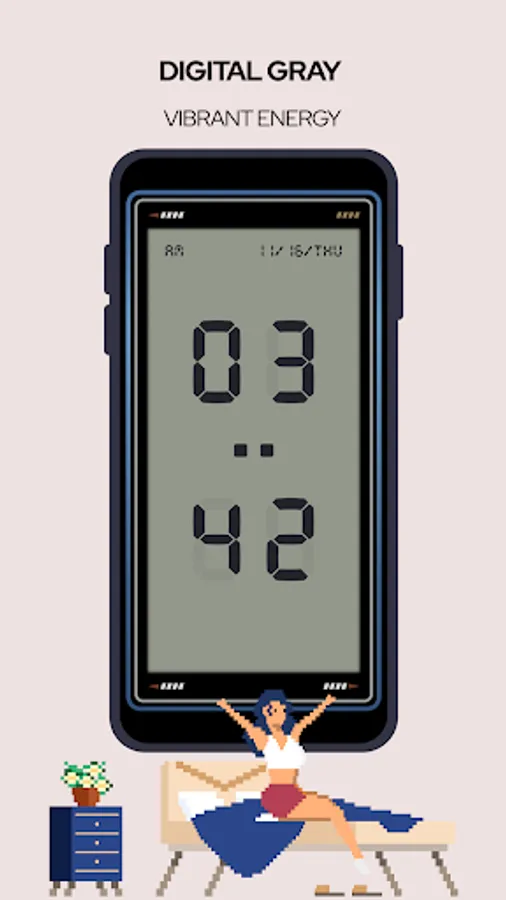
Zen Flip Clock Screenshots
Tap to Rate:
Reviews for Zen Flip Clock
Shreya Gupta
2/28/2026
The app is nice, very easy to use, attractive interface, but would love an analytics feature, so we can track our progress.
Shyam Gupta
2/19/2026
mind boggling