Adrenox Connect
Mahindra & Mahindra Ltd
4.7 ★
36K ratings
500,000+
downloads
Free
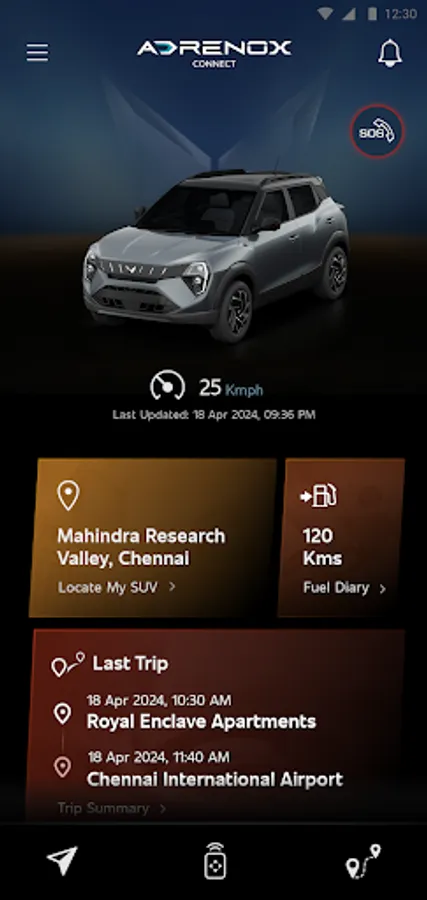
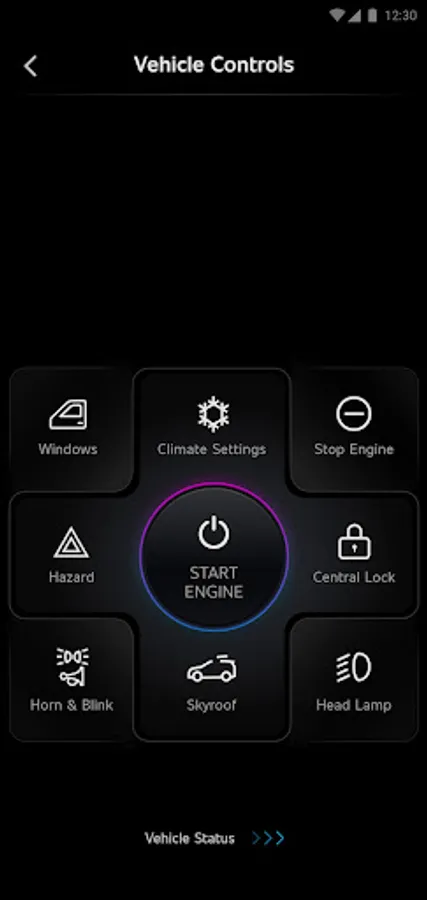
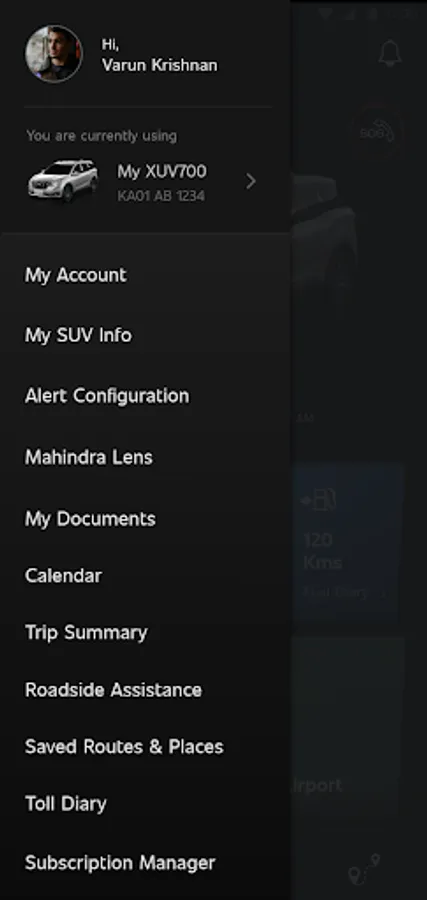
With this app, you can remotely control vehicle functions, track its location, and receive alerts. Includes vehicle information, safety features, and location-based services.
AppRecs review analysis
AppRecs rating 4.6. Trustworthiness 66 out of 100. Review manipulation risk 39 out of 100. Based on a review sample analyzed.
★★★★☆
4.6
AppRecs Rating
Ratings breakdown
5 star
86%
4 star
0%
3 star
14%
2 star
0%
1 star
0%
What to know
✓
High user satisfaction
86% of sampled ratings are 5 stars
About Adrenox Connect
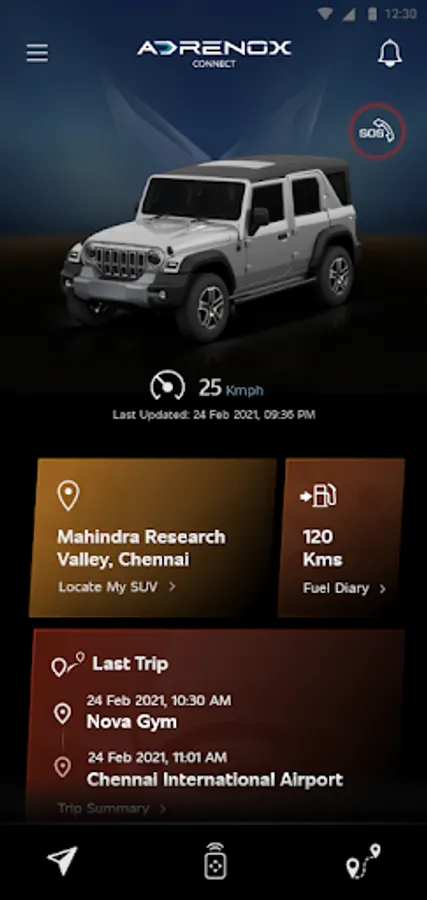
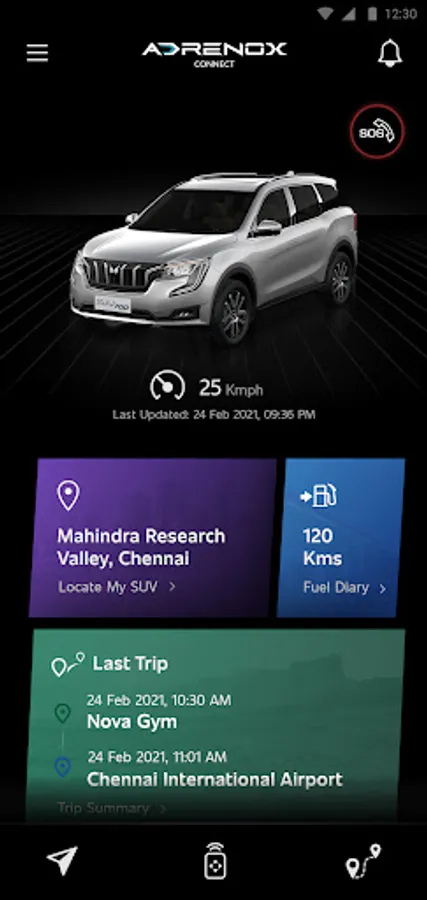
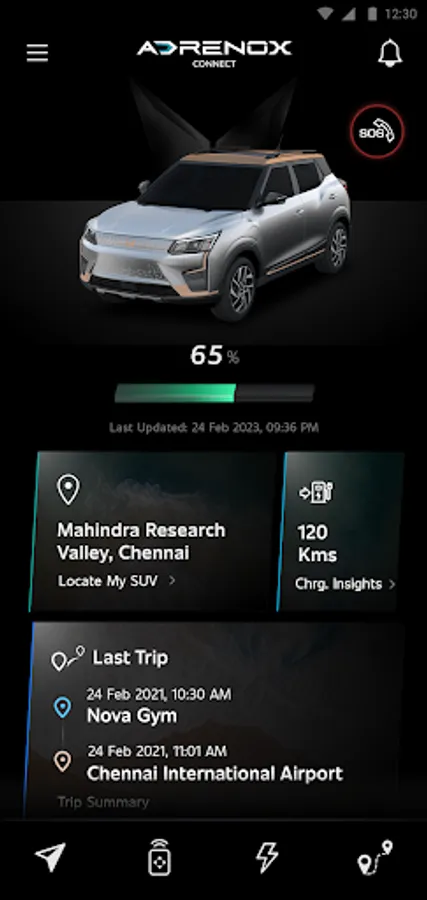
Adrenox Connect is Mahindra's connected SUV solution that keeps you connected to your vehicle.
Adrenox Connect opens a whole new way of experience using your smartphone!
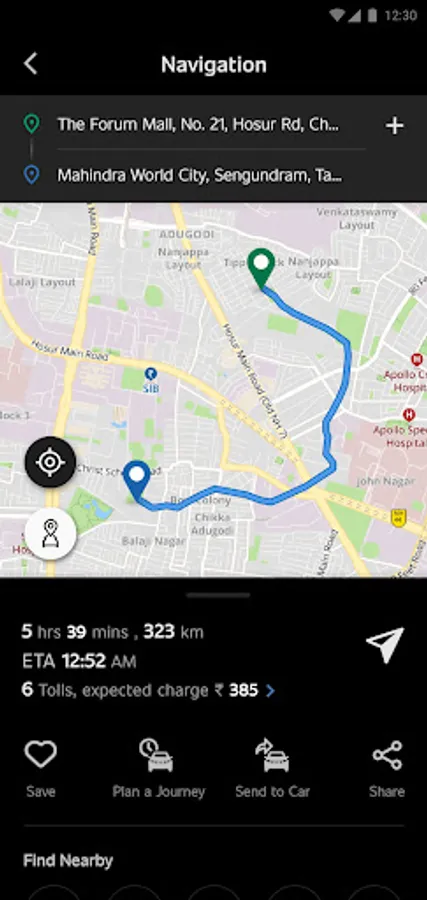
Get ready to dial up the adrenaline with Intelligent technology at your fingertips. Track your vehicle in real-time, lock & unlock it and also turn on the AC remotely and much more – All possible with just a few taps on your smartphone and smartwatch screen.
Alerts
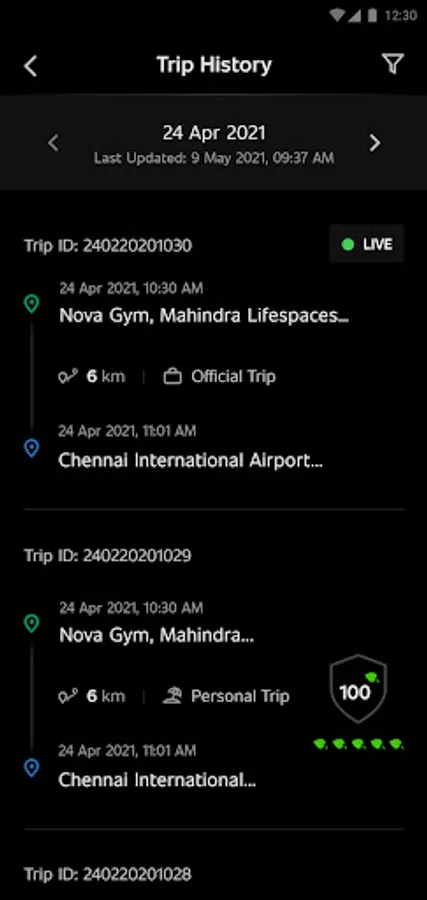
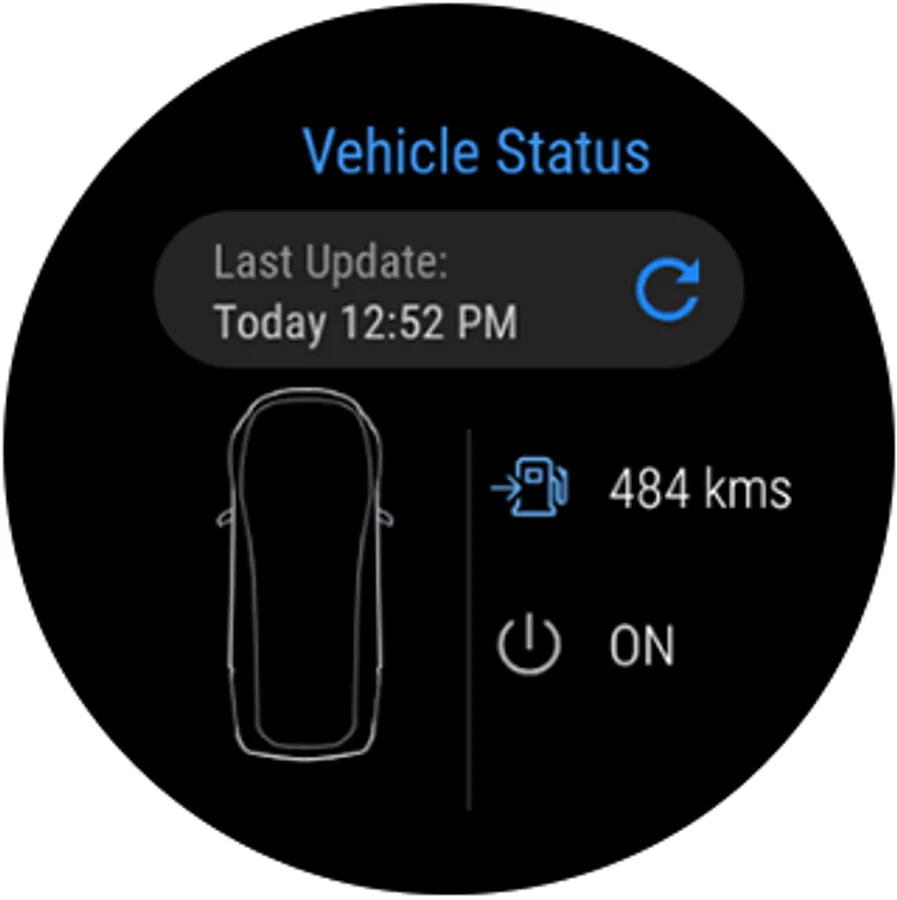
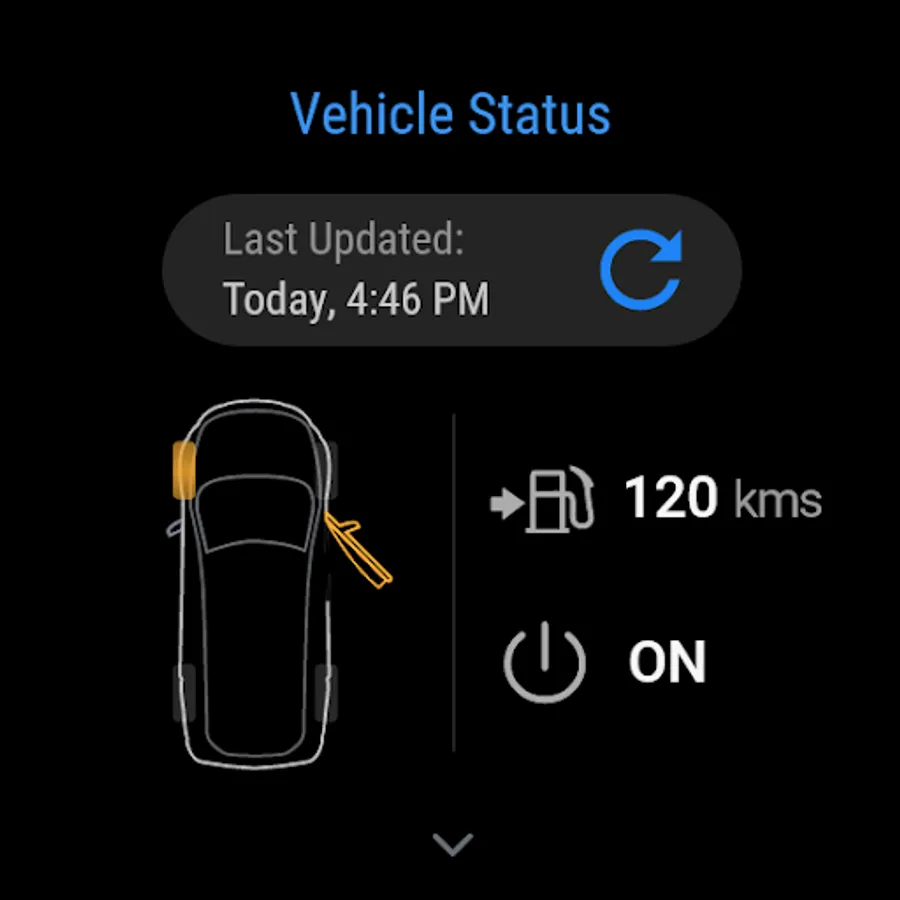
Vehicle Information
Remote Functions
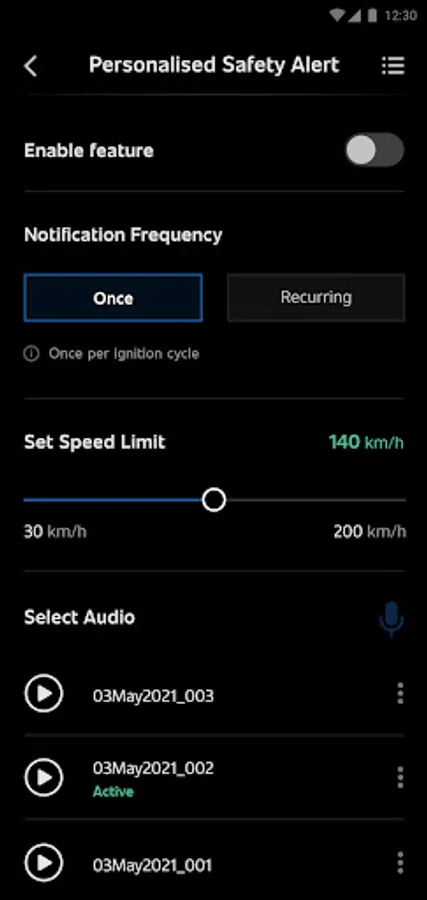
Safety Functions
Location Based Services
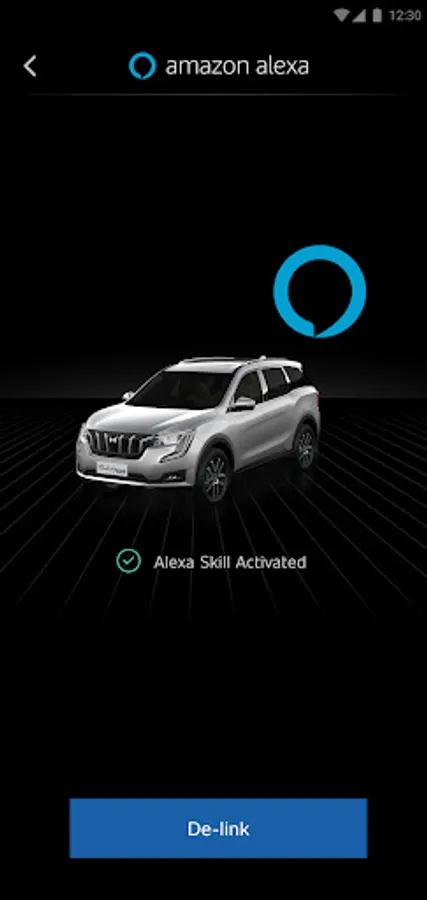
Partner Apps
Step to use Wear OS:
1. Download "Adrenox Connect" app in phone & login to app with given credentials
2. Connect Smart watch to phone via "Wear OS" app
3. Open Play Store in Smart Watch & Search for "Adrenox Connect" app
4. Download "Adrenox Connect" app and install in Smart Watch
5. Open "Adrenox Connect" app in smart watch after successful login from mobile app
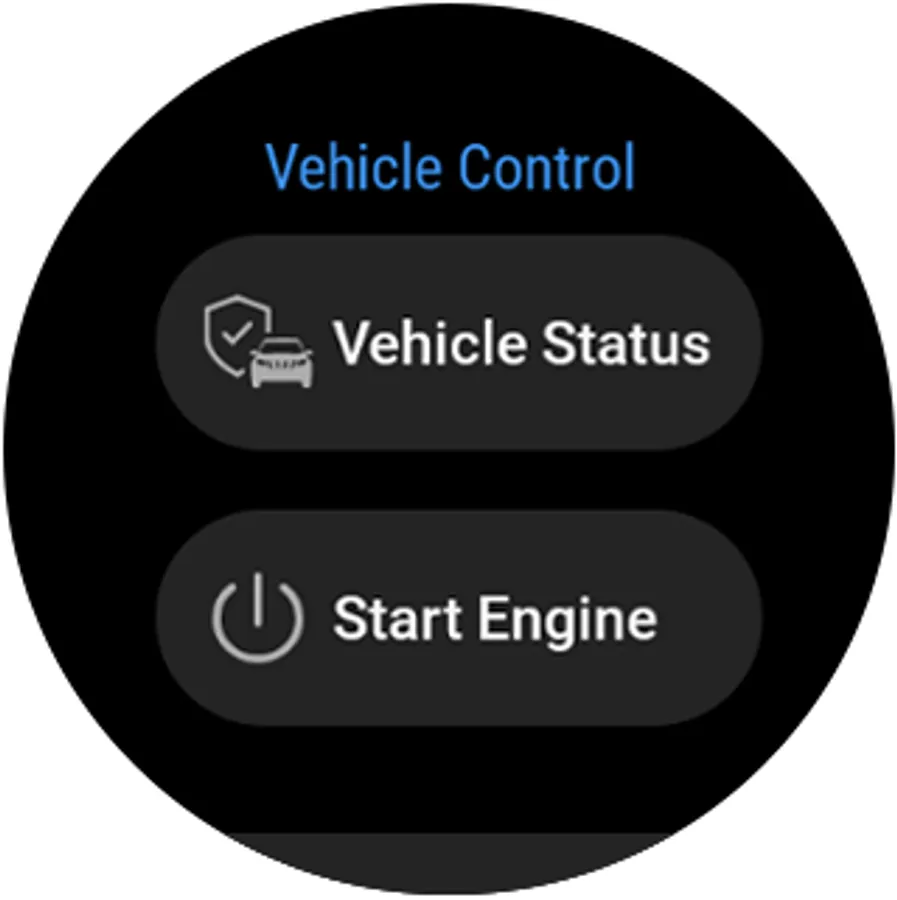
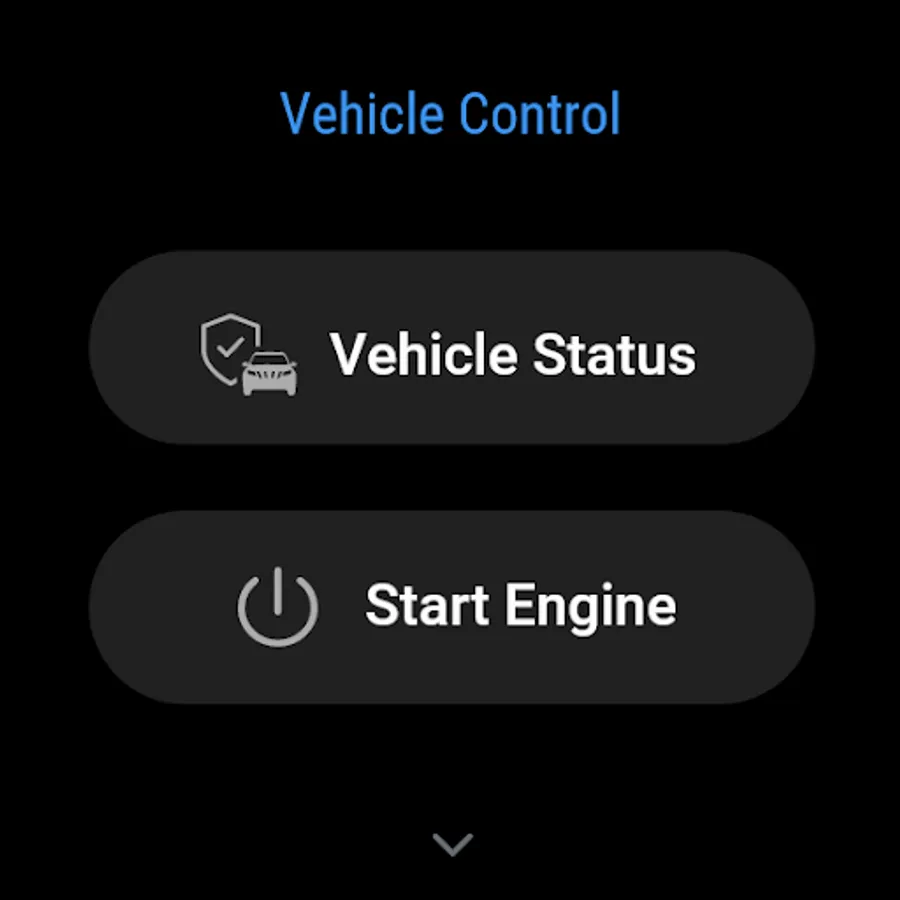
6. Splash, Home, Read Screen can be viewed on the Smart watch
Adrenox Connect opens a whole new way of experience using your smartphone!
Get ready to dial up the adrenaline with Intelligent technology at your fingertips. Track your vehicle in real-time, lock & unlock it and also turn on the AC remotely and much more – All possible with just a few taps on your smartphone and smartwatch screen.
Alerts
Vehicle Information
Remote Functions
Safety Functions
Location Based Services
Partner Apps
Step to use Wear OS:
1. Download "Adrenox Connect" app in phone & login to app with given credentials
2. Connect Smart watch to phone via "Wear OS" app
3. Open Play Store in Smart Watch & Search for "Adrenox Connect" app
4. Download "Adrenox Connect" app and install in Smart Watch
5. Open "Adrenox Connect" app in smart watch after successful login from mobile app
6. Splash, Home, Read Screen can be viewed on the Smart watch
Adrenox Connect Screenshots
Tap to Rate:
Reviews for Adrenox Connect
sanish joseph
3/7/2026
good
Rudra Pratap
3/7/2026
very good