Mail Merge: Bulk Email Sender
Artificial Intelligence Technologies
3.8 ★
87 ratings
10,000+
downloads
Free
+ in-app
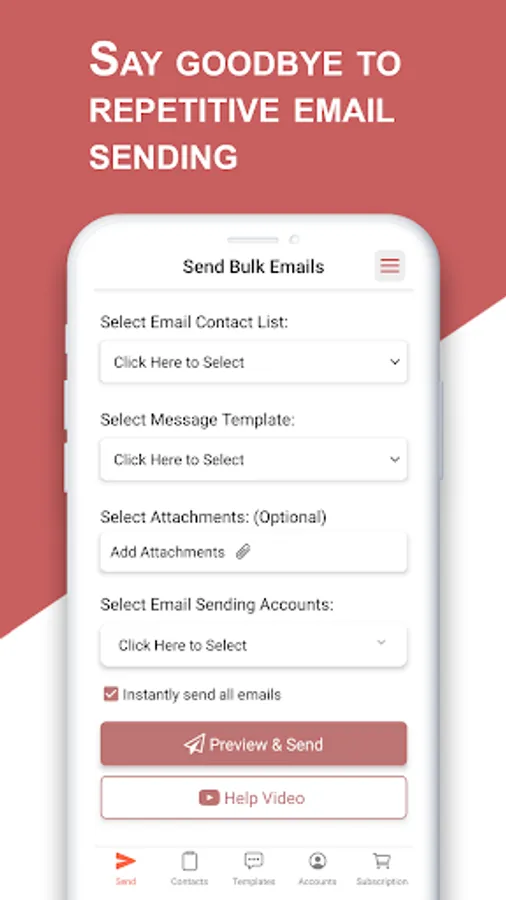
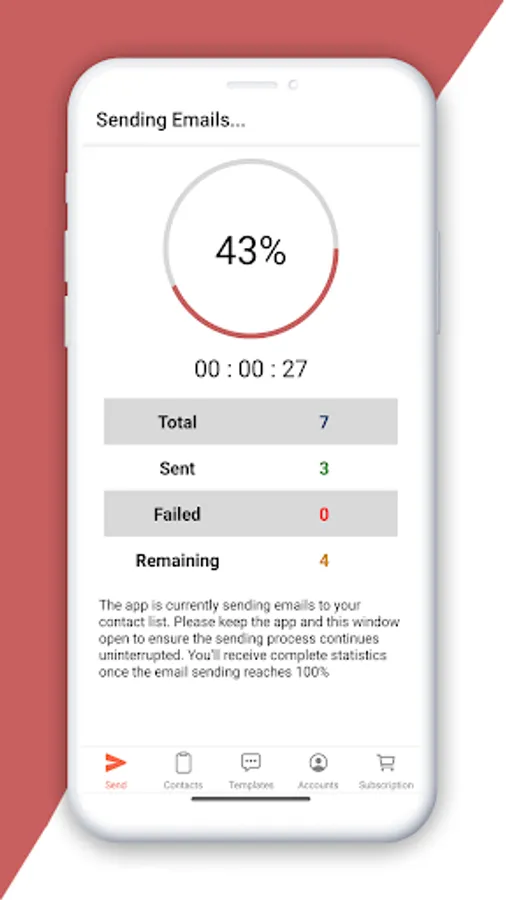
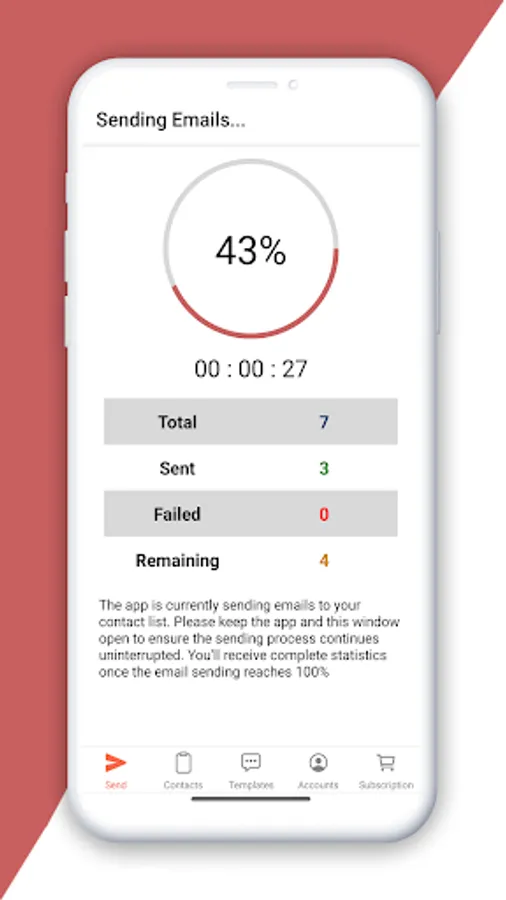
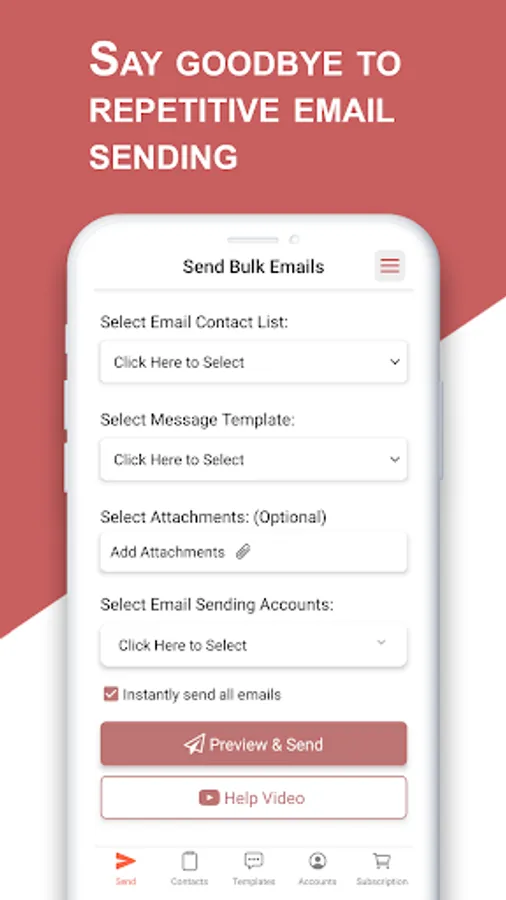
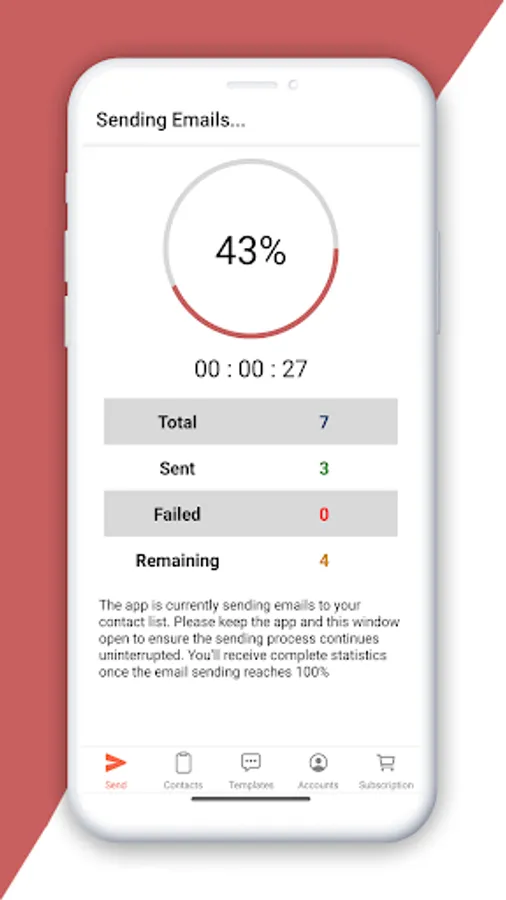
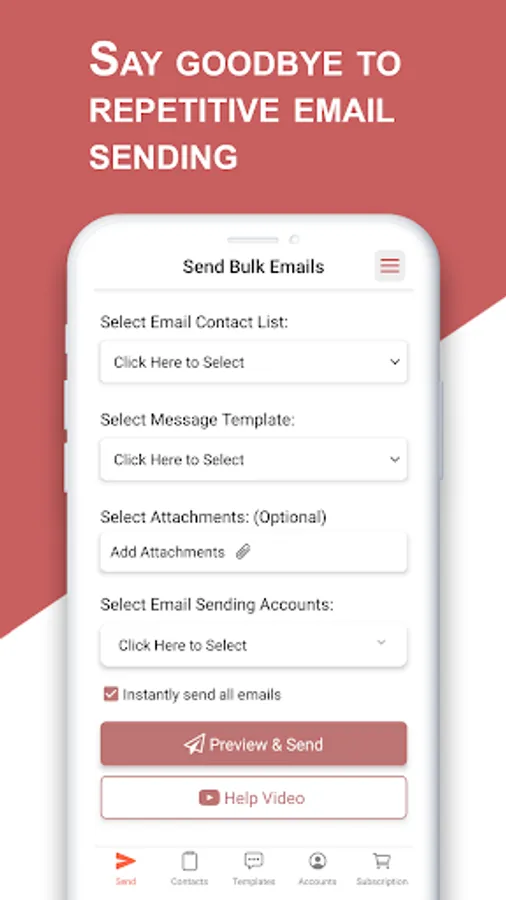
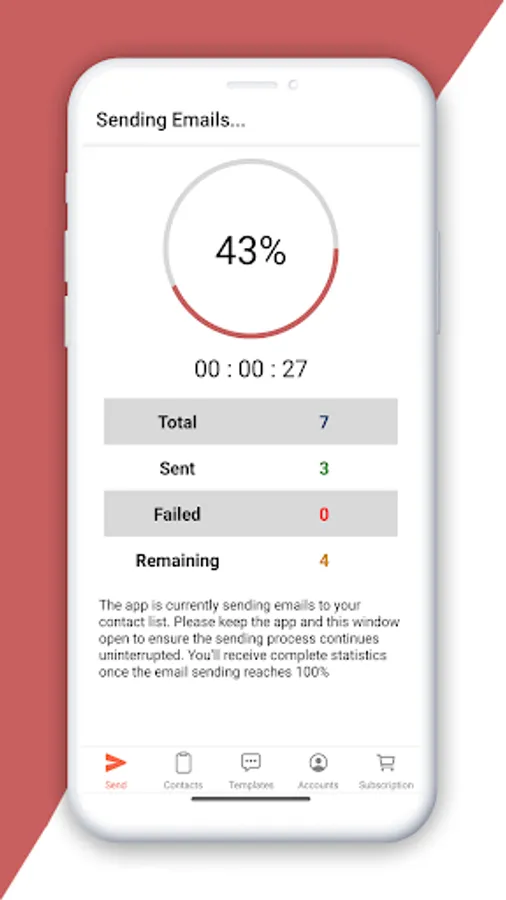
In this email marketing app, you can create and send personalized bulk emails with attachments using imported contact lists and customizable templates. Includes support for multiple email accounts, rich text editing, and placeholder personalization features.
AppRecs review analysis
AppRecs rating 3.6. Trustworthiness 84 out of 100. Review manipulation risk 25 out of 100. Based on a review sample analyzed.
★★★☆☆
3.6
AppRecs Rating
Ratings breakdown
5 star
56%
4 star
8%
3 star
18%
2 star
0%
1 star
18%
What to know
✓
Low review manipulation risk
25% review manipulation risk
✓
Credible reviews
84% trustworthiness score from analyzed reviews
✓
Good user ratings
64% positive sampled reviews
About Mail Merge: Bulk Email Sender
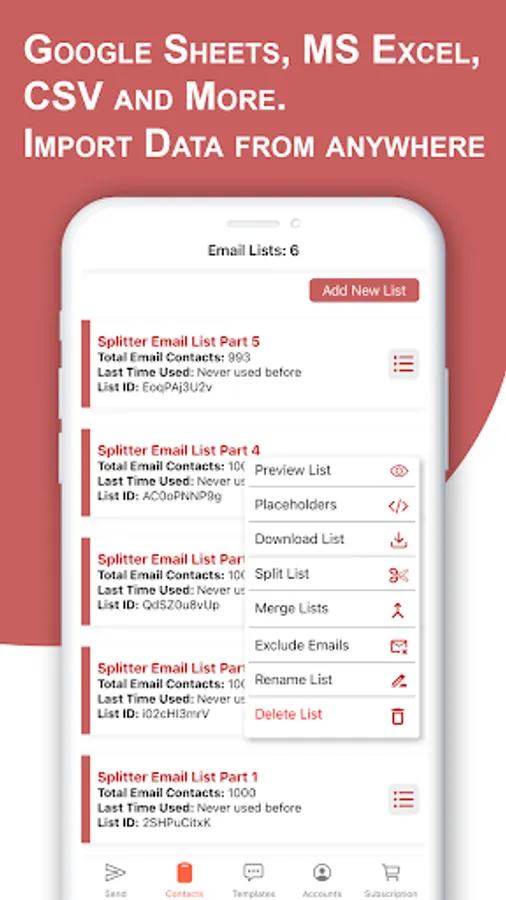
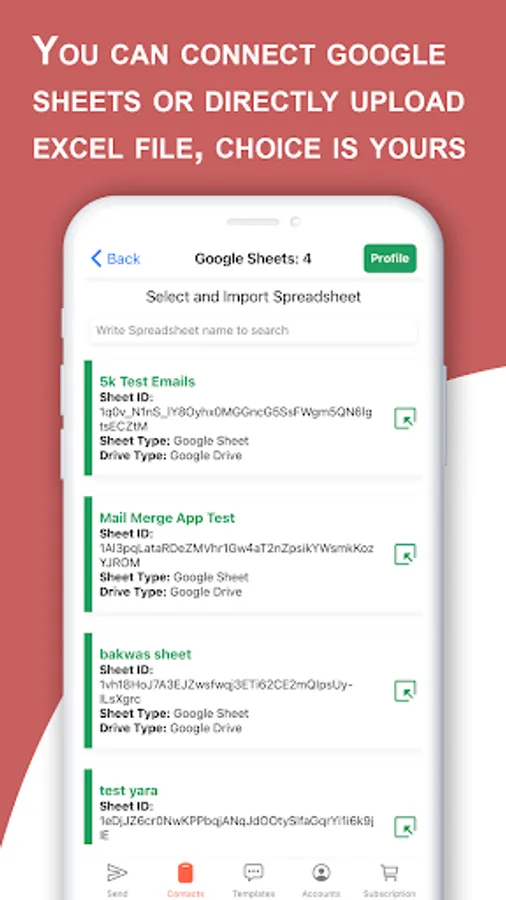
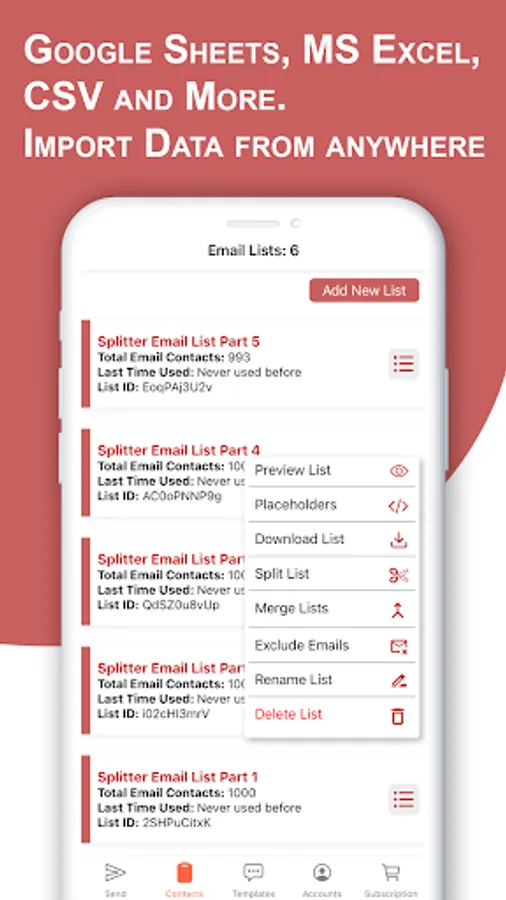
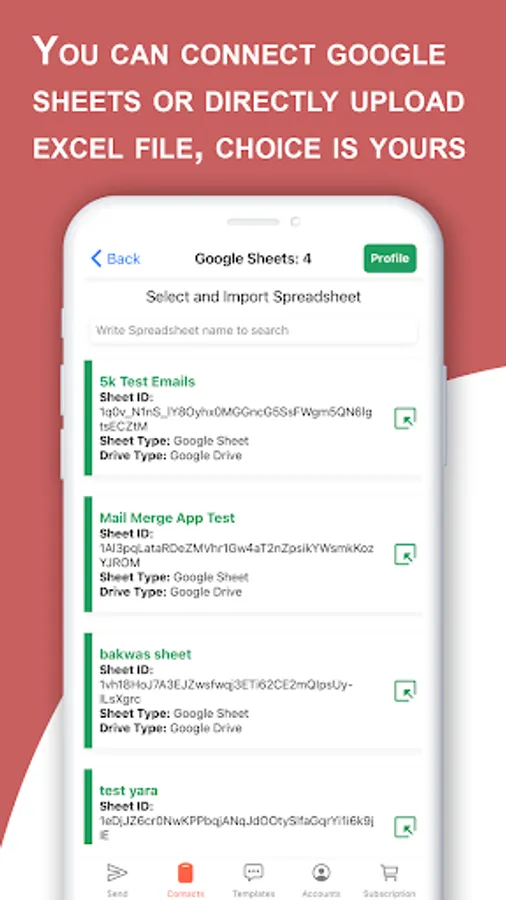
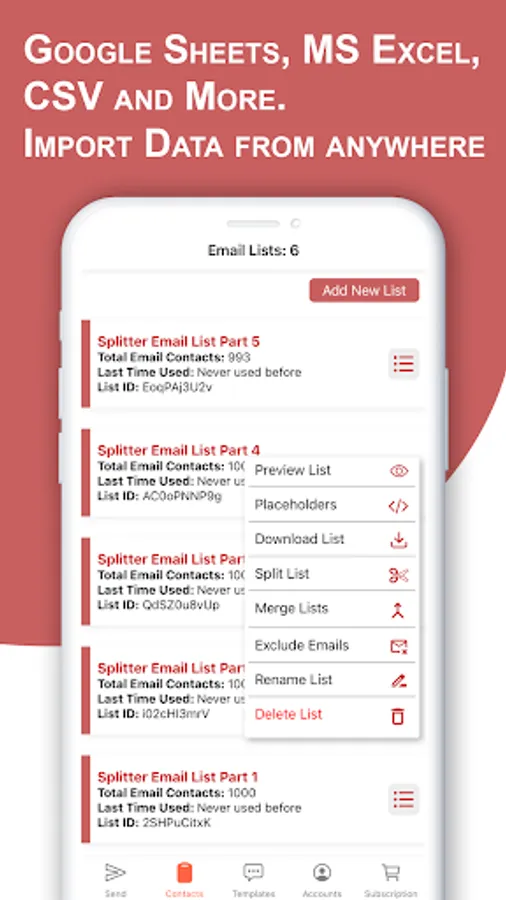
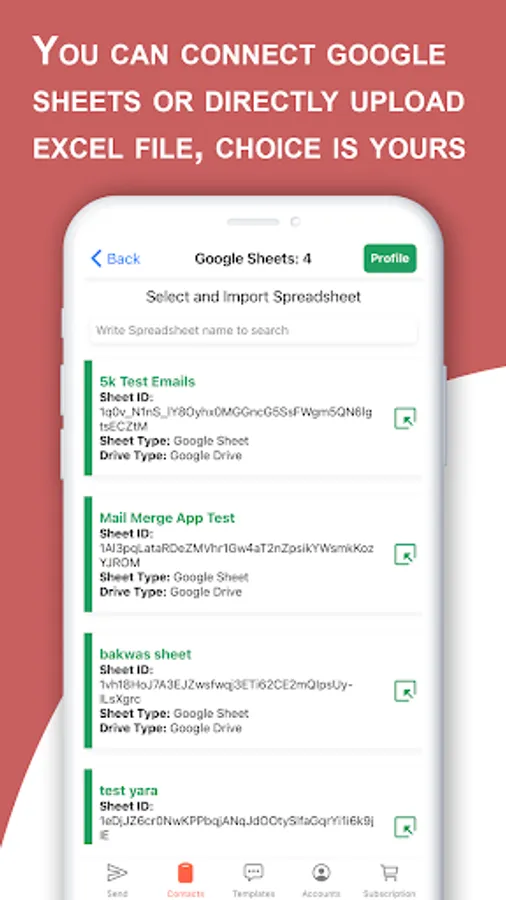
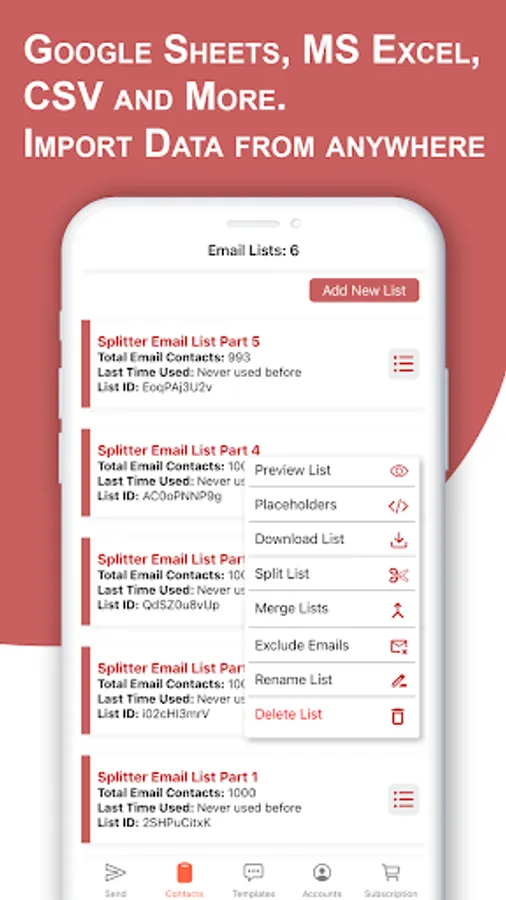
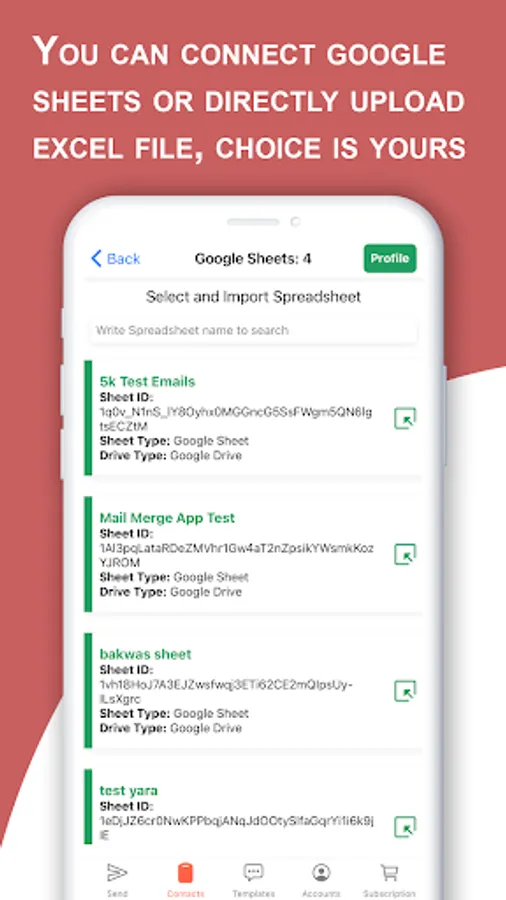
Send personalized bulk emails to unlimited recipients with attachments directly from your mobile devices using our Mail Merge Android App. This is Mail Merge with advanced features such as connecting to your Google sheet to import email lists and contacts. You can also upload Microsoft Excel files (.xls, .xlsx, .xlsm, and any type of spreadsheet) as well as CSV, XML, and TXT files. This app also has a built-in rich text editor with the feel of a Microsoft Word document editor. Unlike Microsoft Office Word, this mail merge editor is not a complex one. Even if you are a newbie and never used mail merge in MS Word, still you can use this editor and easily add placeholders. Placeholders are used for dynamically adding your content which will make every email feel unique to each recipient. If you are not familiar with placeholders then this application has a built-in video tutorial to guide you step by step on how to use this app without any technical assistance.
Email Sending Accounts
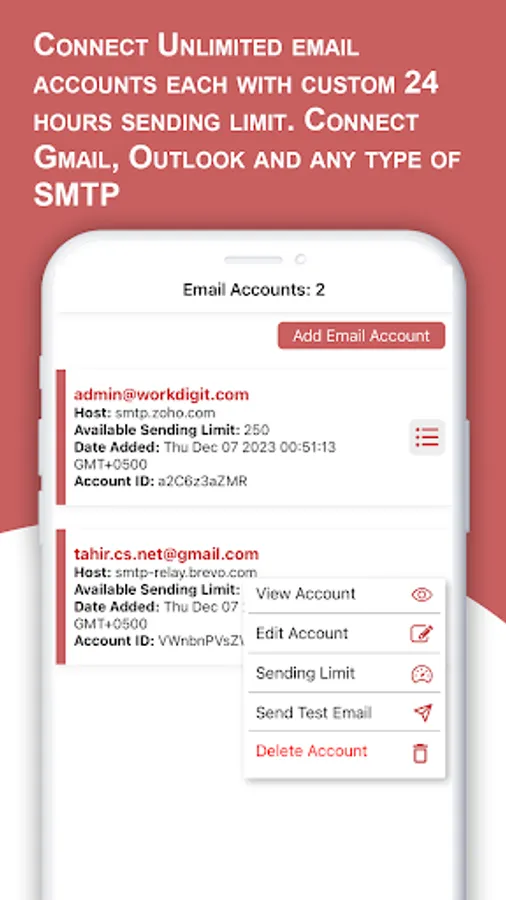
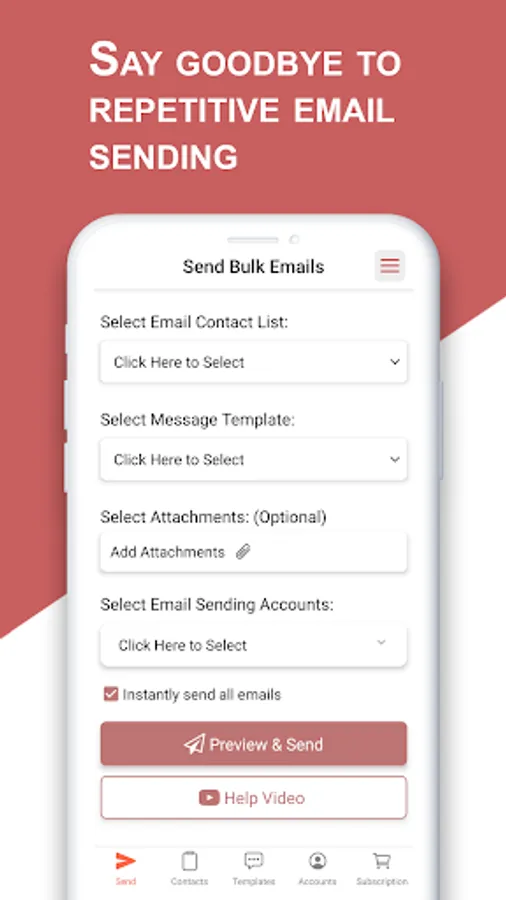
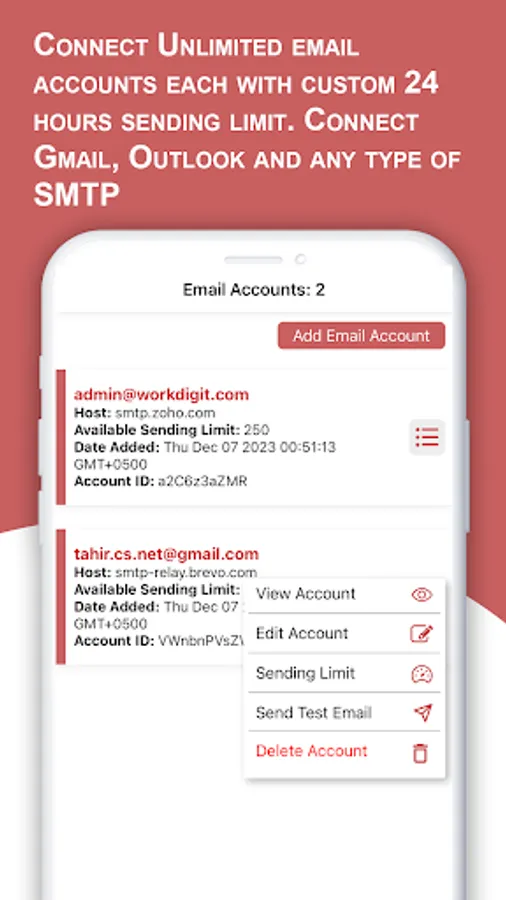
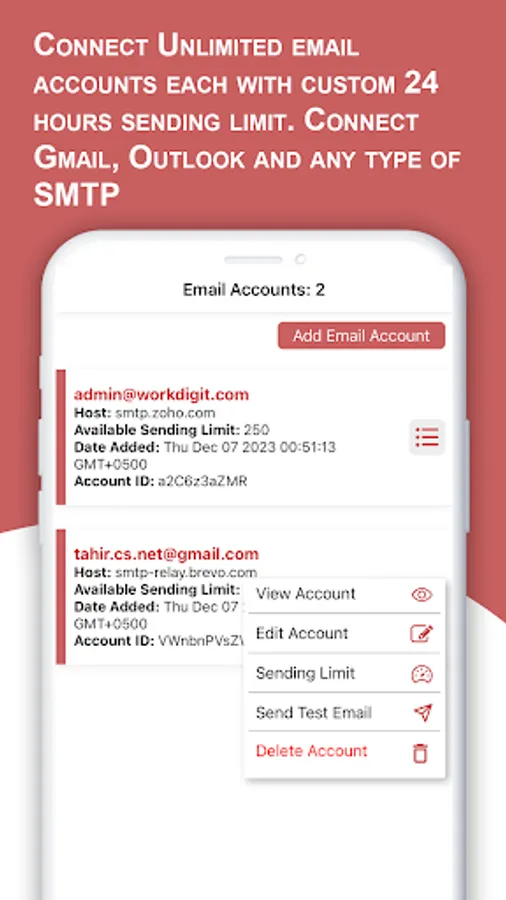
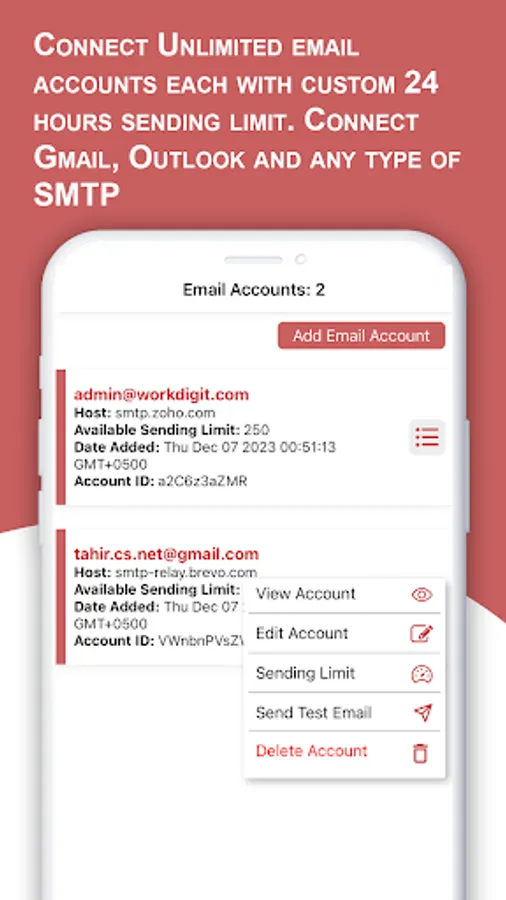
Unlike other mail merge software which allows you to attach a limited number of sending accounts, this app lets you add an unlimited number of email-sending accounts such as Gmail, Outlook, SendGrid, or any other type of email provider as well as your own custom SMTP. Most people use mail merge in Gmail and the built-in features of mail merge in Outlook. But this app simplifies and unifies all the accounts in one place you don't need to open different apps to send bulk emails. For example: If you add 6 Gmail sending accounts along with 7 Outlook email accounts then you can select these all accounts while sending mail merge. You can also add a custom 24-hour sending limit to each sending account so that the app will not send more than the specified bulk emails from each account.
Rich Text Editor
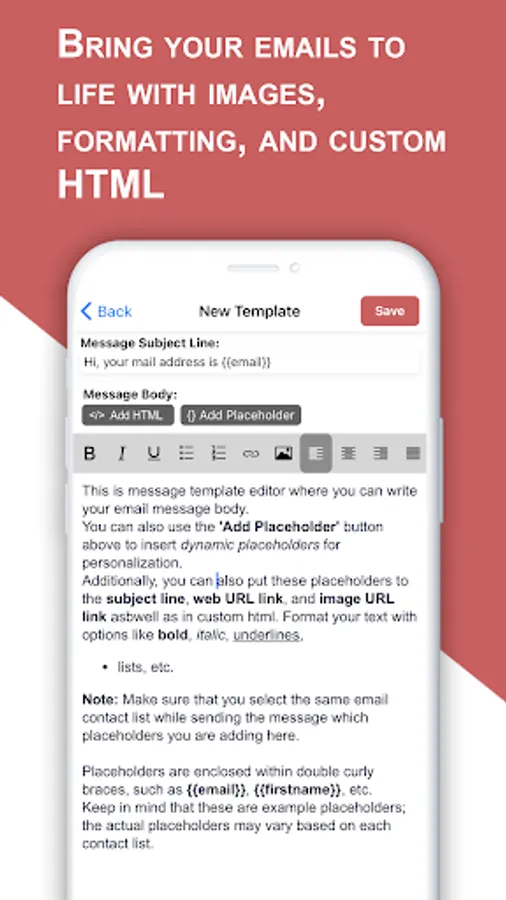
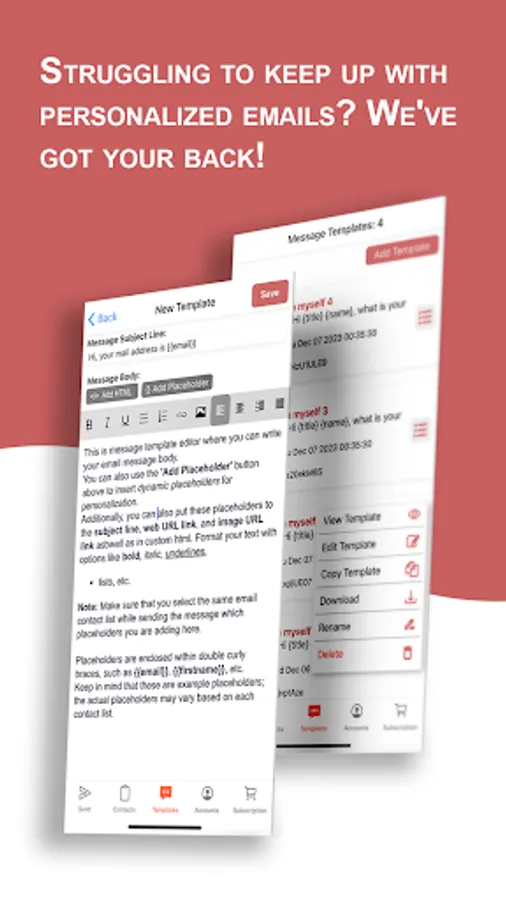
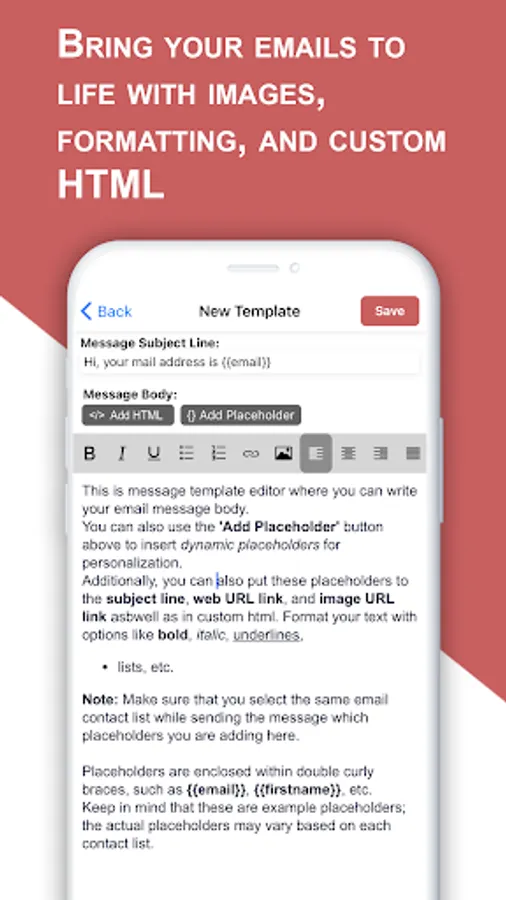
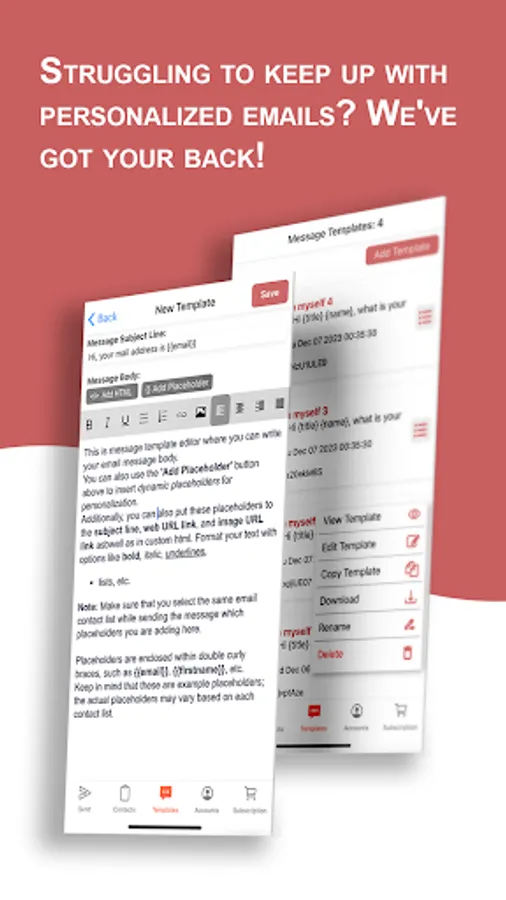
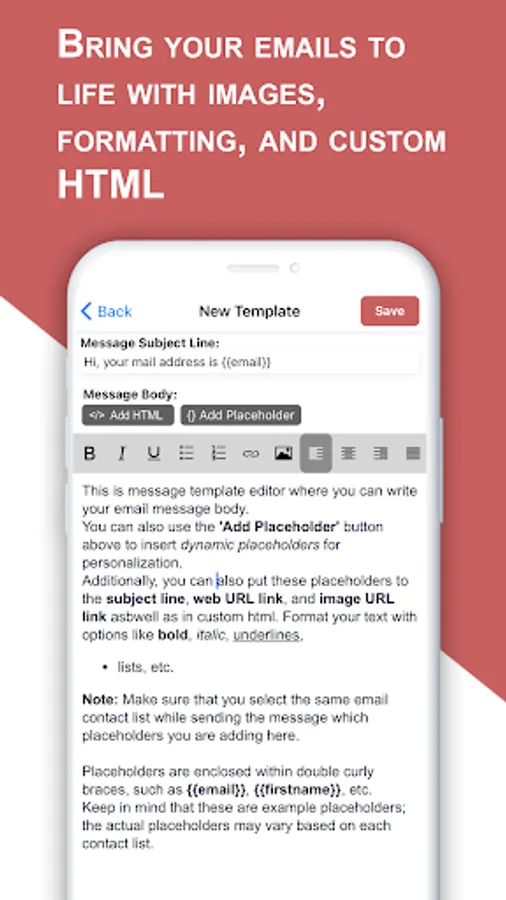
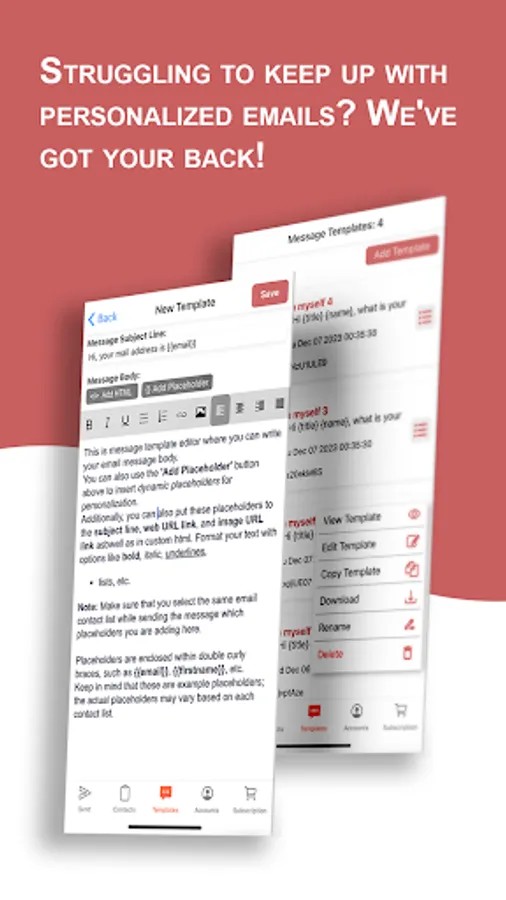
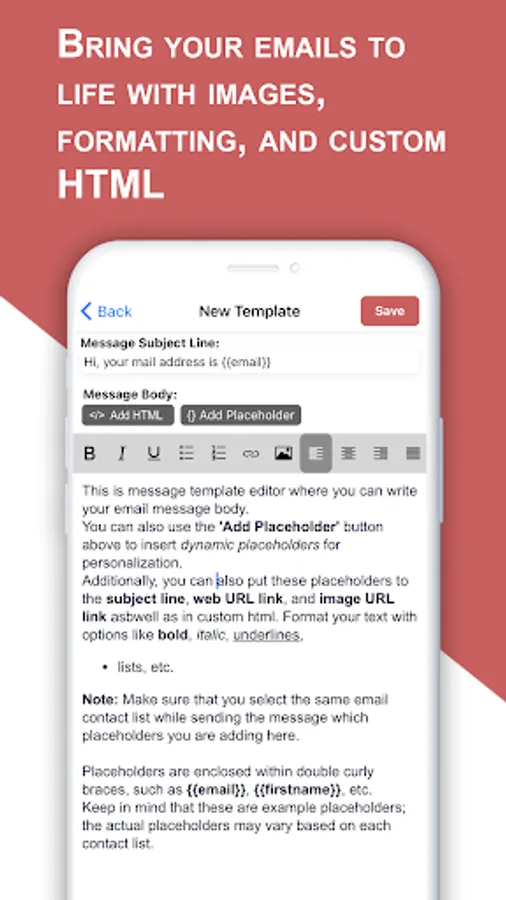
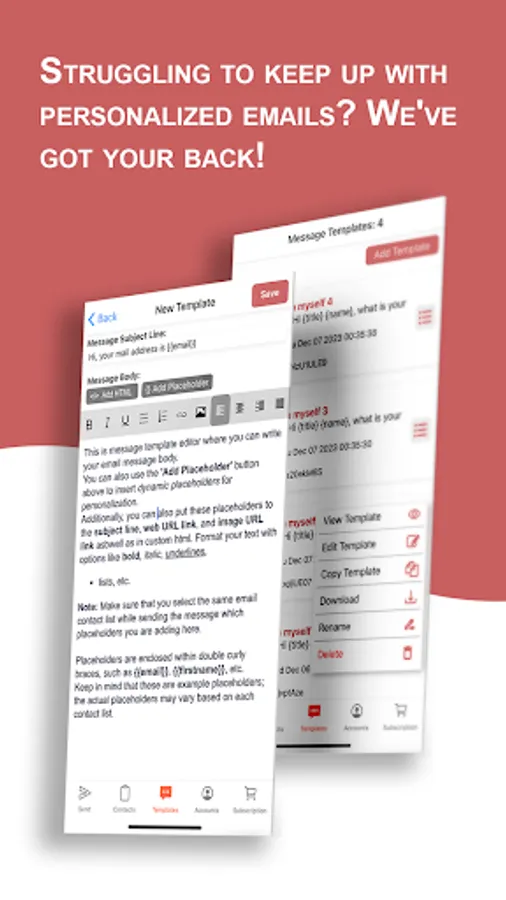
Rich Text editor in this mail merge app will allow you to type your message just like Microsoft Office Word. You can add formatting to your text, add images and links as well as provide your own custom HTML code and templates. You can save this template and later you can select it and send it to mass audiences. Built-in placeholder adder will allow you to add multiple placeholders in one click. You can also preview this template at the time of sending the email that your added placeholders are automatically replaced with their respective data. For example, if you add {name} {address} and {title} placeholder in your message template in the editor then it will automatically replace {name} with persona name, {address} with persona address, and {title} with person title in each bulk email. So that all of your recipients will get the email with their own name, address, and title which makes it personalized to each receiver.
Why to Use This App
Unlike our competitors, this app has many advantages. Such as Yet Another Mail Merge (YAMM) and gmass only connects with Gmail and allows only specific numbers of emails per day. But if you run out of email in Yet Another Mail Merge (YAMM) software then you have to wait for the next day. But this app will allow you to send as many bulk emails as you want. Also, YAMM connects to Google Sheets but this on? You can connect any type of data source not limited to Google Sheets but Microsoft Excel, XML, XLS, XLSX, CSV, TXT, JSON, and all other types of files.
Use Cases
This is a multipurpose app that can be used for wide use cases such as sales persons can use it for Cold email, Email Marketing, and sending promotional emails like product promo codes and discounts.
Businessmen can use it for sending mass emails to their employees. Teachers use it for mass communication and sending notifications and announcements to the students and parents. Graduates can use this mail merge app to send personalized job applications with Resumes or CV as attachments, Retailers can use this for sending mass emails to Wholesalers, App and Website owners can use it for promotion
Mail Merge: Bulk Email Sender Screenshots
Tap to Rate:
Reviews for Mail Merge: Bulk Email Sender
Rob Wendes
11/18/2025
Too limited . Difficult to assess it from the free version because anything useful needs a premium licence. impossible to know if it can deliver. no idea what features it supports as a consequence.
David
10/27/2025
I think I accidentally hit the button and this thing ended up on my device. so I got rid of it. no comment