Chennai Auto Fare Meter
Vijayanta Mobility Apps
4.3 ★
178 ratings
10,000+
downloads
Free
With this GPS-based auto fare meter app, you can start tracking your journey when hiring an auto and stop when reaching your destination to verify the fare. Includes real-time distance calculation, fare display, and access to trip logs.
AppRecs review analysis
AppRecs rating 4.3. Trustworthiness 0 out of 100. Review manipulation risk 0 out of 100. Based on a review sample analyzed.
★★★★☆
4.3
AppRecs Rating
Ratings breakdown
5 star
71%
4 star
10%
3 star
10%
2 star
10%
1 star
0%
What to know
✓
High user satisfaction
81% of sampled ratings are 4+ stars (4.3★ average)
✓
Authentic reviews
Natural distribution, no red flags
About Chennai Auto Fare Meter
This application is GPS based auto fare meter. This application helps a passenger to cross check & verify whether user is paying correctly to the auto driver as per cost fixed by Chennai corporation.
This app calculates the traveled distance based on GPS location which will be accurate compared to digital auto meter fixed in auto, thus guarding the passenger from faulty or malfunctioning meter of the auto rickshaw.
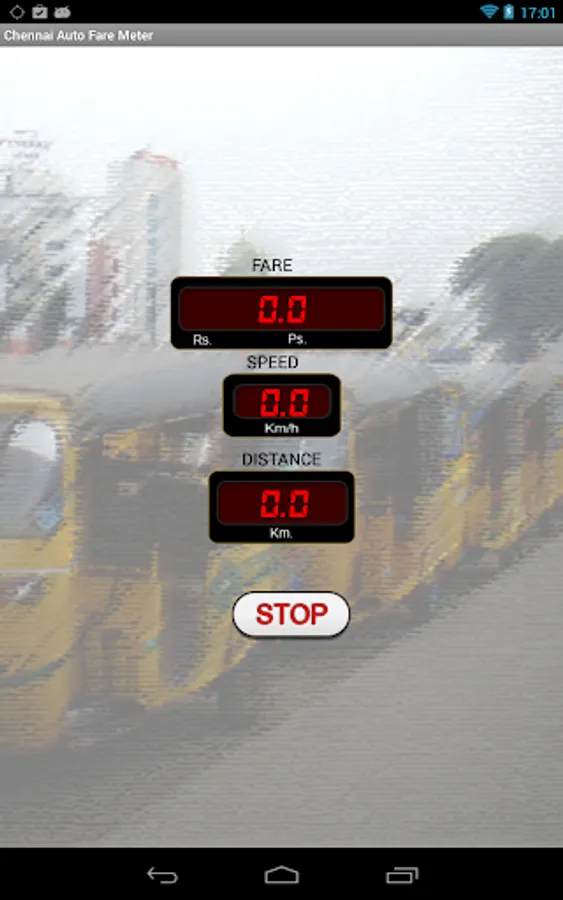
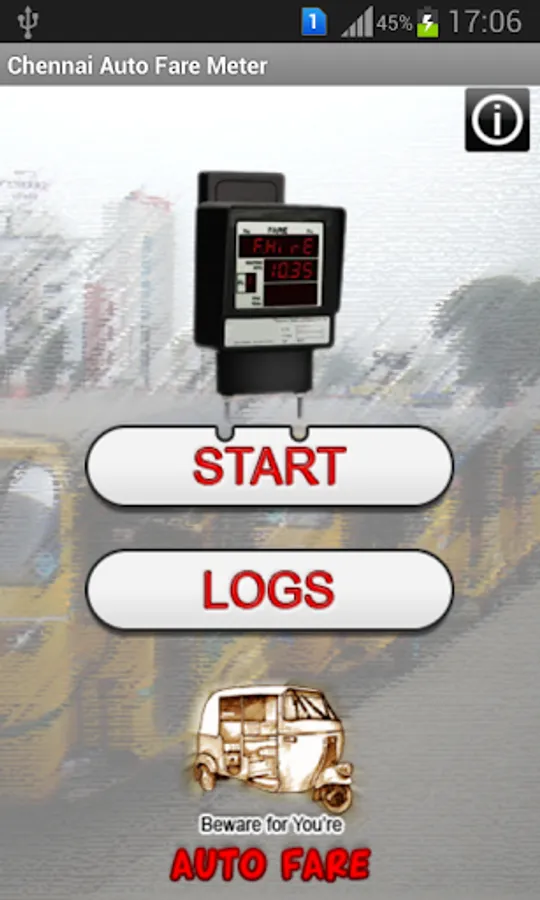
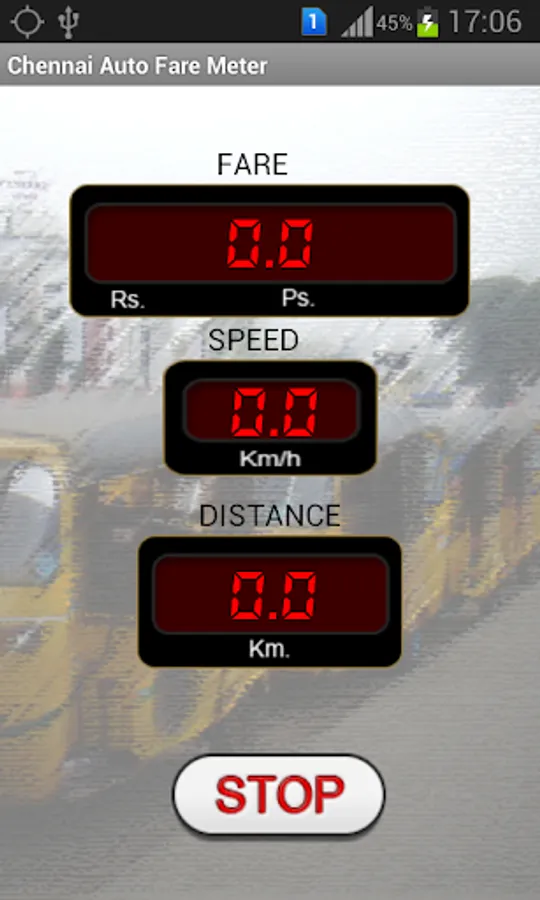
This application is very simple in nature. Once app is clicked it will come to a screen where passenger need to click "START" button. This button need to be clicked when the auto is hired. After that when auto is reached the destination click "STOP" button. The fare will be shown on the screen. To view past details click LOGS button in the home screen.
This app calculates the traveled distance based on GPS location which will be accurate compared to digital auto meter fixed in auto, thus guarding the passenger from faulty or malfunctioning meter of the auto rickshaw.
This application is very simple in nature. Once app is clicked it will come to a screen where passenger need to click "START" button. This button need to be clicked when the auto is hired. After that when auto is reached the destination click "STOP" button. The fare will be shown on the screen. To view past details click LOGS button in the home screen.